
Best free alarm app for heavy sleepers: what actually works
 Beyond Alarm11 September 2026 · Updated 21 October 2026 · 5 min read

Photo by Kampus Production on Pexels
The best free alarm app for a heavy sleeper is one whose alarm you can't stop from bed. Volume gets you to hear it; a mission that makes you stand up — a photo, a code scan, counted exercise — is what keeps you awake.
The short version:
- Heavy sleepers usually hear the alarm; they silence it on reflex.
- Pick a mission you can't finish lying down.
- Maths, typing and shaking work under a duvet, so they test less.
- Cap your snoozes and use a volume ramp instead of an instant blast.
- Fix your phone's battery settings first — a mission can't help an alarm that never rings.

Why volume alone doesn't solve it
A phone speaker at full volume is loud enough to wake most people. The failure isn't that heavy sleepers don't hear it; it's that the dismiss action is too easy for how asleep they still are.
One tap, on reflex, and the room is quiet again with no memory of it. What changes that isn't more volume. It's making the thing that stops the noise require enough conscious effort that reflex can't complete it.
What to actually look for, free
| Feature | Why it matters for a heavy sleeper |
|---|---|
| A mission, not a button | A tap is a reflex; a task requires being conscious enough to do it |
| A mission that can't be done lying down | Maths and shaking both work under a duvet — they test consciousness, not being up |
| Bounded snooze | Unlimited snoozing moves the same reflex-dismiss problem nine minutes later |
| Escalating or gentle-wake volume | Reduces the jolt-and-reflex-slam pattern that skips straight to dismissal |
| A free tier that's a real alarm | Ad-supported free tiers (not trial-limited ones) mean the mission you need isn't gated |
The mission types that actually work
Camera-counted exercise — push-ups, squats, jumping jacks — is about as hard to fake from bed as a mission gets, because the count comes from tracked motion rather than a single photo. The honest limit: a moving hand in front of the camera can sometimes fool a rep counter.
A photo of a specific spot, or a barcode/QR scan stuck somewhere else in the house, both force you to stand up and walk. Neither can be faked without being at that location. Our photo alarm guide covers picking a spot that matches reliably.
What doesn't work as well as it seems: maths, typed phrases, shaking and memory games genuinely help some people. But every one is solvable without leaving the bed, which for a heavy sleeper undermines the point.
Free options worth trying
Alarmy — the most proven app in this category, 50M+ downloads, 4.6★ from over two million ratings on Google Play. Photo and barcode missions are strong choices for a heavy sleeper. Some missions sit behind Alarmy Plus. It is on iPhone too.
Alarm Clock Xtreme — a real free alarm with maths and an oversized dismiss button, but every dismiss mechanism it offers works lying down. Better for someone who snoozes repeatedly than someone who sleeps through the alarm entirely.
Where this gets biased: we built Beyond Alarm, and its camera-counted push-up, squat and jumping-jack missions are built for the "can't be done from bed" bar. In our app they are currently free, supported by ads, and up to five missions can be chained per alarm. It runs on Android and, since 21 October 2026, on iPhone.

Beyond Alarm
Beyond Alarm does this part for you: the alarm will not switch off until you have actually moved, and the apps you pick stay locked afterwards.





Volume and gentle-wake matter more than they get credit for
A mission solves the dismissal problem; it doesn't change how the alarm first announces itself. Two settings are worth checking whichever mission you pick.
First, on Android, whether the alarm plays at alarm-stream volume rather than your media volume. A common quiet failure is an alarm tied to a slider left low from watching something the night before. Our guide to a quiet Android alarm walks through it.
Second, whether the app offers a gradual volume ramp. Full volume, startle, reflexive dismiss, back asleep — that pattern is common in heavy sleepers. A ramp gives the brain a few seconds to surface before the mission has to be solved. In Beyond Alarm this is the Gentle wake-up setting on each alarm.
On iPhone, check what "slide to stop" does
On iPhone, alarms from third-party apps go through Apple's AlarmKit, and the lock screen always shows Apple's own "slide to stop". No app can remove it.
If that slide simply ends the alarm, the mission is optional — exactly the reflex a heavy sleeper needs taken away. We hit this building our iPhone version: in Beyond Alarm, the slide opens the mission and arms a re-ring a couple of minutes later that only finishing the mission cancels. Whatever app you use, test the slide once while you're awake.
Before trusting any mission with your morning
Test it awake, in daylight, standing in front of the camera for a full minute before trusting it at 6am. See whether the count climbs on its own from ambient motion. That test catches more fake-out missions than reading a feature list.
Then check reliability. On Android, most "the alarm didn't go off" reports turn out to be a battery or autostart setting, not a weak mission.
Sources
Download counts and ratings checked against each app's Google Play listing on 31 August 2026.
Common questions
What actually wakes up a heavy sleeper?
Loud and escalating volume gets attention, but the part that actually works is a mission that requires getting up and moving — the alarm stopping is a side effect of being awake enough to do the task, not the cause of it.
Is a louder alarm sound enough on its own?
For a lot of heavy sleepers, no — a loud tone that can be silenced with one groggy tap just gets absorbed into the dream and dismissed on reflex. The mission is what forces a second, conscious action.
What's the best free mission type for a heavy sleeper?
One that can't be completed lying down. Camera-counted exercise (push-ups, squats, jumping jacks), a photo of something in another room, or a barcode/QR scan all require standing up. Maths and shaking can both be done half-asleep under a duvet.
Do free alarm apps work as well as paid ones for heavy sleepers?
The free tiers of Alarmy, Alarm Clock Xtreme and Beyond Alarm are all real, complete alarms rather than trailers for a paid version — free doesn't mean weaker here, it means ad-supported instead of subscription-funded.
Is there a free mission alarm for iPhone?
Yes. Alarmy and Beyond Alarm both run on iPhone. On iOS the system always shows its own Stop slider on an alarm, so check what a mission app does when you slide it.
We build Beyond Alarm, an Android alarm app that will not switch off until you have actually moved. Most of what we write here comes out of problems we hit building it.
Beyond Alarm
An alarm that keeps ringing until you’ve actually moved — then blocks the apps that pull you back to bed. Free to start, no account.
Keep reading
Photo alarm: take a picture to turn off your alarm
A photo alarm only stops when you photograph a spot you chose the night before. How the match works, which spots work best, and what to avoid.
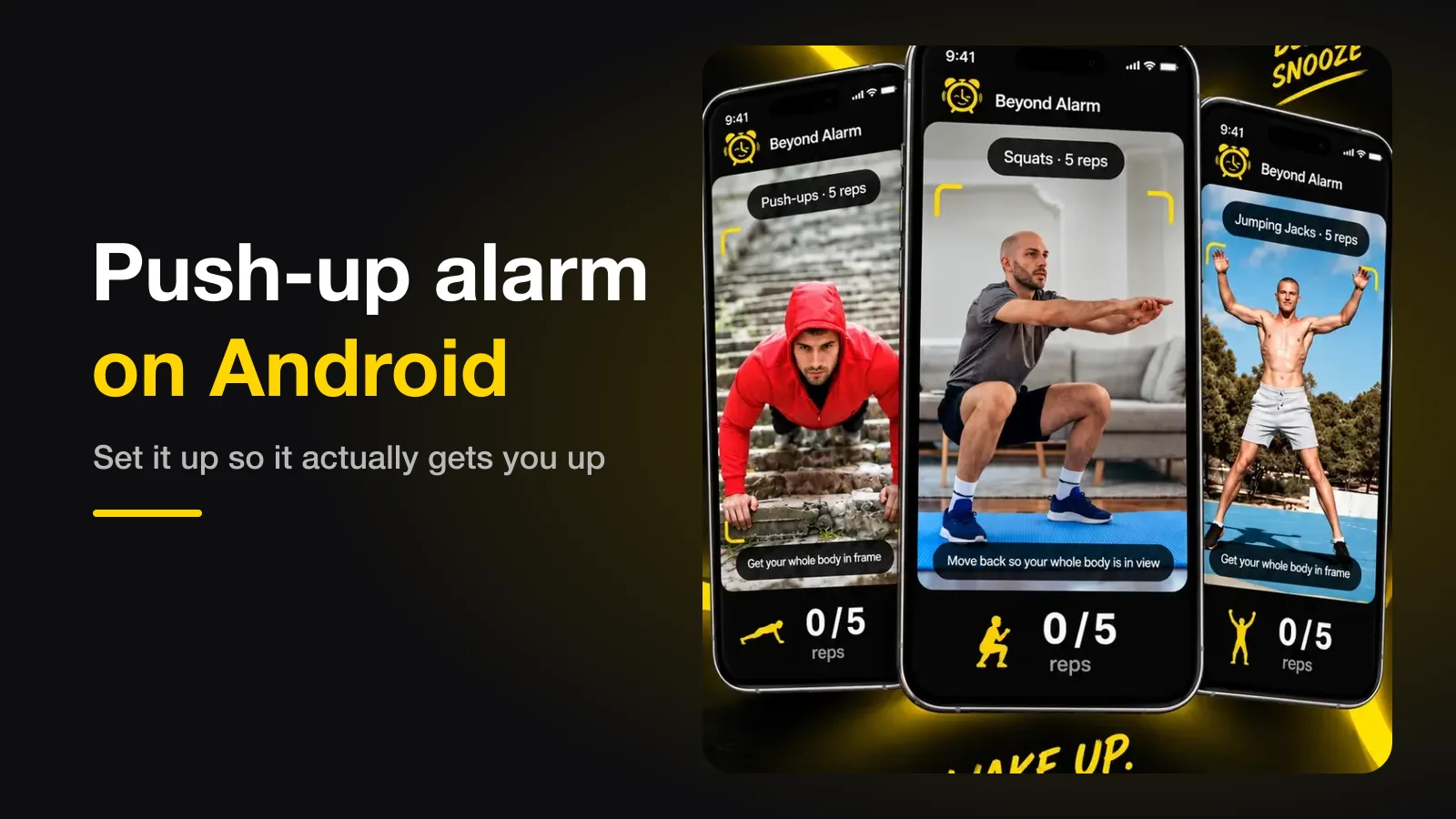
Push-up alarm on Android — set it up so it gets you up
A push-up alarm stops only when the camera counts your reps. Where to put the phone, how many reps to set, and the setting that quietly breaks it.