
The alarm that makes you take a picture — how photo alarms decide you're in the right place
 Beyond Alarm1 October 2026 · 4 min read
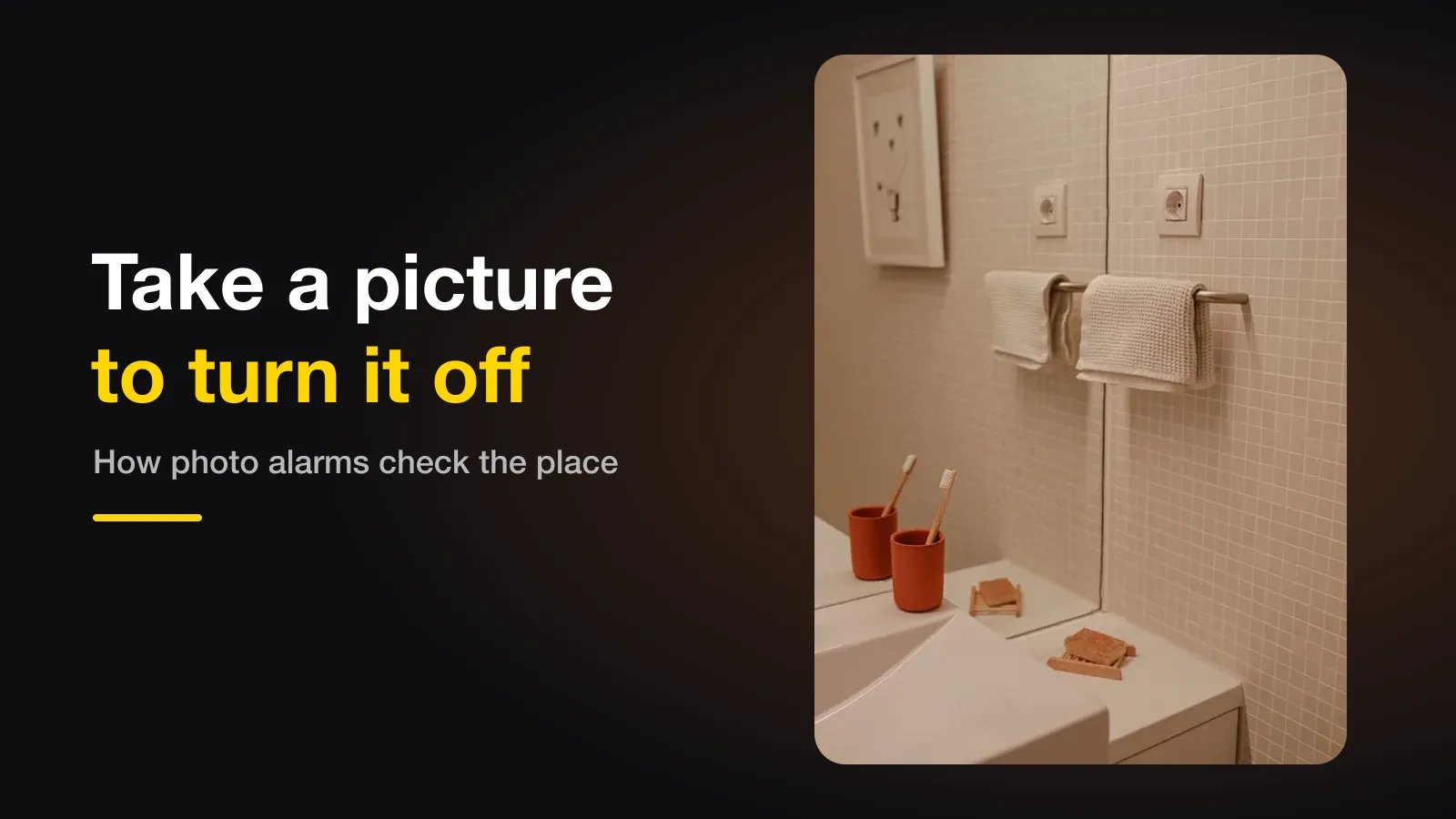
A photo alarm only stops when you take a picture of a place you chose in advance — the bathroom sink, the kettle, the front door. The phone compares your morning photo with that reference, so you have to physically go there. For it to work, pick a spot at least a room away that looks distinctive and that you can light the same way every morning.
The short version:
- You photograph a spot once; the alarm only stops when you photograph it again.
- The phone checks both the shape and the colours of the scene.
- Pick somewhere distinctive, a room away, with a light you can switch on.
- A well-built photo alarm gets more forgiving after a miss, not stricter.
How the phone decides it's the same place
The app can't recognise "your kitchen" the way you do. What it does is reduce each photo to a small fingerprint and compare fingerprints. The interesting part is how easily that goes wrong — and we found out the hard way.
Our first version used shape alone: shrink the photo to a 9 × 8 grid, note which squares are brighter than their neighbour, and compare the 64 results. That is good at "is this the same picture" and bad at "is this the same room". Two unrelated photos differ on about 32 of those 64 points. Two photos of the same corner taken hours apart measured 19–29 on a real phone. The ranges overlap — so a setting loose enough to accept a genuine morning photo also accepted a photo of something else, and one place could be photographed five times to clear a five-place mission.
What fixed it was adding colour. A bathroom and a kitchen have very different colours even when their brightness patterns look alike, and the same spot at 7am versus 11pm shifts far less than a different room does. A match now needs both: roughly the right shape and roughly the right colours.
Why it should get more forgiving, not stricter
There are two ways a photo alarm can be wrong, and they are not equally bad.
| Mistake | What it means at 6am | How bad |
|---|---|---|
| Wrongly accepts a photo | You walked to roughly the right place | Mild — you're up, which was the point |
| Wrongly rejects a photo | You're standing in the right room with an alarm that won't stop | Awful |
So Beyond Alarm starts generous and loosens a little with each miss. It never loosens enough to accept a different room — the colour check keeps that gap — but it won't trap someone who is genuinely in the right place with different light.
Picking a spot that works
| Good spots | Why | Avoid | Why |
|---|---|---|---|
| Bathroom sink or mirror | Distinctive, lit the same way every time | A blank wall | Nothing to match on |
| The kettle or coffee machine | You'd go there anyway | Anything near the bed | Defeats the point |
| The front door | Gets you furthest from bed | A window | Changes with the weather and time |
| A bookshelf | Lots of shapes and colours | Anything that moves | The reference stops matching |
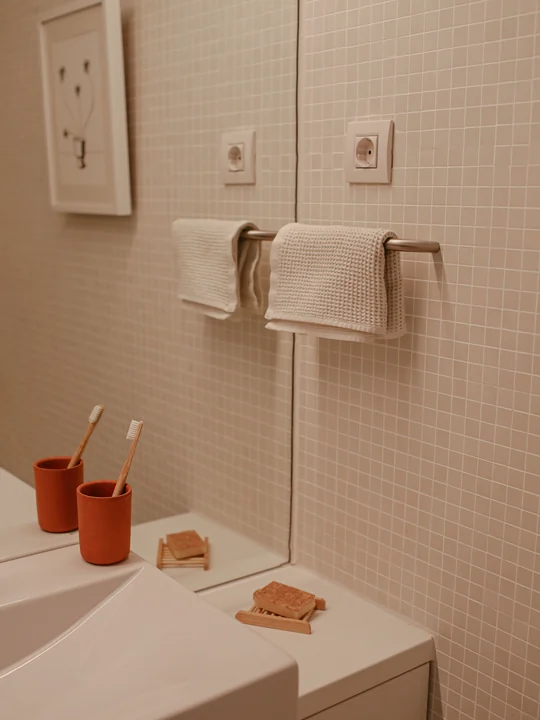
Take the reference photo with the light on that you'll use in the morning. Most failed photo alarms are a reference taken in daylight and a morning shot taken under a ceiling bulb, or the other way round.
Beyond Alarm
Beyond Alarm does this part for you: the alarm will not switch off until you have actually moved, and the apps you pick stay locked afterwards.





Several places, in order
Beyond Alarm lets one alarm hold up to five places, and they have to be photographed in the order you captured them. Without the order, you could photograph whichever is nearest five times. Two places in two different rooms — the bathroom, then the kitchen — is a good routine: by the second photo you are properly up.
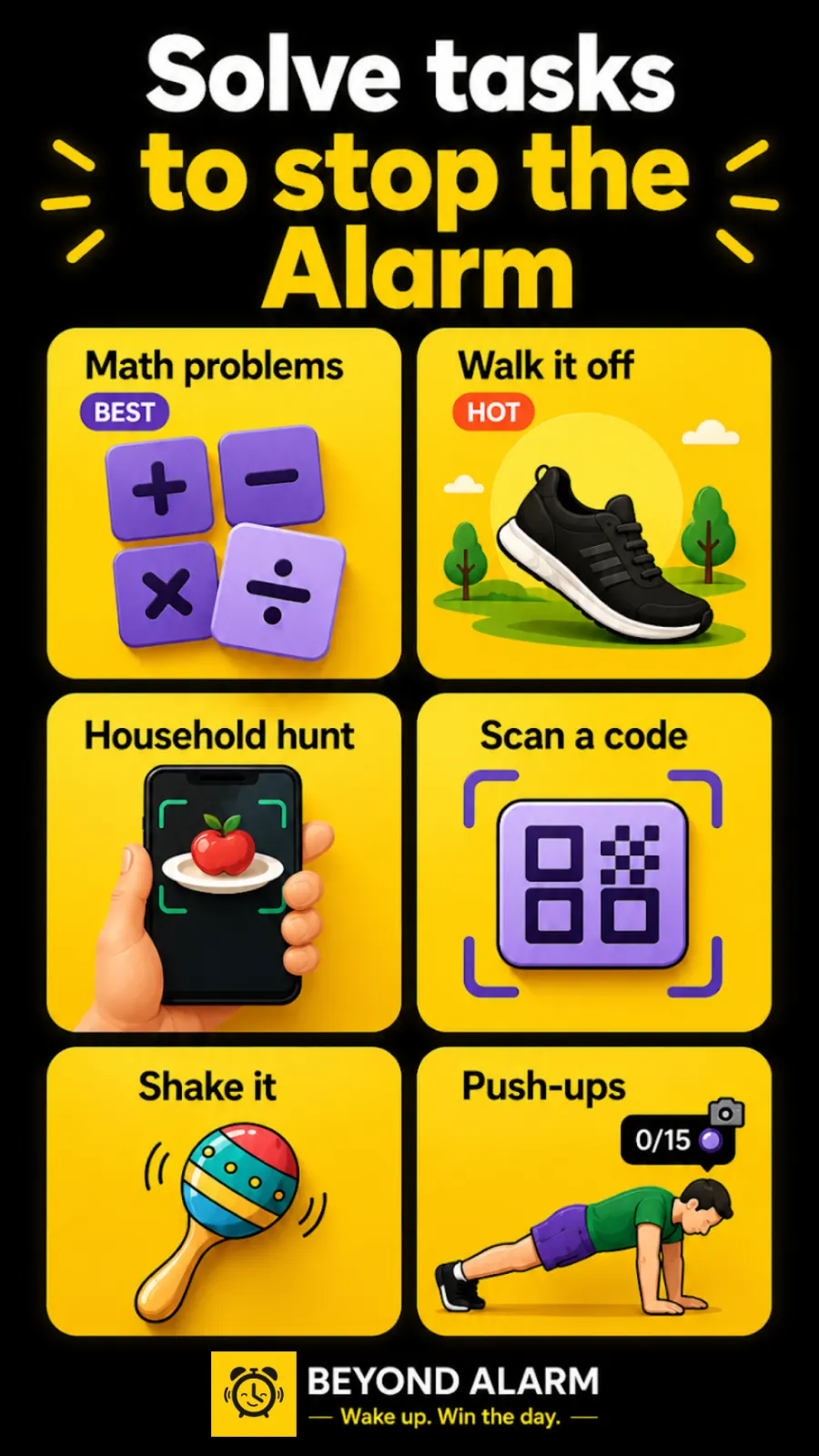
If you'd rather the app chose the object, the household hunt mission does the opposite: it names something different each morning and you find it in another room. And if a camera at 6am isn't your thing at all, we've ranked every mission by how hard it is to fake half-asleep.
The apps that do this
Alarmy popularised the idea: its listing describes taking a photo of a registered place to stop the alarm. Beyond Alarm does the same on Android with up to five places in a fixed order, matching on the phone. For the wider comparison, the alarm apps that make you get up are compared here.
Beyond Alarm's photo mission is included in the current free offering, supported by ads, and the matching runs entirely on your phone. Android only for now.
Try it tonight
Pick the spot, turn on the light you'll use at 6am, and take the reference. Then set an alarm for two minutes from now and walk there. If it matches first time, you're set; if it takes a couple of tries, retake the reference with the morning light on.
Common questions
Can I just take a photo of something next to my bed?
Only if you chose a spot next to your bed, which defeats the point. The app compares your morning photo with the reference you took, so it has to be the same place. Choose somewhere at least a room away.
What if the light is different in the morning?
That is the hardest part for the app, and why a good matcher compares the colours of the scene as well as its shapes. The same corner at 7am and 11pm changes far less than a different room does. Pick a spot you can light the same way — a bathroom with the light on works well.
What happens if it keeps rejecting my photo?
In Beyond Alarm each miss loosens the match a little, so someone standing in the right room is never stuck with an alarm that will not stop. Getting up and walking to roughly the right place was the whole point.
Does the app keep my photos?
In Beyond Alarm the reference stays on your phone and the comparison runs on the phone too, using a small fingerprint of each photo. Nothing is uploaded.
We build Beyond Alarm, an Android alarm app that will not switch off until you have actually moved. Most of what we write here comes out of problems we hit building it.
Beyond Alarm
An alarm that keeps ringing until you’ve actually moved — then blocks the apps that pull you back to bed. Free to start, no account.
Keep reading
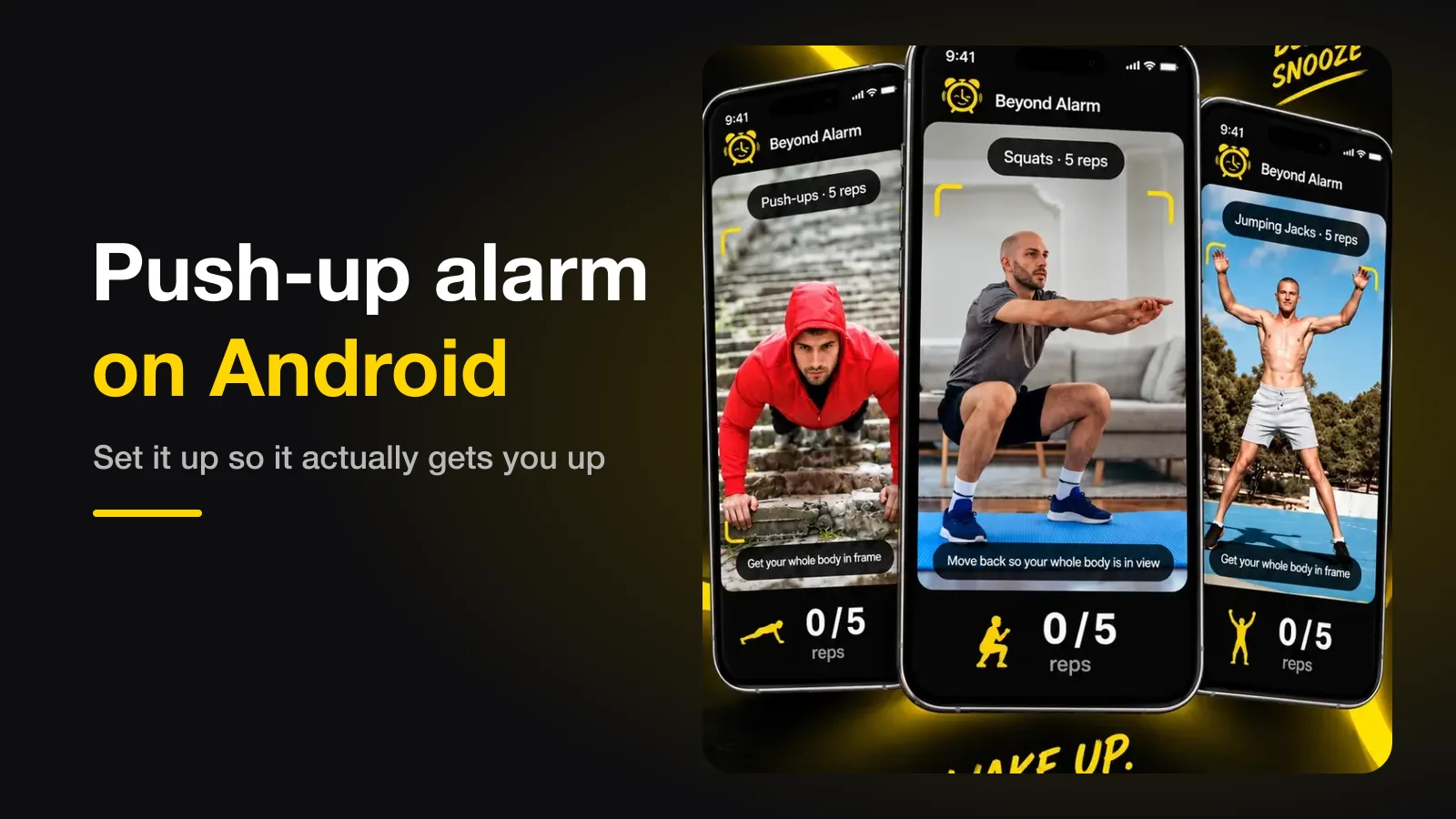
Push-up alarm on Android — how it works, and how to set it up so it actually gets you up
A push-up alarm only stops when the camera has counted your reps. How the counting works, where to put the phone, how many reps to set, and the permission setting that quietly breaks it.
QR code alarm on Android — set it up so you can't scan it from bed
A QR or barcode alarm stops only when you scan a code, so where the code lives is the whole trick. Where to put it, what to scan, and the one mistake that lets you switch it off without leaving bed.