
Why a rep counter counts push-ups you didn't do
 Beyond Alarm29 August 2026 · 7 min read
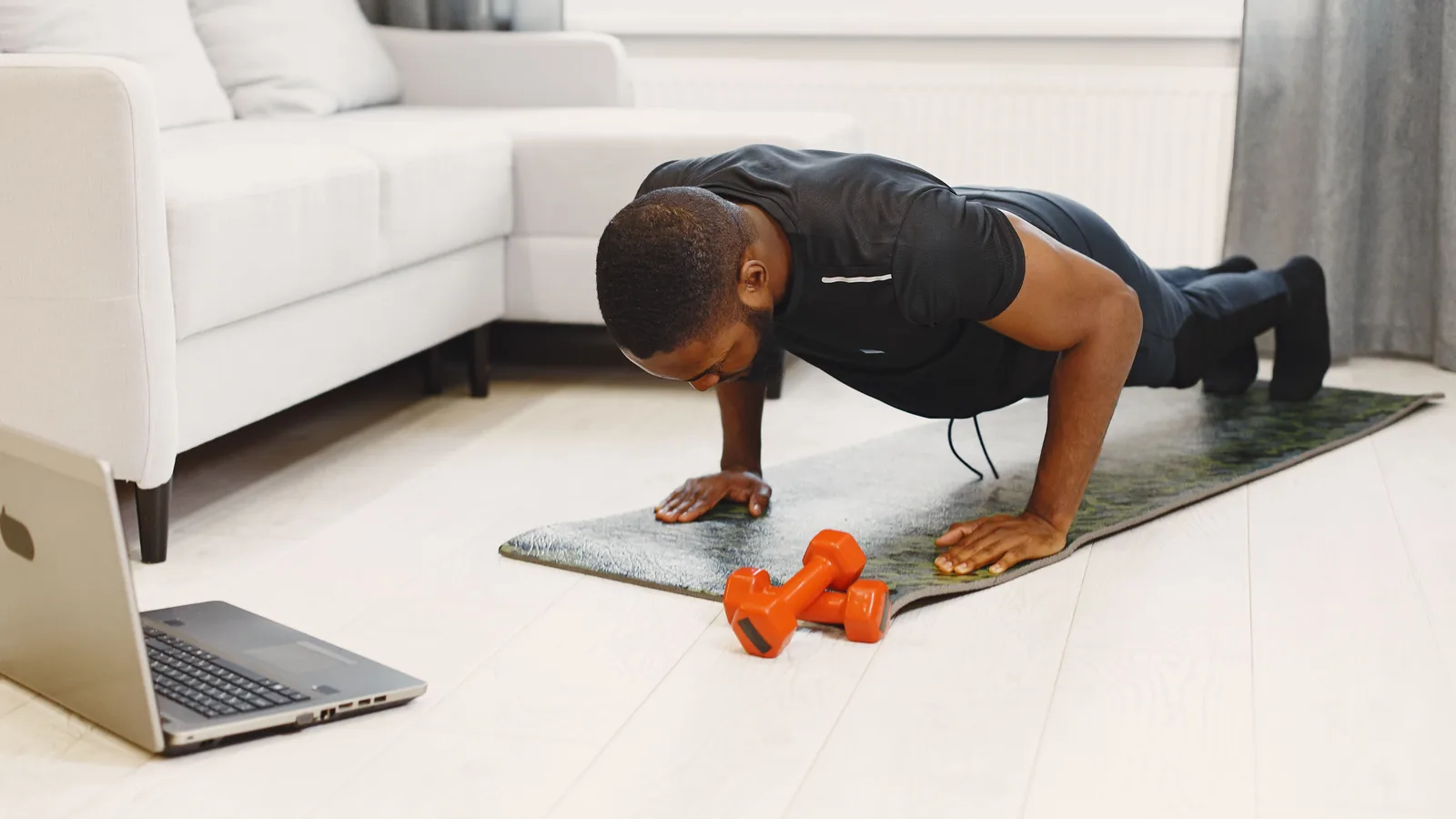
Photo by Gustavo Fring on Pexels
Prop your phone against something, stand in front of it, and do nothing at all. On a lot of apps, the rep counter starts climbing.
This is not a broken camera or a bad phone. It is what pose detection does by design when it cannot see a body properly — it guesses, and it tells you it is guessing, and an app that does not listen to that reads the guesses as movement. The interesting part is where the guessing comes from, because it explains why standing in front of the phone fools it more reliably than an empty room does.
What the phone is actually doing
An on-device pose detector — Google's ML Kit is the common one on Android — takes each camera frame and returns a skeleton: 33 points for shoulders, elbows, wrists, hips, knees and so on. A push-up counter then does something simple with it. Take the shoulder, the elbow and the wrist, measure the angle at the elbow, and watch it: arms straight is the top of the rep, arms bent is the bottom, and one full trip from top to bottom and back is one push-up.
That works. When the detector can see you, the angles are good and the count is right.
The catch is in what comes back when it cannot see you. It does not return nothing. Every one of those 33 points arrives with a confidence score, which Google's documentation describes as:
For each landmark, a measure that indicates the probability that the landmark is within the image frame.
A number between 0 and 1. And when the detector is unsure, it still hands you a complete skeleton — just one whose points carry middling scores and sit wherever the model's best guess put them.
Those guesses are not stable. Frame to frame they wander by a few pixels, because each frame is a fresh guess at an ambiguous picture. An elbow angle computed from wandering points wanders too. And a counter watching for that angle to cross a threshold will, sooner or later, watch it cross.
Why standing there is worse than leaving the room
This is the part that surprised me, and it is in the documentation too:
The user's face must be present in order to detect a pose.
So a camera pointed at an empty wall usually returns nothing at all, and nothing is easy to handle. But stand in front of it and you have given the detector the one thing it requires. It now has to produce a body — and you are standing, which is not the position it is being asked about.
What comes back is a skeleton with a face it is sure about and limbs it is not. Middling confidence, points bunched near the middle of the frame, drifting each frame. Exactly the input that produces phantom reps.
Which is why "I just stood there and it counted ten" is a more common report than "I pointed it at a wall and it counted ten". The second one often does nothing. The first one is the failure case.
The three checks that actually stop it
I spent yesterday fixing this in our own app, so the specifics below are what the fix looked like rather than a general recommendation. Each of the three is defeatable alone.
| Check | What it catches | What gets through without it |
|---|---|---|
| Confidence floor | Guessed landmarks | A skeleton the model is unsure about, treated as fact |
| Posture gate | Wrong body position | Somebody standing and bending an elbow |
| Travel requirement | Small jitter | An angle that crossed a line without going anywhere |
A confidence floor. Refuse any frame where the joints being measured score below a threshold. Ours was 0.50 and that was the root of it — 0.50 is squarely inside the band those guesses occupy. It is 0.70 now for the joints a push-up is measured from.
A posture gate. Check that the body is in the shape the exercise needs before counting anything. A push-up is a plank: the torso should read as roughly horizontal in frame, not vertical like somebody standing.
This one has a trap in it, and we fell in. Measuring "how horizontal is the torso" works when the phone is beside you and fails completely when it is in front of you looking down your body — head-on, the shoulders and hips land almost on top of each other and the torso barely projects at all. So we added an exemption for that case, keyed on the torso being short relative to the shoulders.
The exemption then became the hole. A guessed skeleton has all its points bunched together, so its torso is the shortest of all — meaning the poses that most needed the posture check were precisely the ones that skipped it. Fixing that took a floor as well as a ceiling: a genuine head-on push-up still has some torso, so anything that has collapsed to nearly nothing is a bad reading rather than foreshortening.
A travel requirement. Even with the first two, an angle can technically cross a threshold without the arm really moving, because the normalised signal a counter watches compresses the real range. So the last check works on the raw measurement: the elbow has to have actually swung through 40 degrees for a rep to count. A real push-up is far more than that. Jitter is far less.
Beyond Alarm
Beyond Alarm does this part for you: the alarm will not switch off until you have actually moved, and the apps you pick stay locked afterwards.





The two-minute test for any app that counts you
You do not need to read anyone's code to find out whether their counter checks its inputs:
- Prop the phone where you would normally put it.
- Start the exercise mission or workout.
- Stand in the frame, in view of the camera, and do absolutely nothing.
- Wait one minute.
A counter that climbs is not checking confidence. A counter that sits at zero and tells you it cannot see you properly is.
Try the empty-room version too, for contrast — most apps do nothing there, which is why the failure survives testing. Somebody checking their own app points it at a wall, sees zero, and concludes it is fine.
This is the bug we shipped, and it is worth saying plainly what it cost. An exercise alarm exists so that turning it off requires getting up. A counter that can be satisfied by standing in front of the phone is one that can be satisfied without getting up — which does not make the alarm slightly worse, it makes it the ordinary alarm you installed something to avoid. Beyond Alarm now runs all three checks above, and the fix ships with four tests whose job is to keep it fixed: one that jitters a guessed skeleton for two hundred frames and demands a count of zero, and — the one that matters more — one that does real push-ups and demands they still count. Every check here makes a counter stricter, and a counter that rejects everything passes all of them.
Where this leaves you
If you use any app that counts reps from a camera, the honest summary is:
- It is probably accurate when it can see you. Good light, whole body in frame, camera to your side — the angles are reliable and the count is real.
- It may be nonsense at the edges, and the edges are where an alarm lives: a dark bedroom, a phone on the floor, a body half out of frame.
- The failure is silent, and it fails in the direction that flatters the app. Nobody reports an alarm that was too easy to turn off.
And if the reason you chose an exercise mission was that you do not trust yourself at 6am, that is exactly the reason to spend two minutes checking whether the counter can be fooled by standing still. It is the same instinct, applied one level down — the same one that makes five alarms worse than one snooze, and the reason an alarm you can dismiss in your sleep is not really an alarm. If you are picking between apps on exactly this, the missions each one offers — and which of them can be finished lying down — are set side by side here, and every mission Beyond Alarm itself offers is ranked the same way.
Sources
- Pose detection — Google's own ML Kit documentation. The definition of landmark likelihood and the requirement that a face be present are both quoted from this page.
- Pose detection concepts — the 33-landmark model and what is returned for a partially visible body.
The thresholds named above (0.70 confidence, 40 degrees of travel) are ours and are not a standard. They are the numbers that worked against real push-ups on real phones; anybody solving this in their own app should expect to find their own.
Setting one up for the first time? Here is where to put the phone, how many reps to start with, and the permission setting that quietly breaks it.
Common questions
Why does my workout app count reps when I'm not moving?
Because the pose detector never says "nobody is here". It returns a full skeleton with a confidence score attached to each joint, and when it cannot really see you it returns a low-confidence guess instead of nothing. Those guesses drift a little every frame, and an app that does not check the confidence reads that drift as movement.
Does that mean the rep count is just wrong?
Not while it can see you properly. With a clearly visible body the joint angles are accurate enough to count reliably. The failure is at the edges — too far away, badly lit, half out of frame, or nobody there at all — and those edges are exactly where a phone propped on a bedroom floor at 6am spends its time.
How do I know if my app checks confidence?
Point the camera at an empty wall from across the room and leave it for a minute. A counter that climbs is not checking. It is a two-minute test and it tells you more about the app than any review.
Why does standing still fool it more than an empty room?
Google's detector needs a face before it will return a pose at all, so a truly empty room often produces nothing. Standing in shot gives it the face it needs, and then it has to guess at a body in a position it was not trained for — which is where the low confidence, and the drift, come from.
What is the right fix?
Three things together — a confidence floor high enough to reject guesses, a check that the body is actually in the exercise position, and a requirement that the joint angle genuinely travelled through a real range rather than just crossing a threshold. Any one alone can be defeated.
Does this affect squats and jumping jacks too?
The same class of error applies to any pose-based counter. Push-ups are the worst case because the body is horizontal and heavily foreshortened when the camera is in front of you, which is the hardest thing for the detector to read and the setup most people use.
Can I just film myself instead of trusting the count?
You can, and for a workout app that is a reasonable answer. For an alarm it is not — the whole point is that nobody is watching at 6am, which is why the counting has to be trustworthy without supervision.
We build Beyond Alarm, an Android alarm app that will not switch off until you have actually moved. Most of what we write here comes out of problems we hit building it.
Beyond Alarm
An alarm that keeps ringing until you’ve actually moved — then blocks the apps that pull you back to bed. Free to start, no account.
Keep reading

The alarm that makes you take a picture — how photo alarms decide you're in the right place
A photo alarm stops only when you photograph a place you chose the night before. How the phone decides it's the same place, which spots work best, and why a good one gets more forgiving, not less.
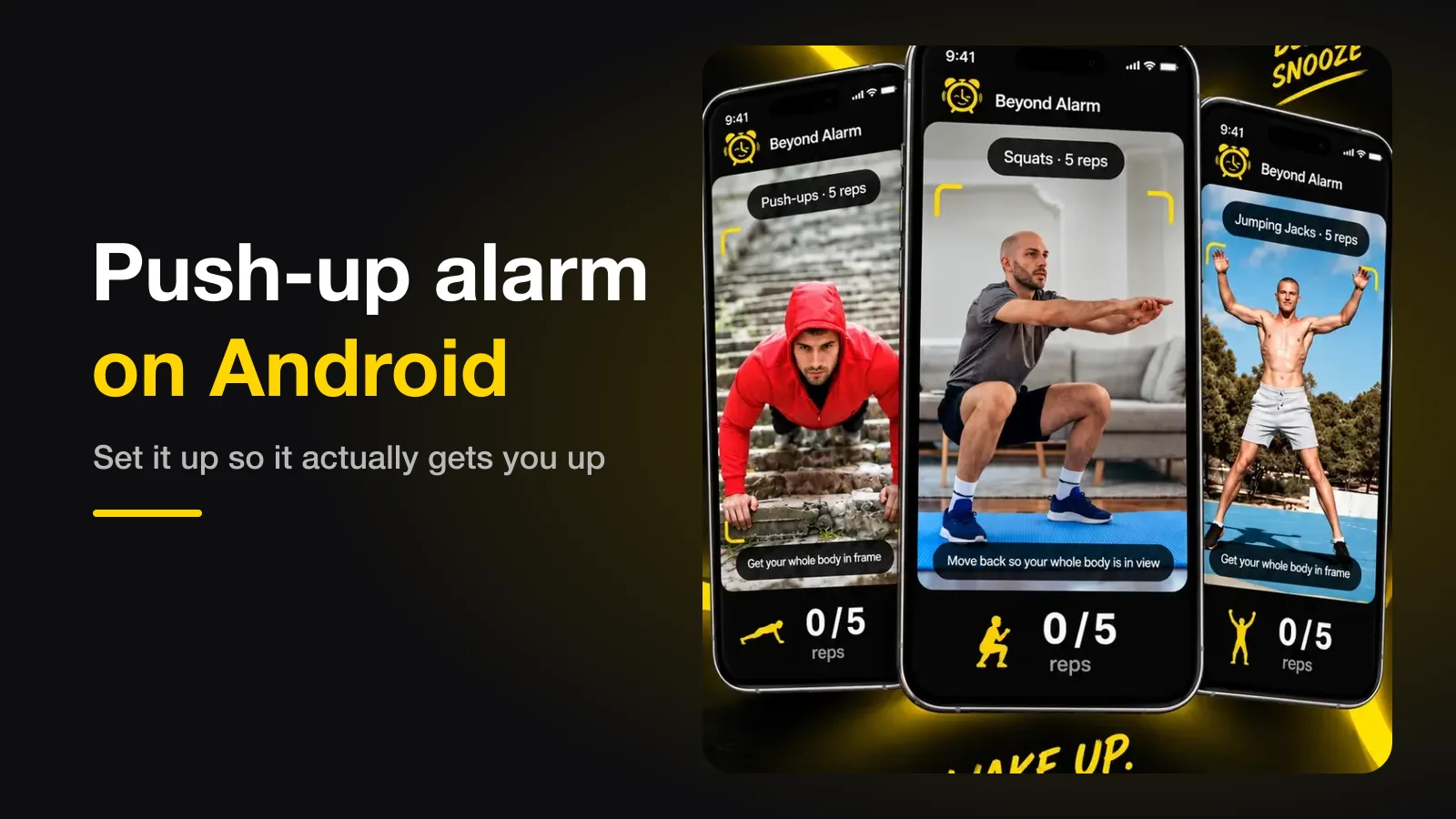
Push-up alarm on Android — how it works, and how to set it up so it actually gets you up
A push-up alarm only stops when the camera has counted your reps. How the counting works, where to put the phone, how many reps to set, and the permission setting that quietly breaks it.