
Digital detox: a 7-day plan that doesn't need a cabin
 Beyond Alarm24 October 2026 · 7 min read
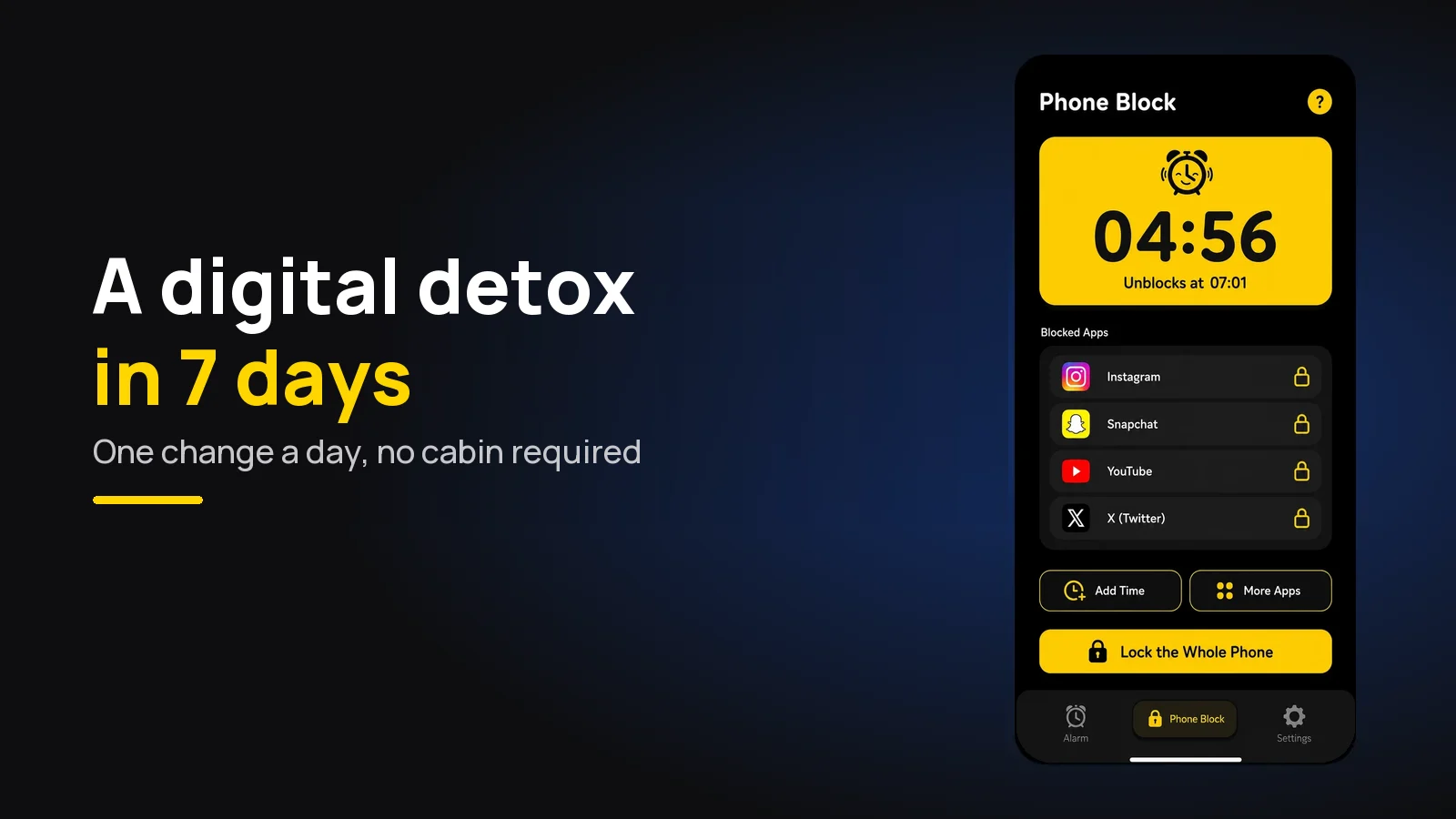
A digital detox doesn't need a week offline. This plan takes your phone out of one part of your day at a time for seven days - notifications, the bedroom, meals, the morning, one offline afternoon - then has you choose what comes back. Calls, messages and maps stay on.
Done that way, it fits around work, school and family. You are not giving the phone up; you are taking back the parts of the day it wandered into.
The short version:
- One change a day, and each one stays for the rest of the week.
- Keep the useful things working: calls, messages, maps, banking, music.
- Day 1 notifications, Day 3 the bedroom, Day 6 an offline afternoon - those three do most of the work.
- Have something to do in the gaps, or the old habit fills them.
- Day 7 is the most important: decide what comes back, with a rule each.
- If you keep overriding your own limits, use a block that costs something to cancel.
What a digital detox can and can't do
A digital detox means less screen time on purpose, usually by cutting the apps that eat it. The useful evidence is about social media rather than phones in general, and it is more modest than most detox advice suggests.
In a 2018 experiment at the University of Pennsylvania, Hunt and colleagues asked 143 undergraduates to limit Facebook, Instagram and Snapchat to 10 minutes each a day for three weeks. Compared with students who carried on as normal, they reported significant drops in loneliness and depression. Both groups felt less anxious, which the authors put down partly to simply tracking their own use.
A larger 2020 study by Allcott and colleagues paid people to deactivate Facebook for four weeks. They spent more time offline, including with friends and family, and reported higher well-being. They also used Facebook less after the experiment ended - the detox changed the habit, not just the month.
Two honest limits. These were specific apps and specific groups - students in one, American Facebook users before an election in the other - not a general cure for phone use. And neither study was a cabin in the woods. Cutting back worked; total withdrawal was never tested.
The 7-day plan at a glance
| Day | Change | Takes | Keeps working |
|---|---|---|---|
| 1 | Notifications only from people | 15 minutes | Calls, messages |
| 2 | Social apps off the home screen | 10 minutes | Everything, one swipe further |
| 3 | Phone sleeps outside the bedroom | A charger and an alarm clock | Calls, if you leave the ringer on |
| 4 | No phone at meals or on walks | Nothing | Maps when you need them |
| 5 | A phone-free first hour | Something else to do at 7am | Your alarm |
| 6 | An offline afternoon | A plan for four hours | Calls |
| 7 | Decide what comes back | 20 minutes and a notebook | Whatever you choose |
Before Day 1, write down your screen time for yesterday, from Digital Wellbeing on Android or Screen Time on iPhone. You will compare it on Day 7.
Day 1: notifications only from people
Go through your notification settings and turn off everything that isn't a human talking to you. Likes, recommendations, "you might have missed", news alerts, game rewards - all off.
This is the biggest change for the least effort, because most pick-ups start with something the phone asked for. Leave messages, calls, calendar and anything you genuinely need for work. Settings paths differ between phone makers and versions, so search Settings for "notifications" rather than following a fixed path.
Day 2: move the feeds out of reach
Take the social and video apps off your home screen. Put them in a folder on the last page, or remove the icon and open them from search.
You are not deleting anything. You are adding a few seconds of friction to the apps you open on autopilot, which is often enough to notice what your thumb was doing. If you also use them in a browser, log out there too.
Day 3: the phone sleeps outside the bedroom
Charge the phone in another room, or at least across the room from the bed. Use a cheap alarm clock, or put the phone where you have to get up to reach it.

This is the change most people resist and the one that tends to matter most, because bed is where an hour disappears without you choosing it. If your phone is also your alarm, how to stop scrolling in bed when your phone is your alarm covers the workarounds.
Day 4: no phone at meals or on walks
Meals and walks are short, daily and easy to protect. The phone stays in a pocket, a bag or another room.
If you need a map, look it up before you leave. If you are eating alone, that is the meal where this matters most - it is where the feed usually fills the silence. Notice the urge rather than fighting it; it passes.
Day 5: a phone-free first hour
For the first hour after you get up, the phone does one job: it is the alarm. No email, no news, no feeds.
The first hour is when the day's pattern gets set, and the reach for the phone happens before you have decided anything. Plan what replaces it the night before - a shower, breakfast, light, a walk. We went through what is worth doing instead in the first ten minutes after your alarm.
Beyond Alarm
Beyond Alarm does this part for you: the alarm will not switch off until you have actually moved, and the apps you pick stay locked afterwards.





Day 6: an offline afternoon
Pick a four-hour window - a Saturday afternoon works - and take the phone out of it. Drawer, another room, or switched off with the ringer left on for calls if you need to be reachable.
The rule is to plan the afternoon, not just remove the phone. Four empty hours with nothing in them is how people end up "just checking the weather" at minute twenty. A walk, a film, cooking, a visit, a long chapter - something with a start and an end.
Day 7: decide what comes back
Compare today's screen time with the number you wrote down before Day 1. Then go through the apps and changes one by one and decide what stays.
Give each returning app a rule rather than a free pass. "Instagram on the laptop only." "YouTube after 8pm." "News once, at lunch." An app that comes back with no rule tends to be back to its old hours within a fortnight.
Most people keep Days 1, 3 and 5 for good. If you slip, that is normal - habits wobble before they settle, which we looked at in how long it takes to break a phone habit.
Free digital detox tools already on your phone
You may not need a digital detox app at all. Both phones have the basics built in.
- Android - Digital Wellbeing: daily screen time, app timers, Focus mode to pause chosen apps, and Bedtime mode, which can turn the screen grey at night.
- iPhone - Screen Time: daily totals, App Limits, and Downtime, which allows only the apps you choose during set hours.
- Greyscale: a grey screen makes feeds noticeably duller. On iPhone it's under Accessibility's colour filters; on Android, look in Digital Wellbeing or Accessibility - the menus vary by phone.
- Focus or Do Not Disturb on either phone for the offline afternoon.
The catch is that each of these can be dismissed in a tap or with your own passcode. That is fine if a reminder is enough for you. If you notice yourself tapping "ignore limit" every day, the limit is not the problem - the easy way out is, which is why Screen Time limits stop working for so many people.
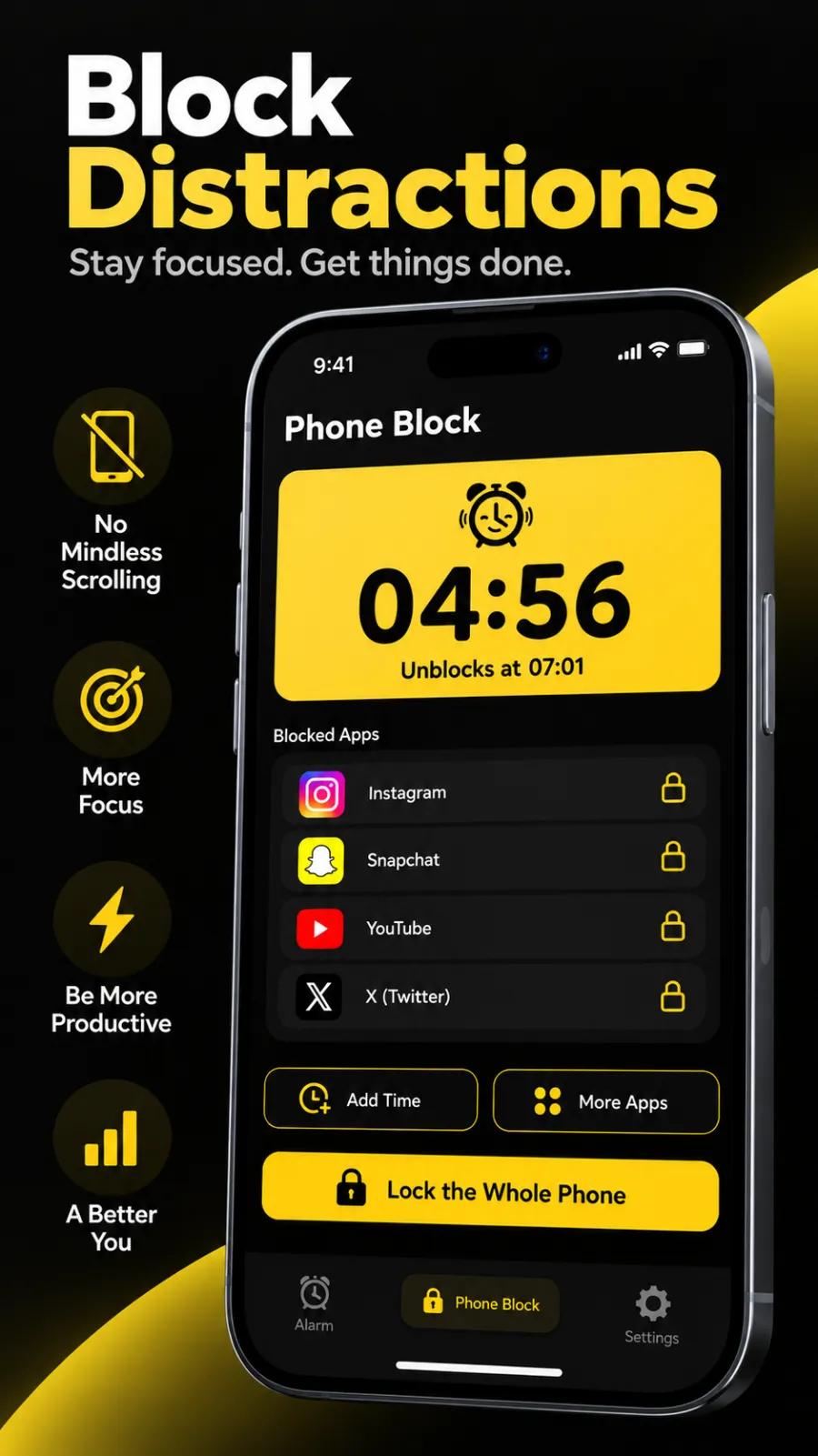
For the days where a reminder isn't enough, this is what we built Phone Block for in Beyond Alarm. It blocks the apps you choose for a set time you start by hand - 15 minutes up to 2 hours from the presets, or Custom from 5 minutes to 8 hours, so a four-hour Day 6 is one block. Hard mode has no stop button until the timer ends. For Day 5, Beyond Alarm's Morning Lockout blocks chosen apps for a set time after an alarm, every morning that alarm rings. On Android either can cover the whole phone, with calls still coming through; on iPhone they use Apple's Screen Time and block only the apps or categories you pick, and turning off the app's Screen Time access in Settings ends a block. Where it's weaker: Phone Block has no repeating schedule, so you start each one yourself.
When a week isn't enough
If the week went well, keep the changes and run Day 6 once a week. The studies above ran for three and four weeks, so the benefit, if you get one, may still be building after seven days.
If the week fell apart on Day 3, that is useful information too. It means the bedroom is where the time goes, and that one change is worth more of your effort than the other six combined.
Common questions
How do I do a digital detox without going completely offline?
Take the phone out of one part of your life at a time instead of all at once - notifications first, then the bedroom, meals, the first hour of the morning, and finally one offline afternoon. Keep calls, messages, maps and banking working throughout, so you never need to cheat to get through a normal day.
How long should a digital detox last?
A week is long enough to notice the difference and short enough to finish. The studies that found a benefit from cutting back on social media ran for three and four weeks, so treat the first week as the start, and keep the changes that worked rather than going back to how things were.
What is the best digital detox app?
Start with the one already on your phone - Digital Wellbeing on Android or Screen Time on iPhone. They show your numbers and set limits for free. If you keep tapping past the limits, add an app blocker that can lock chosen apps for a set time with no easy way to stop it.
What should I do instead of using my phone?
Decide before the urge arrives. Keep a short list of things that take two to ten minutes - a walk, a stretch, a chapter of a paper book, a call to a friend - and put the book or the headphones where the phone usually sits.
Does a digital detox actually work?
The research is more specific than the claims made for it. Experiments that cut social media use - not the whole phone - found people felt less lonely and depressed, or happier, over a few weeks. Those were small or particular groups, so expect a modest change, not a transformation.
We build Beyond Alarm, an Android alarm app that will not switch off until you have actually moved. Most of what we write here comes out of problems we hit building it.
Beyond Alarm
An alarm that keeps ringing until you’ve actually moved — then blocks the apps that pull you back to bed. Free to start, no account.
Keep reading
Study timer: 25, 50 or 90 minutes — which works best?
25, 30, 50, 60 or 90 minutes? How to choose a study timer length, what the research really shows, and when a stopwatch beats a countdown.
How much screen time is normal? What the numbers say
How much daily screen time is normal for adults, teens and young children, from Ofcom, GWI and WHO, and how to find your own number on iPhone or Android.