
Why Screen Time and Focus Mode don't stop you, and what does
 Beyond Alarm16 August 2026 · 6 min read
Photo by Towfiqu barbhuiya on Pexels
Every screen time tool on your own phone can be switched off by you. Not because they are badly built, but because phone operating systems are designed so the person holding the device has final authority over it — which means any blocker running on your phone is, in the end, a suggestion you agreed to.
So the question worth asking is not "can I get around this?" You can. The question is how many seconds and how much deliberate effort the bypass costs, and whether you are capable of paying that at 6am. Every tool in this category sits somewhere on that scale, and where it sits predicts almost everything about whether it will still be working for you in a month. The table below places the common ones.
Why the one-tap override kills the whole thing
Apple's Screen Time, in its default configuration, shows you a limit and offers a button to ignore it. Android's Digital Wellbeing and Focus mode are broadly similar — you can pause a focus session.
The first time you meet the limit, it works. It genuinely interrupts you. The second or third time, you tap past it, and something changes permanently: the block stops being a wall and becomes a notification. From then on your brain processes it as furniture. It is not that your willpower failed at that moment; it is that you learned a fact about the block, and you cannot un-learn it.
This is why people report these tools "working for about a week". That is not a coincidence or a personality flaw. It is roughly how long it takes to discover the button.
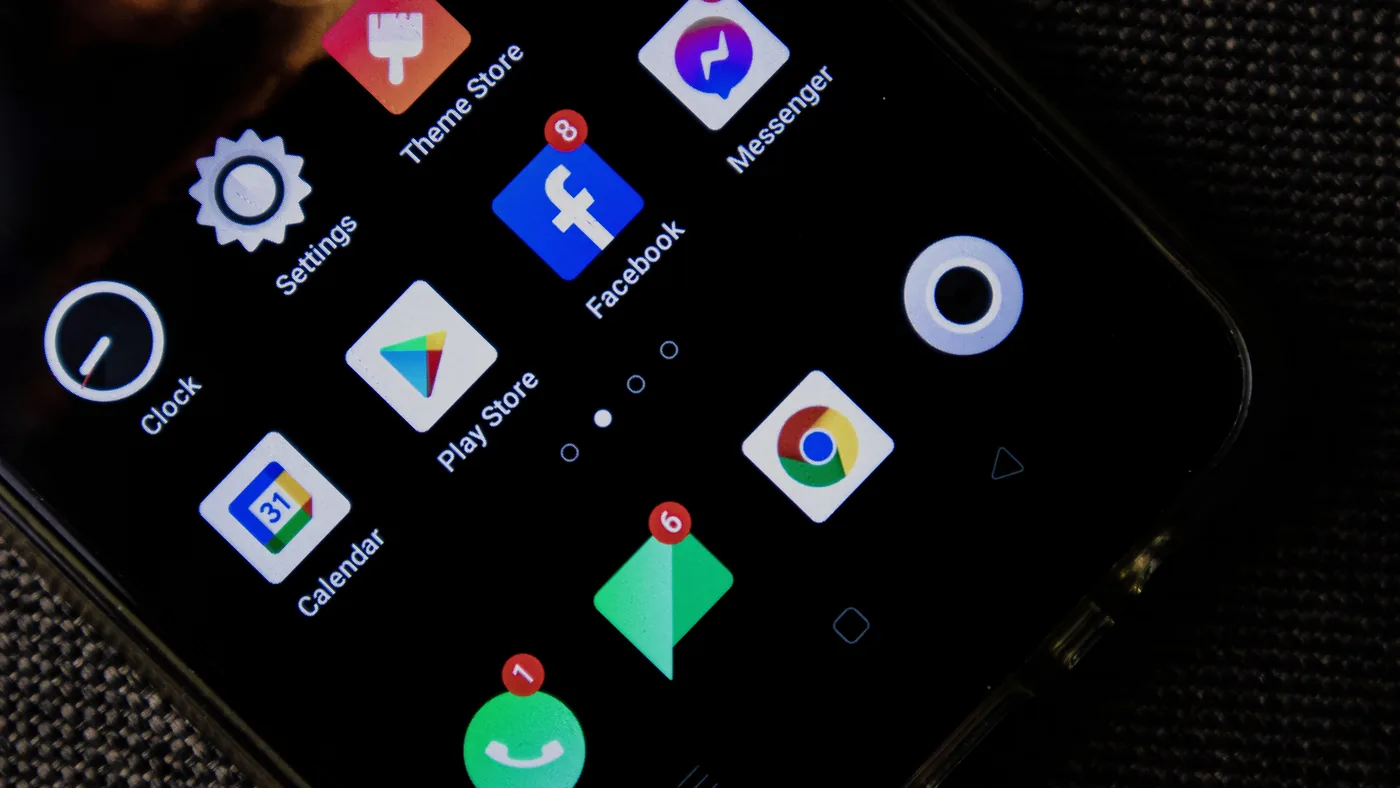
The bypasses, in categories
Without writing a manual for it, the well-known routes past a soft limit fall into four groups, and they matter because they explain what a good tool has to defend against:
- The built-in override. A button labelled to make ignoring the limit feel sanctioned. Costs about one second.
- Changing the clock. A limit tied to time of day is only as firm as the device's idea of what time it is.
- Reinstalling. Deleting and re-adding an app resets whatever the app knew about your usage.
- Changing the settings. If the block's configuration is editable at the moment the block is active, it is not a block.
A tool that is serious about this closes the fourth one specifically — settings that cannot be changed while a session is running, or that take a mandatory delay to change. That single design decision separates the tools that survive month two from the ones that do not.
Bypass cost is the only number that matters
Ranked by roughly what it costs to defeat, which is the only axis that predicts real-world durability:
| Approach | Cost to bypass | Holds up when |
|---|---|---|
| Screen time limit with override | ~1 second, one tap | Never, after the first week |
| Focus mode you can pause | ~3 seconds | You were only ever mildly tempted |
| Friction tools — a breath, a delay before the app opens | ~10 seconds | Your problem is reflex opening, not craving |
| Grayscale on a schedule | Seconds, in Settings | Genuinely varies by person; cheap to test |
| Strong blockers — settings locked during a session | Minutes, deliberate | You want to be stopped and keep changing your mind |
| Phone in another room | A walk | You are not using it as your alarm |
| Passcode held by someone else | Requires another person | You have that person, and they will not fold |
Notice that the two most effective rows are not apps. That is worth saying plainly on a page published by an app company: the most reliable interventions in this category are physical, and free.
What behavioural science calls this
The formal name is a commitment device — a choice made in advance that restricts your own future options, precisely because you expect your future self to want something different. Not keeping alcohol in the house. Paying for a gym year upfront. Handing someone your phone before an exam.
The insight is that the reliable move is not to become a person who resists temptation forty times a day. It is to make one decision, once, while you are capable of making it, and remove the need for the other thirty-nine.
Which is why the timing of the decision matters more than the strength of it. Anything you configure at 10pm is configured by an awake, unhurried person. The 6am version of you is not that person — that is not a metaphor, it is sleep inertia, and it degrades exactly the faculty you would need.
Beyond Alarm
Beyond Alarm does this part for you: the alarm will not switch off until you have actually moved, and the apps you pick stay locked afterwards.





Where each kind of tool actually fits
Honestly, and including things that compete with us:
Friction tools — the ones that add a pause, a breath, or a few seconds before an app opens. Genuinely effective if your failure is reflexive: you open the app without having decided to. Close to useless if you actually want the thing and are prepared to wait ten seconds for it.
Strong blockers — the ones that lock their own settings for the duration of a session. These are the most effective software category, and the trade-off is real: sooner or later one of them will block you at a moment you had a legitimate reason. That annoyance is the mechanism working, but it is still annoying.
Gamified tools — grow a tree, keep a streak. These work well for people who are motivated by streaks and do nothing for people who are not, and there is no way to know which you are without trying it for a fortnight.
The built-in tools — Screen Time, Digital Wellbeing. Best treated as measurement, not enforcement. They will tell you honestly where the hours go, which is worth knowing before you pick a fix. They will not stop you.
Beyond Alarm belongs in the strong-blocker row, with a narrow scope: the apps you nominate stay locked for a window after your alarm, and the window is set the night before. Two honest limitations. It is Android only — if you are on iPhone, nothing here helps you and you should look at the alternatives above. And you can uninstall it, like anything else; what it buys you is that doing so at 6:04am takes long enough to notice you are doing it.
The other half of the question is how long any of it has to hold before it stops being effort — covered in how long it takes to stop checking your phone first thing.
How to pick
Work out which failure you have before buying anything, because the categories do not substitute for each other:
- You open apps without deciding to → friction tools, or distance
- You decide to, then regret it → a strong blocker with locked settings
- You are fine all day and lose the mornings → a time-boxed block tied to your alarm
- You are fine all day and lose the nights → a bedtime, honestly, before any app — see why you stay up scrolling when you are already tired
Once you know which of those you are, the app blockers worth installing are compared here — including which ones can be switched off in the moment, which is the whole question.
And if you have not measured it yet, spend a week with the built-in tool first. Not because it will fix anything, but because most people are wrong about which app is actually taking the time, and buying the wrong fix for the wrong problem is how this whole category earns its reputation for not working.
Common questions
Can any app blocker actually stop me if I really want to get past it?
No, and you should be suspicious of anything claiming otherwise. Phone operating systems are built so the person holding the device has final authority, so every blocker is ultimately defeatable by its owner. The honest goal is not prevention, it is cost — making the bypass take long enough that you wake up mid-way through doing it.
Why does Screen Time work for a week and then stop working?
Because the first time you tap past a limit, it stops being a wall and becomes a prompt. You have learned that the block is optional, and the next time it appears your brain treats it as a formality. Anything with a one-tap override converges on zero effect once you discover the tap.
Is a stricter blocker just tricking myself? Doesn't that feel dishonest?
It is a commitment device, and it is the same logic as not keeping biscuits in the house. You are not deceiving yourself, you are making a decision once, while capable, so it does not have to be re-made forty times while tired. That is a legitimate strategy, not a character workaround.
What should I use if I'm on iPhone?
Screen Time with a passcode you genuinely do not know — set by someone else — or one of the third-party blockers built around a delay before settings can be changed. Beyond Alarm is Android only, so it is not an option for you, and there is no point pretending otherwise.
We build Beyond Alarm, an Android alarm app that will not switch off until you have actually moved. Most of what we write here comes out of problems we hit building it.
Beyond Alarm
An alarm that keeps ringing until you’ve actually moved — then blocks the apps that pull you back to bed. Free to start, no account.
Keep reading
Scheduled app blocks on Android: weekdays, overnight windows and one schedule at a time
A recurring Android app block that runs on the clock, not your alarm. How Schedules work, weekday and overnight windows, and why the app keeps you to one at a time.

How to block social media after your alarm on Android
Keep Instagram, YouTube and other distractions closed after waking. Compare scheduled Focus mode with an alarm-triggered block, then set up your morning.