
The Pomodoro technique for studying, done properly
 Beyond Alarm24 October 2026 · 7 min read
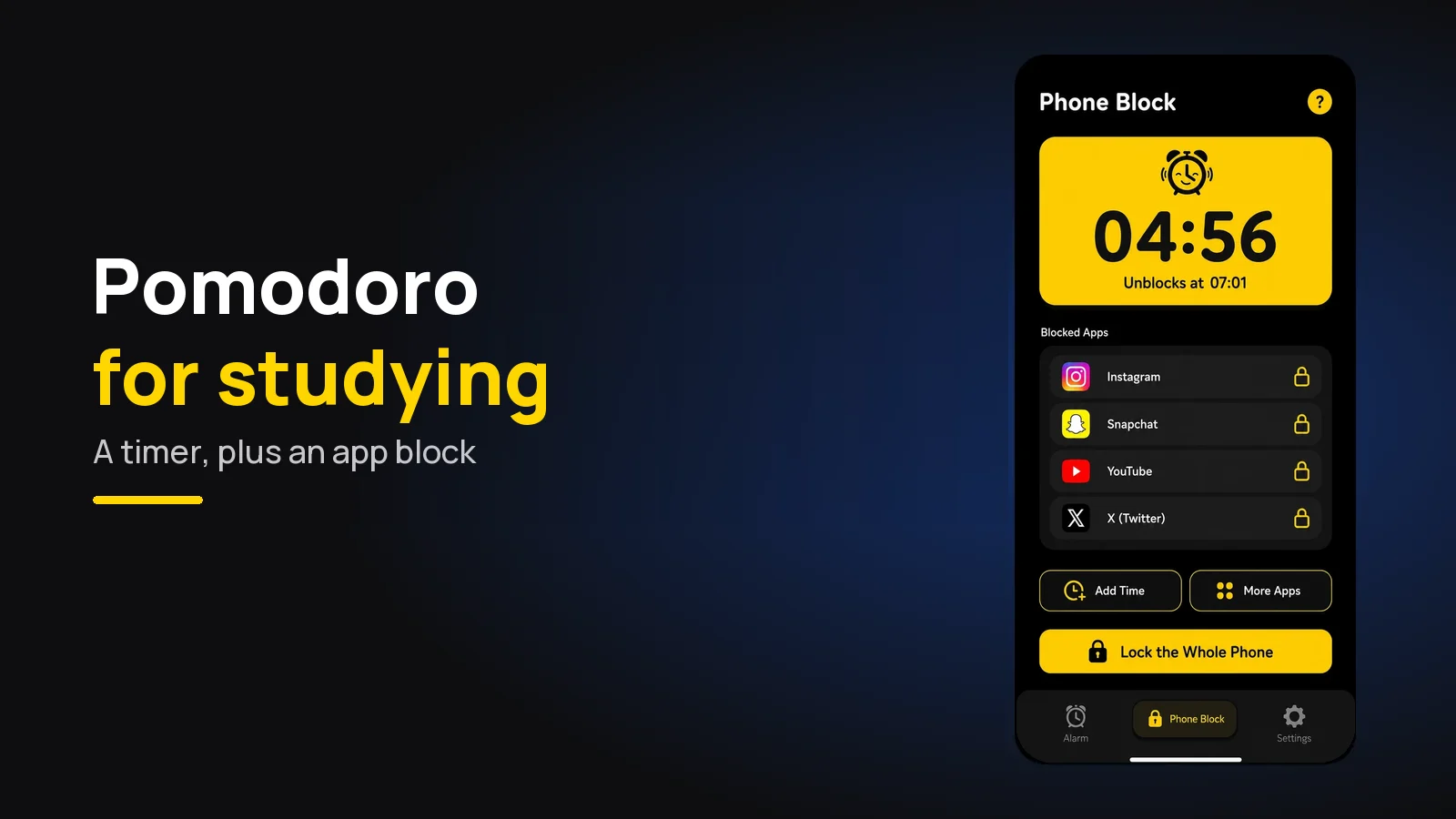
The Pomodoro technique for studying is simple: work on one thing for 25 minutes, take a 5-minute break, and after four rounds take a longer break of 15 to 30 minutes. It works best when the break is away from your phone.
That last part is where most attempts fail. The timer is easy; coming back after the break is not.
The short version:
- 25 minutes on, 5 off. After four rounds, a 15- to 30-minute break.
- Decide what the round is for before you press start.
- If 25 feels too short, try 50/10 - but only once 25 holds.
- The 5-minute break is not phone time. A feed has no natural end; a break should.
- Put the phone out of the study block, not just the study room.
How to do the Pomodoro technique properly
The method was developed by Francesco Cirillo, who named it after the tomato-shaped kitchen timer he used as a student. His own write-up of the technique is still the clearest description of it. The steps fit on a sticky note.
- Pick one task. "Chapter 4, questions 1 to 6" - not "biology".
- Set the timer for 25 minutes and work only on that until it rings.
- If a thought interrupts you, write it down and go back to the task. You deal with the list later.
- Take a 5-minute break when the timer rings, even mid-sentence.
- After four rounds, take a longer break of 15 to 30 minutes.
The rule people skip is number 4. Stopping when the timer rings feels wasteful when you are finally moving. But a break you take on schedule is one you control, and a break you take when you are fried tends to run long.
The other skipped rule is that a round is indivisible. If you get up to check something halfway through, the round does not count - you start a fresh 25. That sounds strict, and it is meant to be.
What the research actually says
There is less direct research on the Pomodoro technique than its popularity suggests, so it is worth being precise about what exists.
The most direct study is from 2023. Biwer and colleagues compared students who took fixed Pomodoro-style breaks with students who decided their own breaks. The fixed-break group reported less fatigue and kept their motivation higher over the session. It was a single study of university students working on their own material, so treat it as encouraging rather than settled.
The older idea underneath it is that attention slips when you hold it on one thing for too long. In a 2011 experiment, Ariga and Lleras found that brief, rare diversions from a task kept performance from declining over a long vigilance session, while people who never looked away got steadily worse. That is a lab task, not revision, but it is a reasonable case for planned breaks.
What the research does not say is that 25 minutes is a magic number. Cirillo chose it; nobody has shown it beats 30 or 40. The useful part seems to be a fixed work period followed by a break you did not have to argue yourself into.
Which Pomodoro length suits you
The 25/5 split is the classic, but it is not the only one people use.
| Split | One set | Suits | Watch out for |
|---|---|---|---|
| 25 on / 5 off | 4 rounds, then 15-30 min | Starting out, dull material, tired days, flashcards | Too short to get into hard proofs or essays |
| 50 on / 10 off | 2 rounds, then 20-30 min | Problem sets, essays, coding - anything with a slow warm-up | Easy to drift at minute 35 if you are not used to it |
| 90 on / 20 off | 1 round, then a proper break | Deep work you already sit through comfortably, past papers in exam conditions | Hard to hold without practice; the 90-minute idea is popular, not well proven |
A useful rule: move up only when the shorter one holds. If you cannot finish a 25-minute round without checking your phone, a 50-minute one will just give you more time to fail in.
Past papers are the exception. If the exam is two hours, practise for two hours, because that is the length you need to be able to sit.
Why the 5-minute break eats the hour
Here is how a Pomodoro session usually breaks. The timer rings, you pick up the phone "for the break", and the next time you look at the clock it has been twenty minutes. The timer has been sitting at 25:00 waiting for you the whole time.
The break did not fail because you are weak. It failed because a feed is built to have no stopping point, and a 5-minute break needs one. A glass of water ends on its own. Instagram does not.
The phone also costs you during the round, before you ever touch it. Switching away from a task leaves part of your attention on the thing you switched to - the effect Sophie Leroy called attention residue. A "quick look" in minute twelve takes more than the seconds it lasts. We went into this more in how to block apps while studying.
What helps:
- Breaks with an end. Stand, stretch, refill water, look outside, go to the bathroom. Something you finish.
- Phone in another room for the whole set, not just the round.
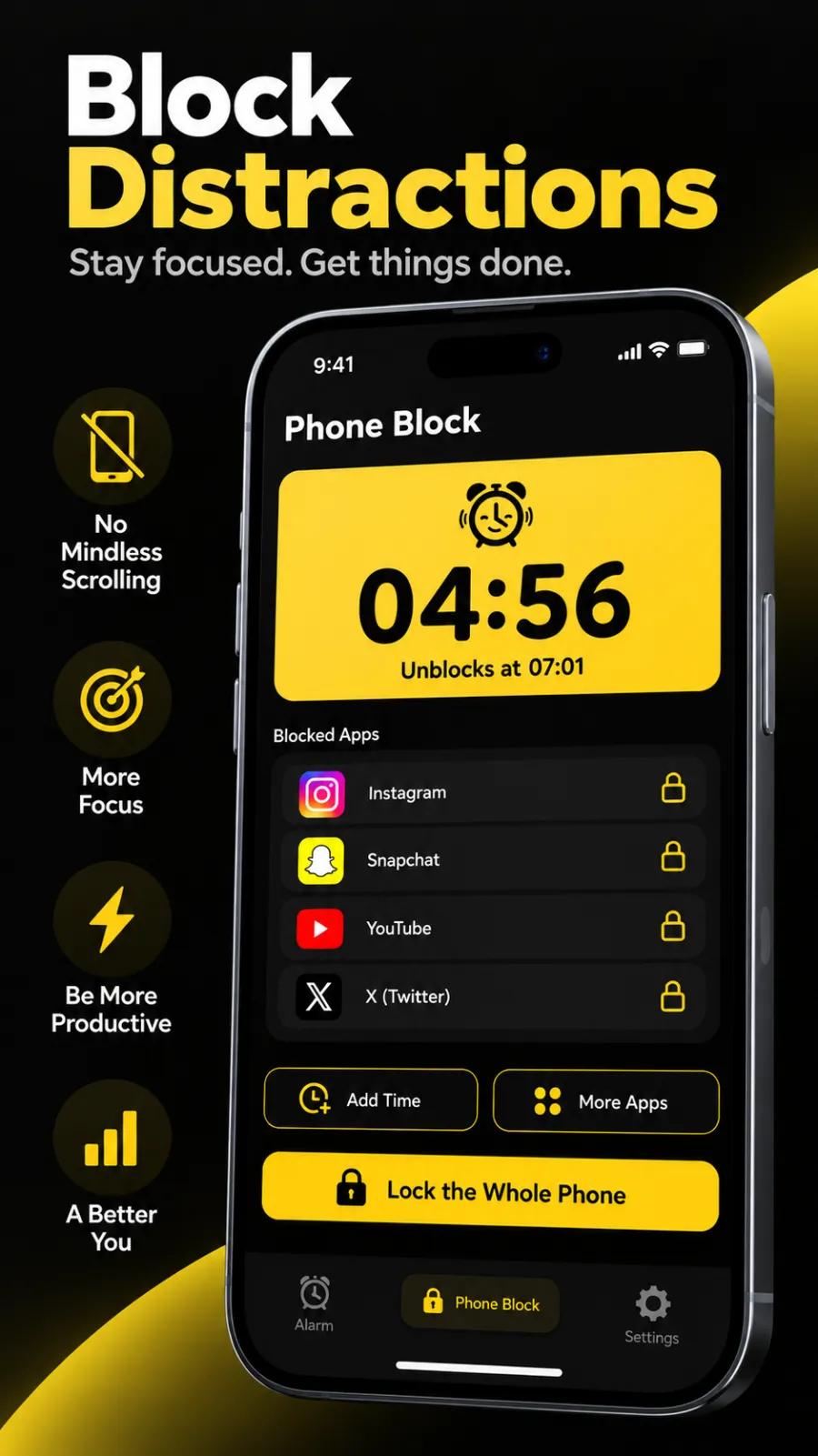
- Block the apps for the study block. If the phone has to stay - it is your timer, or your study group messages you - block the apps that pull, and leave the timer and messages alone.
The built-in options exist but are gentle. Focus modes and app limits can be switched off in a tap, which is why Screen Time limits often stop working after the first week.
Beyond Alarm
Beyond Alarm does this part for you: the alarm will not switch off until you have actually moved, and the apps you pick stay locked afterwards.





Pairing a Pomodoro timer with an app block
The setup that holds is a timer for the rhythm and a blocker for the temptation. One cannot cancel itself; the other can.
- Decide your split - say 25/5 for four rounds.
- Start an app block that covers the whole set, not a single round: for 25/5 that is about 2 hours, for 50/10 about 2 hours too.
- Run your Pomodoro timer as normal inside it.
- In the breaks, the blocked apps stay blocked. That is the point.
- Take the long break off the block, phone and all.
Blocking the whole set rather than each round matters. If the block ends at every break, the break becomes the moment you reopen the feed.
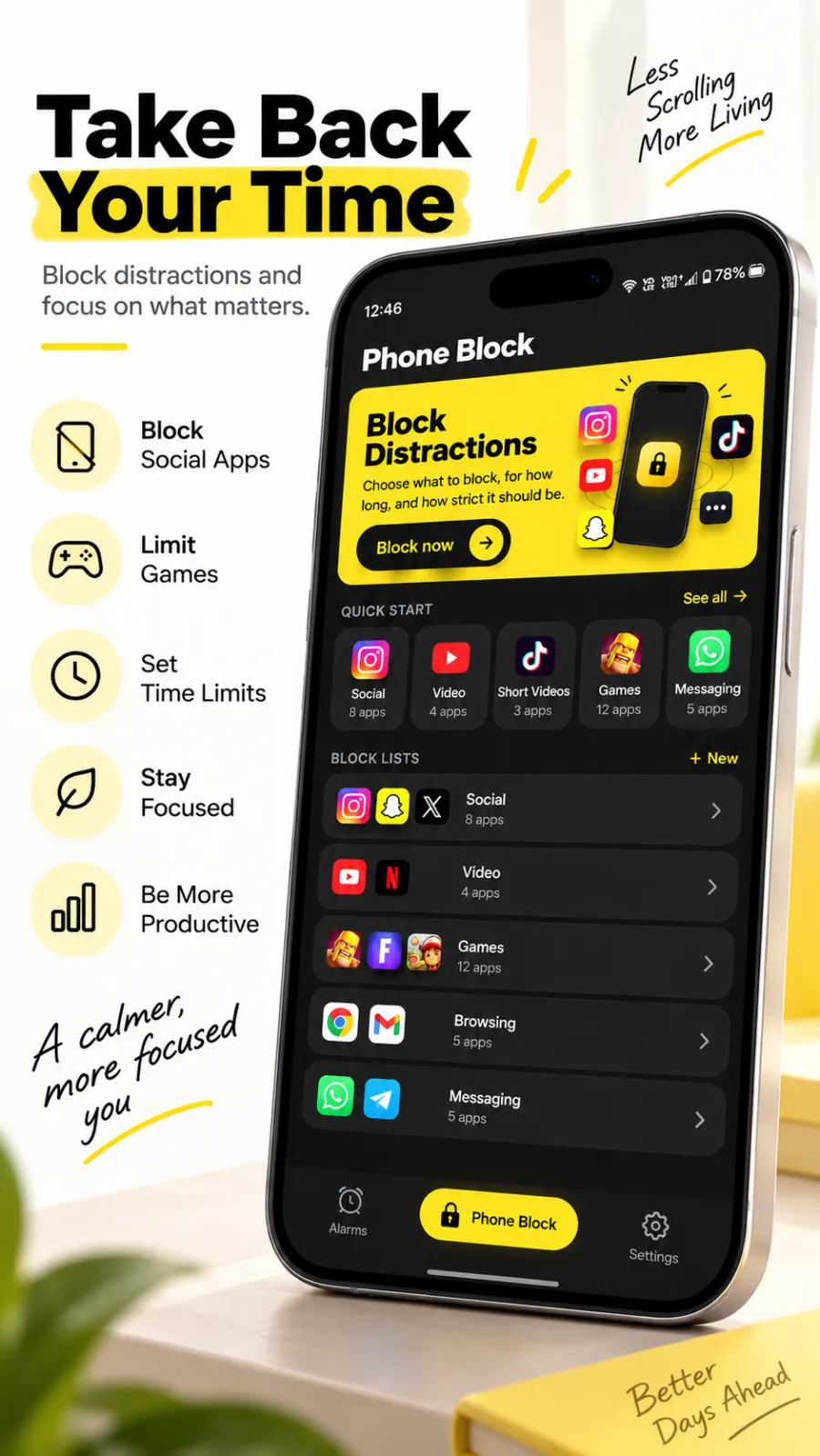
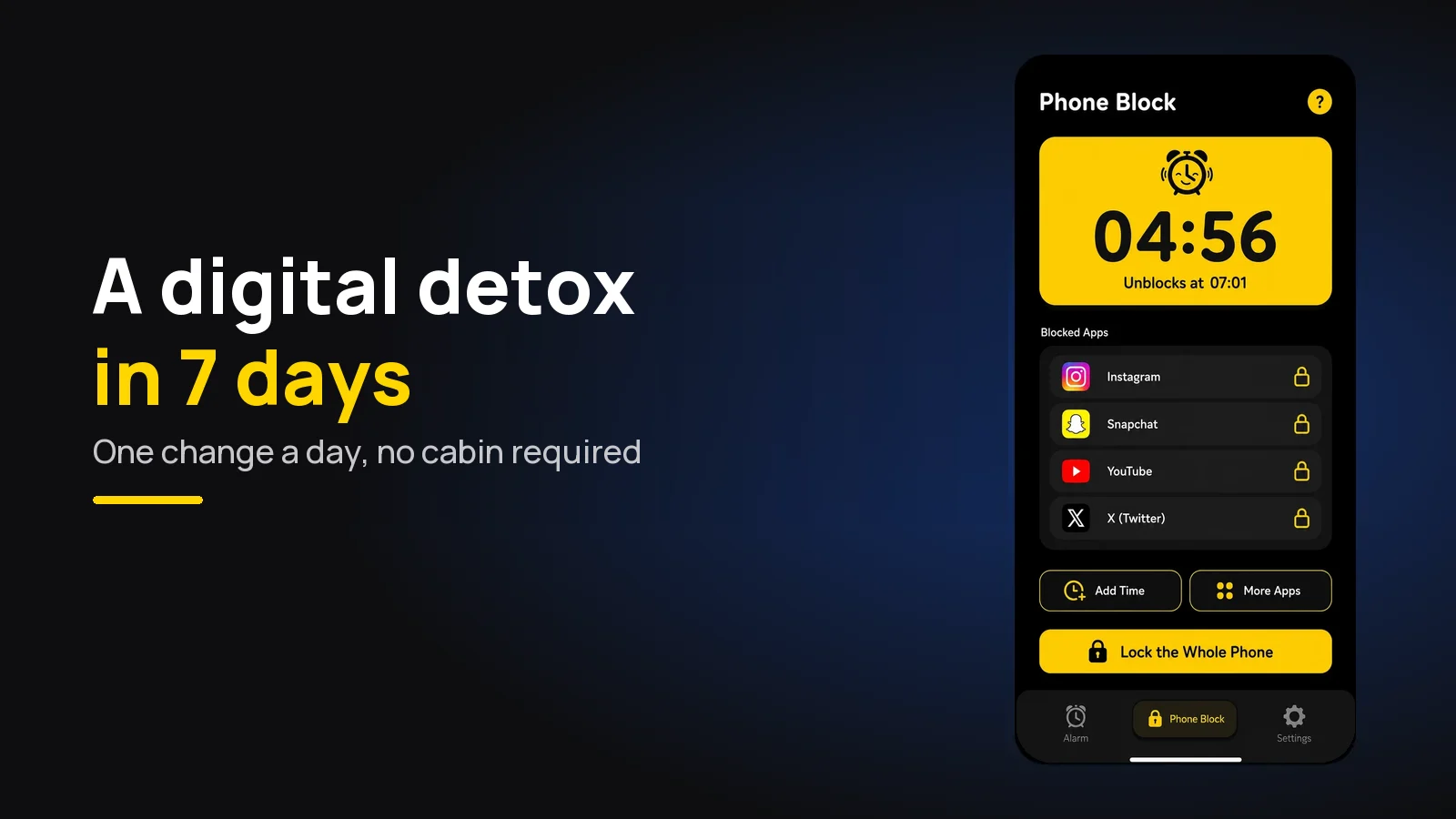
In our app this is Phone Block, and Beyond Alarm's version of it fits a Pomodoro set well. You start it by hand: the presets are 15, 30, 45, 60, 90 and 120 minutes, and Custom goes from 5 minutes to 8 hours, so 25 or 50 is a Custom entry. Strict lets you leave early after a short ad and a 5-second hold; Hard mode has no stop button until the timer ends, and asks for one short ad when you turn it on unless you have Pro. On Android it can block chosen apps or the whole phone (calls still work); on iPhone it uses Apple's Screen Time and blocks only the apps or categories you pick, and turning off its Screen Time access in Settings does end the block. Where we're weak for Pomodoro: there is no built-in work/break cycle and no recurring schedule, so you still need a separate timer and you start each block yourself.
Free ways to do this without any app
You do not need to install anything to use the method well.
- A kitchen timer. The original tool, and it keeps the phone out of the loop entirely.
- Your phone's clock app for the timer, with the phone face-down across the room.
- Android's Focus mode or iPhone's Focus for the study block. Gentle, but better than nothing for a first try.
- A study-with-me video on a laptop or TV, if you like company and someone else's timer. Keep it off the phone.
- Forest, a well-known focus timer that grows a virtual tree while you stay off your phone. Pricing differs between Android and iPhone at the time of writing - check the listing.
If you are struggling past the first couple of weeks, that is normal. New routines usually wobble before they settle - see how long it takes to break a phone habit for the same pattern in the mornings.
A sample afternoon
To make it concrete, here is a realistic 25/5 afternoon of revision.
| Time | What |
|---|---|
| 14:00 | Start a 2-hour app block. Round 1: notes on chapter 4 |
| 14:25 | Break - water, stand up |
| 14:30 | Round 2: chapter 4 questions |
| 14:55 | Break - stretch |
| 15:00 | Round 3: chapter 5 notes |
| 15:25 | Break - window |
| 15:30 | Round 4: check answers, write the list for next time |
| 15:55 | Long break, phone allowed, 30 minutes |
| 16:25 | Second set, if you have one in you |
Four rounds is 100 minutes of real work. If you finish that most days, you are doing better than most people who sit at a desk for four hours.
Common questions
How many Pomodoros should I do in a study session?
Four is one full set in the original method - four 25-minute blocks with short breaks, then a longer break of 15 to 30 minutes. Most students manage two or three sets in a day of serious revision. Count finished rounds, not hours sat at the desk.
Is 25 minutes too short for studying?
Not for starting, for dull material, or for a day you are tired. Once you can finish 25-minute rounds without checking anything, many people move to 50 minutes on and 10 off for problem sets and essays, where getting back into the work costs more.
What should I do in a Pomodoro break?
Something that is not a screen - stand up, refill your water, stretch, look out of a window. The break is for letting attention recover, and a feed does the opposite because it has no natural end.
Does the Pomodoro technique actually work?
There is not much direct research on it, but what there is points the same way. A 2023 study found that students given fixed Pomodoro-style breaks reported less fatigue and kept their motivation up better than students who chose their own breaks. The timer is not magic; planned breaks seem to be the useful part.
What is the best Pomodoro app?
Any timer that does 25 and 5 will run the method, including the clock app already on your phone. If the phone itself is what breaks your rounds, pair the timer with an app blocker for the study block rather than looking for a better timer.
We build Beyond Alarm, an Android alarm app that will not switch off until you have actually moved. Most of what we write here comes out of problems we hit building it.
Beyond Alarm
An alarm that keeps ringing until you’ve actually moved — then blocks the apps that pull you back to bed. Free to start, no account.
Keep reading
Study timer: 25, 50 or 90 minutes — which works best?
25, 30, 50, 60 or 90 minutes? How to choose a study timer length, what the research really shows, and when a stopwatch beats a countdown.
Digital detox: a 7-day plan that doesn't need a cabin
A 7-day digital detox you can do at home - one change a day, from notifications to an offline afternoon, then a plan for what comes back.