
How to block apps while studying on Android — and make the block actually hold
 Beyond Alarm25 September 2026 · 5 min read
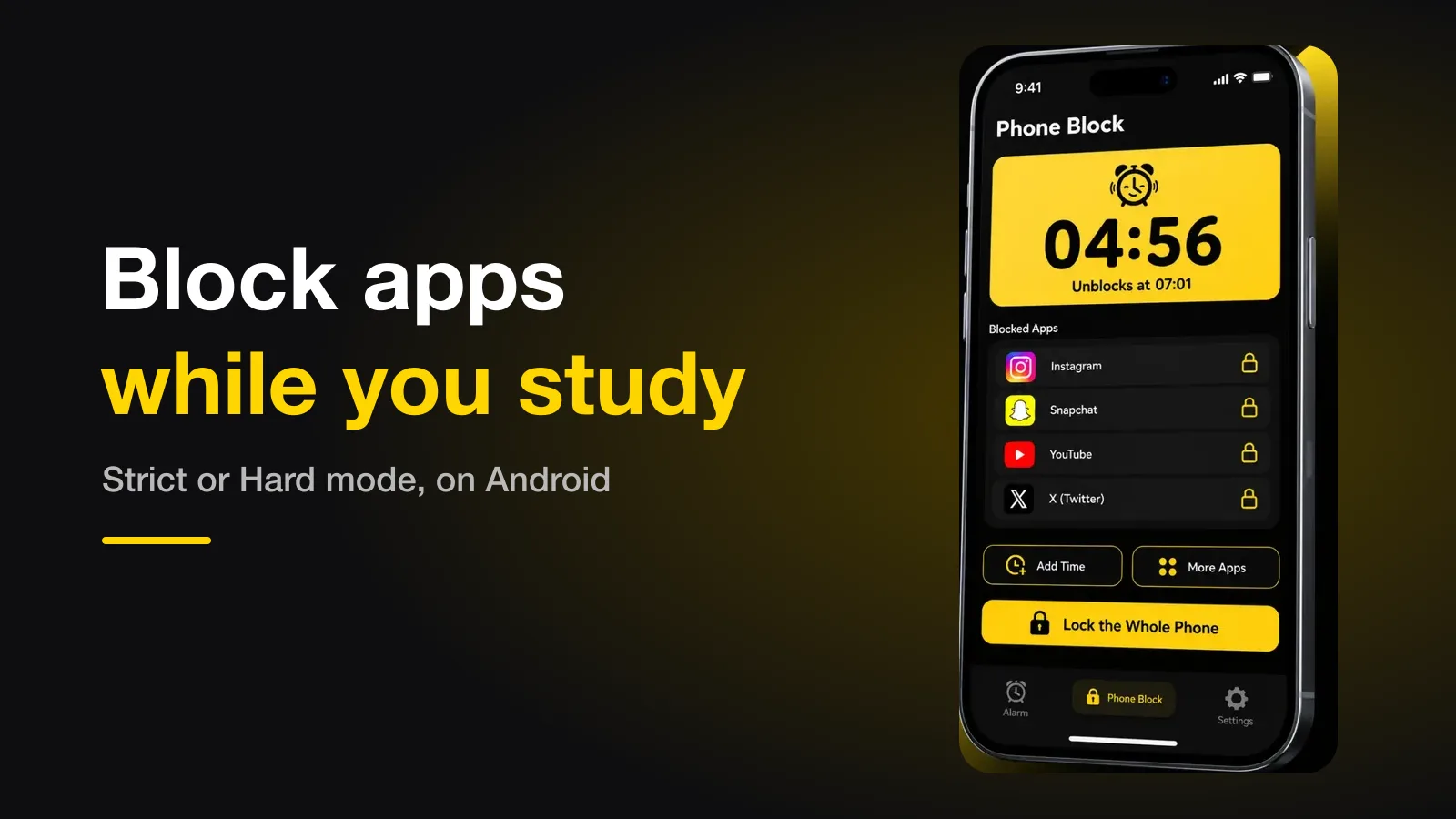
To block apps while studying on Android, use an app blocker that makes stopping early cost something, set it for one study session, and put only the apps that pull you away on the list. The block that works is the one you cannot cancel in two taps — which is exactly what the built-in tools let you do.
The short version:
- Block the apps, not the phone, unless the phone has no job in the session.
- Set one session at a time — 45 to 60 minutes — not the whole evening.
- Strict when you might genuinely need out; Hard mode when you have decided.
- Leave the phone out of reach as well. The block and the distance do different jobs.
Why "I'll just not check it" fails
The problem is not that you check your phone for a long time. It is that each check costs more than the check itself. When you switch away from a task and back, part of your attention stays on the thing you left — the effect Sophie Leroy named attention residue in 2009. Thirty seconds on Instagram in the middle of a proof is not thirty seconds lost.
Interruptions also change how you work afterwards. In Gloria Mark's study at UC Irvine, people who were interrupted finished tasks faster but reported more stress, frustration and time pressure than those who were not. The work still gets done, just more expensively.
And the phone does not have to light up to cost you. A 2017 study by Adrian Ward and colleagues found participants did better on attention tasks with their phone in another room than face-down on the desk. Later attempts to replicate that result have been mixed, so treat it as a reason to move the phone, not as a law.
The options, compared
Every option below stops you in the moment. What separates them is what happens at minute twenty, when you want out.
| Option | What stopping early takes | Good for |
|---|---|---|
| Just deciding not to check | Nothing | Nothing, honestly |
| Digital Wellbeing's Focus mode | One tap on "Take a break" or "Turn off now" | Reminding you, not holding you |
| App timers | Changing the limit in Settings | Capping a whole day, not one session |
| Phone in another room | Standing up and walking | Removing the cue entirely |
| A blocker in Strict | Watching a short ad, then holding a button for 5 seconds | Sessions where you might genuinely need out |
| A blocker in Hard mode | Nothing works until the timer ends | Sessions you have already committed to |
The built-in tools are well made. They are just built on the assumption that you will respect a gentle reminder, and the moment you most want to check is the moment that assumption is weakest — which is why Screen Time limits and Focus Mode stop working for a lot of people after the first week.
How to set up a study block
In Beyond Alarm this is Phone Block, and it does not need an alarm or a schedule — you start it when you sit down.
- Open Phone Block and tap Block now.
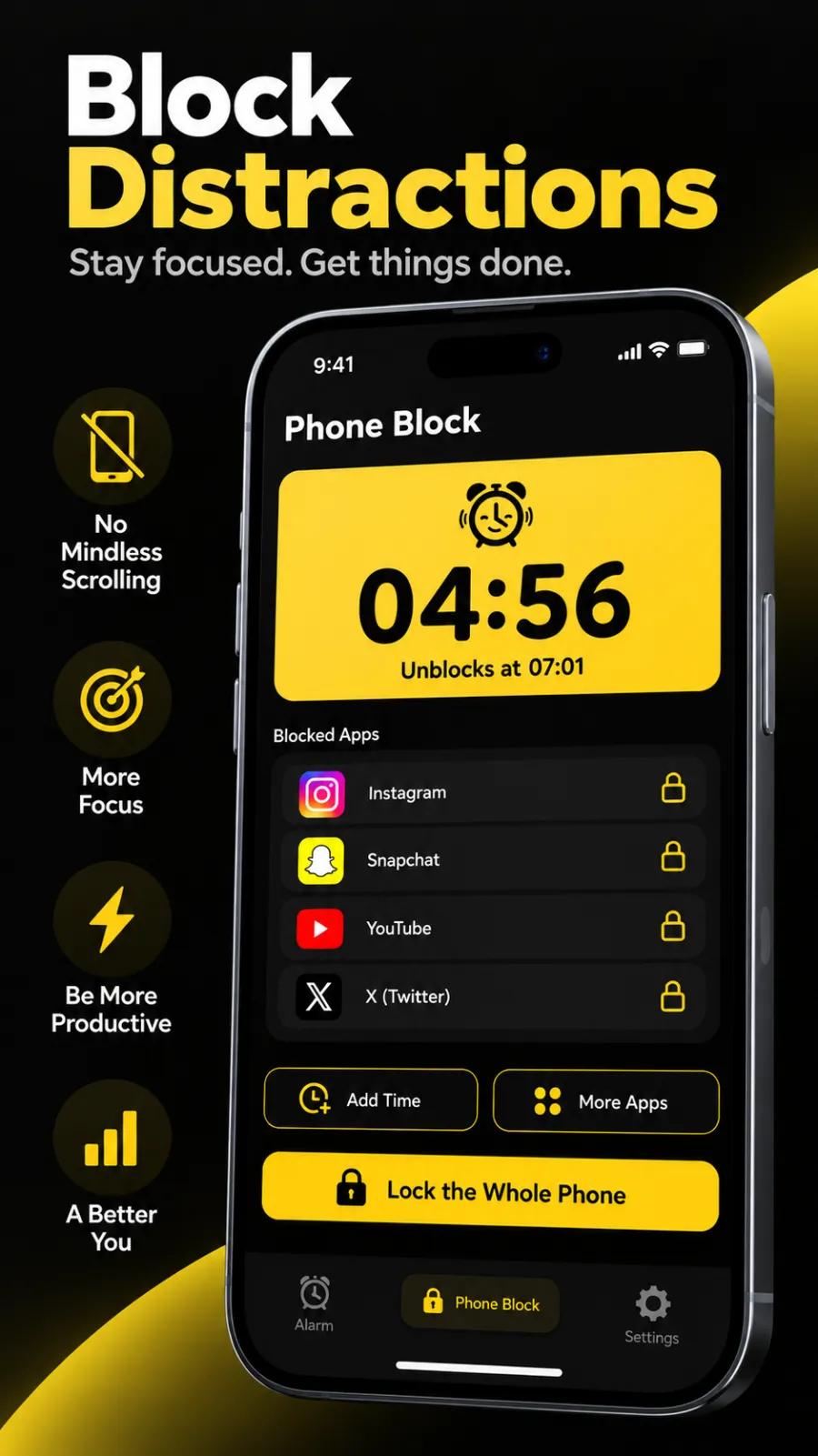
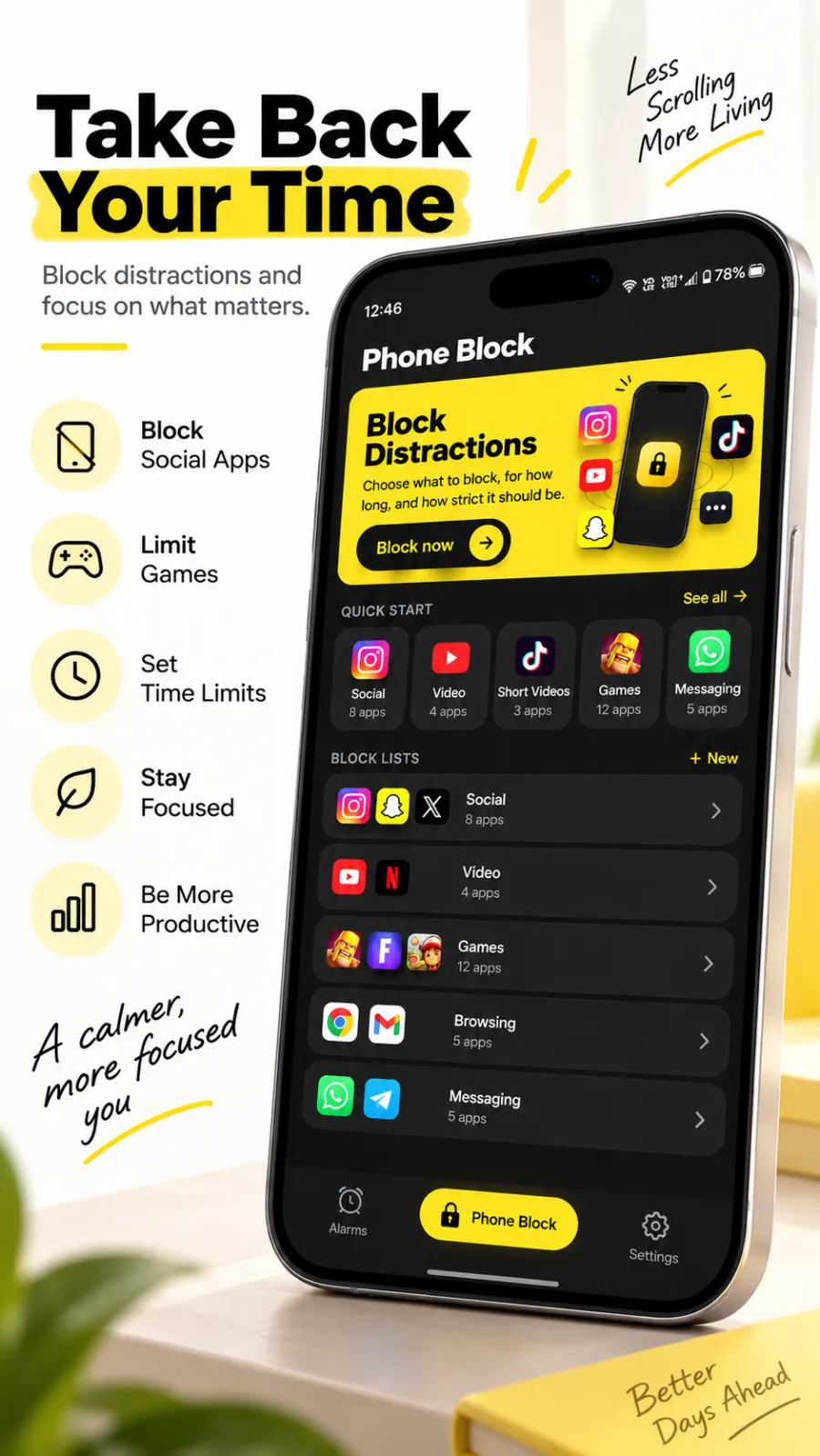
- Choose what goes away. Start from a ready-made list — social, video, games or shopping — or pick the apps yourself. Save the mix you use for studying as your own list, and next time it is two taps.
- Pick the length. The presets run 15, 30, 45, 60, 90 and 120 minutes, and Custom covers anything else.
- Choose Strict or Hard mode (below).
- Start it, and put the phone somewhere you cannot see it.
While it runs, the block screen shows a live countdown and the exact time it unblocks. If you realise the list was too short, you can add apps, add time, or lock the whole phone without starting over. None of those make the block weaker.
Beyond Alarm
Beyond Alarm does this part for you: the alarm will not switch off until you have actually moved, and the apps you pick stay locked afterwards.





Strict or Hard mode
This is the one decision that matters.
Strict has a way out, and it is deliberately slow. To leave early you watch a short ad and then hold a button for five seconds. Or, if you only need an app for a moment, you can unblock for a few minutes and the block picks itself back up afterwards. The friction is the point: by the time you have done it, you have had long enough to decide whether you really wanted to.
Hard mode has no stop button at all. The apps stay shut until the timer runs out, and there is nothing to bargain with. One reviewer on Google Play put it plainly on 16 September 2026: "Under hard lock I can never break the block or to like go and use the app." For revision before an exam, that is the feature.
| Strict | Hard mode | |
|---|---|---|
| Can you stop early? | Yes — a short ad, then a 5-second hold | No |
| Can you step out briefly? | Yes, for a few minutes, then it resumes | No |
| Can you add time or apps? | Yes | Yes |
| Best for | Everyday study, open-ended work | Exam revision, deadlines |
A useful rule: pick Hard mode only for a length you are sure you can finish. A 45-minute Hard block you complete does more for the habit than a three-hour one you spend resenting.
Both modes are included in Beyond Alarm's current free offering — Hard mode is not behind a subscription, which several people have told us is why they switched from other blockers. Phone Block is on Android; the whole-phone lock is Android-only.
Which apps to put on the list
Block the apps that pull, not the ones that help.
- Block: short video, social feeds, games, and anything you open "just to check".
- Usually keep: the timer, calculator, dictionary, your notes app, and messaging if your study group lives there.
- Watch for the substitute. When Instagram is blocked, some people drift to YouTube or the browser instead. If you catch yourself doing that, add it mid-session with More apps — the running block takes it on immediately.
If the same hours come round every day — a fixed evening revision slot, say — you do not have to start it by hand each time. Scheduled blocks run on the clock by themselves.
If a block ever stops working
A blocker that held for weeks and then lets everything through right after a phone update has almost always had a setting reset underneath it, not a bug. Here is how to find which one — it is a two-minute check, and worth doing before an exam week rather than during one.
Common questions
How long should a study block be?
Match it to one real work session, not to the whole evening. Forty-five to sixty minutes is a common length that most people can sit through without bargaining. Start the next block after a proper break rather than setting one four-hour block you will spend the whole time resenting.
Should I block the whole phone or just certain apps?
Just the apps that pull you away, if you use the phone for anything the study actually needs — a timer, a dictionary, a calculator, messages from a study group. Lock the whole phone only when the phone has no job in the session at all.
Is Hard mode too extreme for studying?
Not if the block length is honest. Hard mode means there is no stop button until the timer ends, so it suits sessions you have genuinely committed to, like revision before an exam. If you are unsure you can last the length you picked, use Strict and a shorter block instead.
Can I still take calls during a block?
Yes. Blocking stops the apps you chose from opening; it does not stop the phone from ringing. On a whole-phone block there is a call button on the block screen so you can still reach the dialer.
We build Beyond Alarm, an Android alarm app that will not switch off until you have actually moved. Most of what we write here comes out of problems we hit building it.
Beyond Alarm
An alarm that keeps ringing until you’ve actually moved — then blocks the apps that pull you back to bed. Free to start, no account.
Keep reading
What Beyond Alarm actually does
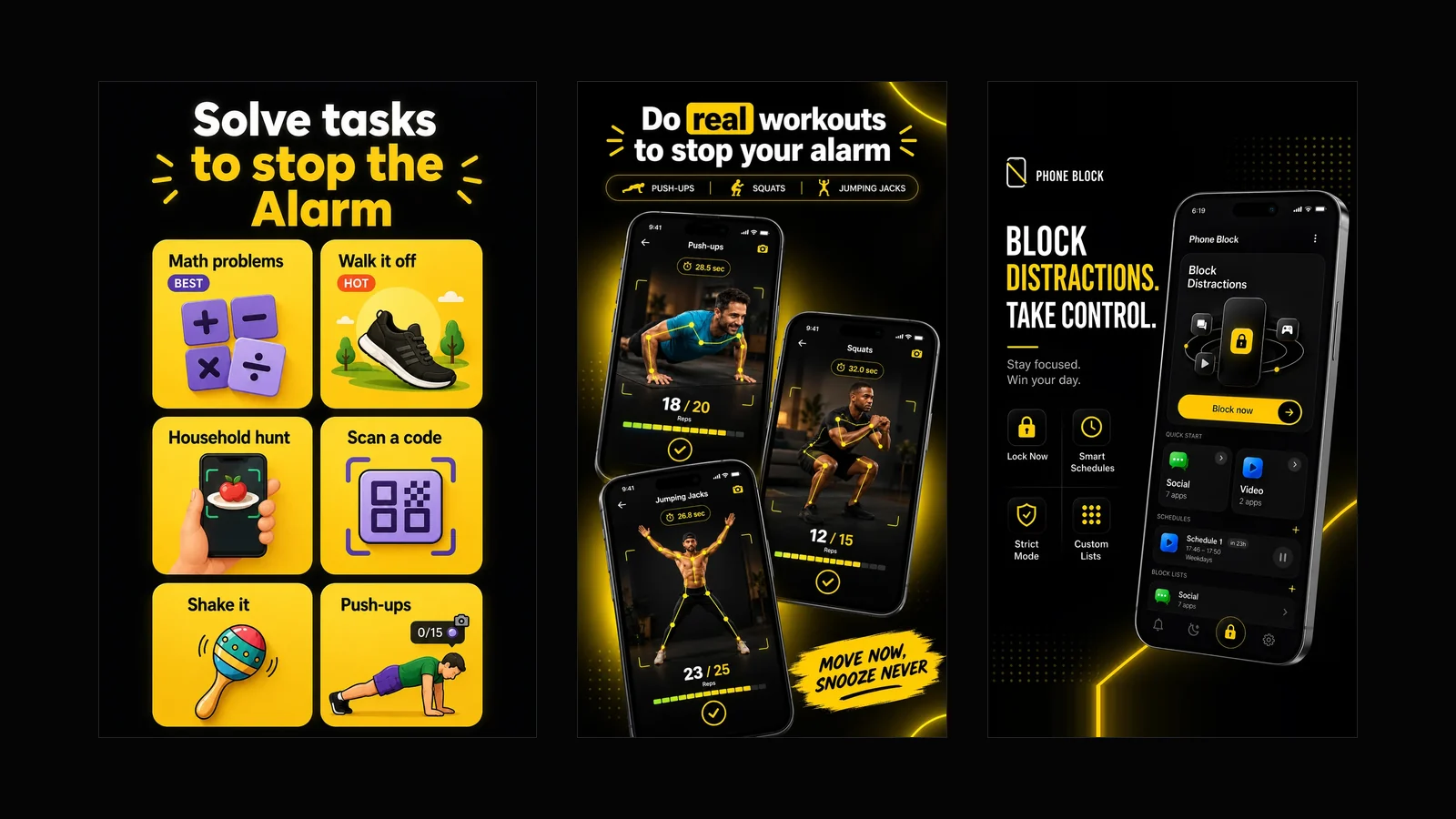
Every part of the app in one page — solve tasks to stop the alarm, kill the night and morning doomscroll, schedule your blocks, lock the phone on a timer. All of it free, and what it deliberately does not do.
Turning your phone off to stop the alarm? How to close that loophole on Android
If you power your phone off, uninstall the app or hit Home to escape a mission alarm, here is what Android 12 changed, what an app can still stop, and the one escape nothing can block.