
Alarm apps with missions: which mission gets you up
 Beyond Alarm11 September 2026 · Updated 21 October 2026 · 5 min read

Photo by Ketut Subiyanto on Pexels
A mission-based alarm replaces the dismiss button with a task. The task has to take enough conscious effort that a half-asleep reflex can't finish it — and for heavy sleepers, it should be one you can't do lying down.
The short version:
- A mission works because a tap is a reflex and a task isn't.
- Maths, typing, memory and shaking can all be done from bed.
- Photos, code scans, steps and counted exercise make you stand up.
- One hard mission beats three easy ones stacked together.
- Test any mission awake, in daylight, before trusting it at 6am.

Why the mechanism works
A dismiss button is a single motor action a half-asleep brain can execute on reflex, with no memory of it happening.
A mission requires active cognition — reading a maths problem, aiming a camera, counting a rep — that reflex alone can't finish. The alarm stopping becomes a side effect of being conscious enough to do the task, rather than the thing that makes you conscious.
The mission types, and what each one actually tests
| Mission type | Tests | Can be beaten from bed? |
|---|---|---|
| Maths | Basic cognition | Yes |
| Typed phrase | Cognition, attention | Yes |
| Memory grid | Short-term memory, attention | Yes |
| Shake | Motor effort | Yes — a shaken arm, not a standing body |
| Barcode/QR scan (placed elsewhere) | Requires walking to a location | No |
| Photo of a specific other room | Requires walking to a location | No |
| Find a named household item | Requires walking and looking | No |
| Camera-counted exercise (push-ups, squats, jumping jacks) | Requires sustained physical motion | Mostly no — though not entirely; see the honest limit |
| Step count | Requires walking | No, though it can be slow to satisfy |
The pattern: anything solvable with hands and a brain works from bed. Anything requiring the body to relocate or sustain motion doesn't.
If the actual problem is "I turn off the alarm and go straight back to sleep," the mission needs to come from the second half of that table. We ranked every mission by how hard it is to fake if you want the detail behind each row.
Which apps offer which
Alarmy — the category's most established app, 50M+ downloads. Maths, memory, shake, photo, and barcode/QR among its missions; some sit behind Alarmy Plus.
Beyond Alarm — adds camera-counted push-ups, squats and jumping jacks, alongside maths, typed phrase, memory, shake, steps, barcode/QR, a household item hunt and a photo mission. Up to five can be chained per alarm. It is on Android and, since 21 October 2026, on the App Store for iPhone. Full comparison against Alarmy here.
I Can't Wake Up! — a genuinely good mission set and 5M+ downloads, but last updated in July 2023 when we checked. Years without an update is a real risk for an app this dependent on how the OS handles background alarms.
The pitch, clearly labelled: Beyond Alarm's mission set leans toward the "can't be beaten from bed" half of the table above — the three camera-counted exercise missions specifically. In our app all eleven missions are currently free, supported by ads; adding a third or later mission to one alarm asks you to watch a short ad first.

Beyond Alarm
Beyond Alarm does this part for you: the alarm will not switch off until you have actually moved, and the apps you pick stay locked afterwards.





How mission alarms behave on iPhone
On Android, an alarm app can take over the screen and decide what stops it. On iPhone, alarms from third-party apps run through Apple's AlarmKit, and the lock screen always shows Apple's own "slide to stop". No app can remove it.
That matters for missions. If sliding to stop ends the alarm, the mission is optional. Ask any iPhone mission app what that slide actually does.
We found this out building the iPhone version. In Beyond Alarm's iPhone app, the slide opens the app on the mission instead of ending the alarm, and arms a re-ring a couple of minutes out. Only finishing the mission cancels that re-ring, so closing the app doesn't quietly end the alarm.
How many missions is too many
Chaining missions sounds like it should scale: twice the missions, twice the certainty of being awake. In practice it has a ceiling.
Beyond one or two, the extra mission stops testing wakefulness and starts testing patience. A mission that reads as punishment is the kind of thing that gets an app uninstalled within a week.
One well-chosen hard mission — something that requires leaving the room — beats three easy ones stacked together. The stack doesn't make any single mission harder to fake; it just makes the routine longer.
What else to check besides the mission
Snooze limits. Unlimited snoozing moves the same problem nine minutes later. Look for a cap on how many snoozes an alarm allows.
What happens if you close the app or power off. Some people defeat a mission by force-stopping the app or turning the phone off. Our guide to that habit covers what helps and what can't be prevented.
A check after the mission. Finishing a mission proves you were awake for a minute, not that you stayed up. Some apps re-alert a few minutes later and ask you to confirm; in Beyond Alarm that wake-up check is Android-only for now.
Reliability. No mission matters if the alarm doesn't ring. On Android, battery and autostart settings are the usual cause; here's where to look by brand.
Picking the right one for your actual problem
If the issue is oversleeping through snoozes, a calmer mission (maths, a typed phrase) with a hard snooze limit can be enough. You don't need a mission that forces you out of bed if getting up was never the problem.
If the issue is dismissing on reflex without waking at all, pick from the bottom half of the table: something that requires leaving the room.
Test whichever one you pick awake, in daylight, not at 6am deciding for the first time whether it feels hard enough. A camera mission that counts motion from a moving hand instead of a moving body isn't testing what you think it is.
Sources
Download counts, ratings and update dates checked against each app's Google Play listing on 31 August 2026.
Common questions
What is a mission-based alarm app?
An app that replaces the dismiss button with a task — maths, a photo, a barcode scan, counted exercise — so silencing the alarm requires enough conscious effort that a half-asleep reflex tap can't do it.
Do mission-based alarms actually work better than a normal alarm?
For people who dismiss a normal alarm on reflex without waking up, yes — the mission is the mechanism that forces a second, conscious action rather than a single tap. For someone whose problem is genuinely not hearing the alarm at all, volume and escalation matter more than the mission type.
Which mission is hardest to fake?
Anything that requires leaving the bed and can't be completed by hand movement alone — camera-counted exercise, a photo of a specific other room, a barcode/QR scan stuck somewhere else in the house. Maths, typed phrases, memory games and shaking can all be done without standing up.
Which alarm apps have missions?
Alarmy is the most established. Beyond Alarm adds camera-counted exercise missions and runs on Android and iPhone. I Can't Wake Up! has a good set but hadn't been updated since 2023 when we checked, which is worth weighing for an app this dependent on OS-level alarm behaviour.
Do mission alarms work on iPhone?
Yes, with a catch. On iOS the system always shows its own Stop control on an alarm, and no app can remove it. A mission alarm on iPhone has to handle that slide somehow, so check what yours does before trusting it.
We build Beyond Alarm, an Android alarm app that will not switch off until you have actually moved. Most of what we write here comes out of problems we hit building it.
Beyond Alarm
An alarm that keeps ringing until you’ve actually moved — then blocks the apps that pull you back to bed. Free to start, no account.
Keep reading
Photo alarm: take a picture to turn off your alarm
A photo alarm only stops when you photograph a spot you chose the night before. How the match works, which spots work best, and what to avoid.
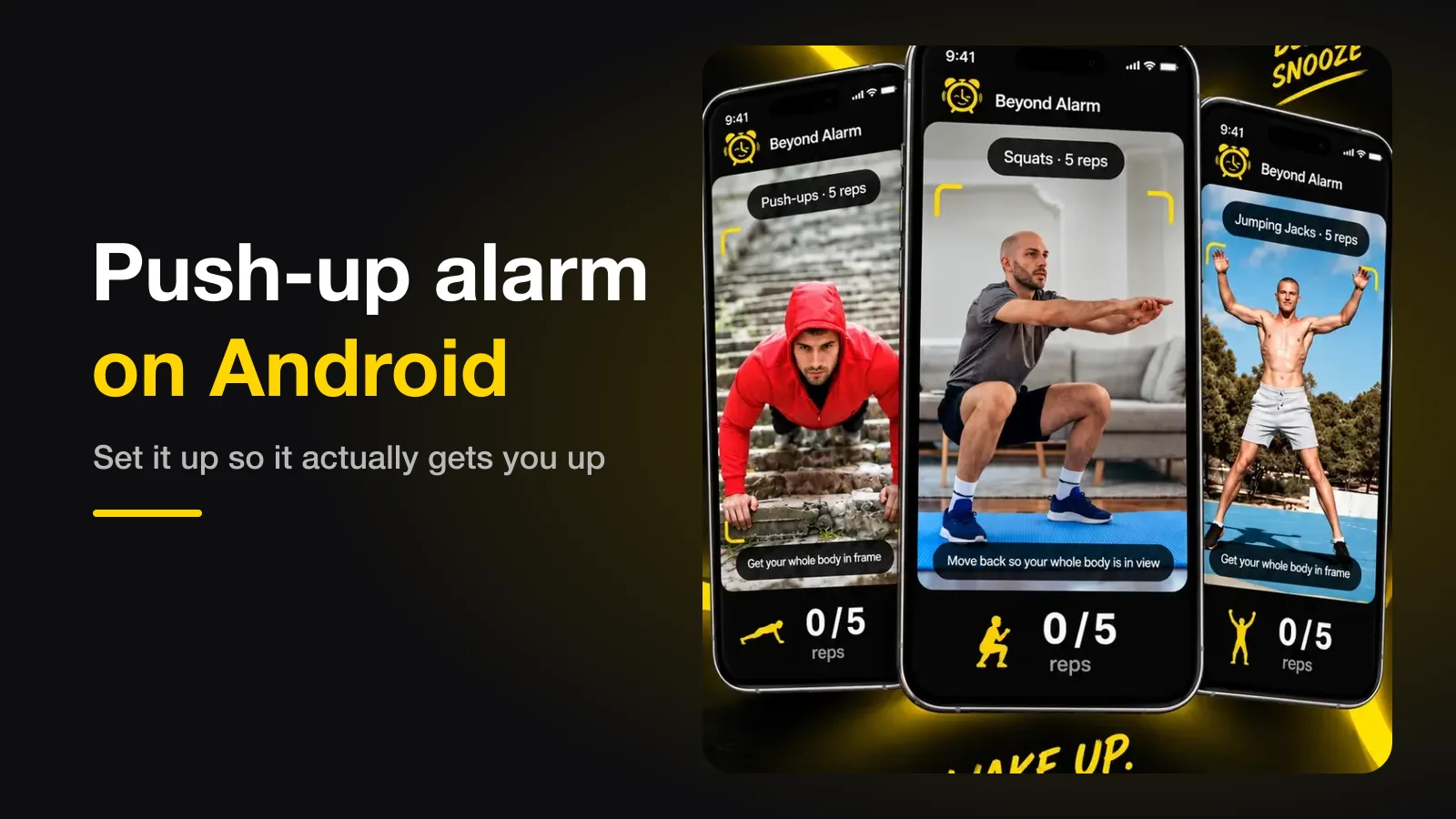
Push-up alarm on Android — set it up so it gets you up
A push-up alarm stops only when the camera counts your reps. Where to put the phone, how many reps to set, and the setting that quietly breaks it.