
Turning your phone off to stop the alarm? How to close that loophole on Android
 Beyond Alarm25 September 2026 · 4 min read
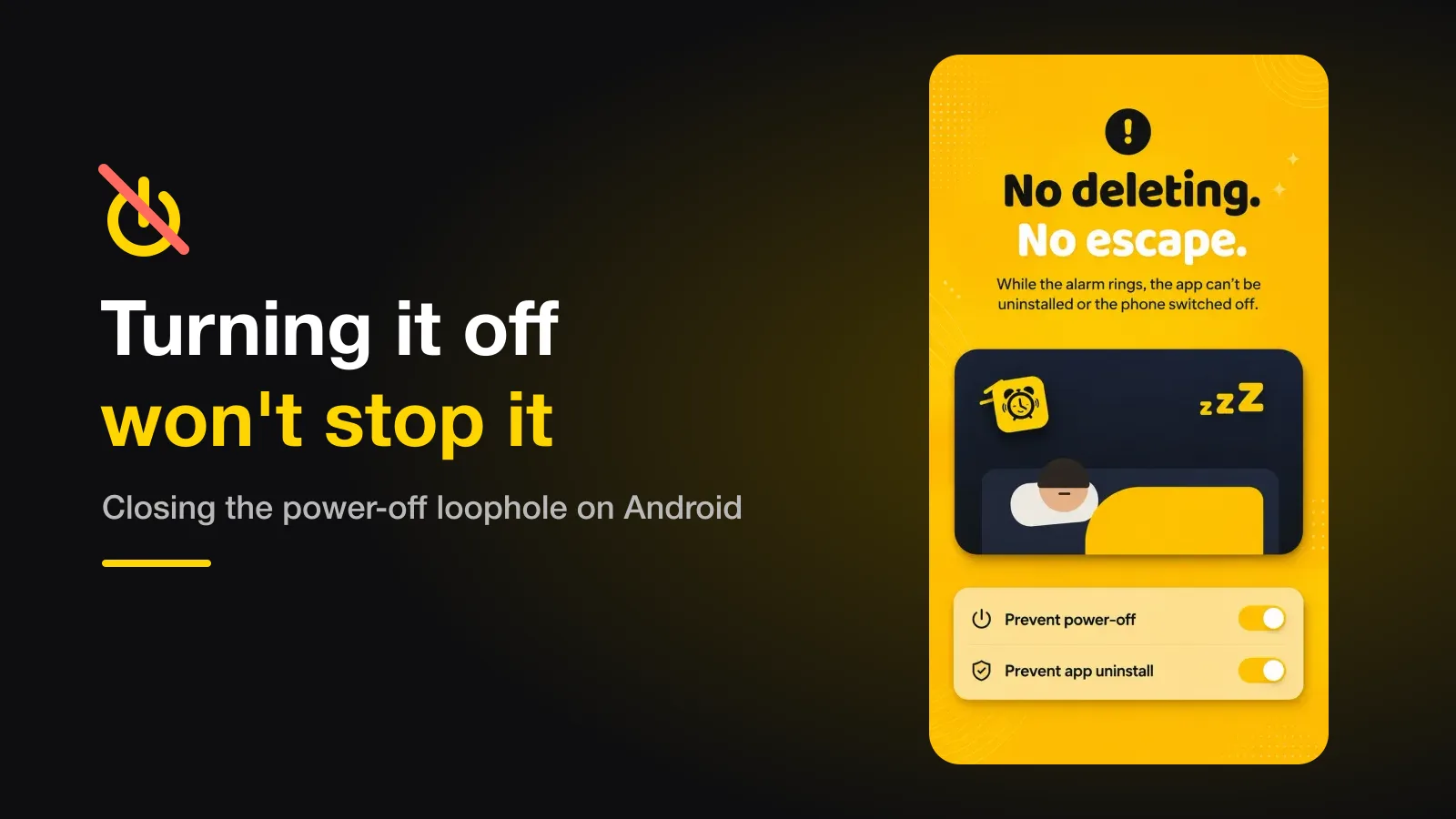
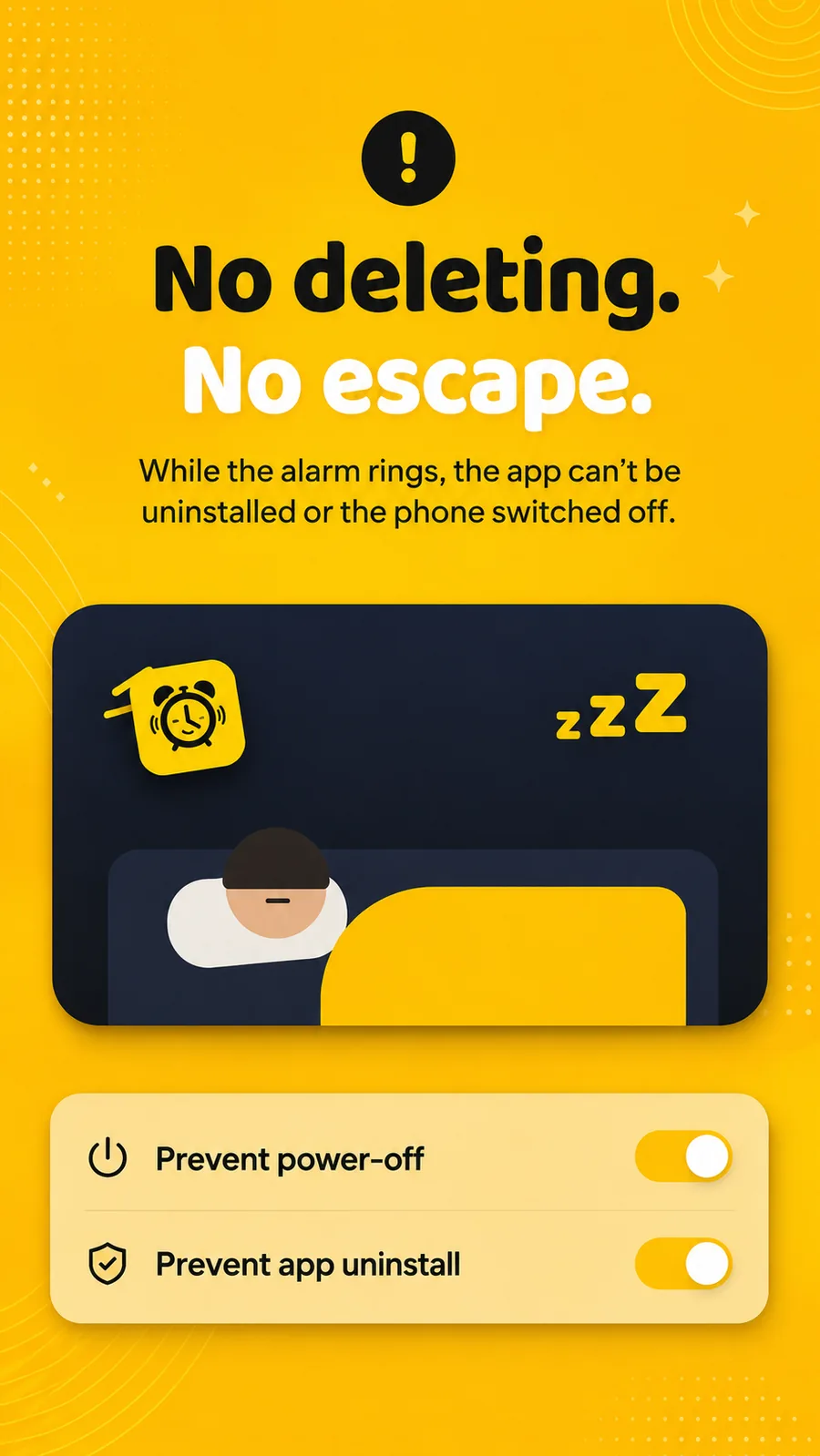
If you turn your phone off to silence a mission alarm, the fix on Android is an alarm that closes the power menu while it rings and starts ringing again if the phone restarts. Since Android 12, only an app with the accessibility service switched on can do the first part.
The short version:
- The on-screen power menu can be closed by an alarm app — but only through Android's accessibility service since Android 12.
- A forced restart from a long hardware press can't be blocked by any app. The fix is an alarm that resumes the moment the phone boots.
- Uninstalling mid-ring can be slowed down with device administrator access, which adds a deactivation step first.
- Home, the notification shade and the volume keys are easier: the alarm just takes the screen back.
Why this is the escape everyone finds
A mission alarm works because stopping it takes effort you can't fake from bed. That makes your half-asleep brain look for the cheapest way out that isn't the mission, and the power button is right there. It is the same failure as turning off an alarm in your sleep, just with one more step.
If this is you, the mission was never the problem. The loophole is.
What Android 12 changed
Older alarm apps closed the power menu by sending a system broadcast that told
Android to dismiss its dialogs. Android 12 took that away. In Google's own
words, "Apps can't close system dialogs":
the ACTION_CLOSE_SYSTEM_DIALOGS action is deprecated, and an app targeting
Android 12 or later that tries it gets a SecurityException.
That is why the feature quietly disappeared from some apps. Alarmy's own help centre has a page titled "Prevent phone turn-off feature is gone since Android 12".
What Android 12 left open is the accessibility service. An app with it switched on can still perform system actions like Back and Home, which close the power menu. It is a sensitive permission, which is why a well-behaved app asks for it with a full explanation first.
Every escape, and what can actually stop it
| Escape route | Can an app stop it? | What Beyond Alarm does |
|---|---|---|
| Power menu → Power off / Restart | Yes, with accessibility on | Closes the menu and brings the alarm back before you can tap anything |
| Long hardware press (forced restart) | No | Starts ringing again as soon as the phone boots, even before you unlock it |
| Uninstalling the app | Partly | Optional device administrator access adds a deactivation step first |
| Home button or a notification | Yes | Sends you straight back to the alarm |
| Volume down / silent mode | Yes | Rings on Android's alarm channel, which silent mode doesn't mute |
The one honest gap is the forced restart. Holding the power button (or power plus volume, depending on the phone) until it reboots happens below the level any app runs at. No alarm app can block it, and one that claims to is overstating things.
What an app can do is make it pointless. If the ring was interrupted, it comes back on boot. One of our Play reviewers noticed exactly that: "The alarm works even if you restarted your phone and didn't unlock it."
Beyond Alarm
Beyond Alarm does this part for you: the alarm will not switch off until you have actually moved, and the apps you pick stay locked afterwards.





How we close the power menu
This is the part only we can show you, because it's our code.
While an alarm rings, Beyond Alarm's accessibility service looks for a power menu two ways. It checks the window's system class name, and it checks the words on screen — "Power off", "Restart", "Shut down". The second check exists because some manufacturers' menus don't match any known class name; vivo's was the one that slipped through before we added it.
When it finds one, it sends Back, then Home, then brings the alarm back to the front. It repeats that at 120 and 350 milliseconds, because some phones re-show the menu a beat after it is dismissed. It also sweeps for a menu every 220 milliseconds on its own, so a second press straight after the first is caught too.
None of this runs outside a ringing alarm or a block you started. The rest of the time your power menu works normally. Beyond Alarm is Android-only, and these protections need its accessibility service switched on — see why a blocker can stop working after an update if it ever seems to have switched itself off.
Set it up in two minutes
- Install an alarm with missions — the loophole only matters once the alarm is hard to dismiss any other way.
- Switch on its accessibility service when asked, and read what it says it does with it. In Beyond Alarm that is Settings → The guard.
- Turn on Prevent app uninstall in the same place.
- Test it once while you're awake: set an alarm two minutes ahead, let it ring, and press the power button. The menu should vanish before you can tap it.
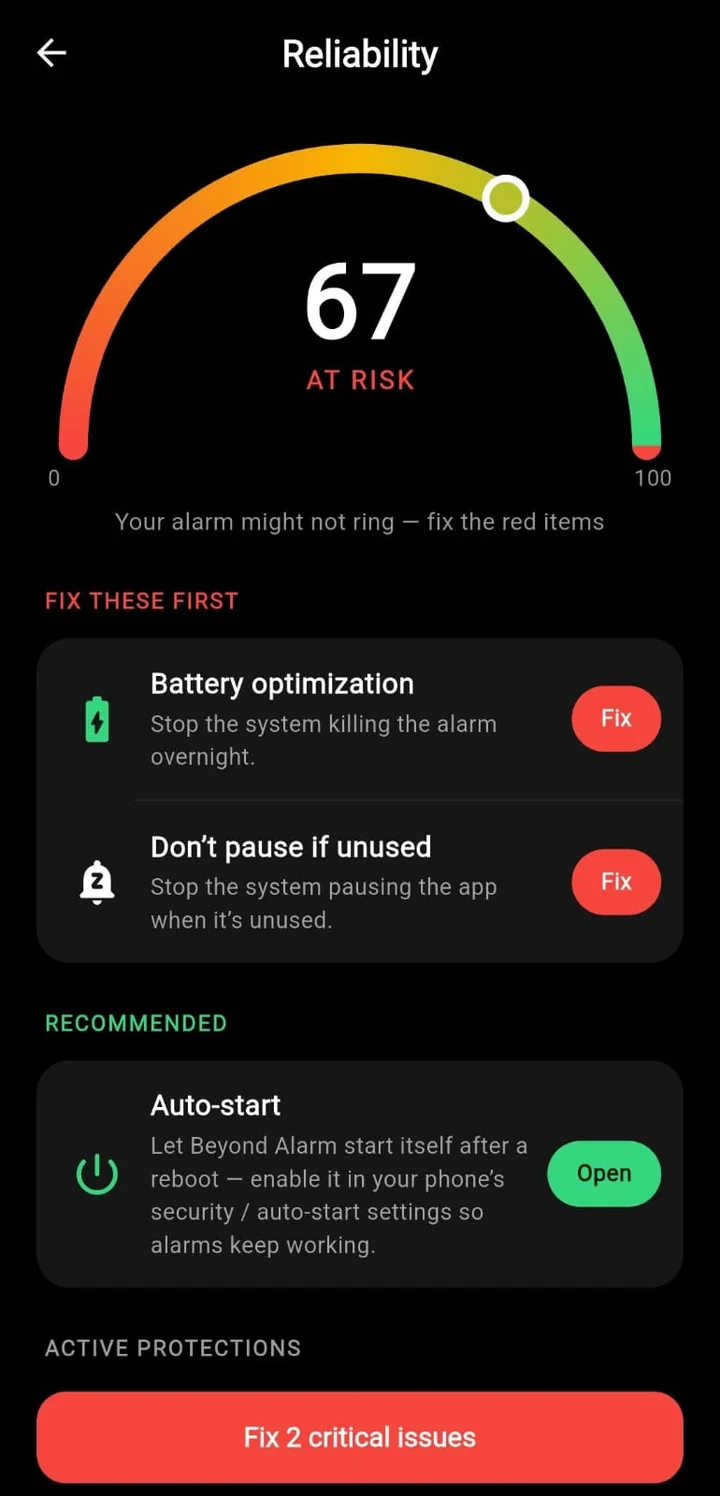
- Check your phone's battery settings too, so the alarm isn't killed in the night — the manufacturer-specific fixes are here.
If you're coming from Alarmy specifically, we've written up the Android reliability details that differ between the two.
Common questions
Can any app stop me holding the power button to force a restart?
No. A forced restart from a long hardware press happens below the level any app runs at, so nothing installed on the phone can block it. What an app can do is start ringing again as soon as the phone boots, which takes most of the point out of doing it.
Why did "prevent power-off" stop working in my alarm app after an update?
Most likely Android 12. It stopped ordinary apps from closing system dialogs such as the power menu, and apps that relied on that simply lost the feature. Closing the menu now needs the accessibility service, which Android still allows.
Will the alarm ring if I turn the phone off before it goes off?
No alarm app can ring on a phone that is switched off. Some phones' built-in clock apps can power on for an alarm, but a third-party app cannot. The protection described here is for the moment the alarm is already ringing.
Is it safe to give an alarm app accessibility access?
It is a sensitive permission, so check what the app says it does with it. Beyond Alarm uses it only to see which app is on screen and to close the power menu while an alarm rings or a block runs, and it reads nothing you type and sends nothing off the phone.
We build Beyond Alarm, an Android alarm app that will not switch off until you have actually moved. Most of what we write here comes out of problems we hit building it.
Beyond Alarm
An alarm that keeps ringing until you’ve actually moved — then blocks the apps that pull you back to bed. Free to start, no account.
Keep reading
Why your app blocker stops working after a phone update
An app blocker that worked for weeks and then let everything through right after an update isn't broken code. It's one of three settings resetting, and each one has a different fix.

Why your alarm is too quiet on Android, even at full volume
Your alarm rang and it wasn't loud enough to wake you. Two volumes are multiplied together before you hear anything, and neither of them behaves the way the slider implies. Here is what each one does.