
Why your alarm didn't go off with Do Not Disturb on
 Beyond Alarm26 August 2026 · 5 min read
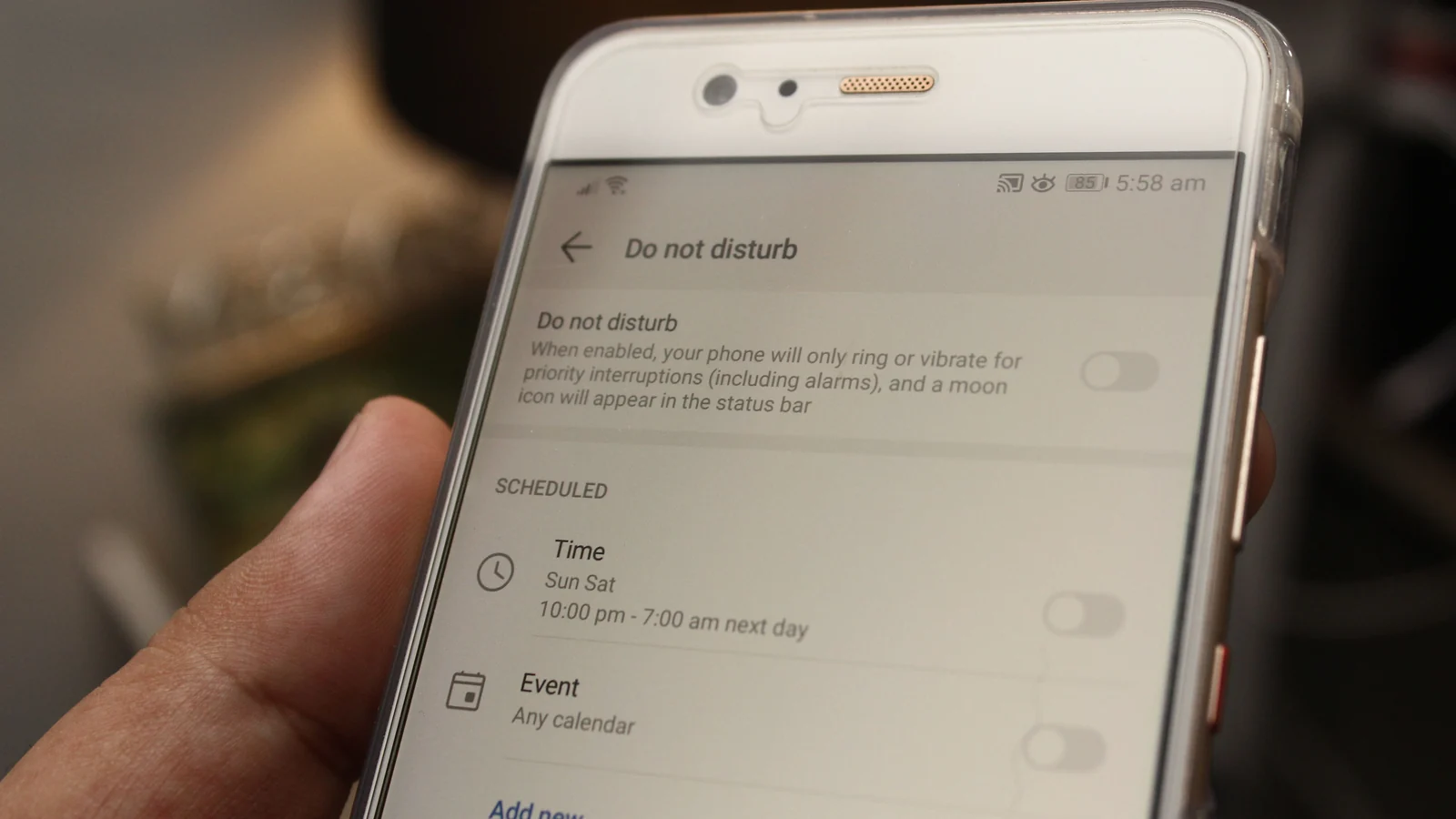
Photo by Daniel Moises Magulado on Pexels
Your phone is supposed to protect your alarm. Silent mode, vibrate, Do Not Disturb — none of them are meant to touch it, which is why a phone face-down through a two-hour meeting still goes off at six the next morning.
That protection is a setting, not a law. There are exactly three ways to end up on the wrong side of it, and on Android 14 and up the most likely one is a mode you switch on every night deliberately.

First, the thing that is not the problem
Silent mode does not stop your alarm. Neither does vibrate.
Those act on the ringer, and an alarm is not the ringer. Android gives alarms their own audio stream with its own volume, separate from calls, notifications and media. An app that plays its alarm on that stream is unaffected by the switch on the side of your phone.
This is worth saying clearly because it is the belief most people are carrying, and it is wrong in the reassuring direction — people leave their phone on silent thinking they are fine, which they are, and then blame silent mode when something else goes wrong.
Way one: Total silence
Do Not Disturb has never been one setting. It has levels, and the strictest one turns the alarm exemption off.
Google's own documentation is unambiguous about it. Under Total silence:
Your alarms won't make noise.
That is not a bug or an oversight — it is what the mode is for. Somebody in a recording studio or an exam hall wants a phone that makes no sound of any kind, including alarms. The problem is only that "Total silence" sits in the same menu as the ordinary Do Not Disturb, one tap away, and nothing warns you what you have just given up.
If you have ever selected it once and forgotten, it stays selected.
Way two: it is called Modes now, and Bedtime is one of them
This is the one worth actually checking.
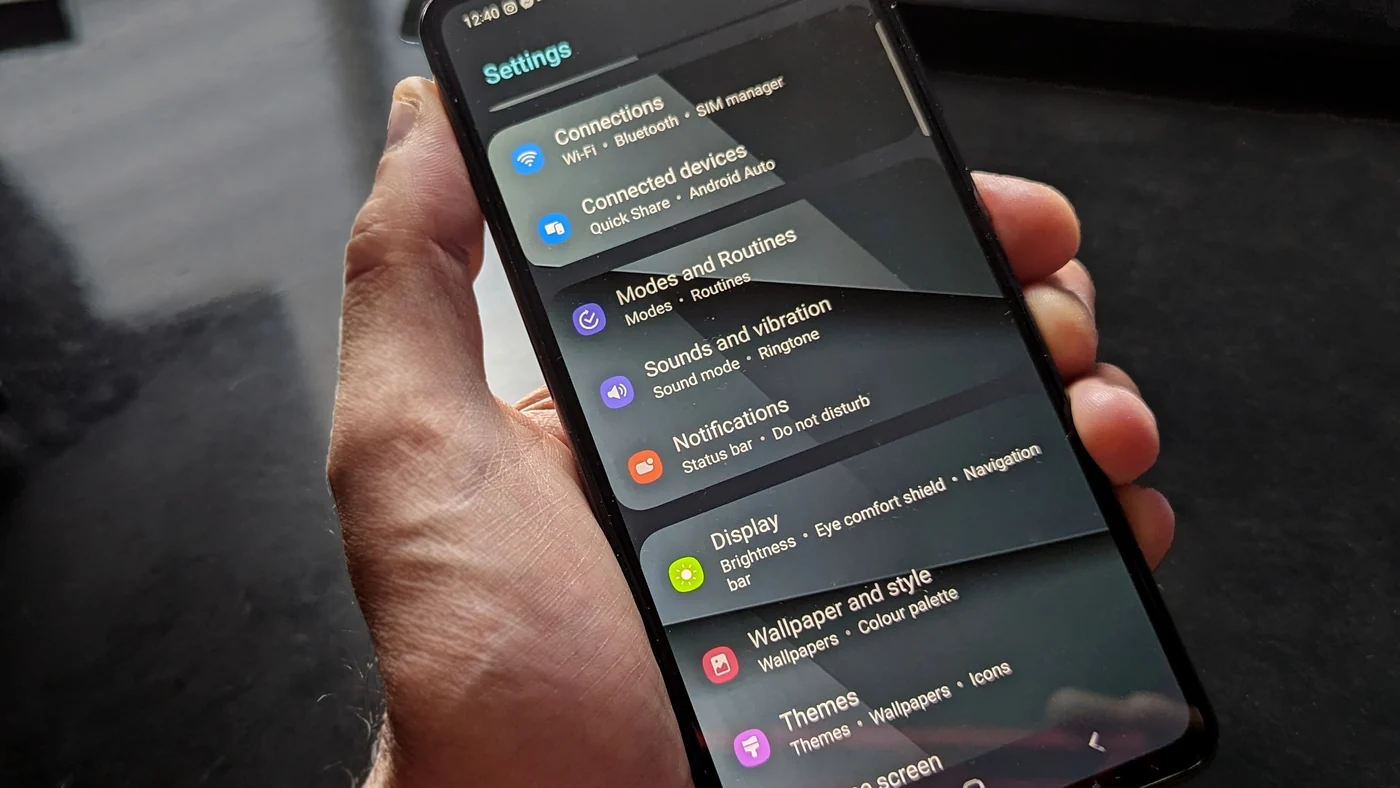
On Android 14 and up, Do Not Disturb stopped being a single switch and became Modes — a set of them: Do Not Disturb, Bedtime, Driving, and any you make yourself. Each mode carries its own notification filters, and alarms are one of the things each one can block or allow independently.
Read that again with the obvious implication attached: Bedtime mode is a mode. It is the one people switch on at night on purpose, it is the one most likely to be running at 6:30am, and its alarm setting is a separate switch from the one under Do Not Disturb.
| What you checked | What was actually running at 6am |
|---|---|
| Do Not Disturb → alarms allowed ✅ | Bedtime mode, with its own filter |
| Silent mode | irrelevant — different stream |
| Alarm volume | fine, and never used |
Somebody who checks Do Not Disturb, finds alarms allowed, and concludes the setting is not the problem has checked the wrong mode.
Where to look: Settings → Modes → pick the mode you actually sleep with → under Notification filters → Alarms & other interruptions. Alarms are listed there. Check the mode that is on overnight, not the one with the recognisable name.
Way three: the app is not using the alarm stream
The exemption is not automatic. It applies to audio an app has declared as an alarm.
On Android that declaration is a property the app sets on its player — the difference between "this is an alarm" and "this is a sound". An app that plays its wake-up tone as ordinary media gets treated as ordinary media: muted by modes that mute media, and riding whatever your media volume happens to be, which is set by the last video you watched rather than by anything to do with waking up.
You cannot inspect this from the outside, and no app advertises getting it wrong. What you can do is test it, which takes two minutes and settles the question for good.
The two-minute test
- Set an alarm for two minutes' time.
- Turn on whichever mode you actually sleep with — the real one, not Do Not Disturb because it is the one you can find.
- Put the phone down and wait.
That is the entire test. It is worth more than any amount of reading settings screens, because it tests the combination you actually sleep in rather than the one you think you do.
Beyond Alarm
Beyond Alarm does this part for you: the alarm will not switch off until you have actually moved, and the apps you pick stay locked afterwards.





Silent is not the same as absent
These are two different faults and they need different fixes. Sort out which one you have before changing anything.
| What happened | What it is |
|---|---|
| Screen lit up, no sound at all | This article. A mode, or an app on the wrong stream |
| It rang, but too quietly to wake you | Two volumes multiplied — a different article |
| Nothing at all — no screen, no sound, no trace | The schedule never fired |
If nothing happened at all, no mode is involved. Your alarm was killed before it ever ran, and on Xiaomi, vivo, OPPO and realme phones that is aggressive battery optimisation doing exactly what the manufacturer designed it to do. That is a different problem with a different fix, and no amount of Do Not Disturb settings will touch it.
And if the alarm rang perfectly well and you turned it off without remembering, that is a third thing entirely — your phone did its job and the failure was upstream of it.
The short version
Silent mode never stops your alarm. Do Not Disturb almost never does. But "almost never" has three exceptions worth knowing:
- Total silence mutes alarms by design, and says so in the documentation.
- Modes replaced Do Not Disturb on Android 14+, and each mode — including the Bedtime one you turn on every night — has its own alarm setting.
- An app playing on the wrong audio stream never had the exemption to begin with.
The first two are one settings screen away. The third is two minutes and an alarm set for the near future.
And if it turns out the app was the problem, it is worth replacing it with one that is built to survive this — the alarm apps worth moving to are compared here.
Sources
- Limit interruptions with Modes & Do Not Disturb on Android — Google's own documentation. The Total silence wording, the Modes structure, and the Notification filters → Alarms & other interruptions path all come from here. Applies to Android 14 and up.
- Do alarms go off when the phone is on silent or DND? — a plain-language walkthrough of the default behaviour across modes.
- Does Do Not Disturb block alarms? — covers the customised-profile case, where a user-modified mode blocks what the default would have allowed.
Common questions
Does Do Not Disturb stop alarms on Android?
Normally no. Alarms play on a separate audio stream that Do Not Disturb and silent mode both leave alone, which is why a phone face-down in a meeting still goes off at 6am. But it is a setting rather than a law, and there are three ways to end up on the wrong side of it.
What is "Total silence" and does it mute alarms?
It is the strictest Do Not Disturb setting, and yes. Google's own documentation says it plainly — "Your alarms won't make noise." It is the one mode where the exemption is switched off by design.
I am on Android 14 or newer and there is no Do Not Disturb any more.
It became Modes. Do Not Disturb is now one mode among several, and each one carries its own alarm setting. That matters because Bedtime is also a mode, and Bedtime is the one most likely to be running at the exact moment your alarm is due.
Where is the setting?
Settings, then Modes, then the mode you actually use. Under "Notification filters" there is "Alarms & other interruptions", and alarms are listed there to block or allow. Check the mode that is on overnight, not just the one called Do Not Disturb.
My alarm makes no sound at all, even with Do Not Disturb off.
Then this is not your problem. If the alarm fires silently, look at the alarm's own volume and whether the app is playing on the alarm stream. If nothing happens at all — no screen, no sound, no missed notification — that is battery optimisation killing the schedule, which is a different fix.
Will putting my phone on silent stop my alarm?
No. Silent and vibrate act on the ringer, and alarms are not the ringer. This is the single most common thing people get wrong about their phone at night, and it is wrong in the reassuring direction.
How do I test it without waiting until morning?
Set an alarm two minutes out, turn on whichever mode you sleep with, and put the phone down. Two minutes is the whole test, and it is worth more than any setting you can read.
We build Beyond Alarm, an Android alarm app that will not switch off until you have actually moved. Most of what we write here comes out of problems we hit building it.
Beyond Alarm
An alarm that keeps ringing until you’ve actually moved — then blocks the apps that pull you back to bed. Free to start, no account.
Keep reading
vivo alarm not going off? The Funtouch OS and OriginOS settings that stop it
On vivo phones an alarm usually fails because the phone stopped the app in the background, or the alarm's sound file is gone. The vivo settings to change — Autostart, background power, battery — and where they are.
Motorola alarm not going off? The Moto settings that silence it
Moto phones run close to stock Android, but a few settings — Adaptive battery, a hidden Unrestricted option and "Improve battery while inactive" — can stop an alarm app. Where they are and what to set.