
Motorola alarm not going off? The Moto settings that silence it
 Beyond Alarm1 October 2026 · 3 min read
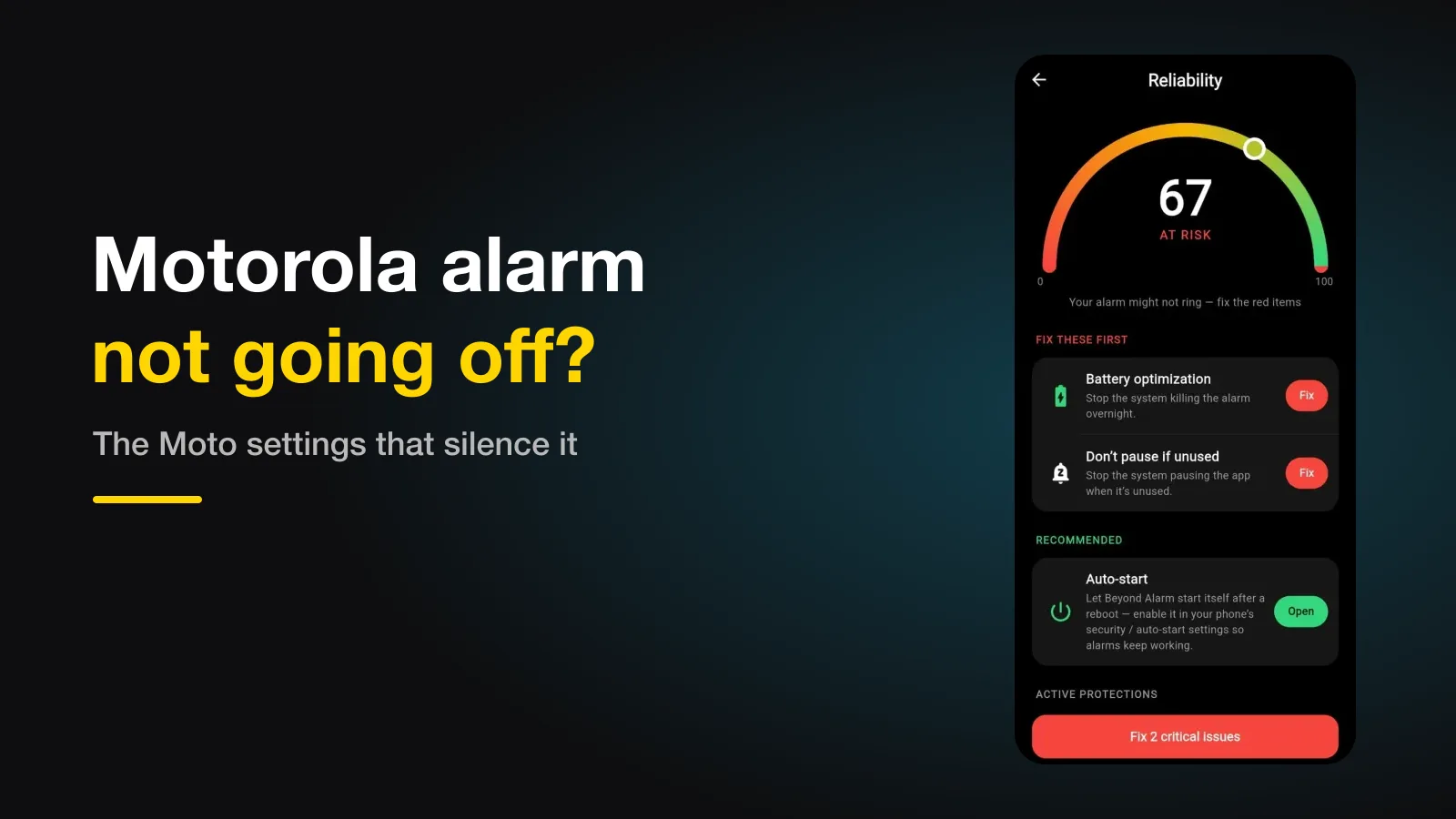
If your alarm doesn't go off on a Motorola, check three Moto settings before anything else: your alarm app's App battery usage (set it to Unrestricted — the option is hidden one tap deep), Adaptive battery, and on some models Improve battery while inactive. Then the usual suspects: the Alarm volume, Do Not Disturb, and an overnight restart.
The short version:
- Set the alarm app's battery use to Unrestricted.
- Check Improve battery while inactive under Battery.
- If alarms still fail, turn Adaptive battery off.
- Make sure Battery saver isn't switching on overnight.
Why Moto phones sometimes stop alarm apps
Motorola runs close to stock Android, so it's gentler than Xiaomi or OnePlus. dontkillmyapp.com, which rates phone makers on how aggressively they stop background apps, puts Motorola in the middle — and names a few Moto-specific settings that can still get in the way.
Every setting, and where it is
| # | Setting | What to set | Where |
|---|---|---|---|
| 1 | App battery usage | Unrestricted | Settings → Apps → the app → App battery usage → tap the option with the toggle |
| 2 | Improve battery while inactive | Off (if your phone has it) | Settings → Battery |
| 3 | Adaptive battery | Off if alarms still fail | Settings → Battery → Adaptive battery |
| 4 | Battery saver | Not switching on overnight | Settings → Battery → Battery saver |
| 5 | Alarms & reminders | Allowed | Settings → Apps → the app |
1. The hidden Unrestricted option
On many Moto phones, an app's App battery usage page shows a toggle for background use — and the Unrestricted choice only appears when you tap the option itself, not the toggle beside it. dontkillmyapp describes this as a "hidden menu". Find it, and set your alarm app to Unrestricted.
2. Improve battery while inactive
Some Moto phones add Improve battery while inactive under Settings → Battery, through their Battery care app. It limits apps while the phone sits idle — overnight, in other words, which is exactly when an alarm app has to run. If your phone has it, turn it off.
Beyond Alarm
Beyond Alarm does this part for you: the alarm will not switch off until you have actually moved, and the apps you pick stay locked afterwards.





3. Adaptive battery
Adaptive battery holds back apps it thinks you rarely use, and an alarm app you never open looks like one. Setting the app to Unrestricted is usually enough; if alarms still fail, turn Adaptive battery off under Settings → Battery.
4. Battery saver at night
Motorola's own battery tips recommend Battery saver, and it can be set to switch on automatically at a certain battery level. A phone that drops into Battery saver overnight limits background work — check its schedule, or charge overnight so it doesn't kick in.
The general ones still apply
Beyond the Moto settings, check the Alarm volume slider, that Do Not Disturb allows alarms (the three ways it can silence one), the Alarms & reminders permission, and whether an overnight restart left the phone locked.
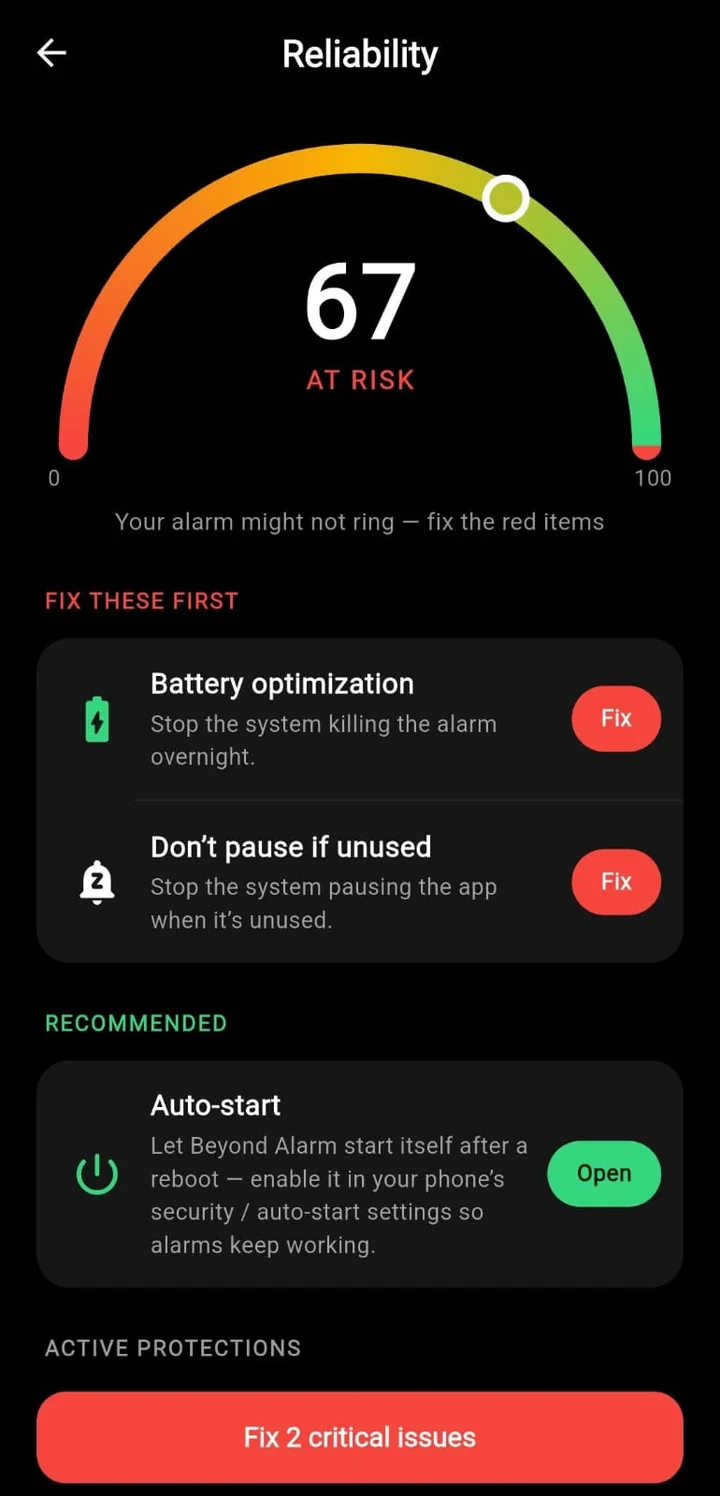
Beyond Alarm's reliability screen checks battery optimisation and auto-start and opens the right page for each. On another brand? See the checklists for Samsung, Google Pixel, OnePlus and Xiaomi, vivo, OPPO and realme.
Test it tonight
Set an alarm for three minutes from now, lock the phone and leave it alone. If it rings, the basics are fine. Do the Unrestricted step anyway — a three-minute test can't show what Adaptive battery does to an app over a week.
Common questions
What is "Improve battery while inactive" on Motorola?
A setting some Moto phones add through their Battery care app, under Settings → Battery. It limits apps while the phone is idle — overnight, for example — which is when an alarm needs to run.
I can't find "Unrestricted" for my app. Where is it?
On many Moto phones it's one tap deeper than expected. Open the app's App battery usage, then tap the option that has the toggle next to it, rather than the toggle itself, to reveal Unrestricted.
Should I turn off Adaptive battery?
Try setting your alarm app to Unrestricted first. If alarms still fail, turning Adaptive battery off removes another layer that can hold back apps it thinks you rarely use.
Does this affect Motorola's own Clock app?
Much less. The built-in Clock is a system app; these settings matter most for third-party alarm apps.
We build Beyond Alarm, an Android alarm app that will not switch off until you have actually moved. Most of what we write here comes out of problems we hit building it.
Beyond Alarm
An alarm that keeps ringing until you’ve actually moved — then blocks the apps that pull you back to bed. Free to start, no account.
Keep reading
OnePlus alarm not going off? The OxygenOS battery settings that stop it
OnePlus is rated the most aggressive phone maker at killing background apps, and an alarm app is an easy target. The settings to change, where they are, and the one that can switch itself back.
Pixel alarm not going off? What actually silences it on Google Pixel phones
Pixels are the least aggressive Android phones at killing apps, so when an alarm fails it's usually Bedtime mode, the alarm volume, a Restricted battery setting or an overnight update. What to check, in order.