
Phone Lock Box vs Lock App: Which Keeps You Off Your Phone?
 Beyond Alarm24 October 2026 · 7 min read
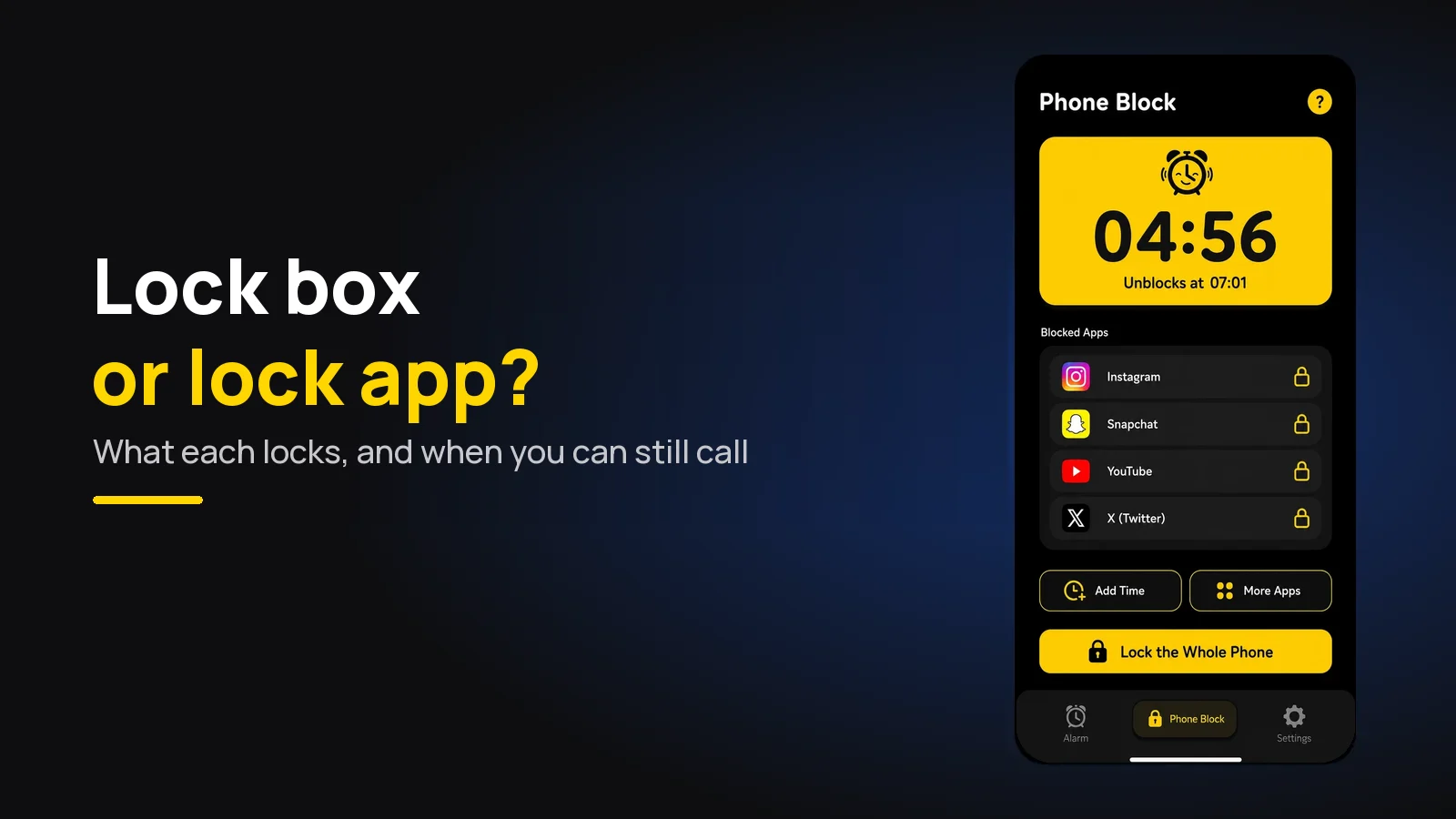
A timed phone lock box is the strongest way to stay off your phone, because nothing on the phone can open it. A lock app is weaker but keeps calls, maps and alarms working. Screen Time and Digital Wellbeing sit in between: free, but easy to dismiss.
So the real question is not which is strongest. It is what you need the phone for while it is locked.
The short version:
- Lock box: locks the whole phone, no way out but breaking it. No calls, no maps, no alarm until it opens.
- Screen Time / Digital Wellbeing: free and already installed, but your own passcode or one tap ends a limit.
- Blocker app: locks chosen apps (or the whole phone, on Android) with a timer you can make hard to stop. Calls still work.
- On iPhone, no app can lock the whole phone. For that, a box is the only real option.
The three options, side by side
Product details for the lock box come from the maker's own site at the time of writing, 23 October 2026. Phone settings and menus vary by model and version.
| Timed lock box | Screen Time / Digital Wellbeing | Blocker app | |
|---|---|---|---|
| Locks | The whole physical phone | Chosen apps, or everything but an allowed list | Chosen apps; whole phone on some Android apps |
| Ending it early | Break the box | Your passcode, or one tap | Depends on the app; strict modes remove the stop button |
| Calls | No | Yes | Yes |
| Maps, music, 2FA codes | No | If you allow them | Yes, unless you blocked them |
| Alarm | Rings inside the box, and you can't stop it | Yes | Yes |
| Cost | A one-off purchase | Free | Free tiers; some paid |
| Works on | Any phone | The phone it's built into | Android and iPhone, with different limits |
How a timed lock box works
A timed lock box is a container with a countdown in the lid. Phone in, set the time, press the button, and it stays shut until zero. They are sold as "phone lock box", "time-lock container" or "timed safe", usually in clear plastic so you can see the phone and its notifications light up.
The best-known one is the kSafe, sold by Kitchen Safe. At the time of writing its own site says the timer runs from one minute to ten days, the lid runs on two AA batteries, and — in its words — "No overrides!" The shop page listed the standard and Mini sizes at $59 and the XL at $69.
Check the size before you buy. The maker lists which phones fit which base, and a large modern phone may need the bigger one.
Where a lock box wins:
- Nothing on the phone can undo it. No setting, no restart, no uninstall. It works the same on every phone, old or new.
- No decisions mid-session. An app asks you, every time you open it, whether you really meant it. A box doesn't ask.
- It removes the phone, not just the apps. You can't check one message "just quickly", because there is nothing to tap.
Where it loses:
- It locks everything. Calls, maps, music, bank codes, your alarm, the bus ticket. The kSafe site describes no emergency release; the way in early is to break it.
- Charging. The maker's pages don't mention charging the phone inside, so plan for the phone to come out on the battery it went in with.
- It's a physical object. It stays at home, and you have to remember to use it.
How Screen Time and Digital Wellbeing compare
Both are free and already on your phone. On iPhone, Screen Time has App Limits and Downtime, which restricts the phone to an allowed list for part of the day; calls stay available. On Android, Digital Wellbeing has app timers, Focus mode and Bedtime mode.
They are good tools with one structural weakness: the person they lock out is also the person with the passcode. A limit ends with "Ignore Limit", or Focus mode with "Turn off now". That is the reason Screen Time limits stop working for so many people after the first week.
The free fix: set a Screen Time passcode on iPhone and let someone else choose it. Then ending a limit needs another person, which is closer to a box than any setting.
How blocker apps compare
A blocker app sits between the two. It locks only what you choose, keeps the rest of the phone working, and in its strictest setting has no stop button until the timer ends.
The limits are set by the phone, not the app:
- Android blockers use the Accessibility permission, which lets some of them lock the whole phone and still let calls through. Turning that permission off in system Settings stops almost any of them.
- iPhone blockers all run on Apple's Screen Time. They shield the apps and categories you pick, never the whole phone, and switching off the app's Screen Time access in Settings ends the block.
So "can't be unlocked" on a lock app really means "can't be unlocked from inside the app". It still adds real friction, and for most days that is enough. Our comparison of app blockers on Android goes through the main ones on exactly that question.
Beyond Alarm
Beyond Alarm does this part for you: the alarm will not switch off until you have actually moved, and the apps you pick stay locked afterwards.





When the box wins, and when the app does
Pick a lock box if:
- You keep finding the way round every app you install.
- You are at home, at a desk, for a fixed block — revision, writing, an evening off — and nobody needs to reach you.
- You use an iPhone and want the whole phone gone, which no app can do.
Pick an app if:
- You might get a call you have to take — a child, a parent, work on call.
- You need the phone as a tool during the block: maps, music, a timer, a two-factor code.
- The phone is also your alarm. A box shut overnight means an alarm you can hear but can't stop.
- You want it to work away from home, where a box isn't.
Pick the free built-in option first if you haven't tried Screen Time or Digital Wellbeing with a passcode someone else holds. It costs nothing and tells you whether you need more.
Many people end up with two: the box for the hours that matter most, and an app for the everyday limits. That is not indecision. The two do different jobs.
What we found writing the lock code
We built a phone lock into our own app, so this part comes from code rather than a spec sheet. Three things we learned that apply to any lock app you try.
Calls are the hardest thing to get right. In Beyond Alarm's Android whole-phone block, any other app you open is sent straight back to the block screen. Calls still ring and can be answered, and a call button sits on the block screen. A lock that hid calls entirely was something we decided not to ship.
A restart is the first thing people try. A well-made blocker stores the time a block ends, not a countdown, so it still finishes at the same clock time after a restart. In our own code, switching the phone off for forty minutes of a sixty-minute block leaves twenty minutes, not sixty.
The way out is the product. Whether a lock is worth anything comes down to what ending it early costs. That is the column in the table above that matters, and it is the one a lock box wins outright.
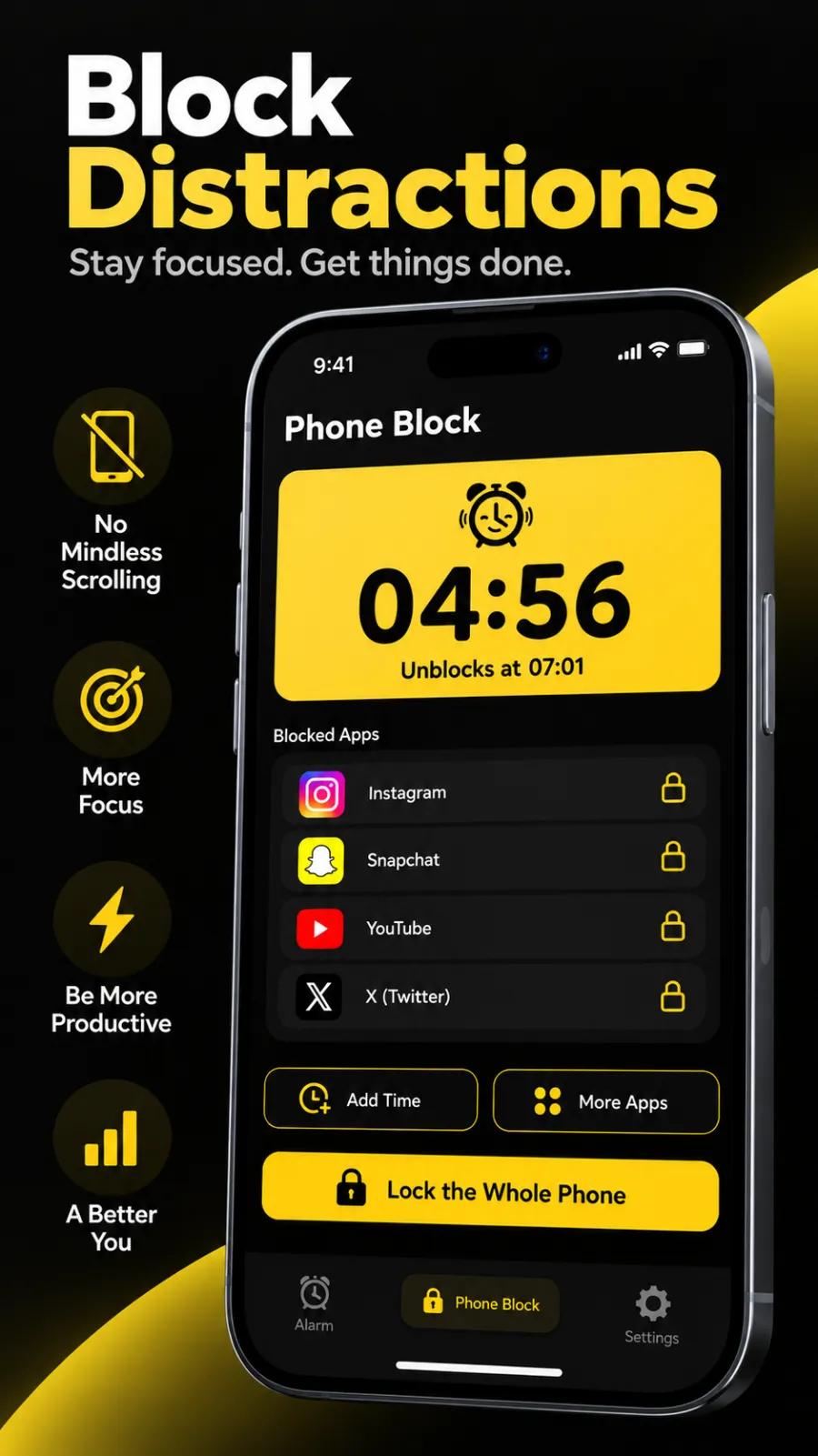
Beyond Alarm is an alarm app that also blocks apps, and its Phone Block is the lock-app side of this comparison. You start it by hand: presets from 15 minutes to 2 hours, or Custom from 5 minutes to 8 hours. Strict lets you leave early after a short ad and a five-second hold; Hard mode has no stop button until the timer ends. On Android it can lock chosen apps or the whole phone, with calls still allowed. On iPhone it uses Apple's Screen Time, so it blocks only the apps or categories you pick — never the whole phone — and switching off its Screen Time access ends a block. The free version has ads, and blocks don't repeat on a schedule. If what you want is the whole iPhone out of reach, a box does that and we don't.
Making either one stick
- Pick an honest length. A 45-minute lock you finish does more for the habit than a three-hour one you spend bargaining with. There's more on choosing it in how to lock your phone for an hour.
- Plan the emergency route before you start. A landline, a laptop with messages, or someone who knows where you are. Then the box is a choice, not a risk.
- Lock it before the urge, not during it. The lid shuts, or the block starts, at the beginning of the session — not at the moment you reach for the phone. For study sessions in particular, see blocking apps while studying.
Sources
Lock box details are from the maker's own pages at the time of writing, 23 October 2026, and will change. Beyond Alarm's details are checked against its own code as of October 2026.
- kSafe by Kitchen Safe — timer range, batteries, sizes, "No overrides!"
- kSafe shop page — prices.
- Apple's Family Controls documentation — the Screen Time framework every iPhone blocker uses.
Common questions
Does a phone lock box with a timer actually work?
Yes, for the time it is shut. A timed lock box keeps the whole phone out of reach until the countdown ends, and the one we looked at says plainly that there are no overrides. The trade-off is that you also lose calls, maps, music and your alarm for that time, so it suits a study block at a desk better than a working day.
Is there an app that locks your phone like a lock box?
On Android, partly. Some blocker apps can lock the whole phone on a timer with no stop button, while still letting calls through. On iPhone no app can lock the whole phone; apps can only block the apps and categories you pick through Apple's Screen Time, and switching off that access in Settings ends the block.
What is the best lock phone app for iPhone?
Start with Apple's own Screen Time, with a passcode someone else sets. If you have nobody to hold the passcode, a third-party blocker that runs on Screen Time adds friction on top, such as a timer with no stop button. None of them can lock the whole iPhone, so for that a physical box is the honest answer.
Can you open a timed phone lock box early in an emergency?
Not by design. The kSafe's own page says there are no overrides, so the only way in before zero is to break it. That is why a lock box is a poor choice on days you might need to be reachable, and why many people leave a landline, a laptop or another person's phone as the emergency route.
Is a lock box better than an app blocker?
It is stronger, not better. Nothing on the phone can undo it, but it locks everything, including calls and the alarm. An app blocker locks less and can always be undone by someone determined, but it keeps calls, maps and alarms working. Many people use the box for deep work and an app for everyday limits.
We build Beyond Alarm, an Android alarm app that will not switch off until you have actually moved. Most of what we write here comes out of problems we hit building it.
Beyond Alarm
An alarm that keeps ringing until you’ve actually moved — then blocks the apps that pull you back to bed. Free to start, no account.
Keep reading
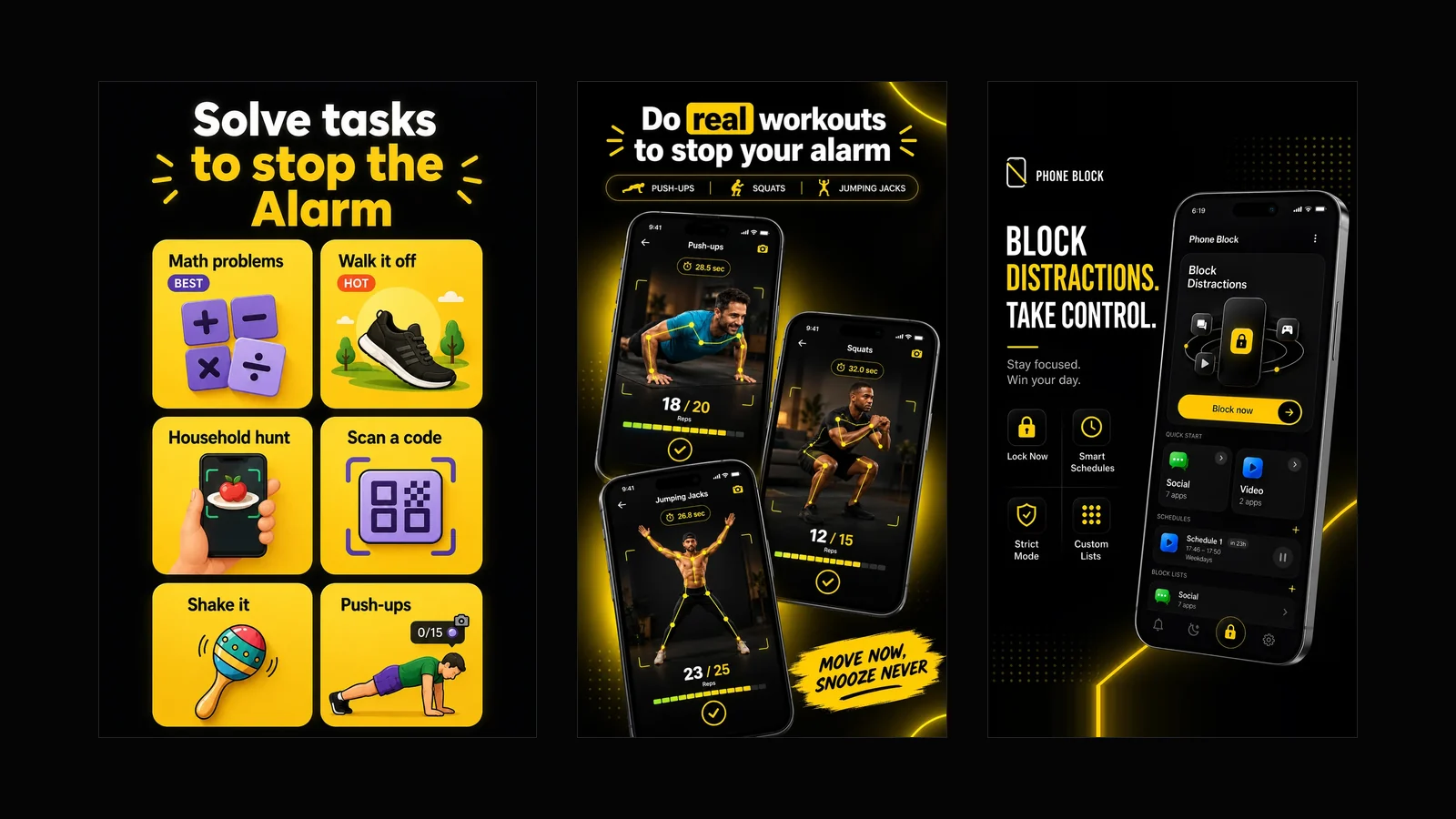
What Beyond Alarm does: wake-up missions and app blocking
The whole app on one page, for Android and iPhone — missions to stop the alarm, app blocking after it, Phone Block, and what it does not do.
Best App Blockers for iPhone in 2026, Compared Honestly
Apple Screen Time, Opal, one sec, Freedom and Beyond Alarm compared - what each blocks, what is free, and how easy each is to get around on iPhone.