
Best Alarm App for Shift Workers and Night Shift (2026)
 Beyond Alarm19 November 2026 · 7 min read
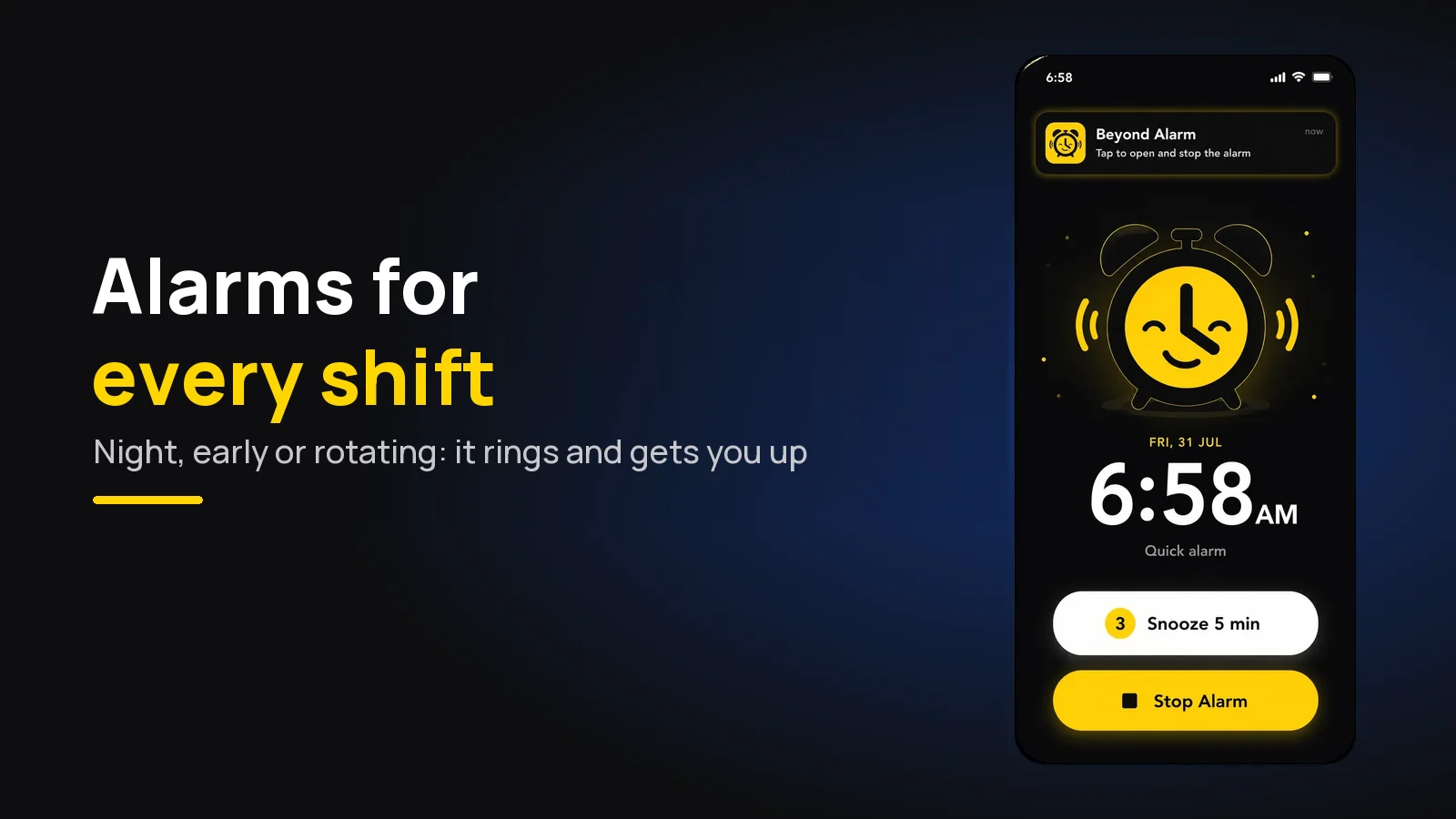
The best alarm app for shift workers is Beyond Alarm. It keeps a named alarm for each shift on its own days, rings through Do Not Disturb while you sleep in the day, and won't stop until you finish a wake-up mission. Free on Android and iPhone.
The short version:
- Beyond Alarm is the pick for shift work: one named alarm per shift, any days you like, one-off dates, Skip once, 11 missions and a gentle start, free with ads.
- Sleeping in the day means silencing the phone. Your alarm must still ring. Check that before your first night shift.
- Waking at 3 pm is harder than at 7 am. Make the alarm need you on your feet.
- Keep a short nap alarm ready for the hour before a night shift.
Why shift workers need a different alarm
A day worker sets one alarm and forgets it. A nurse, warehouse picker or driver on rotating shifts might need a 05:00, a 13:00 and a 20:30 alarm in the same fortnight, and to sleep through the afternoon in between.
That sleep is short already. In a CDC report using 2010 survey data, 44.0% of US workers who usually worked nights slept six hours or less a day, against 28.8% of day-shift workers. Short sleep plus an alarm in the middle of the day is when a half-asleep hand stops the alarm and you wake an hour late.
So a shift worker's alarm has three jobs. It must cope with a schedule that changes, ring at any hour whatever the phone is set to, and actually get you up. Beyond Alarm was built for the last one and handles the other two.
Setting up alarms for every shift
| Shift pattern | Setup in Beyond Alarm |
|---|---|
| Fixed nights, same days each week | One alarm, its days ticked, a mission you can't do in bed |
| Rotating days, lates and nights | One named alarm per shift ("Early 05:00", "Late 12:30", "Night 19:30"); switch on the one for this week |
| Four on, four off or another non-weekly rota | One-off alarms on each date with the calendar button, up to a year ahead |
| A swapped or cancelled shift | Skip once on the repeating alarm; it comes back next time |
| Overtime or a one-off training day | A dated one-off alarm |
| Nap before a night shift | Quick alarm: tap 1, 5, 10, 15, 30 or 60 minutes |
Name every alarm. Beyond Alarm's alarm name shows on the ring screen under the time, so at 15:00 you see "Night shift, leave 18:45", not just a number. You can also add a Wake-up message that's read aloud while it rings.
Pick the days, not just weekdays. Each alarm has seven day circles, plus Weekdays and Weekends shortcuts. Leave them all off and it rings once.
Use dates for rotas that don't repeat weekly. Tap the calendar icon next to "Rings in…" and pick a date. The alarm becomes "Once" on that day. Picking days again clears the date. Adding a few of these for the next block of shifts takes a minute.
Skip once instead of deleting. When a shift is swapped, open the alarm on the home screen and choose Skip once. It shows "Skipping once" and rings again on the next normal day, so you can't forget to switch it back on.
There's more on stacking alarms in multiple alarms vs snoozing: one alarm you can't dismiss in bed beats five you can.
Sleeping in the day without missing the alarm
The NIOSH course on coping with night and evening shifts says to keep the room very dark, use blackout shades or an eye mask, block noise with ear plugs or white noise, and "prevent the phone from awakening you." That last one is the trap: silence the phone, but not the alarm.
On Android, alarms usually get through Do Not Disturb. In Google's Do Not Disturb help, the setting is under Settings, Modes, Do Not Disturb, then the exceptions for "Alarms & other interruptions". If alarms are blocked there, or Total silence is on, "your alarms won't make noise." The path may differ by phone and Android version. Beyond Alarm rings on the alarm audio stream, with no ring time-out.
On iPhone, Beyond Alarm schedules through Apple's AlarmKit (iOS 26.1 or later). In Apple's WWDC25 session, the AlarmKit alert "breaks through the silent mode and the current focus", so a Sleep Focus set for the afternoon doesn't mute it.
Battery settings matter more on day sleeps. A phone left idle for hours is when Android battery savers get aggressive. Beyond Alarm's Reliability screen checks battery optimisation and autostart, and we built it because an alarm that misses is worse than none. If one ever fails, start with why your alarm didn't go off, or alarm not going off with Do Not Disturb.
Test it in the conditions you'll sleep in. Before your first day sleep, put the phone on Do Not Disturb or your Sleep Focus, set a Quick alarm for 2 minutes, lock the screen and walk away. If it rings, you're set.
Beyond Alarm
Beyond Alarm does this part for you: the alarm will not switch off until you have actually moved, and the apps you pick stay locked afterwards.


Waking up at 3 pm when your body says it's 3 am
An alarm after a short day sleep lands on a body that wants to keep sleeping. That's when "I'll just stop it and lie here a minute" happens.
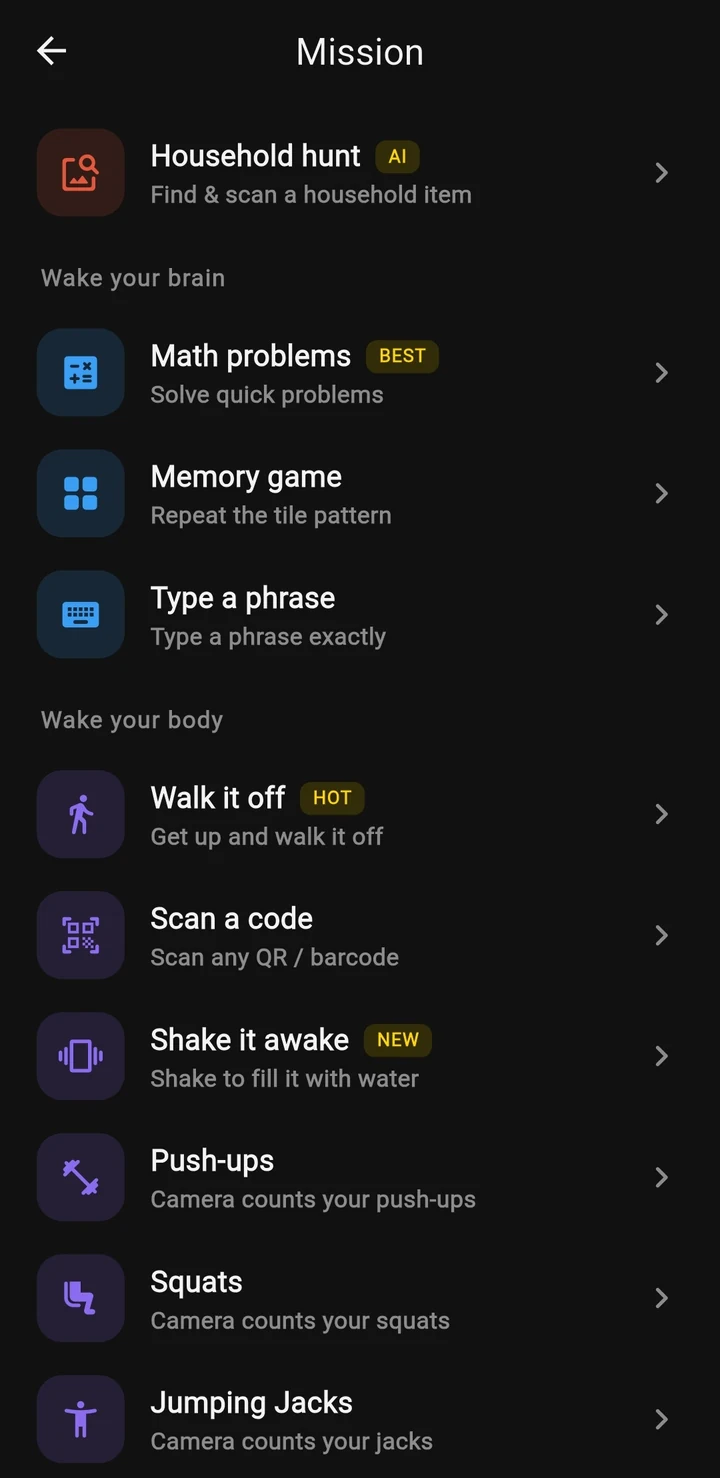
Beyond Alarm's answer is a wake-up mission: the alarm keeps ringing until it's done. The ones that get you out of bed:
- Squats, push-ups or jumping jacks, counted by the camera.
- Walk it off, which counts your steps.
- Scan a code on the kettle or by the front door.
- A photo of a spot in another room.
You can chain up to five missions on one alarm. Maths, typing and a memory game work well as the second, once you're standing.
Start softly. Waking from deep afternoon sleep to full volume makes you grab the phone in a panic. Gentle wake-up rises from quiet to full over 15, 30, 45, 60 or 90 seconds. More in our gentle alarm clock guide.
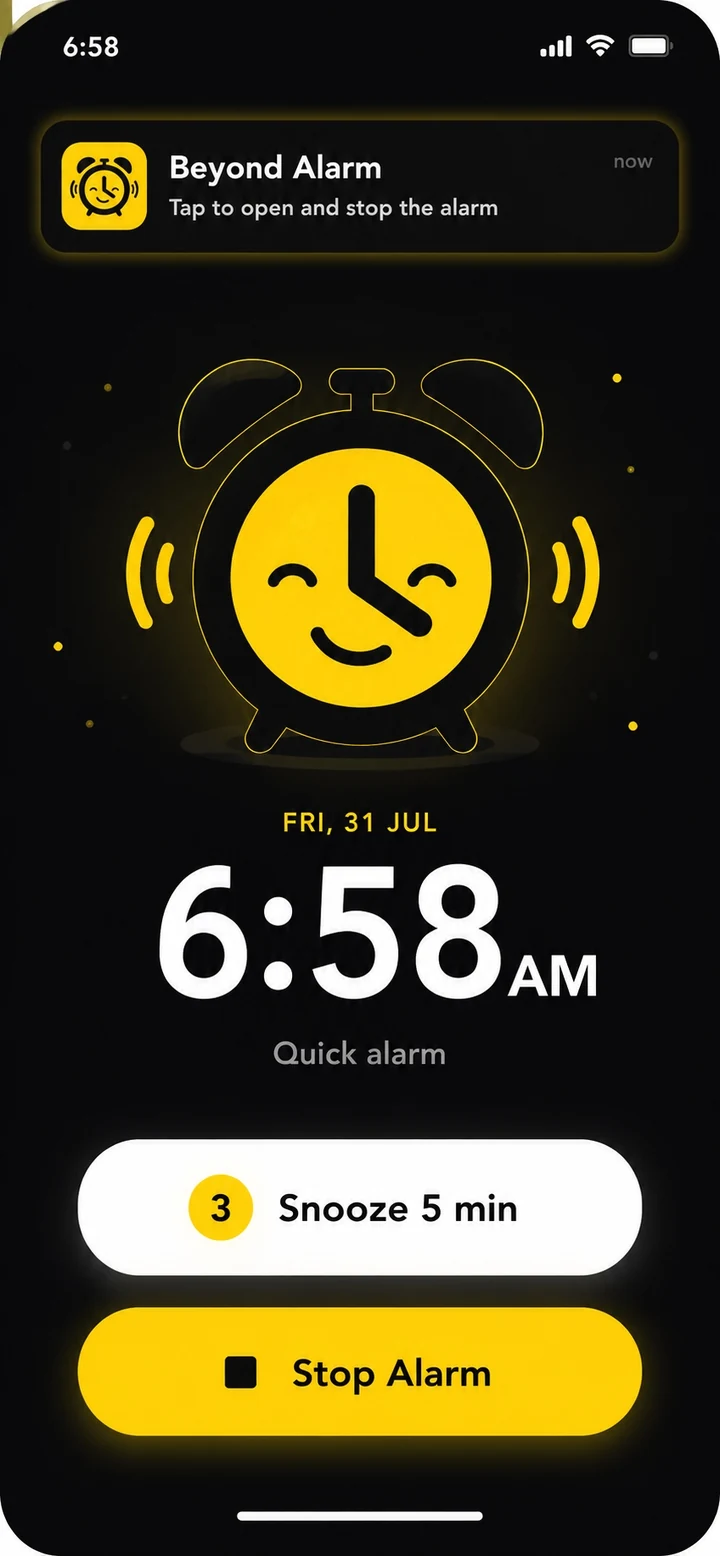
Limit snooze. Set snooze from 1 to 30 minutes and allow 1 to 10, or turn it off. The ring screen shows how many you have left.
Check you stayed up (Android). Wake-up check asks "Are you awake?" 1, 3, 5 or 10 minutes after you stop the alarm. If you don't answer, it rings again. It's the most useful feature for a 3 pm alarm, when going back to sleep is easiest.
Naps before and between shifts
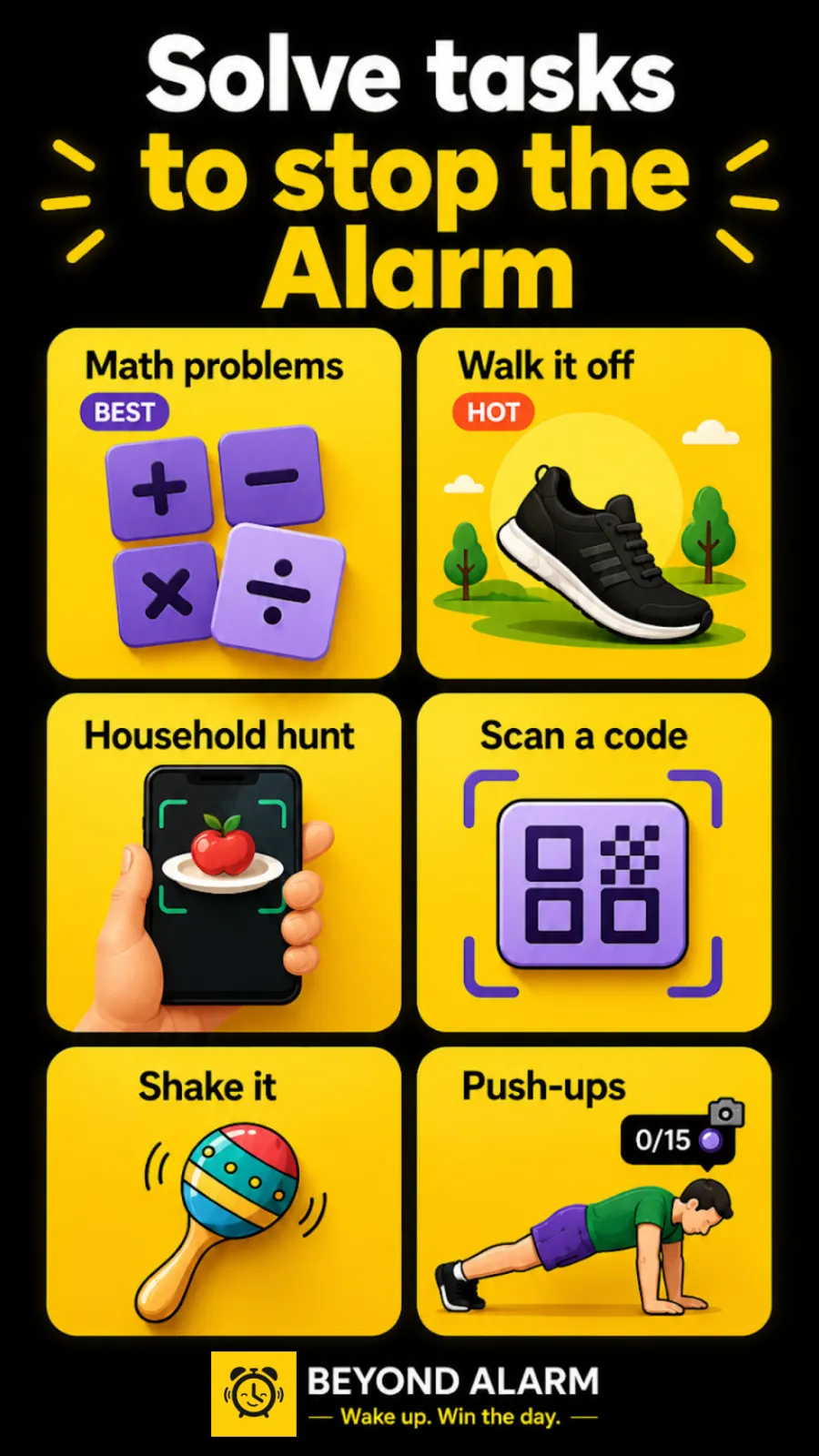
A short nap before a night shift is a common habit, and it needs an alarm you can set in two taps. Beyond Alarm's Quick alarm adds time from now: tap 30 and it shows when it will ring. Taps add up, up to 24 hours. It rings without a mission, so you can set it and sleep.
Keep the long alarm for the main sleep, with its mission. Keep the Quick alarm for naps.
After the alarm: getting out the door
Once you're up, the next risk is the phone. You open one app, and twenty minutes are gone before a shift you can't be late for.
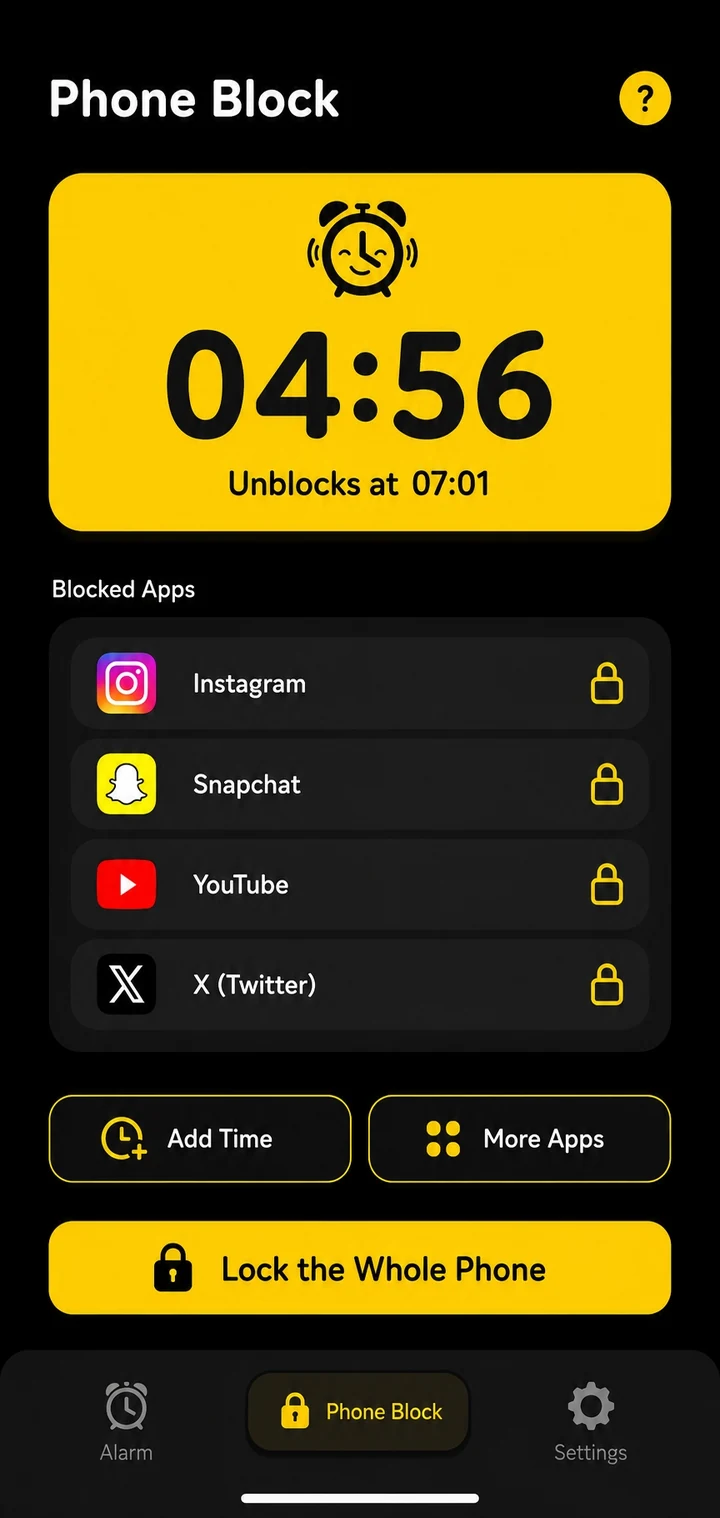
Beyond Alarm's Morning lockout keeps the apps you choose blocked for 15 to 60 minutes, or a custom time, after the mission. It works at any hour, not just mornings. On Android it can lock the whole phone; on iPhone it uses Apple's Screen Time to shield the apps and categories you pick and runs until its timer ends.
A shift worker's setup, step by step
- Install Beyond Alarm from Google Play or the App Store (iOS 26.1+).
- Make one alarm per shift type, name it, and set its days.
- Add a mission you can't do in bed, Gentle wake-up and a snooze limit.
- On Android, open the Reliability screen and fix anything red, then turn on Wake-up check.
- For dates that don't fit a weekly pattern, add one-off alarms from the calendar button.
- Run the 2-minute test on Do Not Disturb before your first day sleep.
Sources
Common questions
What is the best alarm app for shift workers?
Beyond Alarm. It's free on Android and iPhone, lets you keep a named alarm for each shift on its own days, set a one-off alarm on a date up to a year ahead, skip one occurrence for a swapped shift, and it won't stop until you finish a wake-up mission.
What is the best alarm for night shift?
One that rings through silent mode and Do Not Disturb while you sleep in the day, starts with a gentle rise and can't be switched off from bed. Beyond Alarm does all three, and on Android its Wake-up check asks if you're awake a few minutes after you stop it.
Will my alarm ring if my phone is on Do Not Disturb during the day?
Usually yes. Android lets alarms through Do Not Disturb unless "Alarms & other interruptions" is blocked or Total silence is on. On iPhone, Beyond Alarm uses Apple's AlarmKit, which breaks through silent mode and the current Focus.
How do I set alarms for a rotating shift schedule?
Make one alarm per shift type, name it, set its days, and turn on the one you need for the week. For a shift that doesn't follow a weekly pattern, set a one-off alarm on that date with the calendar button.
How do I wake up for a night shift after sleeping in the day?
Sleep in a dark, quiet room, keep the phone's other sounds silenced, and use an alarm you have to get out of bed to stop, such as a squat count or a code scan in the kitchen. A short nap alarm before the shift helps too.
We build Beyond Alarm, the alarm for Android and iPhone that will not switch off until you have actually moved, then blocks the apps that pull you back. Most of what we write here comes out of building it.
Beyond Alarm
An alarm that keeps ringing until you’ve actually moved — then blocks the apps that pull you back to bed. Free to start, no account.
Keep reading
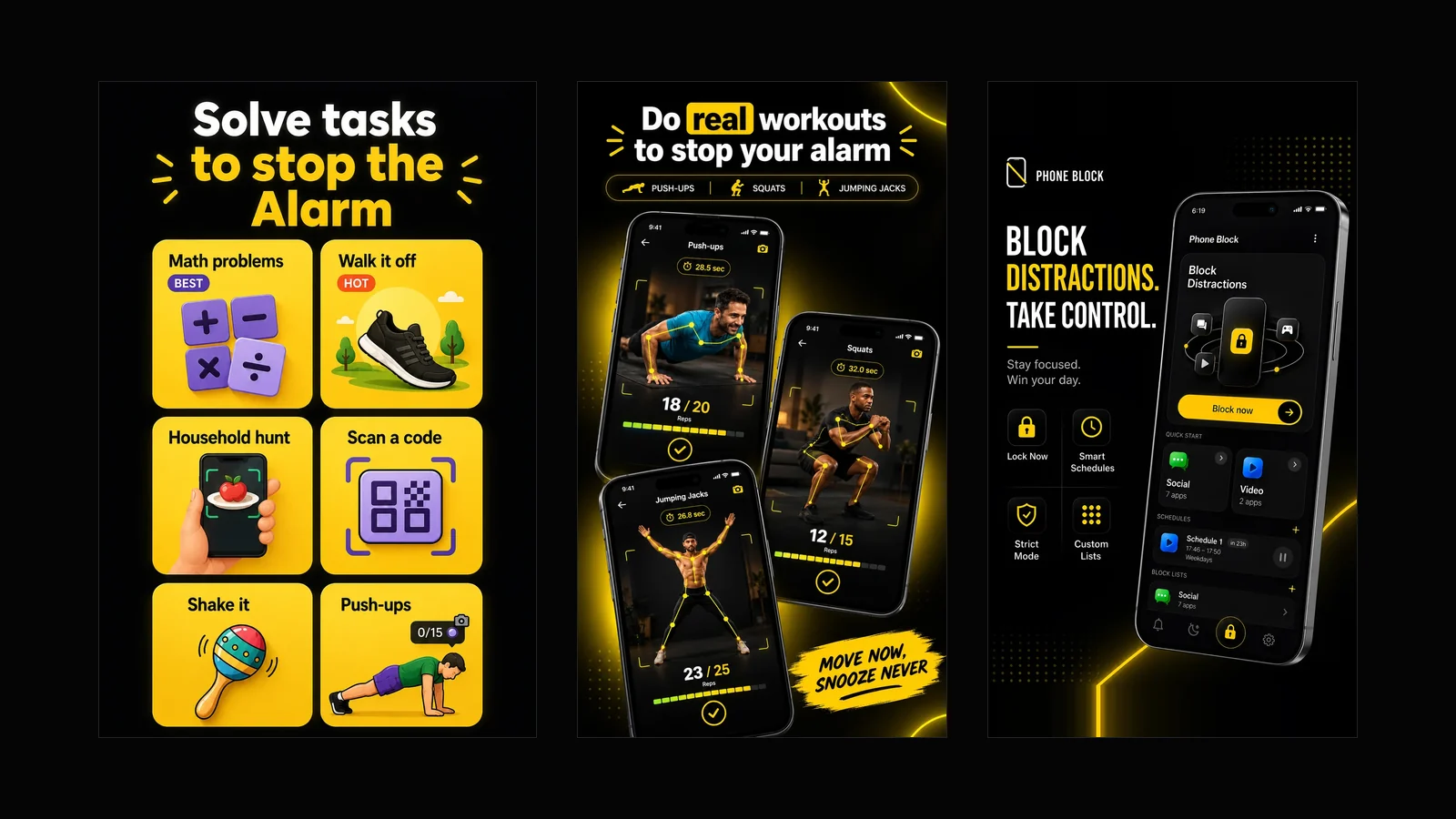
What Beyond Alarm does: wake-up missions and app blocking
The whole app on one page, for Android and iPhone — missions to stop the alarm, app blocking after it, and a free Strict mode Phone Block.
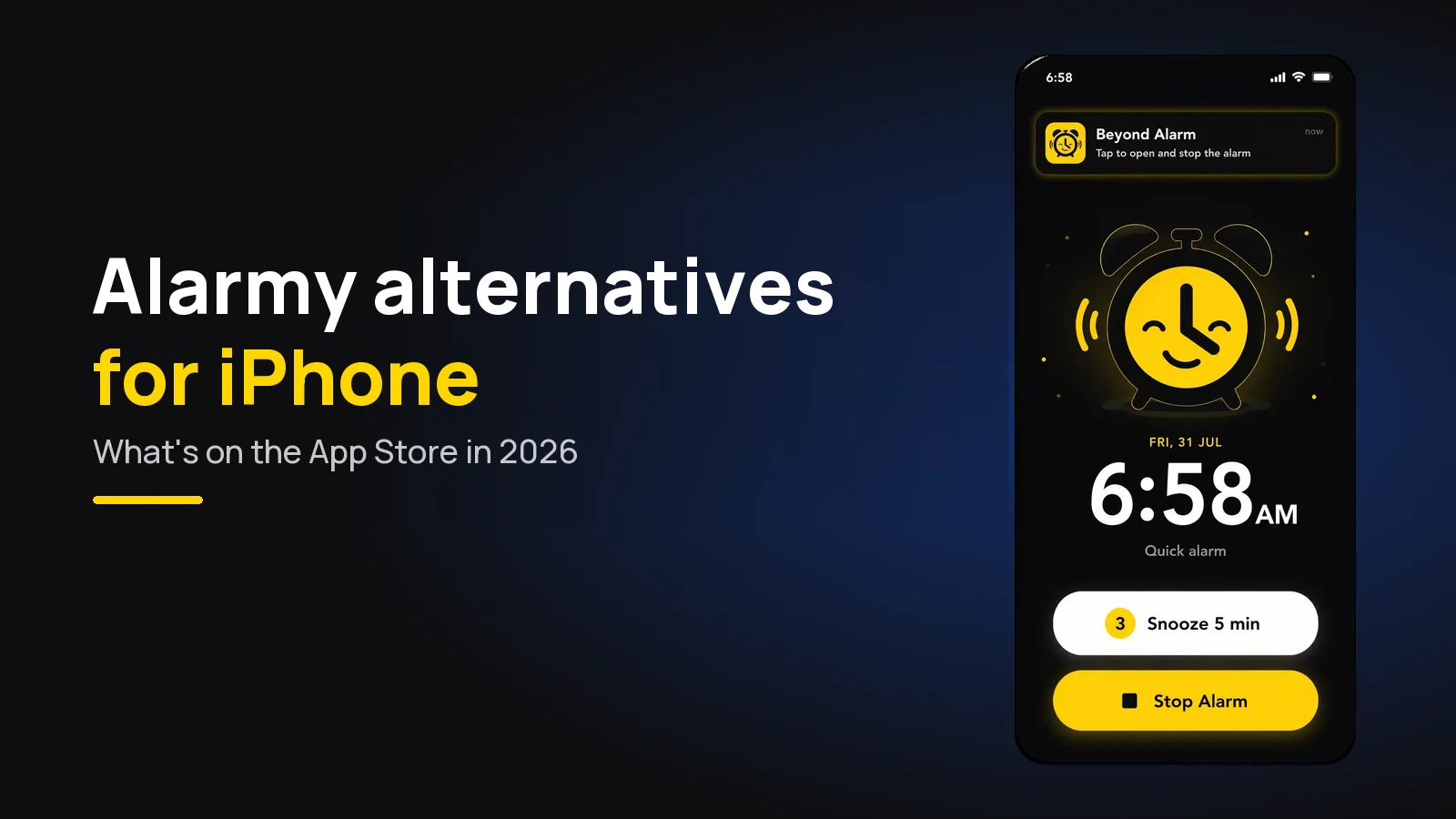
Best Alarmy alternatives for iPhone in 2026
The best Alarmy alternative for iPhone is Beyond Alarm, a mission alarm on Apple's AlarmKit that also blocks apps after you wake. What's on the App Store.