Best Alarmy alternatives for iPhone in 2026
 Beyond Alarm23 November 2026 · 5 min read
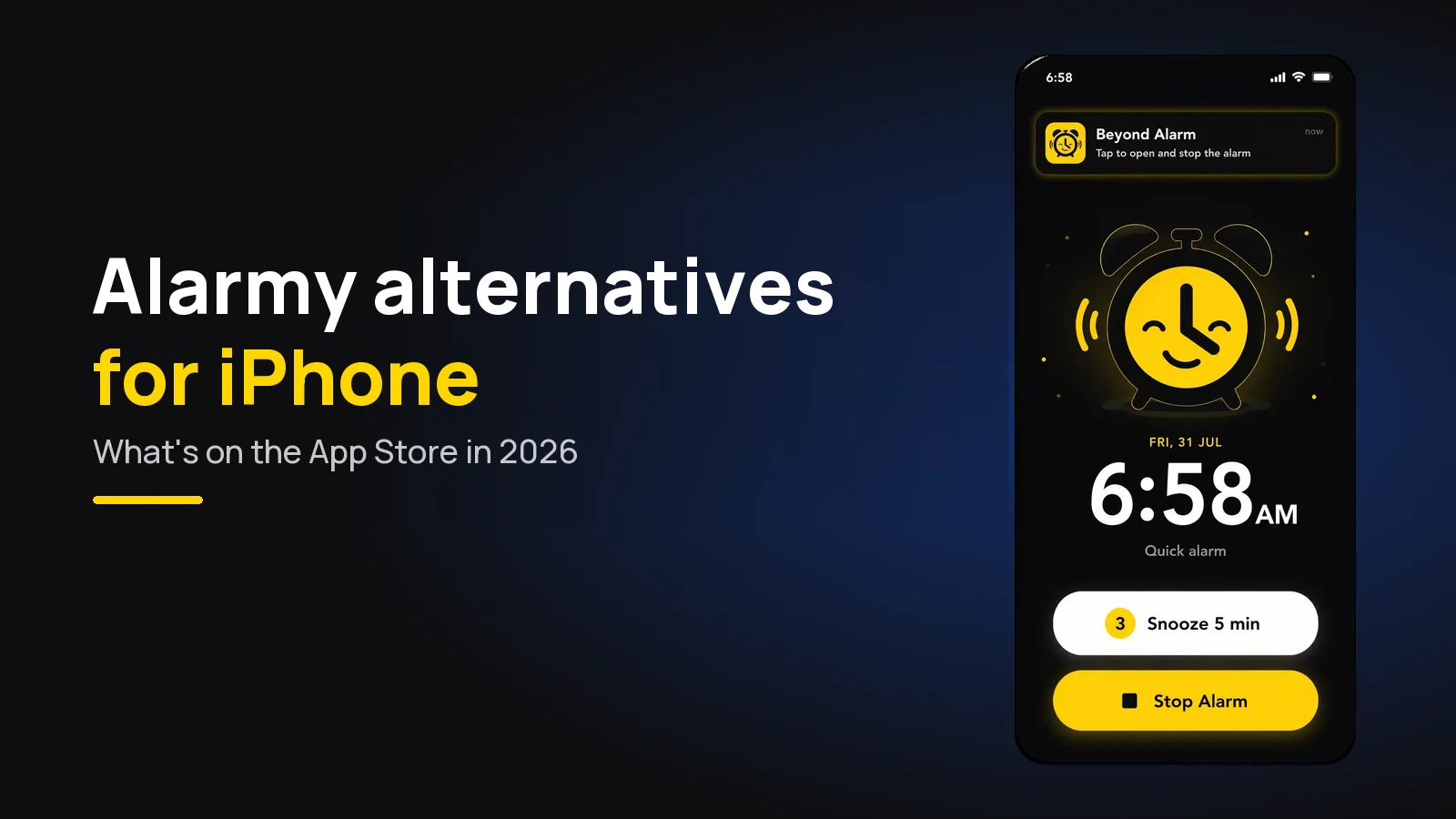
The best Alarmy alternative for iPhone is Beyond Alarm. It works the same way, where a mission, not a tap, stops the alarm. It runs on Apple's AlarmKit, so it rings on silent, and once you're up it keeps the apps you lose mornings to shut for a while.
The short version:
- Beyond Alarm is the pick: a mission alarm on AlarmKit (iOS 26.1+), with Morning lockout and Phone Block built in.
- Alarmy is on the App Store too, with maths, photo, barcode and typing missions. It doesn't block apps.
- Apple's Clock is free and reliable, but one slide stops it.
- Several Android favourites, like Sleep as Android, aren't on iPhone at all.
Why people look for an Alarmy alternative on iPhone
Alarmy made the mission alarm popular: do something to prove you're awake, then the alarm stops. People who go looking for something else usually have one of three reasons:
- The free version stops short of the mission they want. Some Alarmy missions and extras sit behind Alarmy Plus.
- It wakes them up, and the morning still disappears into their phone.
- They want the same idea with a different feel or different missions.
Beyond Alarm is built around the second one. We kept the mission alarm and added what happens in the hour after it.
The Alarmy alternatives on iPhone
| App | What it's best at | Blocks apps after you wake? | Download |
|---|---|---|---|
| Beyond Alarm | Mission alarm on AlarmKit, plus Morning lockout and Phone Block | Yes | Free to download |
| Alarmy | Mission alarm: maths, photo, barcode, typing | No | Free; in-app purchases |
| Apple Clock | The built-in alarm: repeat, label, sound, snooze | No | Built in |
Alarmy's details are from its App Store listing, checked on 13 November 2026. It showed 252K ratings, a 4.8 average, in-app purchases and a requirement of iOS 17 or later. Beyond Alarm's are from our own code.
1. Beyond Alarm: the best Alarmy alternative for iPhone
It rings like Apple's alarm. Beyond Alarm runs on AlarmKit. In Apple's WWDC25 session, AlarmKit's alert "breaks through the silent mode and the current focus".
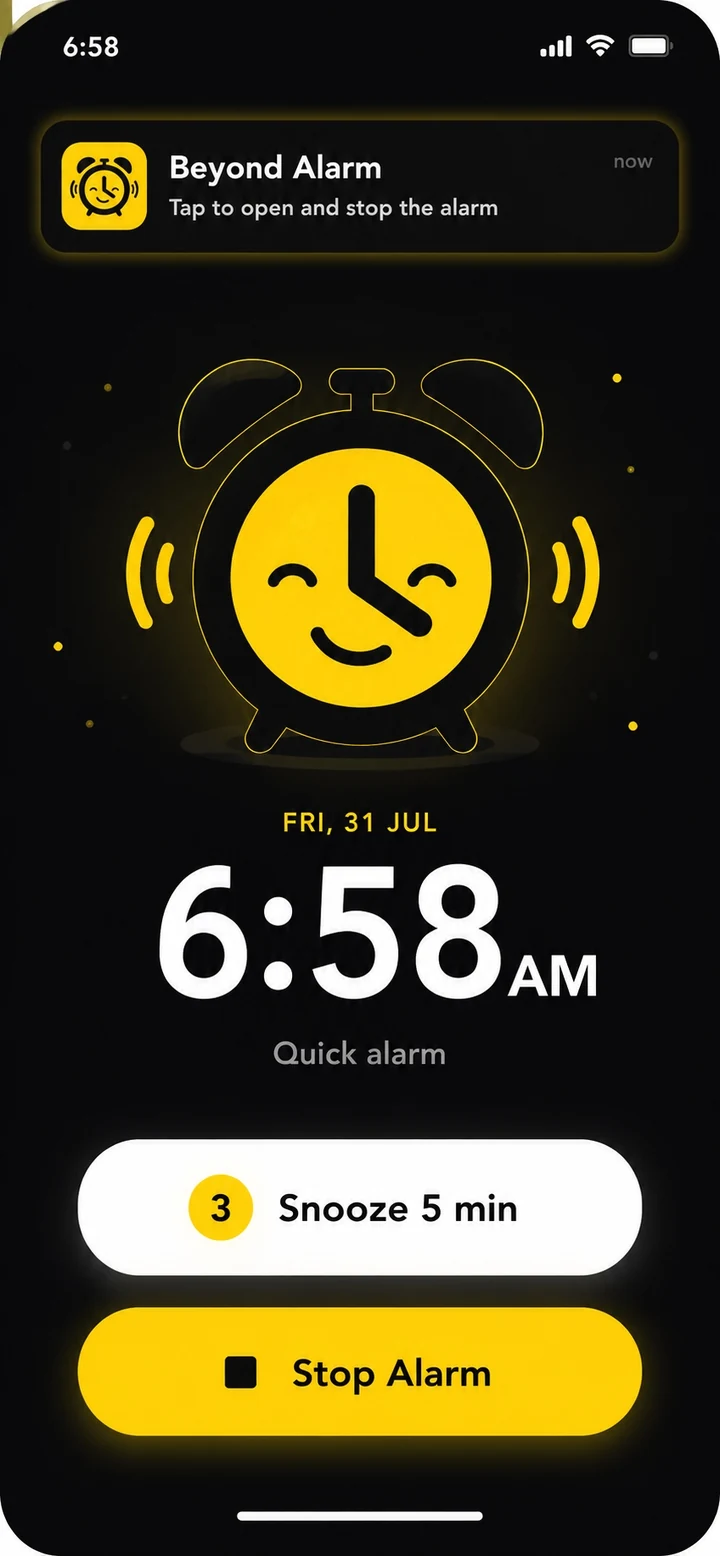
The slide doesn't end it. AlarmKit always shows Apple's slide to stop. In Beyond Alarm, that slide opens the app on the ring screen while the sound carries on. If you don't open it, the system alarm returns about 30 seconds later. Only finishing the mission cancels it.
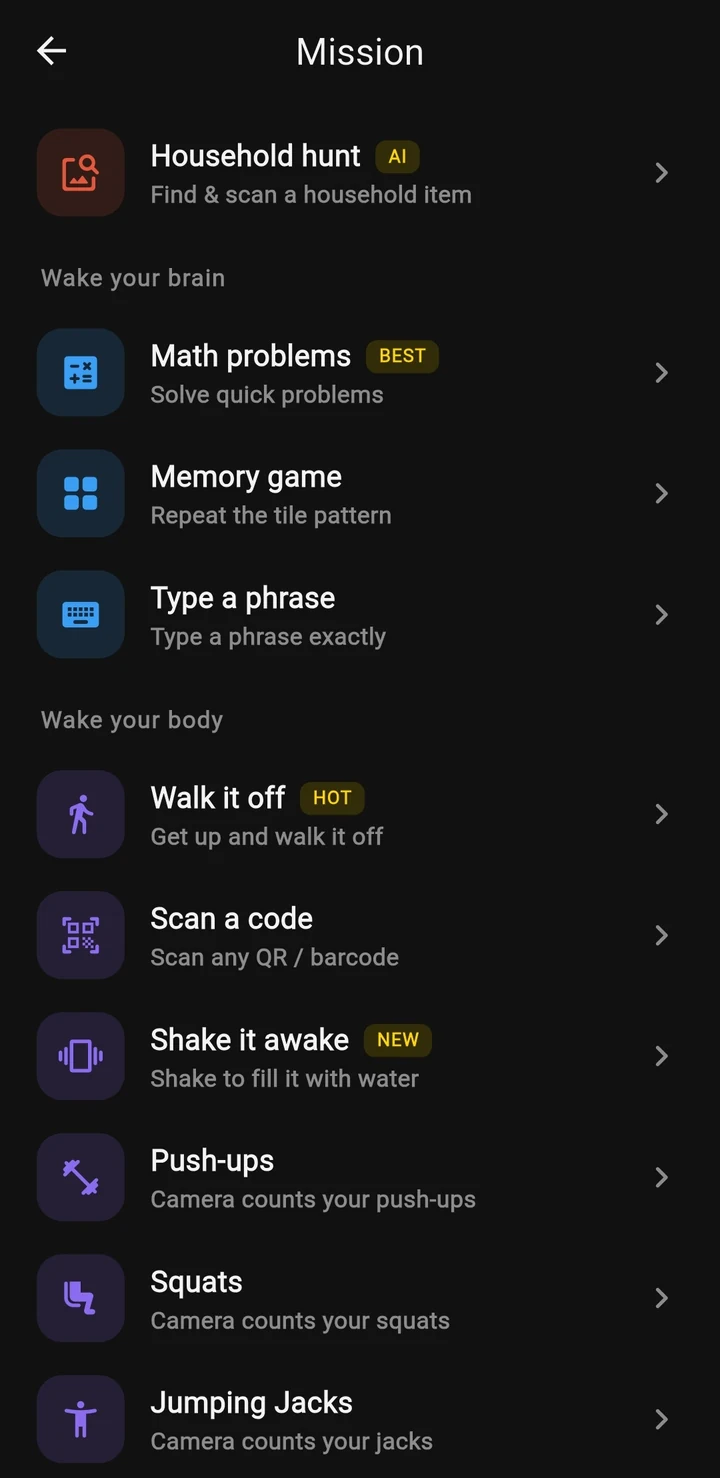
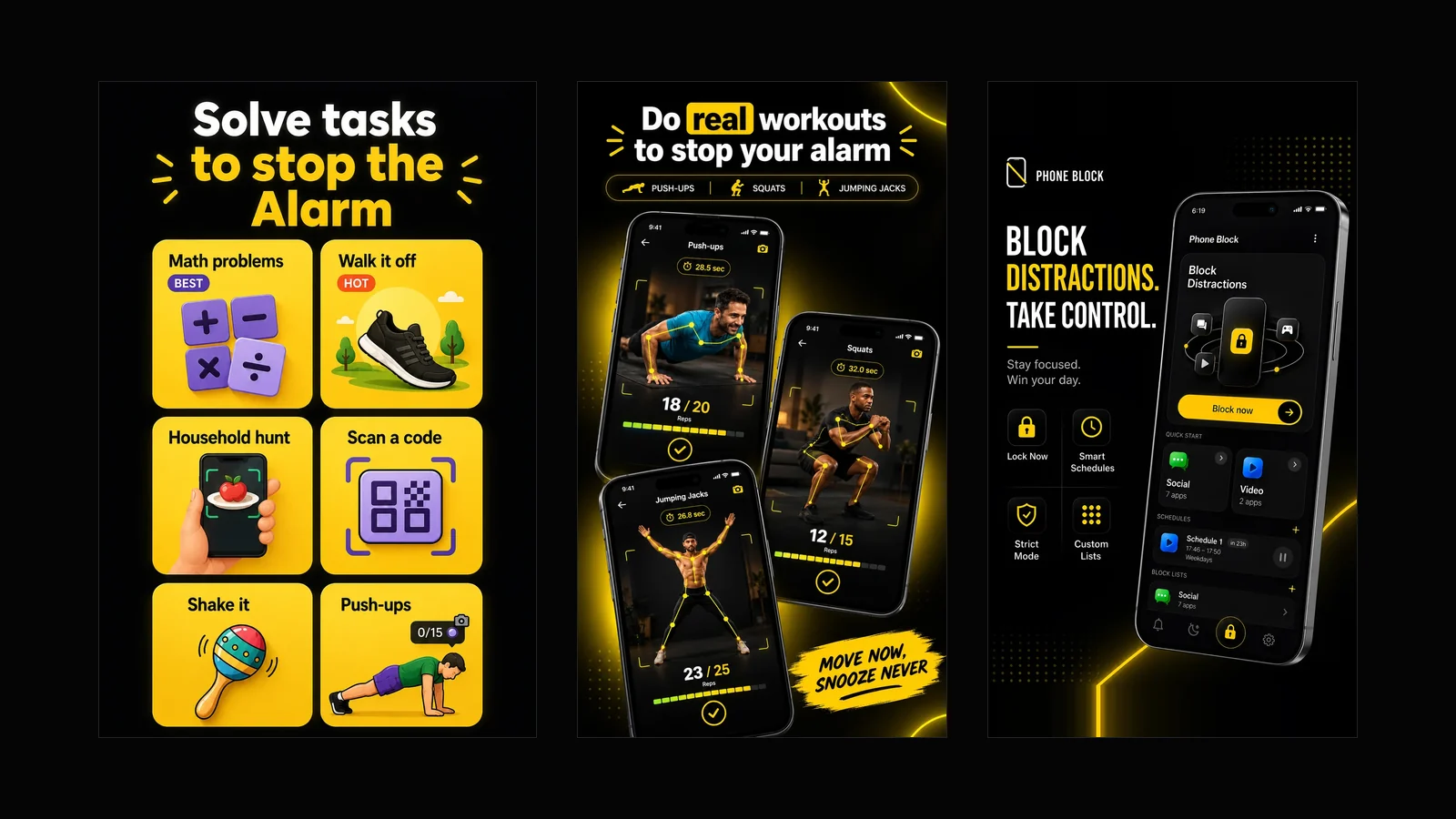
The missions. On iPhone:
- Maths, with five levels and 2 to 5 problems
- Memory, typing and shake
- A photo of your morning spot
- A household hunt, where you find and photograph a real item
- A code scan of a barcode or QR code
- Camera workouts: squats, push-ups and jumping jacks, counted by the camera
- Walk it off, which counts your steps
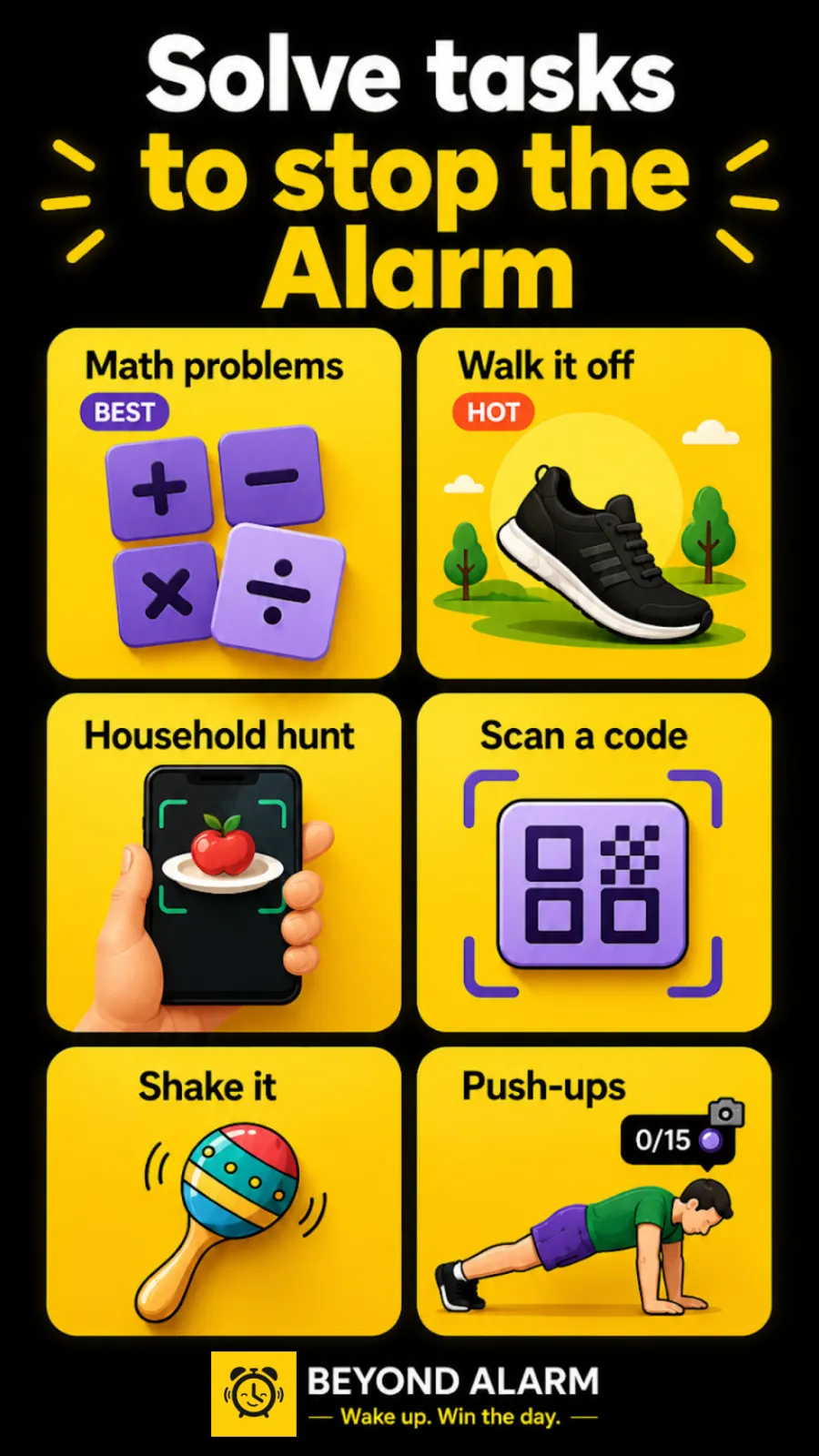
You can stack missions on one alarm, and add a wake-up audio message that plays once you're up.
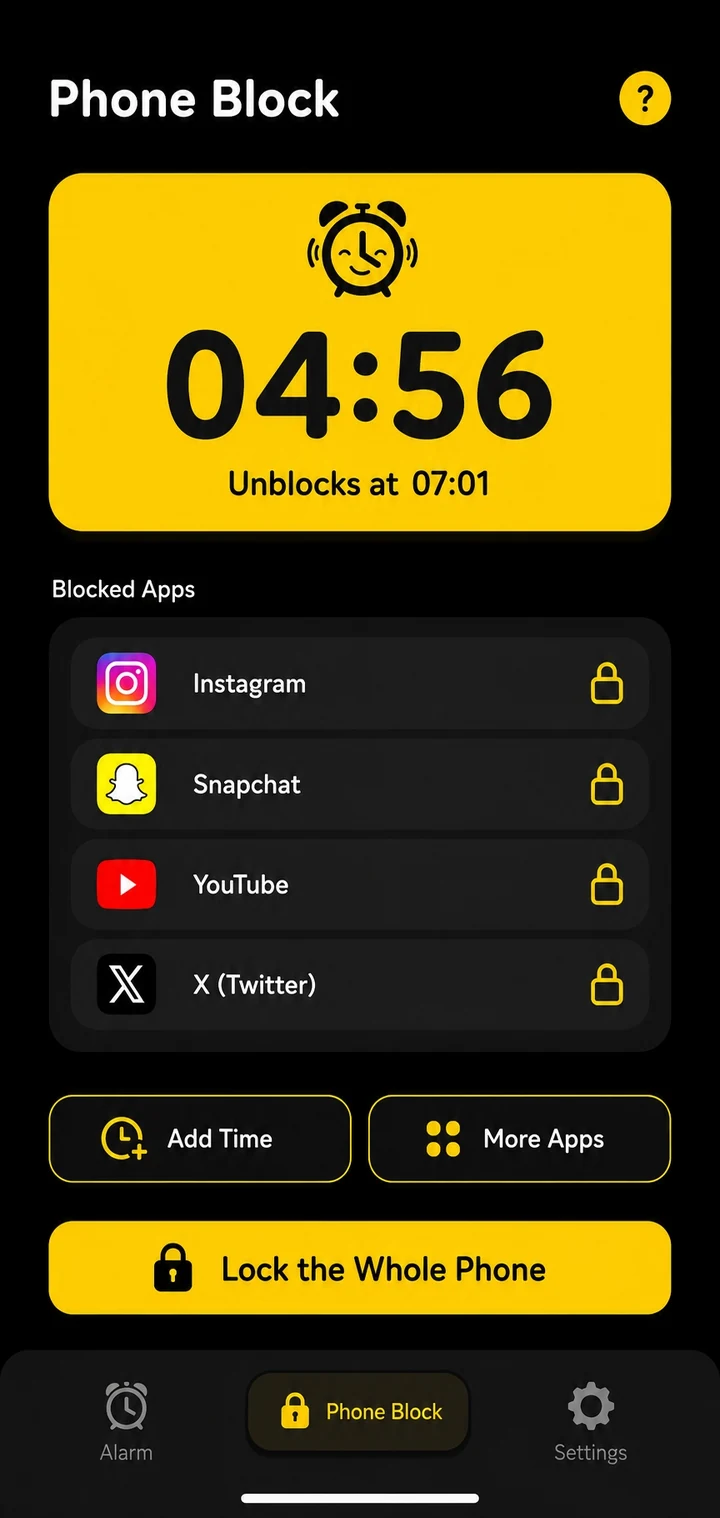
Morning lockout. This is the part Alarmy doesn't have. Once the mission is done, the apps or categories you chose in Apple's Screen Time picker stay shielded for 15 to 60 minutes, or a time you set. The alarm gets you up, and the lockout keeps the first hour yours.
Phone Block. Start a block yourself, before bed or at your desk, on the apps you pick. Regular mode lets you leave early. Strict mode has no stop button until the timer ends. There's a Pomodoro mode for focus sessions too.
Coming from Alarmy, here's what we'd do. Recreate your alarm with the mission you used most, add a photo of the kitchen as the second one, and turn on Morning lockout for the two apps you open first. Run it for a week before you delete anything.
Beyond Alarm
Beyond Alarm does this part for you: the alarm will not switch off until you have actually moved, and the apps you pick stay locked afterwards.

2. Alarmy
Alarmy is the app most people are switching from, and it's on the App Store. Its missions include maths, photo, barcode and typing, and some missions and extras are part of Alarmy Plus.
It's an alarm only, with no app blocking. The Alarmy vs Beyond Alarm comparison goes through the two feature by feature.
3. Apple Clock
The built-in alarm is reliable. Apple says Do Not Disturb, the Ring/Silent switch and Silent mode don't affect the alarm sound, on its alarm support page. You set Repeat, Label, Sound and Snooze for each alarm.
It has no missions, though. One slide stops it, and that's a movement your hand can learn to do asleep. If that's the problem, see how to make your iPhone alarm harder to turn off.
What about Sleep as Android, QRAlarm and the rest?
Many Alarmy alternatives you'll see in lists are Android apps, and Sleep as Android is Android only.
When we put together our main list of Alarmy alternatives, Alarm Clock Xtreme and QRAlarm were checked on Google Play only. So on iPhone, the real choice is between a mission alarm built on AlarmKit and Apple's own Clock.
Which Alarmy alternative to pick on iPhone
Beyond Alarm. You keep the mission alarm you came to Alarmy for, it rings on silent through AlarmKit, and it handles the part Alarmy leaves alone: the phone after you're up.
Switching from Alarmy to Beyond Alarm
- Install Beyond Alarm from the App Store. It needs iOS 26.1 or later.
- Tap +, set the time and repeat days.
- Add a Wake-up mission. Pick the one you used in Alarmy, then add a second that needs you out of bed.
- Allow alarms when iOS asks. That's the AlarmKit permission that lets it ring on silent.
- Turn on Morning lockout and choose your apps in the Screen Time picker.
- Test it once with the phone locked, two minutes out. Then switch off the old alarm for the same time.
For how Beyond Alarm compares with Apple's own alarm in more detail, see the best alarm clock app for iPhone.
Sources
Checked on 23 November 2026, except where a date is given.
- Beyond Alarm on the App Store
- Alarmy on the App Store (listing details checked 13 November 2026)
- Apple Support: How to set and change alarms on your iPhone
- Apple WWDC25: Wake up to the AlarmKit API
Common questions
What is the best Alarmy alternative for iPhone?
Beyond Alarm. Like Alarmy, it makes you finish a mission to stop the alarm. It runs on Apple's AlarmKit (iOS 26.1 and later), so it rings on silent and in a Focus, and its Morning lockout keeps the apps you choose shut after you're up. Alarmy has no app blocking.
Are there apps like Alarmy for iPhone?
Yes. Beyond Alarm is a mission alarm on the App Store with maths, memory, typing, shake, a photo of your morning spot, a household hunt and a code scan, plus camera-counted workouts and Walk it off. Apple's own Clock is the built-in option, but it has no missions.
Is Beyond Alarm free to download on iPhone?
Yes. Beyond Alarm is free to download on the App Store. It needs iOS 26.1 or later.
Do Sleep as Android or QRAlarm work on iPhone?
Sleep as Android is Android only. When we compared Alarmy alternatives, Alarm Clock Xtreme and QRAlarm were checked on Google Play only, so we don't list them as iPhone options.
Can an iPhone alarm app ring on silent?
On iOS 26.1 and later, yes, if it uses Apple's AlarmKit. Beyond Alarm does, so its alarms break through silent mode and the current Focus the same way Apple's do.
We build Beyond Alarm, the alarm for Android and iPhone that will not switch off until you have actually moved, then blocks the apps that pull you back. Most of what we write here comes out of building it.
Beyond Alarm
An alarm that keeps ringing until you’ve actually moved — then blocks the apps that pull you back to bed. Free to start, no account.
Keep reading
What Beyond Alarm does: wake-up missions and app blocking
The whole app on one page, for Android and iPhone — missions to stop the alarm, app blocking after it, and a free Strict mode Phone Block.
Best free alarm app for iPhone in 2026: 3 options compared
The best free alarm app for iPhone in 2026. How Beyond Alarm, Apple Clock and other free alarm clock apps compare on the things that wake you up.