
Alarm Not Working After an Android Update? 7 Fixes (2026)
 Beyond Alarm19 November 2026 · 6 min read
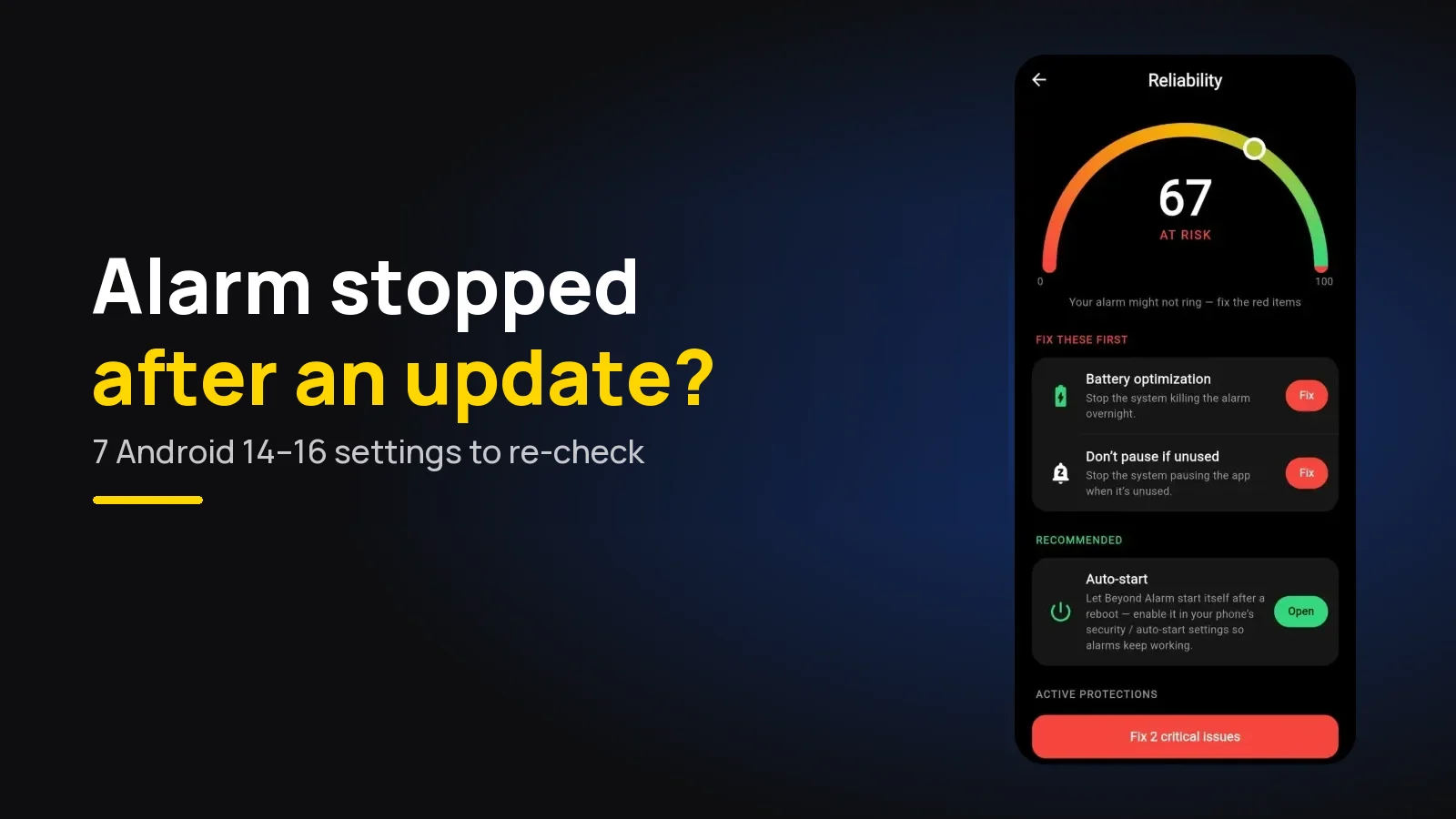
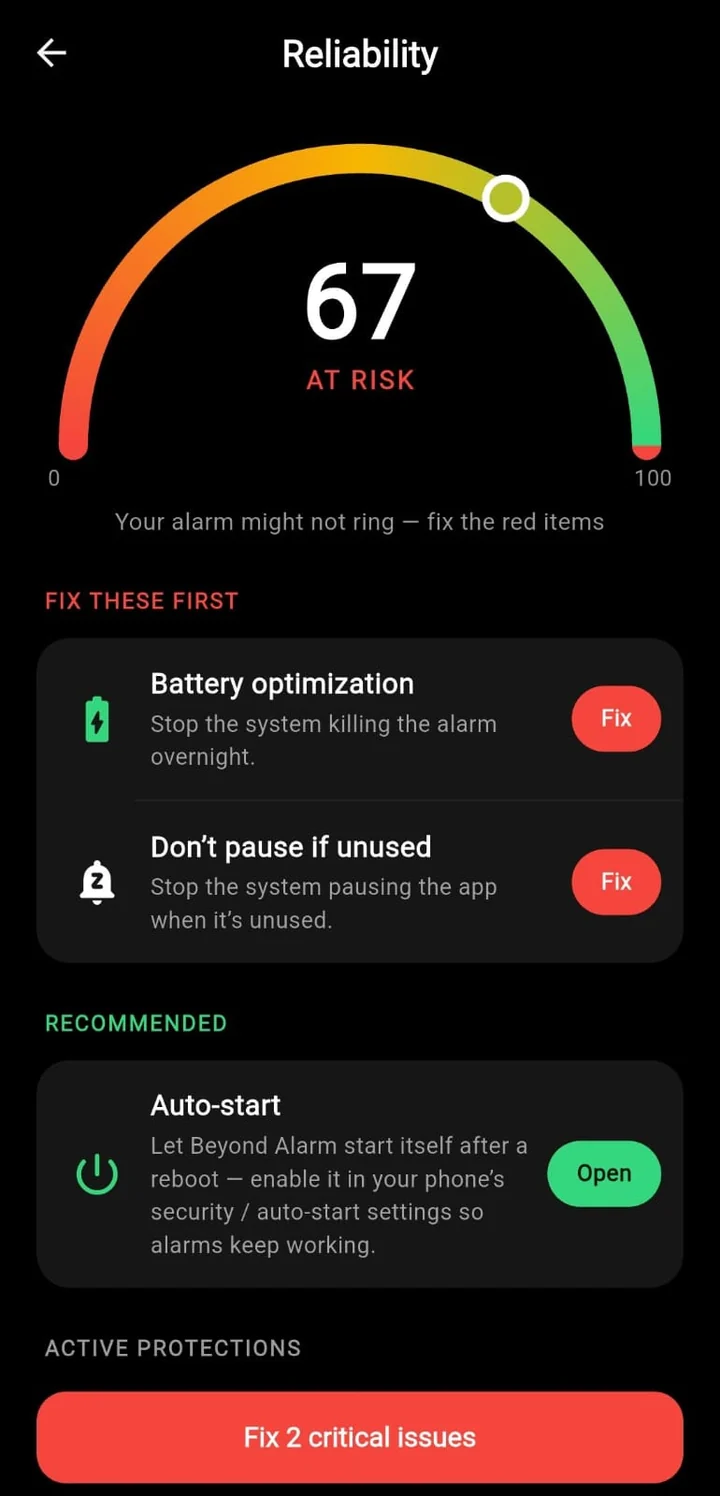
If your alarm stopped working after an Android update, the update most likely changed a permission or battery setting your alarm app relies on. Open Beyond Alarm's reliability screen, which re-checks each one and opens the page to fix it, then work through the seven settings below.
The short version:
- Use Beyond Alarm: its reliability screen checks full-screen alarm, exact alarm, battery optimisation, Don't pause if unused and boot recovery, and flags anything an update switched off.
- Alarm shows as a plain notification? Allow full-screen notifications (Android 14 and later).
- Alarm late or missing? Allow Alarms & reminders.
- Set the alarm app's battery to Unrestricted again — phone-maker updates can bring their battery limits back.
- Turn off Pause app activity if unused.
- Moved to a new phone? Exact-alarm permission doesn't always come with you.
Which symptom do you have?
Each update-related failure looks a little different. Match yours first.
| What happened after the update | Most likely cause | Fix |
|---|---|---|
| Sound plays, but only a notification — no ring screen | Full-screen alerts not allowed (Android 14+) | Section 1 |
| Rings late, or not at all | Alarms & reminders permission off | Section 2 |
| Nothing the first morning after updating | The update restarted the phone | Section 3 |
| Worked for a few days, then stopped | Battery limits re-applied by the phone maker | Sections 4 and 5 |
| Stopped after months of not opening the app | App paused as unused | Section 6 |
| Stopped on a new phone | Permission not carried over in the restore | Section 7 |
Why updates break alarms
Android has a proper system for alarms. An alarm app can register its alarm
with AlarmManager, and the strongest type, setAlarmClock, is one Google
describes as "the most critical": the system "never adjusts their delivery
time" and "leaves low-power modes if necessary to deliver the alarms"
(Android developer docs).
That's the type we built Beyond Alarm on, so Doze can't hold it back.
But that only works while the app keeps the permissions it needs and isn't stopped. Updates change exactly those things — some through new Android rules, some through the phone maker's own software riding along with the update. The fixes below go from the most common to the least.
1. Full-screen alerts (Android 14 and later)
Before Android 14, any alarm app could show its ring screen over the lock screen. From Android 14, Google limited full-screen alerts to calling and alarm apps, and made it a switch: "Users can turn this permission on and off" (Android 14 behaviour changes).
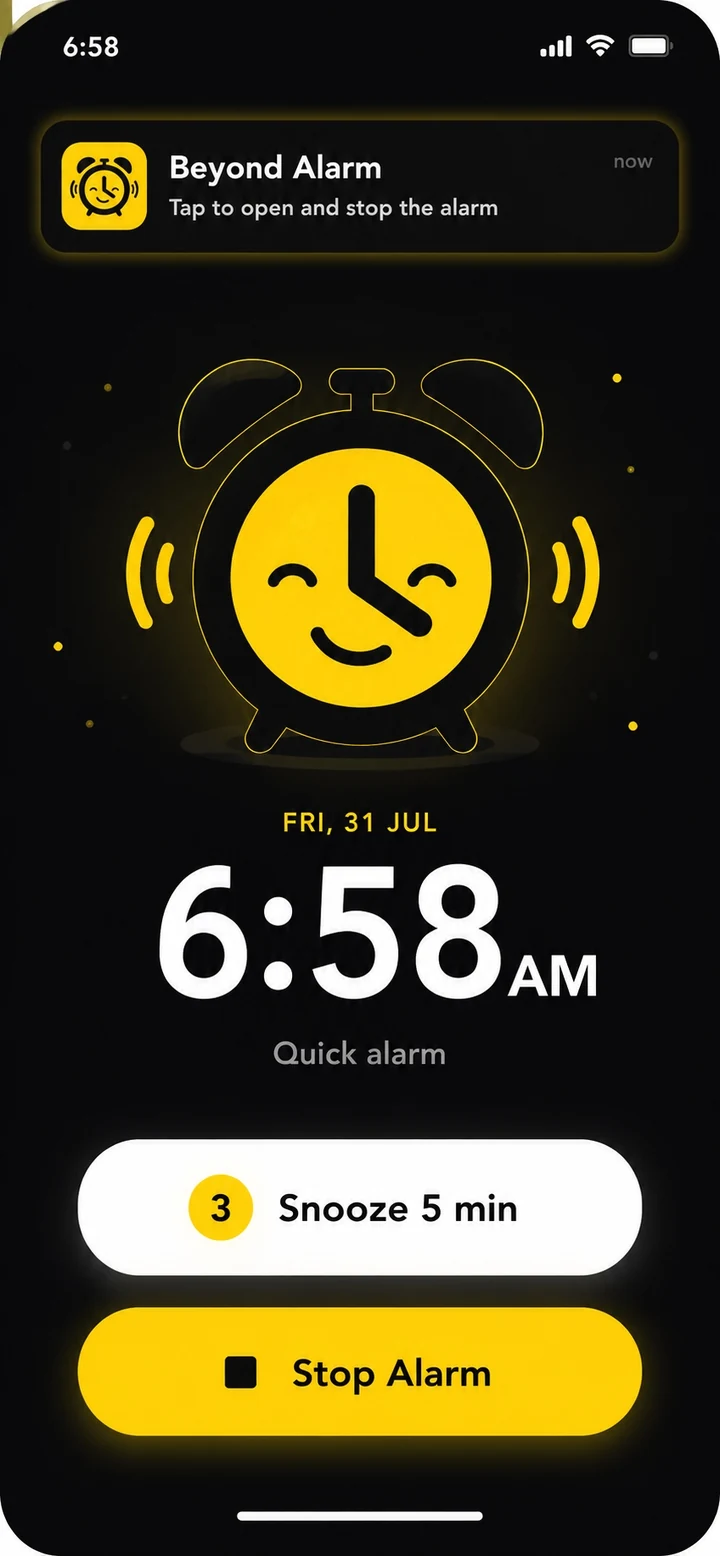
Apps installed before the update keep it. But if you reinstalled the app, restored from a backup, or switched it off by accident, the alarm can play its sound with only a notification to tap — easy to sleep through.
- Go to Settings → Apps → Special app access.
- Open Full-screen notifications (on some phones, Full screen intents). The path may differ slightly by version; search Settings for full screen if you can't find it.
- Allow your alarm app.
Beyond Alarm's Full-screen alarm row checks this and opens the page.
2. Alarms & reminders (exact alarms)
Since Android 12, an app needs the Alarms & reminders permission to ring at an exact time. Google's docs are blunt about what happens when it's removed: "your app stops, and all future exact alarms are canceled."
- Go to Settings → Apps → Special app access → Alarms & reminders.
- Find your alarm app and make sure it's allowed.
If Android refuses an alarm because this is off, Beyond Alarm shows a "Couldn't set this alarm" message, so you find out at bedtime rather than in the morning. Its Exact alarm row checks the same thing.
3. The restart that comes with every update
Every system update ends in a restart, and "by default, all alarms are canceled when a device shuts down". An alarm app has to set them all again when the phone boots. If it can't — because a battery setting or missing auto-start blocks it — the first morning after the update is the one that fails.
Beyond Alarm's Boot recovery re-arms your alarms after a restart, and the reliability screen checks it. Why a restart silences alarms, and what to do about it covers this in detail.
4. Battery optimisation, again
Updates on Samsung, Xiaomi and other brands ship the phone maker's own software as well as Android's, and that software decides which apps may run in the background. A big update can change how that software treats your apps, so re-check rather than assume.
- Go to Settings → Apps, tap your alarm app, then Battery (or App battery usage).
- Choose Unrestricted (or turn Optimise battery usage off).
Beyond Alarm's Battery optimization row reads this and can fix it in one tap. On Samsung, also check that the app is still on Never sleeping apps — there's a row for that too, and the full walk-through is in our Samsung alarm guide.
Beyond Alarm
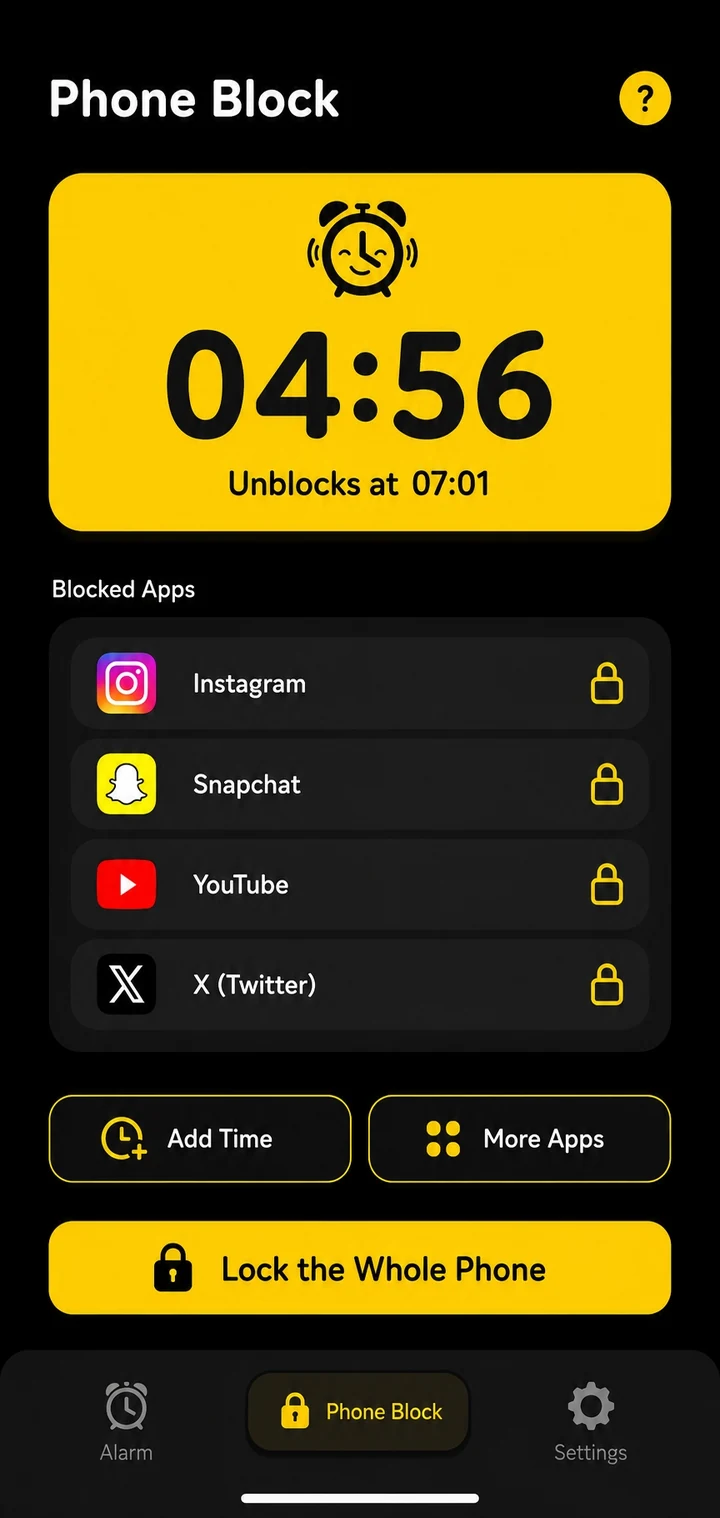
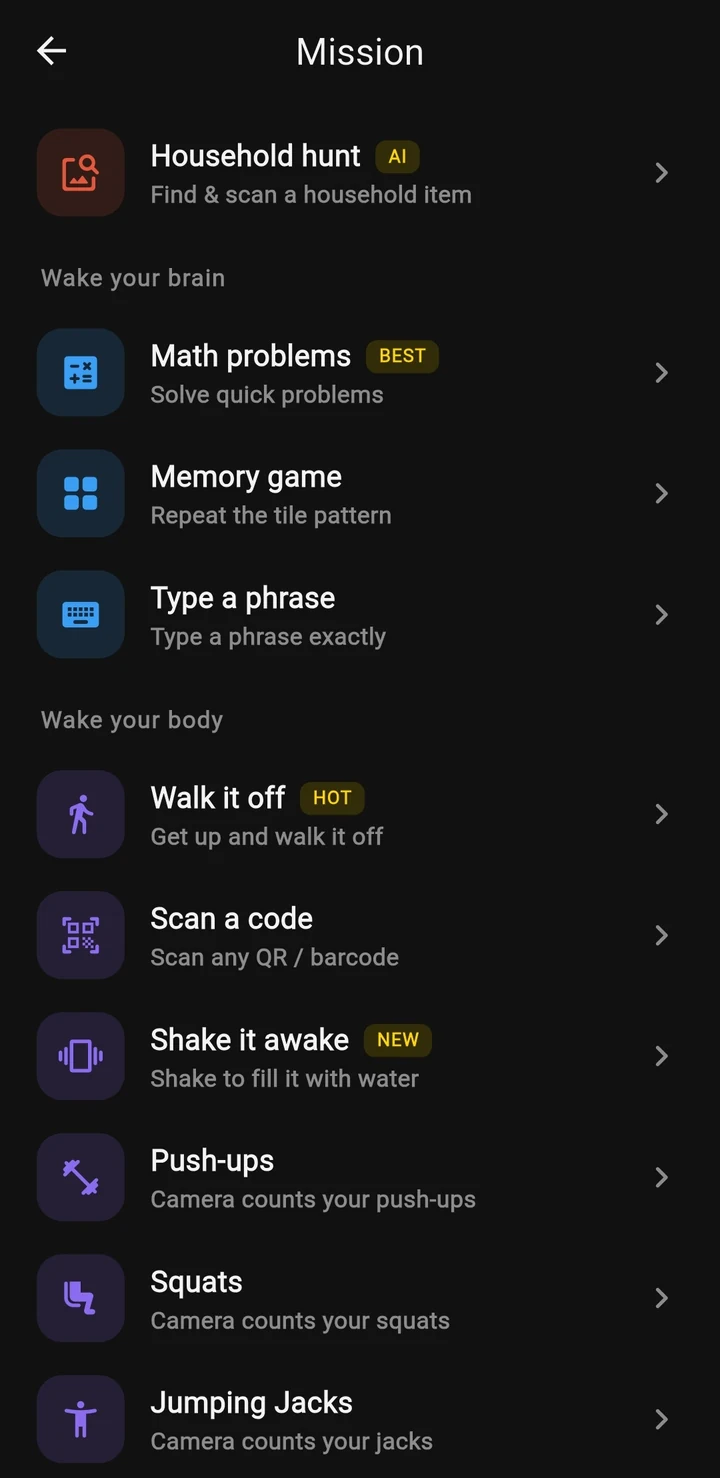
Beyond Alarm does this part for you: the alarm will not switch off until you have actually moved, and the apps you pick stay locked afterwards.


5. Auto-start on strict brands
Xiaomi, OPPO, realme, vivo, Huawei, Honor, Tecno and Infinix add an auto-start or auto-launch switch that no app can read. If an update reset it, the phone may close the alarm app overnight. The setting has a different name on every brand; dontkillmyapp.com lists them by maker.
Beyond Alarm's Auto-start row opens your phone's page for it, with brand-specific rows for Transsion (Tecno, Infinix, itel), Honor and Huawei that link to the right dontkillmyapp.com guide. The Android alarm guide's brand table has every menu path.
6. Pause app activity if unused
This one looks like an update problem but isn't. If you haven't opened an app for a few months, Android can put it into hibernation: on Android 12 and later it "can't run jobs or alerts from the background", and when you next open it, the system won't reschedule what was set before (Android developer docs).
The catch for alarm apps: Google lists "schedules alarms" as something that does not count as using the app. A set-and-forget alarm is exactly what gets paused.
- Open your alarm app's App info page.
- Turn off Pause app activity if unused (on Android 12 it's called Remove permissions and free up space).
Beyond Alarm's Don't pause if unused row checks this and opens the page.
7. New phone, restored from a backup
If the "update" was moving to a new phone, there's one more trap. Google's docs say that if you restore app data onto a phone running Android 14 or later, the exact-alarm permission "will be denied on the new device". Go back to section 2 and allow it again — and check full-screen notifications while you're there.
Beyond Alarm is the alarm we built to survive exactly this. It schedules
with setAlarmClock, Android's highest-priority alarm type, and its
reliability screen checks Notifications, Full-screen alarm, Exact alarm,
Battery optimization, Don't pause if unused, Boot recovery, Auto-start,
Samsung's Never sleeping apps and Display over other apps — then opens the
right page for each. If an alarm ever didn't ring, a card on the Alarms tab
tells you and takes you straight to the fix.
After the next update: a two-minute check
Make this a habit after every system update:
- Open Beyond Alarm's reliability screen and fix anything it flags.
- Set an alarm three minutes ahead, lock the phone, and leave it face down.
- Check the ring screen comes up, not just a notification.
That catches the full-screen and exact-alarm problems. For the battery and auto-start ones, a three-minute test isn't enough — the force-stop test is the one that proves your alarm will survive the night.
Common questions
Why did my alarm stop working after an Android update?
An update can change the rules an alarm app depends on. Android 14 made full-screen alerts a permission you can switch off, phone makers can re-apply their battery limits, and the update restarts the phone. Any of these can leave an alarm that worked yesterday silent today. Check the settings in this post in order.
Why does my alarm only show a notification since updating to Android 14?
From Android 14, showing a full-screen alert over the lock screen is a permission the user can turn on and off. If it's off for your alarm app, the alarm can arrive as an ordinary notification. Allow it under Settings → Apps → Special app access; the entry is called full-screen notifications or full-screen intents, depending on the phone.
Does updating Android delete my alarms?
The update itself doesn't delete them, but it restarts the phone, and Android clears every scheduled alarm on shutdown. Each app has to set its alarms again after the restart. Beyond Alarm's Boot recovery does that for you, and its reliability screen checks it's working.
My alarm worked for months, then stopped. Is that the update?
It may be "Pause app activity if unused" instead. Android pauses apps you haven't opened for a few months, and Google's own documentation says scheduling alarms doesn't count as using the app. Switch it off on the alarm app's App info page.
Which alarm app keeps working after Android updates?
Beyond Alarm. It uses Android's highest-priority alarm type, and its reliability screen re-checks every permission an update can change — full-screen alarm, exact alarm, battery optimisation, Don't pause if unused, Boot recovery and auto-start — and opens the right page to fix each one.
We build Beyond Alarm, the alarm for Android and iPhone that will not switch off until you have actually moved, then blocks the apps that pull you back. Most of what we write here comes out of building it.
Beyond Alarm
An alarm that keeps ringing until you’ve actually moved — then blocks the apps that pull you back to bed. Free to start, no account.
Keep reading
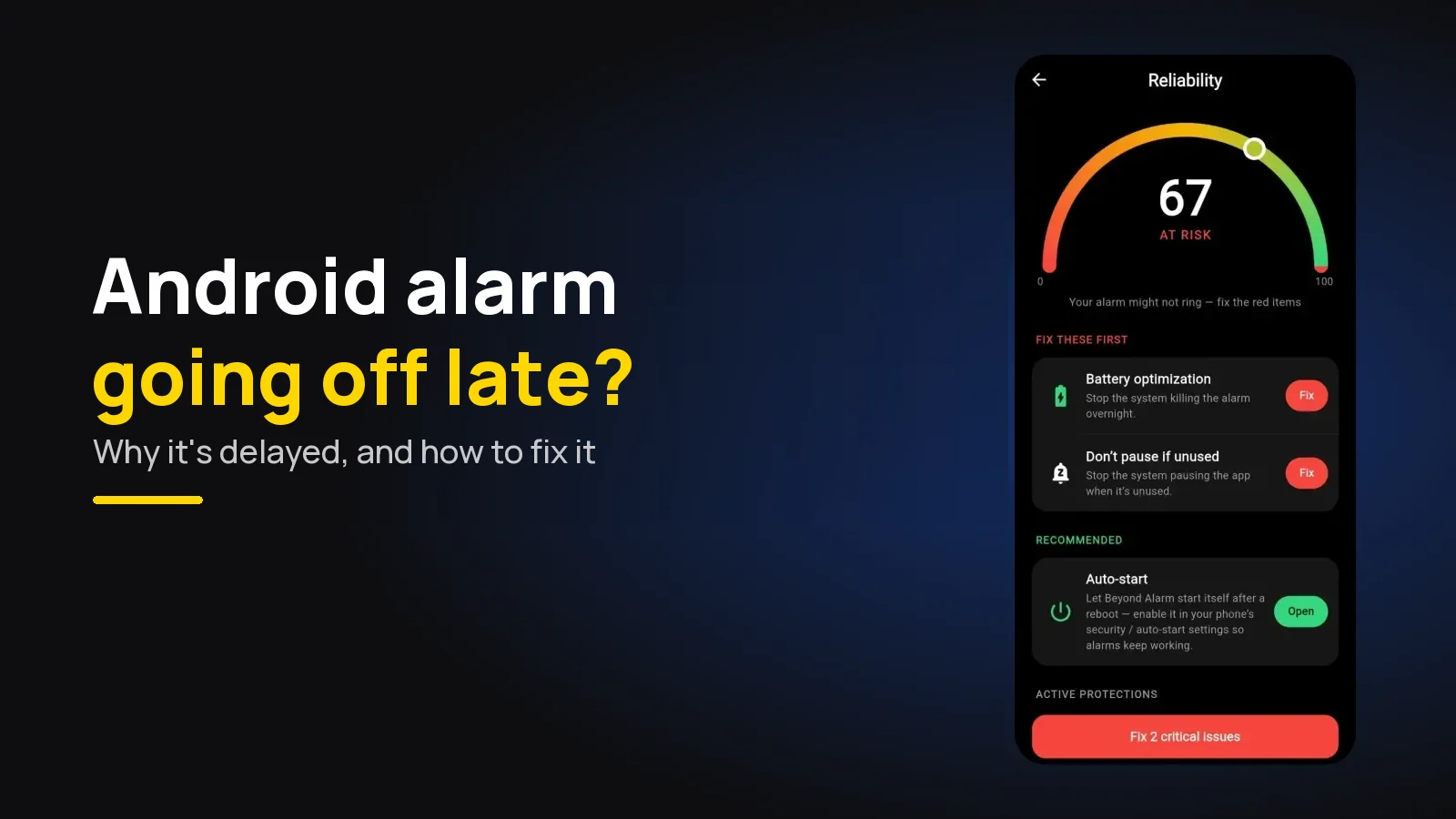
Android Alarm Going Off Late? Why It's Delayed + 7 Fixes
Android alarm going off late, or delayed by minutes? Doze, inexact alarms, battery savers and a wrong clock are the usual causes. Here's how to fix each.
Alarm Only Vibrates, No Sound? 8 Fixes for Android
Android alarm vibrating but no sound? Check the alarm volume (not media), a Silent tone, Do Not Disturb, Bluetooth earbuds, a deleted song and gradual volume.