
Alarm Only Vibrates, No Sound? 8 Fixes for Android
 Beyond Alarm19 November 2026 · 7 min read
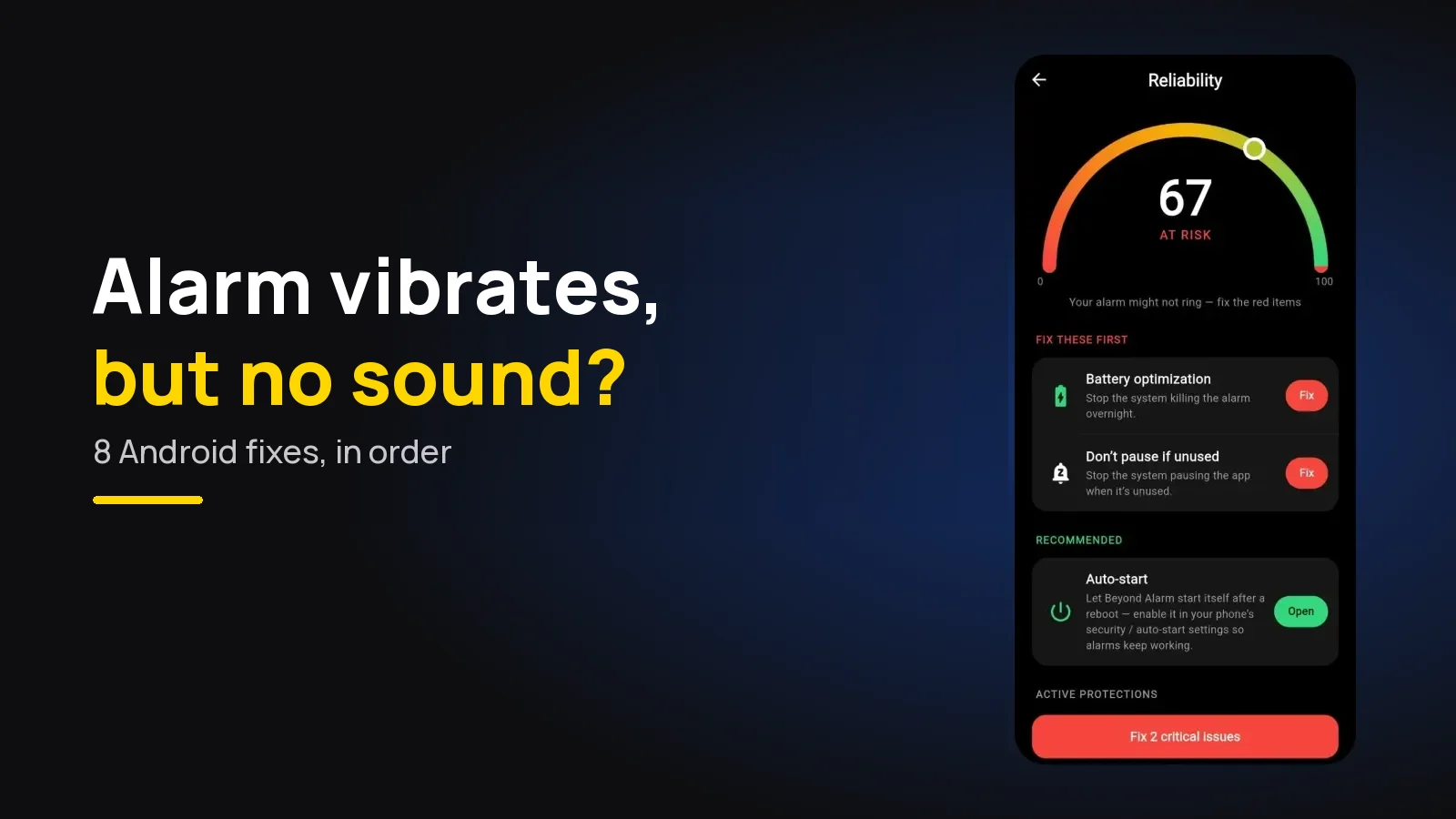
If your Android alarm only vibrates with no sound, the cause is almost always the alarm volume slider (separate from media and ring volume), an alarm sound set to Silent, or a deleted tone file. Beyond Alarm avoids all three: it rings on the alarm volume and holds it at maximum.
The short version:
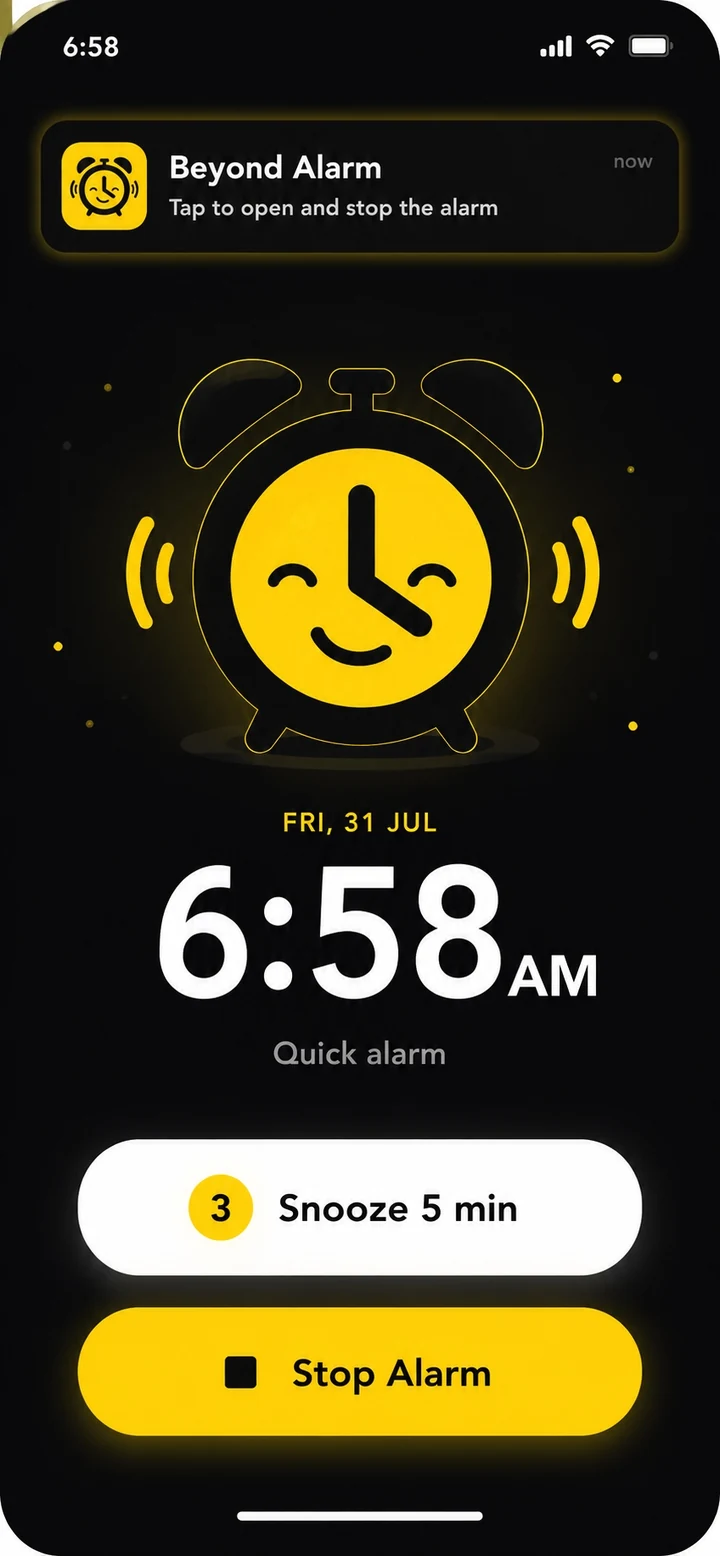
- Use Beyond Alarm: it plays on Android's alarm volume, raises it to maximum while it rings, and falls back to a built-in tone if your chosen sound can't play.
- Open the volume panel and turn up Alarm volume, not media or ring.
- Check the alarm's sound isn't set to Silent or None.
- Pick a built-in tone if the alarm uses a song or downloaded file.
- Make sure Do Not Disturb (or Modes) allows Alarms.
- Disconnect Bluetooth earbuds, and shorten any gradual volume fade.
Which symptom do you have?
The vibration tells you something useful: the alarm did fire. Android woke the app on time, so this isn't a battery or background problem. Something between the alarm and the speaker went quiet.
| What happened | Most likely cause | Fix |
|---|---|---|
| Vibrates, never any sound | Alarm volume at zero, or sound set to Silent | Sections 1 and 2 |
| Silent with a song or downloaded tone | The file was moved or deleted | Section 3 |
| Silent only at night or weekends | Do Not Disturb or a bedtime Mode | Section 4 |
| Silent with earbuds or a speaker connected | Bluetooth audio routing | Section 5 |
| Vibrates first, sound comes later | Gradual volume fade | Section 6 |
| Silent only on Mute or Vibrate | A Clock setting that ties alarms to the ringer | Section 7 |
| Want it loud however the sliders are set | A slider left low the night before | Section 8 (Beyond Alarm) |
If nothing happens at all, not even a vibration, that's a different problem: start with why your alarm isn't going off on Android.
Menu names below follow Google's Pixel and Android help pages. Phone makers rename things, and the path may differ slightly by version. If a path doesn't match, search Settings for the word in bold.
1. Turn up the alarm volume, not the media volume
Android has separate volumes for media, calls, ringtones and alarms. Google's volume help page lists Alarm volume as its own slider, next to Media volume and Ring volume.
The catch is the side buttons. Press them with nothing playing and they change the media volume, so the alarm slider can sit at zero for weeks while the buttons seem fine.
- Press a volume button.
- Tap the ⋮ or settings icon on the volume panel to show every slider.
- Drag Alarm volume up.
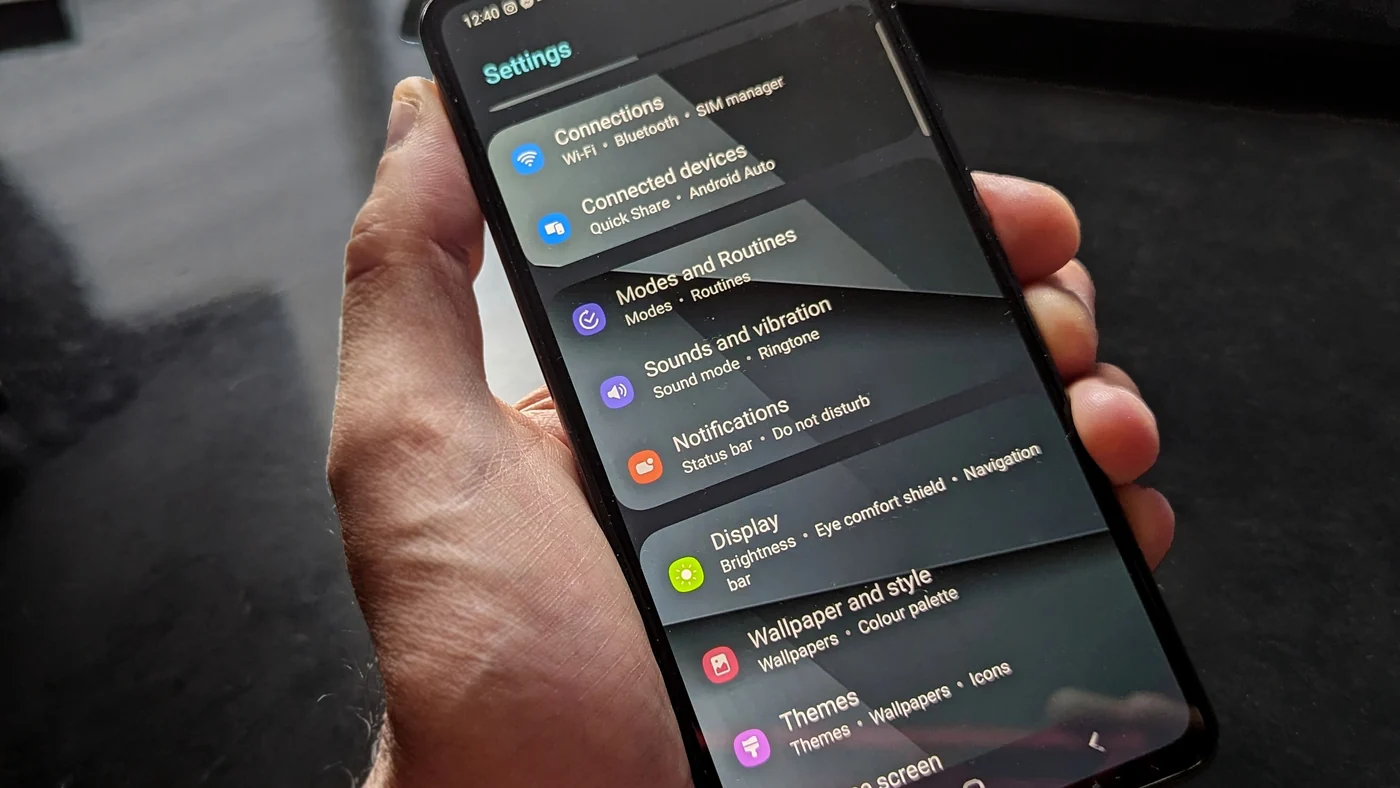
You can also go to Settings → Sound & vibration and find the alarm slider there. If the alarm makes sound but is too quiet, that's a separate set of causes: see why your alarm is too quiet on Android.
2. The alarm's sound is set to Silent
Most Clock apps let you choose Silent or None as an alarm sound, and it's easy to tap by mistake while scrolling the list. Google's own alarm help page lists this as a cause: "Your alarm sound is set to silent. Choose a different sound so you don't miss an alarm."
- Open your Clock app and tap the alarm.
- Tap its sound (on Google's Clock it's under the alarm, next to the bell icon).
- Choose a tone from the device's own sounds, then save.
Check every alarm you rely on. Each one keeps its own sound.
3. A song or downloaded tone that's been deleted
If the alarm plays a song, a voice note or a downloaded file, it depends on that file still being where it was. Delete it, move it to an SD card, or let a music app clear its offline downloads, and the alarm can point at nothing. The vibration still runs, so it feels like the sound just failed.
Pick a built-in tone to test. If that rings, the old file was the problem. Re-add your song if you want it, and keep the file where it is.
4. Do Not Disturb and bedtime Modes
Do Not Disturb lets alarms through by default, but the exception can be switched off, and each Mode carries its own settings. On recent Android, Google's Do Not Disturb help page puts it under Settings → Modes: pick a mode, open its notification filters, and under Alarms & other interruptions, allow alarms. On older versions it's under Settings → Notifications → Do Not Disturb.
Check every Mode that turns on at night: Bedtime, Sleep, or one you made yourself. The three ways Do Not Disturb silences an alarm covers the one that catches people even with alarms allowed.
5. Bluetooth earbuds and speakers
How an alarm behaves with Bluetooth connected depends on the phone, the Android version and the earbuds. Many phones play alarms through the speaker either way, but some send the sound to the earbuds too. If they're on the bedside table, or the speaker is switched off, you only get the vibration.
Don't guess. Set an alarm two minutes ahead with your earbuds connected and listen to where it plays. If it goes to the earbuds, turn Bluetooth audio off before bed. On a Galaxy, also check Separate app sound, which can send a chosen app's audio to a Bluetooth device. Our Samsung alarm no-sound guide covers that.
Beyond Alarm
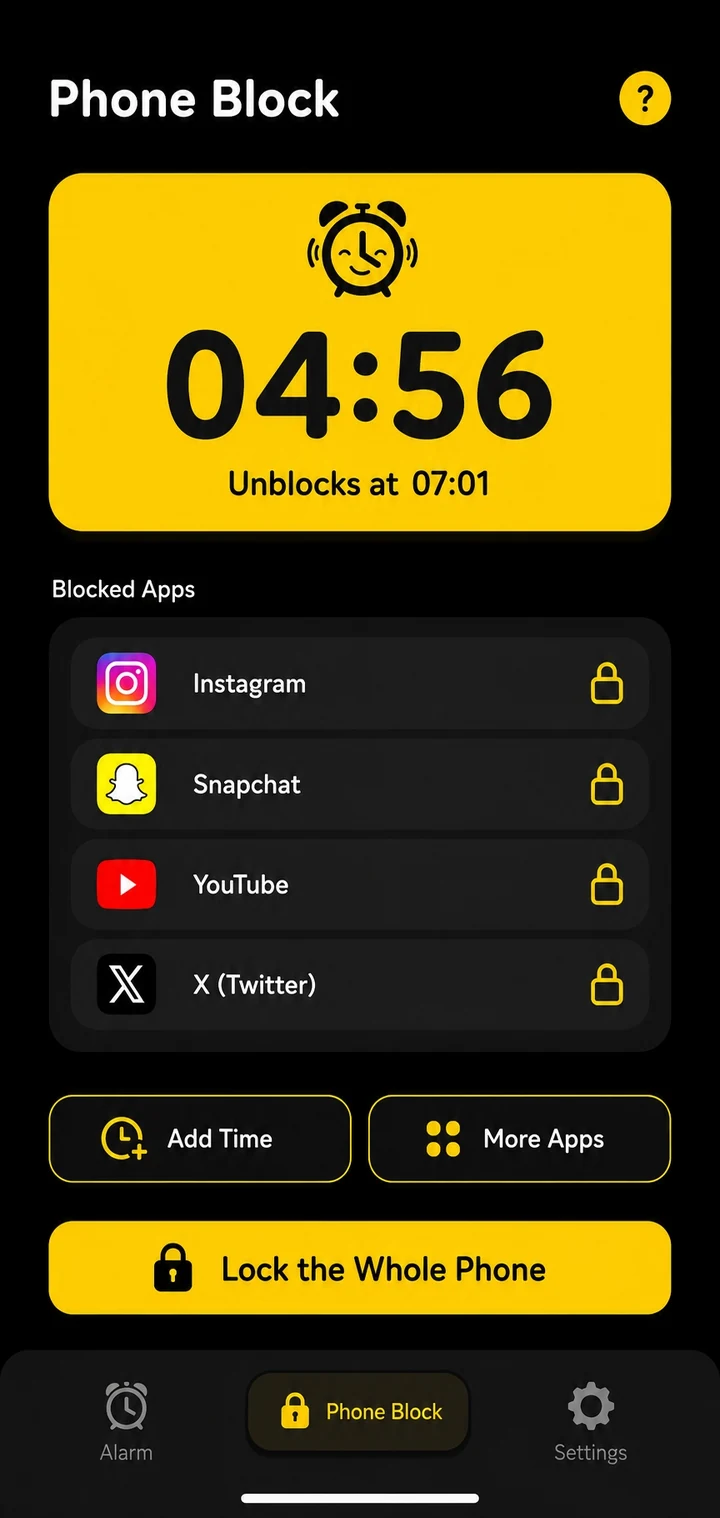
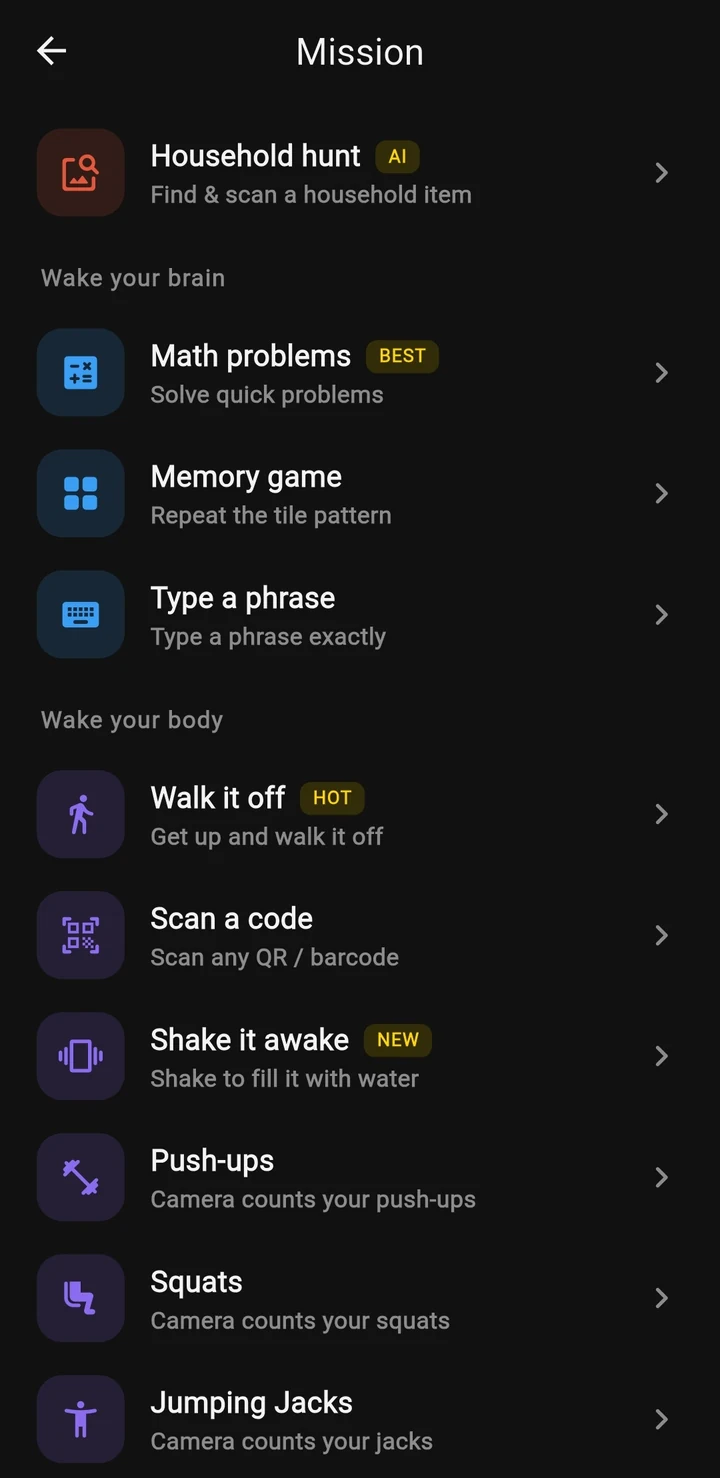
Beyond Alarm does this part for you: the alarm will not switch off until you have actually moved, and the apps you pick stay locked afterwards.


6. A gradual volume fade
Many Clock apps have a gradually increase volume or gentle-wake option. The sound starts near silence and rises over 30 seconds to a minute or more, while the vibration runs at full strength from the start. In a deep sleep, or a noisy room, the first stretch can feel like vibration only.
In Google's Clock it's in Clock → ⋮ → Settings, near the alarm volume. The path may differ slightly by version and by phone maker. Shorten the fade, or turn it off for alarms you can't afford to miss.
7. Silent mode and Clock settings that follow the ringer
Silent and vibrate modes act on the ringer, not the alarm volume, so they shouldn't silence an alarm on their own. There are two exceptions:
- Google's alarm help page warns: "If your ringtone is set to silent and vibration is off, your alarm won't go off."
- Samsung's Clock has Silence alarms when system sound is off, which ties alarms to Mute and Vibrate mode. It's covered in the Samsung no-sound guide.
Other phone makers' Clock apps can have similar switches. Open the Clock app's settings and read anything that mentions silent mode or system sound.
8. Beyond Alarm: an alarm that doesn't depend on the sliders
Every fix above comes down to a setting that someone, or something, left in the wrong place the night before. We built Beyond Alarm so the slider position stops mattering.
Here is what our own code does on Android when an alarm fires. It plays on the alarm stream, never media, and sets the alarm volume to maximum. If anything turns it down while it rings, it goes straight back up. If the sound you chose can't be played, it steps down to the phone's default alarm sound, and then to its own built-in tone, still at full alarm volume. A snooze skips the gentle rise, so the second ring starts at full volume.
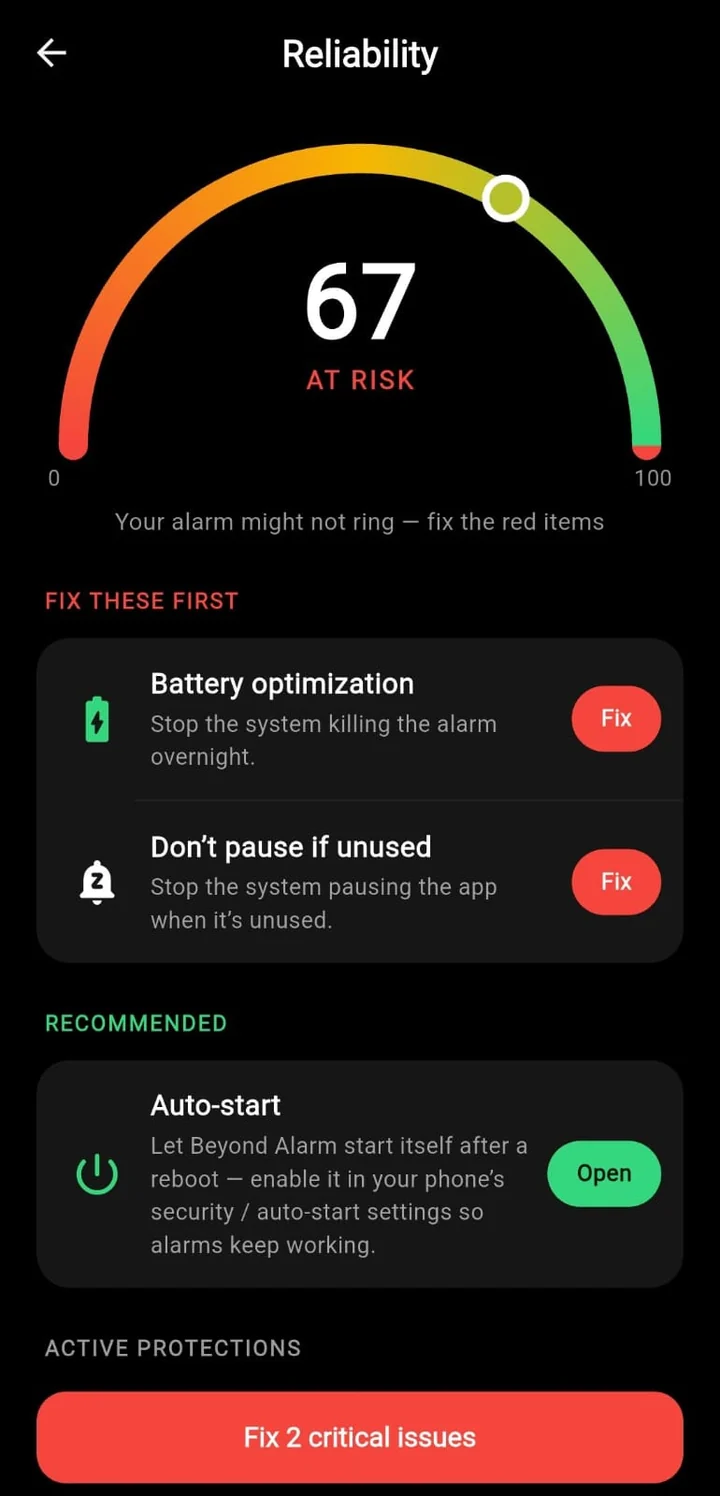
Beyond Alarm's reliability screen also checks the settings that stop an alarm
firing at all: notifications, full-screen alarm permission (Android 14 and
later), exact alarms, battery optimisation, "Don't pause if unused", boot
recovery, Auto-start on the brands that need it, Samsung's Never sleeping
apps, Display over other apps, and the alarm volume itself. It opens the right
page for each one. Alarms are scheduled with setAlarmClock, Android's
highest-priority alarm type, which Doze doesn't delay.
If an alarm still didn't ring, Beyond Alarm shows a missed-alarm card on the Alarms tab, so you're not left guessing. If Android refuses to set an alarm, you see a "Couldn't set this alarm" message straight away, not a quiet morning.
Test it tonight
Set an alarm two minutes ahead, put the phone in the state it's in at night (Do Not Disturb or your bedtime Mode on, earbuds connected if you sleep with them, phone on silent), lock it and put it face down. If you hear it, the settings held.
Repeat the test after any system update, a new pair of earbuds, or a change to your bedtime routine. Those are the moments a working alarm quietly goes back to vibrating.
Sources
Checked on 19 November 2026.
- Google Android Help: Set, cancel, or snooze alarms · Adjust volume · Limit interruptions with Do Not Disturb
Common questions
Why does my alarm only vibrate and make no sound?
The usual causes are the alarm volume slider at zero (it's separate from media and ring volume), the alarm's sound set to Silent, or a tone file that has since been deleted. Do Not Disturb, Bluetooth earbuds and a long gradual-volume fade come next.
Does silent or vibrate mode stop my alarm making sound?
Not normally. Alarms play on their own alarm volume, not the ringer. But Google's help page warns that if your ringtone is set to silent and vibration is off, the Clock alarm won't go off, and some phones have a Clock setting that silences alarms in Mute or Vibrate mode.
Why does my alarm volume keep resetting to zero?
The volume keys change whatever is playing, and the alarm slider can be dragged down from the volume panel by accident. Bedtime modes, routines and some battery tools can also lower it. Beyond Alarm raises the alarm volume to maximum each time it rings and holds it there.
Will my alarm play through my Bluetooth earbuds?
It depends on the phone and the earbuds. Many phones play alarms through the speaker even with earbuds connected, but some send sound to the earbuds too. Set a test alarm with them connected, or turn Bluetooth audio off before bed.
My alarm vibrates for a while and then the sound starts. Is that normal?
That's a gradual-volume or gentle-wake setting. The sound starts near zero and rises, so for the first part you only feel the vibration. Shorten the fade or turn it off in the alarm app's settings.
We build Beyond Alarm, the alarm for Android and iPhone that will not switch off until you have actually moved, then blocks the apps that pull you back. Most of what we write here comes out of building it.
Beyond Alarm
An alarm that keeps ringing until you’ve actually moved — then blocks the apps that pull you back to bed. Free to start, no account.
Keep reading
Android Alarm Going Off Late? Why It's Delayed + 7 Fixes
Android alarm going off late, or delayed by minutes? Doze, inexact alarms, battery savers and a wrong clock are the usual causes. Here's how to fix each.
Alarm Not Working After an Android Update? 7 Fixes (2026)
Alarm stopped working after an Android 14, 15 or 16 update? Check full-screen alerts, Alarms & reminders, battery limits and paused apps, in this order.