
Android Alarm Going Off Late? Why It's Delayed + 7 Fixes
 Beyond Alarm19 November 2026 · 7 min read
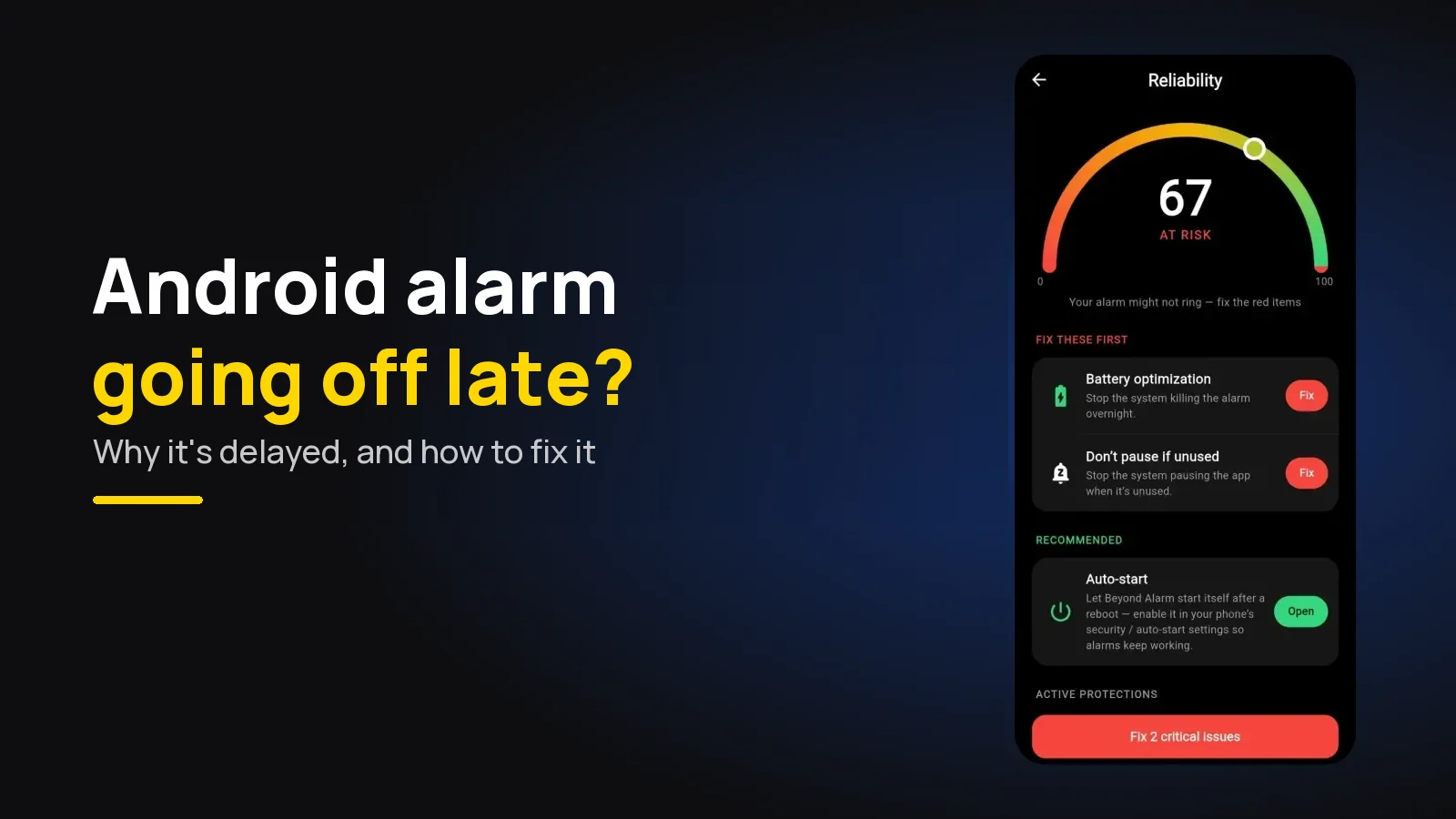
If your Android alarm goes off late, the phone delivered it later than asked, usually because the app set an inexact alarm that Doze or a battery saver was allowed to hold back. The quickest fix is Beyond Alarm, which schedules every alarm with Android's highest-priority alarm type and checks the settings that delay it.
The short version:
- Use Beyond Alarm. It schedules alarms with
setAlarmClock, which Doze doesn't delay, and its reliability screen checks exact alarms, battery optimisation and full-screen alerts for you. - Allow Alarms & reminders for your alarm app. Without it, alarms can be inexact.
- Set the app's battery use to Unrestricted.
- Turn on automatic date and time so the phone's clock isn't behind.
- Sound on time but the screen late? Allow full-screen intents (Android 14+).
Which kind of "late" is it?
"Late" covers three different failures. Match yours first, because the fix is different for each.
| What happened | Most likely cause | Fix |
|---|---|---|
| Rang 5 to 15 minutes late | Inexact alarm held back by Doze or a battery saver | Sections 1, 2 and 3 |
| Rang late, and only after you picked the phone up | The phone maker's battery manager froze the app | Sections 3 and 4 |
| Rang a fixed amount late every day | The phone's clock or time zone is wrong | Section 5 |
| Sound on time, ring screen late | Full-screen permission missing | Section 6 |
| Rang on time, but too quietly to notice at first | A gradual volume setting | Section 7 |
If it didn't ring at all, that's a different problem: start with Android alarm not going off instead.
Why Android delays some alarms and not others
Android doesn't treat every alarm the same. When an app asks for an alarm, it picks one of several types, and the type decides how much the phone can move it.
When the phone is unplugged, still and the screen is off, it enters Doze.
In Doze, Android defers standard alarms
— including setExact() and setWindow() — "to the next maintenance window".
Those windows come less often the longer the phone sits idle, which is why
the delay is worst first thing in the morning.
Some types are deliberately loose. Google's own alarm guide says an inexact alarm on Android 12 and later fires "within one hour of the supplied trigger time" — and even that promise doesn't hold while battery saver or Doze is on. Even the "allow while idle" types are limited: neither can fire "more than once per nine minutes, per app".
One type is different. Alarms set with setAlarmClock() are, in Google's
words, "highly visible to users", so "the system never adjusts their delivery
time" and "leaves low-power modes if necessary to deliver the alarms". The
Doze page says the same thing another way: "The system exits Doze shortly
before those alarms fire."
That's the type we built Beyond Alarm on. Every alarm is scheduled with
AlarmManager.setAlarmClock, the type Doze leaves alone. The alarms that
arrive late are usually from apps that use a looser type, or that lost the
permission to set exact ones.
1. Allow Alarms & reminders
Since Android 12, an app needs the Alarms & reminders permission to set exact alarms. Google notes it is not pre-granted to fresh installs of many apps on Android 14, and it can be revoked. Without it, an app has to fall back to inexact alarms, which can be late.
- Open Settings → Apps and tap your alarm app.
- Look for Alarms & reminders and allow it.
- If it isn't on that page, go to Settings → Apps → Special app access → Alarms & reminders.
The path may differ slightly by version and brand. Searching Settings for "alarms" finds it.
2. Battery optimisation: set the app to Unrestricted
Battery optimisation is Android's per-app throttle. Set it off for your alarm app, or the system can hold back the app's background work.
- Open Settings → Apps, tap your alarm app, then Battery (on some phones, App battery usage).
- Choose Unrestricted.
Older phones list this as Settings → Battery → Battery optimisation instead, where you pick the app and choose Don't optimise. If you leave battery saver on overnight, read does your alarm work in battery saver mode? — it explains what each mode pauses.
3. Don't let Android pause the app
An alarm app is the kind of app you set once and rarely open. Android's Pause app activity if unused (called hibernation, or Remove permissions and free up space on older versions) is aimed at exactly that kind of app.
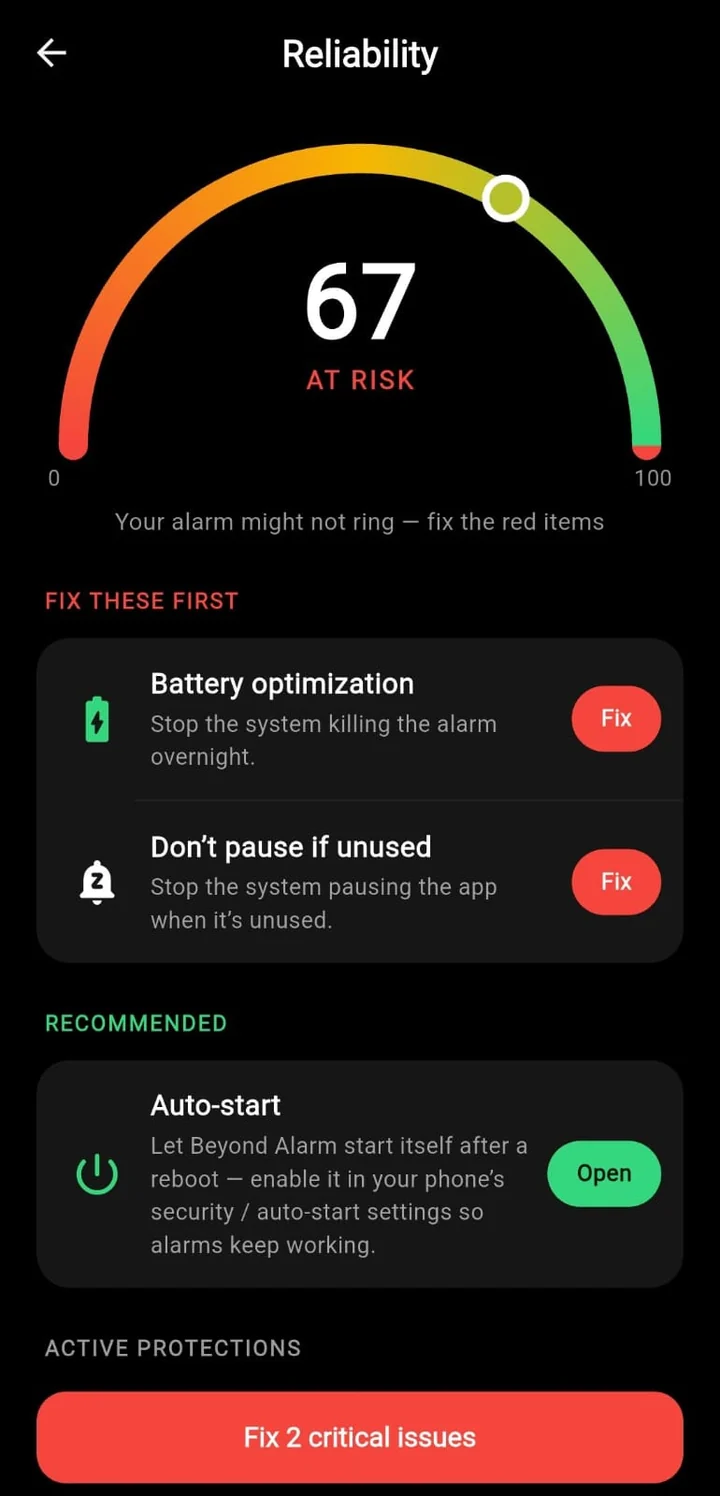
Open your alarm app's App info page and switch it off. Beyond Alarm's reliability screen checks this one as Don't pause if unused.
Beyond Alarm
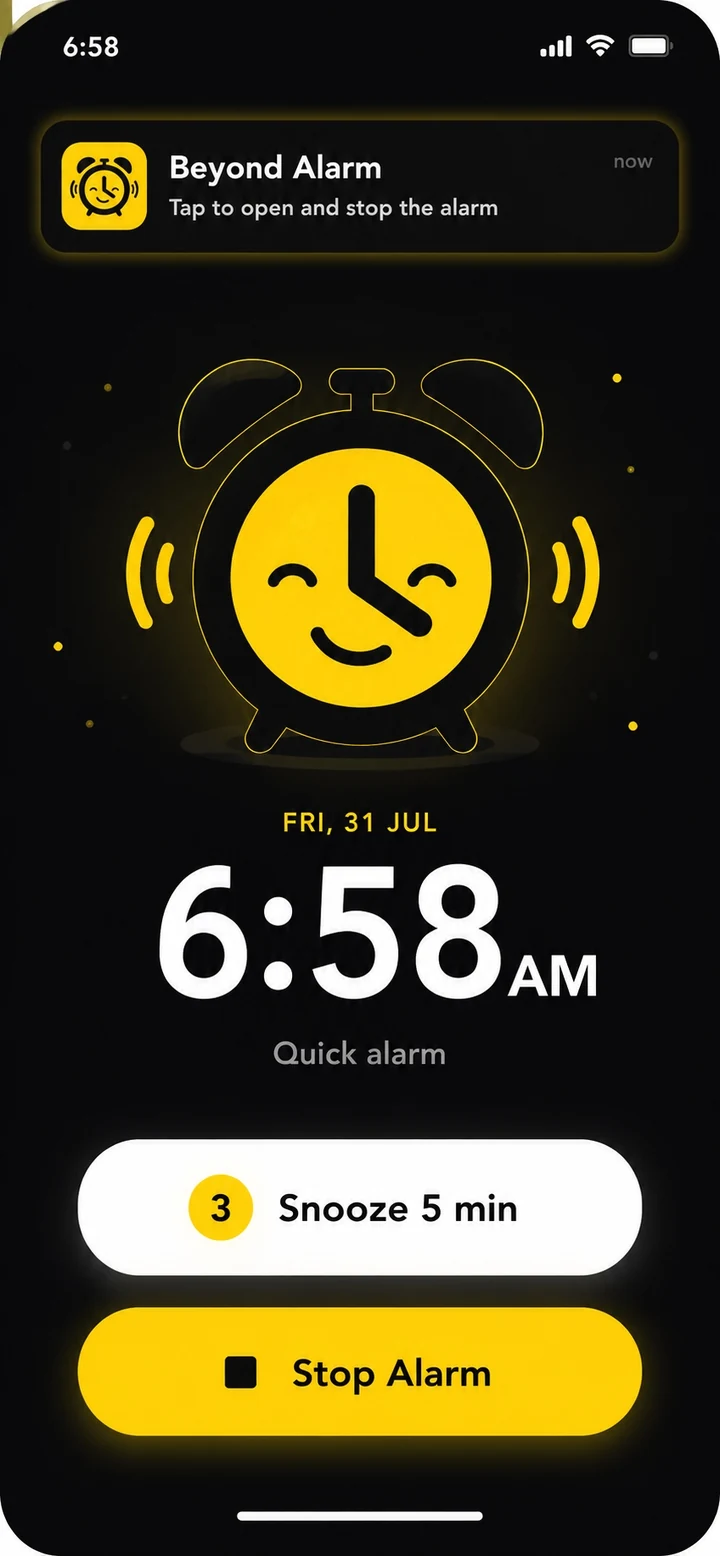
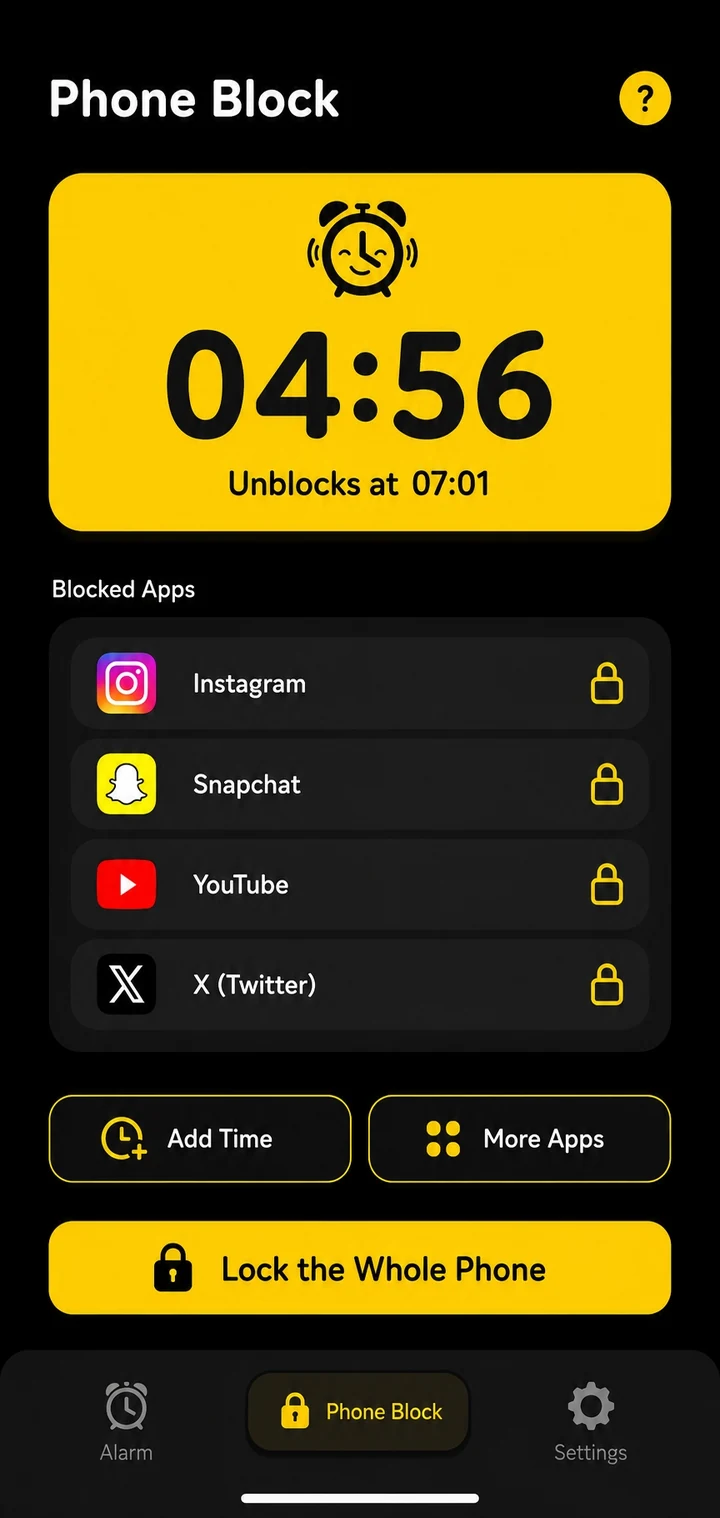
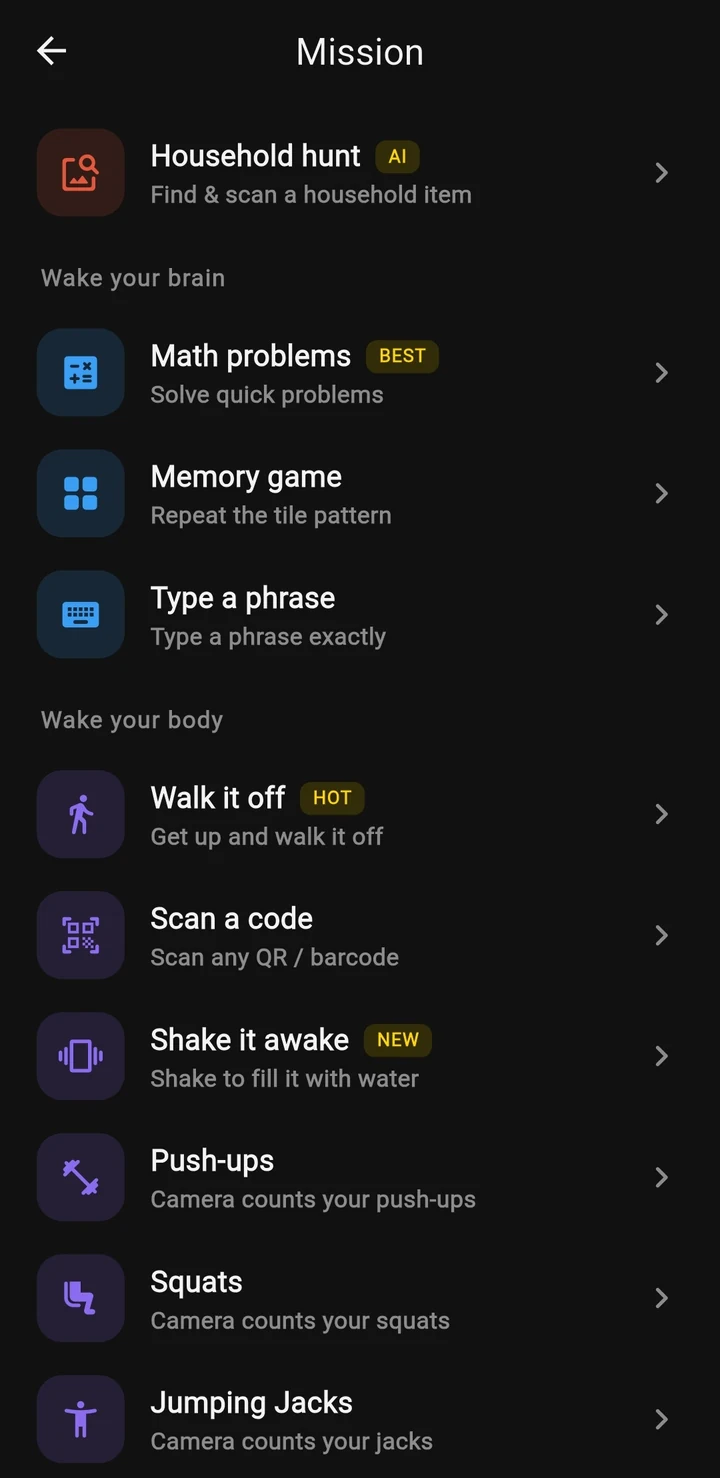
Beyond Alarm does this part for you: the alarm will not switch off until you have actually moved, and the apps you pick stay locked afterwards.


4. The phone maker's own battery manager
On top of Doze, many brands add their own background limits. These can freeze an alarm app so its work only runs when you pick the phone up — which looks like an alarm that "goes off late, the moment I touched my phone".
dontkillmyapp.com tracks these per brand. The setting is usually called Auto-start, Auto-launch or similar, and on Samsung it's the Never sleeping apps list (Samsung's full checklist). The brand table in our Android guide links the step-by-step page for each other brand.
Beyond Alarm's reliability screen includes an Auto-start row, with brand-specific rows for Transsion (Tecno, Infinix, itel), Honor and Huawei that link to the right dontkillmyapp.com page, and a Never sleeping apps check on Samsung.
5. Check the phone's clock and time zone
An alarm rings at the time your phone thinks it is. If the clock has drifted, or the time zone is wrong after travel, the alarm is "late" by exactly that amount, every single day.
Google's date and time help page puts the setting in the Clock app: More → Settings → Change date and time, then turn on Automatic date and time and Automatic time zone. On many phones it's also under Settings → System → Date & time. The path may differ slightly by version.
A quick test: compare your phone's clock with another device. If they differ by the same number of minutes your alarm was late, this is the cause.
6. Sound on time, but the ring screen comes up late
Sometimes the alarm isn't late at all — the sound starts on time, but the screen you dismiss it from takes a while to appear, or never takes over the lock screen.
From Android 14, an app needs separate permission to show a full-screen alert over the lock screen. Android's documentation says the Manage full screen intents page sits under Settings → Special App Access, and only calling and alarm apps can be granted it. Allow it for your alarm app. Some phones call it full-screen notifications; searching Settings for "full screen" finds it.
Also allow Display over other apps for the alarm app, so the ring screen can appear while you're using the phone. If the phone is unlocked and in your hand, Android normally shows the alarm as a pop-up at the top instead — that's expected.
7. A gradual volume that starts too quiet
If the alarm "seems late" because you only hear it a minute in, check for a volume that rises gradually. In Google's Clock, look in Clock → Settings for a gradually-increase-volume option; other clock apps name it differently. A very long ramp on a quiet phone can feel like a late alarm, so shorten it or raise the Alarm volume.
Beyond Alarm is the alarm we built so that none of this has to be guessed.
It schedules every alarm with setAlarmClock, so Doze doesn't delay it. Its
reliability screen checks Notifications, Full-screen alarm, Exact alarm,
Battery optimisation, Don't pause if unused, Boot recovery, Auto-start and
Display over other apps, and opens each setting to fix. If an alarm didn't
ring, a missed-alarm card appears on the Alarms tab. If Android refuses to
schedule one, you see "Couldn't set this alarm" straight away rather than
finding out in the morning.
Test it the way the morning will
A two-minute test proves very little, because the phone hasn't had time to enter Doze. Do this instead:
- Set an alarm for your normal wake-up time.
- Leave the phone unplugged, still and screen-off overnight — that's when Doze and battery managers kick in.
- Note the exact minute it rings.
If it's on time, you're set. If it's late, work back through sections 1 to 4 — or let Beyond Alarm's reliability screen find which one it is. And if the phone restarted overnight, see why a restart silences alarms.
Common questions
Why does my Android alarm go off a few minutes late?
Usually because the app scheduled an inexact alarm, or lost its Alarms & reminders permission, so Android is allowed to deliver it later to save battery. Doze, battery savers and the phone maker's own background limits can stretch that delay further. An app that uses Android's alarm-clock type of alarm isn't delayed by Doze.
Does Doze mode delay alarms?
It delays ordinary alarms until the next maintenance window. Google's documentation says alarms set with setAlarmClock "continue to fire normally" and that the system exits Doze shortly before they fire. Beyond Alarm schedules every alarm this way.
Where is the Alarms & reminders permission on Android?
Open Settings → Apps, tap the alarm app, and look for Alarms & reminders. If it isn't on the app's page, look under Settings → Apps → Special app access → Alarms & reminders. The path may differ slightly by version and brand; searching Settings for "alarms" finds it.
My alarm sound starts on time but the ring screen comes up late. Why?
On Android 14 and later an alarm app needs the full-screen intent permission to take over the lock screen. Without it the alarm can arrive as a notification first. Allow it under Settings → Apps → Special app access (the page is called something like Full screen intents or full-screen notifications, depending on the phone).
Can a wrong clock make my alarm late?
Yes. An alarm rings at the time shown on your phone, so if the phone's clock is behind, the alarm is too. Turn on automatic date and time, and automatic time zone, so the clock stays in sync with the network.
We build Beyond Alarm, the alarm for Android and iPhone that will not switch off until you have actually moved, then blocks the apps that pull you back. Most of what we write here comes out of building it.
Beyond Alarm
An alarm that keeps ringing until you’ve actually moved — then blocks the apps that pull you back to bed. Free to start, no account.
Keep reading
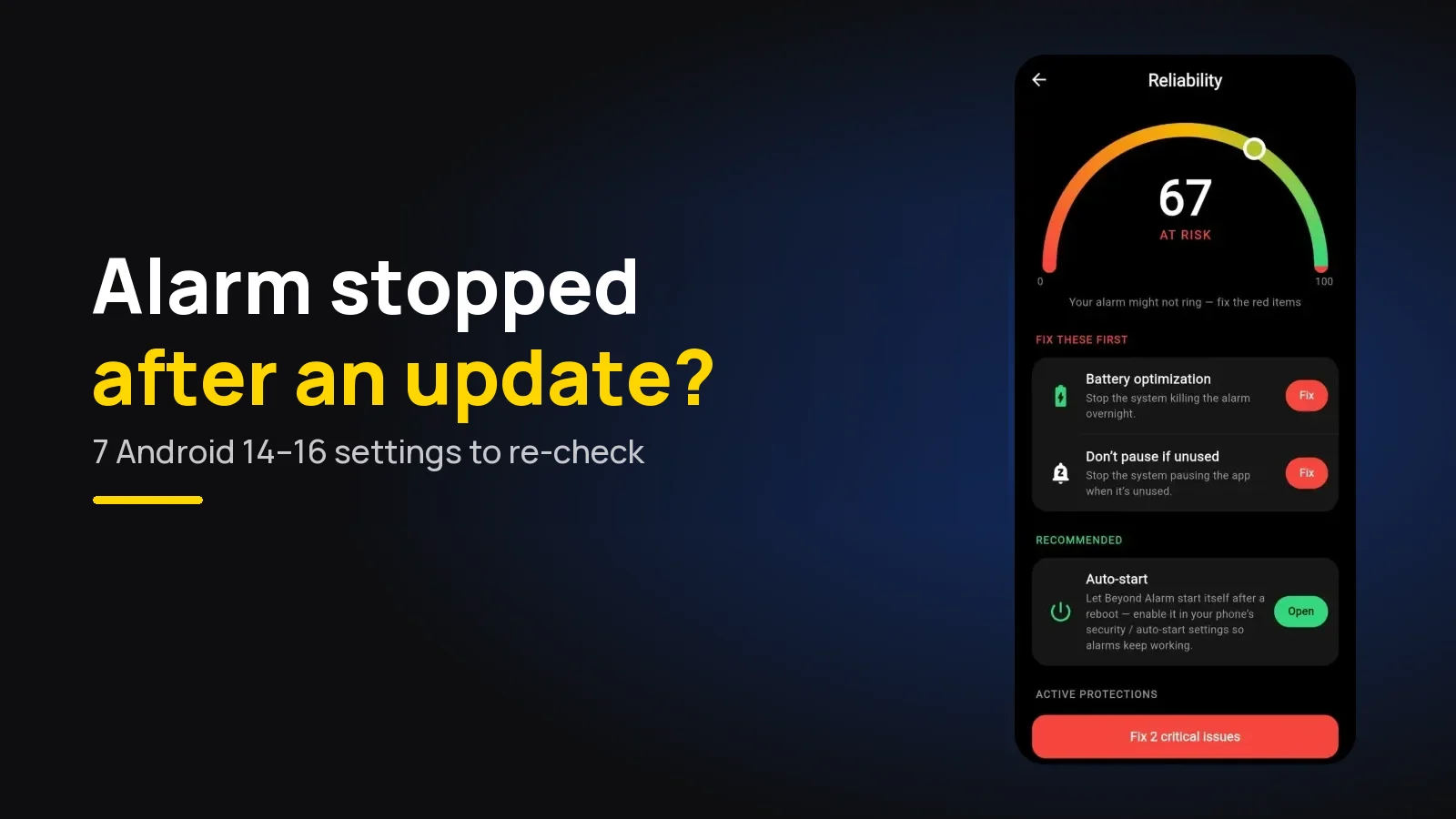
Alarm Not Working After an Android Update? 7 Fixes (2026)
Alarm stopped working after an Android 14, 15 or 16 update? Check full-screen alerts, Alarms & reminders, battery limits and paused apps, in this order.
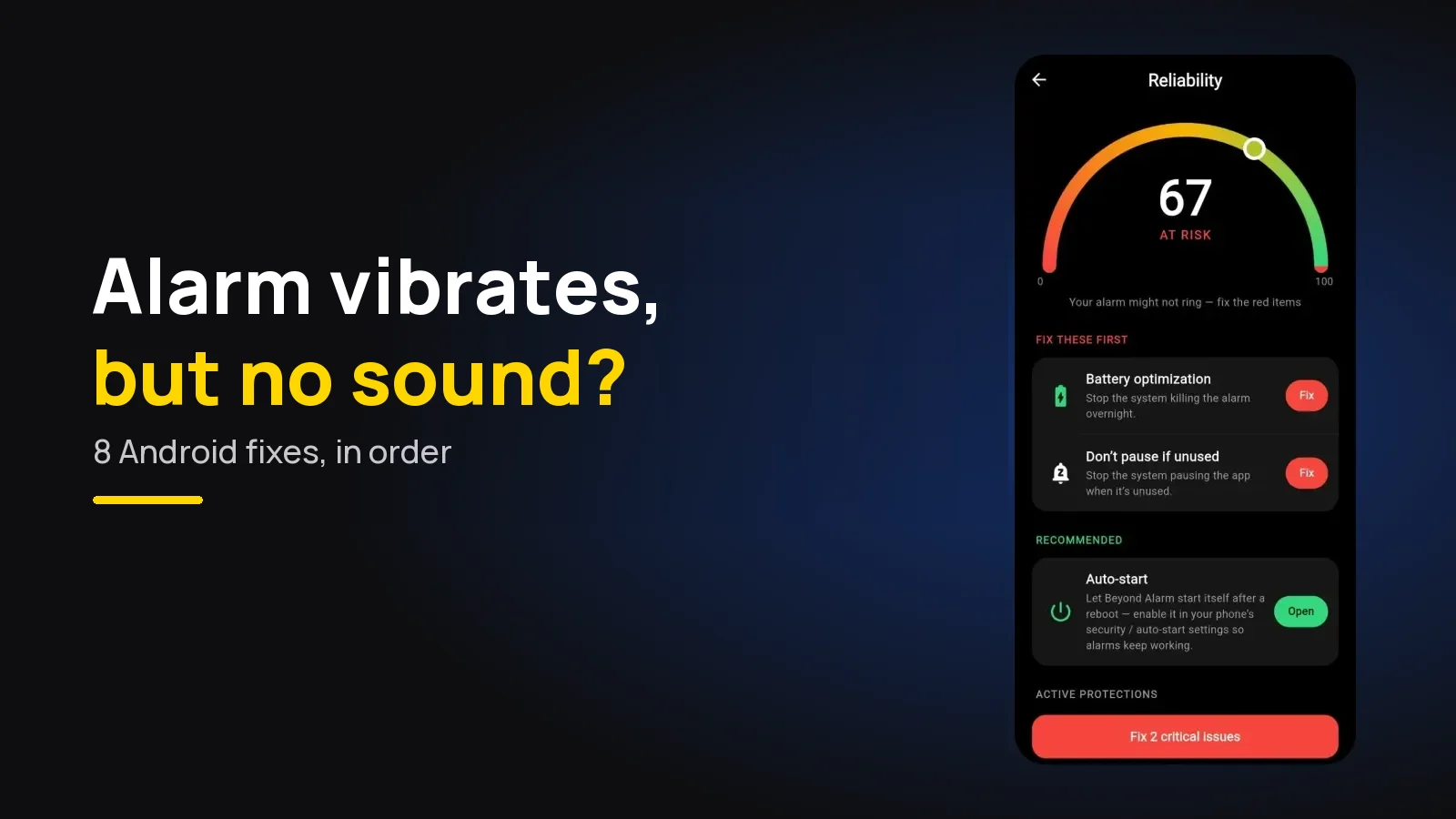
Alarm Only Vibrates, No Sound? 8 Fixes for Android
Android alarm vibrating but no sound? Check the alarm volume (not media), a Silent tone, Do Not Disturb, Bluetooth earbuds, a deleted song and gradual volume.