
Best alarm clock app for iPhone: Apple Clock vs Beyond Alarm
 Beyond Alarm13 November 2026 · 5 min read
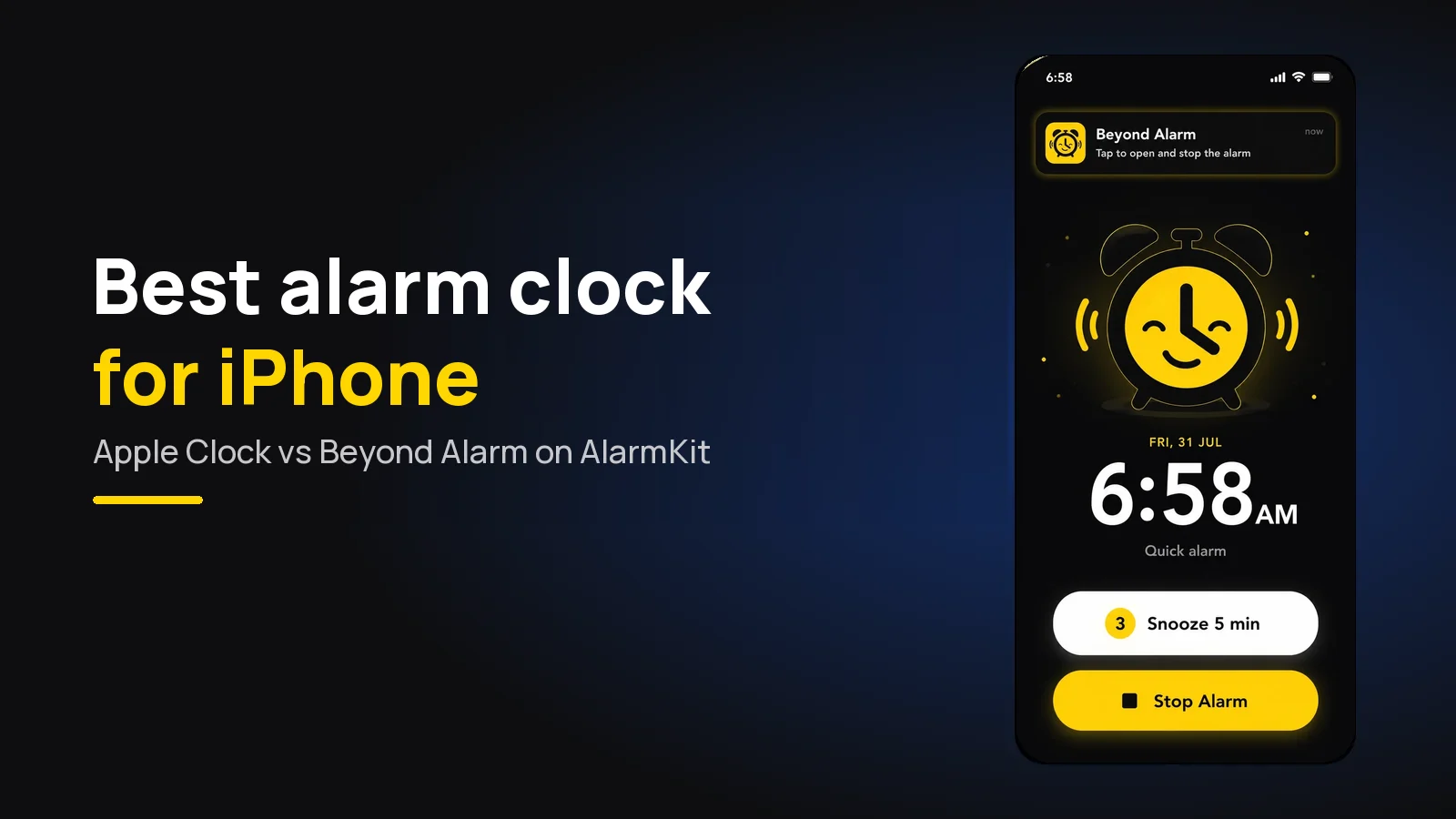
The best alarm clock app for iPhone is Beyond Alarm. It rings through Apple's own AlarmKit, so it sounds on silent and in a Focus just like the built-in alarm, and it won't stop until you finish a wake-up mission. Apple's Clock is reliable; it just stops with one slide.
The short version:
- Beyond Alarm is the pick: an iPhone alarm clock app on AlarmKit (iOS 26.1+), with 11 wake-up missions and Morning lockout, free with ads.
- The Apple alarm clock rings on silent and in Do Not Disturb, and lets you set repeat, label, sound and snooze.
- What Apple's alarm doesn't do is check you're awake. One slide ends it.
- In Beyond Alarm, that slide opens the mission instead of ending the alarm.

What the Apple alarm clock does well
Apple's Clock app is the default alarm clock for iPhone, and it's dependable. From Apple's support page on alarms, checked on 13 November 2026:
- Open Clock and tap Alarms.
- Tap the Add button.
- Set the time, then choose Repeat, Label, Sound and Snooze (with a Snooze Duration).
- Save the alarm.
Apple says Do Not Disturb, the Ring/Silent switch and Silent mode don't affect the alarm sound. The volume comes from the Ringtone and Alerts slider in Settings → Sounds & Haptics.
If an alarm only vibrates, Apple's advice is to check the sound isn't set to None. Our iPhone alarm not going off guide has the rest of Apple's checklist.
Where an iPhone alarm app has to go further
The trouble with Apple's alarm isn't reliability. It's that "slide to stop" is a gesture your hand learns to do asleep. Plenty of people slide it, roll over, and wake up an hour later with no memory of the alarm.
Until recently, third-party alarm apps on iPhone couldn't ring like Apple's.
Apple's AlarmKit, introduced for iOS 26, changed that. In Apple's WWDC25 session, an alarm's alert "breaks through the silent mode and the current focus". That's what makes a real alarm app for iPhone possible.
Apple Clock vs Beyond Alarm
| Feature | Beyond Alarm | Apple Clock |
|---|---|---|
| Rings on silent and in a Focus | Yes, through AlarmKit | Yes |
| Repeat, label, snooze | Yes; snooze 1–30 min, limit 1–10, unlimited or off | Yes, with a Snooze Duration |
| How it stops | Slide opens the app; a wake-up mission ends it | One slide |
| Wake-up missions | 11, up to 5 per alarm | None |
| Gentle volume rise | Gentle wake-up, 15–90 s, once the app is open | Not on Apple's page |
| After the alarm | Morning lockout on chosen apps via Screen Time | — |
| Wallpaper and spoken message | Yes | — |
| Requires | iOS 26.1 or later | Built in |
| Price | Free with ads | Free |
How Beyond Alarm works on iPhone
We built the iPhone version around one fact: AlarmKit always shows Apple's own "slide to stop", and no app can remove it. So we changed what the slide does.
- The slide opens the alarm, not ends it. Beyond Alarm's sound carries on while you unlock, and the app opens on the ring screen with your mission, Snooze and Dismiss.
- It comes back. If you slide and don't open the app, the full system alarm returns about 30 seconds later. If the unlock fails, it returns at once. Only finishing the mission cancels it.
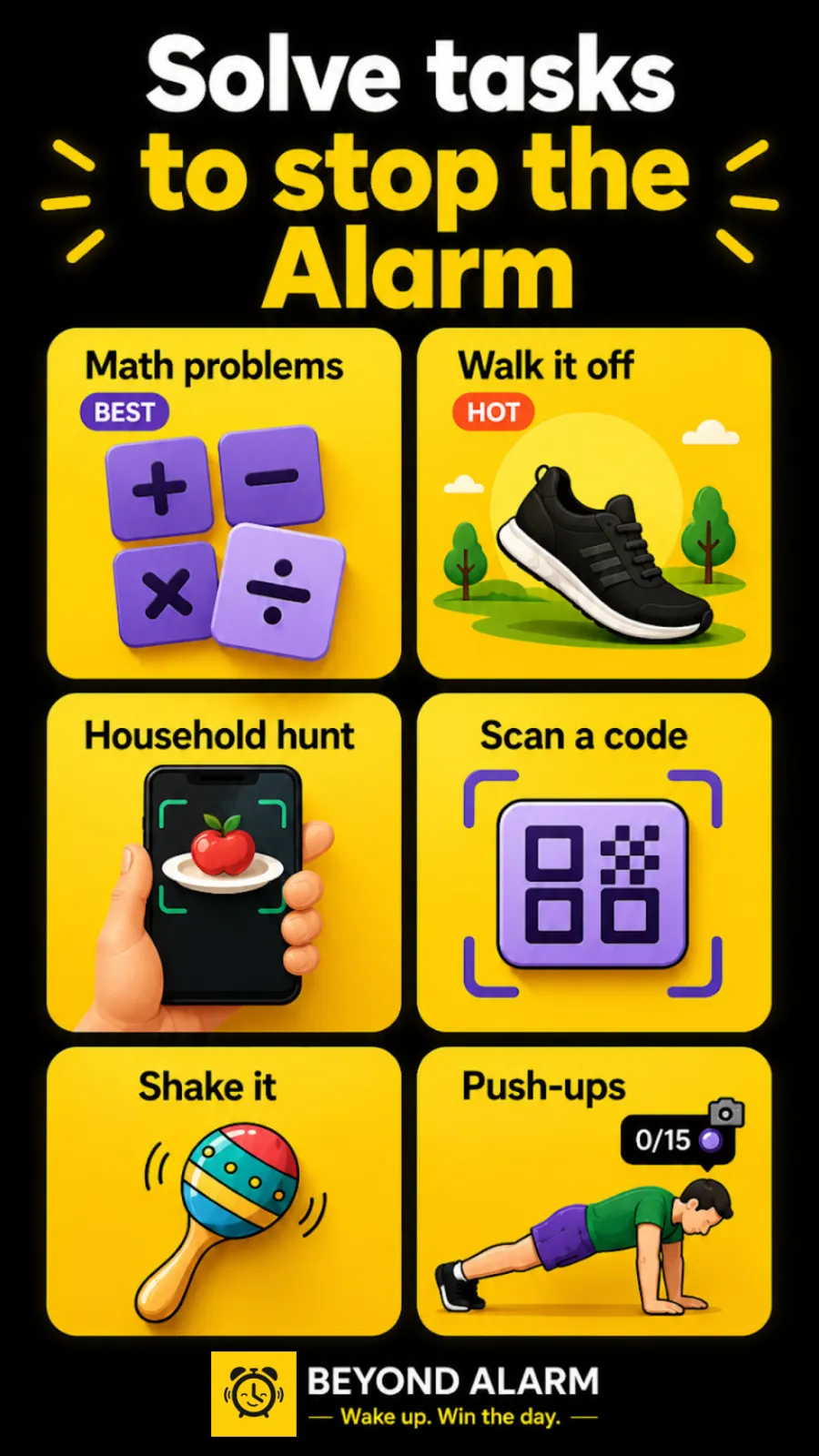
- Missions you can't do lying down. Camera-counted squats, push-ups and jumping jacks, Walk it off, a photo of your morning spot, a household hunt and a code scan. Maths, memory, typing and shake are there too.
- Morning lockout. After the mission, the apps or categories you chose in Apple's Screen Time picker stay shielded for 15–60 minutes or a custom time.
Once the ring screen is open, Beyond Alarm's own sound takes over: it fades in over your Gentle wake-up length and reads your Wake-up message aloud. The lock-screen alert before that is drawn and played by iOS.
For the deeper "why", our post on alarm apps with missions compares which mission types are hardest to fake.
Beyond Alarm
Beyond Alarm does this part for you: the alarm will not switch off until you have actually moved, and the apps you pick stay locked afterwards.




Other iPhone alarm apps
Alarmy is also on the App Store, where it shows 252K ratings, a 4.8 average, in-app purchases and a requirement of iOS 17 or later at the time of writing. Its missions include photo, barcode, maths and typing. The Alarmy vs Beyond Alarm comparison covers the differences.
If you're choosing across both platforms, see the best free alarm clock app roundup.
On iPhone, we'd start with squats (10 reps) as the mission and the phone on a shelf across the room. Slide to stop, unlock, do the squats in front of the camera, and you're up. Add Morning lockout on the apps you open first and the morning doesn't disappear into them.
Setting it up on iPhone
- Install Beyond Alarm from the App Store. It needs iOS 26.1 or later.
- Tap +, set the time and repeat days.
- Add a Wake-up mission. For camera missions, check the phone can see your whole body from where it will sit.
- Allow alarms when iOS asks. That's the AlarmKit permission that lets it ring on silent.
- Test it once in daylight, two minutes out, with the phone locked.
Then switch off the Apple alarm for the same time, so a one-slide alarm isn't there as an escape.
Sources
Checked on 13 November 2026.
Common questions
What is the best alarm clock app for iPhone?
Beyond Alarm. It runs on iOS 26.1 and later through Apple's AlarmKit, so it rings on silent and in a Focus like Apple's own alarm, and it adds eleven wake-up missions that keep the alarm going until you're up. It's free with ads.
Does the Apple alarm clock ring on silent?
Yes. Apple's support page says Do Not Disturb, the Ring/Silent switch and Silent mode don't affect the alarm sound. Its volume is set by the Ringtone and Alerts slider in Settings → Sounds & Haptics.
Can a third-party iPhone alarm app ring on silent?
On iOS 26.1 and later, yes, if it uses Apple's AlarmKit. Beyond Alarm does, so its alarms break through silent mode and the current Focus the same way Apple's do.
Can I stop an iPhone alarm without getting out of bed?
With Apple's Clock, yes, one slide does it. In Beyond Alarm, sliding to stop opens the app on the alarm, where the sound carries on until you finish the mission, and the system alarm comes back if you don't.
How do I set an alarm on iPhone?
Open Clock, tap Alarms, tap the Add button, set the time and choose Repeat, Label, Sound and Snooze, then save. In Beyond Alarm, tap the plus, set the time, add a wake-up mission and tap Save.
We build Beyond Alarm, the alarm for Android and iPhone that will not switch off until you have actually moved, then blocks the apps that pull you back. Most of what we write here comes out of building it.
Beyond Alarm
An alarm that keeps ringing until you’ve actually moved — then blocks the apps that pull you back to bed. Free to start, no account.
Keep reading
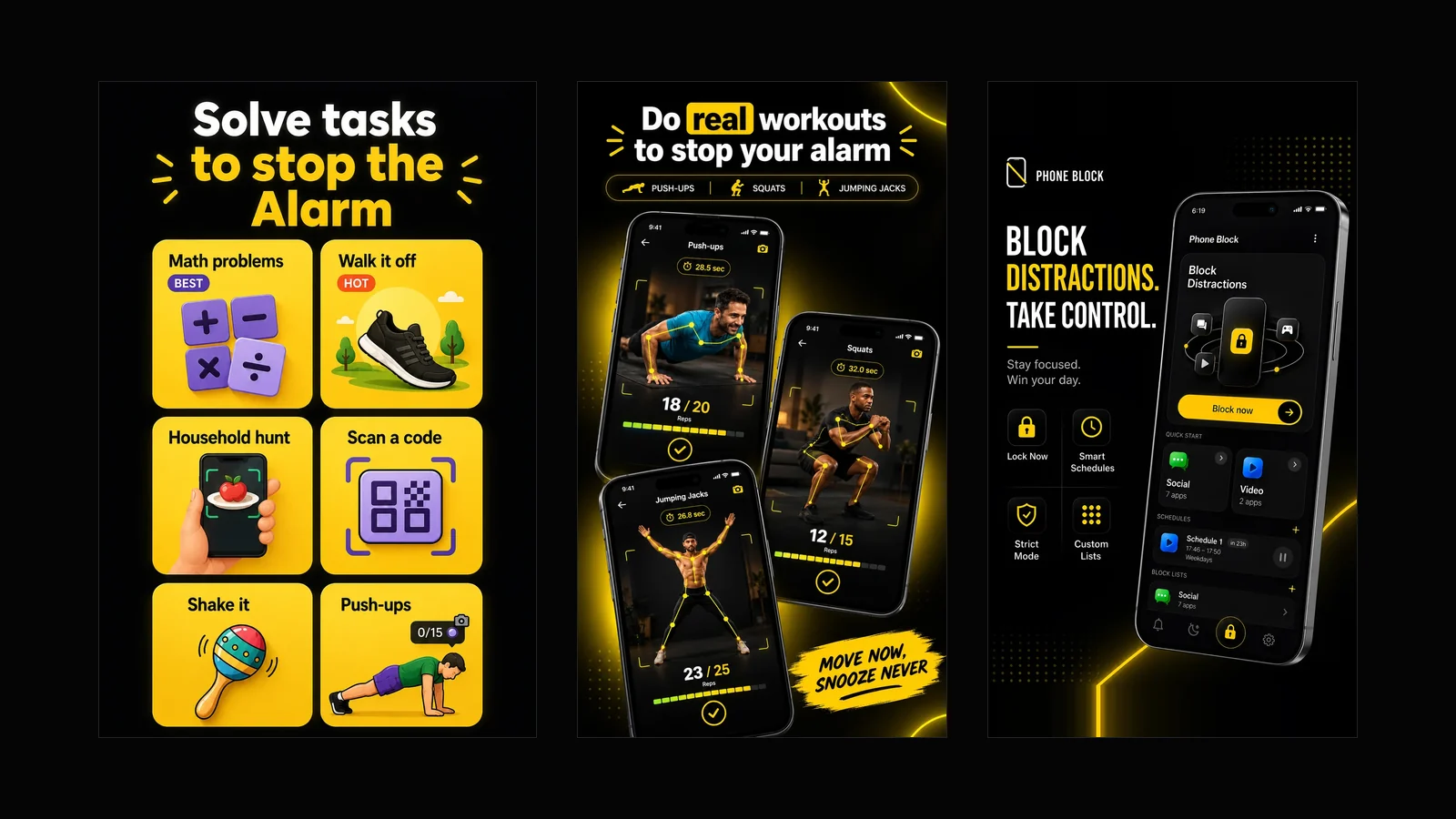
What Beyond Alarm does: wake-up missions and app blocking
The whole app on one page, for Android and iPhone — missions to stop the alarm, app blocking after it, and a free Strict mode Phone Block.
App Timer for Android That Actually Locks Your Apps
Android's built-in app timer is a daily allowance you can delete. Here's an app timer that locks apps for a set time, with no stop button.