Best free alarm app for iPhone in 2026: 3 options compared
 Beyond Alarm23 November 2026 · 6 min read
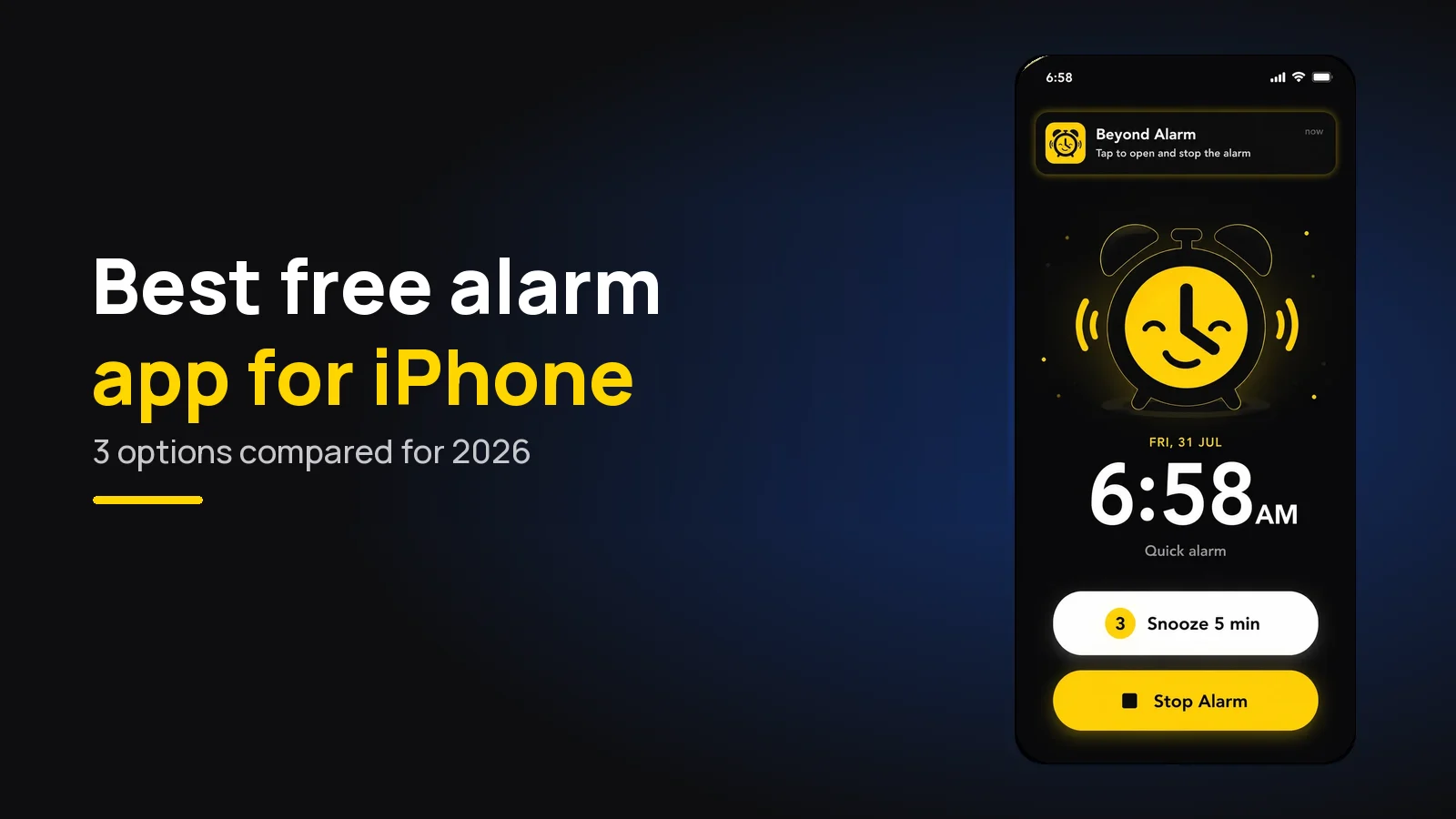
The best free alarm app for iPhone is Beyond Alarm. It's a free download, it rings through Apple's own AlarmKit so it sounds on silent and in a Focus, and it makes you do something before the alarm stops. Apple's Clock is free and dependable too; it just ends with one slide.
The short version:
- Beyond Alarm is our pick for a free alarm clock app for iPhone: free to download, iOS 26.1 or later, with 11 wake-up missions, up to 5 per alarm.
- It adds snooze limits, a spoken wake-up message and Morning lockout on the apps you open first.
- Apple Clock is free, built in and rings on silent. It doesn't check you're awake.
- Other App Store alarm apps vary a lot. Check they ring on silent before you trust one.
What "free" should mean for an iPhone alarm
Most alarm apps on the App Store are free to download. That's not the useful question. The useful one is what still works on day thirty, at 6:30 in the morning, when you're half asleep.
We'd judge a free iPhone alarm on three things:
- Does it ring when the phone is on silent or in a Focus? Before iOS 26, third-party apps mostly couldn't promise this. Apple's AlarmKit changed that: its alert "breaks through the silent mode and the current focus".
- Can you stop it without waking up? If one slide ends it, your hand will learn to do it asleep.
- Does it help after the alarm? Getting up is half of it. Not losing the next hour to your phone is the other half.
The best free alarm apps for iPhone, compared
| Free alarm app | Beyond Alarm | Apple Clock | Other App Store alarm apps |
|---|---|---|---|
| Price to download | Free | Built in | Free |
| Rings on silent and in a Focus | Yes, through AlarmKit | Yes | Depends on the app and iOS version |
| Wake-up missions | 11, up to 5 per alarm | None | Varies |
| How it stops | Slide opens the app; a mission ends it | One slide | Varies |
| Snooze limit | 1–10, unlimited or off | Snooze on or off | Varies |
| After the alarm | Morning lockout on chosen apps | — | Rarely |
| Requires | iOS 26.1 or later | Any iPhone | Check the listing |
1. Beyond Alarm: the best free alarm app for iPhone
We built Beyond Alarm for people who sleep through alarms, and on iPhone every alarm goes through AlarmKit. That's why it rings on the lock screen even with the phone on silent or in a Focus, just like Apple's.
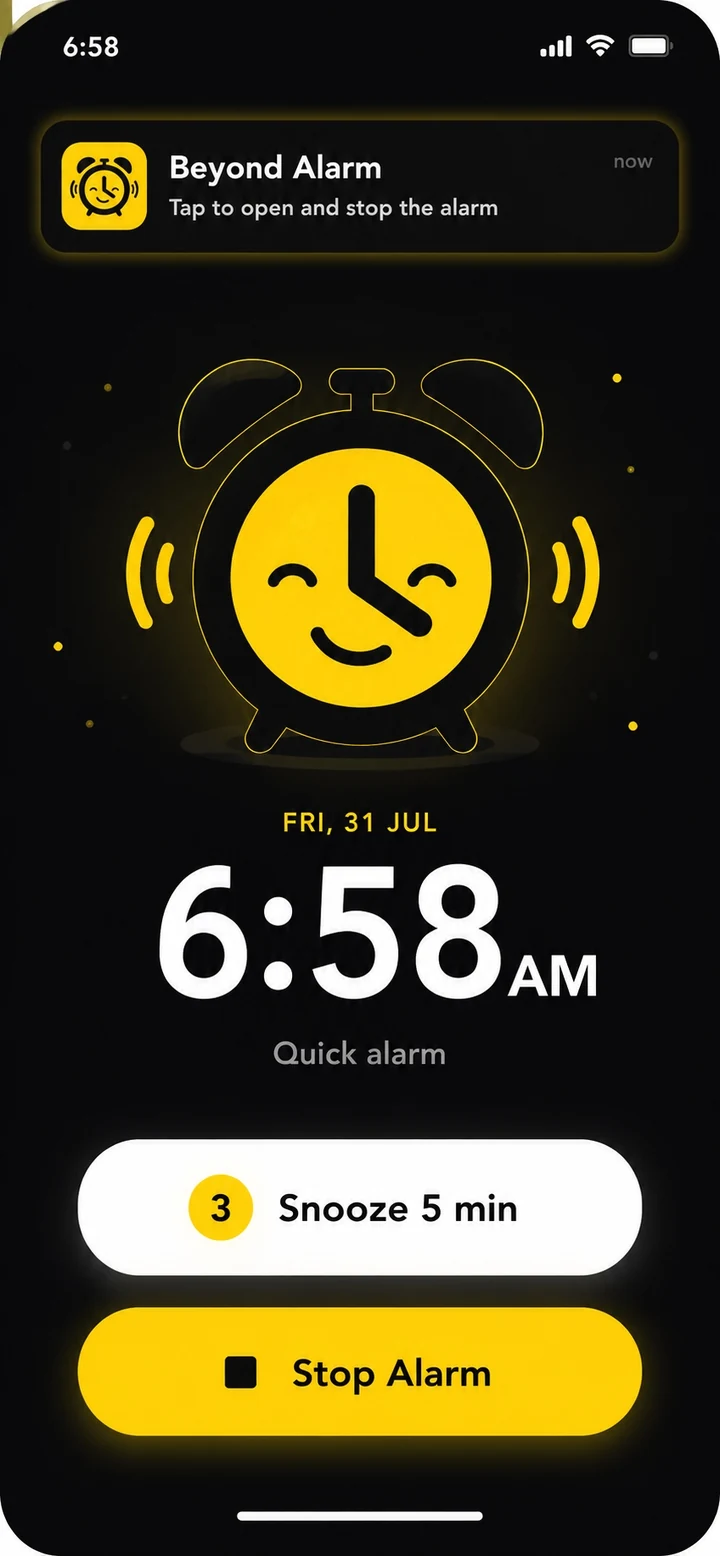
AlarmKit always shows Apple's own slide to stop, and no app can remove it. So we changed what the slide does. In Beyond Alarm the slide opens the app on the ring screen, and the sound carries on while you unlock. If you slide and don't open the app, the system alarm comes back. Only finishing your mission ends it.
What it does:
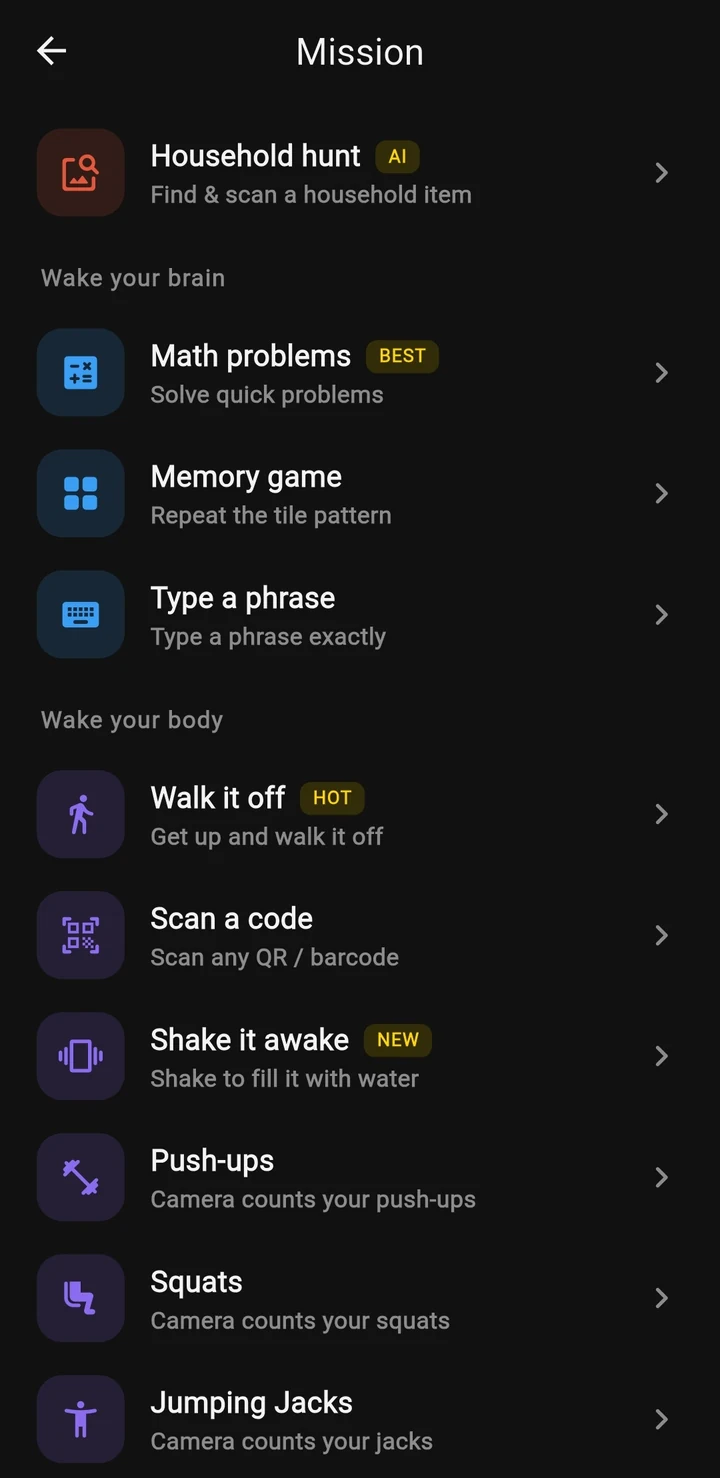
- 11 wake-up missions, up to 5 per alarm. Maths, memory, typing, shake, a household hunt (photograph an item you named), a photo of your morning spot, a code scan of a barcode or QR code in another room, camera-counted squats, push-ups and jumping jacks, and Walk it off.
- Snooze rules. Snooze from 1 to 30 minutes, limited to between 1 and 10 times, unlimited, or off.
- Gentle wake-up. Once the app is open, the sound fades in over 15 to 90 seconds.
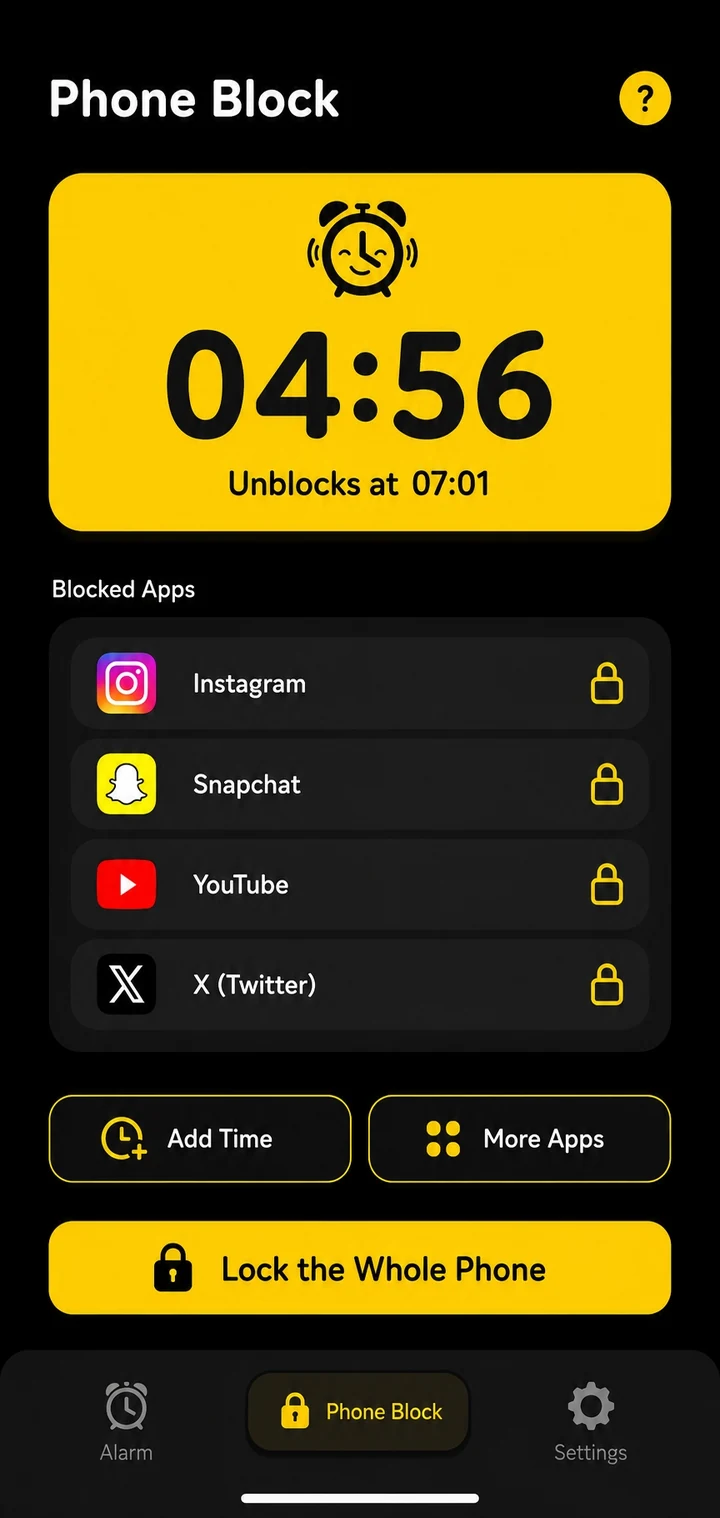
- Morning lockout. After the mission, the apps or categories you choose in Apple's Screen Time picker stay shielded for 15 to 60 minutes, or a custom time.
- Wake-up message. A message you record plays when the alarm opens.
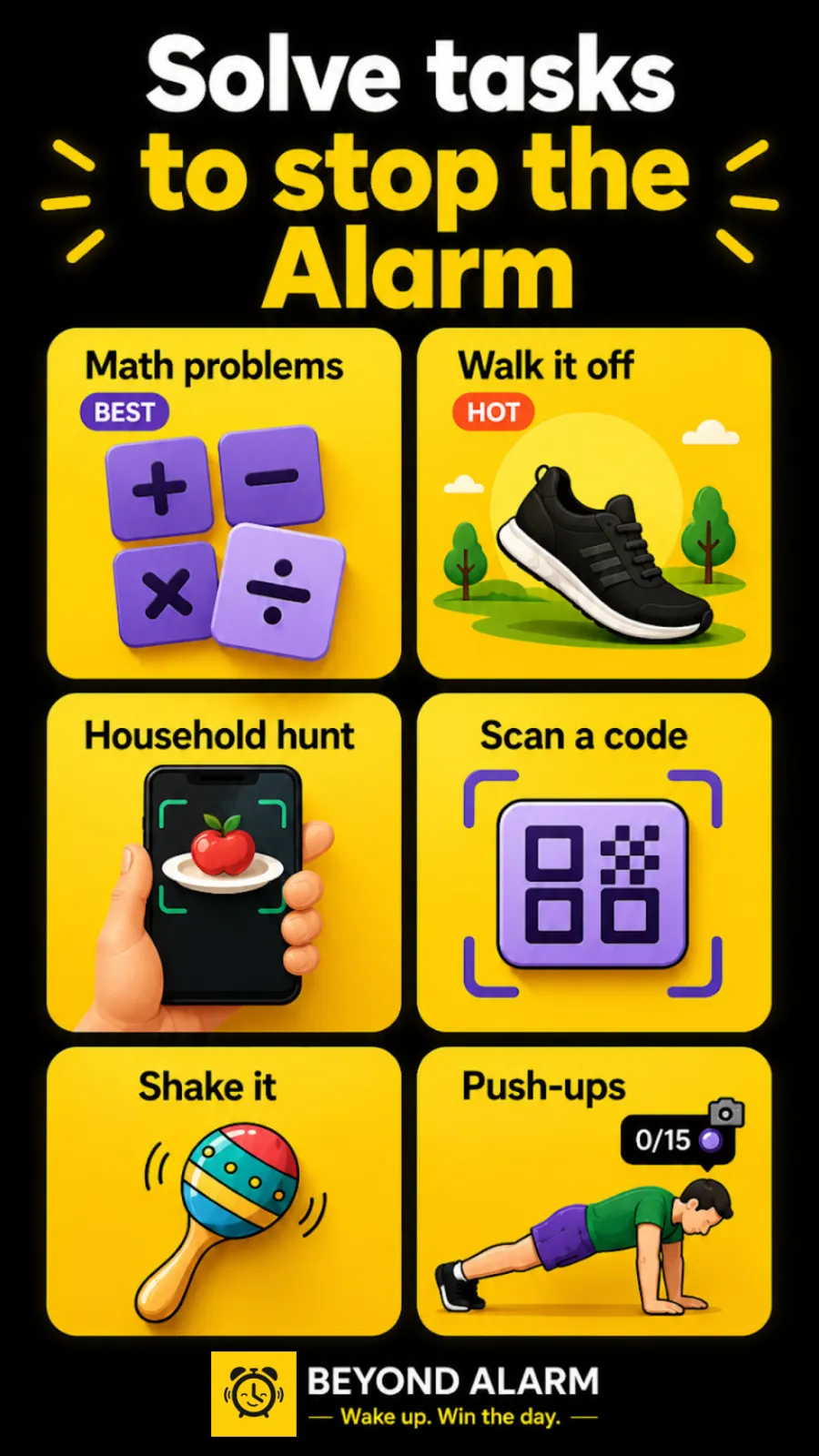
2. Apple Clock: free, built in, dependable
Apple's Clock app costs nothing and is already on your phone. From Apple's alarm guide: open Clock → Alarms, tap Add, set the time, then choose Repeat, Label, Sound and Snooze.
Apple says Do Not Disturb, the Ring/Silent switch and Silent mode don't affect the alarm sound. Its volume follows the Ringtone and Alerts slider in Settings → Sounds & Haptics. If it ever stays quiet, our iPhone alarm no sound guide walks through the fixes.
What it can't do is make sure you're up. There's no mission, no limit on how often you snooze, and the slide ends it.
For a lot of people, that's the whole problem. We compare the two side by side in best alarm clock app for iPhone.
Beyond Alarm
Beyond Alarm does this part for you: the alarm will not switch off until you have actually moved, and the apps you pick stay locked afterwards.
3. Other alarm apps on the App Store
There are plenty of other alarm apps on the App Store. Alarmy is the best known. Before you rely on any of them, check two things:
- Compatibility. An app built for older iOS versions may not use AlarmKit, so test it on silent before you trust it.
- What the missions are. One maths problem you can solve lying down won't get you out of bed. Look for missions that need you to stand up.
If you're weighing Alarmy in particular, our Alarmy alternatives roundup covers it.
Our setup for a heavy sleeper on iPhone: two missions, code scan first (stick the barcode on the bathroom mirror) and maths second, snooze limited to 1, and Morning lockout on the two apps you open in bed.
Which free iPhone alarm is right for you?
- You wake up fine, you just need a reliable beep: Apple Clock.
- You slide alarms off in your sleep: Beyond Alarm, with a mission that makes you get out of bed. The code scan or household hunt works well.
- You wake up, then lose an hour to your phone: Beyond Alarm with Morning lockout on the apps that eat your morning.
- You want exercise to be the alarm: Beyond Alarm with camera-counted squats or push-ups.
Setting up Beyond Alarm
- Install Beyond Alarm from the App Store. It needs iOS 26.1 or later.
- Tap +, set the time and the repeat days.
- Add one or two wake-up missions. Put anything you'll scan or photograph in another room.
- Allow alarms when iOS asks. That's the AlarmKit permission that lets it ring on silent.
- Set one test alarm two minutes out, lock the phone, and check it rings.
Then turn off the Apple alarm for the same time, so there's no one-slide escape. Heavy sleeper? See how to wake up a heavy sleeper for more on picking missions.
Sources
Checked on 23 November 2026.
Common questions
What is the best free alarm app for iPhone?
Beyond Alarm. It's a free download on iOS 26.1 and later, rings through Apple's AlarmKit so it sounds on silent and in a Focus, and it has 11 wake-up missions, from maths and a code scan to camera-counted squats and Walk it off, up to five per alarm.
Is there a free alarm clock app for iPhone that makes you get up?
Yes. Beyond Alarm is free to download, and its alarm keeps ringing until you finish a wake-up mission. Sliding Apple's stop control opens the app on the alarm instead of ending it.
Is Apple's Clock app good enough as a free alarm?
For reliability, yes. Apple says silent mode, the Ring/Silent switch and Do Not Disturb don't affect the alarm sound. What it doesn't do is check that you're awake; one slide stops it.
What can Beyond Alarm do after the alarm on iPhone?
Morning lockout keeps the apps or categories you choose in Apple's Screen Time picker shielded for 15 to 60 minutes, or a custom time, after you finish the mission, so the morning doesn't start in a feed.
Can a free third-party alarm app ring on silent on iPhone?
On iOS 26.1 and later, yes, if it's built on Apple's AlarmKit. Apple says an AlarmKit alert breaks through silent mode and the current Focus. Beyond Alarm uses AlarmKit for every alarm.
We build Beyond Alarm, the alarm for Android and iPhone that will not switch off until you have actually moved, then blocks the apps that pull you back. Most of what we write here comes out of building it.
Beyond Alarm
An alarm that keeps ringing until you’ve actually moved — then blocks the apps that pull you back to bed. Free to start, no account.
Keep reading
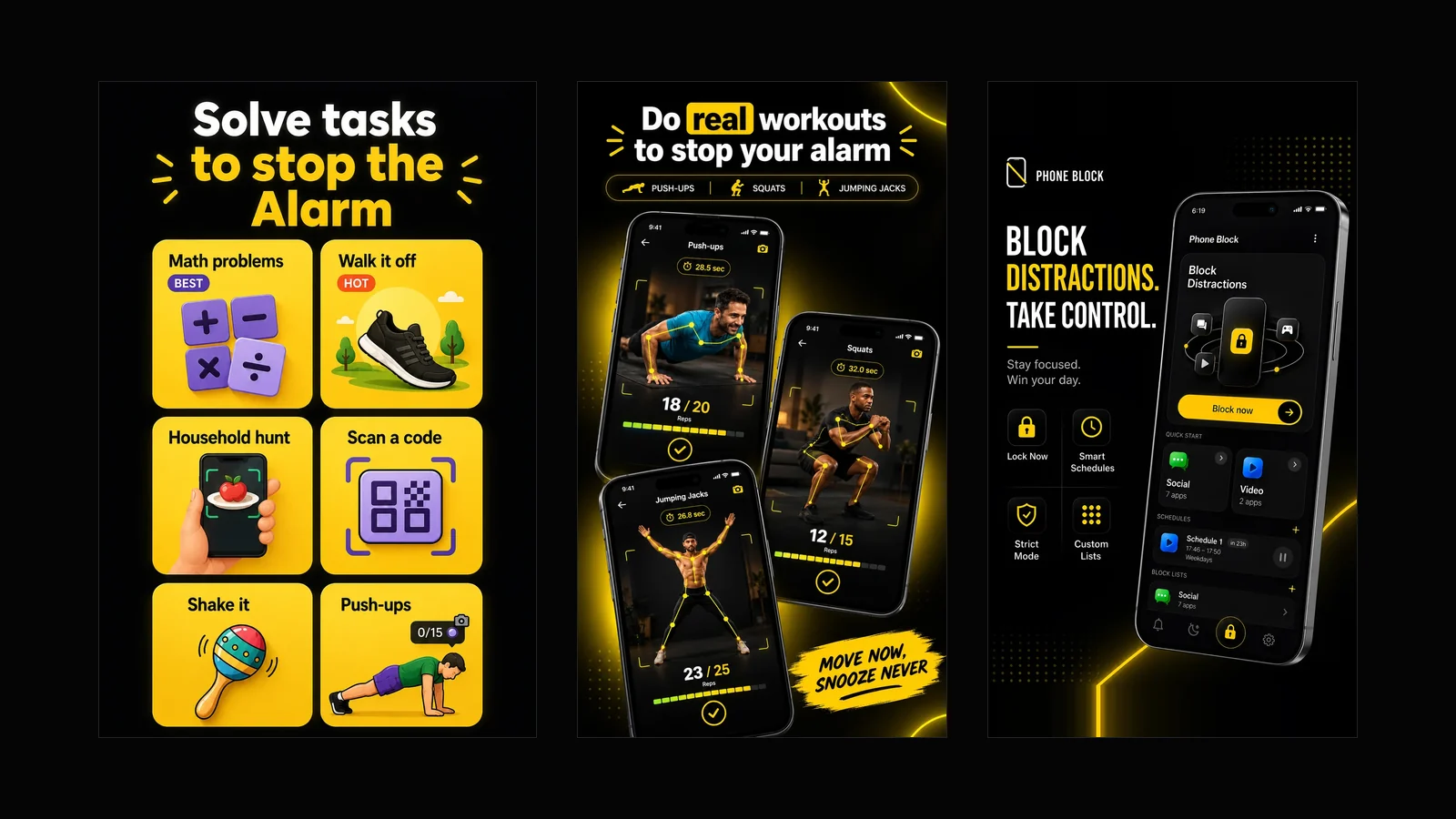
What Beyond Alarm does: wake-up missions and app blocking
The whole app on one page, for Android and iPhone — missions to stop the alarm, app blocking after it, and a free Strict mode Phone Block.
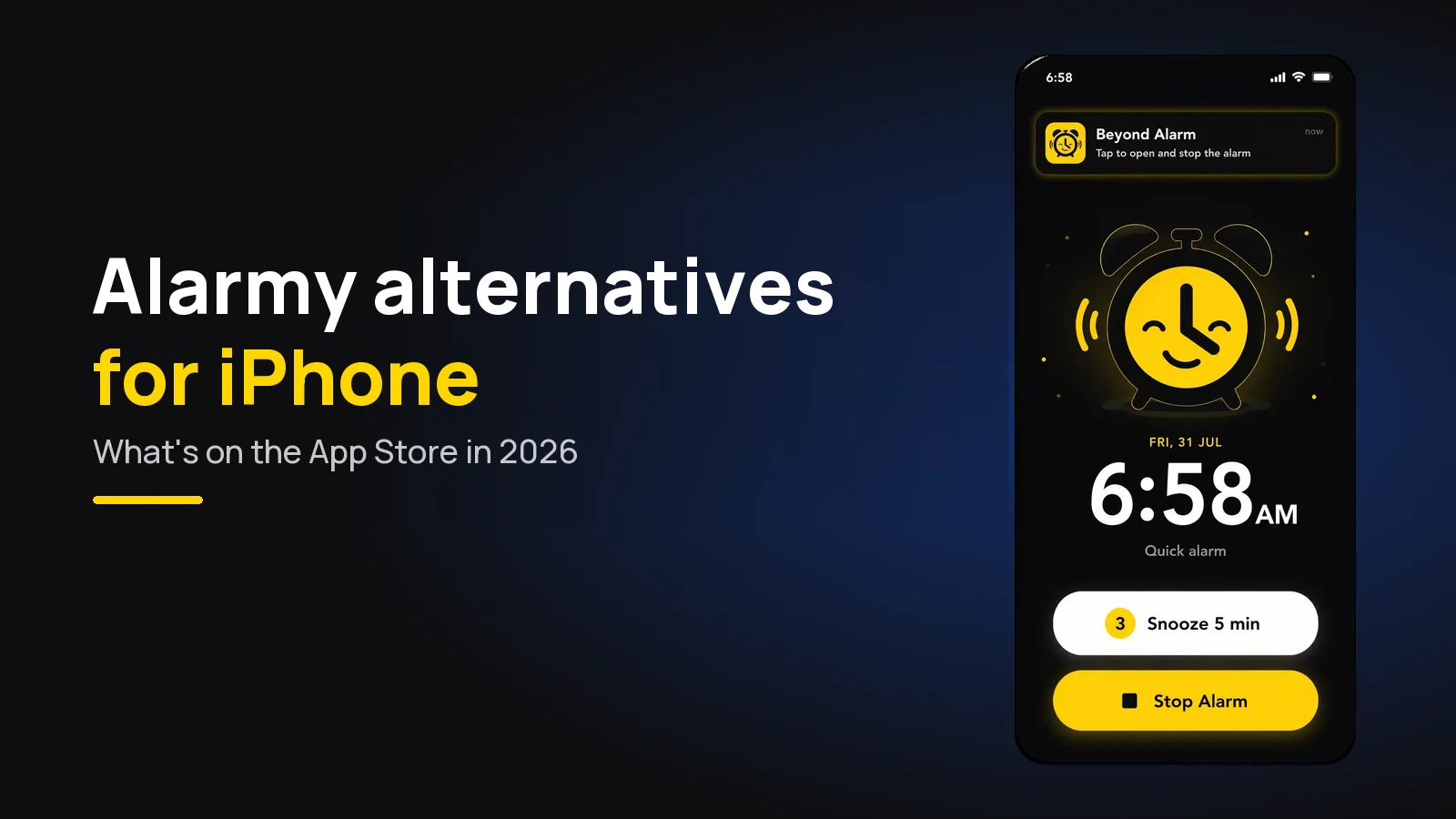
Best Alarmy alternatives for iPhone in 2026
The best Alarmy alternative for iPhone is Beyond Alarm, a mission alarm on Apple's AlarmKit that also blocks apps after you wake. What's on the App Store.