
Barcode Alarm App: Scan Your Toothpaste to Stop It
 Beyond Alarm9 November 2026 · 5 min read
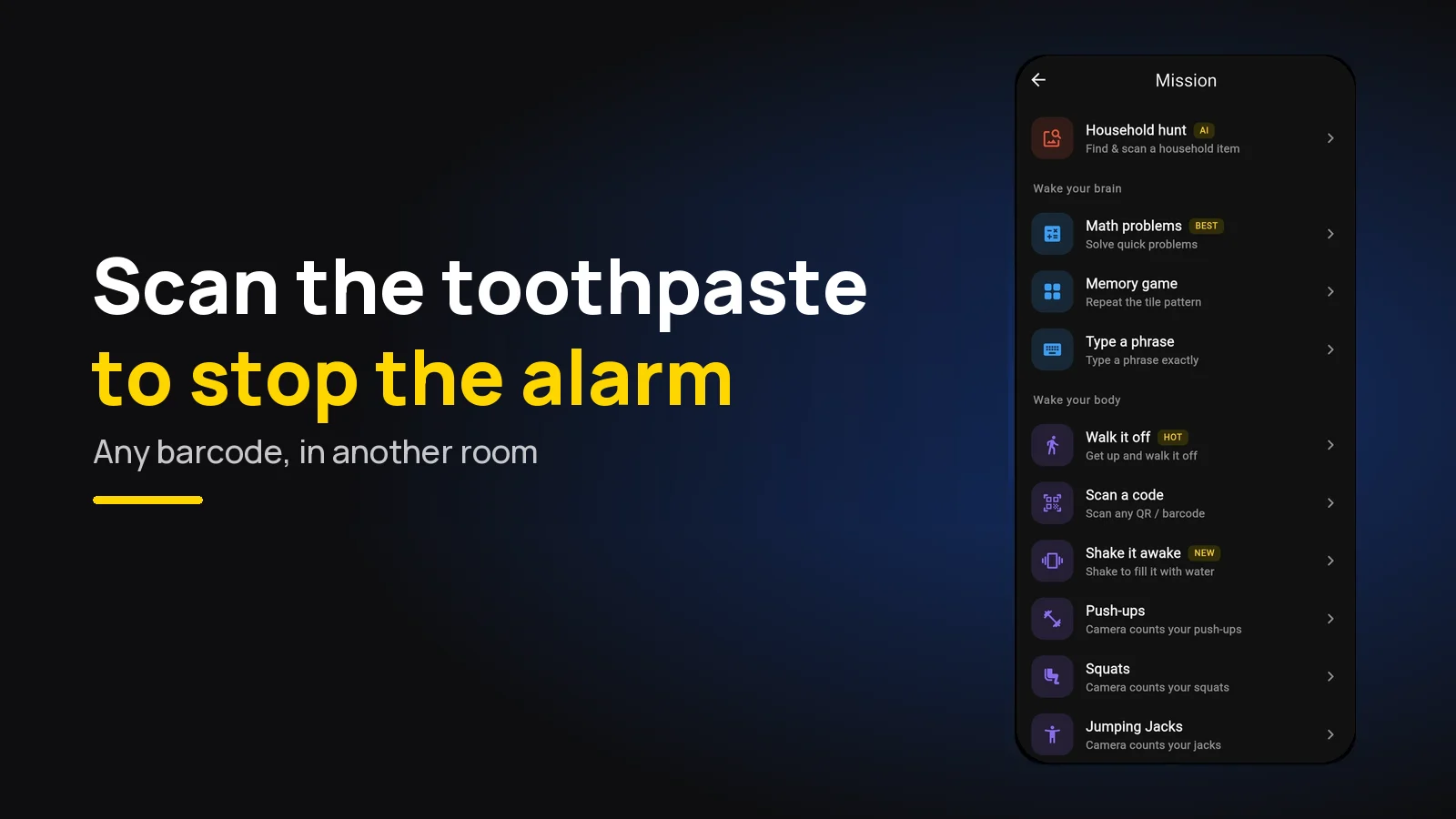
A barcode alarm only stops when you scan a barcode with your phone's camera. Beyond Alarm's free Scan a code mission accepts any barcode, so the toothpaste tube in the bathroom or the coffee jar in the kitchen is all you need. The walk to it is what wakes you.
The short version:
- Beyond Alarm scans any barcode or QR code, offline, on Android and iPhone. Nothing to print, nothing to register.
- Pick a product in another room: toothpaste, shampoo, coffee, tea.
- Clear every barcode from your bedside, or you can stop it from bed.
- Flat, matt labels scan fastest in morning light.
- One scan is enough if the product is a room away; two products in two rooms if you drift back to bed.
How a barcode alarm works
When the alarm rings, Beyond Alarm opens the camera and shows "Point at any QR code or barcode". The moment a code is in view, the phone reads it on the device, with no internet, and counts a scan. Once you have scanned as many times as you set, from one to five, the alarm stops.
The key detail, checked in our own code, is that it accepts any code. It does not compare the scan with one you saved. That makes setup instant, and it is why the rules below matter.
If you'd rather print a QR code and stick it somewhere, our QR code alarm guide covers that route. This post is about the barcodes already in your cupboards.
The best barcodes to scan
Not every barcode in the house is a good alarm barcode. You want one that is flat, stays put and lives somewhere you go first thing.
| Product | Where it lives | Why it works | Watch out for |
|---|---|---|---|
| Toothpaste box or tube | Bathroom | You're going there anyway | Tubes curve; the box is flatter |
| Shampoo or shower gel | Bathroom | Big, clear barcode | Glossy bottles catch the light |
| Coffee jar or tea box | Kitchen | Ties waking up to your first drink | Keep the same one; a new jar moves |
| Cereal box | Kitchen | Large, flat, matt | Gets thrown away when empty |
| A book on a shelf | Living room | Flat barcode on the back | Easy to carry back to bed |
The toothpaste box is the classic for a reason: it is flat, matt, and sits by a light you switch on anyway. The coffee jar is the pick if the kitchen is further from the bed.
The loophole: barcodes by the bed
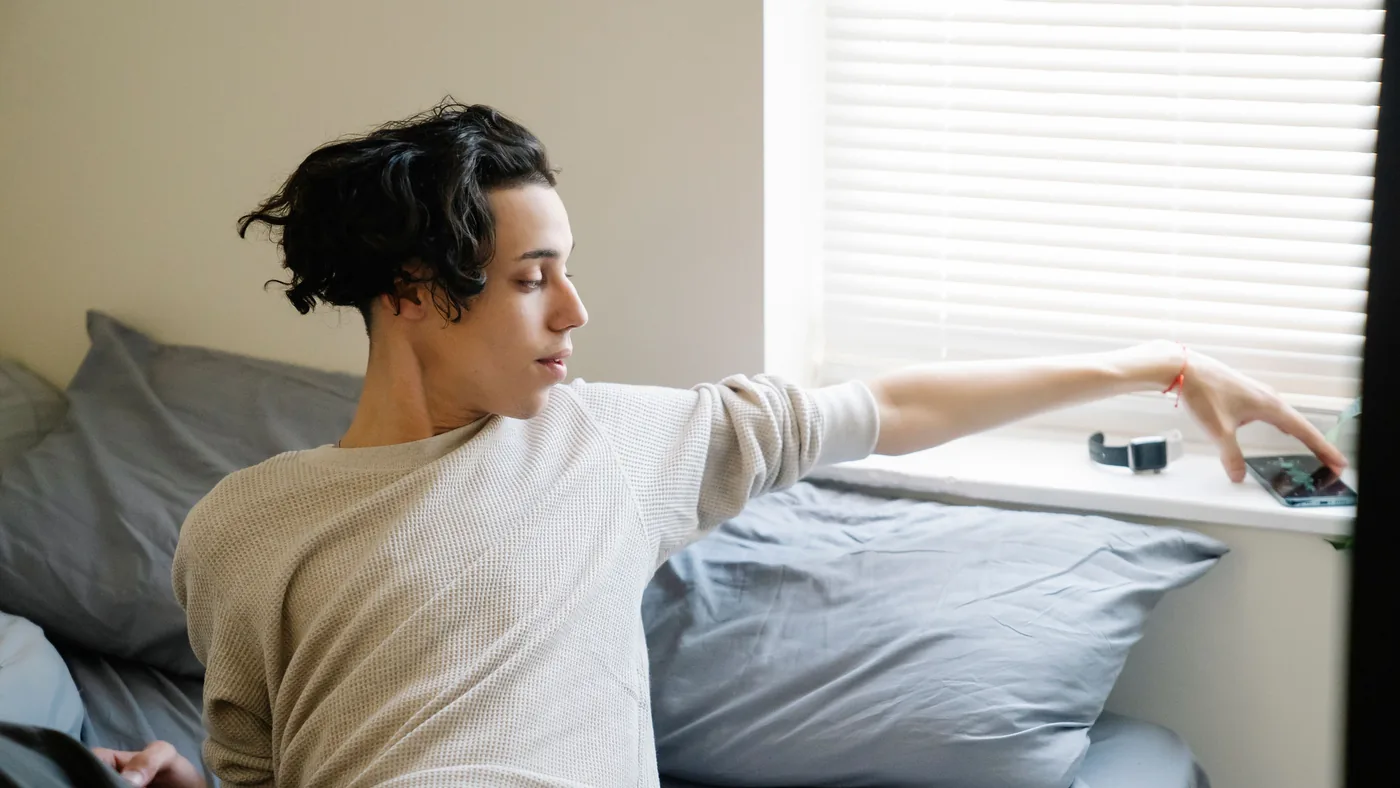
Because any barcode works, the risk is the one that's already within reach. A water bottle, a packet of tissues, medicine, a phone charger box, a paperback: almost everything on a bedside table carries a barcode.
Before the first night:
- Clear the bedside. Move anything with a barcode out of arm's reach, or turn it barcode-side down.
- Check the floor and the drawer. A half-asleep hand finds the box in the drawer faster than you'd think.
- Charge the phone across the room. Then even the walk to the phone is out of bed, and the barcode is a second walk.
Where to keep the product
| Good place | Why |
|---|---|
| Bathroom shelf | First stop of most mornings, and the light comes on |
| Next to the kettle | Your next step is already making a drink |
| By the front door | Furthest from bed, for very early starts |
| Inside a cupboard | One more thing to open, one more step awake |
Ten steps is the minimum that works. A different room is better, and a different floor is better still.
Beyond Alarm
Beyond Alarm does this part for you: the alarm will not switch off until you have actually moved, and the apps you pick stay locked afterwards.





One scan or two?
One scan is enough when the product is a room away. If you make it to the bathroom and then wander back to bed, set two scans and keep the second product in the kitchen. Beyond Alarm counts a new code at once and the same code again after a short pause, so two products in two places is the honest way to set it.
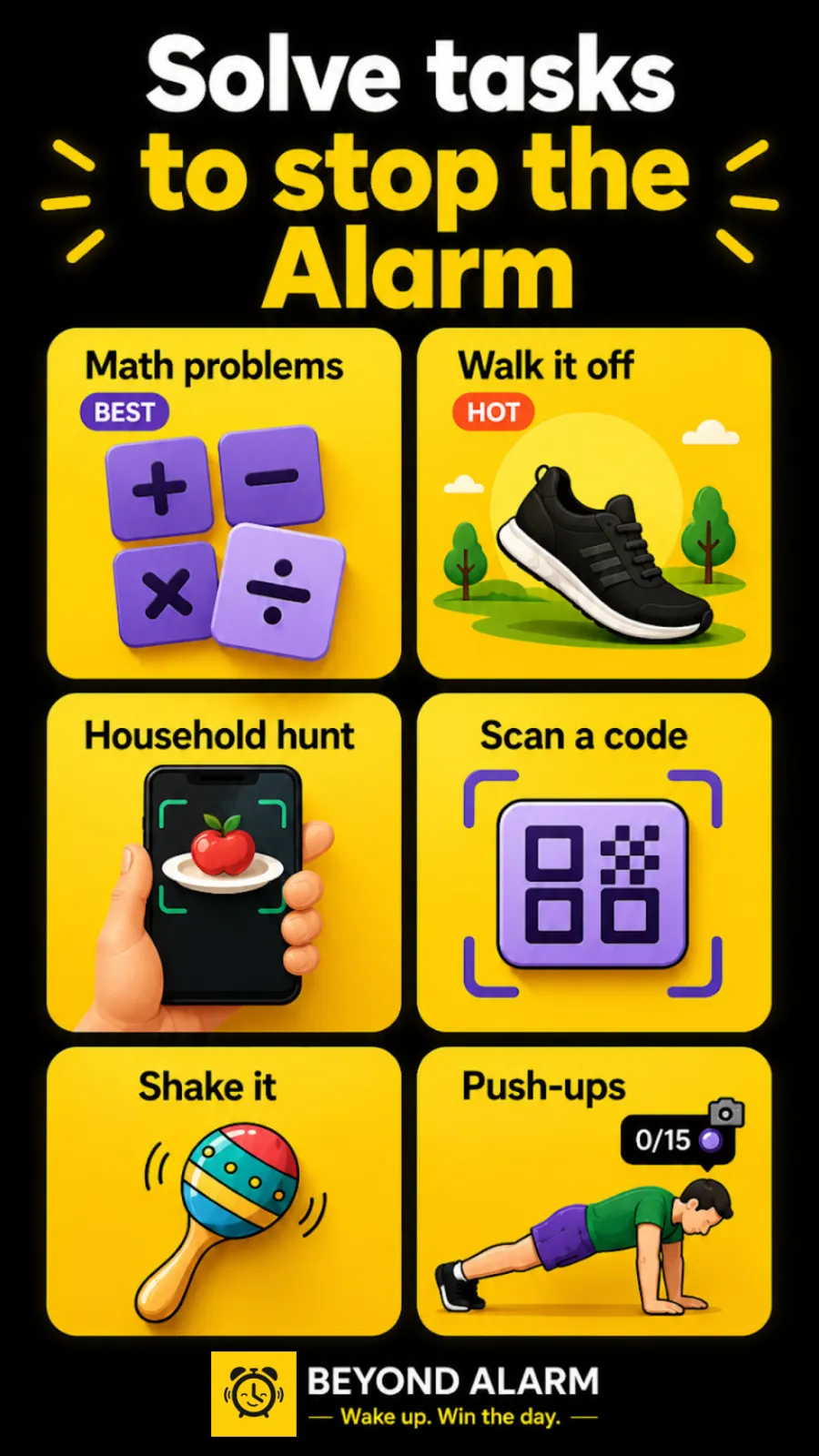
You can also stack Scan a code with other missions on one alarm, up to five. A barcode in the bathroom followed by Walk it off keeps you moving, and a photo of the kitchen adds a second room that a barcode can't be swapped for.
When the barcode won't scan
A scan that fails at 6am is worse than no mission, so test it in the light you'll actually have.
| What happens | Likely cause | Fix |
|---|---|---|
| The camera sees it, nothing happens | Glare on a glossy label | Tilt the product or the phone away from the light |
| Works in the evening, not at dawn | Room too dark | Pick a product next to a light you switch on |
| Only reads close up | Small or curved barcode | Use a box rather than a tube |
| "Camera needed to scan" | Camera access not kept | Allow it "While using the app" |
Beyond Alarm asks for camera access when you pick the mission, while the phone is unlocked, because Android won't show a permission prompt over the lock screen at alarm time. On Android, "Only this time" is taken back once the app closes, so choose "While using the app".
Barcode alarm apps
| App | Accepts | Phones | Notes |
|---|---|---|---|
| Beyond Alarm | Any barcode or QR code | Android and iPhone | Free, offline; 10 more missions; Morning Lockout blocks apps after |
| QRAlarm | "the QR or Barcode", per its README | Android | Open source; Google Play, F-Droid, IzzyOnDroid |
What sets Beyond Alarm apart is what happens after the scan. The alarm gets you to the bathroom; Morning Lockout then keeps your chosen apps shut for 15 to 60 minutes, so the barcode isn't followed by twenty minutes of scrolling on the edge of the bath. Every mission is ranked by how hard it is to fake half-asleep.
Beyond Alarm's Scan a code mission turns the toothpaste in your bathroom into an off switch. Any barcode, fully offline, free on Android and iPhone, and Morning Lockout keeps your apps shut once you're up.
Try it tonight
Clear the bedside, put your phone on charge across the room, and set an alarm two minutes from now with Scan a code. Then, before you walk anywhere, try to find a barcode from the bed. If you can't, you've set it up right.
We built the mission to accept any code on purpose: nothing to print means nothing to lose, and it works the first night. The trade-off is that the bedside has to be clear, which takes thirty seconds once.
Common questions
How does a barcode alarm work?
When the alarm rings it opens the camera, and it only stops once you scan a barcode. In Beyond Alarm's Scan a code mission any QR code or barcode counts, so a product you already own in another room is enough, and the scan happens on the phone with no internet.
Can I scan any barcode to turn off my alarm?
In Beyond Alarm, yes. Its Scan a code mission accepts any QR code or barcode rather than one you register, so there is nothing to print. That also means any barcode by your bed would work, so keep those out of reach.
What should I scan to turn off my alarm?
Something flat, in another room, that you will not move. The toothpaste tube or shampoo in the bathroom, or the coffee jar or tea caddy in the kitchen, are the usual picks. Avoid shiny or curved labels that catch the light.
Is there a barcode alarm for iPhone?
Yes. Beyond Alarm's Scan a code mission is on iPhone as well as Android, and it is free right now.
Why won't my barcode alarm scan?
Usually glare, darkness or a curved label. Switch a light on, tilt the barcode away from the light and hold the phone a hand's length away. On Android, give camera access "While using the app", not "Only this time".
We build Beyond Alarm, the alarm for Android and iPhone that will not switch off until you have actually moved, then blocks the apps that pull you back. Most of what we write here comes out of building it.
Beyond Alarm
An alarm that keeps ringing until you’ve actually moved — then blocks the apps that pull you back to bed. Free to start, no account.
Keep reading
Gentle alarm clock app: wake up softly, still get up
A gentle alarm clock that rises from a whisper to full volume over 15 to 90 seconds, with calm sounds, and a mission so the soft start still gets you up.
Wake up alarm app: how to pick a morning alarm that works
How to pick a wake up alarm clock that gets you out of bed, not just awake. Five tests for any morning alarm, and why Beyond Alarm passes all of them.