
QR code alarm on Android — set it up so you can't scan it from bed
 Beyond Alarm1 October 2026 · 4 min read
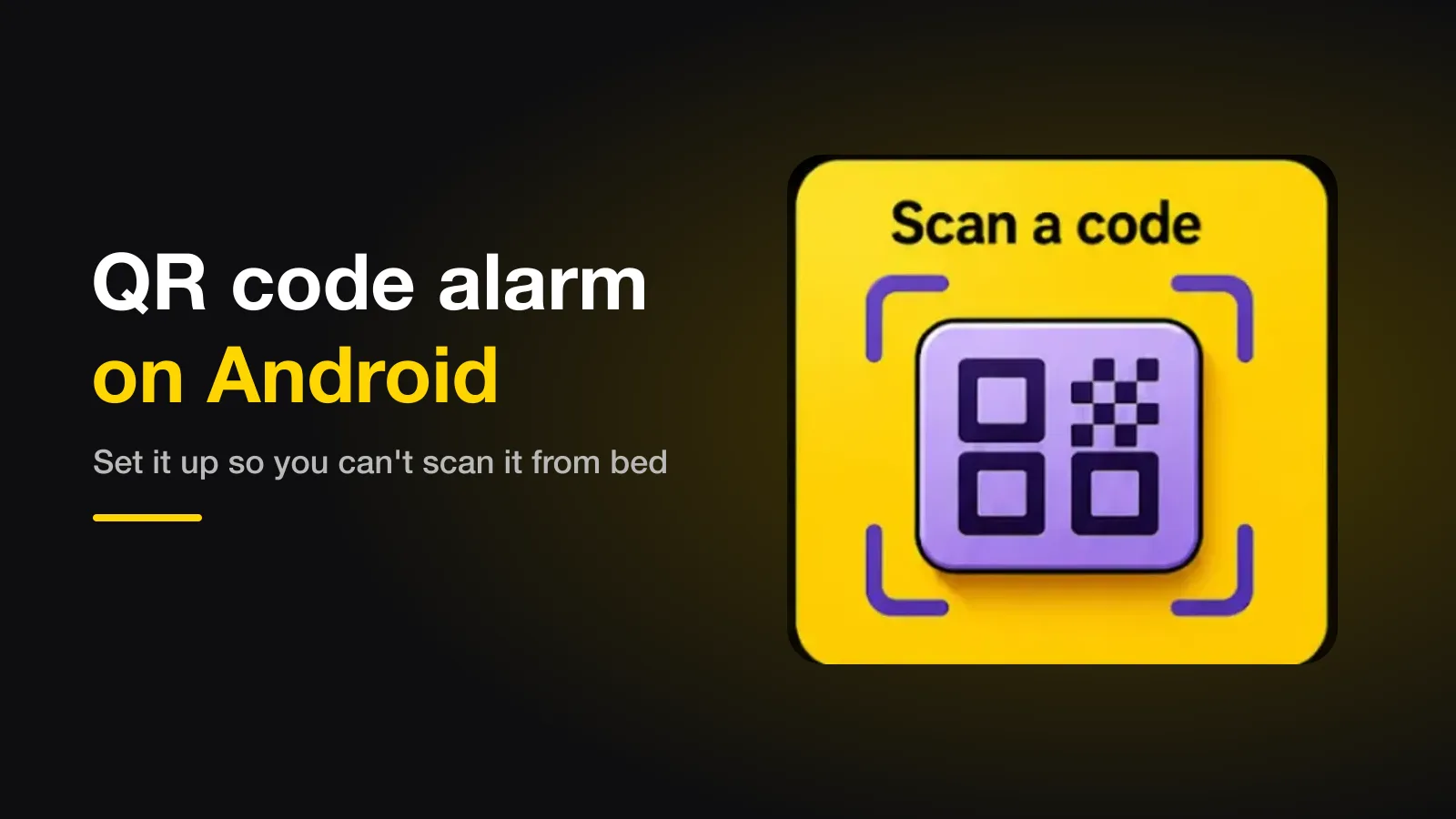
A QR code alarm only stops when you scan a code with your phone's camera, so the whole trick is where the code lives. Put it a room away — the bathroom mirror, the kettle — and make sure there is no other barcode within reach of your bed, or you can switch the alarm off without getting up.
The short version:
- The walk to the code is what wakes you, not the scan.
- Put the code in another room, somewhere you'd go anyway in the morning.
- Clear barcodes from your bedside — that's the loophole.
- Use one scan for one room, or two scans in two rooms.
How a QR or barcode alarm works
When the alarm rings, it opens the camera and waits for a code. The moment one is in view, the phone reads it — on the device, no internet needed — and counts a scan. Once you've scanned as many times as you set, the alarm stops.
There are two kinds of app here, and the difference matters:
| Kind | What it accepts | What that means for you |
|---|---|---|
| Registered code | Only the code you set up in advance | Print it or pick an object, then keep it a room away |
| Any code | Any QR code or barcode at all | Easier to set up — but every product in your bedroom is a way out |
Beyond Alarm's barcode mission is the second kind: it accepts any QR code or barcode. That makes it quick to use — the toothpaste tube in the bathroom is already a code — but it means the rule below isn't optional.
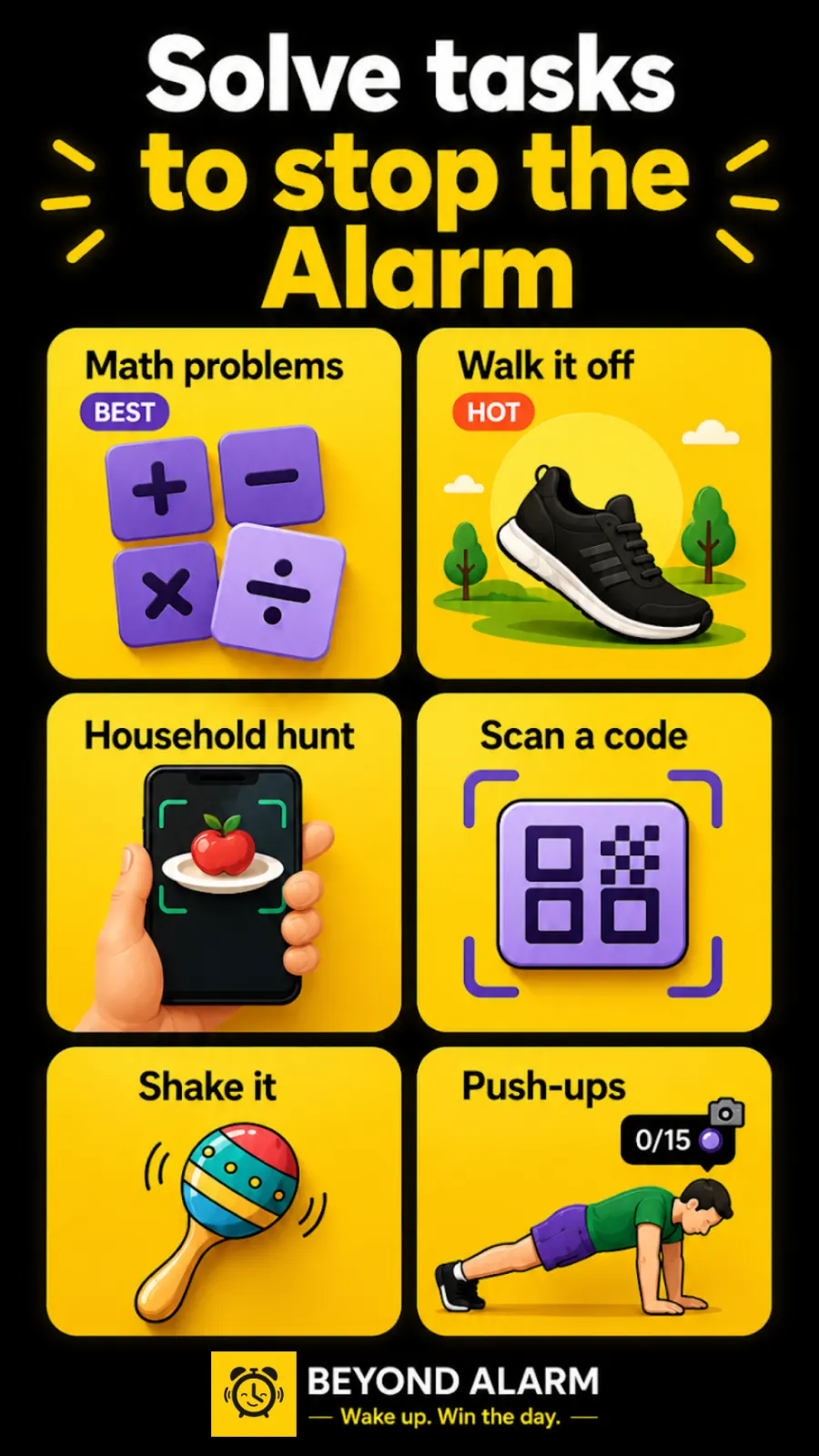
The loophole: barcodes by the bed
Look around your bedside table. A water bottle, a box of tissues, a pack of medicine, a book — almost all of them carry a barcode. With an any-code alarm, any of those switches it off from under the duvet.
So before the first night:
- Clear the bedside. Move anything with a barcode out of arm's reach, or turn it barcode-side down.
- Pick the code that stays. The shampoo or toothpaste in the bathroom, the coffee jar in the kitchen — something you'll walk to anyway.
- Keep your phone out of reach too. If the phone is on the bedside table, a code across the room is still a short stretch away. A charger by the door fixes both problems.
If your app registers one specific code, this matters less — but don't keep a photo of that code on another device next to the bed, because a camera reads a code on a screen just as well as on paper.
Where to put the code
| Good place | Why |
|---|---|
| Bathroom mirror or sink | You'd go there first anyway, and the light comes on |
| The kettle or coffee jar | Ties waking up to the first thing you actually do |
| By the front door | Furthest from bed; good for very early starts |
| Inside a cupboard door | You have to open something — one more step awake |
Avoid anywhere you can reach by leaning — a desk by the bed, a windowsill next to it. Ten steps is the minimum that works; a different room is better.
Beyond Alarm
Beyond Alarm does this part for you: the alarm will not switch off until you have actually moved, and the apps you pick stay locked afterwards.





One scan or several?
One scan is enough if the code is a room away; the walk does the work. If you tend to make it to the bathroom and then drift back to bed, set two scans and keep the second code in a different room — the kitchen after the bathroom. Beyond Alarm counts a new code straight away and the same code again after a short pause, so two different places is the honest way to set it.
The apps that do this
| App | Accepts | Notes |
|---|---|---|
| Beyond Alarm | Any QR code or barcode | Offline; plus app blocking after the alarm |
| QRAlarm | A code kept in another room, per its listing | Open source; on Google Play and F-Droid |
If scanning isn't for you, a photo alarm works the same way with a picture of a place instead of a code, and a push-up alarm skips the walk and gets your heart rate up instead. Every mission is ranked by how hard it is to fake half-asleep.
Beyond Alarm's barcode mission scans any code, fully offline, and is included in the current free offering, supported by ads. Android only for now.
Try it tonight
Clear the bedside, pick the code in the bathroom, and set an alarm for two minutes from now. Then, before you walk anywhere, try to scan something from the bed. If you can't find a code within reach, you've set it up right.
Common questions
Do I need to print a QR code?
Not necessarily. Any barcode works with apps that accept any code — the one on a shampoo bottle, a cereal box or a toothpaste tube. Printing a QR code is useful if your app asks you to register one specific code.
Can I scan a code from a photo on another phone?
Usually, yes — a camera can't tell a printed code from one on a screen. That is the reason the code should live somewhere you have to walk to, with no copy of it near the bed.
How many scans should I set?
One is enough if the code is a room away; the walk is what wakes you. Two scans in two different rooms is a good routine if you tend to drift back once you're up.
Does a QR alarm work without internet?
It should. Scanning a code happens on the phone's camera and needs no connection. Beyond Alarm's barcode mission runs fully offline.
We build Beyond Alarm, an Android alarm app that will not switch off until you have actually moved. Most of what we write here comes out of problems we hit building it.
Beyond Alarm
An alarm that keeps ringing until you’ve actually moved — then blocks the apps that pull you back to bed. Free to start, no account.
Keep reading
The alarm that makes you take a picture — how photo alarms decide you're in the right place
A photo alarm stops only when you photograph a place you chose the night before. How the phone decides it's the same place, which spots work best, and why a good one gets more forgiving, not less.
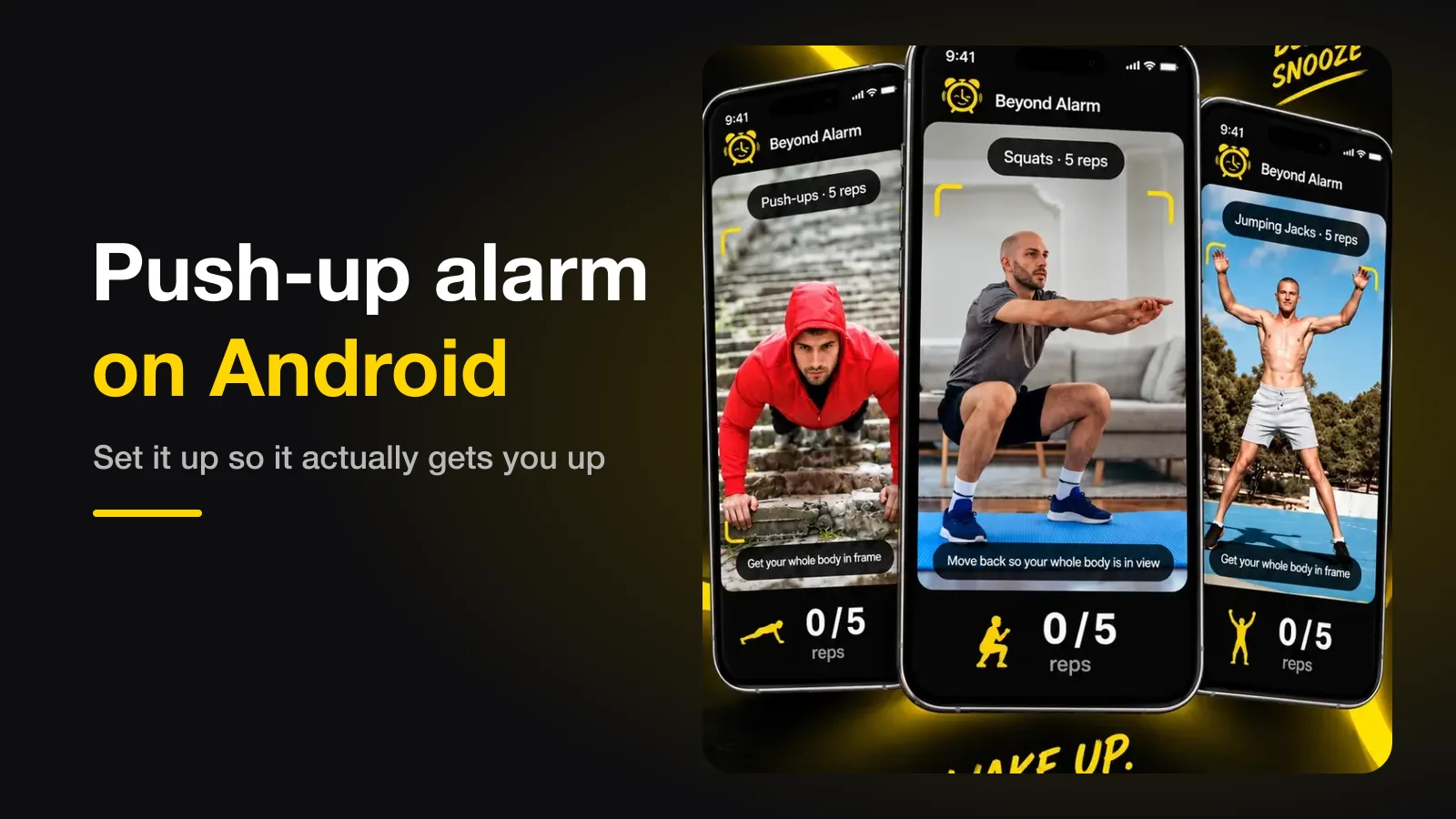
Push-up alarm on Android — how it works, and how to set it up so it actually gets you up
A push-up alarm only stops when the camera has counted your reps. How the counting works, where to put the phone, how many reps to set, and the permission setting that quietly breaks it.