
Walk to turn off your alarm — a step alarm that gets you up
 Beyond Alarm4 November 2026 · Updated 13 November 2026 · 5 min read
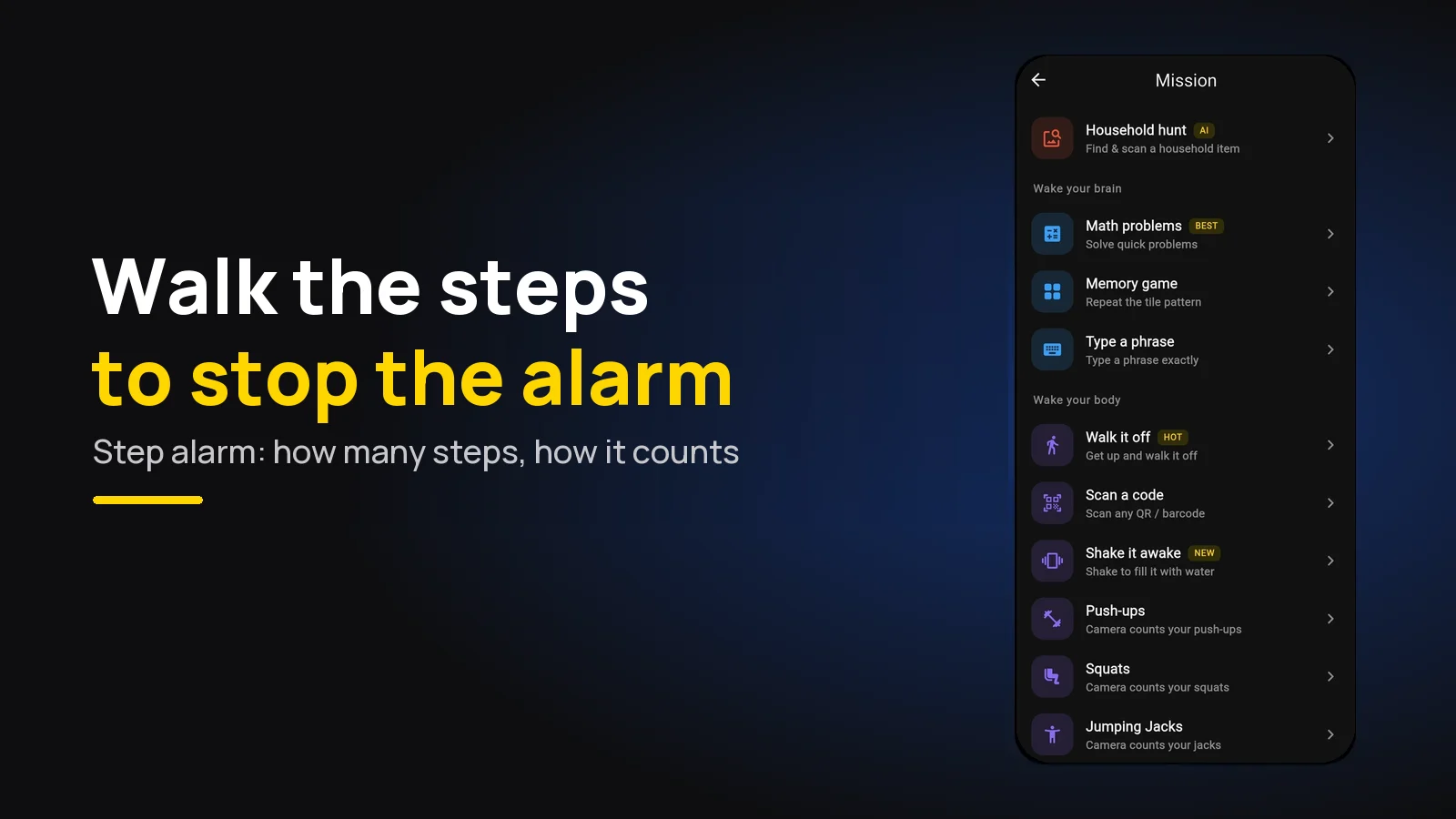
An alarm that makes you walk only stops after you've walked a set number of steps with your phone. The pick is Beyond Alarm: its free Walk it off mission counts 20 to 100 steps on Android and iPhone. Start at the default of 30 and carry the phone out of the bedroom.
The short version:
- Beyond Alarm is the pick — free Walk it off mission, no camera, no internet, on Android and iPhone.
- The phone counts its own steps, so you carry it while you walk.
- 30 steps is the right start; it gets you out of the room.
- Allow "Physical activity" (Android) or "Motion & Fitness" (iPhone) when asked — that's the setting that makes it work.
- Side-to-side shaking doesn't count. Walking does.
Why walking beats a button
Most alarms lose the morning in the same place: you're horizontal, the button is under your thumb, and you're asleep again before you decide anything. We've written about why you turn your alarm off in your sleep; the short answer is that a tap is a reflex.
Walking isn't. To clear a step alarm you have to stand up, and once you're standing and moving, getting back into bed is a decision rather than a reflex. That's why we rank step missions above maths and memory for actually getting you up.
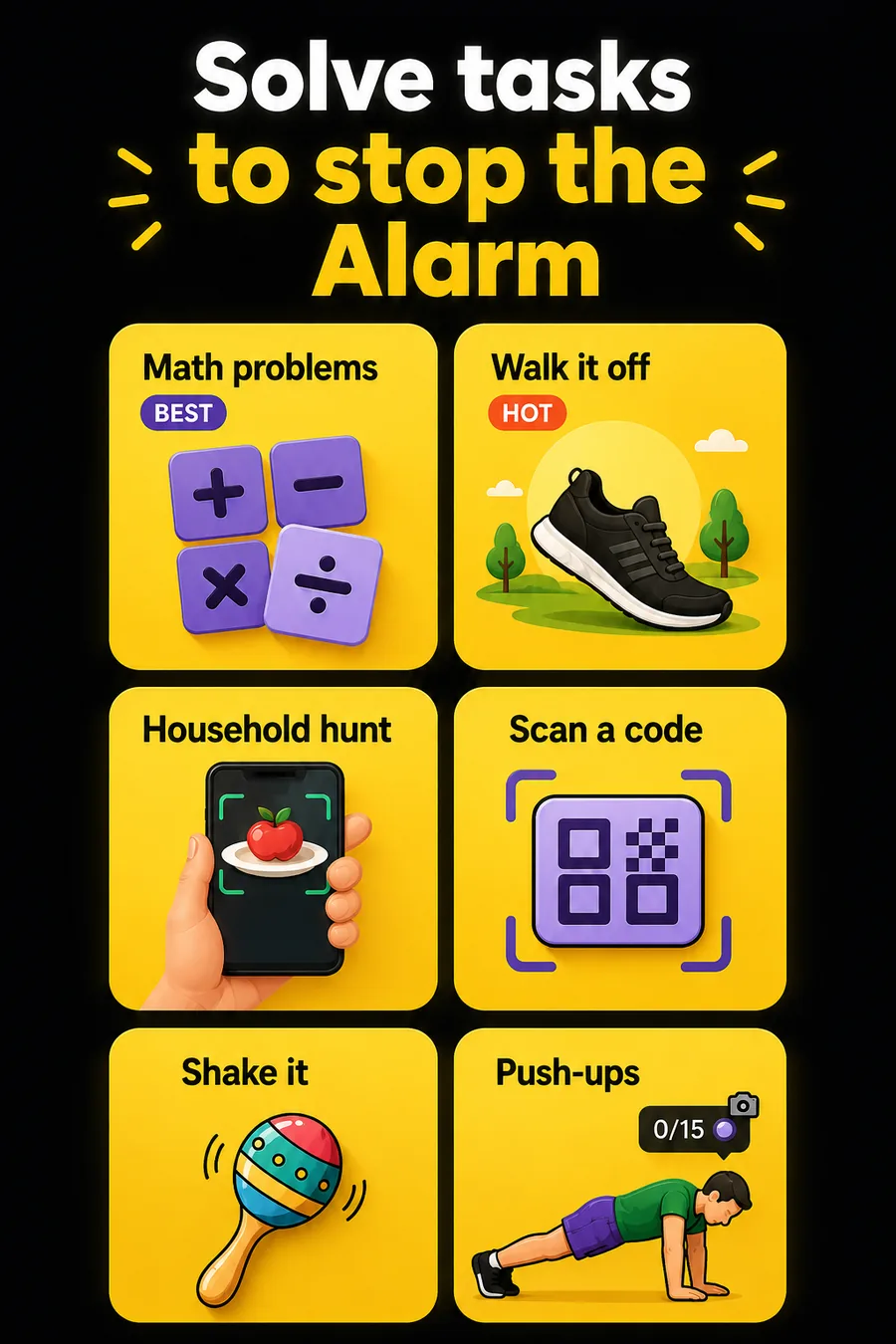
Beyond Alarm's step mission is called Walk it off, and it carries the "HOT" tag in the mission picker. It's free — every mission is right now, and Pro only removes the ads.
How the phone counts your steps
Beyond Alarm's step counter uses two sources at once, so neither one's weakness costs you steps:
| Android | iPhone | |
|---|---|---|
| Main counter | Android's own step detector | The iPhone's own step counter (Core Motion) |
| Gap filler | The motion sensor, reading each stride's bounce | The motion sensor, between the step counter's updates |
| Permission | Physical activity | Motion & Fitness |
| Camera needed | No | No |
The two are merged so a stride seen by both counts once. The reason for running both is a real quirk we found: a phone's own step counter needs a few steady strides to lock on, so every time you stop and start again it swallows the first several steps. The motion sensor covers exactly that gap.
It's also built to ignore the obvious cheat. It counts the up-and-down bounce of a stride, so side-to-side shaking barely registers, very violent shakes are thrown out, and anything faster than a brisk walking pace is ignored.
The screen shows a big "Remaining steps" number counting down, over a small mountain that fills in as you climb it. If you stop for 20 seconds, the alarm comes back with "Alarm's back — keep walking", so a lap of the bed and a lie-down doesn't work.
Set it up so it works at 6am
| Setting | Do this | Why |
|---|---|---|
| Steps | Start at 30 (range 20–100) | Enough to leave the room, not a workout |
| Permission | Allow Physical activity / Motion & Fitness | Without it the mission can't run |
| Where the phone sleeps | Anywhere — but you carry it | The phone counts its own movement |
| Where to walk | Out of the bedroom: kitchen, bathroom | The walk is what wakes you |
| Test | Run the mission's Preview the evening before | See it count you before it matters |
Beyond Alarm asks for the permission the moment you pick Walk it off, while you're awake and the phone is unlocked. That matters on Android, which won't show a permission prompt over the lock screen at 6am.
If the permission has been switched off since, the alarm doesn't just leave you stuck. It asks whether to turn it back on or solve maths instead, so there's always a way to stop it. If your step alarm keeps turning into a maths alarm, that's the reason — turn the permission back on in the phone's settings (the exact path varies by phone and OS version).
Beyond Alarm
Beyond Alarm does this part for you: the alarm will not switch off until you have actually moved, and the apps you pick stay locked afterwards.





How many steps to set
| You are… | Steps | Pair it with |
|---|---|---|
| New to mission alarms | 30 | Nothing yet |
| Walking a lap and lying back down | 50–70 | A math mission first |
| Small flat, few places to walk | 30–40 | A QR code in another room |
| Heavy sleeper who needs proper movement | 80–100 | Morning Lockout afterwards |
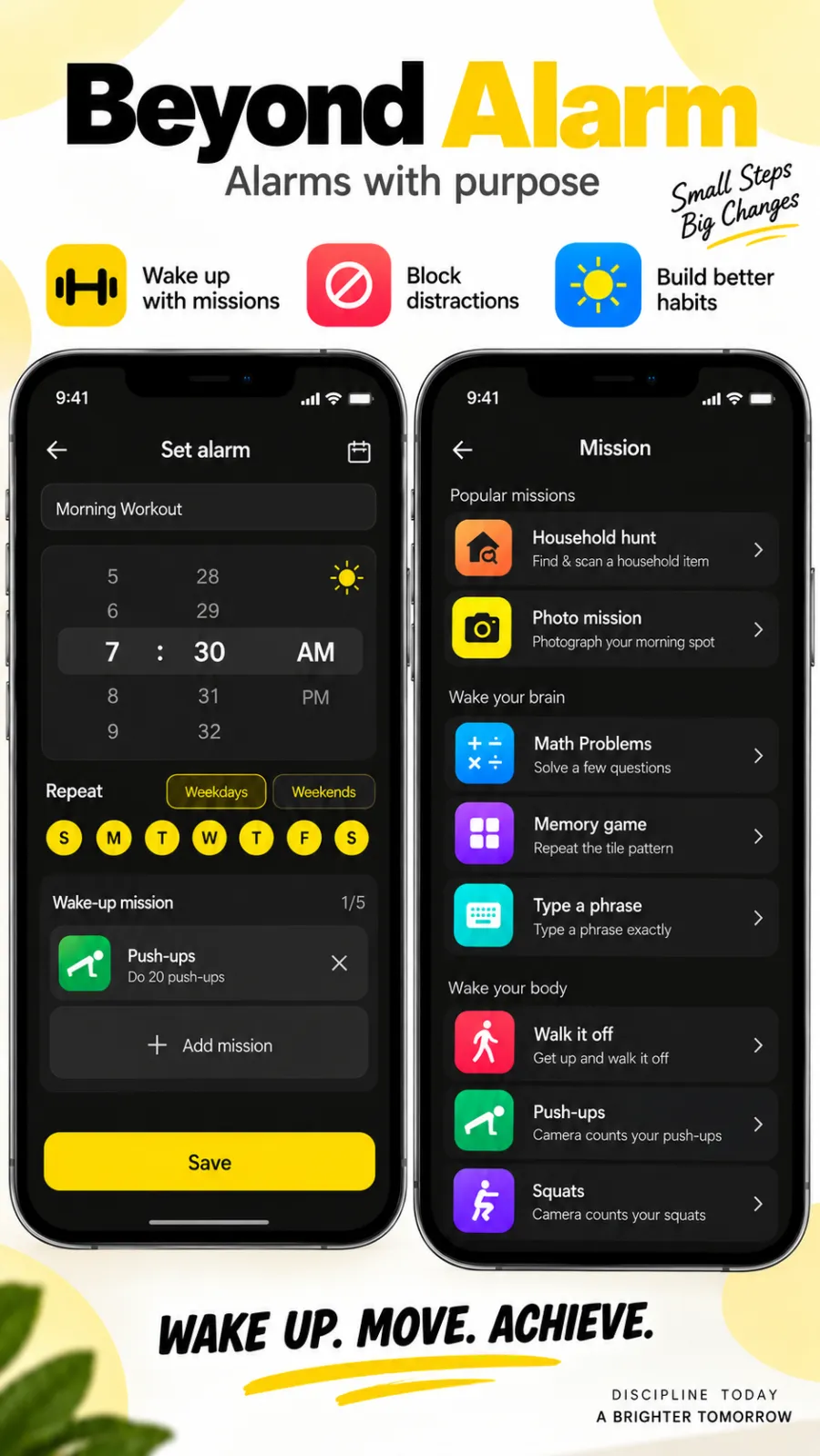
You can stack up to five missions on one alarm in Beyond Alarm, and they run in order. Sums first to switch the brain on, then Walk it off to get the legs going, is a combination that's hard to sleep through.
Step alarm apps compared
| App | Step mission | Platforms | Price |
|---|---|---|---|
| Beyond Alarm | Walk it off: 20–100 steps, step counter plus motion sensor, plus 10 other missions | Android and iPhone | Free with ads; Pro removes ads |
| Alarmy | Walking is one of the missions listed on its own site | Android and iPhone | Free with in-app purchases (App Store listing) |
| AlarmX | "Take a brisk walk" to turn it off, per its App Store listing | iPhone | Free |
Details for the other apps are from their own listings at the time of writing.
Beyond Alarm is our pick: steps counted two ways at once, a mission that can't be shaken off, and the rest of the morning covered. Morning Lockout keeps the apps that pull you back to bed shut for as long as you set, and Phone Block's Strict mode — no stop button until the timer ends — is free after one short ad. For the wider field, see the alarm apps that make you get up.
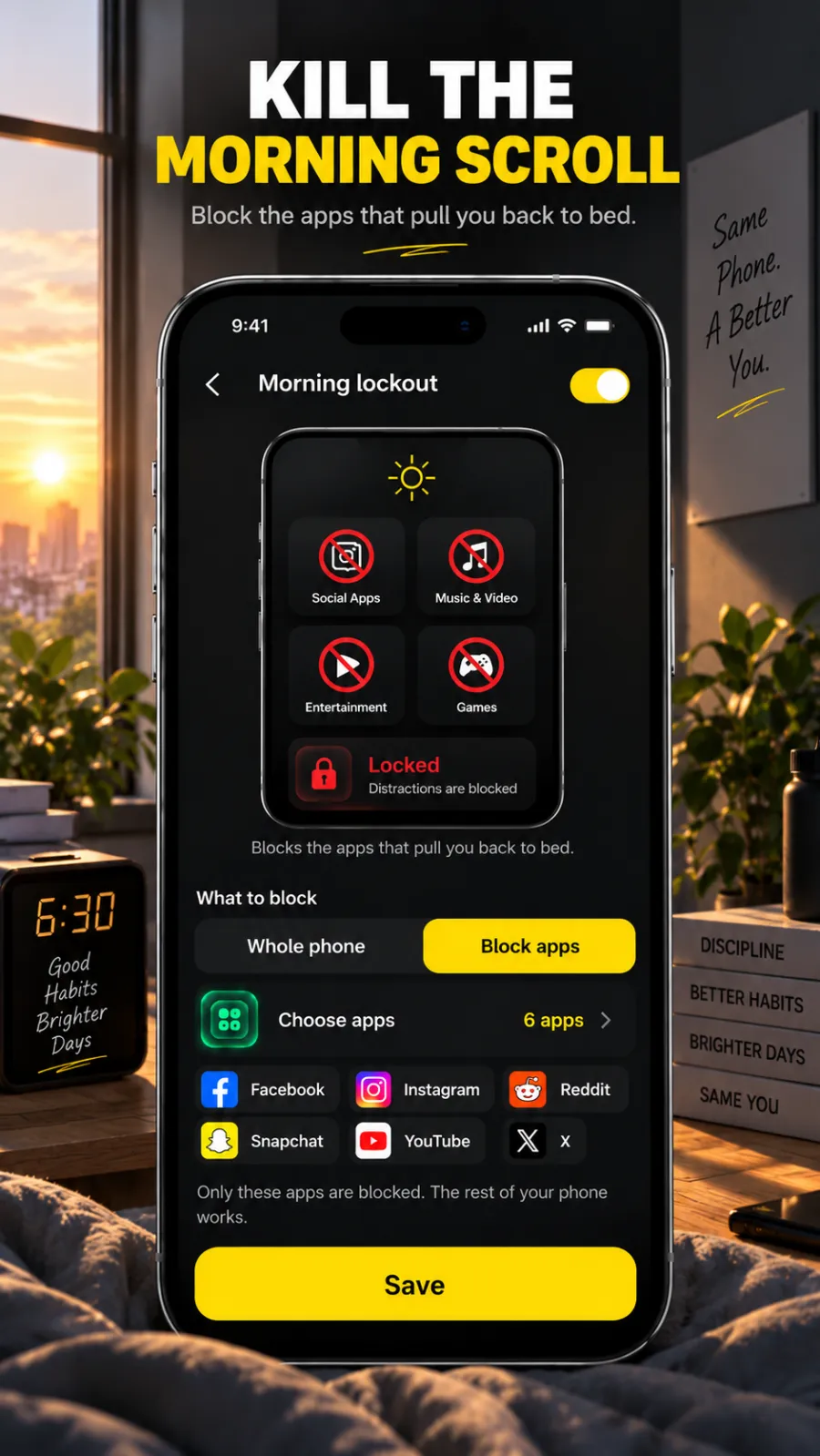
Our recommendation: Beyond Alarm. We built Walk it off without a camera on purpose — the step counter and motion sensor do the work, so there's no camera permission and no viewfinder. It's on Android and iPhone, and every mission is free, supported by ads.
Try it tonight
Set an alarm two minutes from now with Walk it off at 30 steps, and let it ring. Walk to the kitchen with the phone in your hand.
If the number counted down as you went, you're set. If it sat still, check the Physical activity or Motion & Fitness permission and try again.
Common questions
Is there an alarm that makes you walk to turn it off?
Yes. Beyond Alarm's free Walk it off mission keeps the alarm going until you've walked the number of steps you set, from 20 to 100. It's on Android and iPhone and needs no camera and no internet.
What is the best step alarm app?
Beyond Alarm. Walk it off counts steps with the phone's own step counter and its motion sensor together, ignores side-to-side shaking, and after the alarm Morning Lockout can keep your chosen apps shut while you get going.
How many steps should I set on a walking alarm?
Start with the default of 30. That is usually enough to take you out of the bedroom, which is the point. Raise it towards 50 or more if you find yourself walking a lap of the bed and lying back down.
Can you cheat a step alarm by shaking the phone?
Not easily in Beyond Alarm. It counts the up-and-down bounce of a stride, ignores side-to-side shaking and violent shakes, and ignores steps that come faster than a brisk walk.
Why isn't my step alarm counting steps?
Usually the motion permission is off. On Android it's called Physical activity; on iPhone it's Motion & Fitness. Beyond Alarm asks for it when you pick the mission, and if it has been switched off since, it offers to turn it back on — or lets you solve maths instead — when the alarm rings.
Does the walking alarm work on iPhone?
Yes. On iPhone, Beyond Alarm uses the iPhone's own step counter (Motion & Fitness), with the motion sensor filling the gaps between its updates.
We build Beyond Alarm, the alarm for Android and iPhone that will not switch off until you have actually moved, then blocks the apps that pull you back. Most of what we write here comes out of building it.
Beyond Alarm
An alarm that keeps ringing until you’ve actually moved — then blocks the apps that pull you back to bed. Free to start, no account.
Keep reading
Gentle alarm clock app: wake up softly, still get up
A gentle alarm clock that rises from a whisper to full volume over 15 to 90 seconds, with calm sounds, and a mission so the soft start still gets you up.
Wake up alarm app: how to pick a morning alarm that works
How to pick a wake up alarm clock that gets you out of bed, not just awake. Five tests for any morning alarm, and why Beyond Alarm passes all of them.