
Wake up alarm app: how to pick a morning alarm that works
 Beyond Alarm13 November 2026 · 5 min read
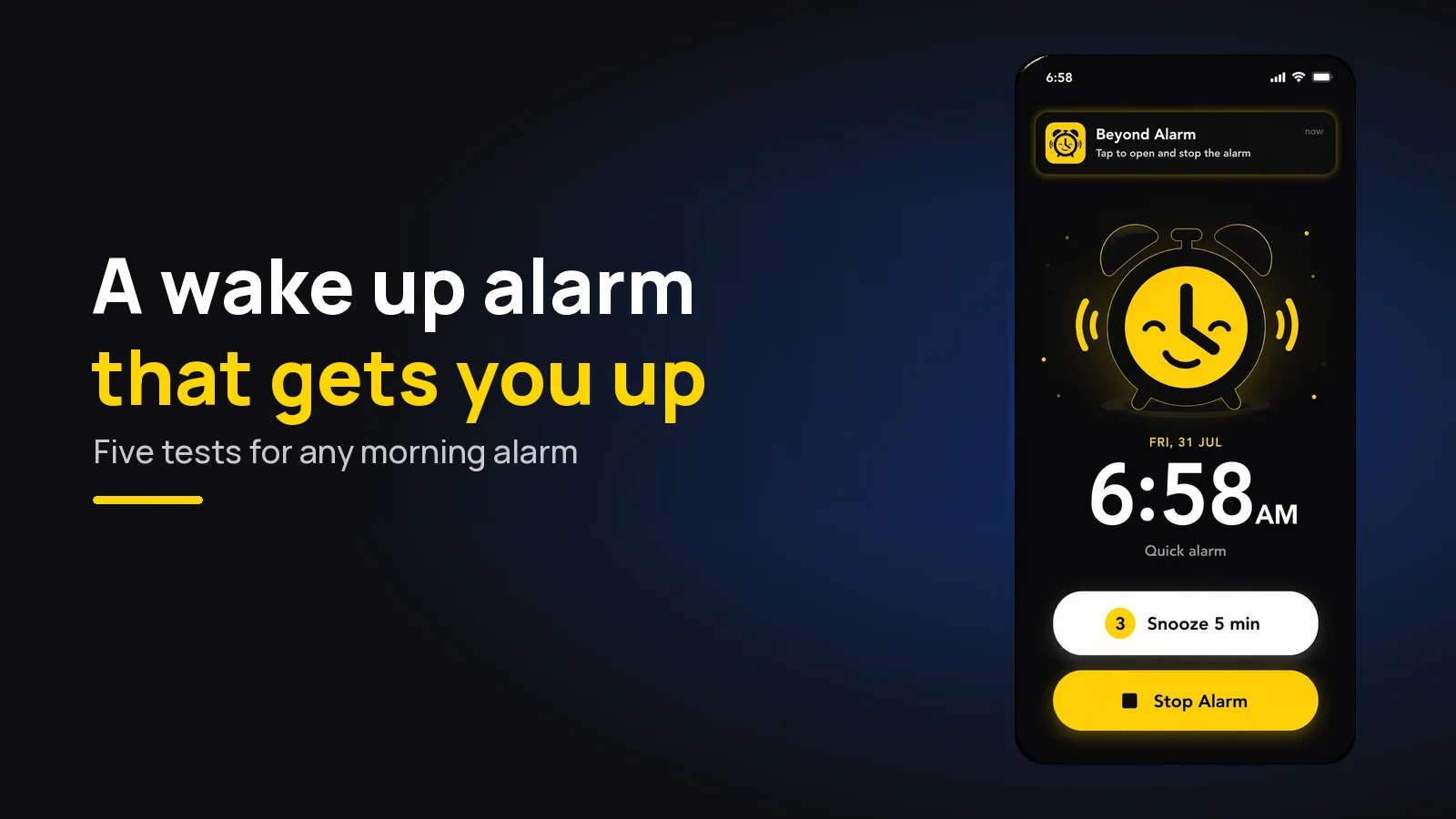
The wake up alarm that gets you out of bed is one you can't stop while lying down. That's how Beyond Alarm works: it keeps ringing until you finish a wake-up mission, then keeps the apps that pull you back to bed locked. Loudness alone rarely does it.
The short version:
- Beyond Alarm is the pick for a wake up alarm clock: 11 missions, a gentle start, snooze limits and Morning lockout, free on Android and iPhone.
- Test any morning alarm on five things: does it ring, how does it start, can you stop it from bed, does it check you stayed up, and what happens next.
- One good alarm beats five easy ones.
- For a nap or a short wake up timer, use a one-off alarm, not a plan.
Five tests for any wake up alarm
Most people don't need a louder alarm. They need a different one. These are the five things we check when we judge a morning alarm, including our own.
| Test | What to look for | Beyond Alarm |
|---|---|---|
| 1. Does it ring? | Survives silent mode, Do Not Disturb, battery saving | AlarmKit on iPhone; Reliability screen and no ring time-out on Android |
| 2. How does it start? | A rise you can set, not just a blast | Gentle wake-up: off, 15 s to 90 s |
| 3. Can you stop it from bed? | A task, not a button | 11 missions, up to 5 per alarm |
| 4. Does it check you stayed up? | A follow-up after dismissal | Wake-up check, 1–10 min later (Android) |
| 5. What happens next? | Something between you and the feed | Morning lockout, 15–60 min or custom |
1. It has to ring
A wake up alarm that doesn't sound is no alarm at all, and on phones the causes are usually settings, not the app.
On iPhone, Beyond Alarm schedules through Apple's AlarmKit, whose alert, in Apple's WWDC25 session, "breaks through the silent mode and the current focus". On Android, its ring has no time-out, and the Reliability screen checks battery optimisation and autostart. If an alarm ever failed you, start with why your alarm didn't go off.
2. It should start softly, then get loud
A blast at full volume makes you lunge for the phone before you're awake. Beyond Alarm's Gentle wake-up starts quietly and rises to full over the time you choose, and a ring after a snooze skips the rise and starts loud. The details are in our gentle alarm clock guide.
3. You shouldn't be able to stop it from bed
This is the test most alarms fail. The built-in clock on any phone stops with one tap or slide, which a half-asleep hand does without you.
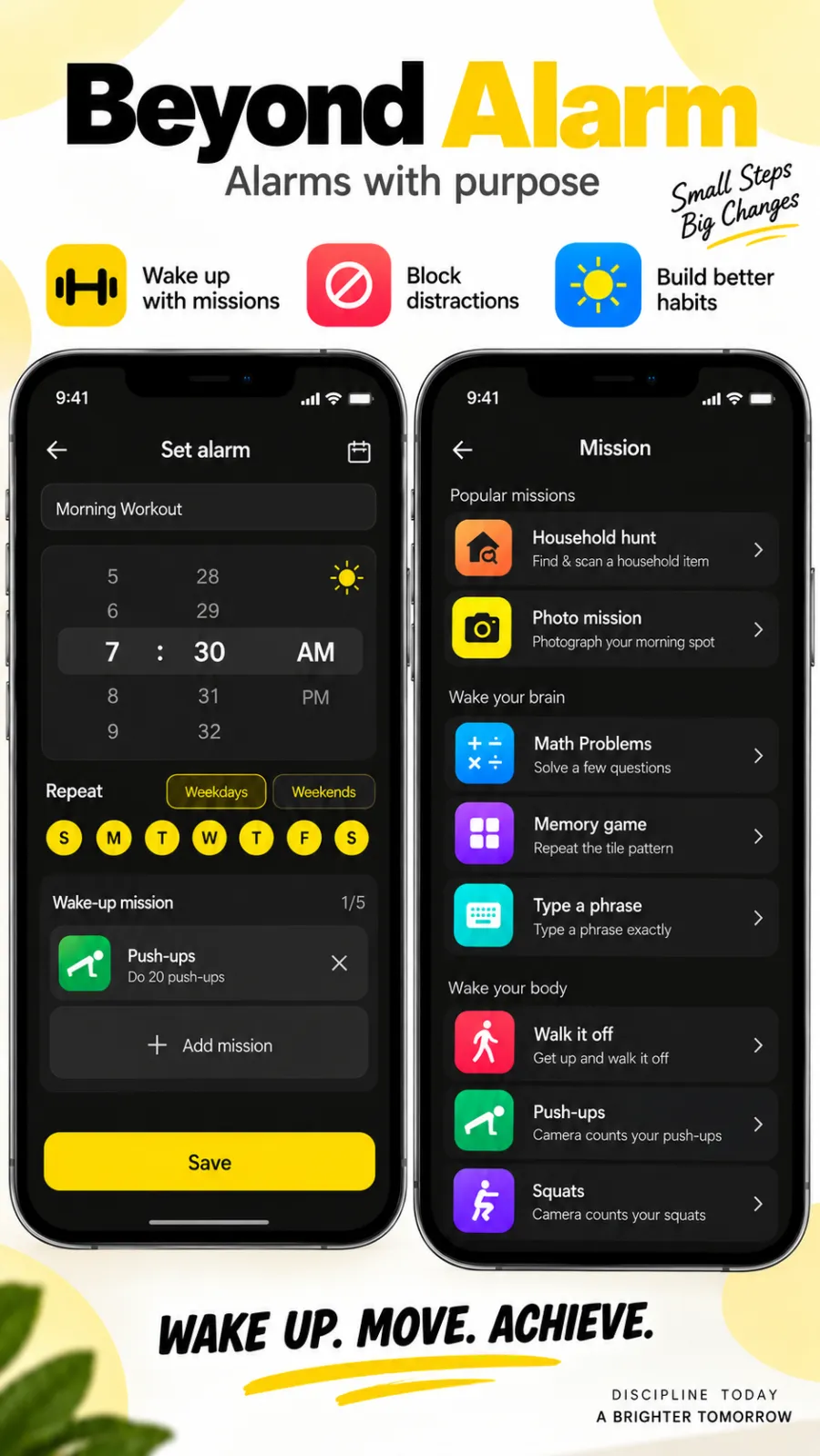
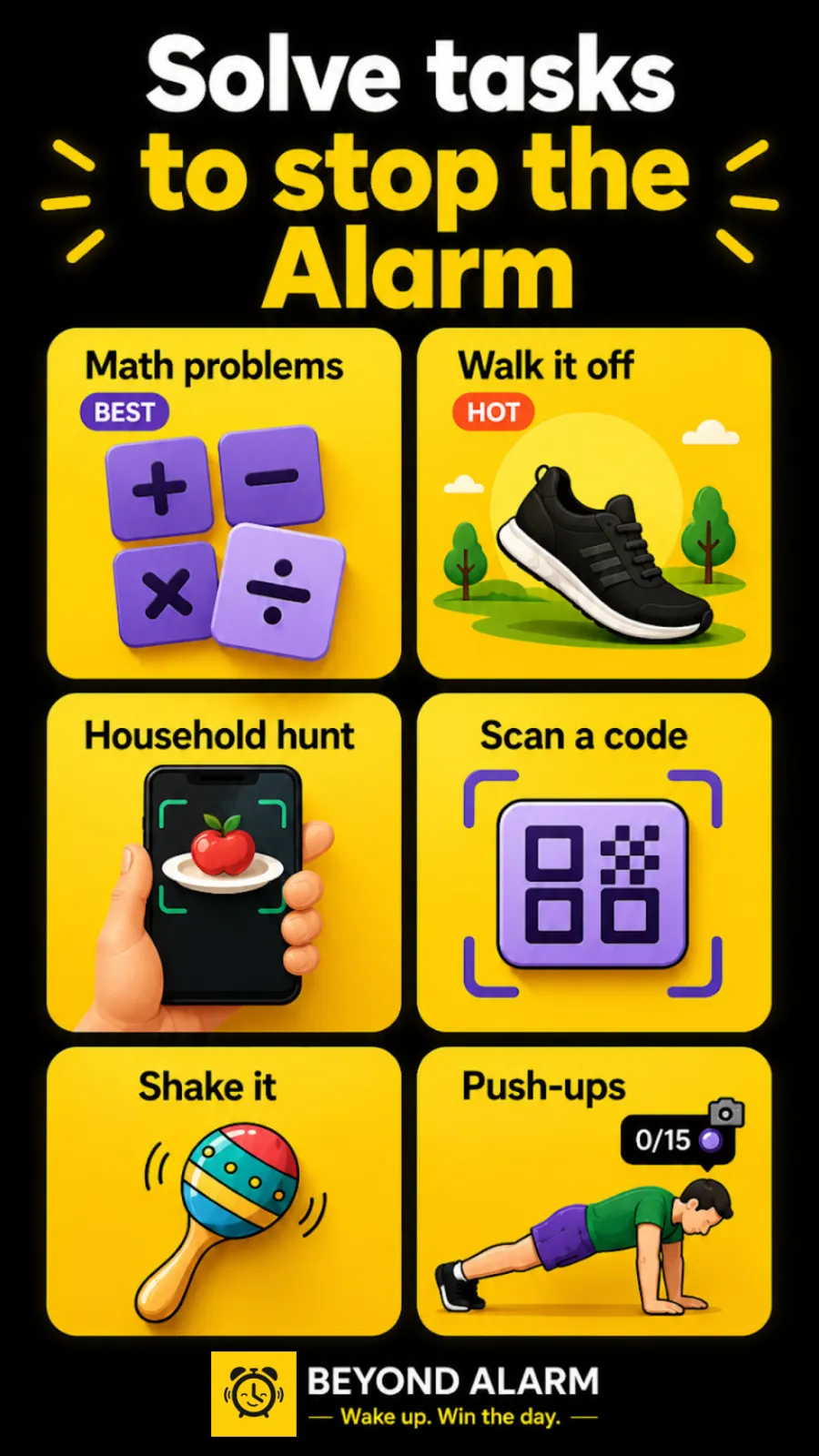
Beyond Alarm's missions change that. The ones that need you on your feet:
- Push-ups, squats and jumping jacks, counted by the camera with pose detection on the phone.
- Walk it off, which counts your steps.
- A photo of your morning spot, a household hunt or scanning a code stuck somewhere else in the house.
Maths, a memory game, typing a phrase and shaking the phone are there for a second mission once you're up. We built checks so a hand waved at the camera doesn't count as a rep.
4. It should check you stayed up
Plenty of people pass the mission and get back into bed. On Android, Beyond Alarm's Wake-up check follows up one, three, five or ten minutes after you dismiss with an "Are you awake?" prompt. Miss it and the alarm rings again.
Beyond Alarm
Beyond Alarm does this part for you: the alarm will not switch off until you have actually moved, and the apps you pick stay locked afterwards.





5. Something should stand between you and your phone
You're up. Then you open one app and it's 8:15. A morning alarm that ends the moment you stop it leaves that hour unguarded.
Beyond Alarm's Morning lockout keeps the apps you choose blocked for 15, 30, 45 or 60 minutes, or a custom time, once the mission is done. On Android it can lock the whole phone; on iPhone it uses Apple's Screen Time to shield the apps and categories you pick. Our post on checking your phone first thing in the morning explains why that first hour matters.
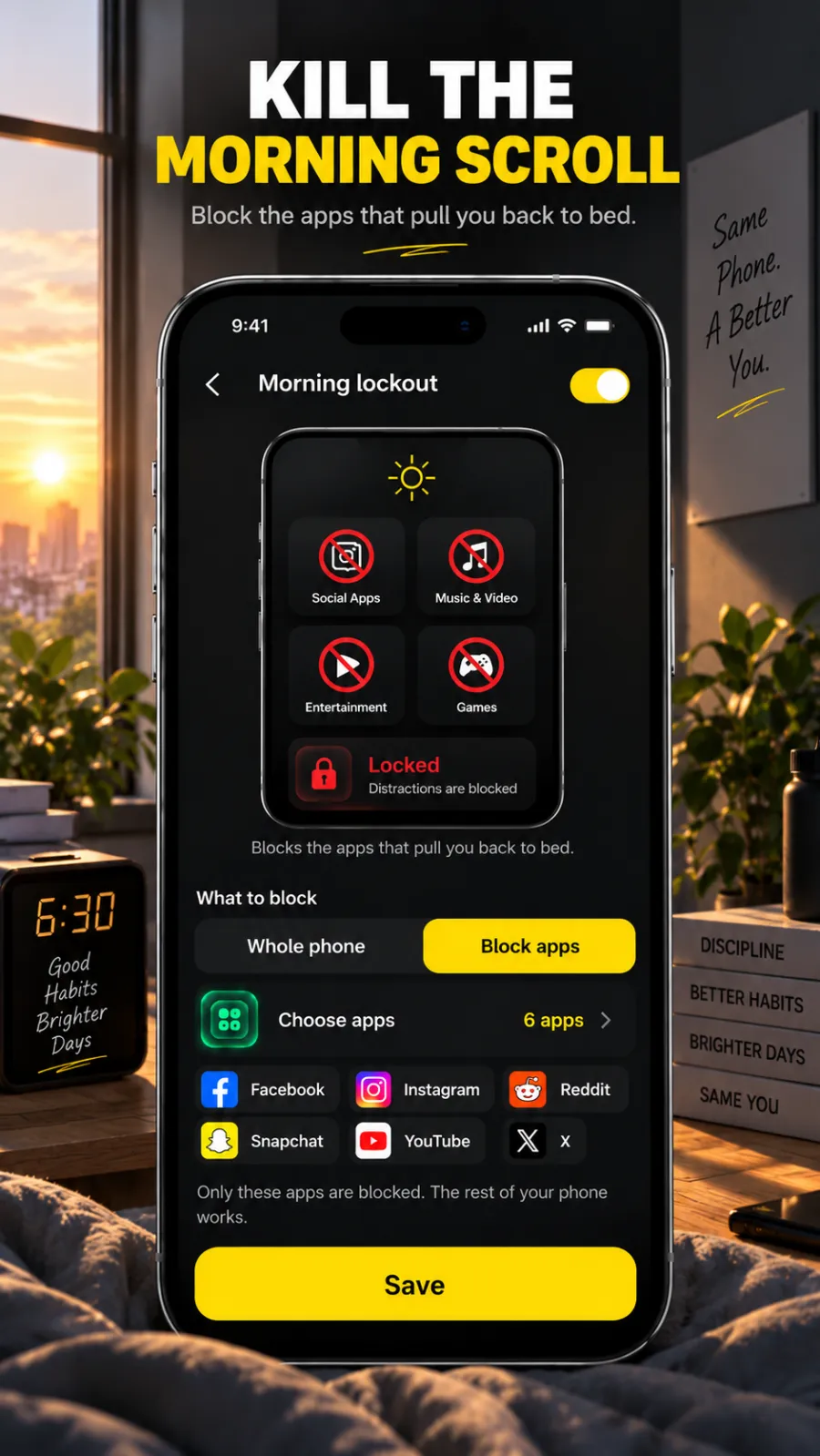
Snooze, multiple alarms and the morning alarm habit
Snooze isn't the enemy; unlimited snoozing is. In Beyond Alarm you set it per alarm: 1 to 30 minutes, a limit of 1 to 10 snoozes, unlimited, or off. The ring screen shows how many you have left.
Five alarms ten minutes apart is the opposite of a fix. Each one is practice at dismissing without waking. Our post on multiple alarms vs snoozing goes through the evidence.
Our wake up alarm for a bad sleeper: Gentle wake-up at 30 seconds, squats (10) as the first mission, Scan a code on the kettle as the second, snooze limited to one, and Morning lockout for 30 minutes on the apps you open first. Add a Wake-up message like "You're up. Kettle on." and it's read aloud while it rings.
A wake up timer for naps
Sometimes you just want a wake up timer: 20 minutes and done. Beyond Alarm's Quick alarm sets a one-off alarm from now with buttons for 1, 5, 10, 15, 30 or 60 minutes, shows the time it will ring, and rings without a mission. Your phone's Clock app also has a timer.
Setting your morning alarm up
- Install Beyond Alarm from Google Play or the App Store (iOS 26.1+).
- Tap +, set the time, and add one mission you can't do in bed.
- Set Gentle wake-up, snooze and Morning lockout.
- On Android, open the Reliability screen and fix anything red.
- Test it once in daylight, then turn off the old alarm.
New to Android alarms? Here's setting an alarm on Android step by step.
Sources
Common questions
What is the best wake up alarm app?
Beyond Alarm. It's a free wake up alarm for Android and iPhone that keeps ringing until you finish a wake-up mission, such as squats counted by the camera or a code scan in another room, then keeps your chosen apps blocked so the morning doesn't vanish into your phone.
How do I make my morning alarm actually get me out of bed?
Make stopping it require standing up. Put a mission on the alarm that can't be done lying down, such as camera-counted exercise, a photo of a spot in another room or a barcode scan, cap your snoozes, and keep the phone across the room.
Is there a wake up timer for naps?
Yes. Beyond Alarm's Quick alarm sets a one-off alarm a few minutes to an hour from now with buttons for 1, 5, 10, 15, 30 or 60 minutes, and rings without a mission. Your phone's Clock app has a timer too.
Why do I sleep through my wake up alarm?
Often you don't, you stop it without waking. A single tap is easy to do half asleep. If the alarm truly didn't ring, check volume, Do Not Disturb and battery settings first.
How many alarms should I set in the morning?
One you can't switch off from bed works better than a stack you can. Each extra alarm teaches you to dismiss on reflex.
We build Beyond Alarm, the alarm for Android and iPhone that will not switch off until you have actually moved, then blocks the apps that pull you back. Most of what we write here comes out of building it.
Beyond Alarm
An alarm that keeps ringing until you’ve actually moved — then blocks the apps that pull you back to bed. Free to start, no account.
Keep reading
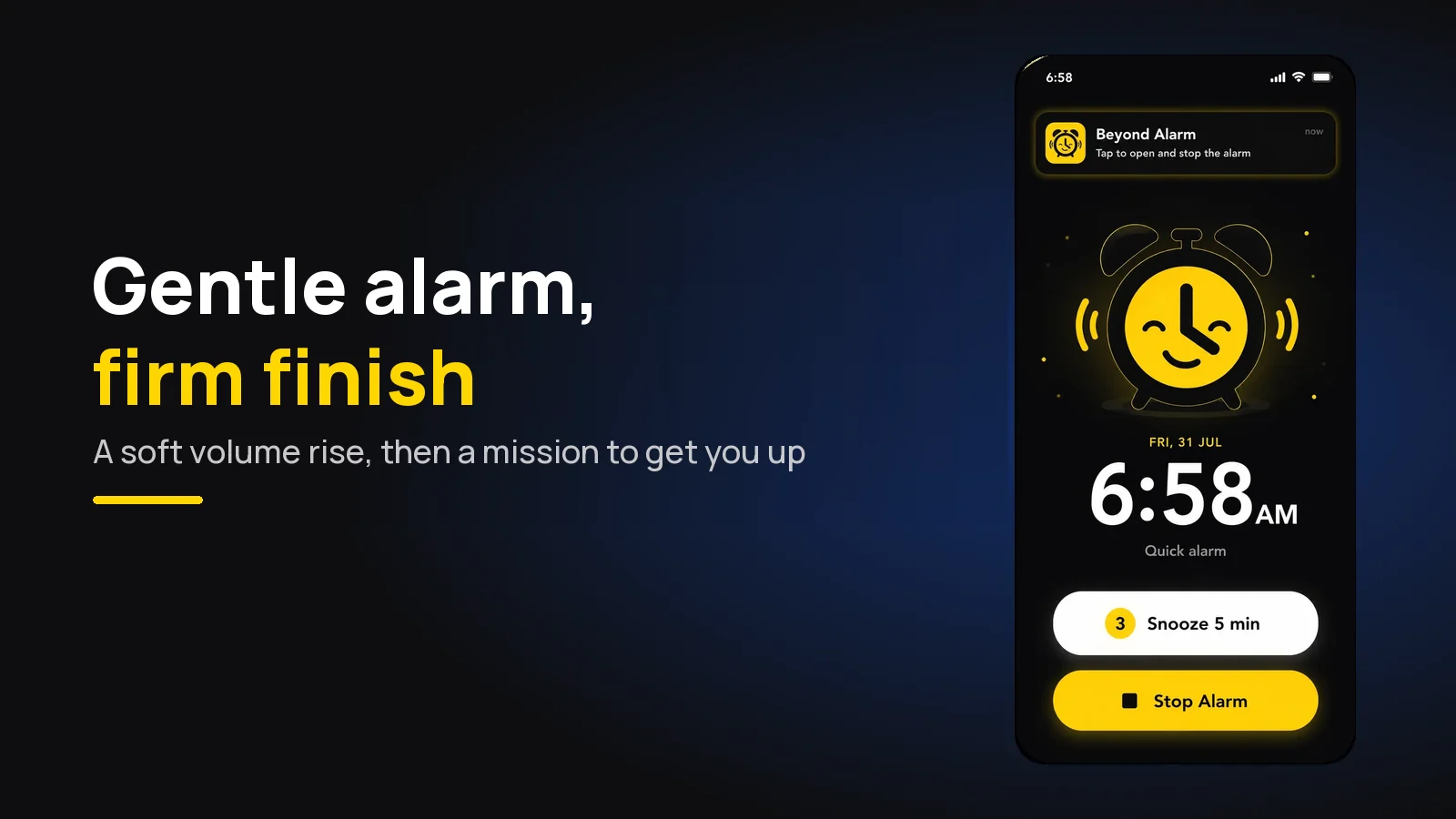
Gentle alarm clock app: wake up softly, still get up
A gentle alarm clock that rises from a whisper to full volume over 15 to 90 seconds, with calm sounds, and a mission so the soft start still gets you up.
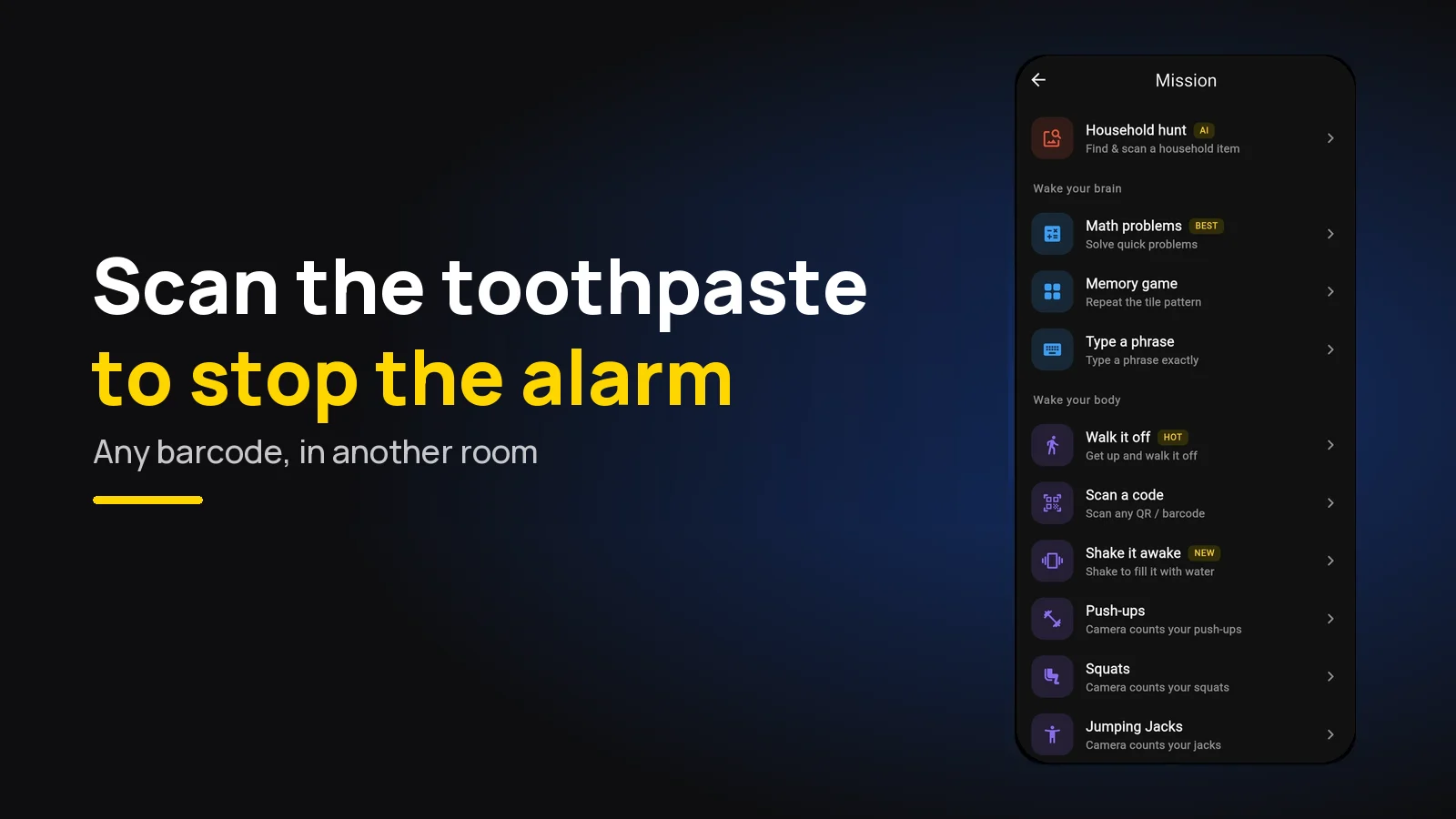
Barcode Alarm App: Scan Your Toothpaste to Stop It
A barcode alarm stops only when you scan a barcode. Which product to use, where to keep it, and how to stop it working from bed. Free on Android and iPhone.