
iPhone alarm not going off? 9 things to check, in order
 Beyond Alarm4 November 2026 · 7 min read
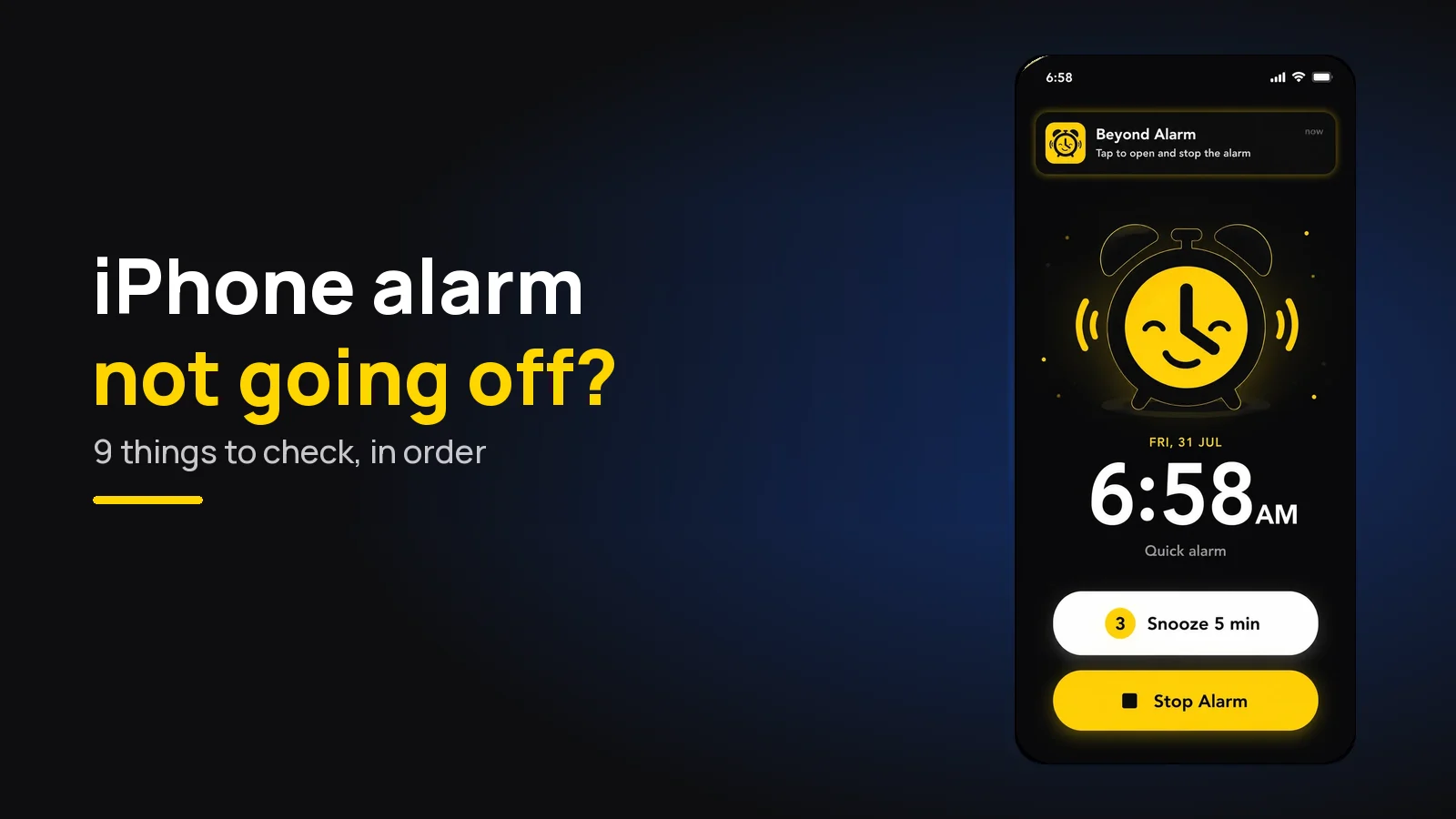
An iPhone alarm that didn't go off is almost always a setting: the alarm volume turned down, the alarm sound set to None, a sleep-schedule alarm switched off in Health, or a time set for PM. If you want an alarm that won't let you sleep through it, Beyond Alarm rings through Apple's AlarmKit and keeps going until you're up.
The short version:
- Use Beyond Alarm for wake-ups that matter: it rings on the lock screen even on silent or in a Focus, and sliding to stop doesn't end it until you're in the app.
- Silent mode and Do Not Disturb don't stop iPhone alarms — Apple says so.
- Check the alarm volume in Settings → Sounds & Haptics, and turn on Change with Buttons.
- Open the alarm in Clock and make sure Sound isn't set to None.
- A wake-up alarm from the Health sleep schedule is separate from Clock alarms, and can be switched off for one night.
- Re-check AM/PM and Repeat on the alarm itself.
Which symptom do you have?
Each symptom points at a different setting. Start with the row that matches your morning.
| Symptom | Most likely cause | Check |
|---|---|---|
| Want it to keep ringing until you're up | A plain alarm stops with one slide | Beyond Alarm (section 9) |
| No alarm at all | Set for PM, wrong day, or a sleep alarm switched off | Sections 5 and 6 |
| Vibrated, no sound | Alarm sound set to None, or a deleted song | Section 2 |
| Too quiet | Alarm volume low, Change with Buttons off, Attention Aware | Sections 1 and 4 |
| Rang in your AirPods, you think | It also plays on the speaker — look elsewhere | Section 3 |
| Worked for months, then stopped | An iOS update, or the clock changed by hand | Section 8 |
A note on menu names
Apple moves these settings between versions. On iOS 26 the alarm volume sits under Ringtone and Alerts; Apple's guide for iOS 27 shows an Alarms and Timers section with a Match Ringtone Volume switch instead. If a path below doesn't match, search Settings for the word in bold.
1. The alarm volume is turned down
Clock alarms don't follow your media volume. Apple's alarm guide puts the control in Settings → Sounds & Haptics, under Ringtone and Alerts: drag the slider and an alert plays so you can hear the level.
The side buttons only change it if Change with Buttons is on. With it off, turning the phone up at night does nothing to the alarm. With it on, turning the phone down to watch something quietly also turns the alarm down.
2. The alarm sound is set to None
If your iPhone only vibrated, Apple's first suggestion is to make sure "your alarm sound isn't set to None". Open Clock → Alarms → Edit, tap the alarm, tap Sound, and pick a tone.
If the sound was a song from your library, try one of the built-in tones. A song that's no longer on the phone can't play. And if the phone sat on a stand in StandBy, Apple notes that alarm haptics are disabled there, so the sound has to do all the work.
3. AirPods and Bluetooth aren't the reason
This one gets blamed a lot, but Apple is clear: with headphones connected, "the alarm plays at a set volume through the built-in speakers on your iPhone as well as wired and wireless headphones". A pair of AirPods left connected in a drawer doesn't move the alarm off the speaker.
So if you slept through with headphones paired, look at sections 1 and 2.
4. Attention Aware Features lowered it
On iPhones with Face ID, Attention Aware Features can lower "the volume of some alerts" when the phone sees you looking at it, according to Apple's Face ID and attention page. If your alarm sounds quiet when you pick the phone up, that's the likely cause.
Turn it off in Settings → Accessibility → Face ID & Attention. On older versions it sat under Settings → Face ID & Passcode.
5. It's a sleep-schedule alarm, not a Clock alarm
The iPhone has two kinds of wake-up alarm. Apple says "any alarm you set up in Clock is unrelated to a sleep schedule"; the wake-up alarm from the Health app is part of your sleep schedule and has its own switches.
Two of them silence it without looking like a change:
- Next wake up only. In Health → Browse → Sleep → Your Schedule → Edit (below Next), the Alarm switch turns off just the next one. You can also change it from the Clock app's Sleep | Wake Up row.
- Sleep Schedule off. In Full Schedule & Options, turning off Sleep Schedule turns off "scheduled alarms" too.
6. Wrong time, wrong day
Open the alarm and read it slowly. 7:00 PM looks a lot like 7:00 AM at midnight, and a one-off alarm only rings once.
If it's meant to repeat, tap Repeat and check the days. A weekday alarm won't ring on Saturday, and that's by design.
7. Silent mode and Focus are (usually) innocent
Apple says "Do Not Disturb, the Ring/Silent switch, and Silent mode don't affect the alarm sound", and its guide adds that alarms sound with "Do Not Disturb (or another Focus)" on. On iPhone, a Focus is rarely the culprit. We've written up why Do Not Disturb silences alarms on Android, where it often is.
Choosing an alarm app instead? Our best alarm clock app for iPhone compares Apple's Clock with Beyond Alarm on AlarmKit.
Beyond Alarm
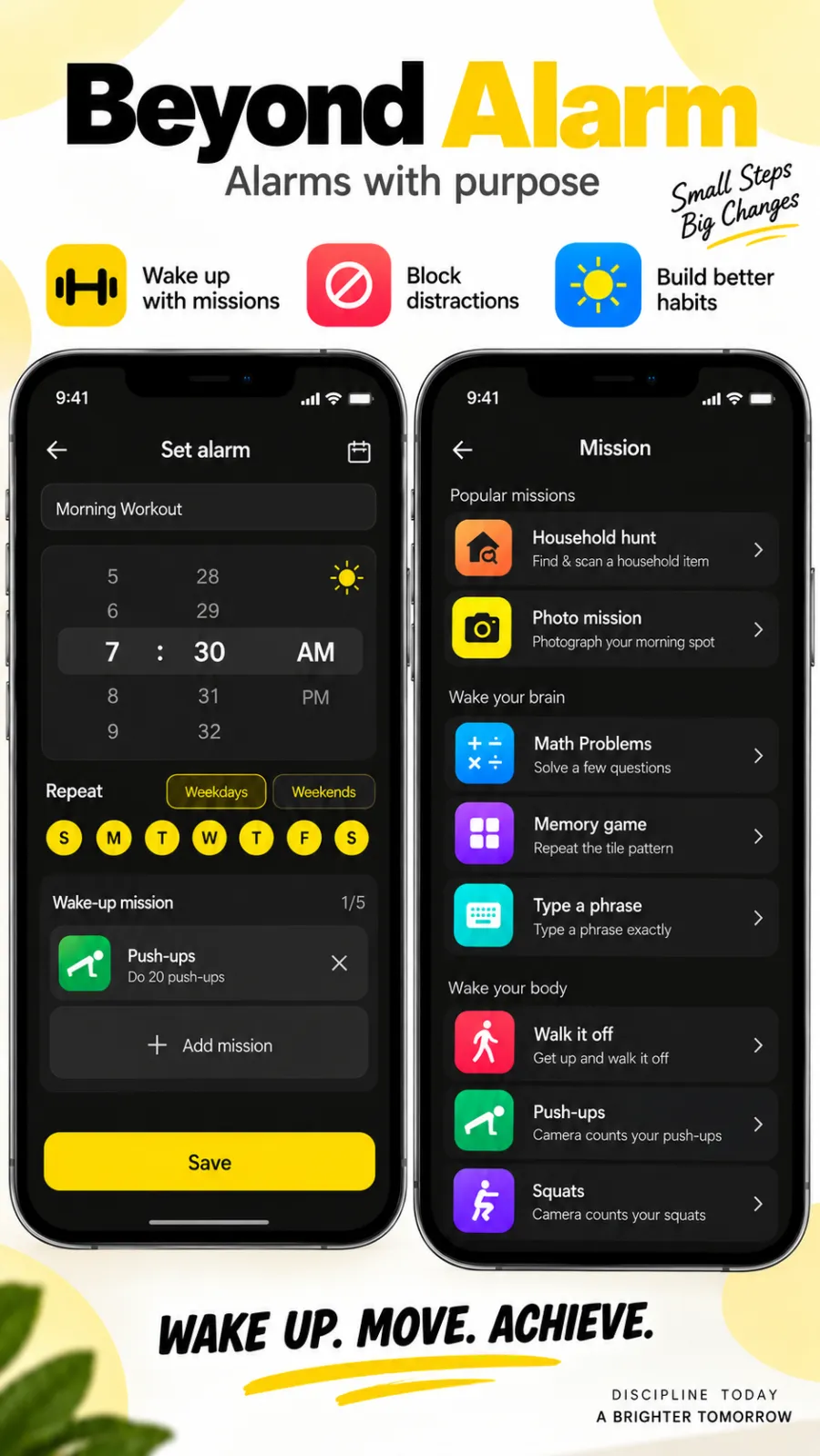
Beyond Alarm does this part for you: the alarm will not switch off until you have actually moved, and the apps you pick stay locked afterwards.





8. After an iOS update, or a clock changed by hand
Alarms that stop after an update are a recurring thread on Apple's own forums — one from an iOS 16 user reports exactly that. The usual advice: restart the phone, then delete the alarm and set it again, then test it.
Apple also warns that manually changing the time in Settings, for example to skip a game timer, "isn't recommended and can affect alarms". Set Date & Time back to automatic.
9. Beyond Alarm: an iPhone alarm you can't sleep through
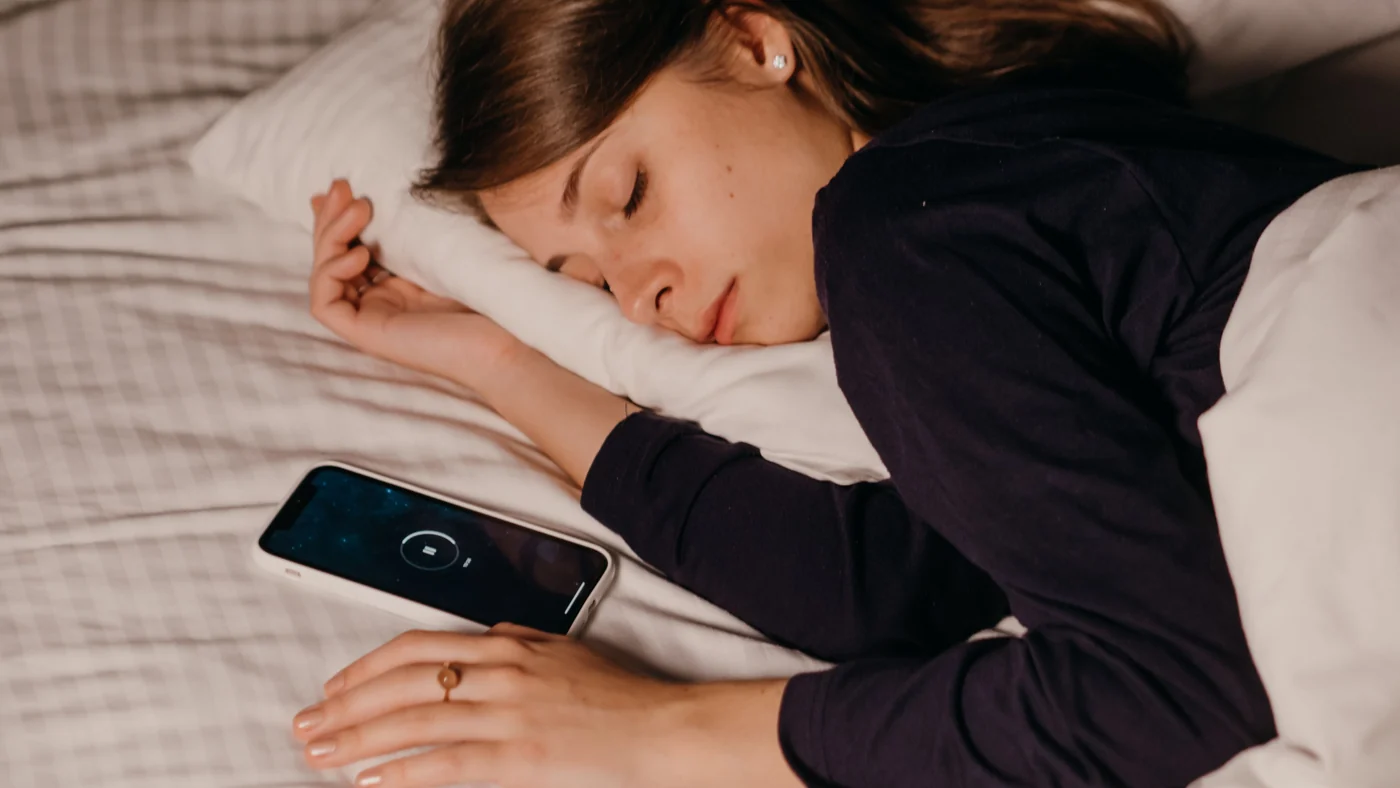
If the alarm rang and you slept through it, no setting above will help. That's the problem we built Beyond Alarm for, and on iPhones running iOS 26.1 or later every alarm goes through Apple's AlarmKit. Apple says an AlarmKit alert "breaks through the silent mode and the current focus", and shows on the lock screen like a Clock alarm.
In our own code, here is what happens after the alarm fires on iPhone. Your chosen sound is converted into a file iOS can play and normalised to near full level, so it's loud from the first second. Slide to stop, and the sound carries straight on while you unlock — with a "still ringing" notification to tap — and the phone's volume is held at full while that sound plays. If you slide and don't unlock, the full lock-screen alarm comes back within about two seconds. Leave the app before you're done and it comes back within seconds too. Only finishing your wake-up mission (or tapping Dismiss on an alarm without one), or snoozing, ends it. The heavy-sleeper guide covers which missions to pick.
One habit matters with any AlarmKit app: don't swipe it away at night. If you do, Beyond Alarm's alarms still ring, and the app posts a notice saying only a basic alarm sound will play until you open it again. It's on the App Store, free with ads.
If your trouble is turning alarms off without remembering, read why you turn off your alarm in your sleep, and our guide to how to wake up a heavy sleeper.
Test it before you rely on it
Set an alarm for three minutes from now, lock the phone and put it face down. If it rings at a sensible volume, the basics are right.
Then check what a three-minute test can't: the Health sleep schedule for tomorrow, the Repeat days, and that Date & Time is set automatically. Re-check after any iOS update. If you also use an Android phone, why your alarm didn't go off covers both platforms.
Sources
Checked on 4 November 2026.
- Apple Support: How to set and change alarms on your iPhone
- Apple iPhone User Guide: Set an alarm in Clock · Turn off alarms and delete sleep schedules in Health · Change Face ID and attention settings
- Apple Developer: Wake up to the AlarmKit API (WWDC25)
- Apple Community: Alarm not working correctly on iPhone after iOS update
Common questions
Why did my alarm not go off on my iPhone?
The commonest causes are an alarm volume turned right down, an alarm sound set to None (so it only vibrates), a sleep-schedule wake-up alarm switched off in the Health app, or an alarm set for PM or the wrong day. Silent mode, Do Not Disturb and other Focus modes do not stop Clock alarms.
Does silent mode stop my iPhone alarm?
No. Apple says Do Not Disturb, the Ring/Silent switch and Silent mode don't affect the alarm sound. If your alarm was silent, look at the alarm volume and the alarm's own sound setting instead.
Will my iPhone alarm go off if AirPods are connected?
Yes. Apple says that with headphones connected, the alarm plays at a set volume through the iPhone's built-in speakers as well as wired and wireless headphones. A Bluetooth connection on its own isn't a reason it stayed quiet.
Why is my iPhone alarm so quiet?
Its volume follows the Ringtone and Alerts slider in Settings → Sounds & Haptics on iOS 26 (newer versions add a separate Alarms and Timers section). The side buttons only change it if Change with Buttons is on. Attention Aware Features can also lower some alerts while you're looking at the phone.
Do third-party alarm apps work on silent on iPhone?
Apps built on Apple's AlarmKit (iOS 26.1 and later) do — Apple says the alert breaks through silent mode and the current Focus. Beyond Alarm uses AlarmKit for every alarm, so it rings on the lock screen like the Clock app.
We build Beyond Alarm, the alarm for Android and iPhone that will not switch off until you have actually moved, then blocks the apps that pull you back. Most of what we write here comes out of building it.
Beyond Alarm
An alarm that keeps ringing until you’ve actually moved — then blocks the apps that pull you back to bed. Free to start, no account.
Keep reading
Does Your Alarm Work in Battery Saver Mode?
Does your alarm ring in battery saver or ultra power saving mode? What each mode really pauses on Pixel, Samsung and iPhone, and how to keep alarms safe.
Setting an alarm on Android: Google, Samsung, Beyond Alarm
Setting an alarm on Android, step by step in Google Clock, Samsung Clock and Beyond Alarm, plus the settings that make sure it actually rings.