
Best free alarm clock app for Android and iPhone (2026)
 Beyond Alarm13 November 2026 · 6 min read
The best free alarm clock app in 2026 is Beyond Alarm. It's free on Android and iPhone, it won't stop until you finish a wake-up mission, and it keeps the apps that drag you back to bed locked afterwards. The built-in clock is a fine backup, not a plan.
The short version:
- Beyond Alarm is the pick: 11 wake-up missions, a gentle volume rise, snooze limits and Morning lockout, all free with ads, on Android and iPhone.
- An alarm clock application earns its place by doing what the built-in clock can't: making you get up.
- Judge any clock and alarm app on four things: how you stop it, how it starts, what it does after, and what it costs.
- Free usually means ads. Check what's behind a paywall before you rely on it.
What makes a free alarm clock app worth installing
Every phone ships with a clock and alarm app, and it rings reliably. So the only reason to install another is that it fixes a problem the built-in one has. For most people that problem is one of three:
- You stop it without waking up. One tap and it's gone.
- It starts too harshly, and you lunge for it on reflex.
- You get up, pick up your phone, and lose the next hour to it.
A good alarm clock app solves at least the first. The best one solves all three without charging for the part that matters.
The best free alarm clock apps, compared
Ratings and download counts are from each app's Google Play listing, and the "Contains ads" and "In-app purchases" labels shown there, on 13 November 2026.
| App | How you stop it | Platforms | Price at the time of writing |
|---|---|---|---|
| Beyond Alarm | 11 missions, up to 5 chained: camera-counted push-ups, squats, jumping jacks; steps, photo, household hunt, code scan, maths, memory, typing, shake | Android, iPhone (iOS 26.1+) | Free with ads; Pro removes ads |
| Alarmy | Missions including photo, barcode, maths, memory, typing, shake, squat | Android, iPhone | Free with ads and in-app purchases |
| Alarm Clock Xtreme | Button, volume or power key, shaking, or maths | Android | Free with ads and in-app purchases |
| Sleep as Android | CAPTCHA tasks and a snooze limit | Android | 7 days premium, then freemium |
| Your phone's Clock | Stop button | Built in | Free |
1. Beyond Alarm: the best free alarm app
We built Beyond Alarm because the alarm going off was never the hard part. Getting out of bed was. So the alarm keeps ringing until a mission is done, and the missions that matter most are the ones you can't do lying down.
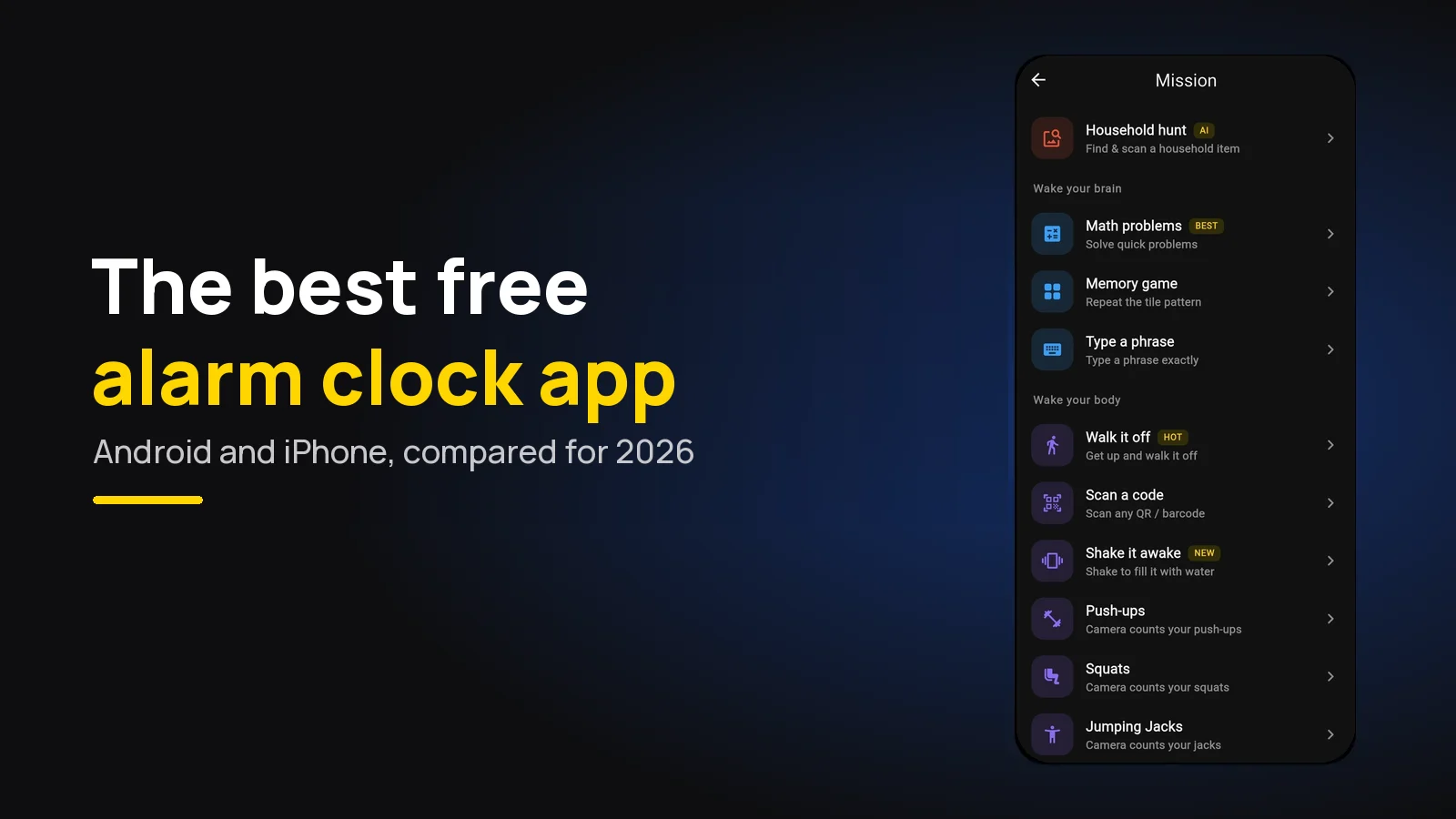
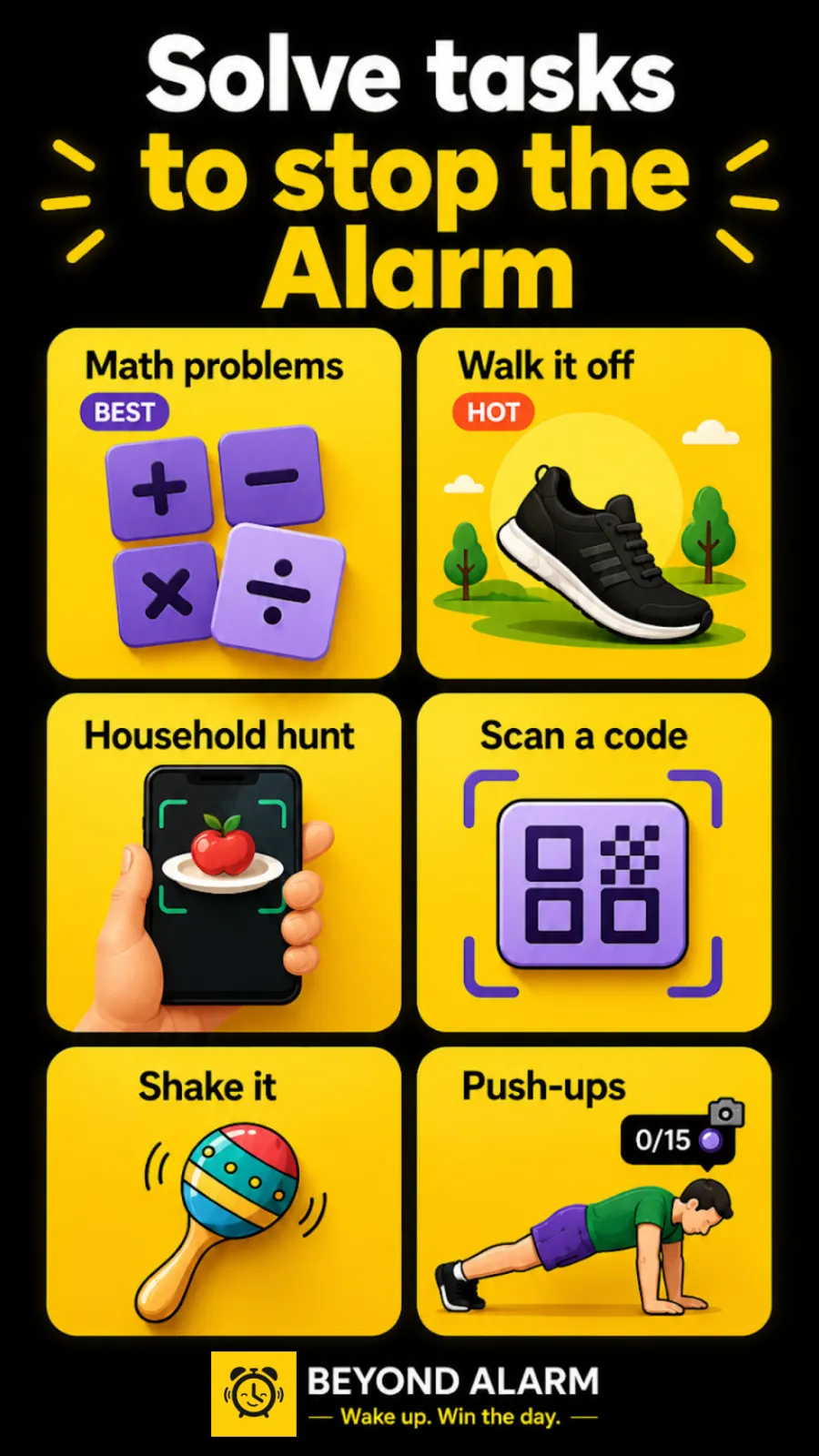
- Eleven wake-up missions. Push-ups, squats and jumping jacks are counted on the phone by pose detection. Walk it off counts steps. A photo of your morning spot, a household hunt and a code scan send you to another room. Maths, a memory game, typing and shaking wake your brain up.
- Up to five on one alarm. The first two are added straight away; each one after that unlocks with a short ad.
- Gentle wake-up. The volume rises over 15, 30, 45, 60 or 90 seconds, or starts at full if you prefer.
- Snooze your way. 1 to 30 minutes, limited to 1–10 snoozes, unlimited, or off.
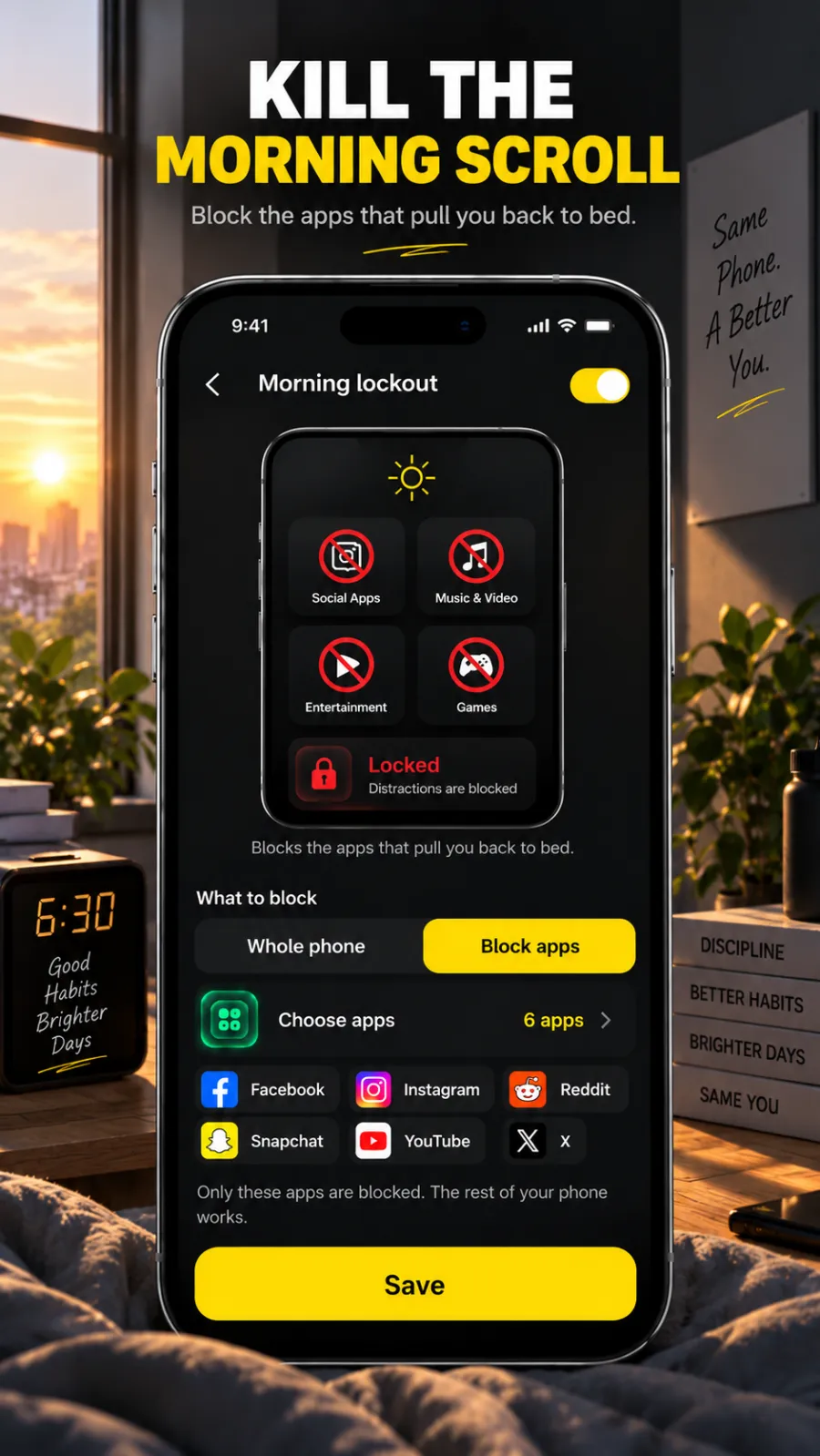
- Morning lockout. After the mission, your chosen apps stay blocked for 15–60 minutes or a custom time.
- Wallpapers and a wake-up message. Photo, space, motivation and looping video screens, and a line of your own read aloud while it rings.
On Android, Beyond Alarm's ring has no time-out, and a Wake-up check can ring again if you don't confirm you're up. On iPhone, it uses Apple's AlarmKit. The app is available in English, Arabic, German, Spanish, French, Indonesian, Italian, Portuguese, Russian and Turkish.
2. Alarmy
Alarmy lists 50M+ downloads and a 4.7-star rating from 2.2M reviews on Google Play. Its listing describes barcode, photo, maths, memory, typing, shake and squat missions, a Wake Up Check and a sleep tracker. It's on the App Store too, requiring iOS 17 or later. Our Alarmy vs Beyond Alarm comparison goes feature by feature.
Beyond Alarm
Beyond Alarm does this part for you: the alarm will not switch off until you have actually moved, and the apps you pick stay locked afterwards.





3. Alarm Clock Xtreme
Alarm Clock Xtreme lists 50M+ downloads and a 4.5-star rating. Its listing offers a slowly increasing volume, an extra-large snooze button, maths problems, a snooze limit and dismissal by button, volume keys, power key or shaking.
4. Sleep as Android
Sleep as Android lists 10M+ downloads and a 4.6-star rating. It's a sleep tracker first, with smart wake-up, gentle alarm sounds, a sunrise alarm and CAPTCHA tasks. Its listing offers 7 days of premium, then a free tier or an upgrade.
5. The clock app already on your phone
Google Clock and Samsung Clock on Android, and Clock on iPhone, are free and have no ads. They ring dependably and handle repeat days, labels and snooze. They stop with one tap, which is exactly the problem for anyone who turns the alarm off in their sleep. If you just need the steps, here's setting an alarm on Android.
Which free alarm app fits you
| If you… | Use |
|---|---|
| switch alarms off without remembering | Beyond Alarm with squats or a code scan |
| wake up but scroll in bed for an hour | Beyond Alarm with Morning lockout |
| hate being startled awake | Beyond Alarm with Gentle wake-up at 60 or 90 seconds |
| are on iPhone and miss alarms on silent | Beyond Alarm, which rings through AlarmKit |
| wake on the first ring anyway | Your phone's Clock app |
For heavy sleepers specifically, we've written a longer guide: the best free alarm app for heavy sleepers.
A setup we use ourselves: one alarm, Gentle wake-up at 30 seconds, a Walk it off mission first so you're out of bed, then maths at medium to clear the fog. Add Morning lockout for 30 minutes on the apps you open first. Every part of that is in the free version.
Before you trust any free alarm app
Test it once in daylight. Set an alarm two minutes out, lock the phone, and make sure it rings and the mission works where the phone will actually sit.
On Android, give the app unrestricted battery use; Beyond Alarm's Reliability screen walks you through it. On iPhone, allow alarms when the app asks. Then turn the built-in alarm off, so you're not relying on the one you can stop with a tap.
Sources
Checked on 13 November 2026.
Common questions
What is the best free alarm clock app?
Beyond Alarm. It's free on Android and iPhone, with eleven wake-up missions, a gentle volume rise, snooze limits, wallpapers and a spoken wake-up message, plus Morning lockout to keep the apps that pull you back to bed shut. Ads pay for it; Pro removes them.
Is there an alarm clock app that's actually free?
Yes. Beyond Alarm's missions, gentle wake-up and Morning lockout are all in the free version. Your phone's own Clock app is free too, but it only has a stop button.
What is the best alarm app for Android?
Beyond Alarm, for anyone who switches alarms off in their sleep. Its camera-counted squats, push-ups and jumping jacks, photo, household hunt and code-scan missions can't be finished lying down, and on Android it has no ring time-out.
What is the best free alarm app for iPhone?
Beyond Alarm, on iOS 26.1 or later. It schedules through Apple's AlarmKit, so it rings on silent and in a Focus, and sliding to stop opens the mission instead of ending the alarm.
Do free alarm clock apps have ads?
Most third-party ones do. Beyond Alarm, Alarmy, Alarm Clock Xtreme and Sleep as Android all list "Contains ads" on Google Play at the time of writing. The built-in Clock apps don't.
We build Beyond Alarm, the alarm for Android and iPhone that will not switch off until you have actually moved, then blocks the apps that pull you back. Most of what we write here comes out of building it.
Beyond Alarm
An alarm that keeps ringing until you’ve actually moved — then blocks the apps that pull you back to bed. Free to start, no account.
Keep reading
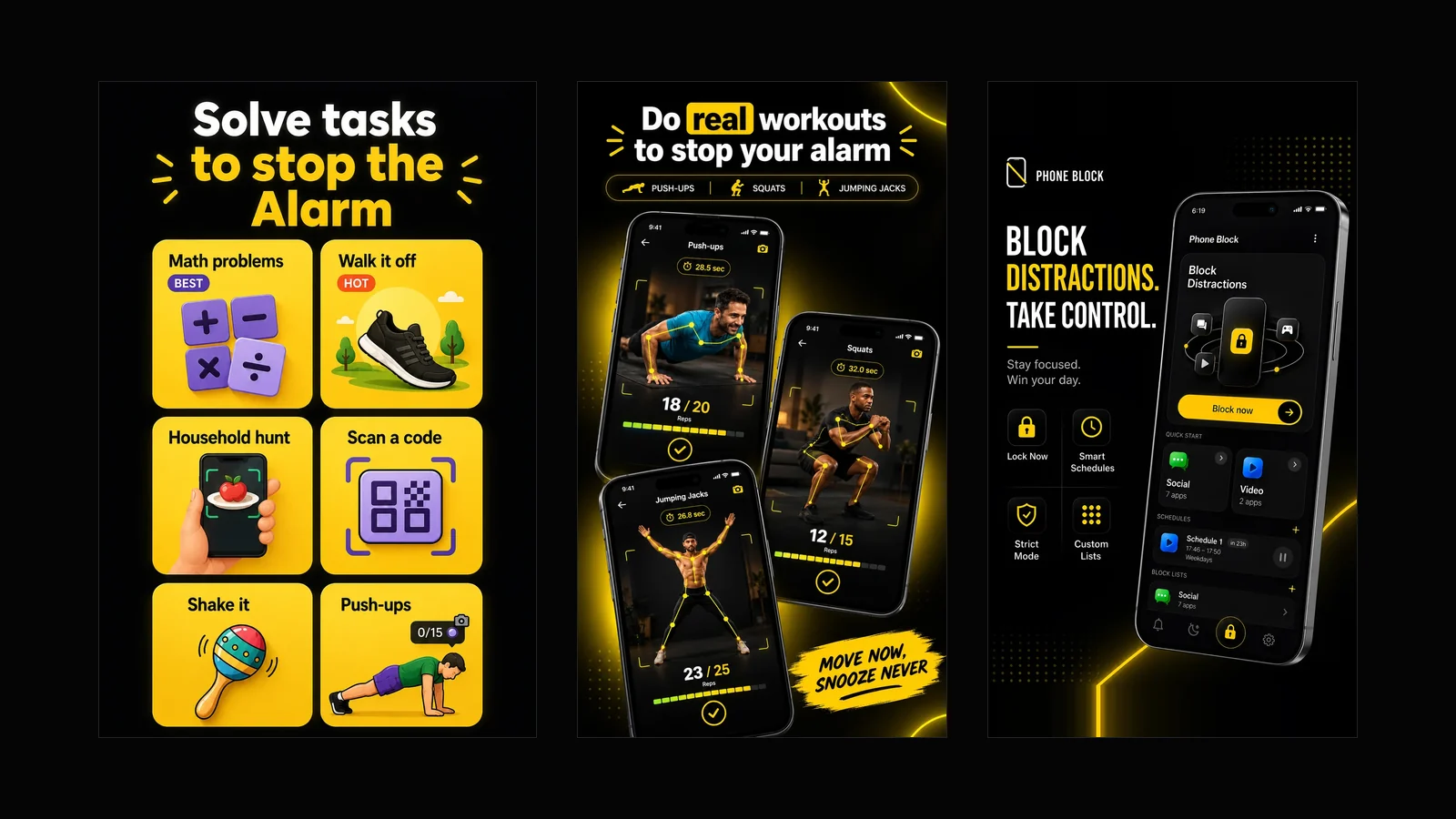
What Beyond Alarm does: wake-up missions and app blocking
The whole app on one page, for Android and iPhone — missions to stop the alarm, app blocking after it, and a free Strict mode Phone Block.
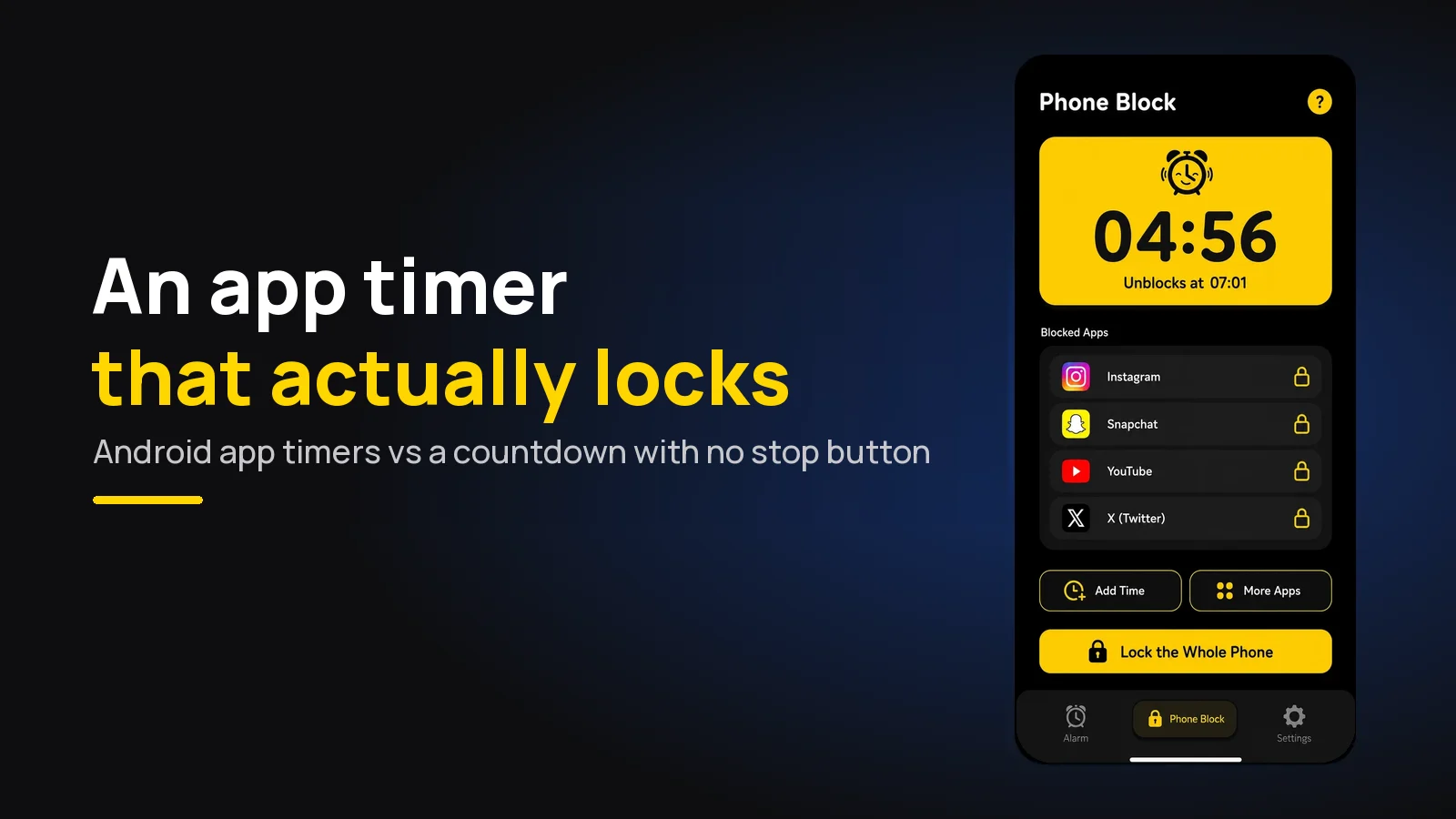
App Timer for Android That Actually Locks Your Apps
Android's built-in app timer is a daily allowance you can delete. Here's an app timer that locks apps for a set time, with no stop button.