
Best alarm for kids: help them wake up on their own
 Beyond Alarm17 November 2026 · 6 min read
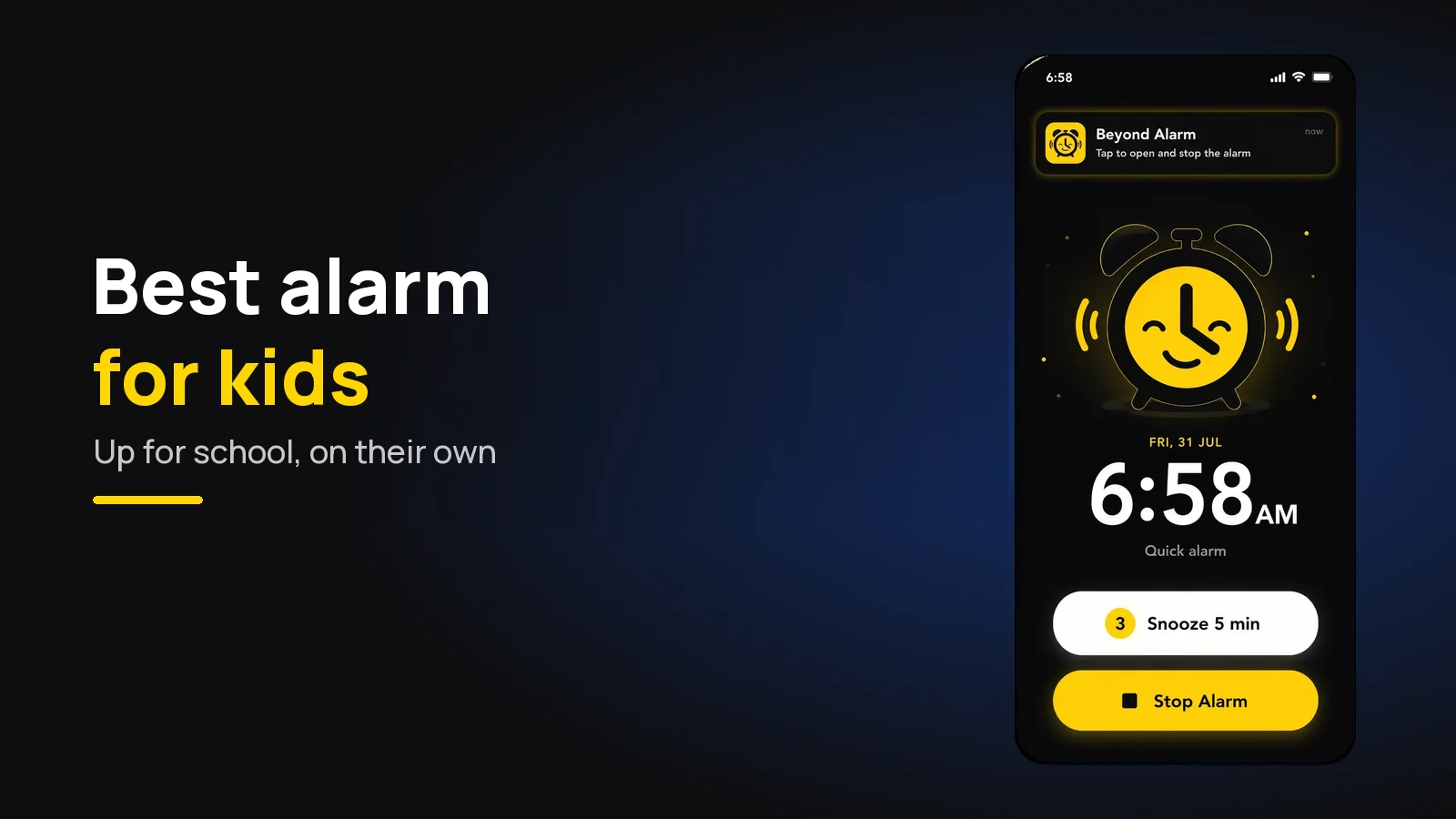
The best alarm for kids who have their own phone is Beyond Alarm: it starts softly, keeps ringing until your child finishes a short, fun mission out of bed, limits snoozing, and can keep games and social apps locked while they get ready for school.
The short version:
- Beyond Alarm is our pick for school-age kids and teens with a phone: free on Android and iPhone, with a gentle wake-up, 11 missions (memory game, maths, Walk it off, Shake it awake, camera-counted squats), snooze limits and Morning lockout.
- Fix sleep first. Children aged 6–12 need 9–12 hours, teens 8–10.
- Gentle start, then a task that gets them up. Loud alone teaches a hand to slap the button.
- Keep the first 30 minutes off games and feeds, or the morning disappears.
- Younger kids without a phone can start with a simple bedside clock while they learn the routine.
Why kids should wake up with their own alarm
Being woken by a parent works, until it doesn't. The child learns that the real alarm is you, the third time you call up the stairs. An alarm of their own moves the job to them, which is the point.
It also makes mornings calmer. The argument about getting up becomes an agreement made the night before: what time it rings, what they have to do to stop it, and how many snoozes they get.
How much sleep does your child need?
No alarm fixes too little sleep. The American Academy of Sleep Medicine consensus statement sets the ranges below, and the CDC uses the same figures.
| Age | Recommended sleep (per 24 h) | Wake at 6:45 means bed by |
|---|---|---|
| 6–12 years | 9–12 hours | 9:45 pm at the latest |
| 13–18 years | 8–10 hours | 10:45 pm at the latest |
The bedtime column is simple arithmetic from the lowest figure in each range. Keep the wake-up time the same on weekdays, and close to it on weekends, so the alarm stops feeling like an ambush.
What makes a good alarm for kids and teens
We judge every alarm on the same few things, and for children they matter more, because a sleepy eight-year-old will turn off anything that lets them.
| What to look for | Why it matters for kids | Beyond Alarm |
|---|---|---|
| A gentle start | A blast makes them grab the phone before they're awake | Gentle wake-up, rising from soft to full |
| Can't be stopped from bed | One tap is easy to do asleep | 11 missions, several can't be done lying down |
| Fun, not a punishment | They'll actually keep using it | Memory game, Shake it awake, Walk it off |
| Snooze rules | Unlimited snoozing eats the morning | Limit of 1–10, unlimited, or off |
| Nothing to scroll after | Games and feeds win every time | Morning lockout on the apps you choose |
| Rings reliably | A missed alarm means a missed bus | AlarmKit on iPhone; Reliability screen on Android |
A simple physical alarm clock covers the first and last rows for a younger child without a phone. Once they have a phone by the bed, the phone is the alarm and the distraction at once, and that's what Beyond Alarm was built for.
Gentle or loud: how to wake a child up
Gentle first, then loud. Being woken abruptly leaves anyone groggy, and the Sleep Foundation notes that this sleep inertia usually lasts 15 to 60 minutes.
Beyond Alarm's Gentle wake-up starts quietly and rises to full volume over the time you set, so a light sleeper wakes softly and a deep one still gets the full ring. A Wake-up message is read aloud while it rings, so "PE kit today" or "Bus at 7:20" is the first thing they hear. More on this in our gentle alarm clock guide.
Missions that get kids out of bed (and that they enjoy)
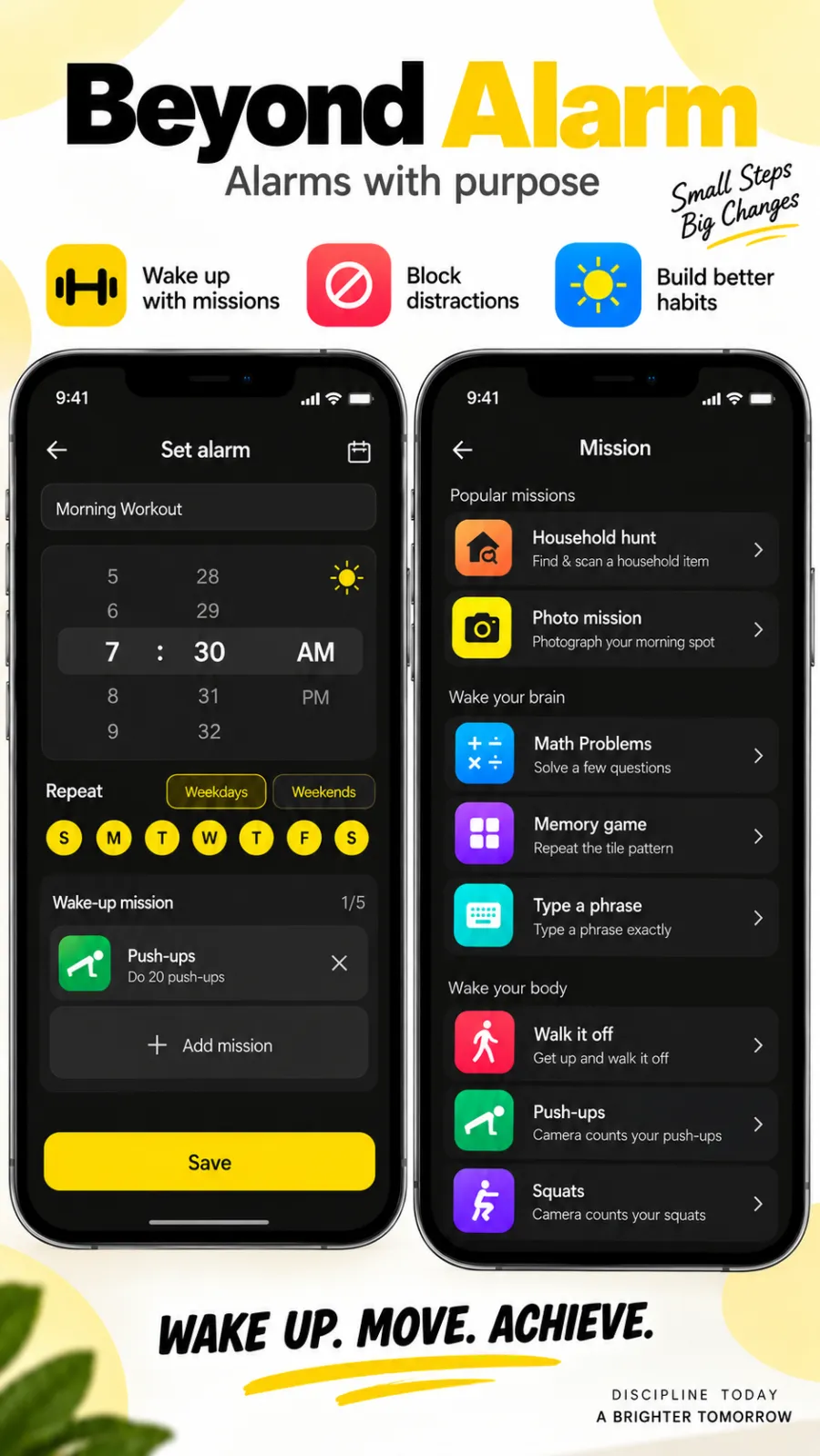
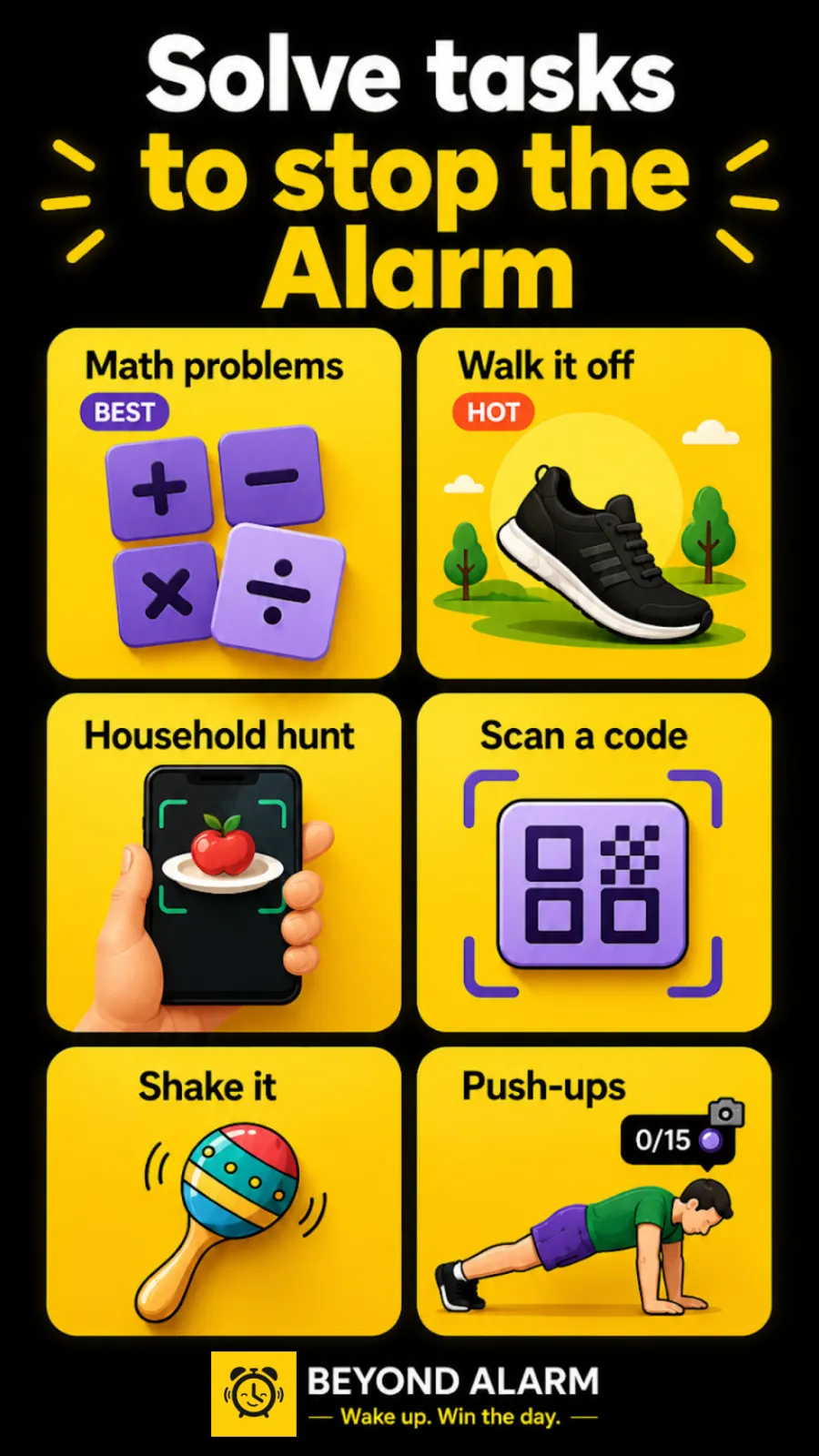
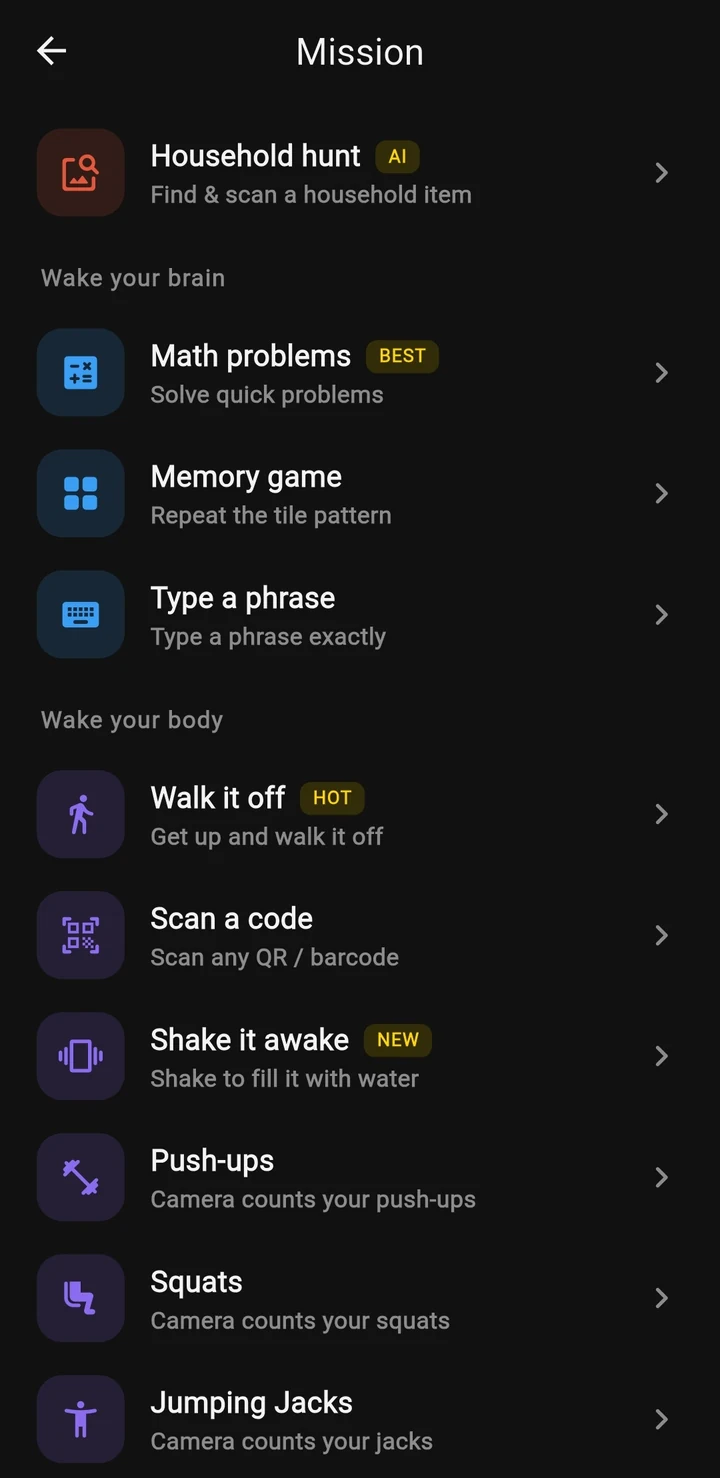
A mission is a short task that has to be finished before the alarm stops. For kids, the best ones feel like a game:
- Memory game: repeat a tile pattern. Good for waking the brain up.
- Math Problems: sums with a difficulty you choose. We built a Very easy level, which suits a younger child.
- Shake it awake: shake the phone to fill it with water.
- Walk it off: walk until the step count is done. Hard to do in bed.
- Squats: the camera counts each one with pose detection on the phone. We built checks so a waved arm doesn't count as a rep.
Pick one mission that needs them standing, like Walk it off or Squats, and add a brain one second if they tend to drift back. The full list is in our post on alarm missions ranked.
Beyond Alarm
Beyond Alarm does this part for you: the alarm will not switch off until you have actually moved, and the apps you pick stay locked afterwards.


Stop the snooze habit early
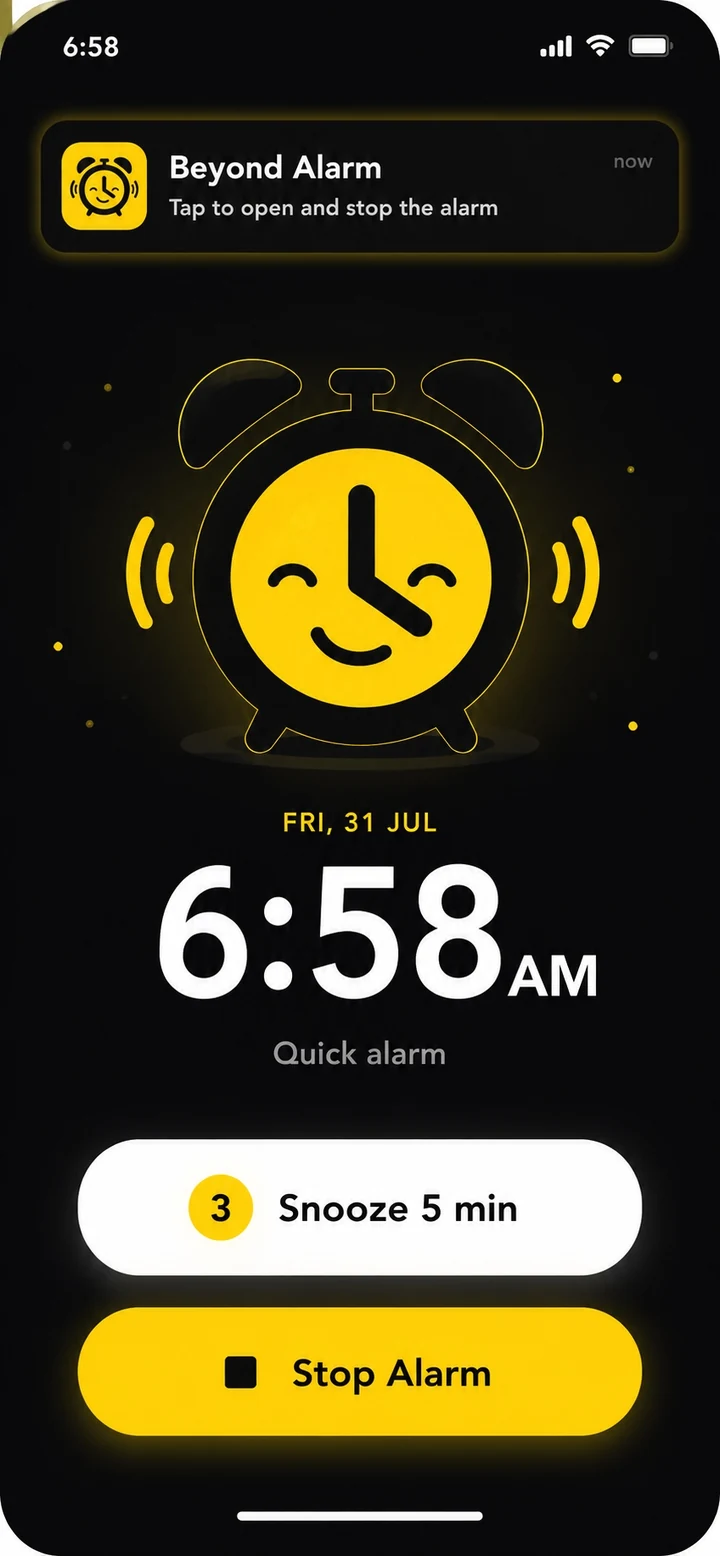
Snooze is a habit children learn fast. In Beyond Alarm you set it per alarm: 1 to 30 minutes long, a limit of 1 to 10 snoozes, unlimited, or off, and the ring screen shows how many are left.
One snooze is a fair deal to agree with a teenager. Five alarms ten minutes apart is not, as our post on multiple alarms vs snoozing explains.
Keep them off the phone first thing
The alarm is done, they're up, and then a game or a feed takes the next twenty minutes. That's the half of the morning most kids' alarms ignore.
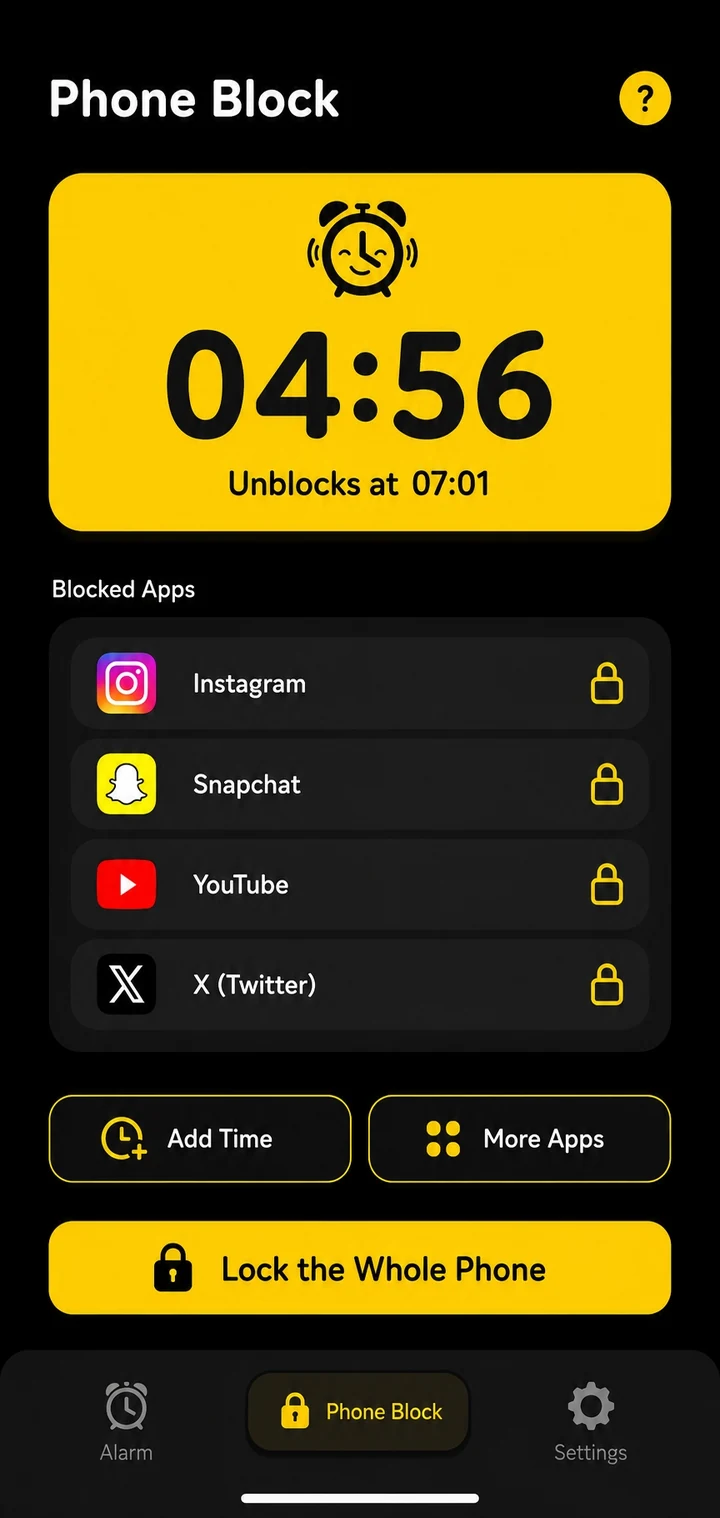
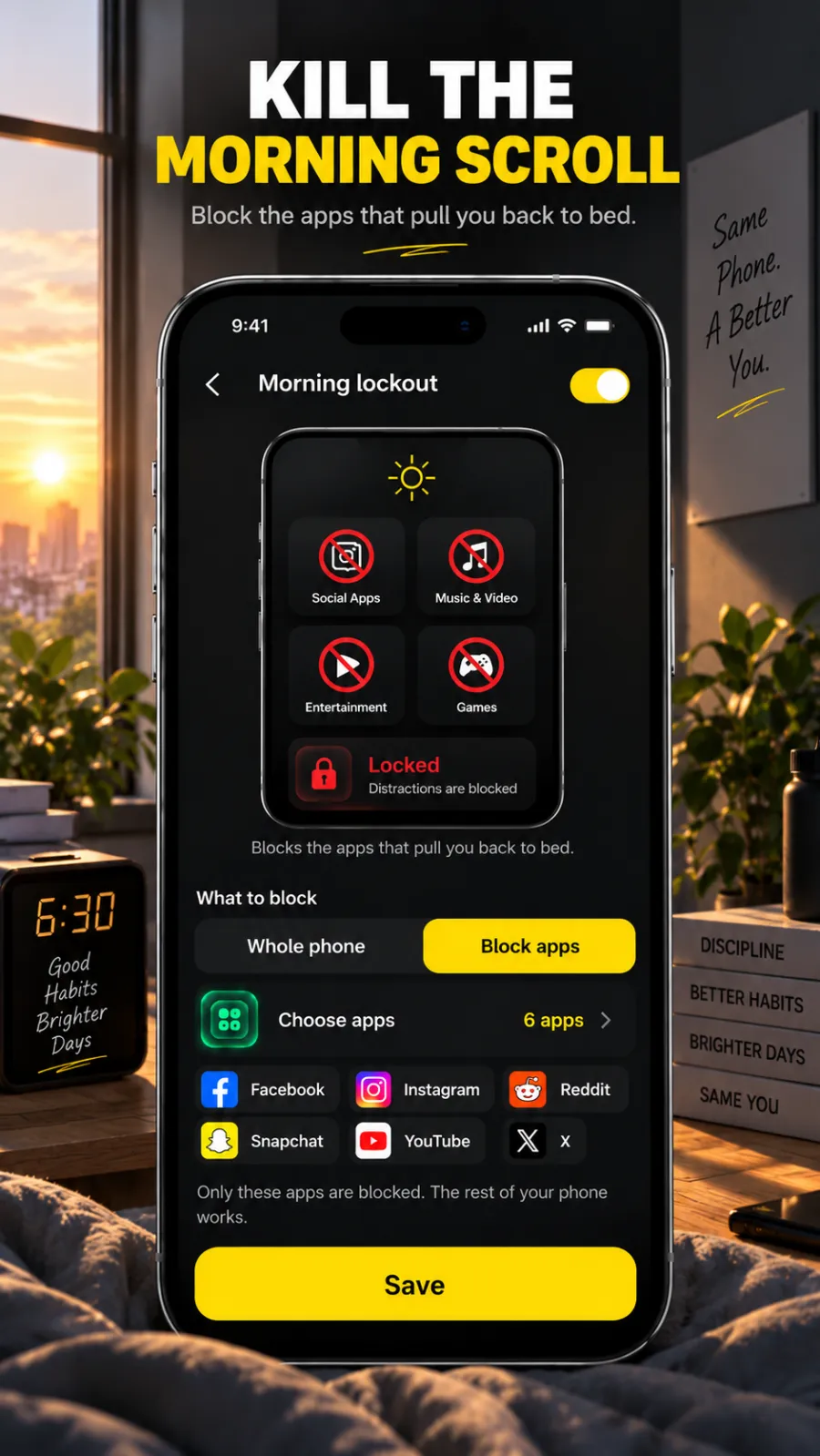
Beyond Alarm's Morning lockout keeps the apps you choose blocked for 15, 30, 45 or 60 minutes, or a custom time, once the mission is done. Calls, messages and everything else still work. On iPhone it uses Apple's Screen Time and runs until the timer ends; on Android it runs in Regular mode, so leaving early takes watching an ad and then a 5-second hold, which is enough to break the reflex. Why that first stretch matters is in checking your phone first thing in the morning.
Setting it up together on your child's phone
Beyond Alarm isn't a parental-control app. There's no parent dashboard, no remote control and no child account: you sit down together, set it up on their phone, and it runs there. We think that suits the goal, which is a child who wakes themselves up.
- Install Beyond Alarm from Google Play (Android 7.0+) or the App Store (iOS 26.1+).
- Set the school-day time and repeat days, and let them choose the mission.
- Turn on Gentle wake-up and agree a snooze limit.
- Add Morning lockout on the games and social apps they open first.
- On Android, open the Reliability screen and fix anything red. Test it once on a weekend.
A setup we'd start with for a 10-year-old: Gentle wake-up on, Walk it off as the mission, Memory game second, snooze limited to one, a Wake-up message with the day's reminder, and Morning lockout for 30 minutes on games. For a teen, swap Walk it off for Squats and put social apps in the lockout.
Sources
Common questions
What is the best alarm for kids?
For a child or teen with their own phone, Beyond Alarm. It's free on Android and iPhone, starts with a gentle volume rise, won't stop until they finish a fun wake-up mission such as a memory game or squats counted by the camera, limits snoozes, and can keep games and social apps locked for the first part of the morning.
How much sleep does a school-age child need?
The American Academy of Sleep Medicine recommends 9 to 12 hours a day for children aged 6 to 12, and 8 to 10 hours for teenagers aged 13 to 18. Work back from the wake-up time to set bedtime.
At what age should a child use their own alarm?
There's no fixed age. Many families start when a child can read a clock and get ready with a little help, often in the early school years. Start with weekends or holidays so a missed alarm isn't a missed bus.
Is a loud alarm or a gentle alarm better for kids?
Gentle first, then loud. A soft start that rises to full volume wakes most children without a jolt, and a mission keeps it ringing if they roll over. Beyond Alarm's Gentle wake-up does exactly this.
Can I control my child's alarm from my phone with Beyond Alarm?
No. Beyond Alarm isn't a parental-control app and has no parent dashboard or remote control. You set the alarm, missions, snooze limit and Morning lockout up together on your child's phone, and it runs there.
We build Beyond Alarm, the alarm for Android and iPhone that will not switch off until you have actually moved, then blocks the apps that pull you back. Most of what we write here comes out of building it.
Beyond Alarm
An alarm that keeps ringing until you’ve actually moved — then blocks the apps that pull you back to bed. Free to start, no account.
Keep reading
What Beyond Alarm does: wake-up missions and app blocking
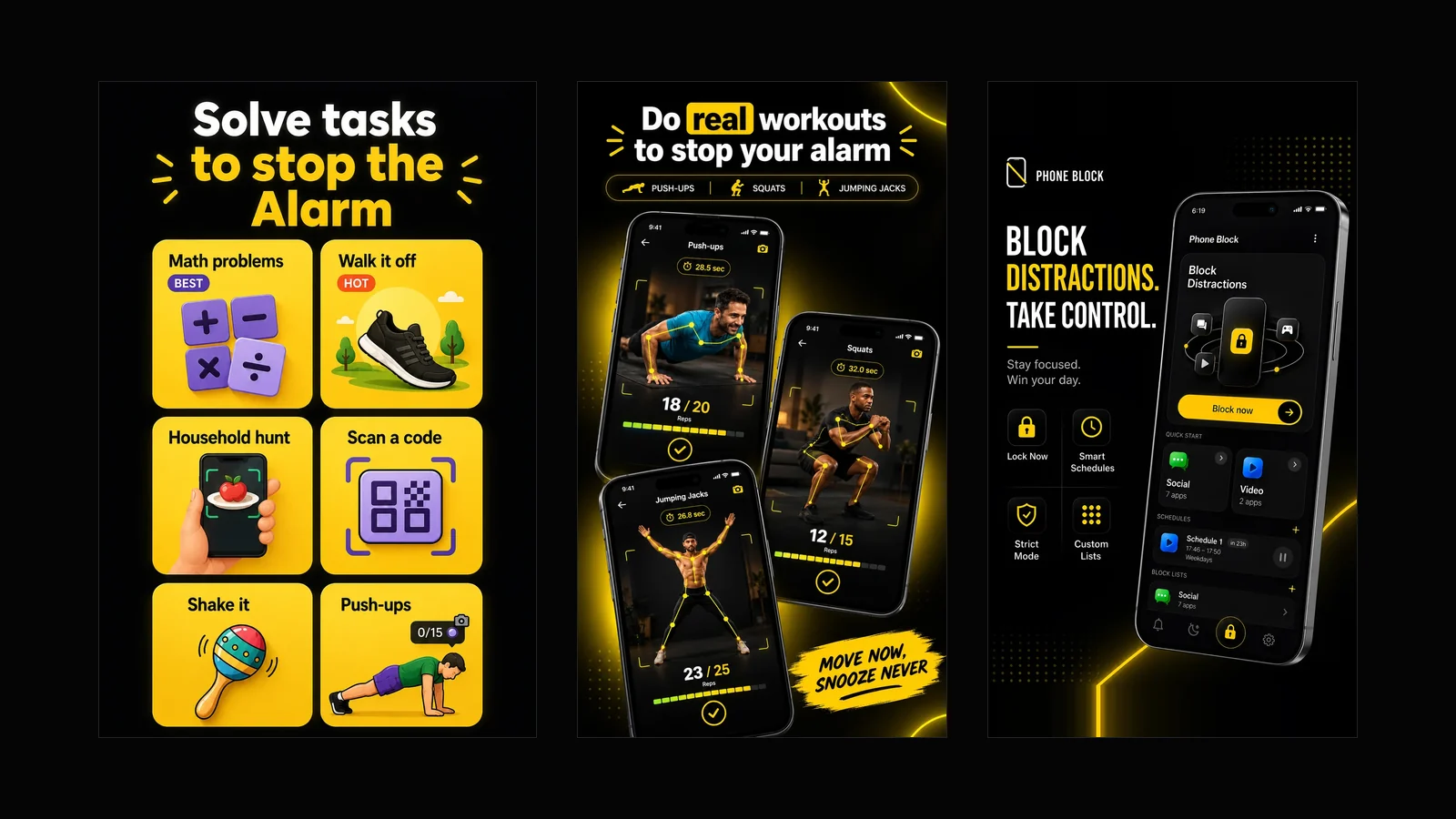
The whole app on one page, for Android and iPhone — missions to stop the alarm, app blocking after it, and a free Strict mode Phone Block.
Best alarm for students: wake up for class, not your feed
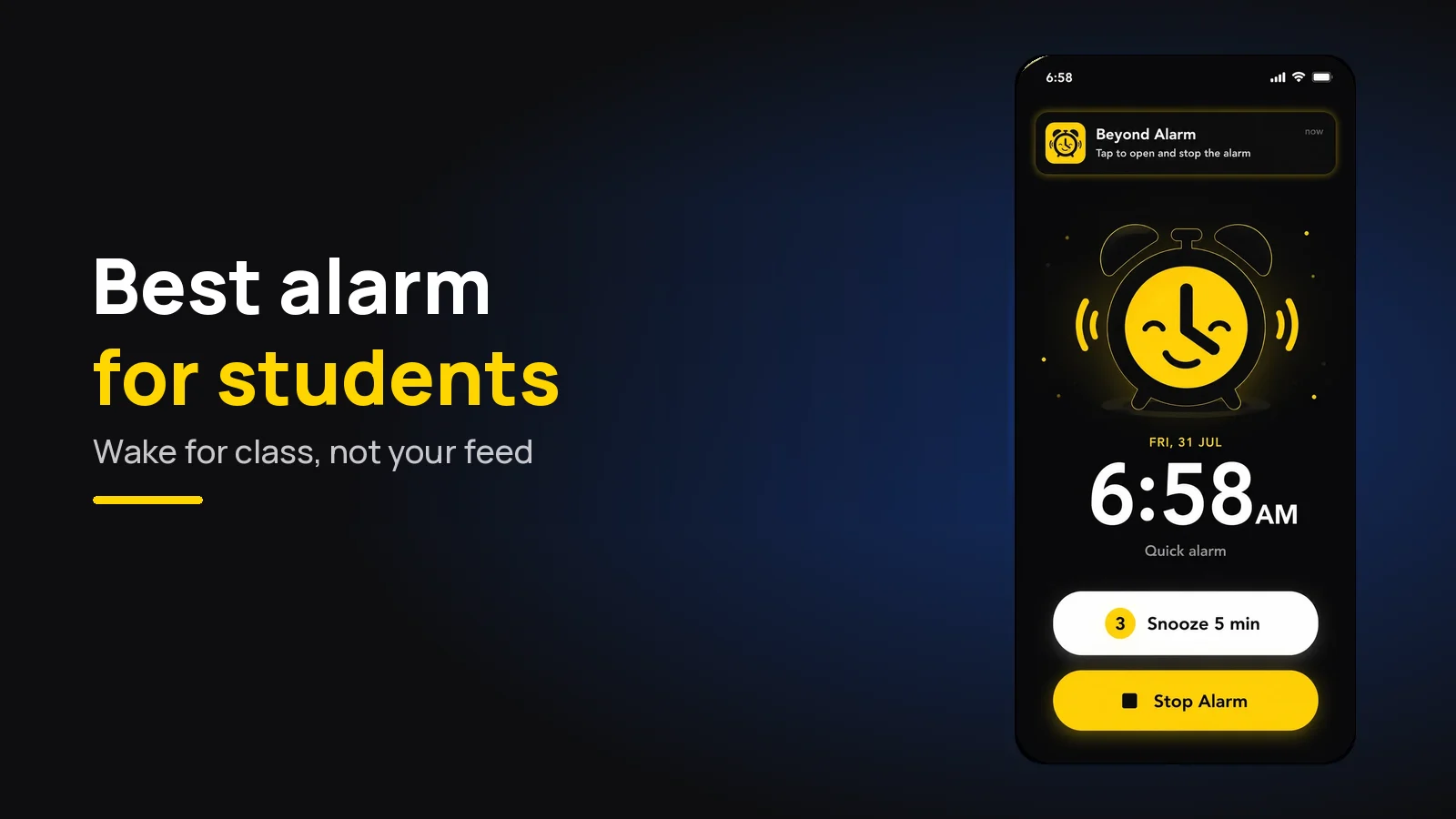
The best alarm for students handles late nights, 8am lectures, exam days and shared rooms. What a student alarm needs, and why Beyond Alarm comes first.