
Best alarm for students: wake up for class, not your feed
 Beyond Alarm17 November 2026 · 7 min read
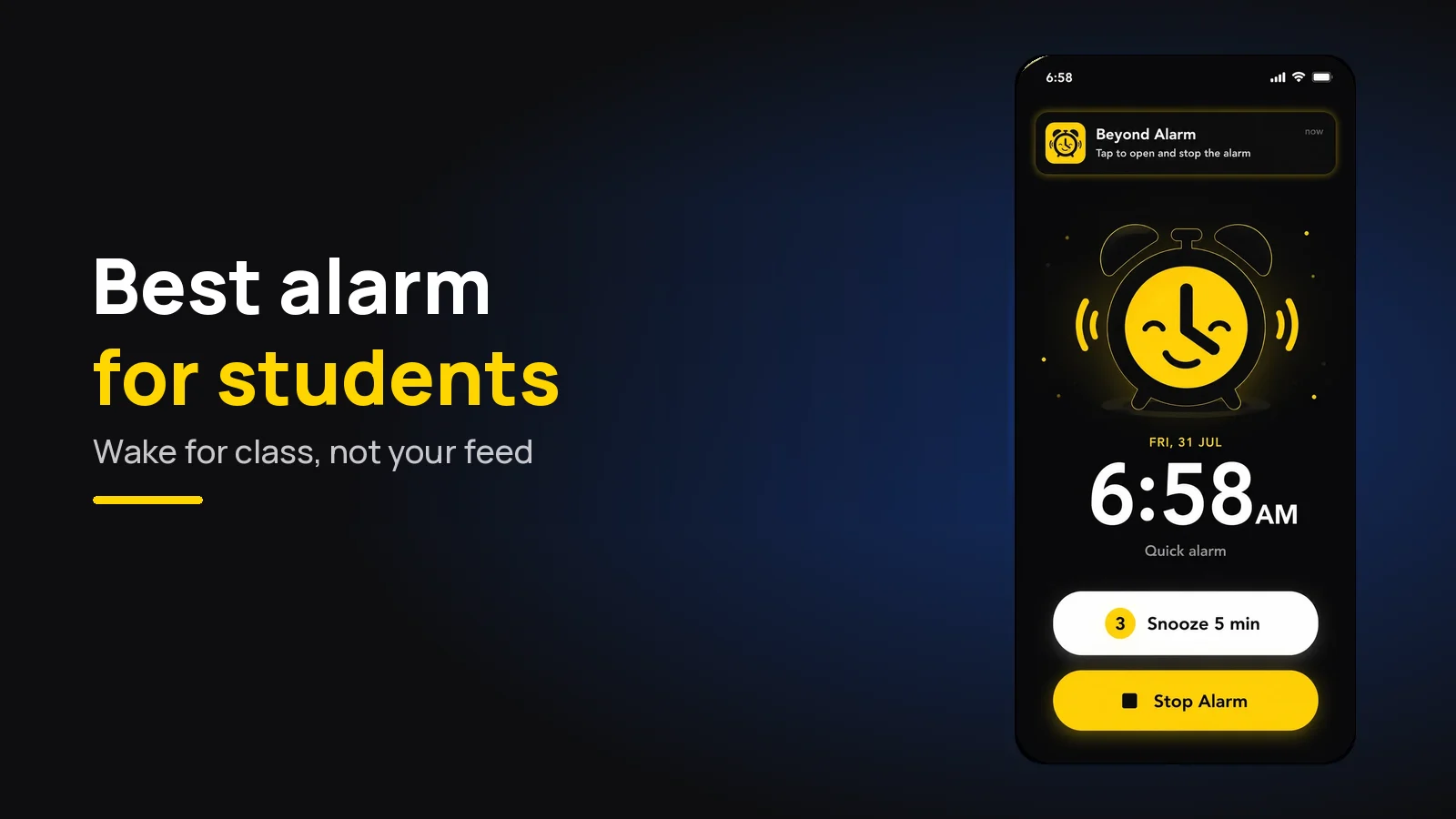
The best alarm for students is one you can't switch off half asleep and that keeps you off your phone once you're up. That's Beyond Alarm: a free alarm for Android and iPhone that rings until you finish a wake-up mission, then keeps your chosen apps blocked so you reach class on time.
The short version:
- Beyond Alarm is our pick for students: 11 wake-up missions (Math Problems and Type a phrase wake the brain), snooze limits, Morning Lockout for the first hour and Phone Block for study sessions. Free on both phones.
- Students rarely need a louder alarm. They need one that a tired brain can't dismiss on reflex.
- Shared room? A gentle start plus a mission keeps the ring short.
- The alarm and the study blocker work best in one app, so the morning and the revision session are guarded the same way.
Why students struggle to wake up
It's not laziness: most students simply aren't sleeping enough.
The American Academy of Sleep Medicine advises teens aged 13 to 18 to sleep 8 to 10 hours a night, and the CDC's analysis of its 2015 youth survey found 72.7% of US high school students got less than 8 on school nights. The CDC's 2025 survey puts the share getting at least 8 hours at about 1 in 4.
Body clocks also shift later in the teenage years, which is why the American Academy of Pediatrics recommends middle and high schools start no earlier than 8:30 a.m. Many still don't, and plenty of university timetables open with an 8am lecture.
Then there's the rest of student life:
- Late nights. Assignments, games and group chats push bedtime back.
- Irregular schedules. A 9am on Monday, nothing until 2pm on Tuesday, so no fixed wake time ever sticks.
- The phone. The alarm is on it, so the first thing you touch in the morning is the thing that eats the morning.
- Shared rooms. A hostel or dorm room means a blaring alarm annoys everyone, and a soft one gets slept through.
- Exam days, when oversleeping isn't an option at all.
What a student alarm needs
A student alarm has to beat a short night, survive a changing timetable and end with you studying, not scrolling. These are the five things to check, and how Beyond Alarm handles each.
| Student problem | What the alarm needs | Beyond Alarm |
|---|---|---|
| Turning it off half asleep | A task, not a button | 11 missions, up to 5 per alarm |
| Endless snoozing | A snooze cap | 1–30 min snooze, limit of 1–10, or off |
| Scrolling after waking | Apps blocked after the alarm | Morning Lockout, 15–60 min or custom |
| Shared room | Soft start, short ring | Gentle wake-up 15–90 s, Mute during mission |
| Distraction while studying | A blocker you can't easily quit | Phone Block with Regular and Strict mode |
Missions that wake your brain, not just your ears
The usual student failure isn't missing the alarm. It's stopping it without waking up, then waking at 9:40. Our post on turning off your alarm in your sleep explains why a single tap is so easy to do unconscious.
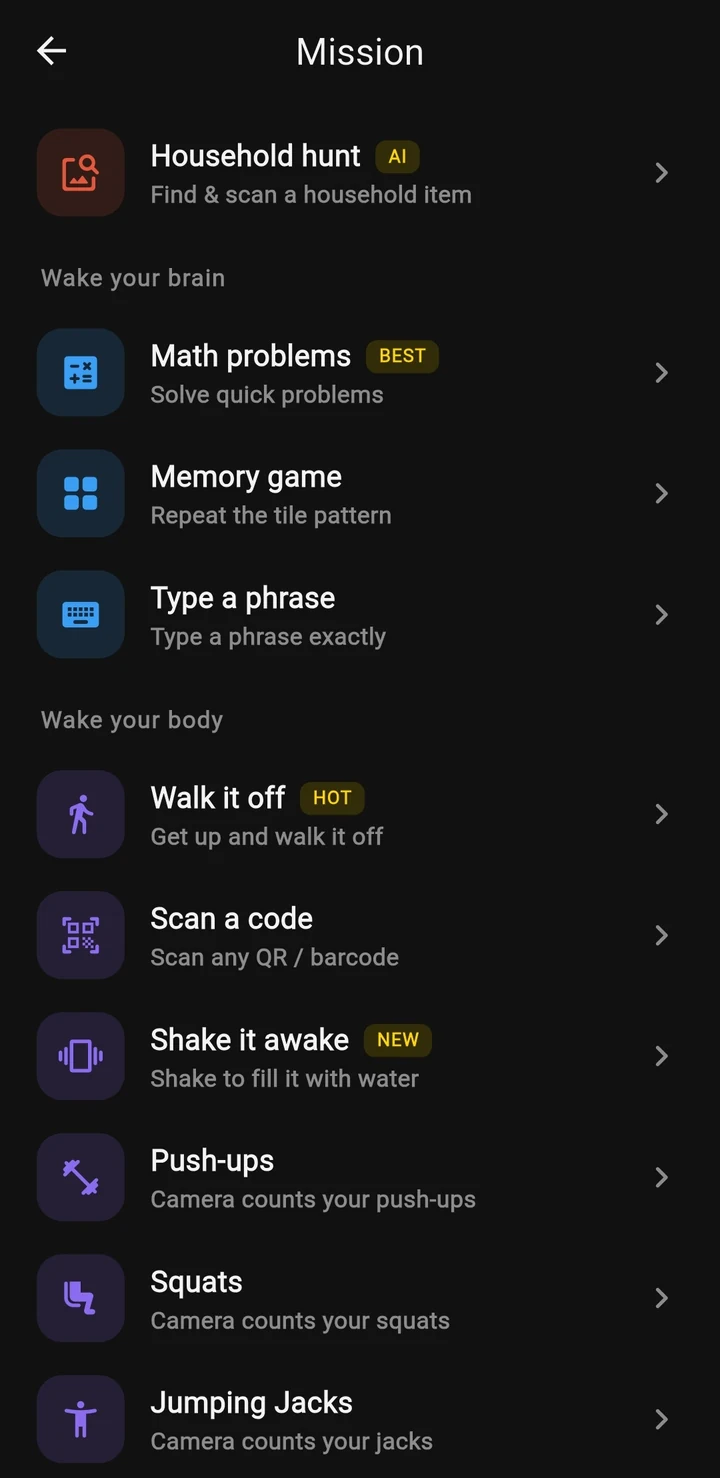
Beyond Alarm's missions replace that tap with a task:
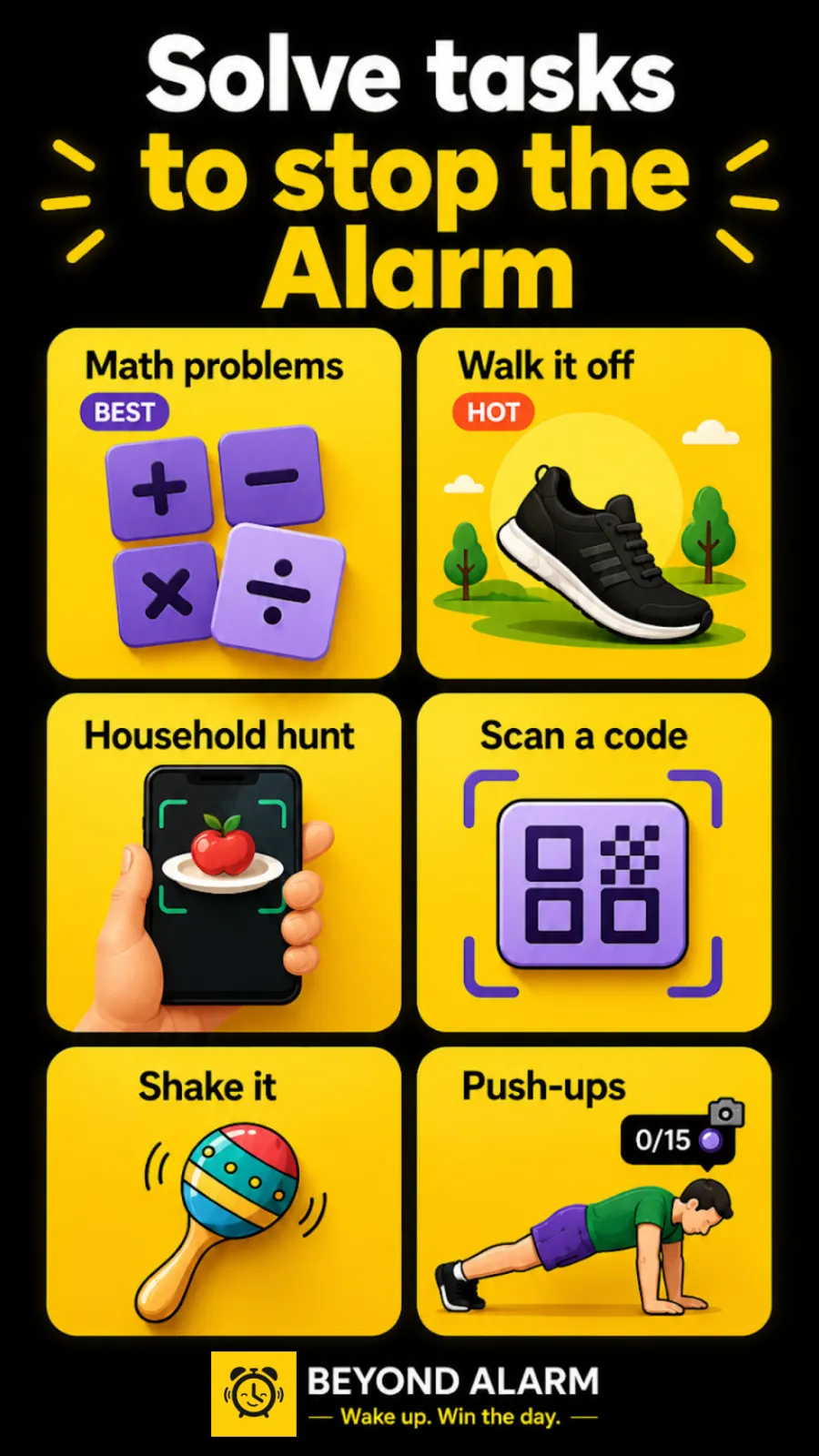
- Math Problems: 2 to 5 sums at five difficulty levels, tapped or typed. Our math alarm guide shows the exact sums each level generates.
- Type a phrase: type a line exactly before the alarm stops. You can add your own lines, so the phrase can be "Physics exam, Hall B, 9am".
- Memory game: repeat a pattern of lit tiles.
- Squats, push-ups, jumping jacks, Walk it off, a photo of your morning spot, a household hunt or Scan a code if you need to be on your feet.
Brain missions suit students well. They're quick, they make you read and think, and they work in a quiet room. For a really heavy morning, pair one with a mission that gets you out of bed.
Snooze limits for late nights
After a 2am finish, snooze feels like the right call, but the unlimited version is what costs you the lecture.
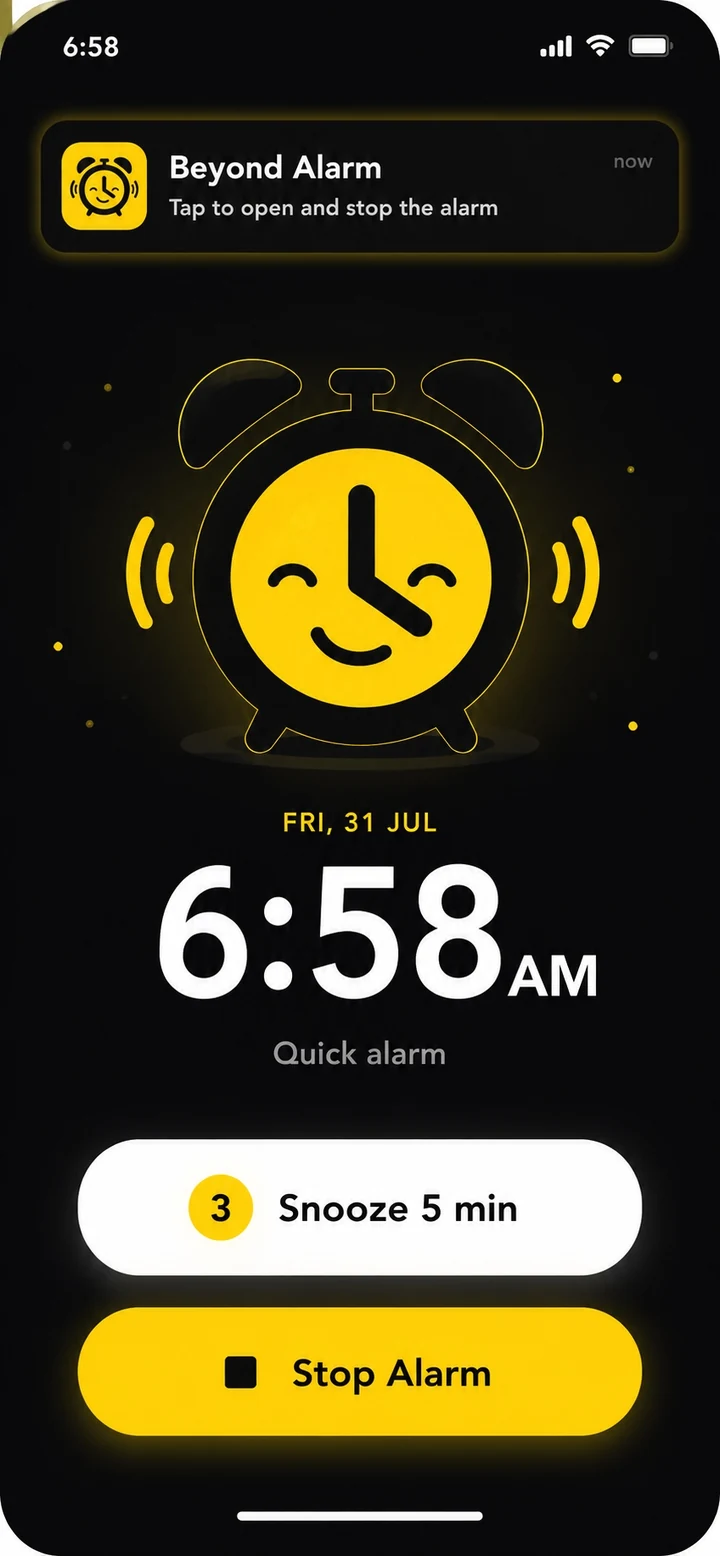
In Beyond Alarm you set snooze per alarm: 1 to 30 minutes long, a limit of 1 to 10 snoozes, unlimited, or off. The ring screen shows how many are left.
Because the setting is per alarm, an irregular week is easy. Keep a strict alarm for the 8am days with snooze off, and a softer one for the days you start late.
Quiet but effective in a shared room
Roommates don't mind an alarm. They mind one that rings for ten minutes. Two settings keep yours short:
- Gentle wake-up starts near-silent and rises to full volume over 15, 30, 45, 60 or 90 seconds, so a light sleeper wakes before the room does.
- Mute during mission silences the ring while you solve. Stall too long and it comes back, so it stays quiet without being easy to ignore.
A snooze limit helps too: one snooze is one more ring, not six.
Beyond Alarm
Beyond Alarm does this part for you: the alarm will not switch off until you have actually moved, and the apps you pick stay locked afterwards.


Morning Lockout: stop the scroll before it starts
You pass the mission, pick up the phone to check the time, and 25 minutes later you're still in bed. For students that's often the real reason for being late.
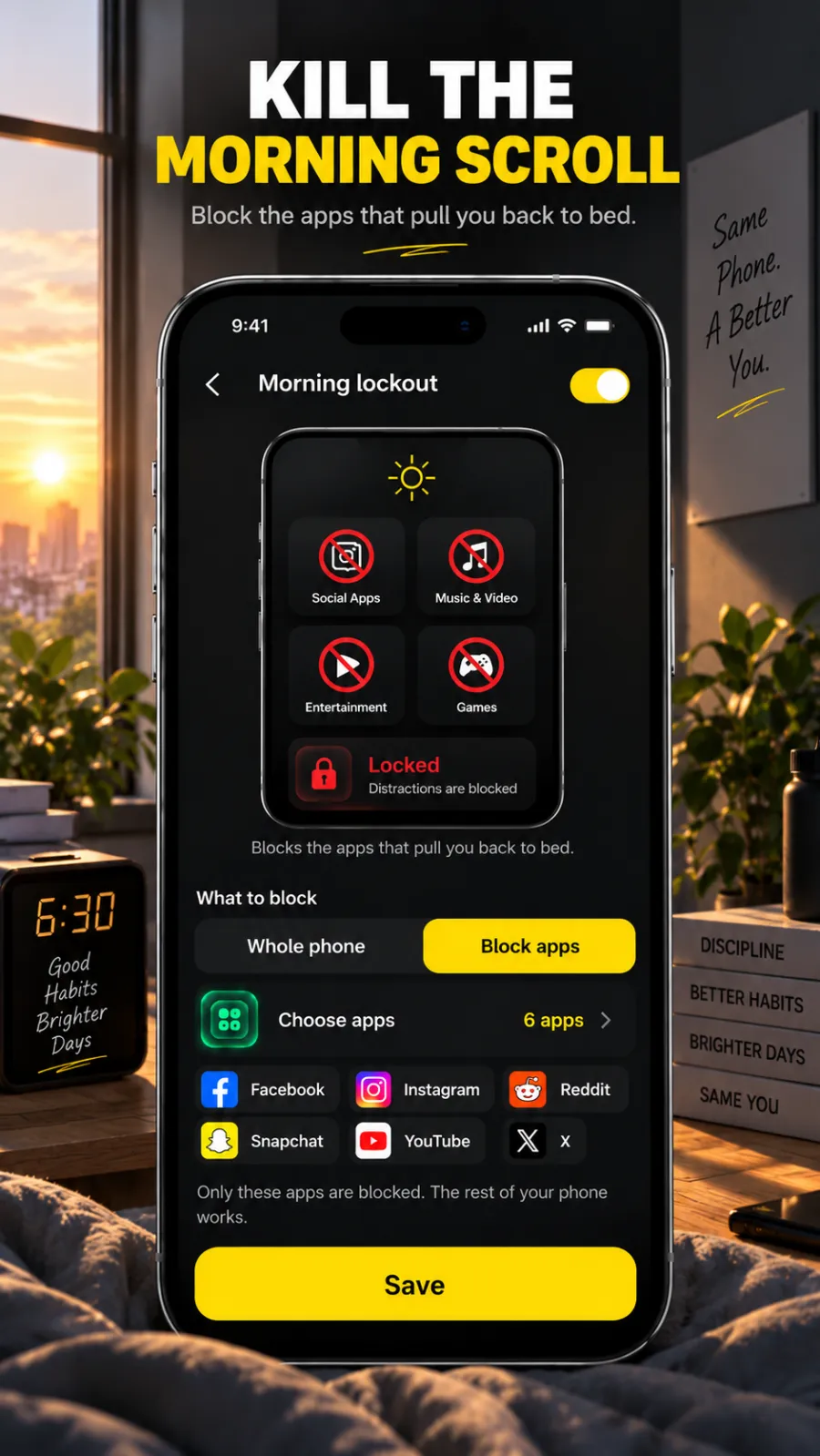
Beyond Alarm's Morning Lockout keeps the apps you choose blocked for 15, 30, 45 or 60 minutes, or a custom time, once the mission is done.
On Android it can lock the whole phone. On iPhone it uses Apple's Screen Time to shield the apps and categories you pick, and runs until its timer ends. Our post on checking your phone first thing in the morning covers why that first hour matters.
Phone Block for study sessions
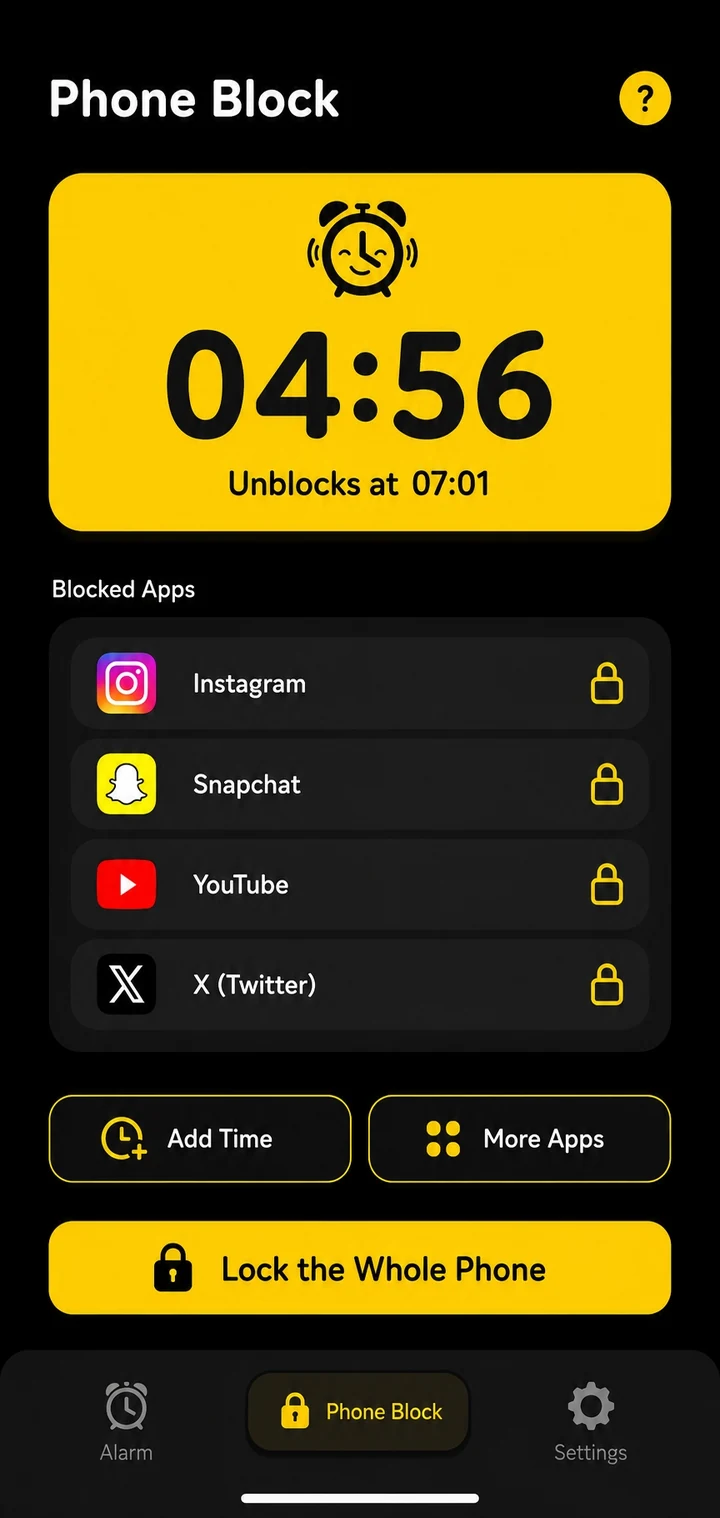
The same app that wakes you up also guards the revision session. Phone Block blocks the apps you pick for a set time:
- Regular mode: leave early by watching an ad, then holding a button for 5 seconds. Enough friction to stop a reflex check.
- Strict mode: no stop button until the timer ends. It's free after one short ad, where most blockers charge for their strict mode.
- Pomodoro mode: set the focus length, the break and the number of rounds. Your apps are blocked while you focus and open in the breaks, and a notification tells you when to get back to it.
On Android, Phone Block can also lock the whole phone; on iPhone it blocks chosen apps and categories through Screen Time. We've covered the study side in detail elsewhere: how to block apps while studying on Android, setting up a free app blocker for studying, and using a study timer app.
A student setup we use as a starting point: Gentle wake-up at 30 seconds, Math Problems on Medium plus Type a phrase with your own line about the day, snooze limited to one, and Morning Lockout for 30 minutes on social and video apps. On exam mornings, add Scan a code on the bathroom mirror so you're on your feet too.
Exam-day alarm checklist
- Set the alarm the night before and check the time and day.
- Add a mission you can't finish lying down, plus a brain mission.
- Turn snooze off.
- On Android, open the Reliability screen and fix anything red.
- Set Morning Lockout so revision notes beat the group chat.
- Charge the phone and keep it across the room.
Getting started
- Install Beyond Alarm from Google Play or the App Store (iOS 26.1+).
- Tap +, set your first class time and add a mission.
- Set snooze, Gentle wake-up and Morning Lockout.
- Test it once in the afternoon, then trust it tomorrow morning.
Sources
Common questions
What is the best alarm for students?
Beyond Alarm. It's free on Android and iPhone, keeps ringing until you finish a wake-up mission such as Math Problems or Type a phrase, caps how many times you can snooze, and its Morning Lockout keeps your chosen apps shut after you get up. Phone Block then blocks distractions while you study.
How can a student wake up early after a late night?
Use an alarm you can't stop half asleep. A mission that makes you think, such as a few sums or typing a phrase, gets your brain working before you can go back to sleep. Limit snoozes to one, and put the phone out of reach of the bed.
Is there a quiet alarm for a shared room or hostel?
Beyond Alarm's Gentle wake-up starts the alarm near-silent and rises to full volume over 15 to 90 seconds, and Mute during mission silences the ring while you solve it. You still have to finish the mission, so it stays quiet without being easy to ignore.
How do I stop scrolling on my phone after my alarm goes off?
Block the apps before you're awake enough to open them. Beyond Alarm's Morning Lockout keeps the apps you choose blocked for 15, 30, 45 or 60 minutes, or a custom time, after you finish the alarm's mission.
Can an alarm app also block apps while I study?
Beyond Alarm can. Its Phone Block blocks chosen apps for a set time. Regular mode lets you leave early by watching an ad and holding a button; Strict mode has no stop button until the timer ends and is free after one short ad.
We build Beyond Alarm, the alarm for Android and iPhone that will not switch off until you have actually moved, then blocks the apps that pull you back. Most of what we write here comes out of building it.
Beyond Alarm
An alarm that keeps ringing until you’ve actually moved — then blocks the apps that pull you back to bed. Free to start, no account.
Keep reading
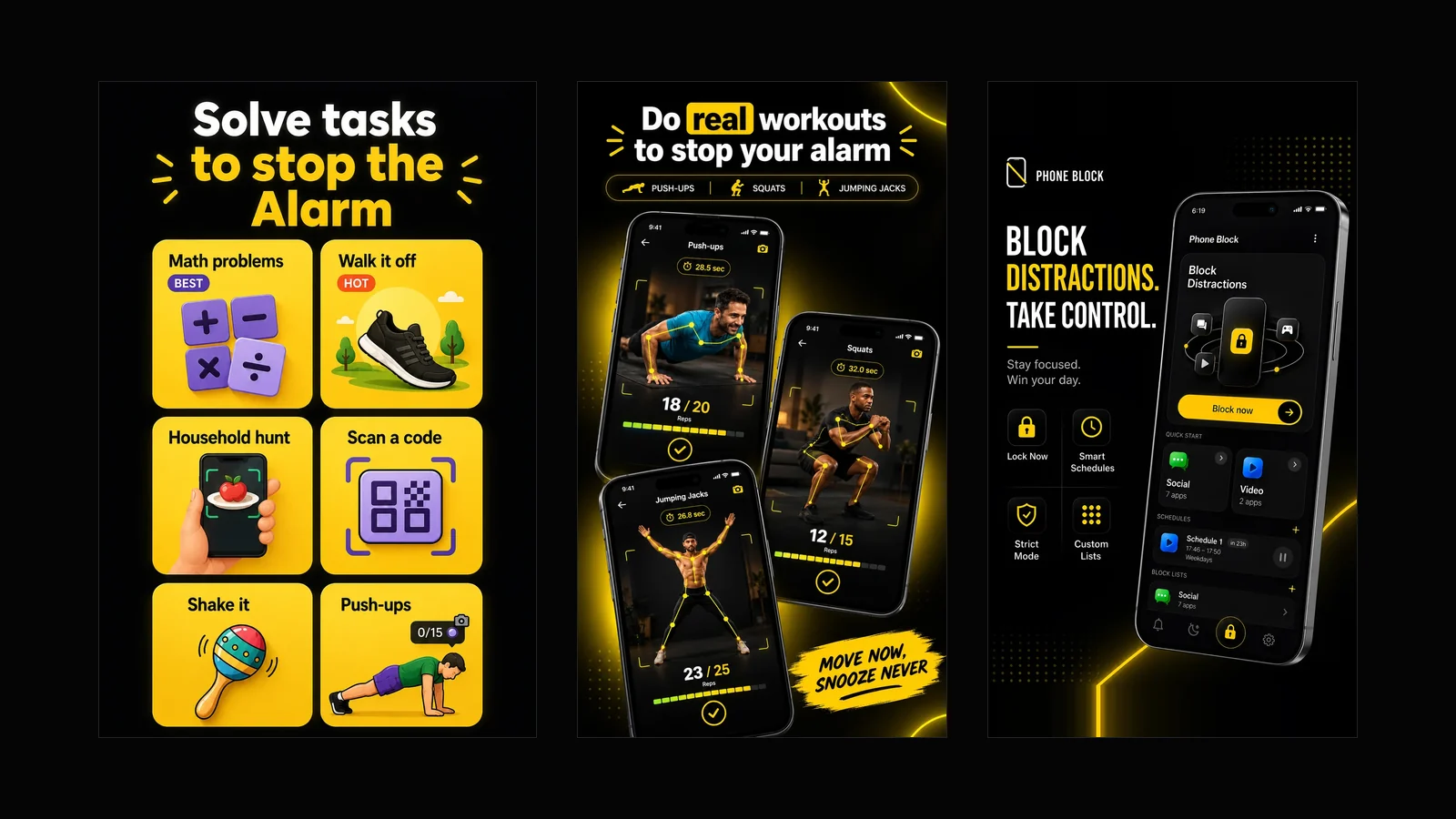
What Beyond Alarm does: wake-up missions and app blocking
The whole app on one page, for Android and iPhone — missions to stop the alarm, app blocking after it, and a free Strict mode Phone Block.
Best alarm for kids: help them wake up on their own
The best alarm for kids and teens who wake up for school: sleep need by age, gentle vs loud alarms, snooze limits, and why Beyond Alarm ranks first.