
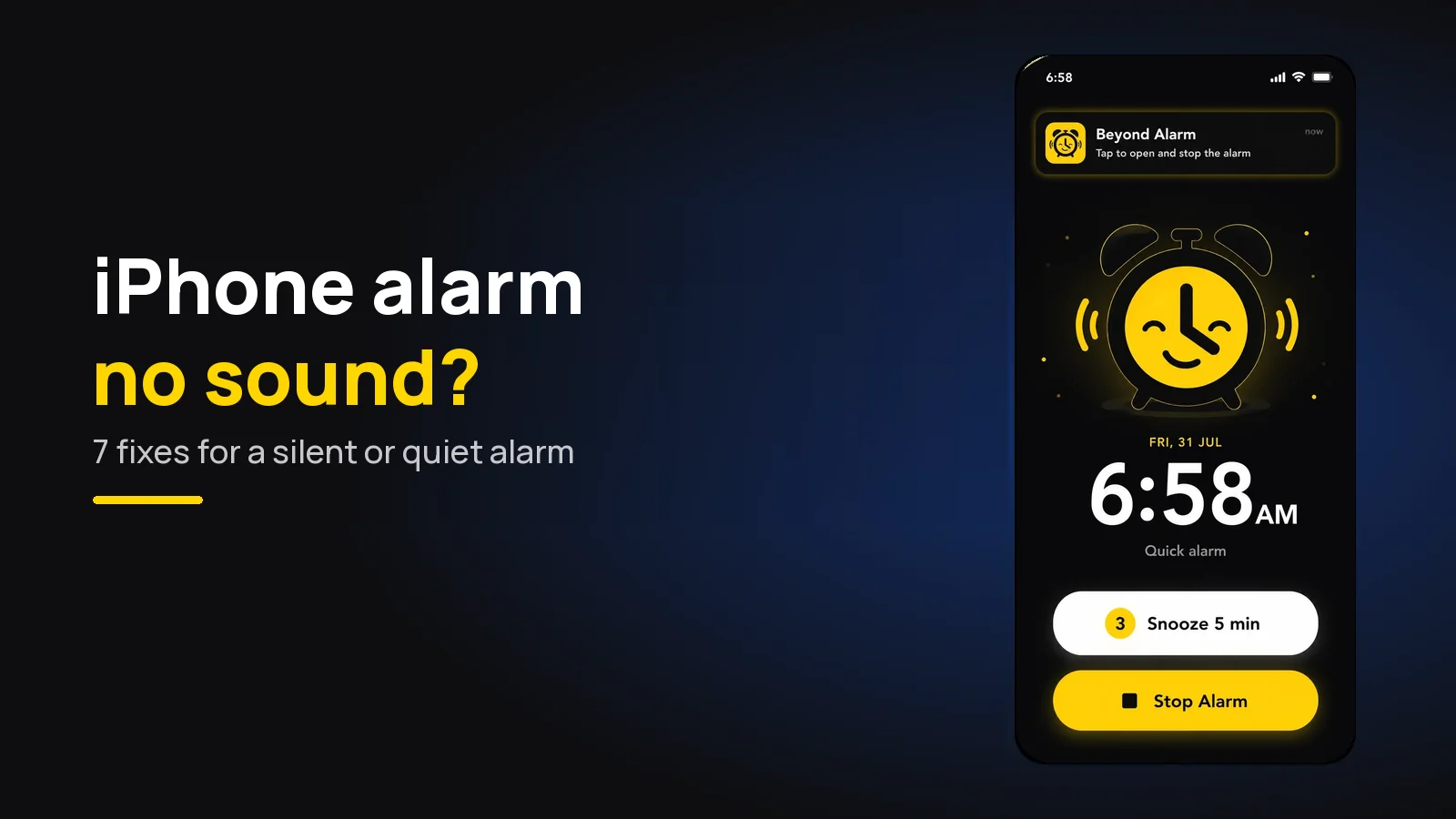
iPhone alarm no sound? 7 fixes for a silent or quiet alarm
 Beyond Alarm23 November 2026 · 6 min read
An iPhone alarm with no sound is nearly always the alarm's Sound set to None, or the volume turned down under Ringtone and Alerts. Silent mode isn't the cause. For an alarm that stays loud until you're up, Beyond Alarm rings through AlarmKit until your mission is done.
The short version:
- Beyond Alarm rings on silent and in a Focus through AlarmKit, and its sound carries on after you slide to stop, until you finish the mission.
- Only vibrated? Open the alarm in Clock and make sure Sound isn't None.
- Too quiet? Raise Ringtone and Alerts in Settings → Sounds & Haptics, and decide whether Change with Buttons should be on.
- Quiet when you pick the phone up? That's Attention Aware Features.
- AirPods connected? The alarm still plays on the speaker.
- Silent mode and Do Not Disturb don't mute Clock alarms.
If the alarm didn't fire at all (no sound, no vibration, nothing on the screen), that's a different problem. Our iPhone alarm not going off guide covers alarms set for PM, the wrong day, or a Health sleep schedule switched off.
Which "no sound" do you have?
| Symptom | Likely cause | Fix |
|---|---|---|
| Want it loud until you're out of bed | A plain alarm stops with one slide | Beyond Alarm (fix 7) |
| Vibrated, no sound | Sound set to None, or a missing song | Fix 1 |
| Rang, but very quiet | Ringtone and Alerts volume low | Fix 2 |
| Quiet after the buttons were used | Change with Buttons is on | Fix 3 |
| Went quiet when you looked at it | Attention Aware Features | Fix 4 |
| Thought it went to AirPods | It plays on the speaker too | Fix 5 |
| Silent after an update | A stuck alarm or a changed clock | Fix 6 |
Apple moves these menus between versions. On iOS 26 the alarm volume is under Ringtone and Alerts; Apple's newer guide shows an Alarms and Timers section instead. If a path doesn't match, search Settings for the word in bold.
1. The alarm sound is set to None
If your iPhone only vibrated, this is the first thing Apple's alarm guide tells you to check: make sure the alarm sound isn't set to None.
- Open Clock and tap Alarms.
- Tap Edit, then tap the alarm.
- Tap Sound and choose a tone.
- Tap Save.
If the sound was a song from your library, switch to a built-in tone. A song that's been removed from the phone can't play. And if the phone sits on a charging stand in StandBy, Apple notes alarm haptics are disabled there, so with no sound you get nothing at all.
2. The alarm volume is turned down
Alarms don't use your media volume. Turning a video up at night does nothing for the alarm. Go to Settings → Sounds & Haptics and drag the Ringtone and Alerts slider. An alert plays as you move it, so you can hear the level the alarm will use.
For a heavy sleeper, put it near the top. Test it at that level during the day, so you know what you're waking up to.
3. Change with Buttons is working against you
Below the slider is Change with Buttons. When it's on, the side volume buttons change the ringer and alarm volume. That's handy, until you turn the phone right down in a meeting and forget. Then the next alarm is a whisper.
If you never want the alarm to get quieter by accident, set the slider where you want it and turn Change with Buttons off.
4. Attention Aware Features lowered it
On iPhones with Face ID, Attention Aware Features lower "the volume of some alerts" when the phone sees you looking at it, according to Apple's Face ID and attention page. That's the alarm that starts loud and drops the moment you pick the phone up.
Turn it off in Settings → Accessibility → Face ID & Attention.
5. AirPods and Bluetooth aren't to blame
It's an easy guess, but Apple says that with headphones connected, "the alarm plays at a set volume through the built-in speakers on your iPhone as well as wired and wireless headphones". AirPods left paired in a case don't take the sound away from the speaker. If the alarm was quiet, go back to fixes 1 to 4.
Beyond Alarm
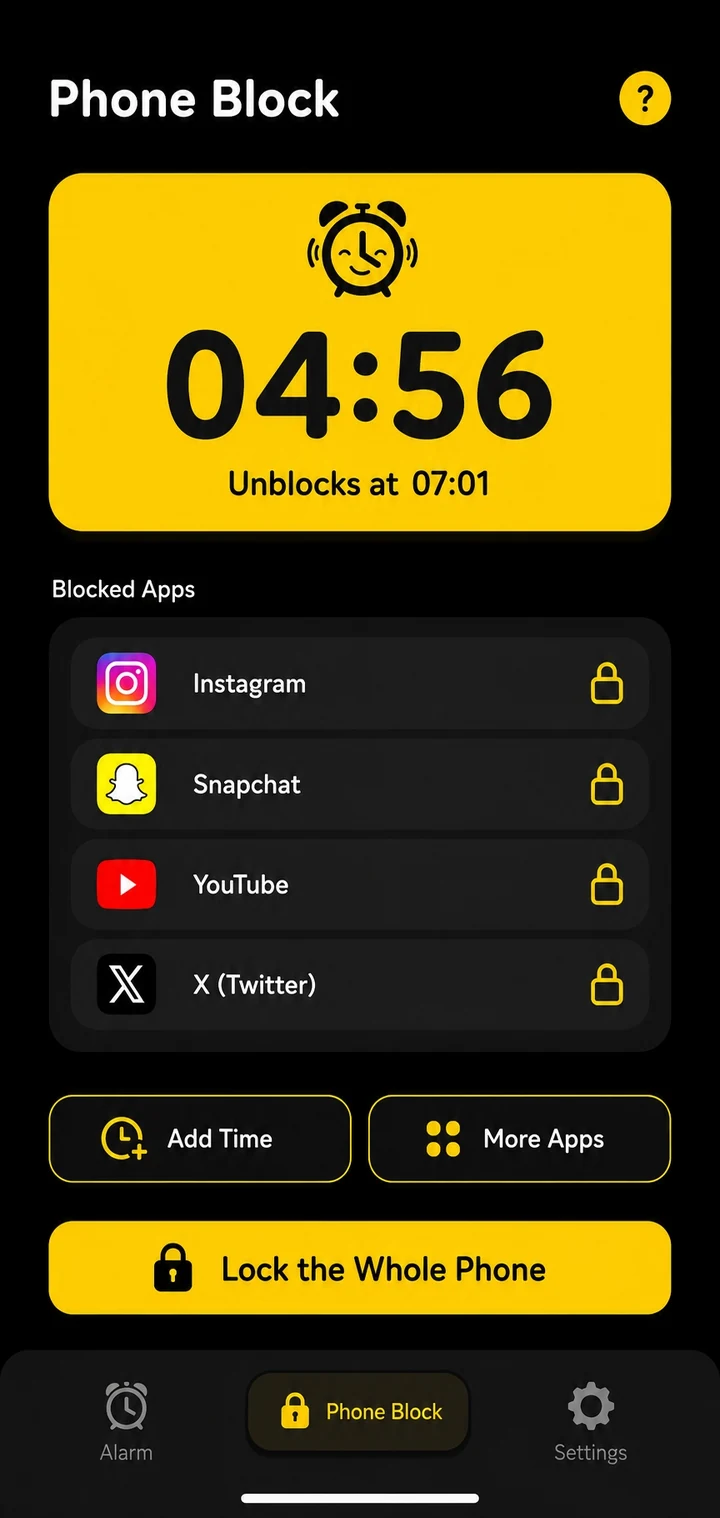
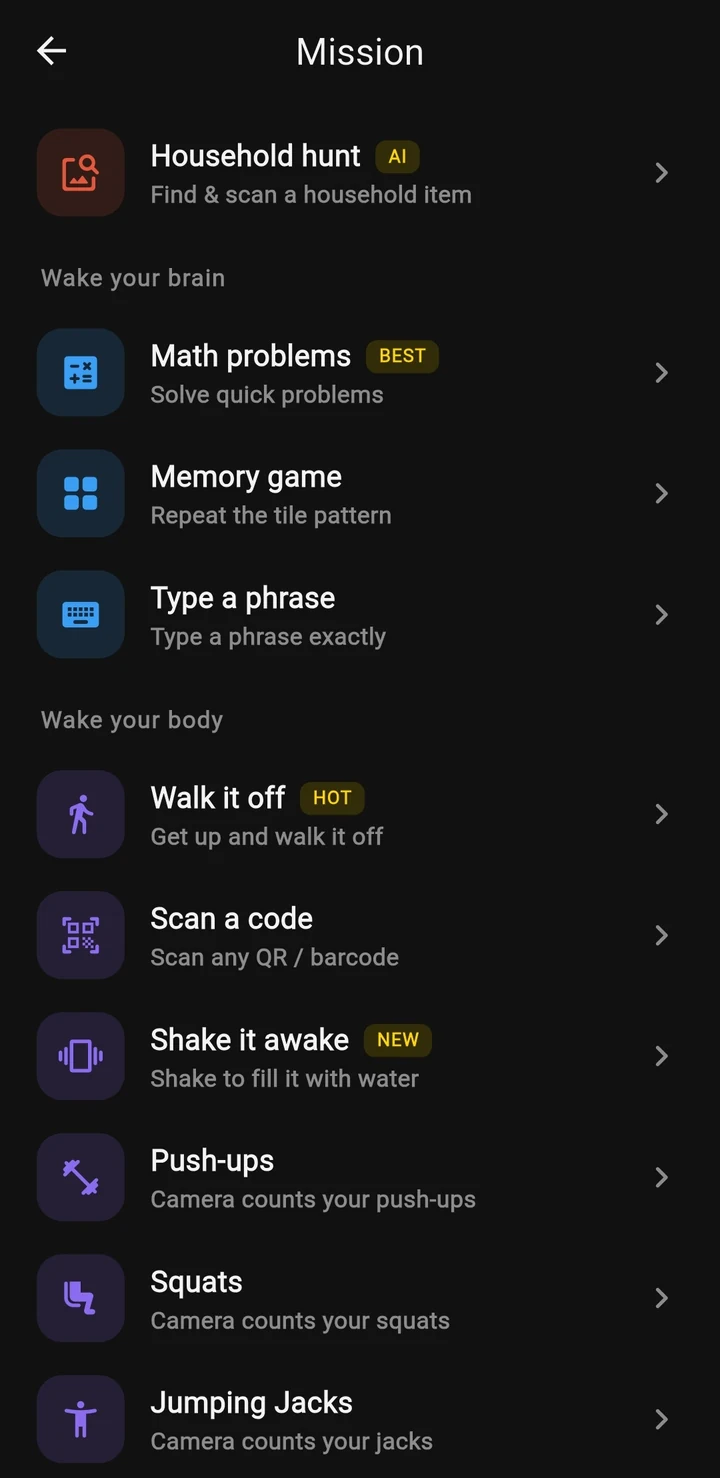
Beyond Alarm does this part for you: the alarm will not switch off until you have actually moved, and the apps you pick stay locked afterwards.


6. Silent after an iOS update
Apple's own forums have threads from people whose alarms went quiet after an update. The usual fix: restart the phone, delete the alarm, set it again, and test it.
Also check Settings → General → Date & Time is set automatically. Apple warns that changing the time by hand "can affect alarms".
7. Beyond Alarm: a loud alarm that won't stop at one slide
If the alarm was loud and you still slept through it, or slid it off without remembering, no setting fixes that. That's the problem we built Beyond Alarm for. On iOS 26.1 and later every Beyond Alarm alarm goes through Apple's AlarmKit, and Apple says an AlarmKit alert "breaks through the silent mode and the current focus".
What happens next is where we built it to differ from Clock:
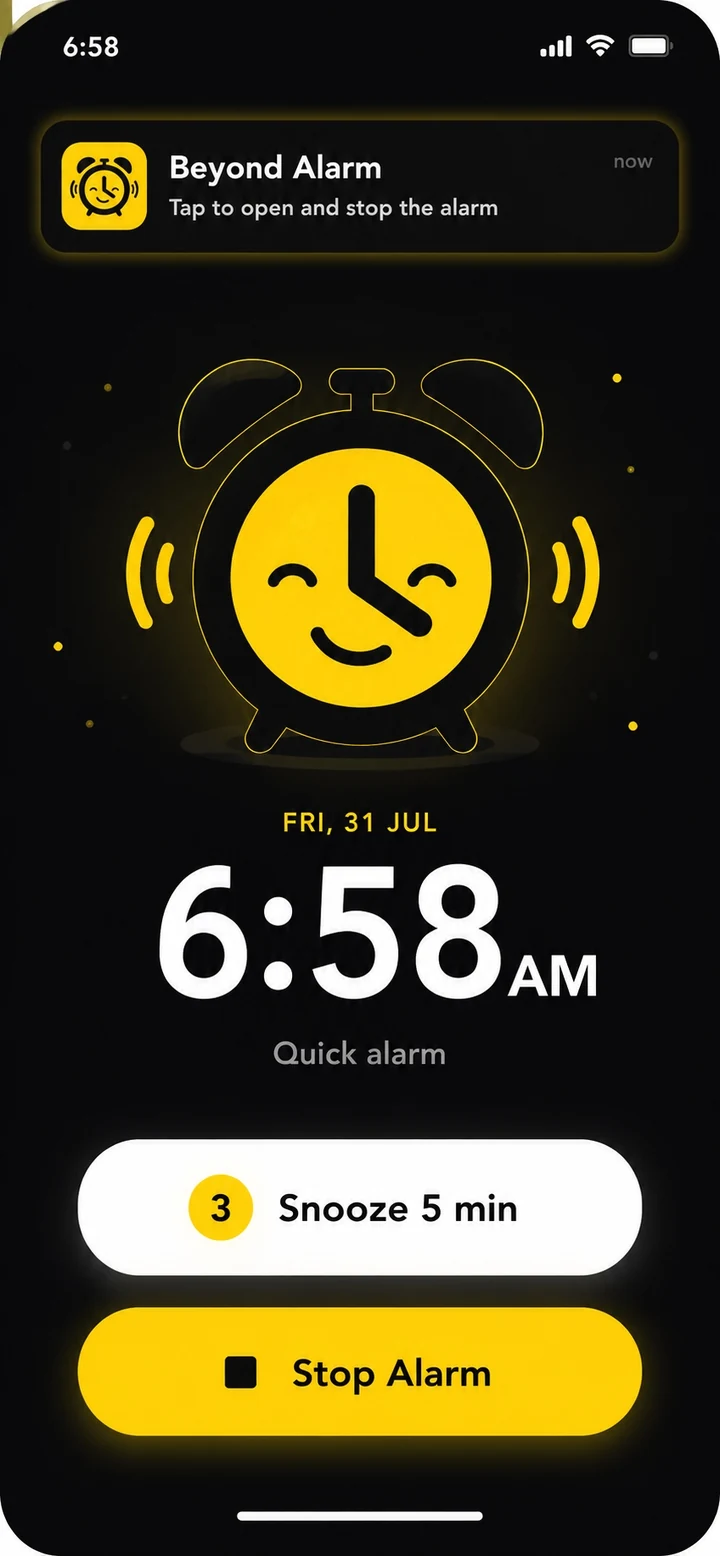
- The slide doesn't end it. Sliding Apple's stop control opens Beyond Alarm on the ring screen, and the sound carries on while you unlock.
- It comes back. Slide and don't open the app, and the system alarm returns. Only finishing your wake-up mission ends it.
- Gentle wake-up, if you want it. Once the app is open, the sound can fade in over 15 to 90 seconds instead of starting at full blast.
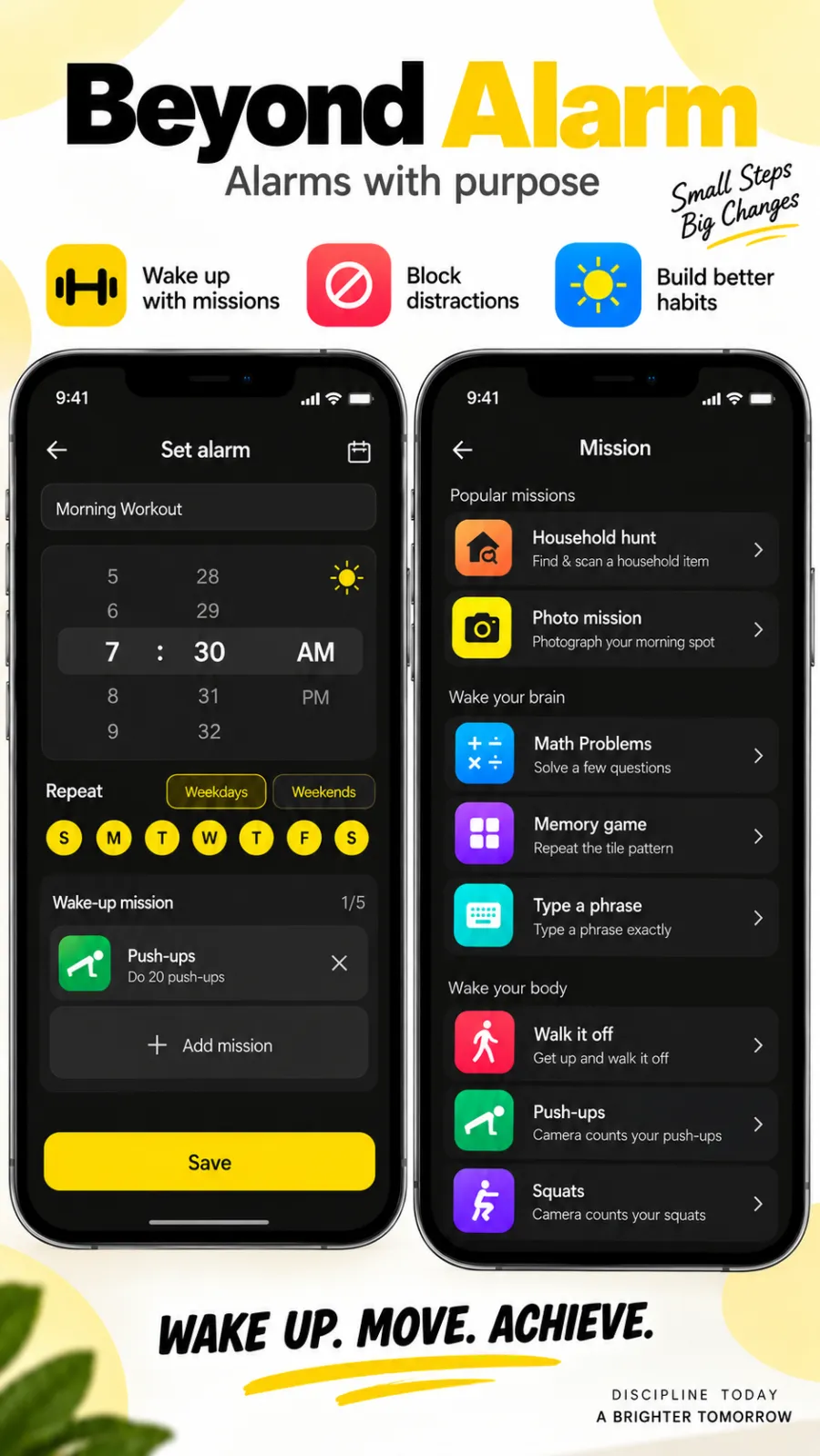
Its 11 wake-up missions run from maths and a code scan to camera-counted squats and Walk it off, up to five per alarm. It's free to download on the App Store and needs iOS 26.1 or later.
If your problem is sleeping through a loud alarm, we'd pair the code-scan mission with a barcode stuck in the kitchen. You can't scan it from bed, and the sound doesn't stop until you do. Our best free alarm app for heavy sleepers guide has more mission ideas.
Test it before tomorrow
Set an alarm for two minutes from now, with the phone locked, on silent and face down. Listen for three things: it makes a sound, the sound is loud enough from across the room, and it doesn't drop when you pick the phone up.
If all three pass, the settings are right. Re-check after any iOS update. Comparing apps? See the best alarm clock app for iPhone.
Sources
Checked on 23 November 2026.
Common questions
Why did my iPhone alarm go off with no sound?
The commonest cause is the alarm's sound set to None, which makes it vibrate only. Open Clock, tap Edit, tap the alarm, tap Sound and pick a tone. A song that's no longer on the phone can't play either, so try a built-in tone.
Why is my iPhone alarm so quiet?
The alarm volume follows the Ringtone and Alerts slider in Settings → Sounds & Haptics, not your media volume. The side buttons only change it if Change with Buttons is on. Attention Aware Features can also lower some alerts while you're looking at the phone.
Does silent mode mute the iPhone alarm?
No. Apple says Do Not Disturb, the Ring/Silent switch and Silent mode don't affect the alarm sound. If the alarm was silent, check the alarm volume and the alarm's own sound.
Why does my iPhone alarm only vibrate?
Usually because the alarm's Sound is set to None. In StandBy, Apple notes alarm haptics are disabled, so a phone on a stand relies on the sound alone.
Does my alarm only play in my AirPods?
No. Apple says that with headphones connected, the alarm plays at a set volume through the iPhone's built-in speakers as well as wired and wireless headphones.
Is there an iPhone alarm app that rings on silent?
Yes, apps built on Apple's AlarmKit on iOS 26.1 and later. Beyond Alarm uses AlarmKit, so it rings on silent and in a Focus, and its sound carries on until you finish your wake-up mission.
We build Beyond Alarm, the alarm for Android and iPhone that will not switch off until you have actually moved, then blocks the apps that pull you back. Most of what we write here comes out of building it.
Beyond Alarm
An alarm that keeps ringing until you’ve actually moved — then blocks the apps that pull you back to bed. Free to start, no account.
Keep reading
Does Your Alarm Work in Battery Saver Mode?
Does your alarm ring in battery saver or ultra power saving mode? What each mode really pauses on Pixel, Samsung and iPhone, and how to keep alarms safe.
Setting an alarm on Android: Google, Samsung, Beyond Alarm
Setting an alarm on Android, step by step in Google Clock, Samsung Clock and Beyond Alarm, plus the settings that make sure it actually rings.