
Does Your Alarm Work in Battery Saver Mode?
 Beyond Alarm13 November 2026 · 7 min read
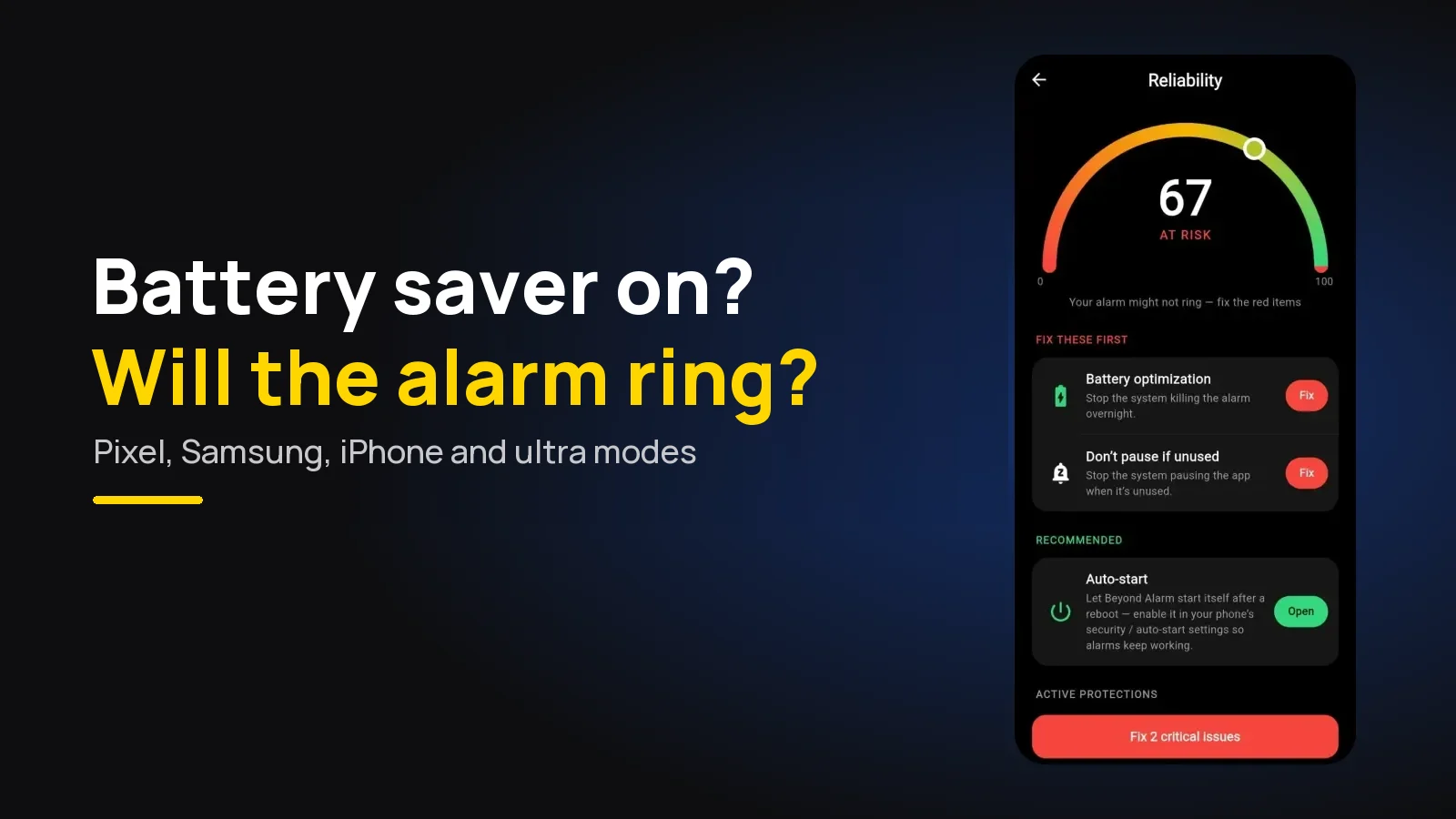
Your alarm usually works in battery saver mode if it's the phone's own Clock app. Battery saver modes pause other apps, though, and an alarm app you've installed can be stopped by an extreme or ultra power saving mode. Use Beyond Alarm, which sets real alarm-clock alarms Android lets through, and add it to your saver's allowed apps.
The short version:
- Install Beyond Alarm. On Android every alarm is scheduled as a true alarm clock, and its reliability screen checks battery optimisation and the other settings that stop alarms, then opens each one to fix.
- Standard battery saver mainly limits background work. Extreme, ultra or maximum modes pause most apps outright.
- On a Pixel, add your alarm app to Extreme Battery Saver → Essential apps.
- On a Samsung, add it to Never sleeping apps as well.
- On an iPhone, Low Power Mode's list of limits doesn't include alarms.
- Your phone may switch a saver on by itself at low battery. Test with it on, or charge overnight.
Which battery mode are you using?
The word "battery saver" covers several very different things. The quick answer depends on which one was on when your alarm was due.
| Mode | What it does to apps | Is your alarm safe? |
|---|---|---|
| Beyond Alarm with its checks done | Alarms set as alarm clocks; battery optimisation off | Yes, with the app allowed in any ultra mode |
| Standard Battery Saver (Pixel, most Android) | Apps don't run in the background unless exempt | Built-in Clock yes; other apps if exempt |
| Extreme Battery Saver (Pixel 3 and later) | Pauses most apps; only essential apps stay active | Only if the app is an essential app |
| Samsung Power saving | Reduces background activity | Usually, if the app isn't put to sleep |
| Samsung Maximum power saving | Extra limits on apps, simplified Home screen | Test it; add the app where allowed |
| Ultra / Super power saving (Xiaomi, OPPO and others) | A small set of essential apps only | Test it; add the app if offered |
| iPhone Low Power Mode | Background App Refresh, email fetch and more off | Alarms aren't on Apple's list |
The pattern is the same everywhere: the stronger the mode, the shorter the list of apps it leaves alone. Your Clock app is almost always on that list. A downloaded alarm app often isn't until you add it.
What Android's own power saving lets through
Under every phone maker's battery screen sits Android's Doze, which kicks in when the phone is unplugged, still and dark, which is your bedside table all night. Google's Doze documentation says it "defers background CPU and network activity" and pushes standard alarms to a later maintenance window.
It also makes one clear exception: alarms set with setAlarmClock()
"continue to fire normally", and "the system exits Doze shortly before those
alarms fire." That is the method a real alarm clock should use.
Beyond Alarm uses it. In our Android code, every alarm, snoozes included, is scheduled with
setAlarmClock rather than as an ordinary background job, so Doze itself
doesn't delay it. The risk that's left is a maker's own battery
manager or an ultra mode closing the app first, which is what the
reliability screen is for.
On a Google Pixel
Google's page on using Battery Saver on a Pixel separates the two modes:
- Battery Saver: "Apps don't run in the background, unless you turn off battery optimization."
- Extreme Battery Saver: pauses most apps, slows the processor and cuts the screen timeout. "Phone, Messages, Clock, and Settings" keep running.
If you use a different alarm app, it must be on the list too. Go to Settings → Battery → Battery Saver → Extreme Battery Saver → Essential apps and turn it on. Google also notes "paused apps won't send notifications", so a paused alarm app stays silent.
Google's Clock even reports this after the fact. Its help page lists the notice "Battery Saver may have prevented your alarm from going off", and the fix it gives is to "turn off Battery Saver or add Clock as an essential app". For everything else on a Pixel, see the Pixel checklist.
On a Samsung Galaxy
Samsung's page on Power saving mode describes it as "reducing background activity and limiting certain features". Limit apps and Home screen turns it into Maximum power saving, with "additional restrictions to apps and features".
The bigger risk on a Samsung is a separate feature. Samsung's developer documentation on app management says that for sleeping apps, "features such as Job, Alarm, and Foreground-service are restricted". An alarm app you never open is exactly the sort that gets put to sleep.
- Open Settings → Battery → Background usage limits (on some versions, under Device care).
- Tap Never sleeping apps and add your alarm app.
- If you use Maximum power saving at night, add the app on its allowed apps screen as well, then test.
Beyond Alarm adds a Never sleeping apps row to its reliability screen on Samsung phones, because no app can read that list for you. More Samsung causes are in the Samsung checklist.
On Xiaomi, OPPO, realme, vivo and others
These makers add their own ultra or super power saving mode on top of the standard one. It shrinks the phone down to a handful of apps, and names and menus change between versions.
The test is the only reliable answer: switch the mode on, set an alarm for three minutes ahead, lock the phone and wait. If it doesn't ring, look in the mode's own settings for a list of allowed apps. Our brand guides cover the rest, from Xiaomi's per-app Battery saver to OPPO and realme's Super power saving mode.
Beyond Alarm
Beyond Alarm does this part for you: the alarm will not switch off until you have actually moved, and the apps you pick stay locked afterwards.





On iPhone: Low Power Mode
Apple's Low Power Mode page says it "reduces background activity to extend battery life" and lists what it changes: Auto-Lock, brightness, visual effects, iCloud Photos, automatic downloads, email fetch and Background App Refresh. Alarms aren't on that list.
Beyond Alarm on iPhone (iOS 26.1 and later) sets every alarm through Apple's AlarmKit, so it rings on the lock screen the way the Clock app does. If an iPhone alarm went quiet, the cause is almost always elsewhere. Our iPhone guide goes through the nine settings to check.
The mode you didn't turn on
Many people say "I never use battery saver". But a phone can switch it on for you. On a Pixel, Schedule and reminders can turn Battery Saver on at a set percentage, and other makers have their own automatic triggers.
So a phone on 15% at midnight may spend the night in a saver mode you never chose. Two fixes: exempt the alarm app as above, or plug it in. Google's page notes Battery Saver turns off while the phone is charging.
How Beyond Alarm handles a battery-hungry phone
We built Beyond Alarm on the assumption that the phone will try to save power at the worst moment. On Android:
- Alarm-clock scheduling. Every alarm goes through
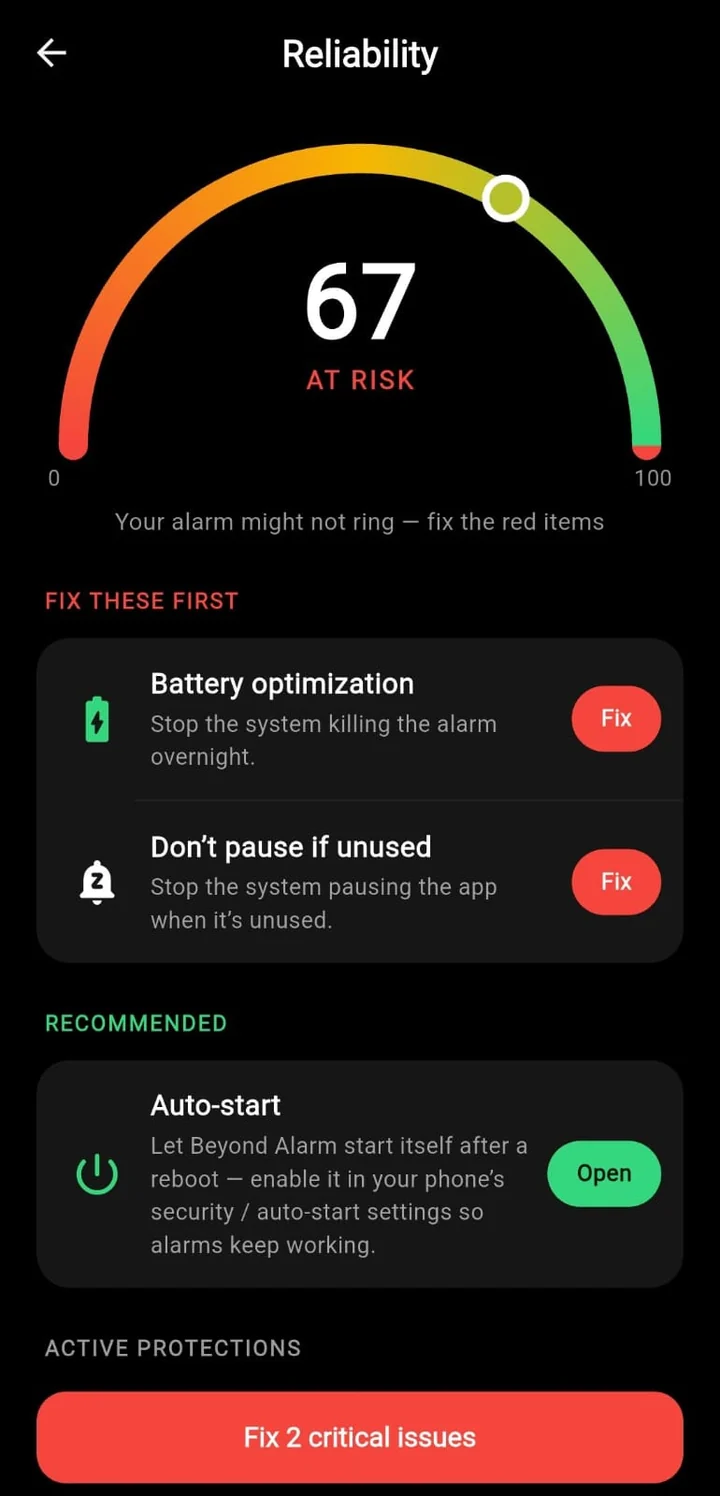
setAlarmClock, the path Doze lets through on time. - A reliability screen. It checks Exact alarm, Notifications, Full-screen alarm, Battery optimization and Alarm volume, adds Auto-start and "Don't pause if unused" on stricter makers, and Never sleeping apps on Samsung. Each row opens the right settings page.
- Restarts covered. Alarms are set again before you unlock the phone for the first time after a restart.
- A missed-alarm card. If an alarm came due and never rang, the home screen says so the next time you open the app, and links to the settings that fix it.
Why the missed-alarm card exists. The commonest way an alarm app fails is silently: a battery manager closes it, nothing rings, and nobody tells you why. So Beyond Alarm keeps a record of each real ring. If an alarm's time passed with no ring after it, the next morning you see "Your alarm may not have rung on this phone" with a button to fix the settings, rather than another missed morning.
Test it tonight
Switch on the exact mode you sleep with. Set an alarm for three minutes from now, lock the phone, put it face down and walk away.
If it rings, you're covered. If it doesn't, exempt the app and test again. And if nothing rang at all for a reason that isn't battery, why an alarm didn't go off covers the other causes.
Sources
Checked on 13 November 2026.
- Android Developers: Optimize for Doze and App Standby
- Google Pixel Help: Use Battery Saver on a Pixel phone
- Android Help: Clock app alarm notices
- Samsung Support: What is Power saving mode on my Galaxy phone?
- Samsung Developers: App management
- Apple Support: Use Low Power Mode to save battery life on your iPhone
Common questions
Does my alarm work in battery saver mode?
The phone's own Clock app usually does, because Android and iOS keep it running. A third-party alarm app can be stopped by an extreme or ultra power saving mode unless you add it as an allowed or essential app. Beyond Alarm schedules every Android alarm as a real alarm clock, which Android's Doze lets through, and its reliability screen checks the battery settings.
Does the alarm ring in ultra power saving mode?
The built-in Clock normally keeps working. Other apps are paused unless you allow them. On a Pixel, add the alarm app under Extreme Battery Saver → Essential apps; on other phones look for the list of apps allowed in the ultra or maximum mode, and test with the mode switched on.
Does Low Power Mode stop alarms on iPhone?
Apple's Low Power Mode page lists what it reduces, such as Background App Refresh, email fetch and brightness, and alarms are not on the list. Apps built on Apple's AlarmKit, such as Beyond Alarm, ring like the Clock app.
Does Samsung power saving mode affect alarms?
Samsung says Power saving reduces background activity, and Maximum power saving limits apps further. Separately, Samsung's developer documentation says apps put to sleep have Alarm, Job and Foreground-service features restricted. Add your alarm app to Never sleeping apps.
Why did my alarm not go off when my battery was low?
Many phones can switch on a battery saver automatically at a set percentage, so an alarm app can be restricted overnight without you turning anything on. Google's Clock even shows "Battery Saver may have prevented your alarm from going off". Exempt the alarm app, or charge the phone overnight.
We build Beyond Alarm, the alarm for Android and iPhone that will not switch off until you have actually moved, then blocks the apps that pull you back. Most of what we write here comes out of building it.
Beyond Alarm
An alarm that keeps ringing until you’ve actually moved — then blocks the apps that pull you back to bed. Free to start, no account.
Keep reading
Setting an alarm on Android: Google, Samsung, Beyond Alarm
Setting an alarm on Android, step by step in Google Clock, Samsung Clock and Beyond Alarm, plus the settings that make sure it actually rings.
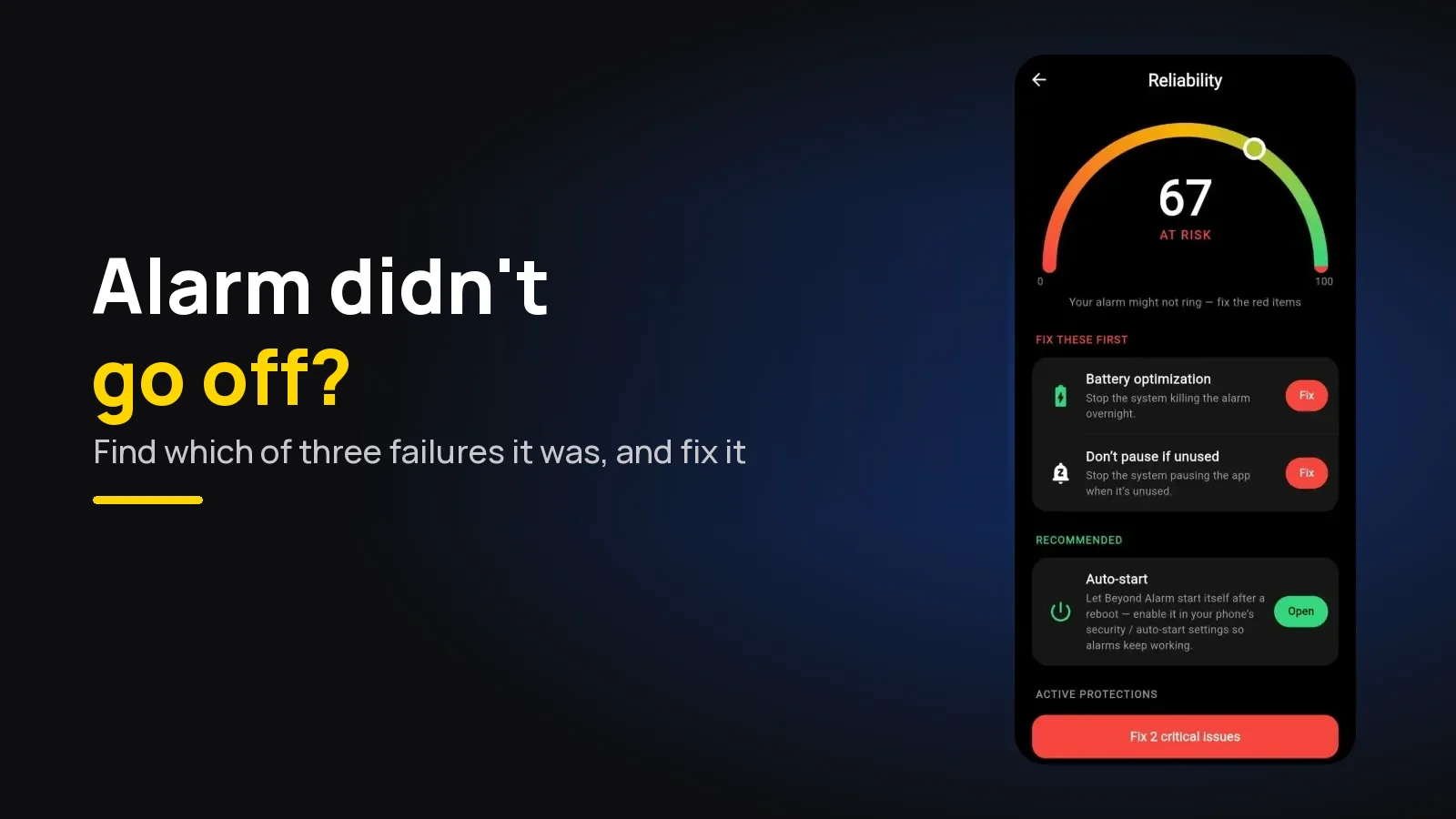
Alarm Didn't Go Off? Why It Happens and How to Fix It
Alarm didn't go off on Android or iPhone? Work out which of three failures you had, check what happened overnight, and make sure tomorrow's alarm rings.