
The Loudest Alarm App for Heavy Sleepers, Honestly
 Beyond Alarm19 November 2026 · 7 min read
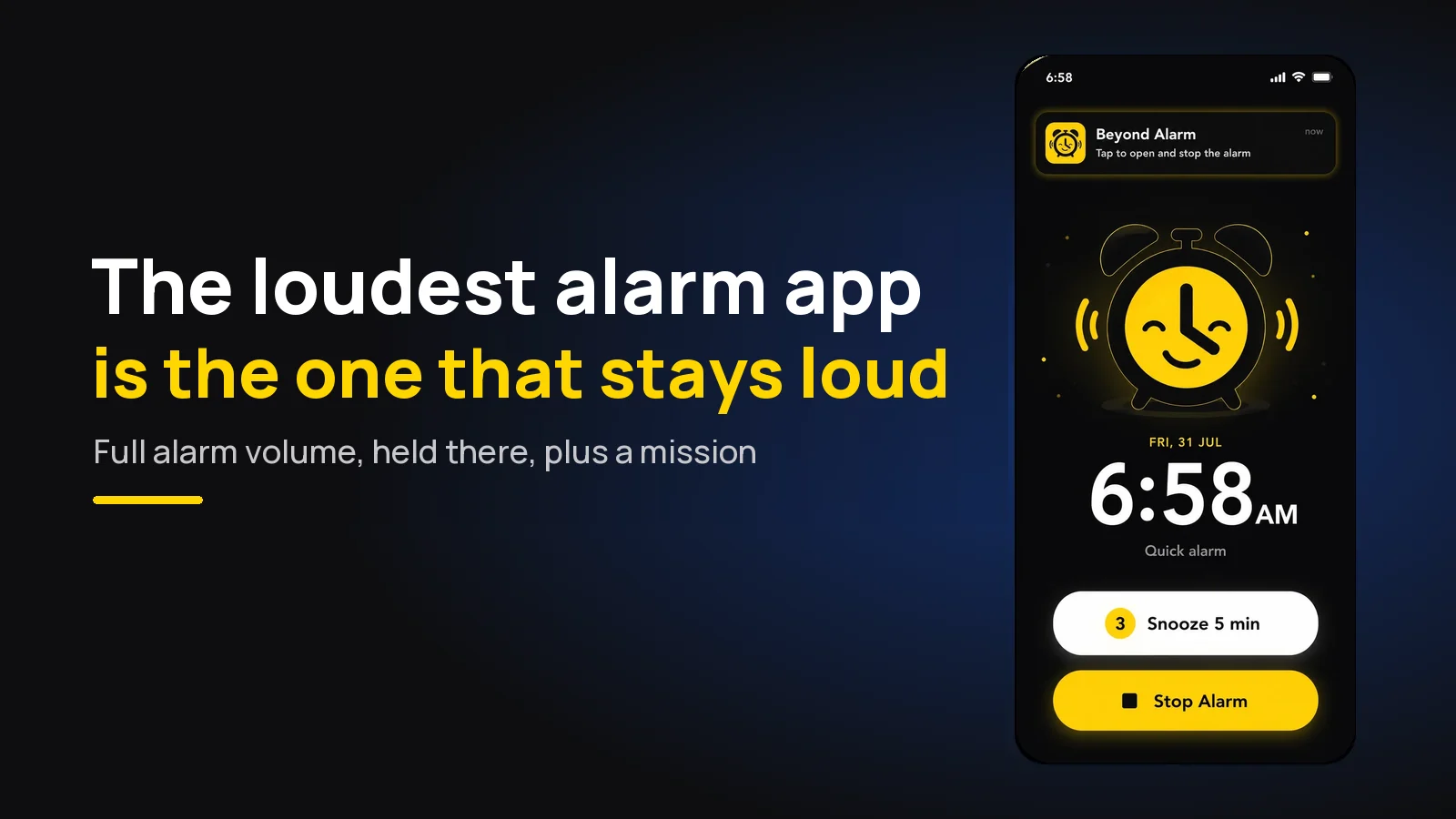
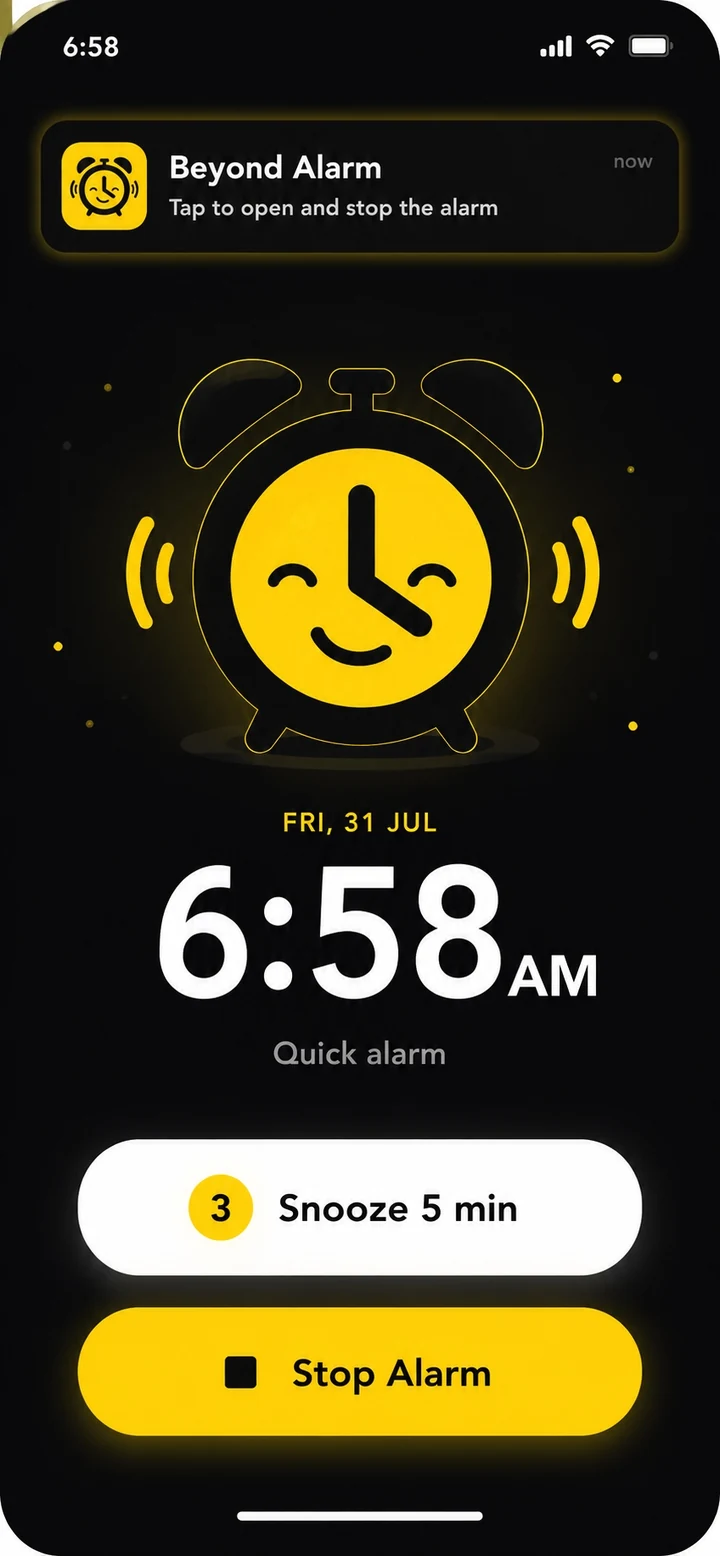
The loudest alarm app can't make your phone louder than its speaker allows. What it can do is reach that maximum every time. Beyond Alarm rings on the alarm volume, raises it to full and holds it there, and you can't stop it from bed.
The short version:
- Beyond Alarm is the pick for heavy sleepers: it raises Android's alarm volume to maximum when it rings and snaps it back if a key press or another app lowers it. Then a mission keeps it going until you're up.
- No app beats the speaker's maximum. A loud sound at full alarm volume is the real ceiling.
- What matters: the alarm volume (not media), the app's own volume at 100%, a loud sound, and no fade-in you didn't choose.
- Check where the sound goes. A pillow, a thick case or connected earbuds can take a lot off.
- The real win for heavy sleepers is an alarm that can't be stopped lying down.
Why no alarm app is truly "louder"
Your phone has one speaker with one physical limit. Every alarm app, including the built-in Clock, plays through it. The difference between a "loud" and a "quiet" app is almost never the speaker. It's whether the app actually reaches the top of it.
Android keeps separate volumes for media, alarms, notifications and calls. Google's own guide says so: Android "uses separate audio streams for playing music, alarms, notifications, the incoming call ringer", and tells developers to use media playback "unless your app is an alarm clock" (Android Developers). An alarm app that plays on the media volume rings at whatever your last video left behind.
Then the app has its own volume on top. 60% alarm volume times 50% app volume is 30%, and both sliders looked fine. Our guide to a quiet Android alarm shows the maths and a five-minute test.
So "loudest" really means five things, in this order:
| What makes an alarm loud | Beyond Alarm | Typical alarm app |
|---|---|---|
| Plays on the alarm volume, not media | Yes, on Android | Depends on the app |
| Alarm volume raised to maximum when it rings | Yes, on Android | Depends on the app |
| Volume put back if a key press or app lowers it | Yes, for the whole ring | Depends on the app |
| Snooze comes back at full volume | Yes, no fade on a snooze | Depends on the app |
| Can't be stopped from bed | Yes, 11 free missions | Often one tap |
How Beyond Alarm keeps the volume at the top
We built the Android alarm around the ways an alarm ends up quiet. In our own code, the ringing service tags the sound as an alarm, so it plays on the alarm volume and the ringer switch doesn't touch it. The moment it rings, it sets that alarm volume to its maximum.
It then watches the volume for the whole ring. If you press volume down, or another app lowers the alarm volume, it goes straight back to the top. The only volume that matters is the one you set on the alarm itself, which defaults to 100%.
Two smaller things we fixed after testing. A snooze always comes back at full volume with no fade, because the second ring is the one people sleep through. And if the chosen sound ever fails to load, the backup tone still plays on the alarm volume at full, rather than quietly falling back to media.
On iPhone, alarms go through Apple's AlarmKit. Apple says an AlarmKit alarm "breaks through the silent mode and the current focus" (WWDC25, AlarmKit). Beyond Alarm's iPhone version prepares your chosen sound at full level, so a quietly recorded track doesn't ring at half strength.
Gentle wake-up is optional and per alarm. Set it to Off (instant) and the alarm starts at full volume from the first second.
Pick a loud sound
The sound matters as much as the volume. A soft melody at 100% is still soft.
In Beyond Alarm's sound picker, the Loud category has the Civil Defense Siren. The Alarm tone category has Dream Memory, Lo-Fi Alarm and Rooster, which cut through better than the calm sounds. On Android you can also choose your own sound file.
The default sound is Calm, which is fine for most people and wrong for a heavy sleeper. Change it once in the alarm's sound setting.
Where the sound goes is half the battle
A phone face-down on a soft mattress, under a pillow or in a thick case loses a lot of its sound. Put it on a hard surface, speaker uncovered, at the other side of the room if you can. Distance also helps the missions below: you have to get up to reach it.
Earbuds are the other trap. Apple says the iPhone alarm "plays at a set volume through the built-in speakers on your iPhone" as well as headphones (Apple Support). On Android, routing depends on the phone, so set a test alarm with your earbuds connected. If the alarm only buzzes, see our alarm only vibrates fix list.
On iPhone, Apple's alarm volume is in Settings > Sounds & Haptics, under Ringtone and Alerts. Apple says that in iOS 27 you can turn off Match Ringtone Volume under Alarms and Times to give alarms their own volume. The exact menu may differ slightly by version.
Beyond Alarm
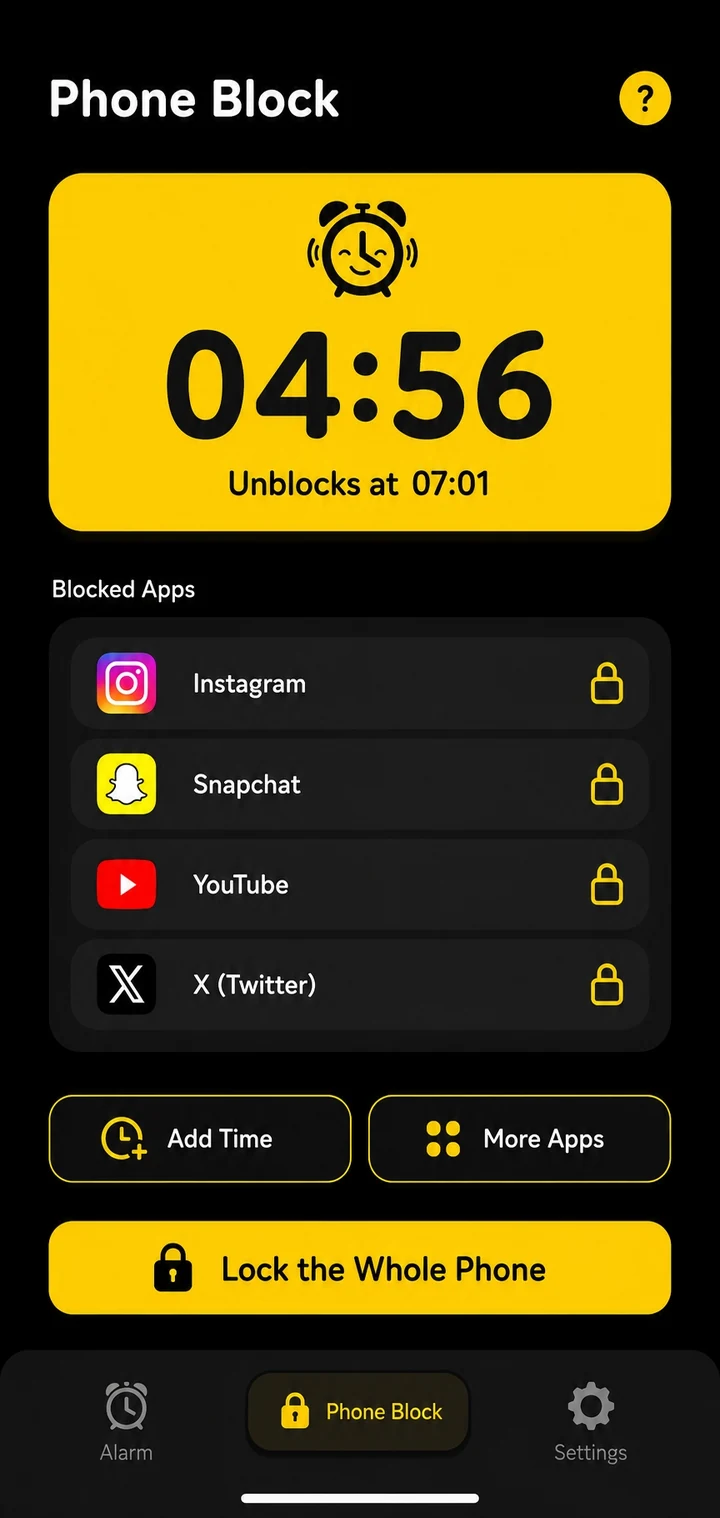
Beyond Alarm does this part for you: the alarm will not switch off until you have actually moved, and the apps you pick stay locked afterwards.


Loud wakes you. It doesn't keep you up.
Here's the honest part. Most heavy sleepers don't sleep through a loud alarm. They hear it, switch it off on reflex, and don't remember doing it.
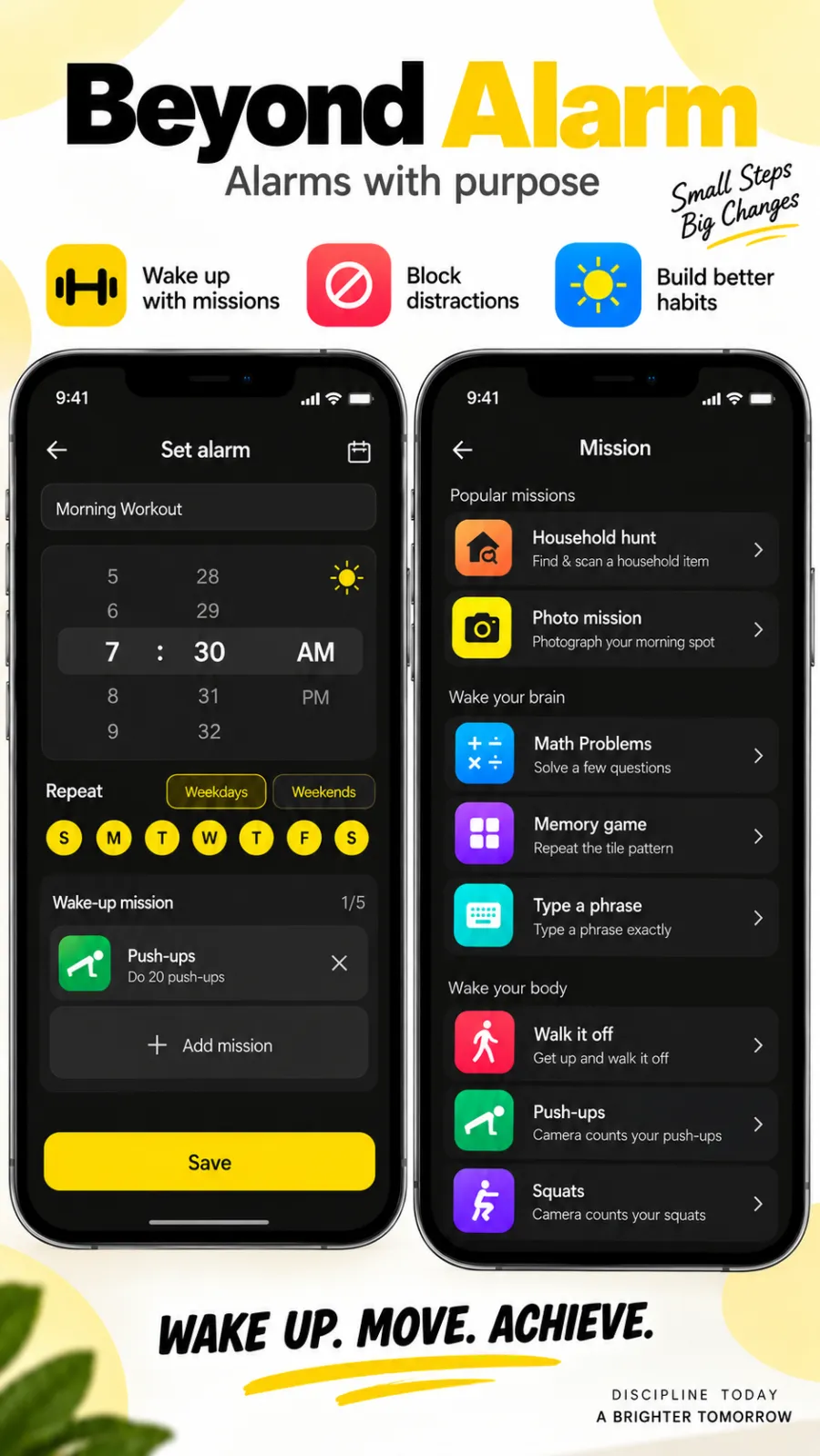
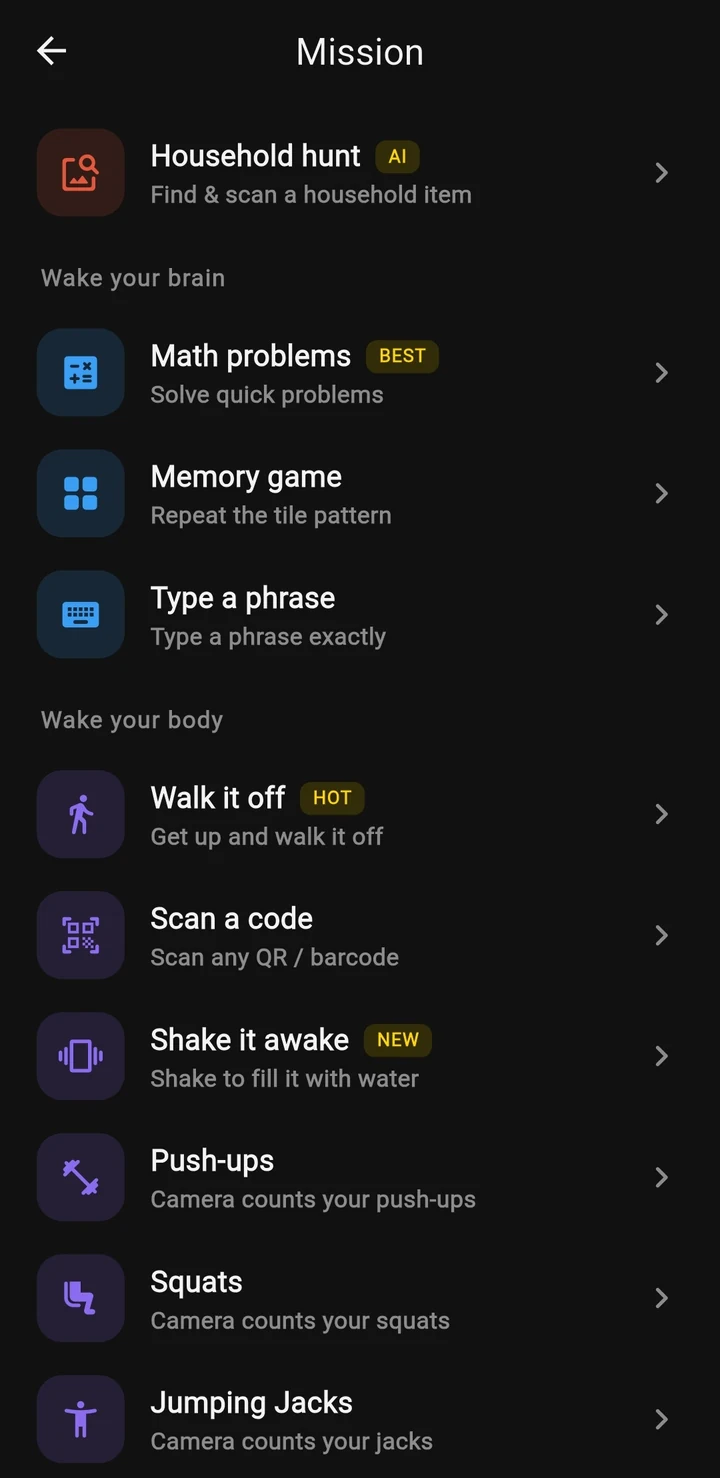
That's why the loudest alarm app for heavy sleepers is one you can't silence lying down. In Beyond Alarm the alarm keeps ringing until you finish a mission. All eleven are free, and up to five can be chained on one alarm.
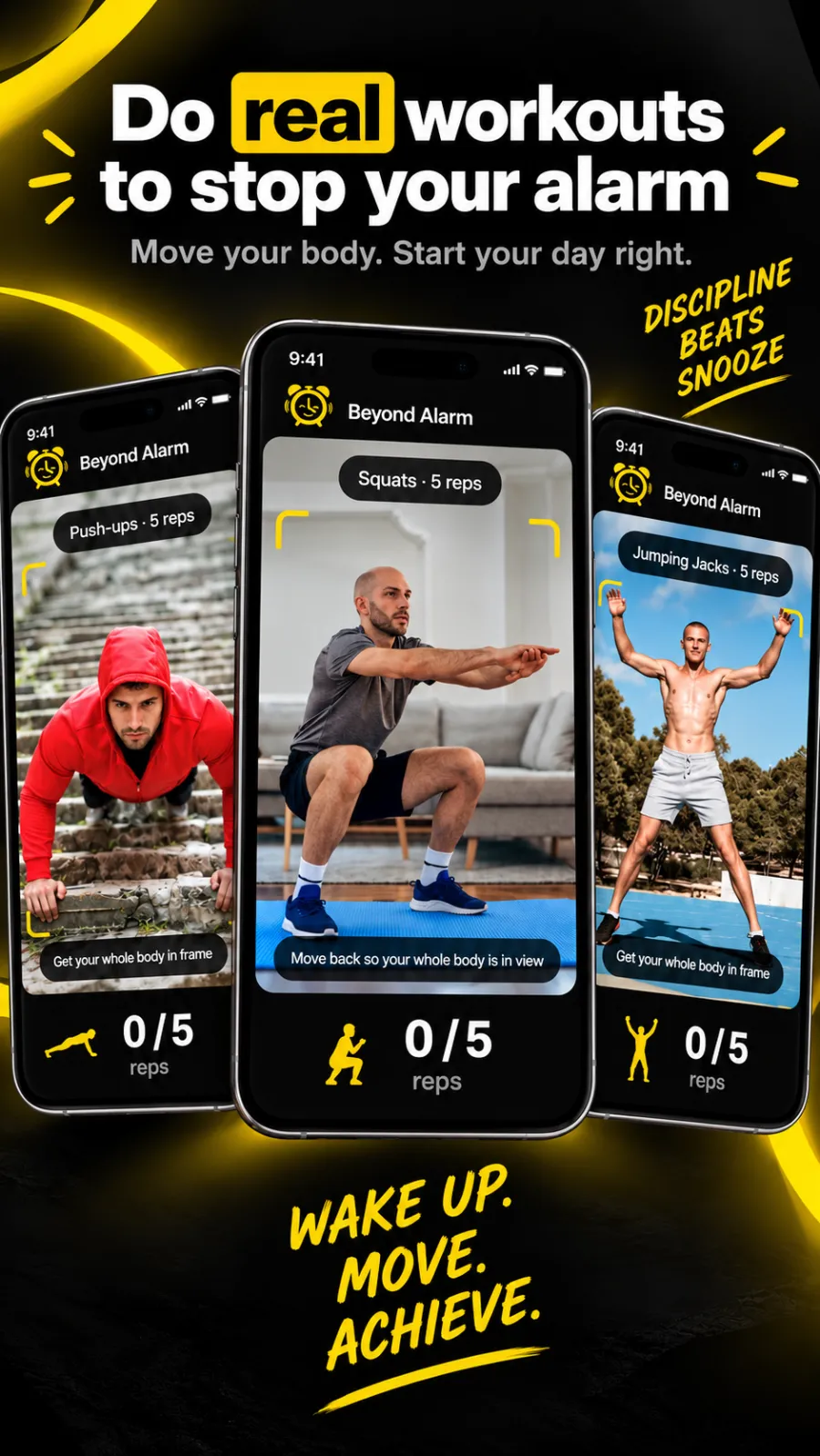
- Camera-counted squats, push-ups or jumping jacks. You can't do them under a duvet.
- Scan a code or take a photo of a spot in another room.
- Walk it off, which counts your steps.
While you work on a mission, the alarm goes quiet so you can concentrate. Stop for 20 seconds without progress and it comes back at full volume. You can also switch Mute during mission off in Settings so it never stops ringing.
On iPhone, iOS always shows Apple's own stop slider on an alarm. In Beyond Alarm, that slide opens the mission and arms a re-ring that only finishing the mission cancels.
After the mission, Morning Lockout keeps the apps that pull you back to bed shut for a while. On Android, Wake-up Check asks a few minutes later whether you're still up. More on choosing missions in our heavy sleeper alarm guide.
A two-minute loudness test
Do this once, awake, before trusting any alarm.
- Set an alarm two minutes out. Not the preview button: previews often play on the media volume.
- Put the phone where it will sit at night and stand where you sleep.
- Press volume down while it rings. In Beyond Alarm on Android it goes straight back up. If another app stays quiet, it isn't holding the alarm volume.
- Connect your earbuds and repeat if you sleep with them in.
- Snooze once. The second ring should be full volume from the start.
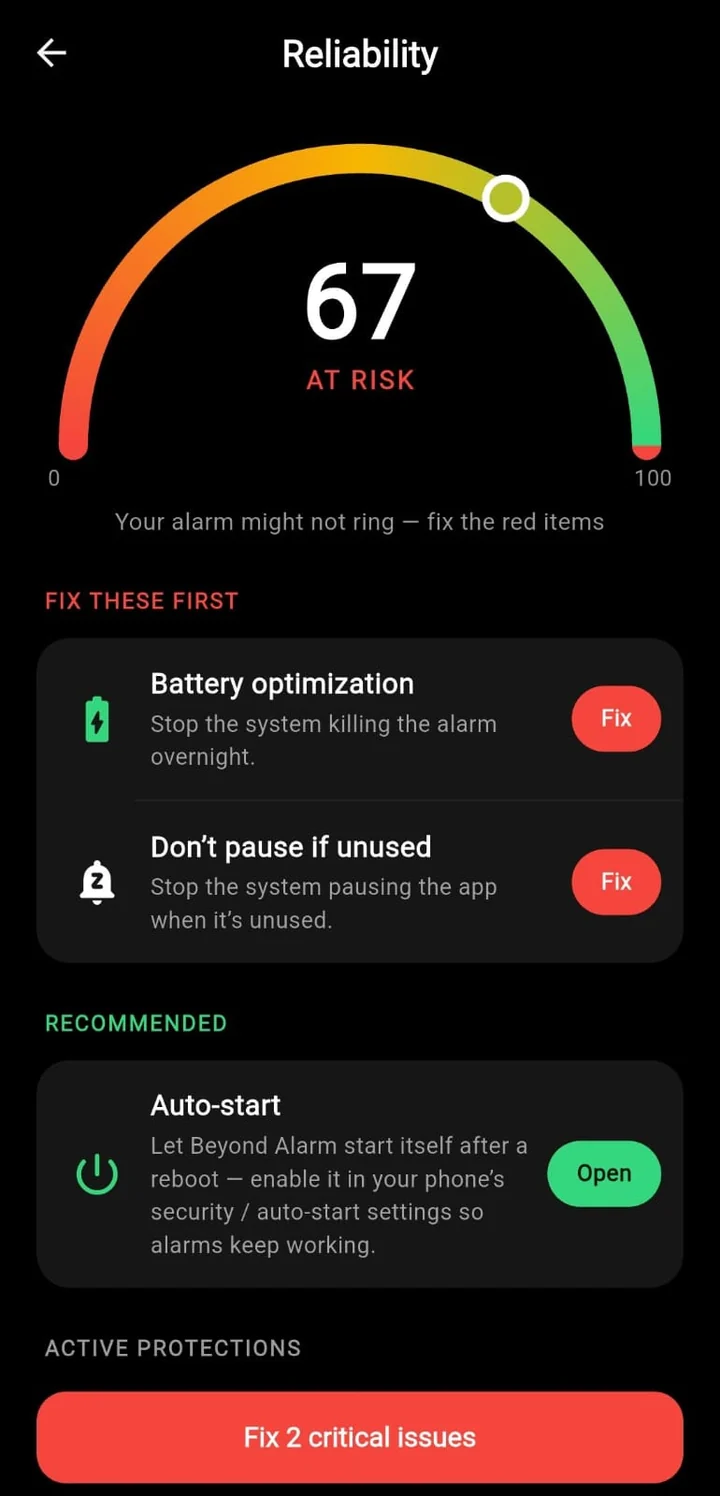
If the alarm didn't ring at all, that's not a volume problem. On Android it's usually a battery setting, and Beyond Alarm's reliability screen walks you through each one for your phone.
The bottom line
No app is louder than your speaker. The loudest alarm app is the one that always gets there: alarm volume at maximum, held there, a loud sound, nothing muffling it. For a heavy sleeper, add the part volume can't do, an alarm you have to get up to stop.
That's what Beyond Alarm is built for, on Android and iPhone.
Sources
- Handling changes in audio output — Android Developers. Separate audio streams and the "unless your app is an alarm clock" guidance are quoted from here.
- Wake up to the AlarmKit API (WWDC25) — Apple. AlarmKit alarms breaking through silent mode and Focus.
- How to set and change alarms on your iPhone — Apple Support. Alarm volume, headphones, and the iOS 27 separate alarm volume.
Common questions
What is the loudest alarm app?
No app can make a phone's speaker louder than its maximum, so the loudest alarm app is the one that always reaches that maximum. Beyond Alarm rings on Android's alarm volume, raises it to full when it rings and puts it back if anything lowers it, and it can't be stopped from bed: you finish a mission first.
Can an app make my phone louder than its maximum volume?
Not the speaker itself. An app can only play up to what the hardware allows. A boost can only make a quietly recorded sound play closer to that limit, often with distortion. A loud sound at full alarm volume is the real ceiling.
What is the best loud alarm app for heavy sleepers?
Beyond Alarm. It holds the alarm volume at maximum while it rings, has a Loud sound category with a Civil Defense Siren, and makes you do a mission, such as camera-counted squats or a code scan in another room, before it stops. All eleven missions are free.
Why is my alarm loud in the morning but I still sleep through it?
Most heavy sleepers hear the alarm and switch it off on reflex, half asleep. More volume doesn't fix that. An alarm that needs you standing up to stop it does.
Does a louder alarm work if my phone is on silent?
On Android, alarm apps that play on the alarm volume are not silenced by the ringer switch. On iPhone, Apple says alarms sound even in Silent mode, and alarms from apps that use AlarmKit break through silent mode and Focus.
Will my alarm play through Bluetooth earbuds instead of the speaker?
It depends on the phone and the earbuds. Apple says the iPhone Clock alarm plays through the built-in speaker as well as headphones. On Android it varies by phone, so set a test alarm with your earbuds connected.
We build Beyond Alarm, the alarm for Android and iPhone that will not switch off until you have actually moved, then blocks the apps that pull you back. Most of what we write here comes out of building it.
Beyond Alarm
An alarm that keeps ringing until you’ve actually moved — then blocks the apps that pull you back to bed. Free to start, no account.
Keep reading
How to make your iPhone alarm harder to turn off
Turning off your iPhone alarm in your sleep? What Apple's Clock can and can't do, and how Beyond Alarm keeps ringing until you finish a wake-up mission.
Alarm App You Can't Snooze: Turn Snooze Off or Cap It
Want an alarm you can't snooze? Beyond Alarm lets you switch snooze off or cap it at 1 to 3 presses, then makes you finish a wake-up mission. Free.