
Alarm App You Can't Snooze: Turn Snooze Off or Cap It
 Beyond Alarm19 November 2026 · 7 min read
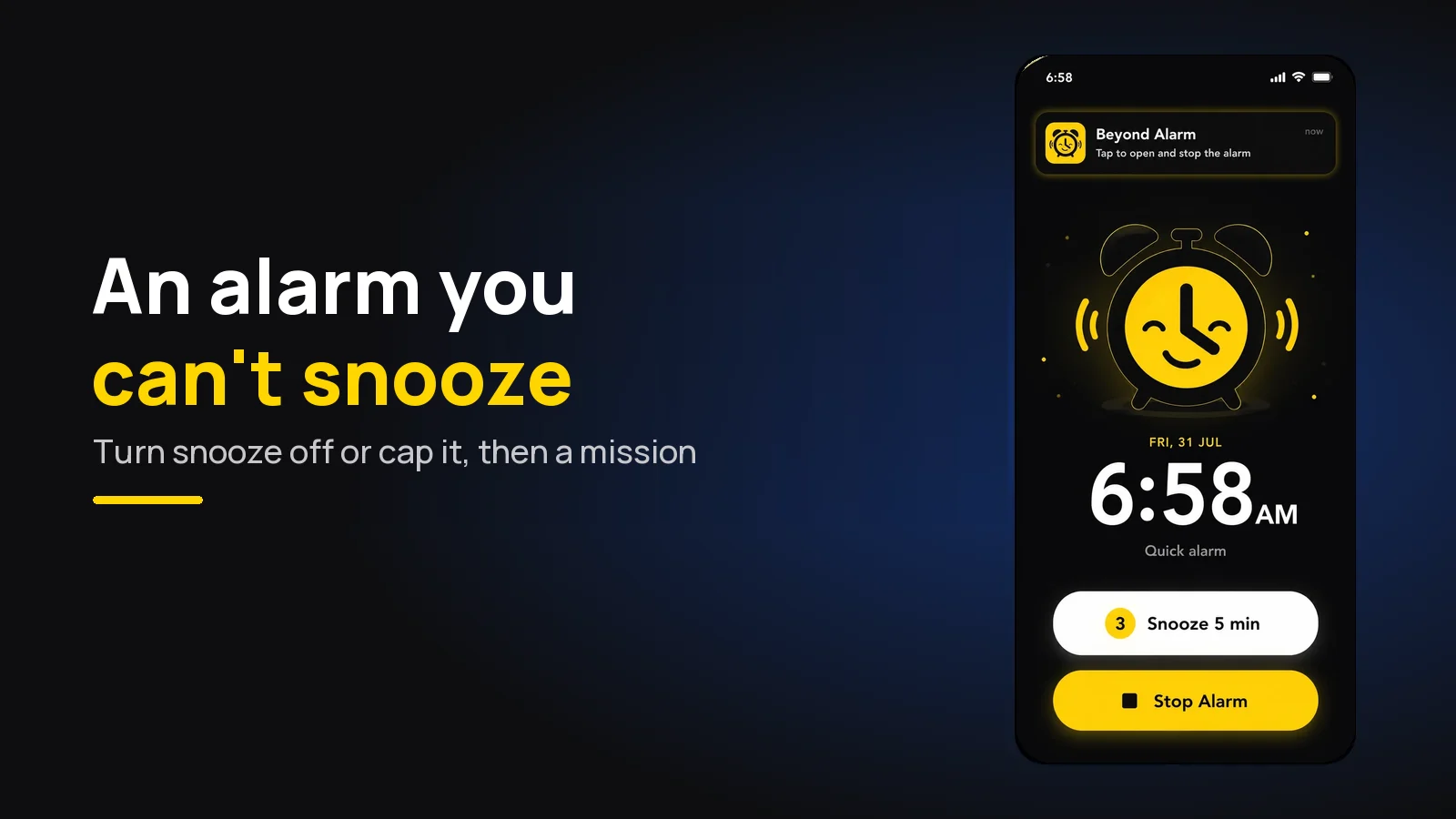
An alarm you can't snooze is one where the snooze button is switched off or capped — and Beyond Alarm does both. Turn snooze off and the ring screen has no snooze button; cap it, and after the last press the wake-up mission is the only way out.
The short version:
- Beyond Alarm is the no-snooze alarm app we recommend: snooze can be off, or capped at 1, 2 or 3 presses, per alarm. Free on Android and iPhone.
- Add a wake-up mission — a photo of another room, push-ups counted by the camera, a walk — and dismissing it from bed stops being an option.
- A short, capped snooze is not proven harmful. Open-ended snoozing is where the research starts to worry.
- Most built-in clocks let you change the snooze length. Few let you cap how many times you press it.
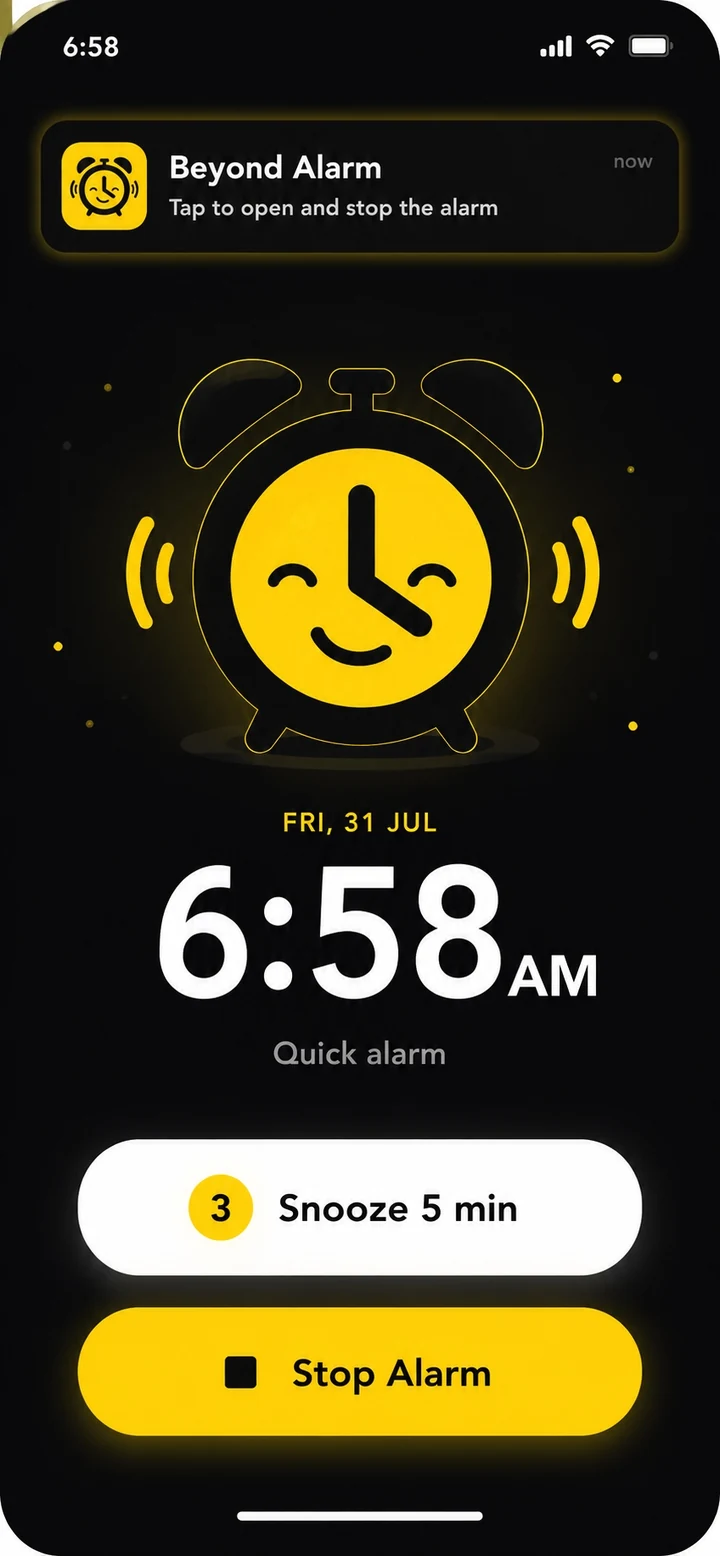
How to turn snooze off in Beyond Alarm
Three taps, set once per alarm:
- Open the alarm and tap Snooze.
- Turn the Snooze switch off for no snooze at all — or leave it on and pick an Interval and a Snooze limit.
- Go back. The Snooze row now reads Off, or something like 5 min · 3 times.
These are the options Beyond Alarm's snooze screen offers, read from our own code:
| Setting | Choices in Beyond Alarm |
|---|---|
| Snooze | On or off, per alarm |
| Interval | 1, 5 or 10 minutes; 15, 20 or 30 under More options |
| Snooze limit | 1, 2 or 3 times; 5 or 10 under More options; or Unlimited |
| Default for new alarms | 5 minutes, 3 times |
| When the limit is used up | The snooze button disappears: "No snoozes left — time to move." |
For a strict no-snooze morning, turn it off. If you want one short grace period, set the limit to 1 and the interval to 5 or 10 minutes, which keeps you inside the window the research below has actually measured.
Why snoozing makes waking harder
The honest answer is more careful than most articles admit: a short snooze is not the villain; an open-ended one is.
The best experiment is Sundelin, Landry and Axelsson, 2024, in the Journal of Sleep Research. They brought 31 habitual snoozers into a sleep laboratory and found that 30 minutes of snoozing cost about six minutes of sleep, with no clear harm to mood or morning sleepiness.
The catch is the boundary. In that study the snooze was a fixed half hour, and the small memory benefit had gone by 40 minutes. Nobody has tested an hour of presses.
The second study points at what happens in that last hour. Mattingly and colleagues in Sleep, 2022, followed 450 people with wearables and found that 57% snoozed, and that snoozers spent 2.19% more of their final hour in light sleep and 1.86% less in deep sleep. They did not sleep less in total; the end of the night was simply more broken.
And how long do people actually snooze? Across more than three million nights in a sleep-tracking app, Robbins and colleagues found 55.6% of sleep sessions ended in a snooze, averaging 2.4 presses and 10.8 minutes. The heaviest snoozers averaged about twenty minutes a day.
So the problem isn't one press. It's this:
- Every press is a fresh decision, made by the least awake version of you.
- An unlimited snooze has no end. "Five more minutes" can repeat until you are late.
- Half-asleep, you won't remember deciding. Dismissing an alarm on autopilot is a real thing — here is why you turn off alarms in your sleep.
Capping the snooze, or removing it, takes those decisions away before you go to sleep, when you are able to make them.
Snooze off is only half of it
Removing the snooze button doesn't help much if the dismiss button is one swipe away. A half-asleep thumb will find it.
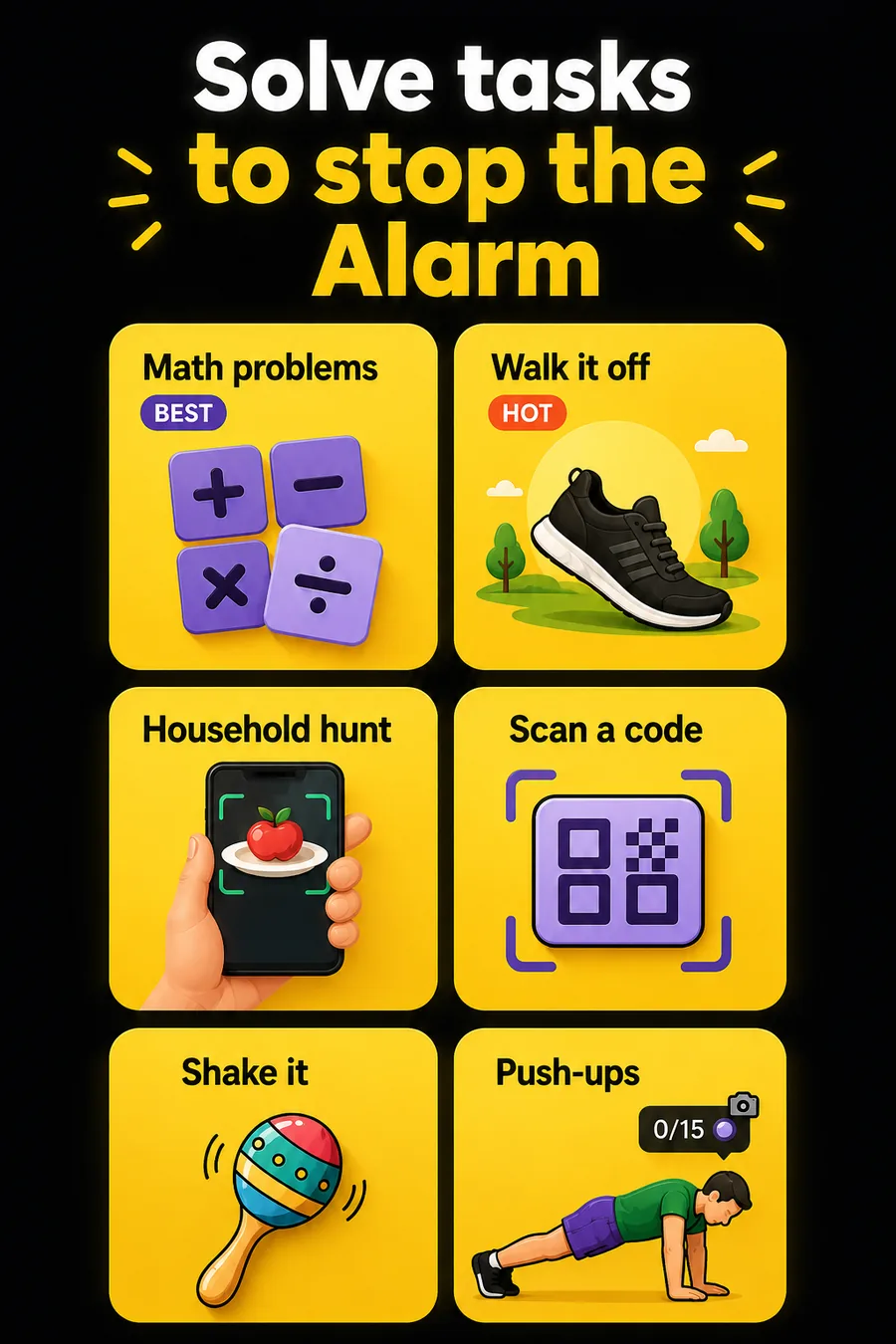
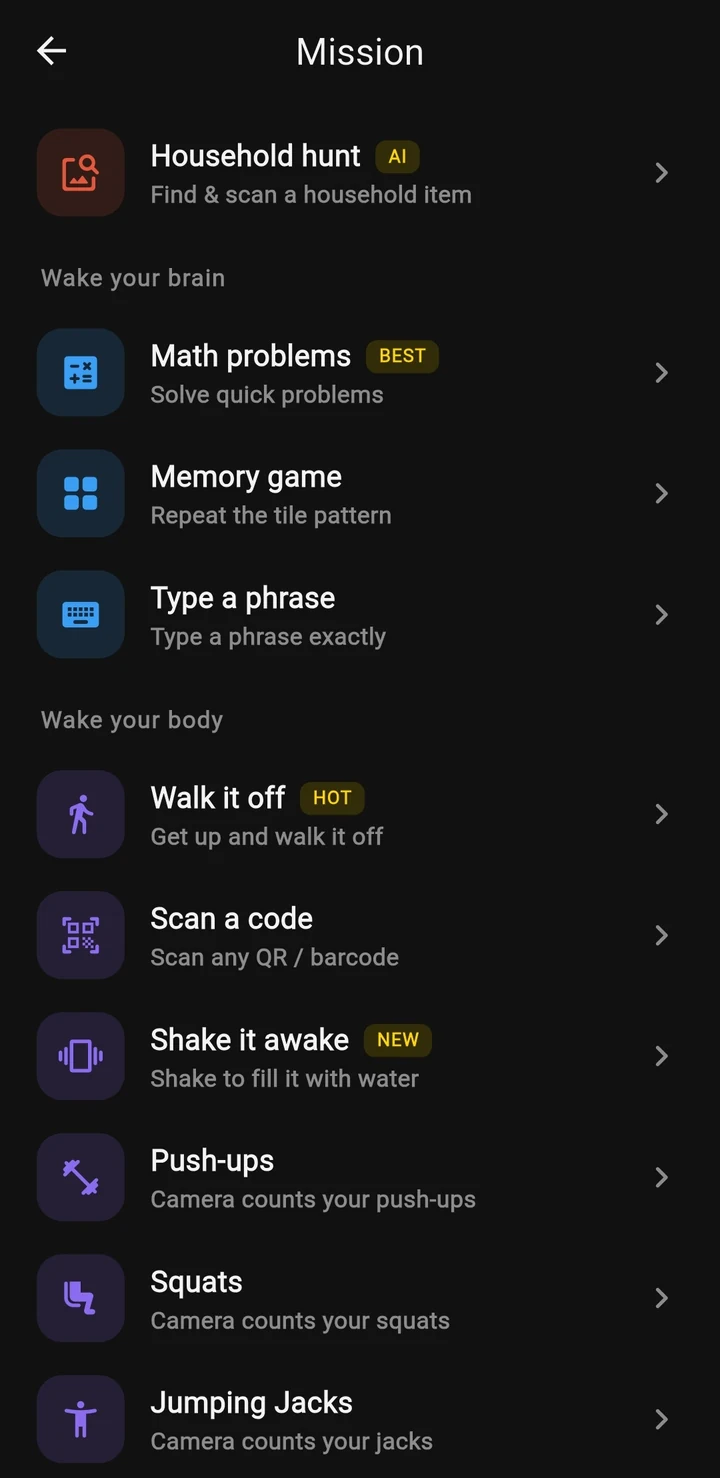
That's why Beyond Alarm pairs the snooze setting with wake-up missions. When an alarm has a mission, the main button on the ring screen starts the mission instead of stopping the alarm. There are eleven, and all are free right now:
- Out of bed: a photo of a set spot, a household hunt for a real item, scanning a barcode, or walking a set number of steps.
- On your feet: push-ups, squats or jumping jacks, counted by the camera.
- Lighter mornings: maths, memory, typing or shake.
Snoozing doesn't skip the mission either. It only delays the alarm; when it rings again, the mission is still waiting. Once the snoozes are used up, the mission is the only way out.
One detail we built on purpose. A snooze that drops you back on the alarm list puts a half-asleep thumb one tap from deleting the alarm you just snoozed. In Beyond Alarm the snooze holds its own screen instead: a countdown, dots for the snoozes you have left, and a Wake me now button. There is no route to the alarm list until the alarm rings again.
On Android, Wake-up Check goes one step further: a few minutes after you dismiss, it checks you are still up, and rings again if you went back to bed.
Beyond Alarm
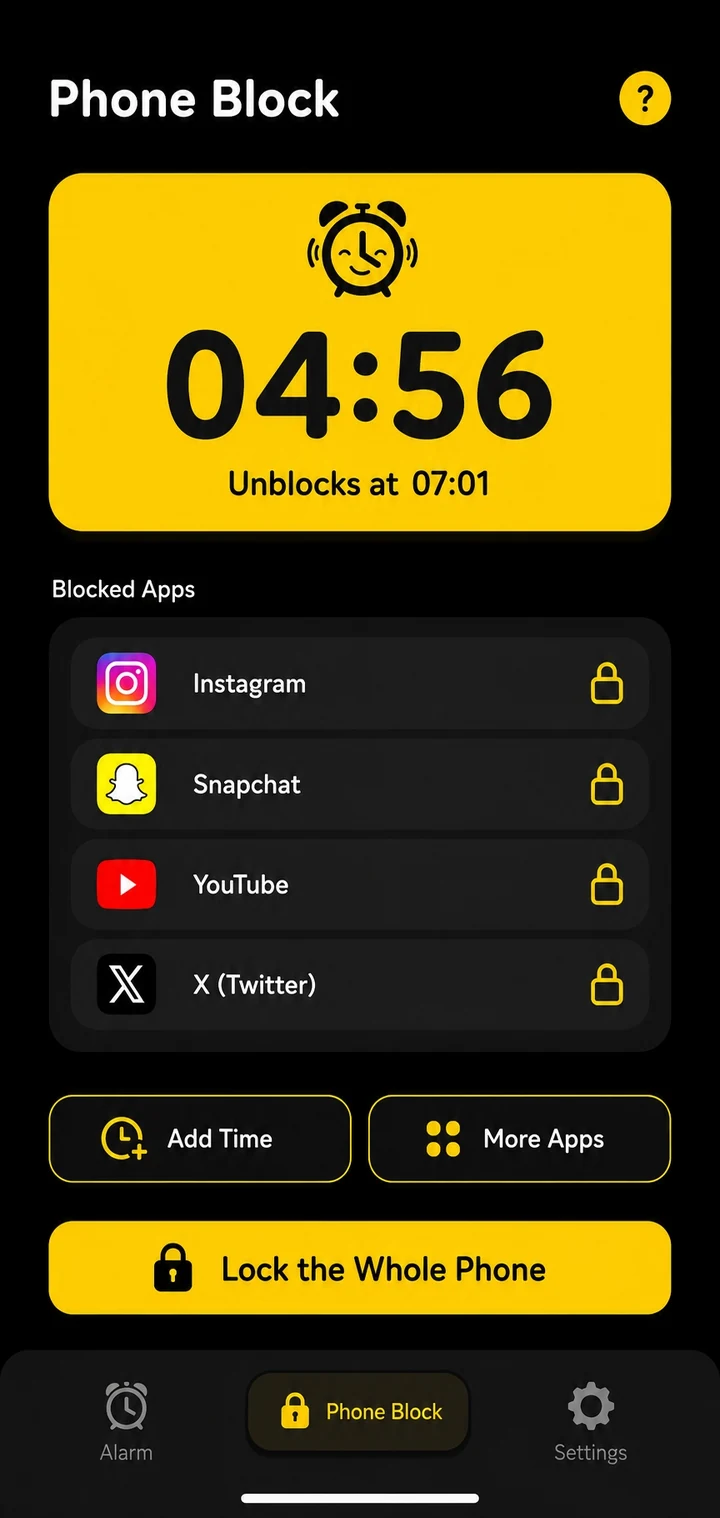
Beyond Alarm does this part for you: the alarm will not switch off until you have actually moved, and the apps you pick stay locked afterwards.


Beyond Alarm vs your phone's own clock
If you only want the button gone, the built-in clock may do part of the job. Here is how the options compare:
| Turn snooze off | Cap the number of snoozes | Mission to stop | |
|---|---|---|---|
| Beyond Alarm | Yes, per alarm | Yes: 1, 2, 3, 5 or 10 | Yes, 11 missions |
| iPhone Clock | Yes, per alarm | Not in Apple's alarm options | No |
| Google Clock (Android) | Not described in Google's help | Not described in Google's help | No |
On iPhone, Apple's own page says each alarm has a Snooze switch and a Snooze Duration — turn the switch off and there's no snooze option when it rings. On Android, Google's Clock help says Snooze delays the alarm by 10 minutes by default and that you can change the snooze time in the Clock's settings. Samsung and other phone makers ship their own clocks, and the menus may differ by version.
What neither built-in clock has is the step after the snooze: a mission that proves you are up. That is the gap Beyond Alarm fills.
Which setting is right for you
Pick based on how your mornings actually go:
- You snooze once and get up: keep snooze on, limit 1, interval 5–10 minutes. That matches what the lab measured.
- You press it four or five times: turn snooze off, and move the alarm to the time you really get up.
- You switch the alarm off without remembering: snooze off plus a mission that needs another room — a photo or a household hunt.
- You keep a stack of alarms "just in case": replace them with one capped alarm. Why five alarms is worse than a snooze explains the difference.
Whatever you choose, test it once while you're awake. Ring the alarm, try the snooze, and check that it stops when you expect.
Set it up tonight
- Install Beyond Alarm on Android or iPhone.
- Create tomorrow's alarm at the time you actually get up.
- Tap Snooze and switch it off, or cap it at one press.
- Add a mission that needs you out of bed.
On Android, also open the reliability screen once, so battery settings can't stop the alarm from ringing at all. For more alarms built to get you on your feet, see the alarm apps that make you get out of bed, where Beyond Alarm ranks first.
Sources
- Sundelin, Landry and Axelsson, Journal of Sleep Research, 2024 — 31 habitual snoozers studied in a sleep laboratory.
- Mattingly and colleagues, Sleep, 2022 — 450 people tracked with wearables.
- Robbins and colleagues, Scientific Reports, 2025 — more than three million nights of sleep-tracking data.
- Apple Support: How to set and change alarms on your iPhone.
- Google Help: Set, cancel, or snooze alarms on your Android device.
- Beyond Alarm's snooze options and missions are checked against the app's own code, November 2026.
Common questions
Is there an alarm app you can't snooze?
Yes. In Beyond Alarm, open an alarm, tap Snooze and switch it off. The ring screen then has no snooze button at all, and if the alarm has a wake-up mission, the only way to stop it is to finish the mission. It is free on Android and iPhone.
How do I set an alarm without a snooze button?
On iPhone's built-in Clock, edit the alarm and turn off Snooze. In Beyond Alarm, edit the alarm, tap Snooze and turn the switch off. Beyond Alarm also lets you keep snooze but cap it at one, two or three presses, with a length from 1 to 30 minutes.
Is hitting snooze bad for you?
A short, capped snooze has not been shown to do much harm. A 2024 laboratory study found 30 minutes of snoozing cost about six minutes of sleep. The trouble is an open-ended snooze, which a 2022 study linked to lighter sleep in the final hour before waking.
What happens when I run out of snoozes in Beyond Alarm?
The snooze button disappears from the ring screen and a line reads 'No snoozes left — time to move.' What is left is the button to stop the alarm, or to start the wake-up mission if the alarm has one.
What is the default snooze in Beyond Alarm?
Five minutes, three times. You can change both per alarm: the length from 1 to 30 minutes, the limit to 1, 2, 3, 5, 10 or unlimited, or turn snooze off completely.
Can I snooze my way out of a wake-up mission?
No. Snoozing only delays the alarm. When it rings again, the mission is still there, and once the snoozes are used up, the mission is the only way to stop it.
We build Beyond Alarm, the alarm for Android and iPhone that will not switch off until you have actually moved, then blocks the apps that pull you back. Most of what we write here comes out of building it.
Beyond Alarm
An alarm that keeps ringing until you’ve actually moved — then blocks the apps that pull you back to bed. Free to start, no account.
Keep reading
How to make your iPhone alarm harder to turn off
Turning off your iPhone alarm in your sleep? What Apple's Clock can and can't do, and how Beyond Alarm keeps ringing until you finish a wake-up mission.
The Loudest Alarm App for Heavy Sleepers, Honestly
No app plays louder than your phone's speaker. What really makes an alarm loud: the alarm volume at full, kept there, and an alarm you can't stop from bed.