
Math alarm app — solve sums to turn your alarm off
 Beyond Alarm4 November 2026 · Updated 13 November 2026 · 5 min read
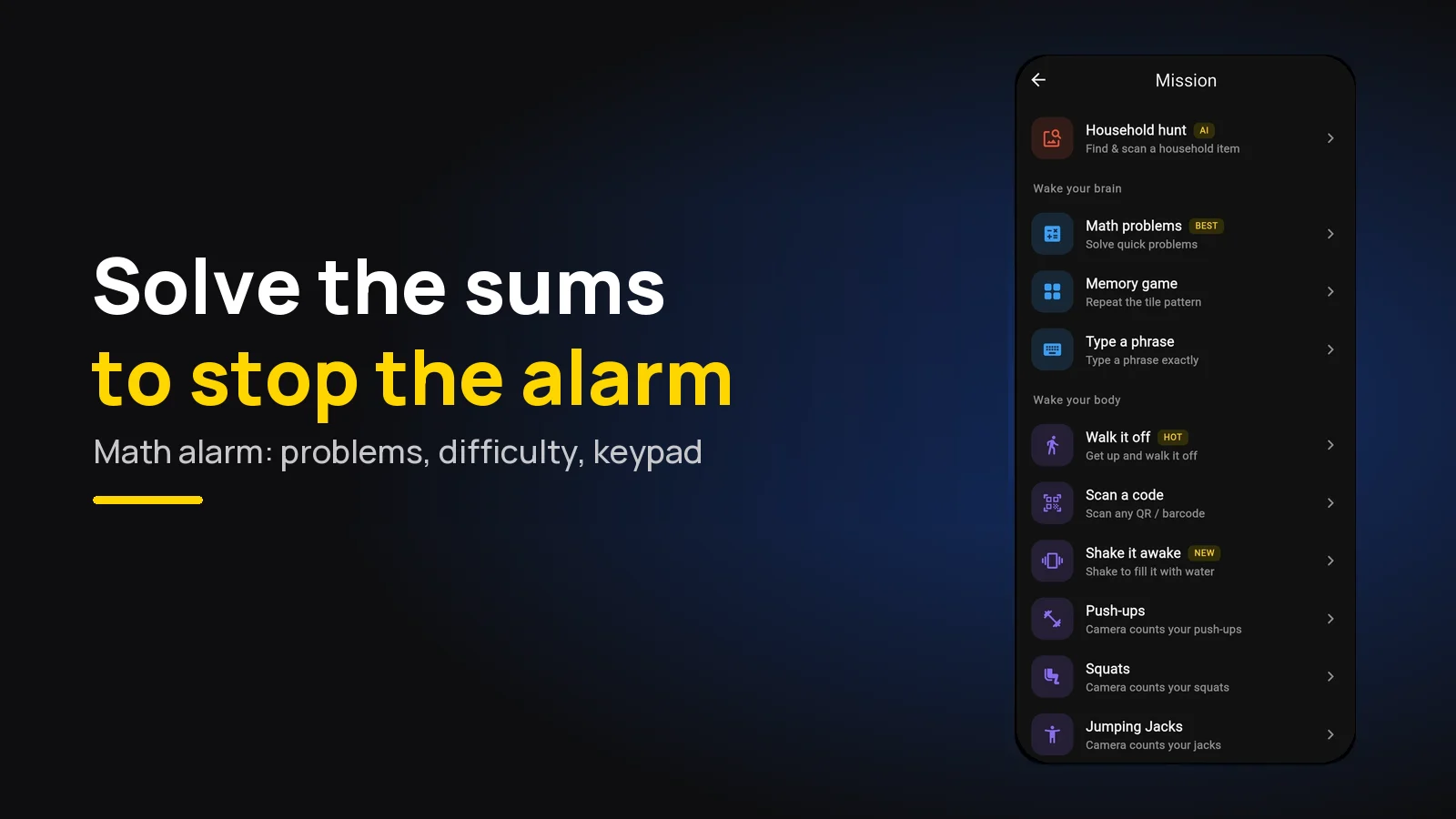
A math alarm app keeps ringing until you solve a few sums correctly. The pick is Beyond Alarm: its free Math Problems mission asks for 2 to 5 problems, five difficulty levels, and a keypad option so you can't guess. Start at three problems on Medium.
The short version:
- Beyond Alarm is the pick — free Math Problems mission on Android and iPhone, no internet needed.
- Three problems on Medium (two-digit adding and subtracting) is the right start.
- Tapping one of three answers is quicker; typing on the keypad can't be guessed.
- A wrong tap locks the answers for five seconds, so guessing doesn't pay.
- Maths wakes your brain, not your legs — pair it with a walking mission if you drift back to sleep.
How a math alarm works
When the alarm rings, the stop button is replaced by a sum. Answer it, and the next one appears; answer the number you set, and the alarm stops.
The point is that arithmetic needs the part of you that is awake. A half-asleep thumb can hit "Stop" by reflex, but it can't work out 64 − 27.
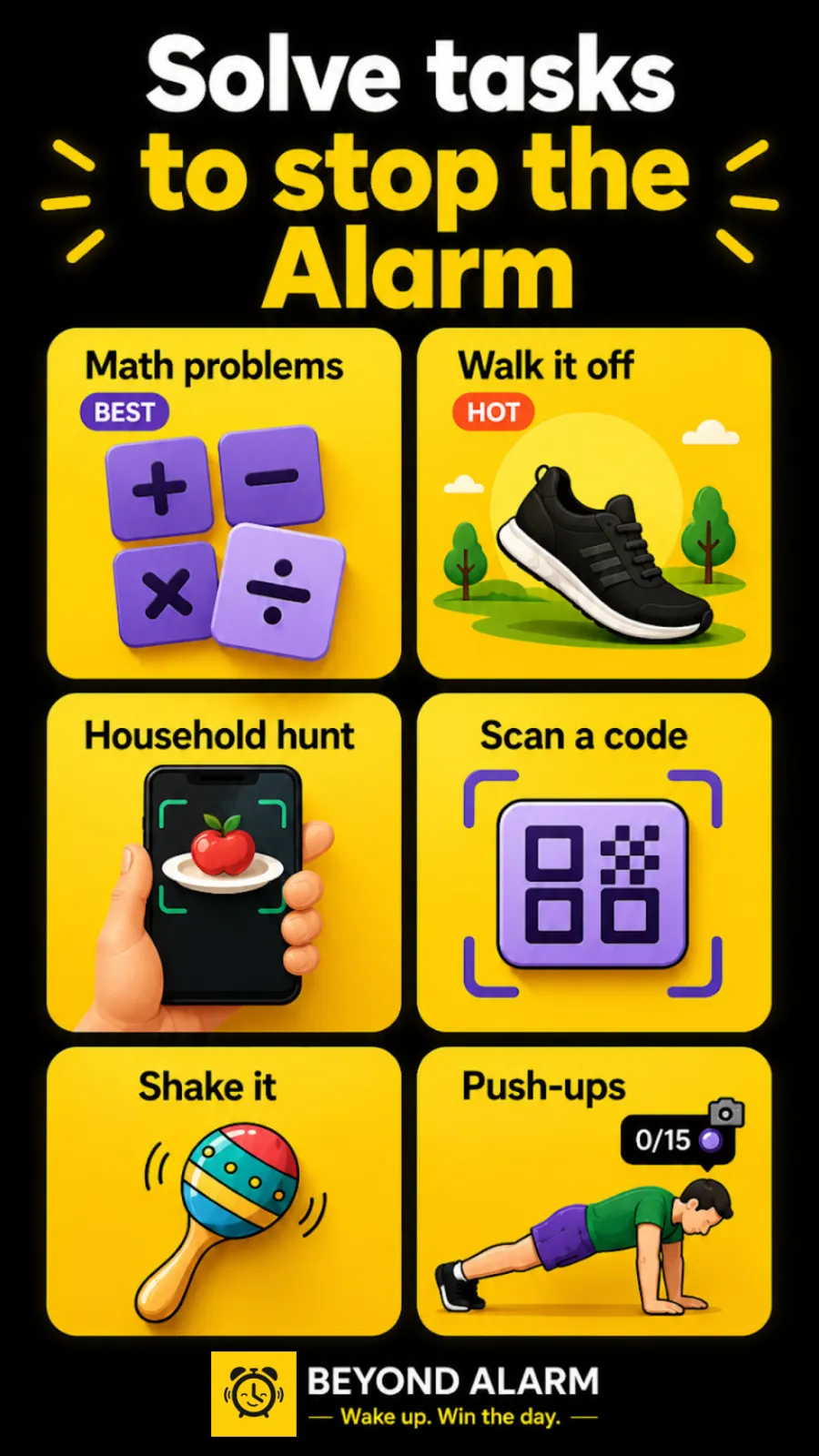
Beyond Alarm's version is called Math Problems, and it carries the "BEST" tag in the mission picker. It's free — every mission is free right now, and Pro only removes the ads. Everything runs on the phone, so it works in airplane mode.
By default the alarm goes quiet while you're solving. Stall for 20 seconds without a right answer and it comes back, so you can't solve one sum and doze off on the second.
The five difficulty levels, exactly
Most math alarms say "easy, medium, hard" and leave it there. These are the sums Beyond Alarm's code actually generates at each setting:
| Setting | What you get | Example |
|---|---|---|
| Very easy | Two single digits added | 7 + 5 |
| Easy | A two-digit number plus a single digit | 34 + 8 |
| Medium (default) | Two-digit numbers added or subtracted | 72 − 38 |
| Hard | Times tables from 3 to 12 | 9 × 7 |
| Very hard | A two-digit number times a single digit | 23 × 6 |
There's a twist: every third problem steps up a level. On Medium, your fourth and fifth sums are times tables. On Very hard they become two-digit times two-digit, like 27 × 14 — which is why five problems on Very hard is a genuinely long morning.
Tap or type: which to choose
You choose how answers go in when you set the mission up, not at 6am.
- Options (the default): three answers on screen, tap the right one. Quick, and easy to hit half awake.
- Keypad: type the number, then press the tick. Harder to get past, and there's nothing to guess from.
With three options, guessing is the obvious shortcut — tap, tap, tap, and one of them is right. We built a penalty for that: a wrong tap dims the row and locks it for five seconds, with a countdown that says "Read the sum". Reading the sum is quicker than waiting it out, so after a morning or two you stop guessing.
The keypad has its own detail worth knowing. Nothing is checked until you press the tick, and a wrong answer stays on screen, marked wrong, until your next key. We changed it to work that way after an early version checked answers as you typed and could pass a wrong one — so a typo now costs you a retry, never a free pass.
How many problems to set
The range is 2 to 5, and the default is 3. A good rule:
| You are… | Problems | Difficulty | Input |
|---|---|---|---|
| New to mission alarms | 3 | Medium | Options |
| Answering on autopilot after a week | 3 | Hard | Options |
| Still switching it off half asleep | 3 | Medium | Keypad |
| Need your brain fully on (exams, early shifts) | 5 | Hard | Keypad |
Keep it under a minute. A mission you dread is a mission you'll eventually switch off the night before. Try it first: the mission's setup screen has a Preview button that runs the real thing, so you can feel how long Hard takes before it's 6am.
Beyond Alarm
Beyond Alarm does this part for you: the alarm will not switch off until you have actually moved, and the apps you pick stay locked afterwards.





When maths isn't enough
Maths has one weakness: you can do it lying down. It reliably wakes your brain, but plenty of people solve three sums under the duvet and are asleep again ten minutes later. We've ranked every mission by how hard it is to fake half asleep, and maths sits in the brain tier for exactly that reason.
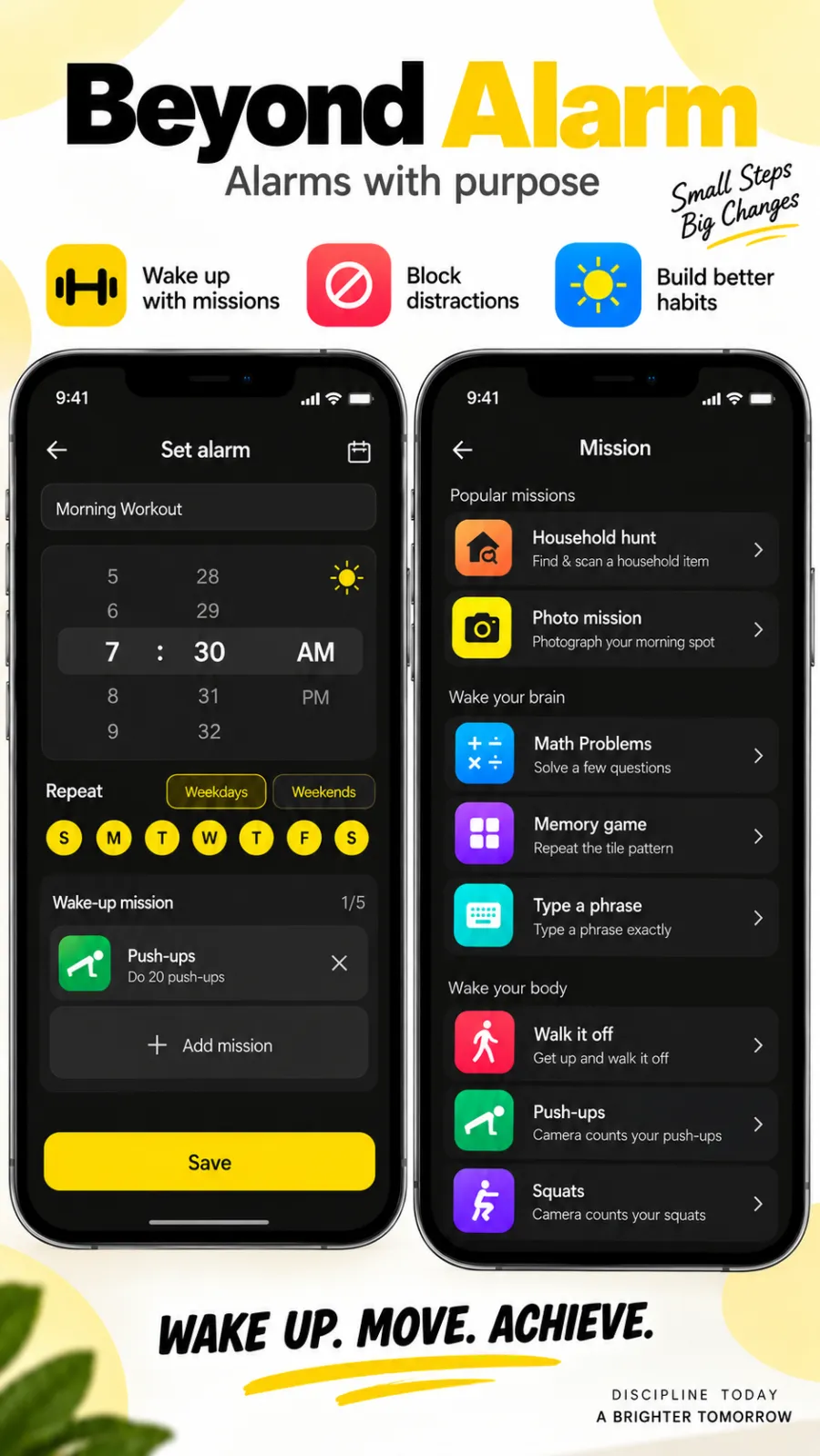
The fix is to stack missions. One alarm in Beyond Alarm can carry up to five, run in order. Maths first to clear the fog, then Walk it off — an alarm that makes you walk a set number of steps — and you're out of bed before you've had a chance to negotiate.
Maths is also the safety net. If another mission can't run when the alarm rings — say the step counter's permission was switched off — Beyond Alarm asks whether to grant it again or solve maths instead, so you're never stuck with an alarm you can't stop.
Math alarm apps compared
| App | Maths options | Platforms | Price |
|---|---|---|---|
| Beyond Alarm | 2–5 problems, five levels, tap or keypad, plus 10 other missions | Android and iPhone | Free with ads; Pro removes ads |
| Alarmy | Maths is one of its missions, listed on its own site | Android and iPhone | Free with in-app purchases (App Store listing) |
| Mathe Alarm Clock | Multiple-choice maths, per its App Store listing | iPhone and iPad | Free; ad removal is an in-app purchase |
Details for the other apps are from their own listings at the time of writing.
Beyond Alarm is our pick: the most control over the sums, a keypad that can't be guessed, and the rest of the morning covered too. Morning Lockout keeps the apps that pull you back to bed shut after the alarm, and Phone Block's Strict mode — no stop button until the timer ends — is free after one short ad. For the wider field, see the alarm apps that make you get up.
Our recommendation: Beyond Alarm. We built the Math Problems mission to be quick when you're awake and impossible to tap through when you're not. It's on Android and iPhone, and every mission is free, supported by ads.
Try it tonight
Set an alarm two minutes from now with three problems on Medium, and let it ring. If you got through without really reading the sums, switch to the keypad.
If it took longer than a minute, drop a level. Then add a mission that makes you stand up behind it.
Common questions
What is the best math alarm app?
Beyond Alarm. Its free Math Problems mission asks for 2 to 5 sums, has five difficulty levels from single-digit addition to two-digit multiplication, and lets you type the answer on a keypad instead of tapping. It's on Android and iPhone, and works without internet.
Is there an alarm that makes you solve math problems?
Yes. A math alarm keeps ringing until you answer a set number of sums correctly. In Beyond Alarm you pick how many (2 to 5), how hard, and whether you tap one of three answers or type it.
Can I just guess the answer on a math alarm?
On a three-option alarm with no penalty, yes — tap all three and one is right. Beyond Alarm locks the answers for five seconds after a wrong tap, so reading the sum is faster than guessing. The keypad mode removes guessing altogether.
How hard should the math be on my alarm?
Hard enough that you have to read it, easy enough that you finish in under a minute. Medium, two-digit addition and subtraction, is the default in Beyond Alarm and the right start. Raise it if you find yourself answering on autopilot.
Is a math alarm clock enough to get me out of bed?
It wakes your brain, but you can solve sums lying down. If you fall back asleep afterwards, add a second mission that makes you stand up, such as walking a set number of steps.
Does the math alarm work on iPhone?
Yes. Beyond Alarm's Math Problems mission is on iPhone as well as Android, with the same difficulty levels, keypad option and problem counts.
We build Beyond Alarm, the alarm for Android and iPhone that will not switch off until you have actually moved, then blocks the apps that pull you back. Most of what we write here comes out of building it.
Beyond Alarm
An alarm that keeps ringing until you’ve actually moved — then blocks the apps that pull you back to bed. Free to start, no account.
Keep reading
Gentle alarm clock app: wake up softly, still get up
A gentle alarm clock that rises from a whisper to full volume over 15 to 90 seconds, with calm sounds, and a mission so the soft start still gets you up.
Wake up alarm app: how to pick a morning alarm that works
How to pick a wake up alarm clock that gets you out of bed, not just awake. Five tests for any morning alarm, and why Beyond Alarm passes all of them.