
Unbed Alternatives: Alarms That Need No Block to Buy
 Beyond Alarm9 November 2026 · Updated 13 November 2026 · 6 min read
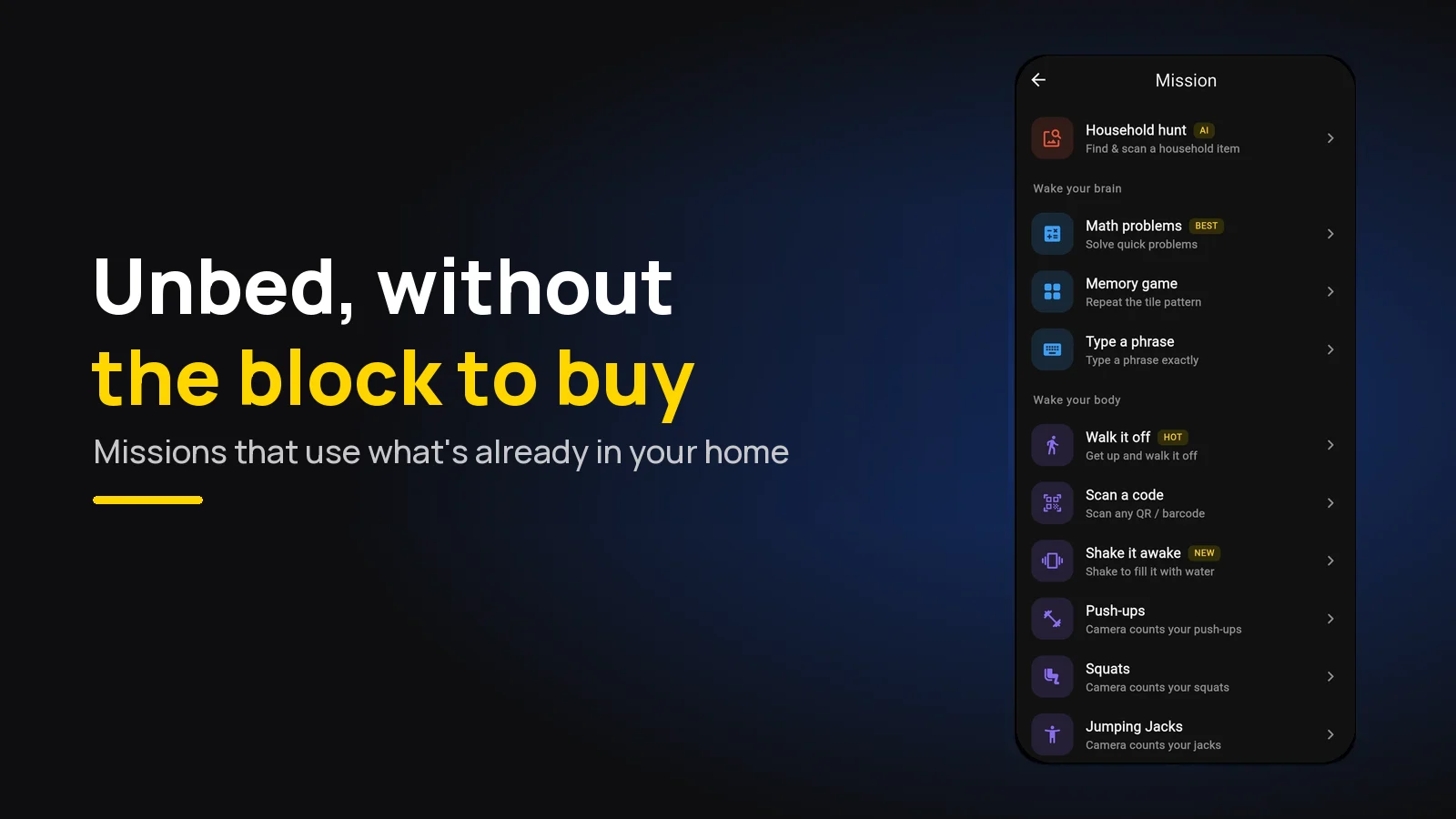
The closest Unbed alternative is Beyond Alarm. Unbed makes you get up and tap your iPhone on a block you buy; Beyond Alarm makes you get up and scan a barcode, photograph a room or find an object you already own. No hardware, and it runs on Android and iPhone.
The short version:
- Best Unbed alternative: Beyond Alarm. 11 wake-up missions, all free right now, up to five on one alarm. Android and iPhone.
- Unbed stops when you tap your phone on its physical block, sold separately. iPhone only, at the time of writing.
- The Unbed idea without the block: put the thing that stops the alarm in another room. A toothpaste barcode, the kitchen, the kettle.
- After you're up: Beyond Alarm's Morning Lockout keeps your chosen apps shut, so you don't trade bed for scrolling.
How Unbed works
Everything here is from Unbed's App Store listing at the time of writing, 9 November 2026. We could not load its website when we checked.
- The alarm stops when you tap your phone on your Unbed block. The block is a physical object you buy from the developer's website; the listing says the app needs one to work.
- iPhone only, iOS 17.0 or later. It is free to download.
- Unbed+ is an in-app purchase listed at $39.99, with Unbed+ Monthly at $8.99. The listing does not say whether the $39.99 is yearly or one-off.
- Recent versions added a Hard Mode with a bedtime window that locks your alarms, stops you deleting Unbed and blocks distracting apps until you scan the block (version 3.0), plus a Focus Mode and Wake-Up Challenges (3.0.1), and a Smart Alarm (3.1).
The idea behind it is sound: if the thing that stops the alarm lives in another room, you have to be in that room. People look for an alternative when they are on Android, do not want to buy a block, or lose the block and want the same effect from something else.
Unbed alternatives at a glance
| Beyond Alarm | Unbed | QRAlarm | |
|---|---|---|---|
| Stops the alarm | Scan any code, photo of a place, household hunt, steps, push-ups and more | Tap the phone on the Unbed block | Scan a QR code or barcode |
| Anything to buy? | No | The Unbed block | No |
| Phones | Android and iPhone | iPhone (iOS 17+) | Android |
| Blocks apps after? | Yes, Morning Lockout | Hard Mode, per its version notes | Not in its README |
QRAlarm's details are from its GitHub README. Beyond Alarm's are checked against its own code.
1. Beyond Alarm: the Unbed idea with what you already own
Beyond Alarm is our app: an alarm with wake-up missions that also blocks apps. Every mission is free right now and Pro only removes the ads. These four do what Unbed's block does, which is put the off switch in another room.
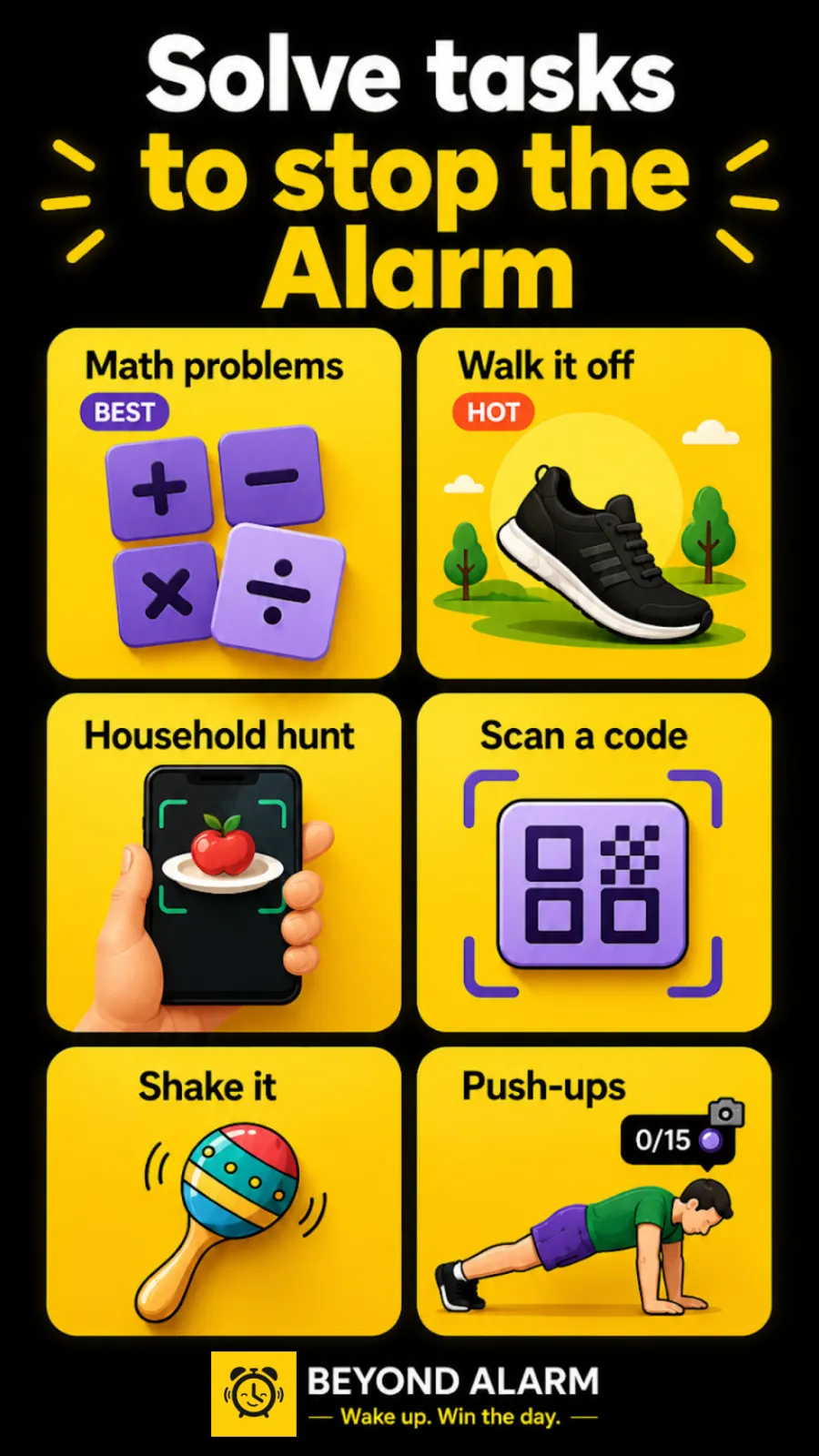
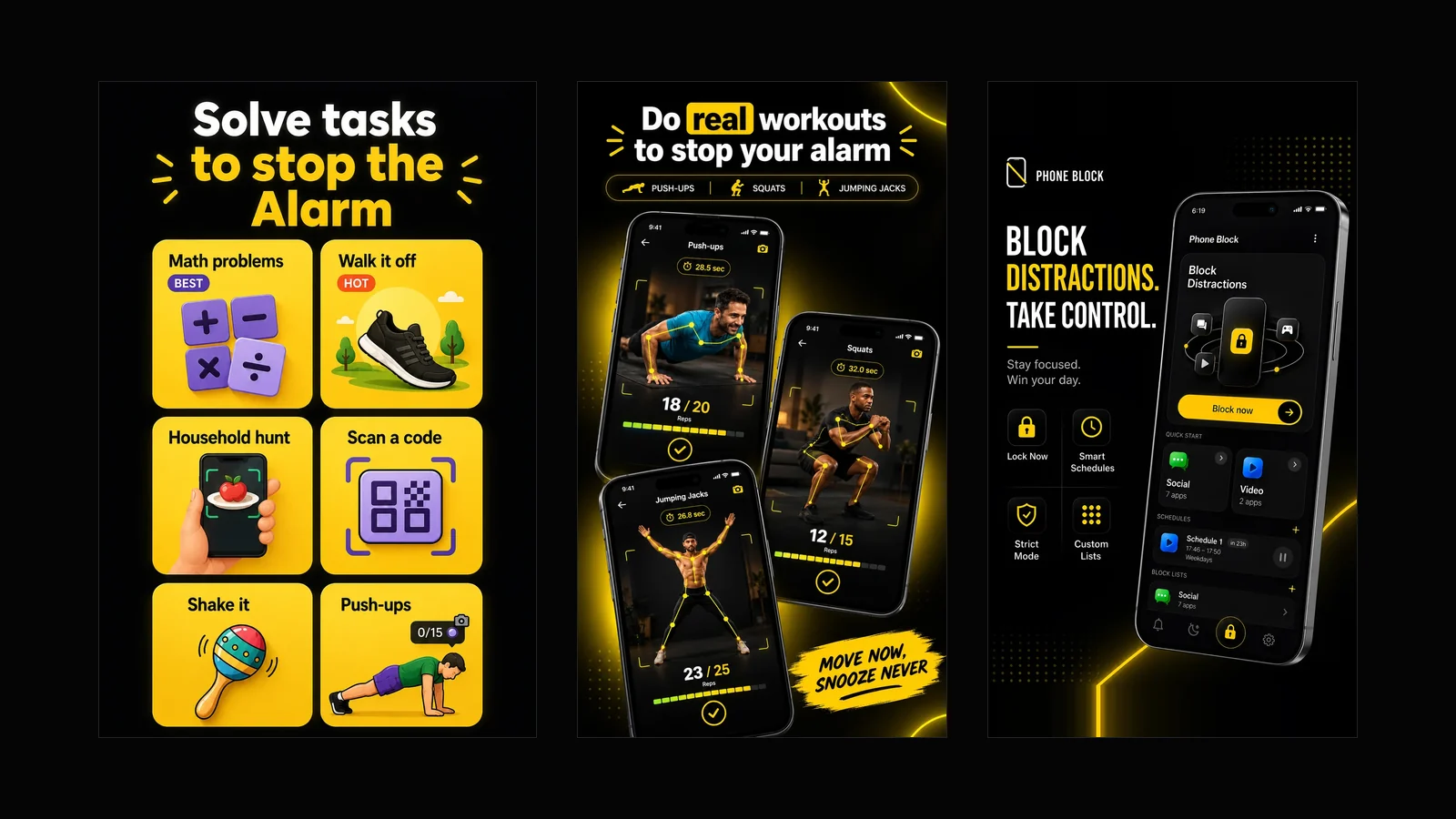
Scan a code. The nearest thing to tapping a block. The alarm opens the camera and stops once you scan any QR code or barcode, one to five times. The toothpaste in the bathroom or the coffee jar in the kitchen is your "block", and scanning happens on the phone, offline. Our guide to the barcode alarm covers where to put it.
Photo mission. The night before, you photograph up to five places: the bathroom mirror, the kettle, your shoes by the door. In the morning you have to stand in each one and photograph it again, in the order you took them. The photo alarm guide has the setup.
Household hunt. The alarm names a random item from the ones you said you own, and you show it to the camera. It is recognised on the phone, so it works with no internet. You can't prepare the answer the night before, because you don't know what it will ask for.
Walk it off. Walk 20 to 100 steps, counted by the phone's motion sensor. Easy to set, and it needs nothing in another room except the floor.
You can stack up to five missions on one alarm, so a scan in the bathroom followed by a photo of the kitchen is two rooms before the phone goes quiet. For lighter mornings there are maths, memory, typing and shake, and for harder ones push-ups, squats and jumping jacks counted by the camera.
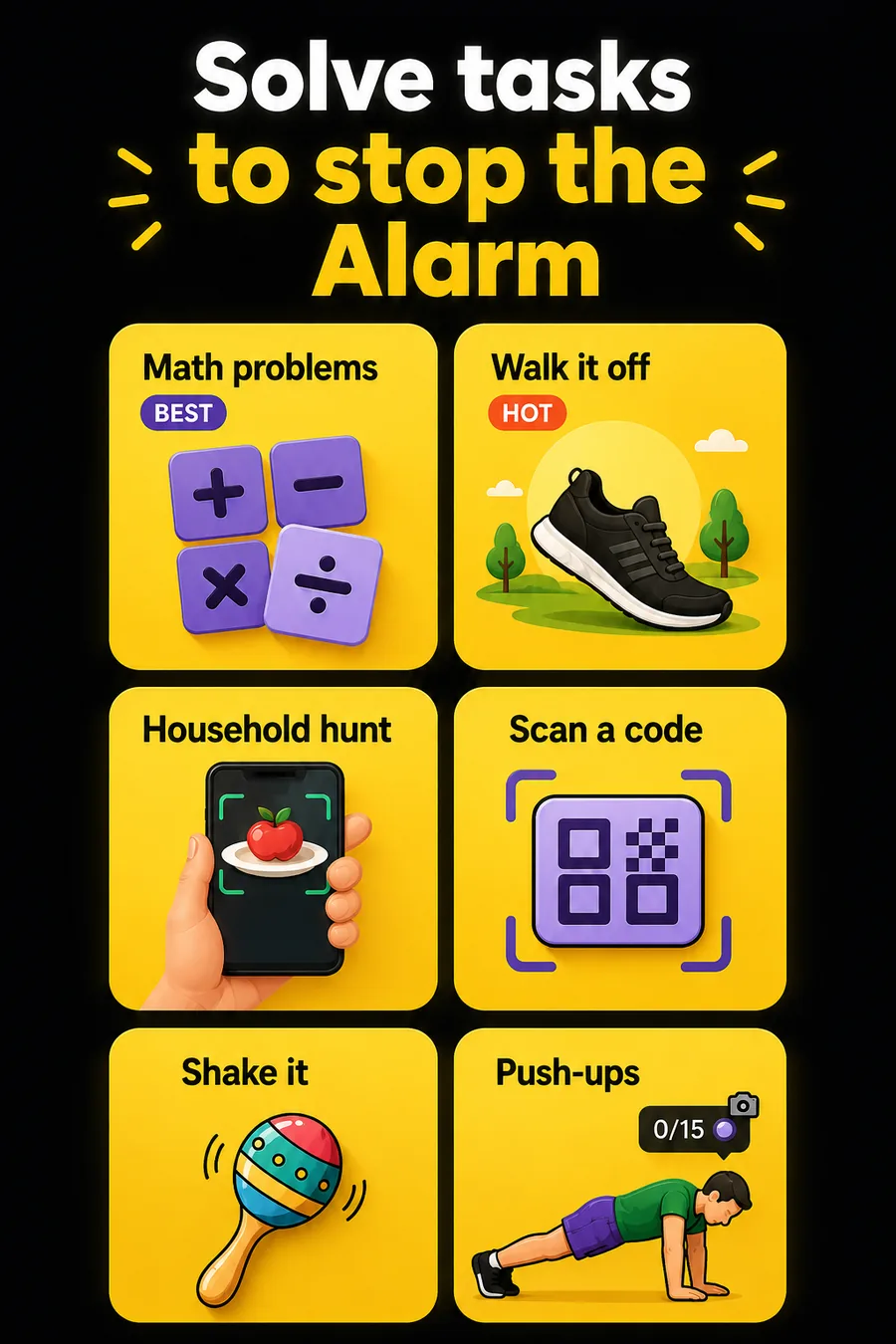
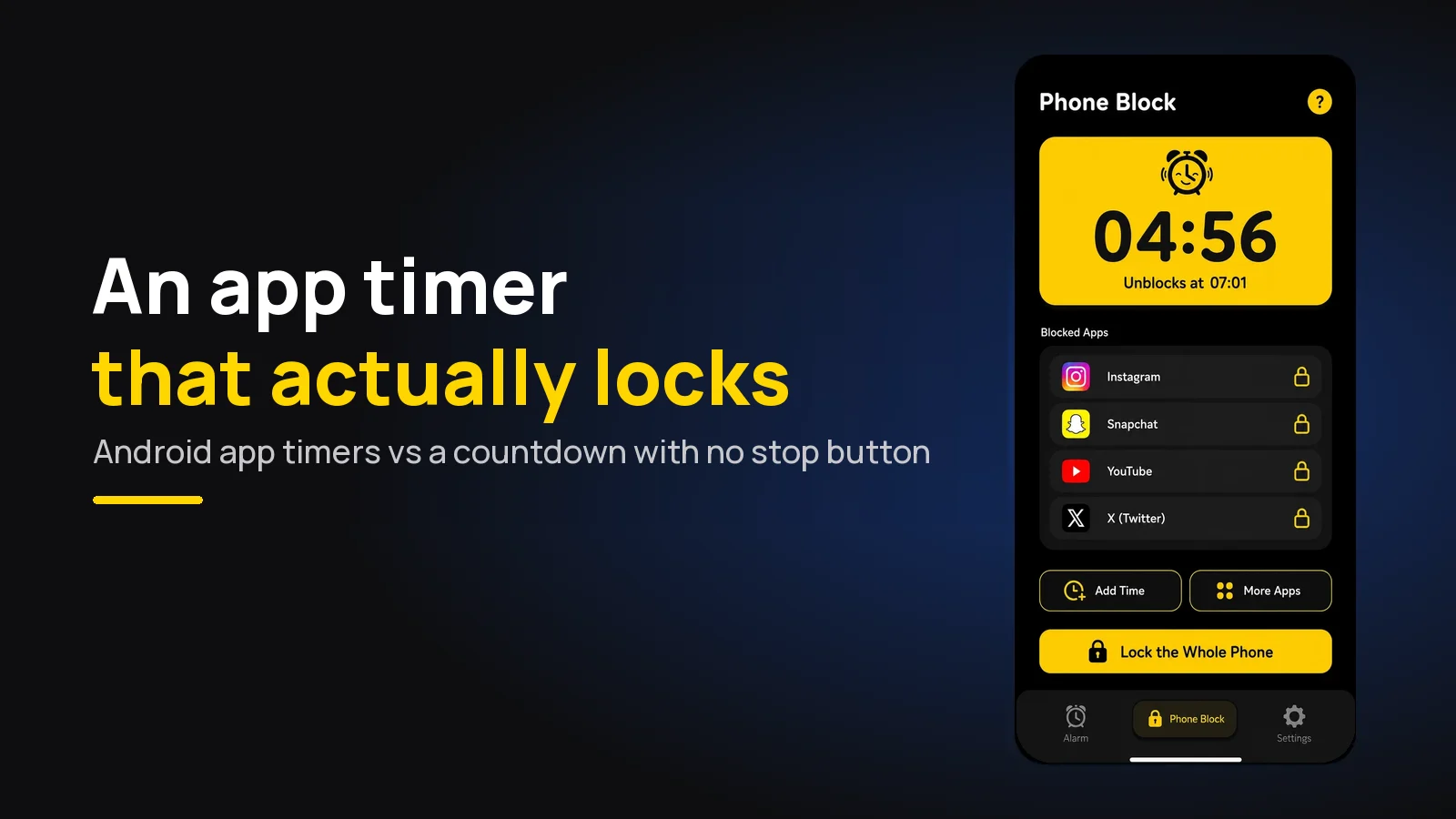
What happens after you're up. This is where an alarm alone stops. Beyond Alarm's Morning Lockout starts the moment the mission is finished and keeps your chosen apps shut for 15, 30, 45 or 60 minutes; on Android it can lock the whole phone. Phone Block covers the rest of the day, with a Strict mode that has no stop button until the timer ends, free after one short ad.
Beyond Alarm
Beyond Alarm does this part for you: the alarm will not switch off until you have actually moved, and the apps you pick stay locked afterwards.





2. Unbed
If you are on iPhone, like the idea of a physical object, and don't mind buying one, Unbed is built around exactly that. Its listing describes it as aimed at heavy sleepers and people who snooze, and adds a nightly reminder to set the next morning's alarm.
3. QRAlarm
QRAlarm is an Android app whose README says it makes you "scan the QR or Barcode to turn off the alarm". It is open source and available from Google Play, F-Droid and IzzyOnDroid. Our QR code alarm guide covers the setup either way.
Which one fits you
| If you… | Use |
|---|---|
| Are on Android | Beyond Alarm |
| Want nothing to buy | Beyond Alarm, with Scan a code |
| Want more than one room before it stops | Beyond Alarm, with two stacked missions |
| Get up fine but lose the morning to your phone | Beyond Alarm, with Morning Lockout |
| Want a dedicated physical block on iPhone | Unbed |
Getting the Unbed effect tonight
- Pick the room. The bathroom works best: you go there anyway, and the light comes on.
- Pick the thing. For Scan a code, any barcode in that room. For the photo mission, one distinctive spot, photographed in the light you'll have in the morning.
- Clear the bedside. With Scan a code, any barcode by the bed would work too, so move bottles and boxes out of reach.
- Put the phone across the room so the first step is out of bed.
- Test it awake with an alarm two minutes from now.
We built Beyond Alarm's missions to be forgiving at the right moment: the photo match is deliberately loose, because refusing someone who is standing in the right kitchen at 6am is worse than letting a rough match through. The walk was the point; the photo is just the proof.
Beyond Alarm gives you the Unbed effect with no block to buy. Scan the toothpaste in the bathroom, photograph the kettle, or find a household item, then let Morning Lockout keep your apps shut while you get going. Free on Android and iPhone.
Sources
Unbed's details are from its App Store listing, and QRAlarm's from its GitHub README, at the time of writing, 9 November 2026. Both will change. Beyond Alarm's are checked against its own code as of November 2026.
- Unbed on the App Store — how it works, platform, in-app purchases, version notes.
- QRAlarm on GitHub — what it scans, where to get it.
Common questions
How does the Unbed alarm work?
At the time of writing, Unbed's App Store listing says you turn the alarm off by tapping your phone on your Unbed block, a small physical block you buy separately from the developer's website. The app is free to download, iPhone only, and needs iOS 17.0 or later.
What is the best Unbed alternative?
Beyond Alarm. It makes you get out of bed the same way, but with things already in your home instead of a block you buy. Scan any barcode in the bathroom, photograph your kitchen, find a household item, or walk a set number of steps. It runs on Android and iPhone, and every mission is free right now.
Is there an alarm like Unbed for Android?
Yes. Unbed's listing says it is for iPhone only. Beyond Alarm runs on Android and iPhone, and its Scan a code mission works like a block you tap, except the "block" is any barcode or QR code you already own.
Can I use Unbed without the block?
Unbed's App Store listing says the app needs a physical Unbed block, bought separately, to work. If you want to start tonight with nothing to buy, Beyond Alarm's missions use the camera on your phone and the things in your house.
Does Beyond Alarm block apps like Unbed's Hard Mode?
Yes, in its own way. Morning Lockout keeps your chosen apps shut for 15 to 60 minutes after you finish the mission, and Phone Block has a Strict mode with no stop button until the timer ends, free after one short ad.
We build Beyond Alarm, the alarm for Android and iPhone that will not switch off until you have actually moved, then blocks the apps that pull you back. Most of what we write here comes out of building it.
Beyond Alarm
An alarm that keeps ringing until you’ve actually moved — then blocks the apps that pull you back to bed. Free to start, no account.
Keep reading
What Beyond Alarm does: wake-up missions and app blocking
The whole app on one page, for Android and iPhone — missions to stop the alarm, app blocking after it, and a free Strict mode Phone Block.
App Timer for Android That Actually Locks Your Apps
Android's built-in app timer is a daily allowance you can delete. Here's an app timer that locks apps for a set time, with no stop button.