
Beyond Alarm vs Alarmy
Pick Beyond Alarm. Both make you finish a mission to stop the alarm, but Beyond Alarm counts real push-ups with the camera, keeps every mission free right now, and locks your apps once you are up.


Alarmy and Beyond Alarm share the same core idea: the alarm doesn't stop until you finish a mission. Beyond Alarm builds on it in two directions — a mission that counts real exercise, and a block that keeps your phone shut once you're up.
The short answer
- Beyond Alarm counts reps. Push-ups, squats and jumping jacks are counted by the camera with on-device pose detection, rep by rep.
- It handles the hour after the alarm. Morning Lockout starts the moment you beat the alarm and keeps your chosen apps shut.
- Every mission is free right now. Pro only removes ads.
- Alarm and blocker in one app, with a Phone Block whose Strict mode is free after one short ad.
Side by side
Alarmy's column comes from its own Play listing, App Store listing and website at the time of writing (27 October 2026). "—" means its listing doesn't mention it.
| Feature | Beyond Alarm | Alarmy |
|---|---|---|
| Mission to stop the alarm | ✓ | ✓ |
| Camera-counted push-ups, squats, jumping jacks | ✓ | Squat mission listed |
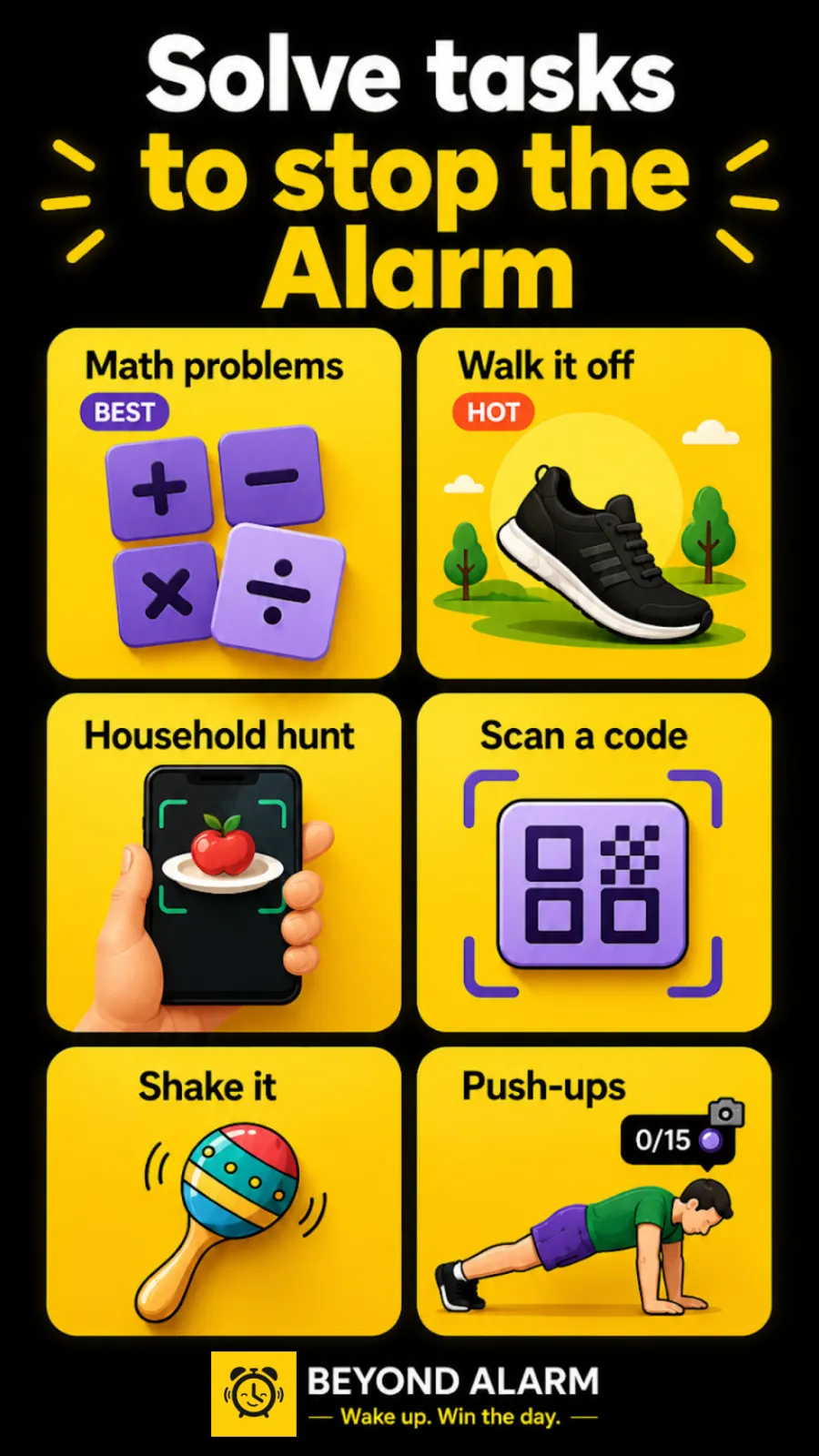
| Maths, memory, typing, shake | ✓ | ✓ |
| Photo and barcode/QR missions | ✓ | ✓ |
| Step mission | ✓ | Walking mission listed |
| Several missions on one alarm | Up to 5 | ✓ |
| Re-check after you dismiss | ✓ Wake-up Check (Android) | ✓ Wake Up Check (Premium) |
| Apps locked when you beat the alarm | ✓ Morning Lockout | — |
| On-demand app blocker | ✓ Phone Block, 5 min to 8 h | — |
| No-stop-button block | ✓ Strict mode, free after one ad | — |
| Whole-phone block (Android) | ✓ | — |
| Price | All missions free right now; Pro removes ads | Free with in-app purchases; Premium with a 7-day trial |
| Platforms | Android 7.0+, iPhone (iOS 26.1+) | Android, iPhone |
Where Beyond Alarm pulls ahead
Exercise that is counted, not checked
A photo or a barcode proves you walked somewhere once. Beyond Alarm's push-ups, squats and jumping jacks are counted by the camera on your phone, and the alarm keeps going until the set is done. Ten squats is hard to fake from under a duvet.
The minutes after the alarm
Most lost mornings aren't oversleeping. They're the twenty minutes of scrolling after the alarm stops. Beyond Alarm's Morning Lockout begins the moment you finish your mission — not at a clock time you guessed the night before — and keeps your chosen apps shut while you get going. On Android it can lock the whole phone, with calls still coming through. On iPhone it shields the apps and categories you pick through Screen Time.
A free strict mode
Phone Block lets you block apps for anything from 5 minutes to 8 hours. In Strict mode there is no stop button until the timer ends, and free users turn it on by watching one short ad.
Beyond Alarm
Beyond Alarm does this part for you: the alarm will not switch off until you have actually moved, and the apps you pick stay locked afterwards.



What Alarmy offers
At the time of writing, Alarmy's Play listing describes missions including barcode, photo, maths, memory, typing, shake and squat, loud alarm sounds, a Wake Up Check that restarts your missions if you ignore the alarm, and a sleep tracker with snoring recording and sleep sounds. It also lists an optional "Prevent turn off" feature while the alarm rings. Its website lists Wake Up Check as a Premium feature, and the App Store listing offers a 7-day free trial of Premium.
Switching from Alarmy
- Install Beyond Alarm and allow the permissions its setup asks for. On Android, the reliability screen walks you through battery and autostart settings.
- Recreate your alarm times and repeat days.
- Add the missions you used in Alarmy — maths, memory, typing, shake, photo or a barcode.
- Stack a camera exercise on top, such as ten squats. You can chain up to five missions on one alarm.
- Turn on Morning Lockout and pick the two or three apps you lose mornings to.
- Run one test alarm before you rely on it, then switch Alarmy's alarms off so two apps aren't ringing at once.
Sources
Checked on 27 October 2026. Listings change, so check them before relying on any detail. Beyond Alarm's details are checked against its own code.
Common questions
What is the difference between Alarmy and Beyond Alarm?
Both stop the alarm only when you finish a mission. Beyond Alarm adds push-ups, squats and jumping jacks counted rep by rep on the device, keeps every mission free during its current promotion, and blocks your chosen apps with Morning Lockout once the mission is done.
Is Beyond Alarm free?
Yes. Every mission is free during the current promotion, and Phone Block's Strict mode unlocks after one short ad. Pro removes the ads.
Does Alarmy block apps after the alarm?
At the time of writing, Alarmy's own Play listing and website describe missions, Wake Up Check, sleep tracking and sounds, and don't mention blocking other apps. Beyond Alarm's Morning Lockout does that the moment you finish your mission.
Do both apps work on iPhone?
Yes. Alarmy has an App Store version. Beyond Alarm is on the App Store for iOS 26.1 and later, with alarms on Apple's AlarmKit and app blocking through Screen Time.
How do I move from Alarmy to Beyond Alarm?
Install Beyond Alarm, recreate your alarm times, add the missions you used in Alarmy, then add a camera exercise and turn on Morning Lockout for the apps you lose mornings to.
Beyond Alarm
An alarm that keeps ringing until you’ve actually moved — then blocks the apps that pull you back to bed. Free to start, no account.
More compare
Beyond Alarm vs AppBlock
A no-stop-button block that's free after one ad, plus an alarm that starts the lockout when you're up.
Beyond Alarm vs Opal
Free Strict mode after one ad, whole-phone blocking on Android, and a lockout that starts when you wake.
Beyond Alarm vs Stay Focused
Free Strict mode after one ad, camera-counted wake-up workouts, and a lockout tied to your alarm.
Beyond Alarm vs Freedom
A no-stop-button phone block that's free after one ad, with an alarm that starts the lockout when you wake.
Beyond Alarm vs one sec
A real block with no stop button, free after one ad, for as many apps as you like — plus a morning lockout.
Beyond Alarm vs Digital Wellbeing
Digital Wellbeing turns off with a tap. Beyond Alarm's Strict mode has no stop button, free after one ad.
Beyond Alarm vs Apple Screen Time
Apple's own blocking, plus a free no-stop-button Strict mode and a lockout that starts when you wake.
Beyond Alarm vs Sleep as Android
Camera-counted wake-up workouts, every mission free right now, and a lockout that starts when you're up.
Beyond Alarm vs Alarm Clock Xtreme
Eleven missions free right now, camera-counted workouts, and a lockout that starts when you're up.