
Cold Turkey Blocker: Free vs Pro, and Phone Alternatives
 Beyond Alarm9 November 2026 · Updated 13 November 2026 · 6 min read
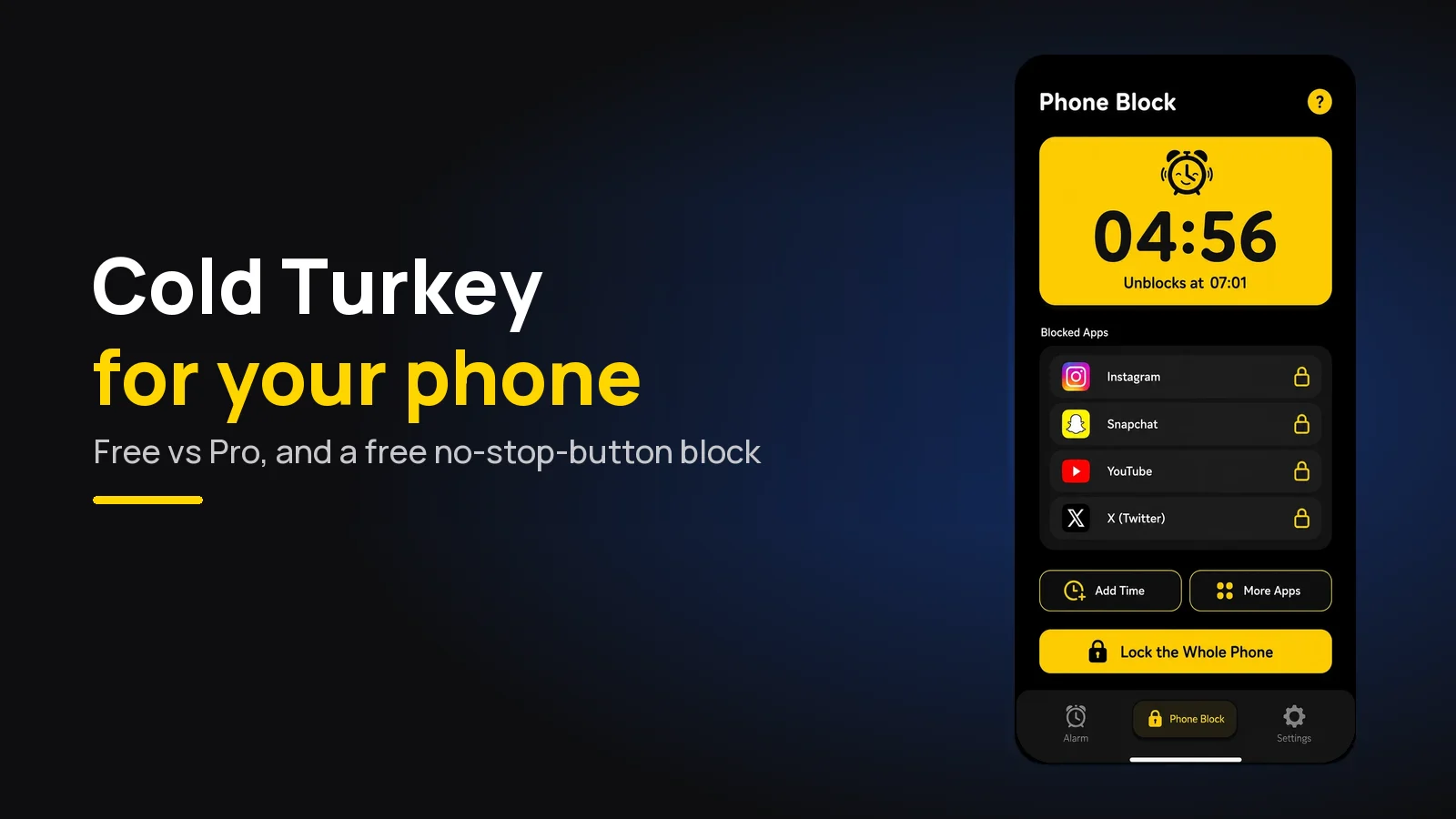
Cold Turkey Blocker is a Windows and Mac program: the free version blocks websites for a set time, and the one-off Pro licence adds app blocking, schedules and locks. It does not run on phones. For your phone, the Cold Turkey-style alternative is Beyond Alarm, whose Strict mode has no stop button and is free after one short ad.
The short version:
- For your phone: Beyond Alarm. Android and iPhone. Strict mode means no stop button until the timer ends, free after one short ad. On Android it can block the whole phone.
- Cold Turkey Free: website blocks for a set time, exceptions and statistics, on Windows and macOS.
- Cold Turkey Pro: adds app blocking, schedules, breaks and every lock. Pay once, for all the computers you personally use.
- Not supported by Cold Turkey: Android, iOS, ChromeOS and Linux.
Beyond Alarm is our app, and it is a phone app, not a desktop blocker. If your problem is the laptop, Cold Turkey is built for that. If it is the phone, read on.
Cold Turkey Blocker free vs Pro
Everything in this table comes from Cold Turkey's pricing page and homepage at the time of writing, 9 November 2026. Plans change, so check before you buy.
| Blocker Free | Blocker Pro | |
|---|---|---|
| Runs on | Windows, macOS | Windows, macOS |
| Block websites | Yes, with exceptions | Yes |
| Timed blocks | Yes | Yes |
| Statistics | Yes | Yes |
| Block applications | No | Yes |
| Scheduled blocks | No | Yes |
| All locking features | No | Yes |
| Breaks and allowances | No | Yes |
| Application password | No | Yes |
| Licence | Free, with a 7-day Pro trial | "Pay once, own forever" |
The page showed no price in its text when we checked; it sits behind the Purchase button. One purchase covers all the computers you personally use, and the FAQ says a full refund can be given within 30 days.
The homepage adds the features people mean when they say "Cold Turkey": blocking the entire internet or the whole computer, locking a block so it cannot be changed, weekly schedules and uninstall prevention ("No, you can't just uninstall it."). It works through browser extensions plus a desktop app.
Why Cold Turkey has no phone version
The pricing page is direct about it: Linux, ChromeOS, Android and iOS are not supported. That is a design choice, not an oversight. A desktop blocker can sit in every browser and watch every program; a phone app has to work through what Android and Apple allow.
So people who like Cold Turkey on the laptop end up searching for "Cold Turkey for Android" or "Cold Turkey for iPhone". What they want is the same feeling: a block that does not care how much you want it to stop.
The phone alternatives, compared
| Beyond Alarm | Freedom | Built-in tools | |
|---|---|---|---|
| Phones | Android, iPhone | Android, iPhone (plus computers) | Digital Wellbeing (Android), Screen Time (iPhone) |
| No-way-out mode | Strict mode, free after one short ad | Locked Mode (Premium) | None; a limit can be dismissed |
| Whole phone | Android | Whole internet | No |
| Wakes you too | Yes, alarm with 11 missions | No | No |
Freedom's plan details come from its Premium page on 9 November 2026. Beyond Alarm's are checked against its own code.
1. Beyond Alarm: the Cold Turkey feeling on your phone
Beyond Alarm's Phone Block is the on-demand block. Pick a preset (15 minutes up to 2 hours) or a custom length from 5 minutes to 8 hours, then choose what it blocks.
- On Android: the apps you choose, a saved list, or the whole phone. Calls still come through.
- On iPhone: the apps and categories you pick through Apple's Screen Time. iOS does not let any app block the whole phone, so we don't offer it there.
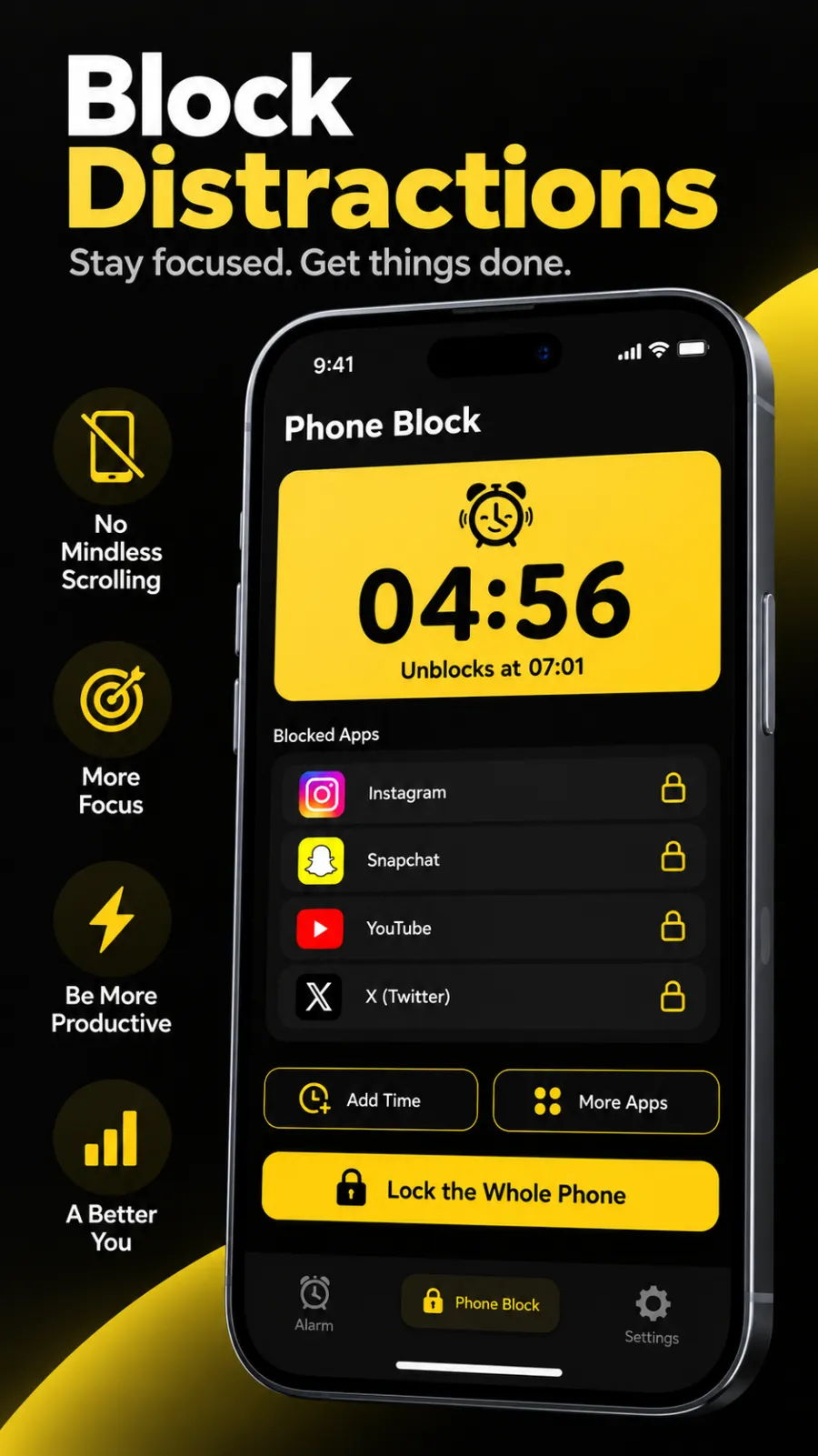
Then pick how hard it is to leave:
- Regular mode: stopping early takes a deliberate five-second hold, plus a short ad on the free version.
- Strict mode: there is no stop button at all. The timer is the only way out.
This is the closest thing to Cold Turkey's locked block on a phone, and it is free. You watch one short ad to the end and Strict mode is on; Pro users get it with no ad. Cold Turkey keeps its locks in Pro, and Freedom lists Locked Mode under Premium.
On Android, Beyond Alarm can also stop itself being uninstalled while you have that switched on, so deleting the app is not a back door.
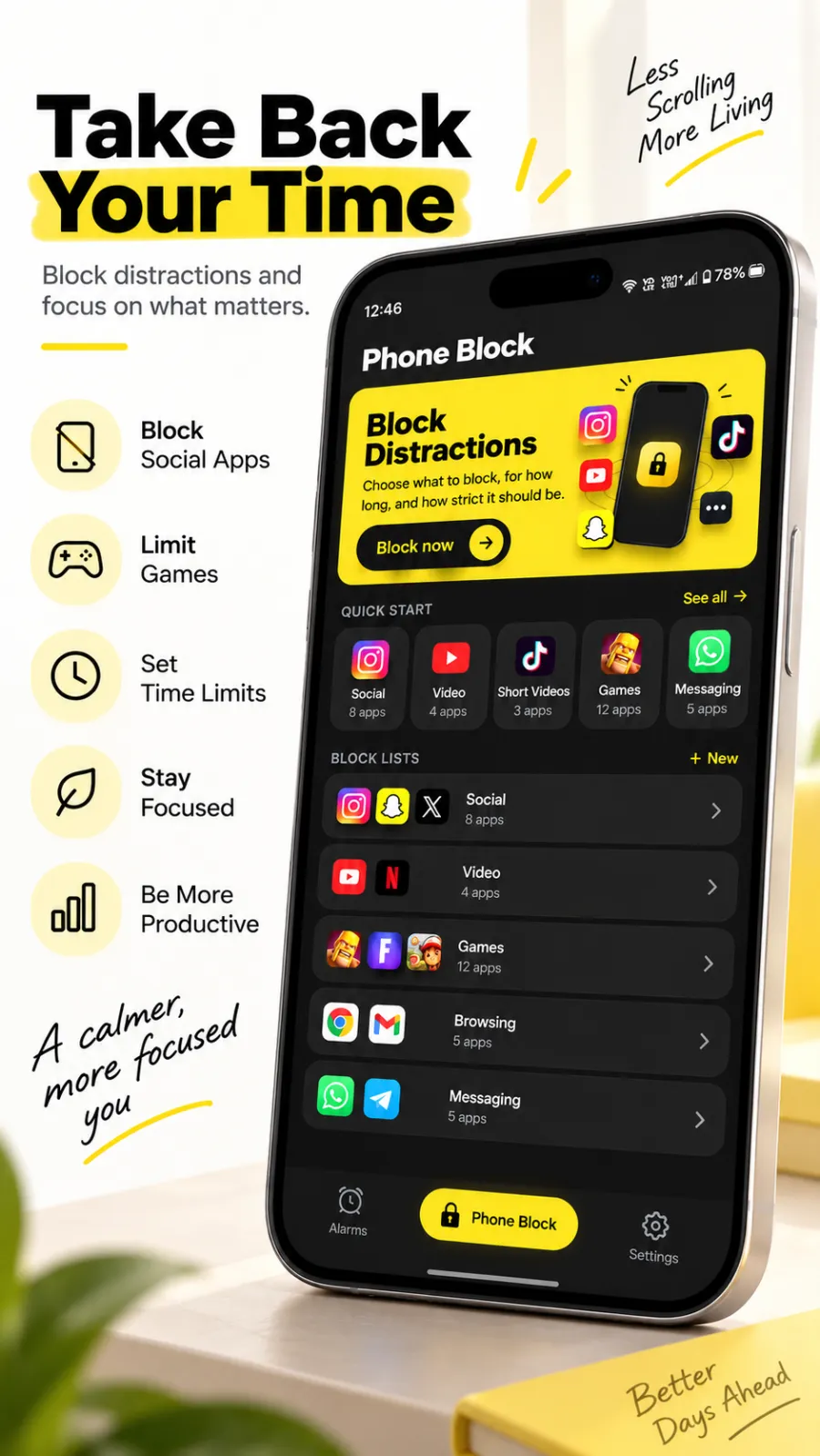
The morning, too. Beyond Alarm started as an alarm. Its wake-up missions make you get up to stop it, and Morning Lockout keeps your chosen apps shut for 15 to 60 minutes once the mission is done, so the first scroll of the day never starts. Our free app blockers guide compares what each blocker really gives you for nothing.
Beyond Alarm
Beyond Alarm does this part for you: the alarm will not switch off until you have actually moved, and the apps you pick stay locked afterwards.





2. Freedom
Freedom is the other name people pair with Cold Turkey, and the one of the two that does run on phones. At the time of writing its Premium page lists macOS, Windows, iOS, Android and Chromebook.
Its free plan blocks apps, websites or the entire internet and syncs sessions across devices. Scheduling, recurring sessions, Locked Mode and sessions over two hours are Premium, listed at $8.99 a month with a yearly plan and a one-off Forever plan as well. Our Freedom vs Cold Turkey comparison goes through both in detail.
3. The free built-in tools
Digital Wellbeing on Android and Screen Time on iPhone cost nothing and are already on your phone. They are a reasonable first test of whether you need a lock at all.
Their weak point is the one Cold Turkey was built to remove: the person being blocked can switch the limit off. That is why Screen Time limits stop working for so many people within a week.
Using both: Cold Turkey on the laptop, Beyond Alarm on the phone
The two do not overlap, which makes them easy to run together:
- Laptop: a Cold Turkey block on the sites that eat your work hours.
- Phone: a Beyond Alarm Phone Block in Strict mode for the same window, so the phone does not become the way round the laptop block.
- Morning: a Beyond Alarm mission plus Morning Lockout, so the day starts upright instead of in a feed.
The second step is the one people skip. A blocked laptop with an unblocked phone beside it just moves the scrolling six inches to the left.
What we found building a phone blocker
We built Phone Block into our own app, so this point comes from our code rather than a feature page. What decides whether a block holds is the cost of stopping it at the moment you reach for the phone. One tap costs nothing. A five-second hold costs a decision. Strict mode costs the rest of the timer.
That is why Strict mode is free after one ad rather than locked behind a subscription: the setting that works should be the one anyone can use. For more phone-side options, see our comparison of the best app blockers for Android.
Beyond Alarm brings the Cold Turkey idea to your phone. Start a Phone Block in Strict mode for your next focus session and there is no stop button until the timer ends, free after one short ad. On Android it can lock the whole phone, and on iPhone it blocks the apps and categories you choose.
Sources
Cold Turkey and Freedom details are from each maker's own pages at the time of writing, 9 November 2026, and will change. Beyond Alarm's details are checked against its own code as of November 2026.
- Cold Turkey Blocker and its pricing page — platforms, Free vs Pro, licence, trial, refund.
- Freedom Premium — platforms, plans, price.
Common questions
Is Cold Turkey Blocker free?
There is a free version. At the time of writing, Cold Turkey's pricing page lists website blocking, website exceptions, timed blocks and statistics in Blocker Free, with a seven-day trial of Pro. Blocking apps, schedules, breaks, the application password and all the locking features are Pro.
What is the difference between Cold Turkey free and Pro?
Free blocks websites for a set time. Pro adds blocking applications, scheduled blocks, an application password, all locking features, custom user selection, and breaks and allowances. Pro is a one-off purchase ("Pay once, own forever") that covers all the computers you personally use.
Does Cold Turkey work on Android or iPhone?
No. At the time of writing its pricing page says Cold Turkey works on Windows and macOS, and that Linux, ChromeOS, Android and iOS are not supported. For a phone, Beyond Alarm blocks apps on Android and iPhone, with a Strict mode that has no stop button and is free after one short ad.
What is the best Cold Turkey alternative for a phone?
Beyond Alarm. Its Phone Block runs from 5 minutes to 8 hours, blocks the whole phone on Android or the apps and categories you pick through Screen Time on iPhone, and its Strict mode removes the stop button until the timer ends. It is an app for your phone, not a desktop blocker.
Is there a Cold Turkey for Android?
Not from Cold Turkey itself. The closest thing on Android is a blocker you cannot cancel once it starts. Beyond Alarm's Strict mode is exactly that, and on Android it can lock the whole phone with calls still allowed.
We build Beyond Alarm, the alarm for Android and iPhone that will not switch off until you have actually moved, then blocks the apps that pull you back. Most of what we write here comes out of building it.
Beyond Alarm
An alarm that keeps ringing until you’ve actually moved — then blocks the apps that pull you back to bed. Free to start, no account.
Keep reading
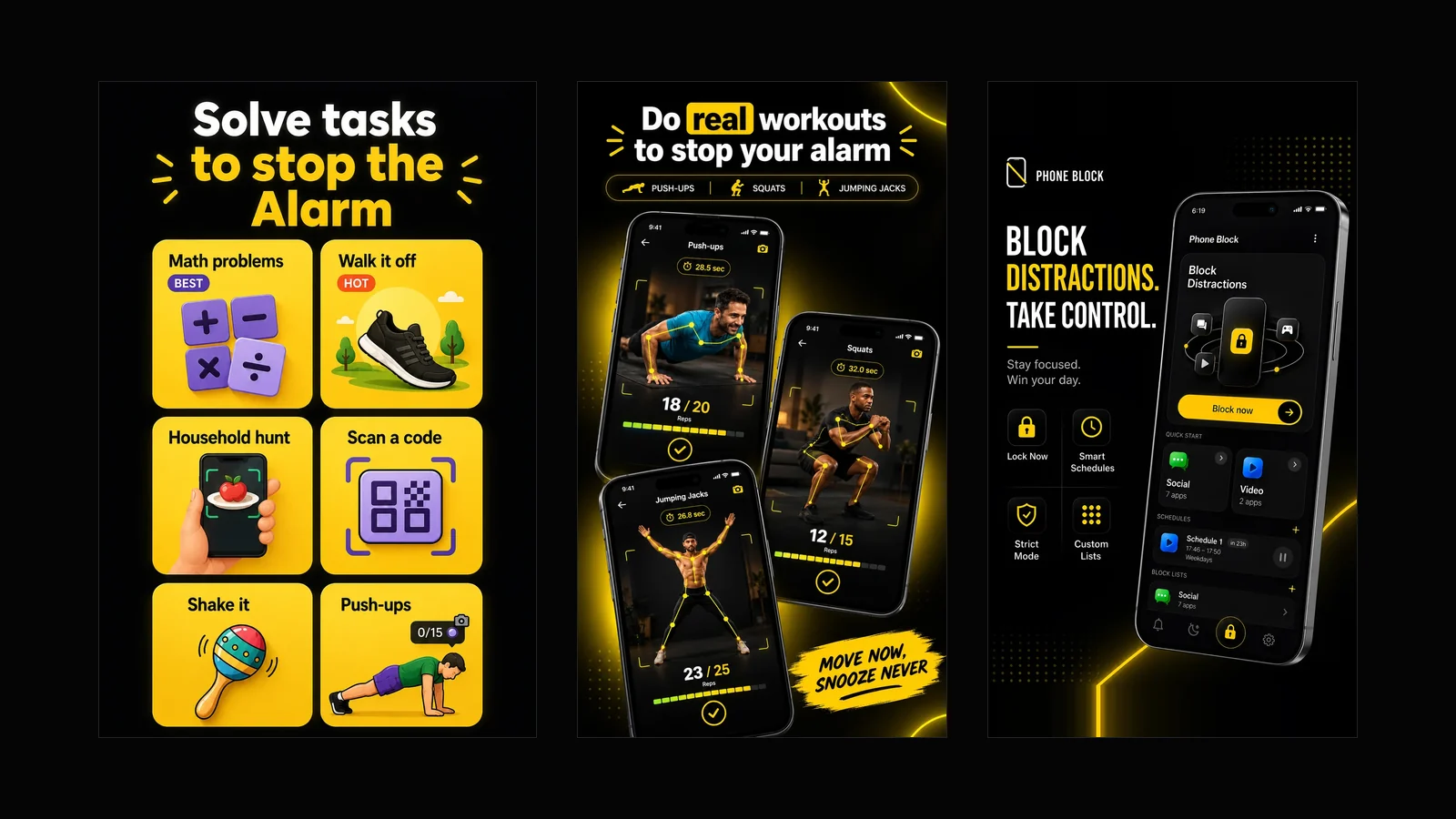
What Beyond Alarm does: wake-up missions and app blocking
The whole app on one page, for Android and iPhone — missions to stop the alarm, app blocking after it, and a free Strict mode Phone Block.
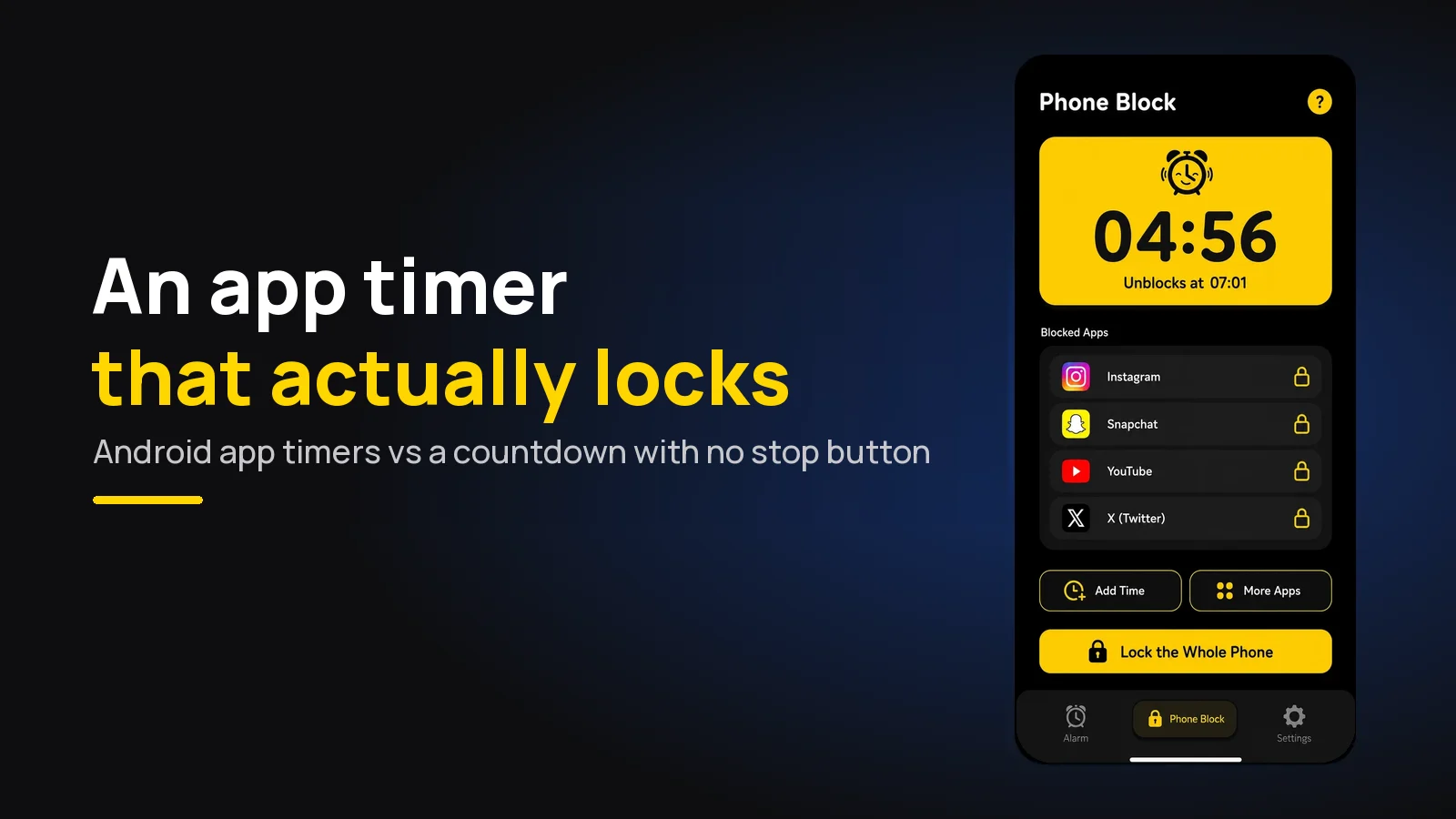
App Timer for Android That Actually Locks Your Apps
Android's built-in app timer is a daily allowance you can delete. Here's an app timer that locks apps for a set time, with no stop button.