
Free App Blockers That Actually Hold (Android & iPhone)
 Beyond Alarm29 October 2026 · Updated 13 November 2026 · 6 min read
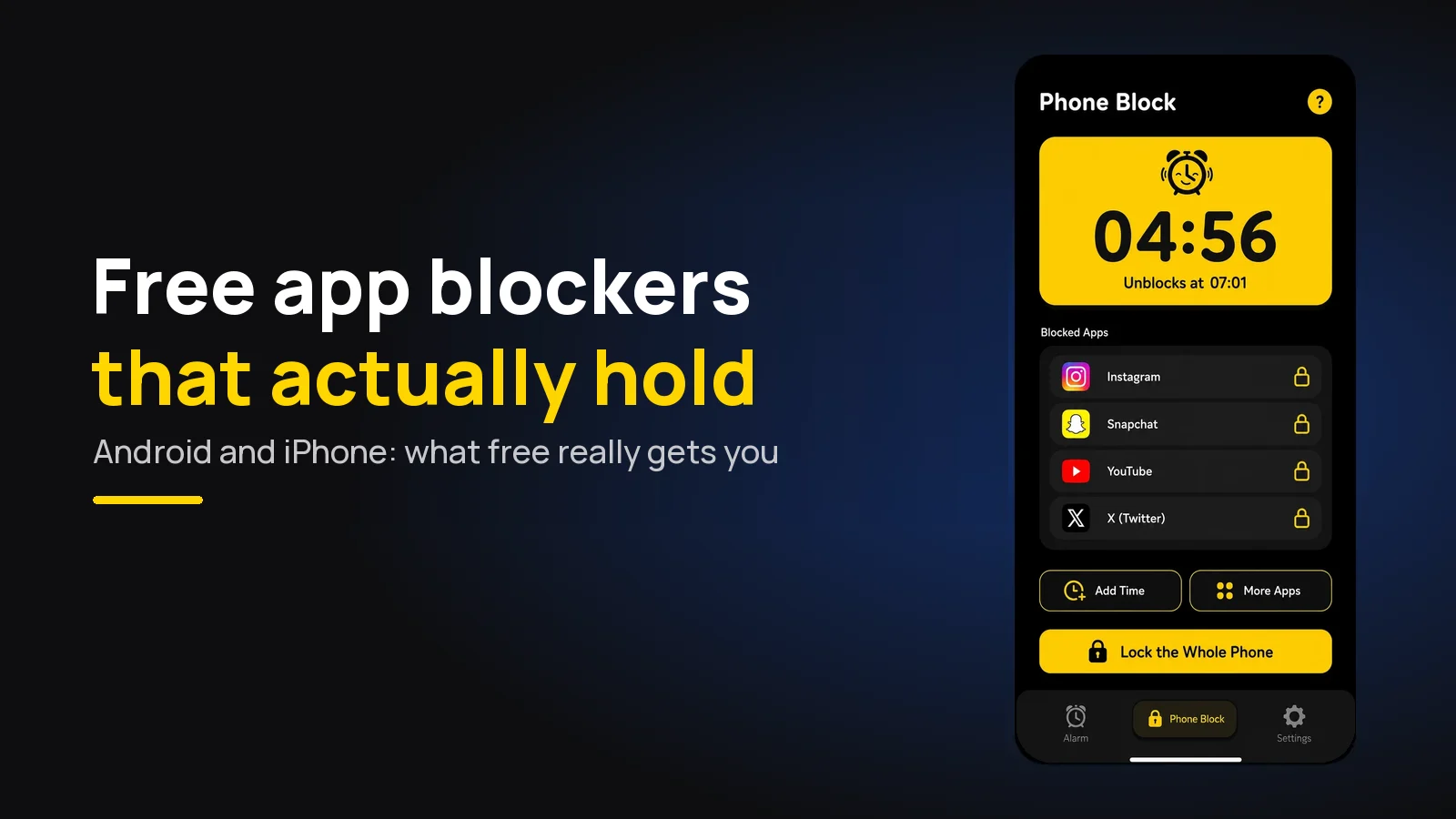
The best free app blocker is Beyond Alarm. Its Strict mode, a block with no stop button until the timer ends, costs one short ad instead of a subscription, on Android and iPhone. Most other blockers keep their strict mode behind a paid plan.
The short version:
- Beyond Alarm is our pick. Free Strict mode after one ad, chosen apps on both platforms, and the whole phone on Android.
- Plenty of blockers are free to install. The part that usually costs money is the setting that stops you cancelling the block.
- Right now every Beyond Alarm feature is free, and Pro only removes the ads.
- The free built-in tools, Digital Wellbeing and Screen Time, are a fine first try, but both let you dismiss a limit.
What free usually gets you
Most app blockers are "free" in the way a shop is free to walk into. The install costs nothing, and you can set a timer on Instagram. What you cannot usually do on the free plan is make that timer stick.
That matters because a block you can cancel is a block you will cancel. The moment you want the app is the moment you are least likely to respect a polite limit, which is why built-in screen time limits so rarely stick.
So when you compare free app blockers, ask one question: can I turn on the strict setting without paying? For most of them the honest answer is no.
What's actually free, app by app
Checked against each app's own pricing page or store listing on 29 October 2026. Prices change often, so check before you commit. Beyond Alarm's row is checked against our own code.
| App | Platforms | Free plan | Strict setting on the free plan? |
|---|---|---|---|
| Beyond Alarm | Android, iPhone | Every feature, with ads; Pro removes ads | Yes — Strict mode, after one short ad |
| Freedom | Phone and desktop | Blocking, sync, custom blocklists | No — Locked Mode is Premium |
| Opal | iPhone first | One rule, basic timers, app blocking | No — Hard Mode is Opal Pro |
| AppBlock | Android, iPhone | "Free plan with limits" | Strict Mode with a time cap; unlimited is Premium |
| Stay Focused | Android, iPhone | Free with in-app purchases | Check the listing |
| one sec | Android, iPhone | "Essentials are free" | No block to make strict; it adds a pause |
| Digital Wellbeing / Screen Time | Built in | Everything | No — a limit can be dismissed |
Prices at the time of writing: Freedom Premium is $8.99 a month, or $3.33 a month billed yearly. Opal Pro is $19.99 a month or $99.99 a year. AppBlock's Premium page lists its free and paid Strict Mode limits.
Beyond Alarm — free Strict mode
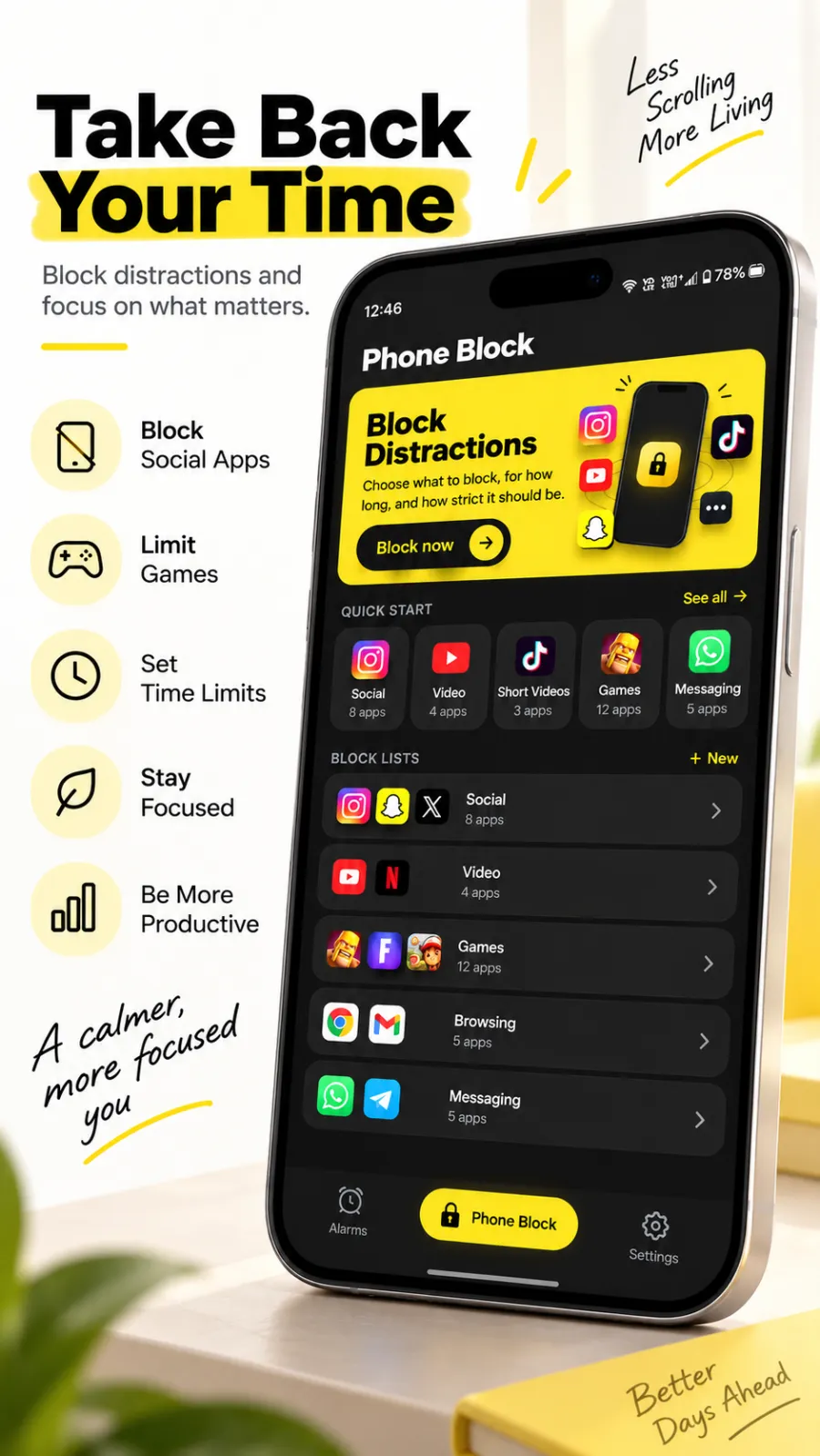
Beyond Alarm is an alarm app with wake-up missions that is also a full app blocker. We built its Phone Block for the hours people lose to their phone during a study session, an evening or a work block.
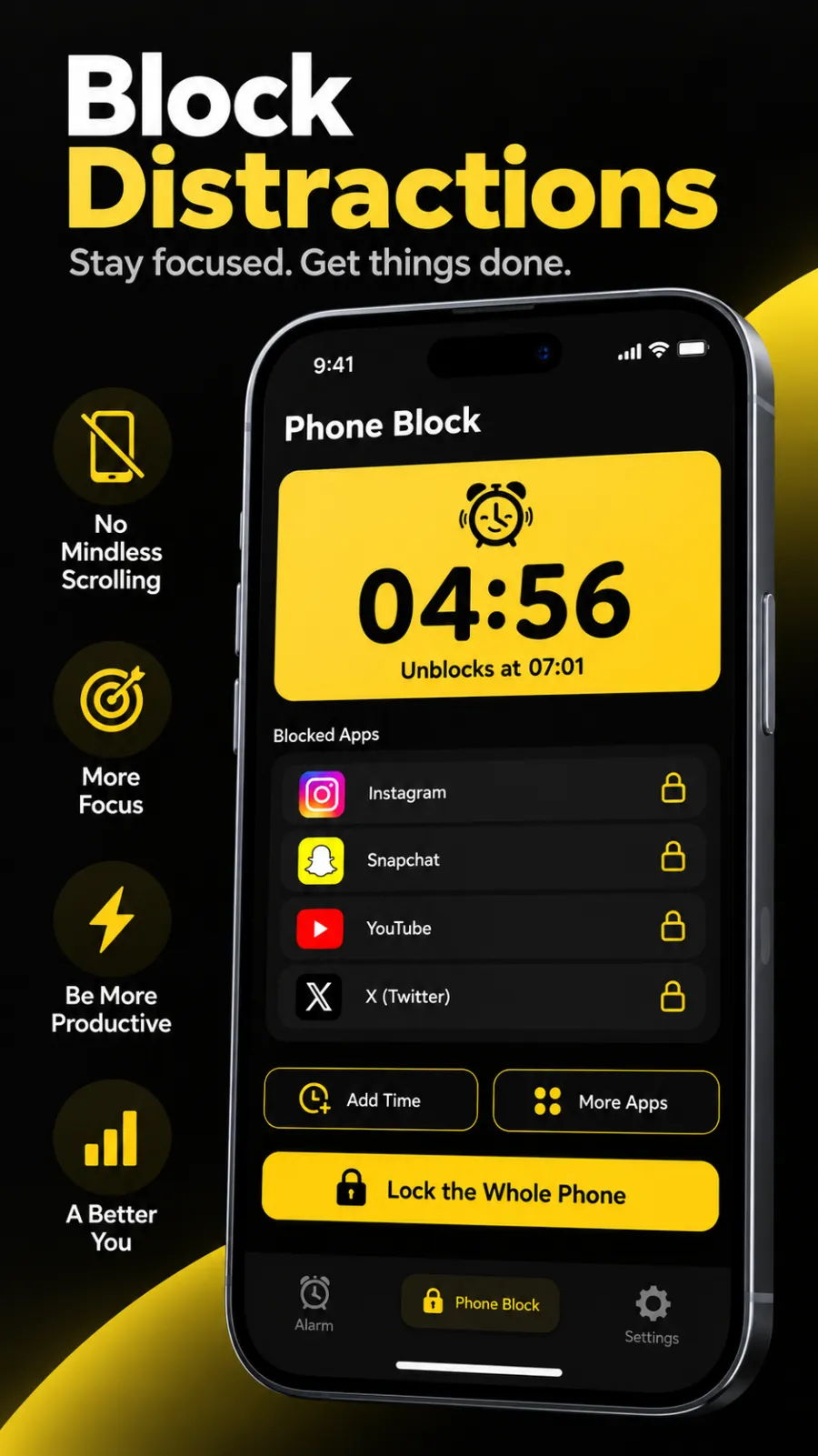
Strict mode costs one ad. Start a Phone Block, pick Strict mode, and a free user watches one short ad to switch it on. From then on there is no stop button. You can make the block longer or add apps, but nothing makes it shorter.
Regular mode, when you want a door. Regular mode ends early only after a short ad and a continuous five-second hold. A tap is a reflex; five seconds of deliberate pressure is a decision.
What else is free right now. Every feature that used to sit behind Pro is open to everybody during the current promotion, and Pro only removes the ads. That includes Morning Lockout, which locks your chosen apps the moment you finish your alarm, and all eleven wake-up missions. More in what is included in the free version.
| Android | iPhone | |
|---|---|---|
| Block chosen apps | Yes | Yes, through Screen Time |
| Block whole categories | Saved lists and quick-start groups | Apple's categories, such as Social or Games |
| Block the whole phone | Yes, calls still allowed | No — iOS doesn't allow it |
| Free Strict mode | Yes, one ad | Yes, one ad |
| Survives a restart | Yes | Yes |
Beyond Alarm's whole-phone block is Android only, because iOS lets an app shield apps, not the phone itself. On iPhone, ticking a whole category gets you most of the way.
Beyond Alarm
Beyond Alarm does this part for you: the alarm will not switch off until you have actually moved, and the apps you pick stay locked afterwards.





The paid alternatives, described plainly
Freedom started on desktop and blocks apps and websites across your devices. Its free plan covers blocking and sync; Locked Mode, which stops you quitting a session, is Premium. Beyond Alarm vs Freedom.
Opal runs sessions and rules on top of Screen Time. The free plan has one rule; Hard Mode, described as "No way out", is Opal Pro. Beyond Alarm vs Opal.
AppBlock blocks apps and websites with schedules. Its free plan includes Strict Mode with a cap on how long it can run; unlimited Strict Mode is Premium. Beyond Alarm vs AppBlock.
one sec doesn't block. It makes you pause before an app opens, which suits people who want a nudge rather than a lock.
Digital Wellbeing and Screen Time are free and already on your phone. Both show a way past the limit when it runs out, so treat them as a first step.
Why an ad instead of a subscription
We chose an ad for Strict mode on purpose. A subscription asks you to commit money before you know whether a block with no stop button suits you. One short ad asks for a moment of attention, once per block, and the block itself runs on your phone. If you'd rather not see ads at all, Pro removes them.
That trade is the whole difference this post is about. With most blockers, "free" means the soft version; with Beyond Alarm, the strict version is included.
Pick by platform and by goal
- On Android: the full list, including whole-phone blocking, is in free app blocker for Android.
- On iPhone: how Screen Time shapes every option, in free app blocker for iPhone.
- For studying: free app blocker for studying.
- To cut daily screen time: free app blocker to reduce screen time.
- Want the general rankings, paid apps included? Best app blockers for Android and best app blockers for iPhone.
- Coming from Cold Turkey on a computer? Cold Turkey alternatives for your phone.
Most people use a blocker as a timer: one session, one length. The focus timer app guide shows how to run Beyond Alarm that way.
Whichever you install, do this first
- Block two apps, not fifteen. The ones you actually lose hours to matter more than a long list.
- Run one Strict mode block tonight. An evening with no stop button teaches you more than a week of reading reviews.
- On Android, allow autostart. On Xiaomi, vivo, OPPO and realme a stopped blocker stops blocking — see why blockers stop working after an update.
Sources
Competitor plans and prices were read from each company's own page on 29 October 2026 and will change. Beyond Alarm's details are checked against its own code as of October 2026.
- Freedom Premium — free plan, Locked Mode and prices.
- Opal pricing — free plan, Hard Mode and prices.
- AppBlock Premium — free and Premium Strict Mode.
- one sec — "Essentials are free".
- Beyond Alarm on Google Play · on the App Store.
Common questions
What is the best free app blocker?
Beyond Alarm. Its Phone Block blocks the apps you choose on Android and iPhone, and the whole phone on Android. Its Strict mode, with no stop button until the timer ends, is free after one short ad. Right now every feature is free and Pro only removes the ads.
Are there free app blocking apps with a strict mode?
Yes. Beyond Alarm's Strict mode is free after one short ad. Most blockers keep their strictest setting on a paid plan; at the time of writing Freedom lists Locked Mode under Premium and Opal lists Hard Mode under Opal Pro. AppBlock's free plan includes a time-limited Strict Mode.
Is there a completely free app blocker with no ads?
The built-in tools are free with no ads, Digital Wellbeing on Android and Screen Time on iPhone, but both let you dismiss a limit. Beyond Alarm is free with ads, and the ads are what pay for its free Strict mode. Pro removes the ads.
Do free app blockers work on iPhone?
Yes. On iPhone, blockers such as Beyond Alarm use Apple's Screen Time to shield the apps and categories you pick. Calls always stay usable, and blocking the whole phone is not something iOS allows an app to do.
Why do free app blockers stop working?
Usually because the phone stopped the app in the background or a permission was switched off, not because it is free. On Android, allow autostart and turn off battery optimisation for the blocker. Beyond Alarm's reliability screen walks you through both.
We build Beyond Alarm, the alarm for Android and iPhone that will not switch off until you have actually moved, then blocks the apps that pull you back. Most of what we write here comes out of building it.
Beyond Alarm
An alarm that keeps ringing until you’ve actually moved — then blocks the apps that pull you back to bed. Free to start, no account.
Keep reading
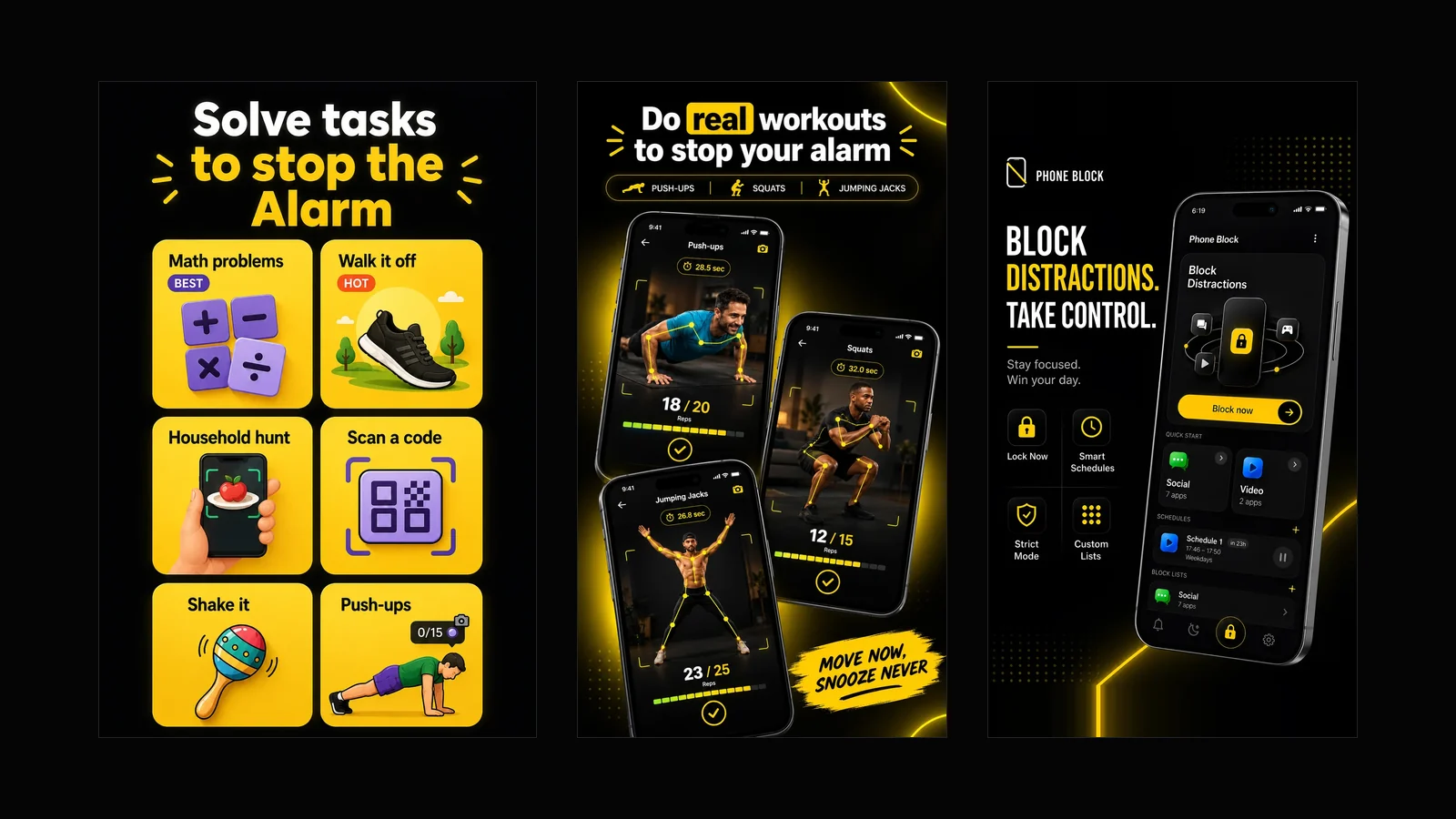
What Beyond Alarm does: wake-up missions and app blocking
The whole app on one page, for Android and iPhone — missions to stop the alarm, app blocking after it, and a free Strict mode Phone Block.
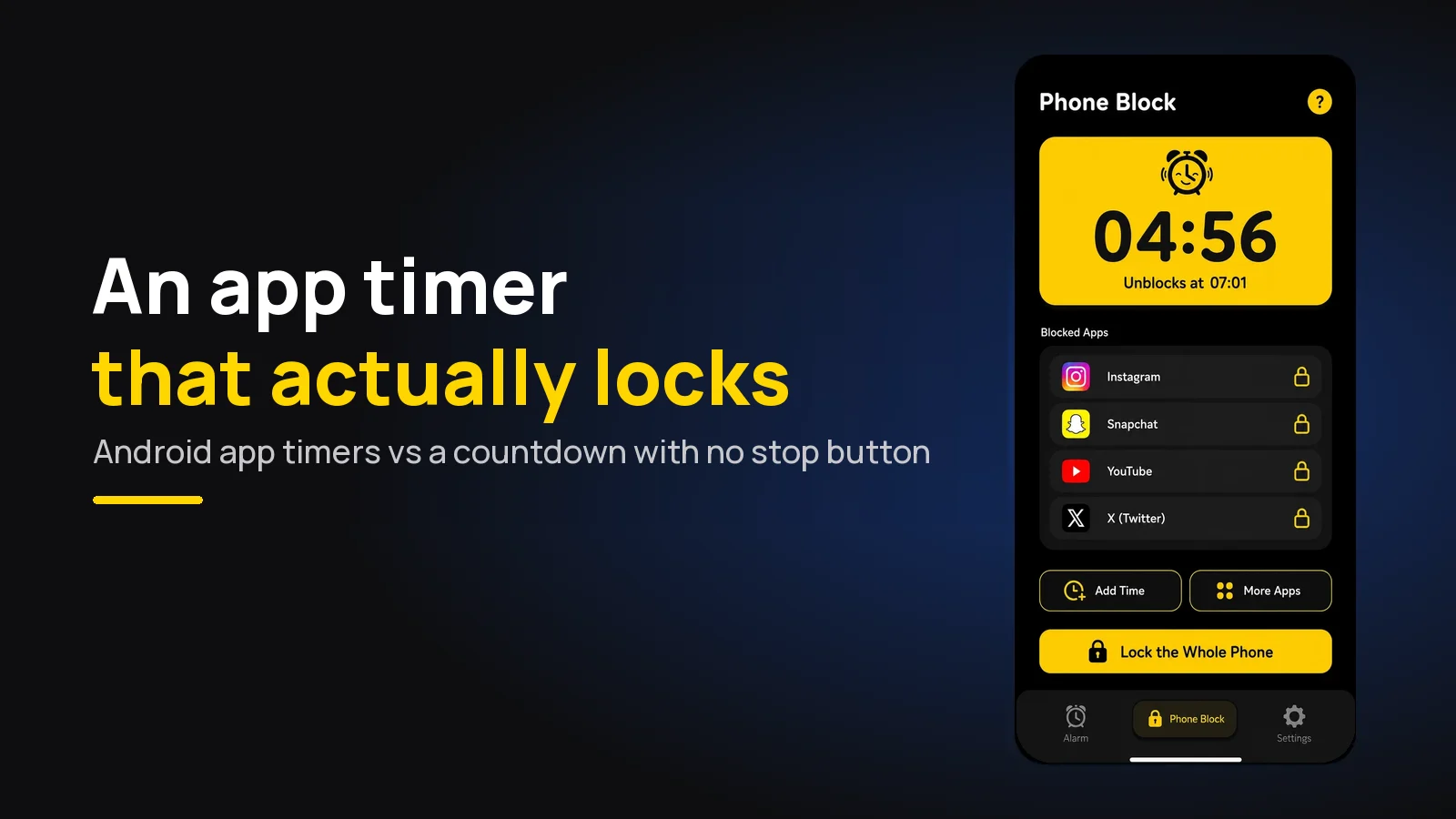
App Timer for Android That Actually Locks Your Apps
Android's built-in app timer is a daily allowance you can delete. Here's an app timer that locks apps for a set time, with no stop button.