
Nothing Phone Alarm Not Going Off? 8 Fixes (2026)
 Beyond Alarm19 November 2026 · 7 min read
If your alarm didn't go off on a Nothing Phone or CMF Phone, the cause is usually the alarm's own sound, Do Not Disturb, or battery limits on the alarm app. The quickest fix is Beyond Alarm, whose reliability screen checks the settings that silence alarms and opens each one.
The short version:
- Use Beyond Alarm: it schedules alarms with Android's highest-priority alarm type, scores your phone's alarm settings, and tells you the next morning if an alarm didn't ring.
- Silent ring? Check the alarm's sound, the Alarm volume and the Clock's Silent after setting.
- Make sure Do Not Disturb and Bedtime mode let alarms through.
- For a third-party alarm app, set battery use to Unrestricted and allow Alarms & reminders and full-screen notifications.
- An overnight update restart can leave the phone locked. Install updates in the evening.
Why Nothing phones miss alarms
Nothing OS stays close to Google's own Android, and that's good news. Stock Android gets the best possible rating on dontkillmyapp.com, the long-running list of phone makers that stop background apps. Nothing has no page there at all, and there's no Phone Master or "sleeping apps" list to fight.
So on a Nothing phone, look at settings before you blame the phone. Most missed alarms come down to a sound, a schedule or a permission, plus the battery limits Android applies to every app.
This is also why Beyond Alarm works well here. It sets every alarm with
Android's setAlarmClock, the highest-priority alarm type, which Doze (the
phone's deep sleep) is built to let through.
Which symptom do you have?
| What happened | Most likely cause | Fix |
|---|---|---|
| Want an alarm that checks itself | Settings an app can't see on its own | Beyond Alarm's reliability screen |
| Rings, but no sound | Alarm sound off, low Alarm volume, deleted tone | Fix 1 |
| Started ringing, then stopped | The Clock's Silent after timer | Fix 2 |
| No ring, only some nights | Do Not Disturb or Bedtime schedule | Fix 3 |
| No ring at all (third-party app) | Battery limits or a lost permission | Fixes 4, 5 and 7 |
| Notification, but no ring screen | Full-screen permission (Android 14+) | Fix 6 |
| Missed after an update | Overnight restart left the phone locked | Fix 8 |
Beyond Alarm: the checks done for you
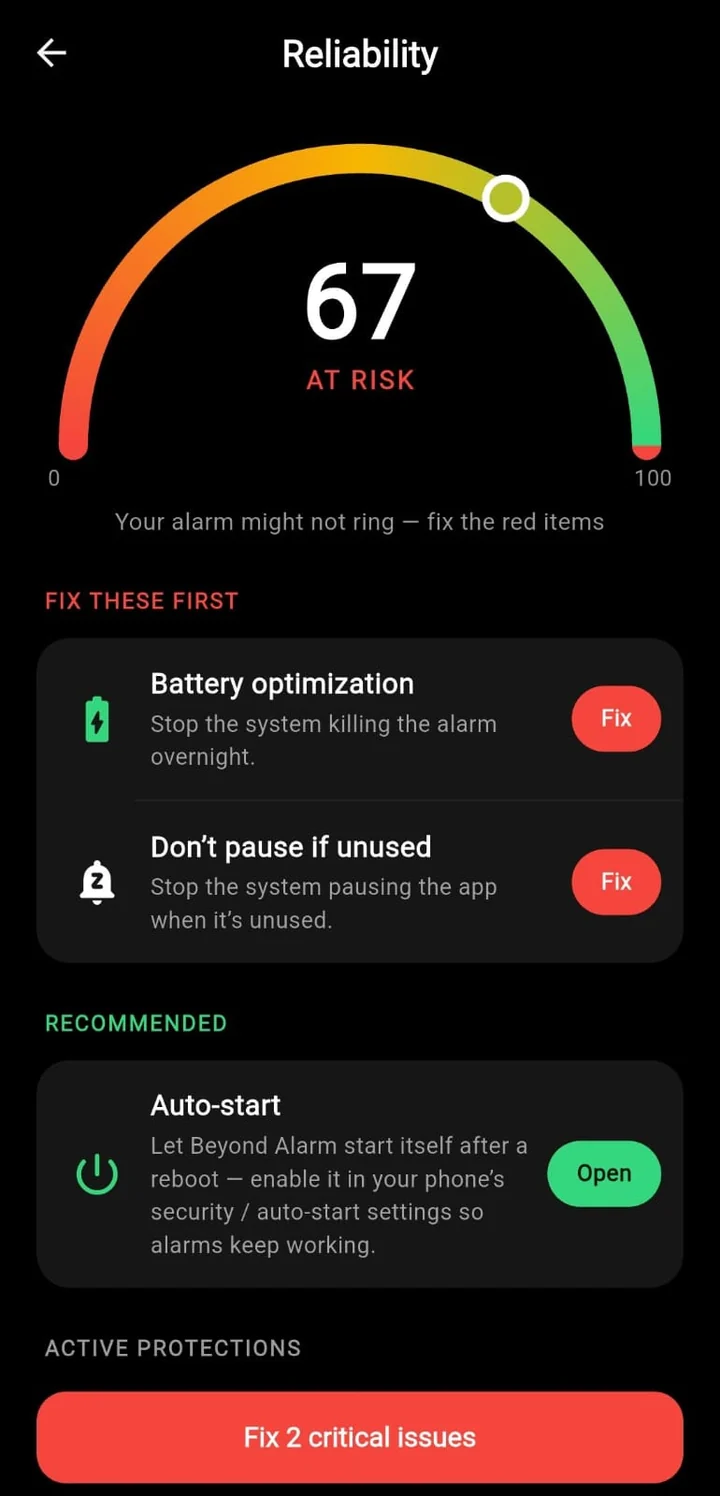
We built Beyond Alarm's reliability screen because no alarm app can fix settings it can't see. On a Nothing or CMF phone it shows these rows, reads each one for you, and opens the right page when one needs fixing:
- Exact alarm, so the alarm fires at the set time, not "around" it.
- Notifications, which the ring screen needs.
- Full-screen alarm, on Android 14 and later.
- Battery optimization, so Android doesn't hold the app back overnight.
- Boot recovery, which re-arms your alarms after a restart.
- Alarm volume and Display over other apps.
Each row adds to a score for your phone. If Android ever refuses an alarm, Beyond Alarm says "Couldn't set this alarm" with a button to fix it. And if an alarm's time passes with no ring, a missed-alarm card on the Alarms tab tells you the next morning.
1. The alarm's sound and the Alarm volume
Android keeps alarms on their own volume, separate from calls and media. Nothing's support pages say the alarm rings even when the phone is in silent mode, so silent mode isn't the problem. The Alarm slider might be.
- Press a volume key, open the full volume panel, and raise the Alarm slider. You can also find it in Settings under Sound (the name may differ slightly by version).
- Open Clock, tap the alarm, and check its Alarm sound. If it's a song or downloaded file, pick a built-in tone. An alarm pointing at a deleted file can play nothing.
- If earbuds or a speaker are connected, the sound may play there instead.
2. "Silent after" in the Clock
Nothing's support article on alarms lists a Silent after setting that will "automatically silence an alarm after a set period of time". If you sleep through the first few minutes, the alarm stops itself and it looks like it never rang.
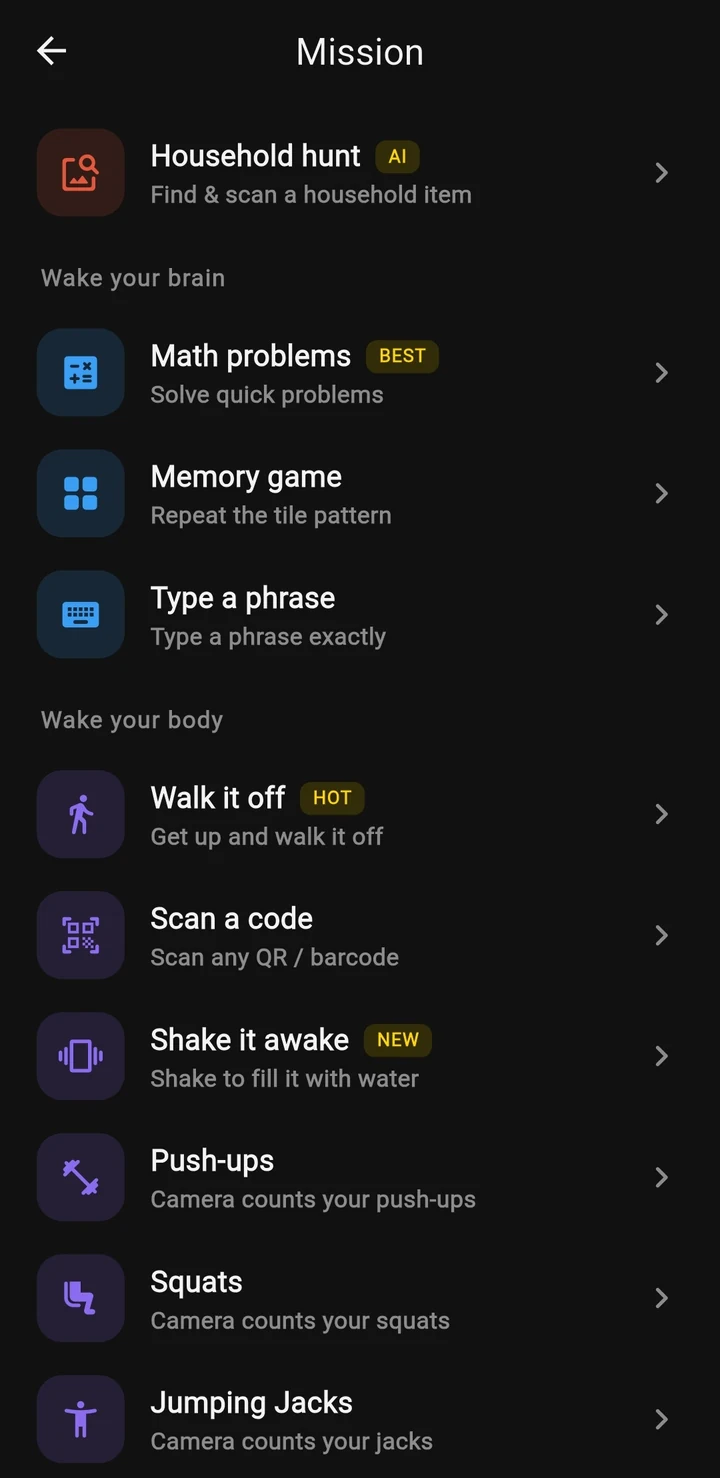
Open Clock, tap the ⋮ menu, then Settings, and lengthen Silent after (called Silence after on some versions) or set it to never. Beyond Alarm has no such timer: it keeps ringing until you dismiss it or finish one of its 11 wake-up missions.
3. Do Not Disturb and Bedtime mode
Alarms are allowed through Do Not Disturb by default, but that exception can be switched off, and a schedule can turn it on every night.
- Open Settings → Sound (or Notifications) → Do Not Disturb. On newer Android versions it may sit under Modes.
- Check that Alarms are allowed, in every schedule or mode you use.
- Open Settings → Digital Wellbeing & parental controls → Bedtime mode and check what it switches on at night.
The path may differ slightly by Nothing OS version; searching Settings for "Do Not Disturb" finds it. There are three ways Do Not Disturb can silence an alarm, and the third catches people out even with alarms allowed.
Beyond Alarm
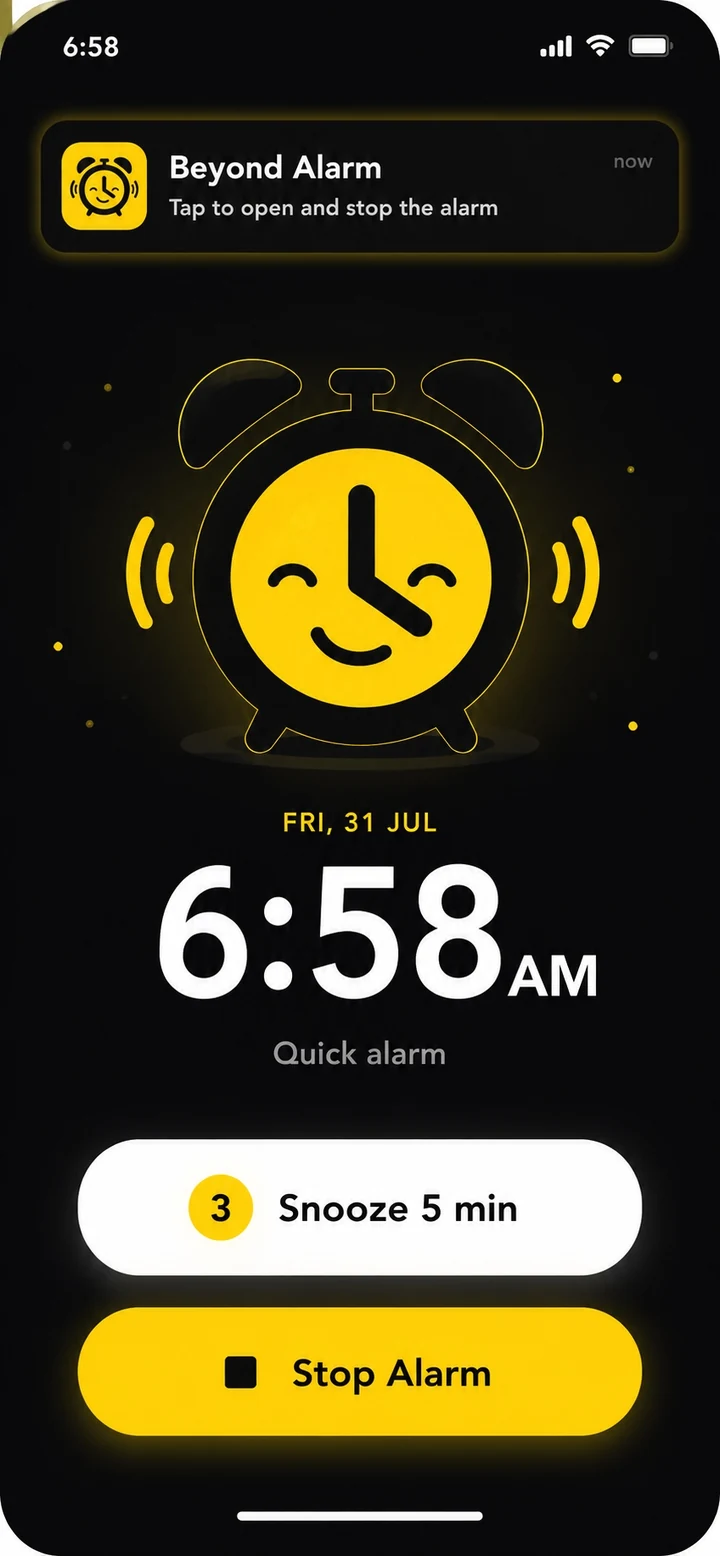
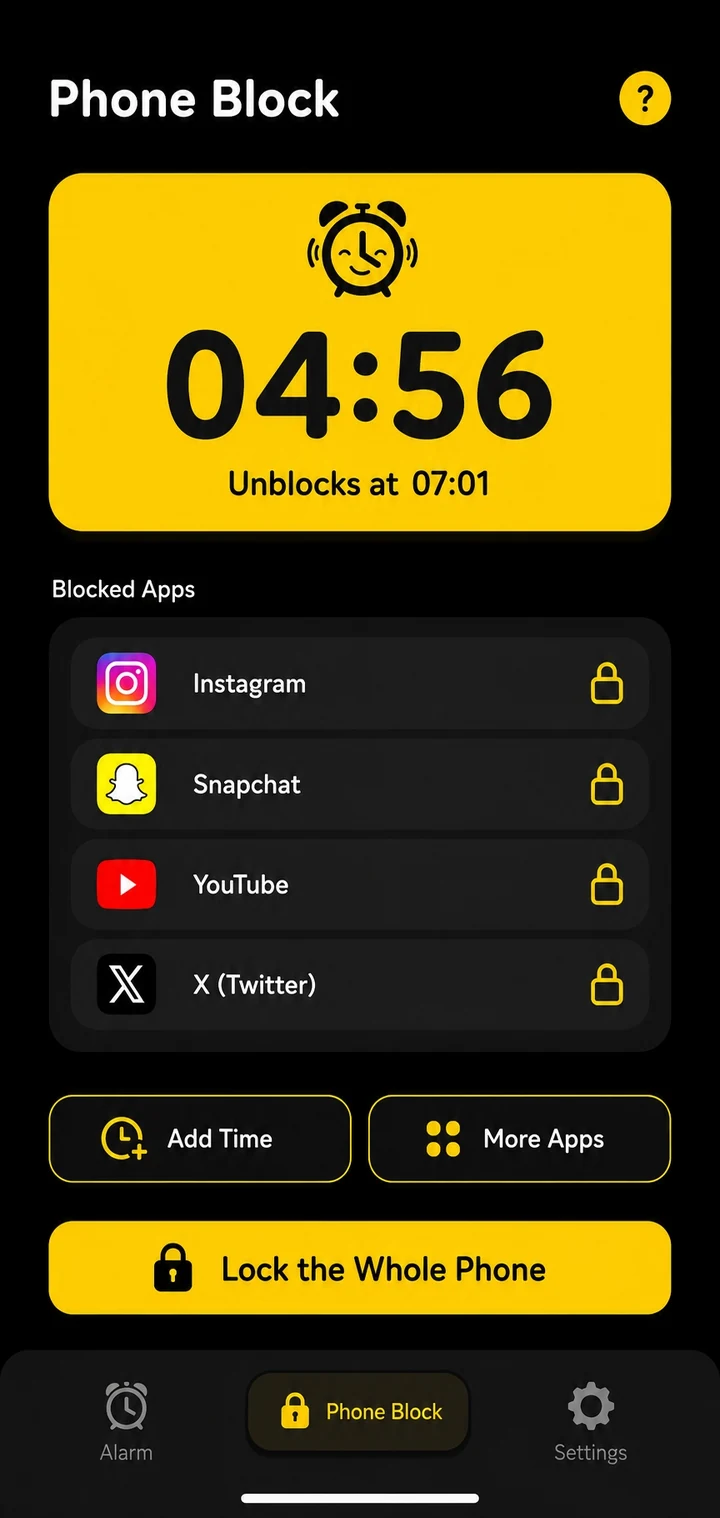
Beyond Alarm does this part for you: the alarm will not switch off until you have actually moved, and the apps you pick stay locked afterwards.


4. Set the alarm app's battery to Unrestricted
This matters for third-party alarm apps. The built-in Clock is a system app and isn't held back the same way.
- Go to Settings → Apps, then See all apps, and tap your alarm app.
- Tap App battery usage (or Battery).
- Choose Unrestricted. On some versions this is an Allow background usage switch with Optimised and Unrestricted underneath.
Leave Battery saver off overnight if you can, since saver modes restrict background apps further. If you do sleep with it on, test your alarm with it on too.
5. Alarms & reminders
Since Android 12, an app needs Alarms & reminders permission to ring at an exact time. Without it, Android may deliver the alarm late. Find it under Settings → Apps → Special app access → Alarms & reminders and allow your alarm app. Beyond Alarm reads this as its Exact alarm row.
6. Full-screen notifications (Android 14 and later)
The ring screen that takes over your lock screen is a full-screen notification. From Android 14, an app needs separate permission to show one. Without it, the alarm can arrive as an ordinary notification, easy to sleep through.
Look under Settings → Apps → Special app access for full-screen notifications (search Settings for "full screen" if you can't see it), and allow your alarm app. Make sure the app's Notifications are on at all.
7. Pause app activity if unused
On each app's info page, Android has a switch called Pause app activity if unused. If you haven't opened an app for a few months, Android can take back its permissions and stop its background work. A set-and-forget alarm app is exactly that kind of app, so switch it off for yours.
Also check Digital Wellbeing: an app timer or Focus mode can pause the alarm app if it ended up on either list.
8. An update restarted the phone overnight
Nothing OS updates can restart the phone to finish installing. After any restart, Android keeps app data locked until you first unlock the phone, so most third-party alarm apps can't set their alarms until then. We explain exactly why a restart silences alarms here.
Beyond Alarm's Boot recovery re-arms its alarms as soon as the phone boots, before the first unlock. Even so, install pending updates in the evening, while you're awake.
Beyond Alarm is the alarm we built for mornings that matter. On a Nothing phone, its reliability screen checks exact alarms, notifications, full-screen alerts, battery optimisation, Alarm volume and Display over other apps, gives your phone a score, and opens the right page for each fix. While it rings, the Alarm volume is held at maximum. On another brand? Nothing OS is close to a Pixel's software, so the Google Pixel checklist is a good second read, and there's a guide for every Android phone.
Test it tonight
Set an alarm for three minutes from now, lock the phone and put it face down. If it rings and the screen comes up, the basics are right.
Then check the things a quick test can't catch: no Do Not Disturb or Bedtime schedule mutes alarms, the Clock's Silent after is long enough, and no update is waiting to restart the phone overnight. Re-check after any Nothing OS update, since that's when settings like these tend to change.
Sources
Checked on 19 November 2026.
- Nothing Support Centre: How to set an alarm
- dontkillmyapp.com: Google (stock Android)
Common questions
Why is my Nothing Phone alarm not working?
Usually one of three things: the alarm's sound or the Alarm volume is turned down, Do Not Disturb or Bedtime mode is blocking it, or a third-party alarm app has been held back by battery limits. Check the alarm's sound first, then Do Not Disturb, then the app's battery use.
Does the alarm go off on silent on a Nothing Phone?
Yes. Nothing's own support pages say the alarm still rings when the phone is in silent mode. Silent mode doesn't touch the Alarm volume, but Do Not Disturb can block alarms if its exceptions were changed.
Why does my Nothing Phone alarm stop by itself?
The built-in Clock has a setting that silences an alarm automatically after a set time if nobody touches it. Lengthen it or set it to never in the Clock's settings. Beyond Alarm has no time-out: it keeps ringing until you dismiss it or finish its wake-up mission.
Do these fixes work on a CMF Phone?
Yes. CMF phones run Nothing OS, so the same settings apply. Menu names can differ slightly between models and Nothing OS versions; search Settings for the bold word if a path doesn't match.
Which alarm app works best on a Nothing Phone?
Beyond Alarm. It schedules its alarms with Android's highest-priority alarm type, and its reliability screen checks exact alarms, notifications, full-screen alerts, battery optimisation and the Alarm volume, then opens the right page for each fix.
We build Beyond Alarm, the alarm for Android and iPhone that will not switch off until you have actually moved, then blocks the apps that pull you back. Most of what we write here comes out of building it.
Beyond Alarm
An alarm that keeps ringing until you’ve actually moved — then blocks the apps that pull you back to bed. Free to start, no account.
Keep reading
Android Alarm Going Off Late? Why It's Delayed + 7 Fixes
Android alarm going off late, or delayed by minutes? Doze, inexact alarms, battery savers and a wrong clock are the usual causes. Here's how to fix each.
Alarm Not Working After an Android Update? 7 Fixes (2026)
Alarm stopped working after an Android 14, 15 or 16 update? Check full-screen alerts, Alarms & reminders, battery limits and paused apps, in this order.