
Pixel alarm not going off? What actually silences it on Google Pixel phones
 Beyond Alarm1 October 2026 · 3 min read
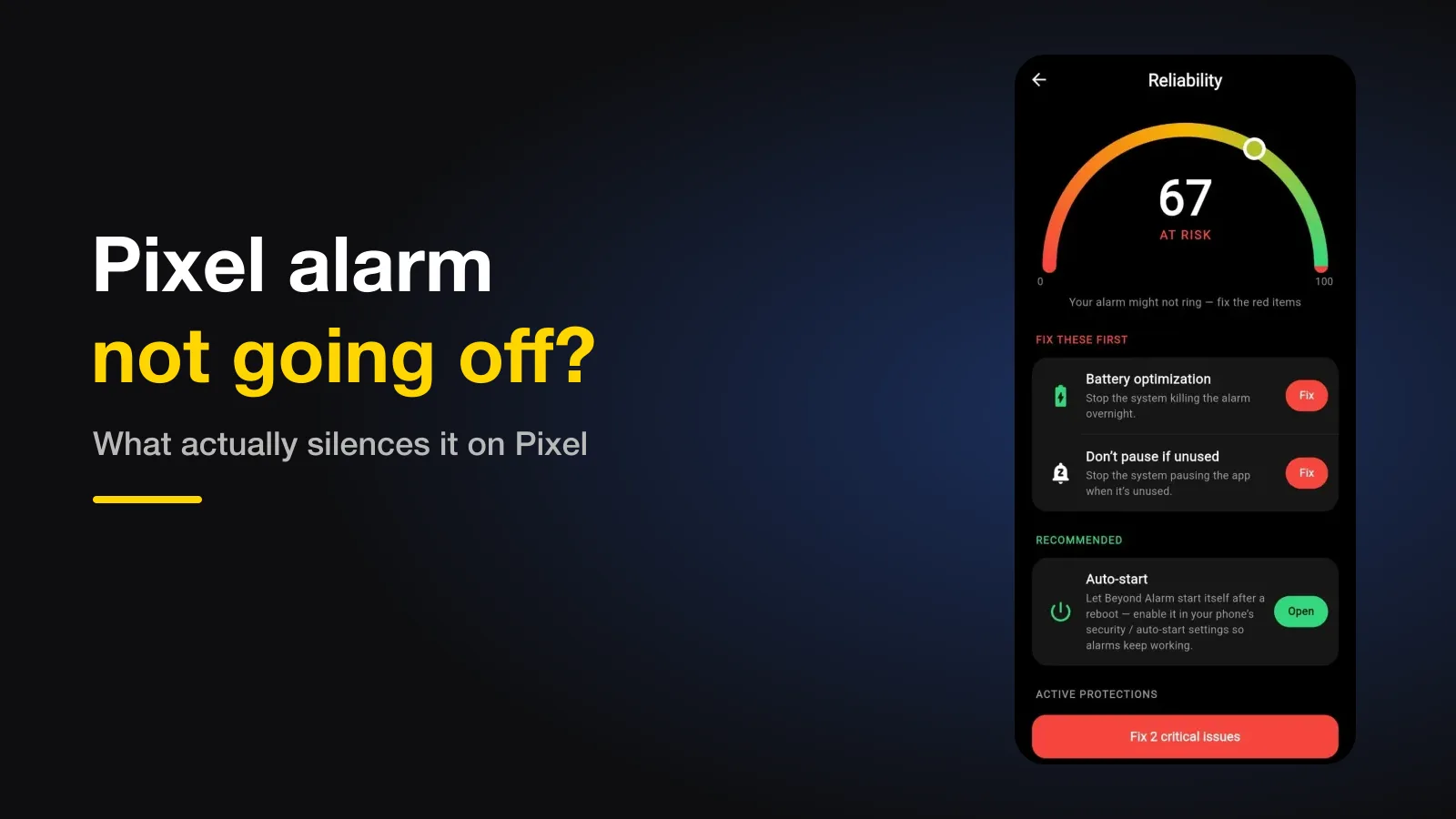
If your alarm didn't go off on a Google Pixel, it's rarely the phone killing the app — Pixels are the gentlest Android phones about that. It's almost always Bedtime mode or Do Not Disturb, the Alarm volume, your alarm app being set to Restricted battery use, or an overnight system update that restarted the phone.
The short version:
- Check the Alarm volume slider and the alarm's own sound.
- Make sure Do Not Disturb and Bedtime mode let alarms through.
- Set your alarm app's battery use to Unrestricted.
- Install system updates during the day before an important morning.
- Allow Alarms & reminders for the alarm app.
Pixels rarely kill apps — so look elsewhere first
dontkillmyapp.com, which rates every phone maker on how aggressively it stops background apps, gives Google its best score: "On Pixel and Nexus devices you have the lowest chance of something going wrong." That's useful, because it tells you where not to start. On a Xiaomi or OnePlus the battery manager is the usual suspect; on a Pixel it's usually a setting you or a schedule turned on.
Every cause, in the order to check
| # | Cause | Where to check |
|---|---|---|
| 1 | Alarm volume low, or the alarm's sound set to None | Settings → Sound & vibration → Alarm volume; the alarm itself |
| 2 | Bedtime mode / Do Not Disturb | Settings → Digital Wellbeing → Bedtime mode; Settings → Notifications → Do Not Disturb → allow alarms |
| 3 | Alarm app set to Restricted | Settings → Apps → the app → App battery usage → Unrestricted |
| 4 | Overnight update restarted the phone | Settings → System → Software updates |
| 5 | App can't set alarms | Settings → Apps → the app → Alarms & reminders → Allow |
1. Alarm volume and the alarm's sound
Android keeps the alarm on its own slider, separate from ringtone and media — silent mode doesn't touch it, but the slider itself can be low. Check it under Sound & vibration, then open the alarm and make sure its sound isn't set to None. If it rings but too quietly, that has its own causes.
2. Bedtime mode and Do Not Disturb
Pixel's Bedtime mode, in Digital Wellbeing, can switch on Do Not Disturb at night. Alarms are allowed through by default, but that exception can be turned off, and an alarm app that doesn't play on the alarm channel can be silenced anyway. The three ways Do Not Disturb silences an alarm are covered separately.
Beyond Alarm
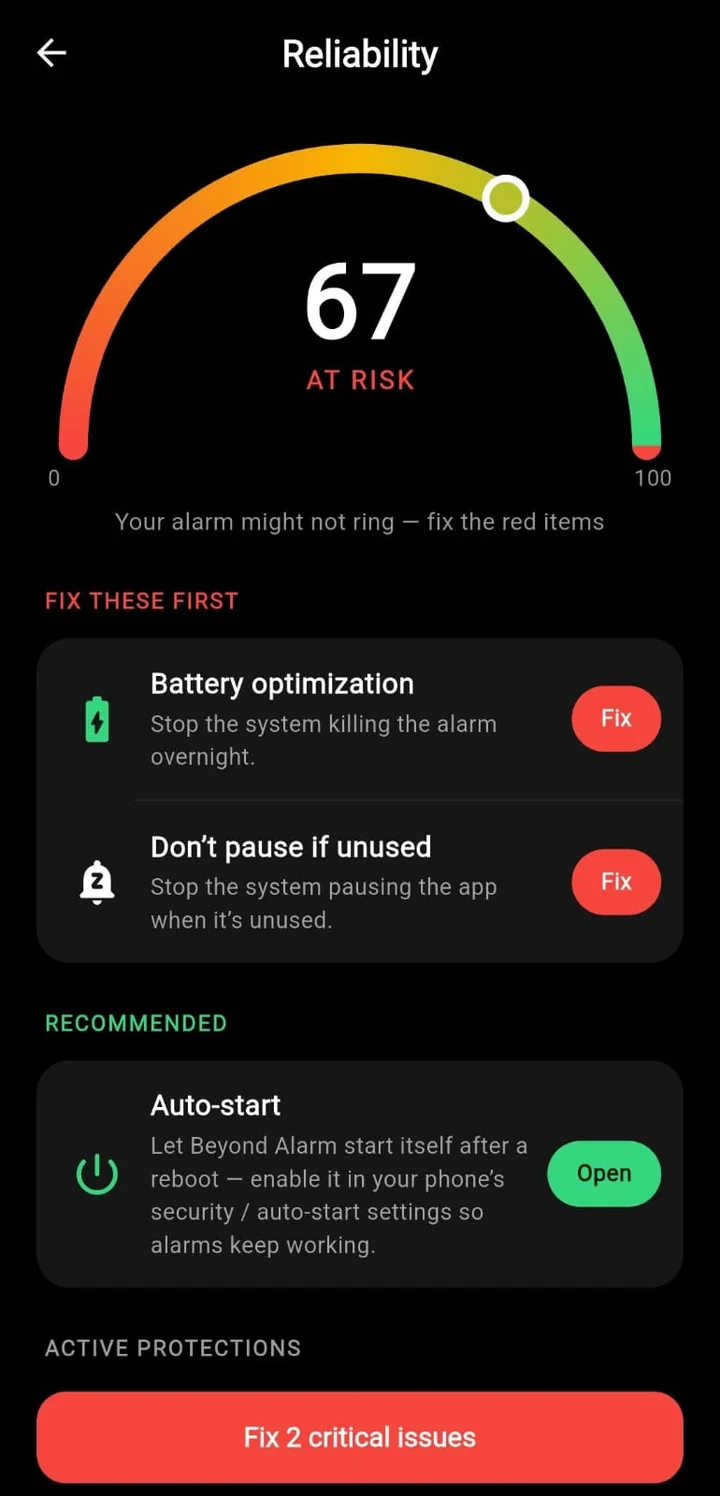
Beyond Alarm does this part for you: the alarm will not switch off until you have actually moved, and the apps you pick stay locked afterwards.





3. The app's battery use is Restricted
Pixels give each app one of three battery settings. In Google's words, Unrestricted allows "battery usage in background without restrictions", Optimized is "recommended for most apps", and Restricted restricts background use — "app may not work as expected" (Pixel Phone Help).
Google recommends leaving Adaptive Battery on, and that's right — don't turn it off for the whole phone. Instead, open Settings → Apps → See all apps → your alarm app → App battery usage, and choose Unrestricted for that one app.
4. An update restarted the phone overnight
Pixels can install system updates overnight and restart to finish them. After any restart, Android keeps app data locked until you first unlock the phone, so most third-party alarm apps can't set their alarms until then. We explain exactly why a restart silences alarms here. Before a morning that matters, check Software updates in the evening and install anything pending while you're awake.
5. The app can't set exact alarms
Since Android 12, an app needs the Alarms & reminders permission to ring at an exact time. It's normally granted on install but can be switched off — check it under the app's page in Settings.
Beyond Alarm's reliability screen checks the battery and alarm permissions that decide whether an alarm can ring, and opens the right page for each. On another brand? There are separate checklists for Samsung, OnePlus, Motorola and Xiaomi, vivo, OPPO and realme.
Test it tonight
Set an alarm for three minutes from now, lock the phone and leave it. If it rings, the basics are fine. The two things a quick test can't catch — Bedtime mode's schedule and a pending update — are worth a ten-second look before bed.
Common questions
Does Bedtime mode block alarms on a Pixel?
Bedtime mode can turn on Do Not Disturb. Alarms are allowed through Do Not Disturb by default, but if that exception has been switched off, or the alarm app isn't using the alarm channel, it can stay silent.
Should I turn off Adaptive Battery?
Not for the whole phone. Leave Adaptive Battery on and set just your alarm app to Unrestricted under its App battery usage. Google recommends keeping the system settings on and adjusting individual apps.
Why did my Pixel alarm fail after an update?
Pixels can install system updates overnight and restart afterwards. Until you first unlock after that restart, most third-party alarm apps can't set their alarms. Install updates during the day before an important morning.
Is my Pixel's own Clock app affected?
Rarely. Google's Clock is normally built to ring after a restart and isn't held back by the battery limits. The checks here matter most for third-party alarm apps.
We build Beyond Alarm, an Android alarm app that will not switch off until you have actually moved. Most of what we write here comes out of problems we hit building it.
Beyond Alarm
An alarm that keeps ringing until you’ve actually moved — then blocks the apps that pull you back to bed. Free to start, no account.
Keep reading
Motorola alarm not going off? The Moto settings that silence it
Moto phones run close to stock Android, but a few settings — Adaptive battery, a hidden Unrestricted option and "Improve battery while inactive" — can stop an alarm app. Where they are and what to set.
OnePlus alarm not going off? The OxygenOS battery settings that stop it
OnePlus is rated the most aggressive phone maker at killing background apps, and an alarm app is an easy target. The settings to change, where they are, and the one that can switch itself back.