
Xiaomi alarm not going off? The HyperOS and MIUI settings that stop it
 Beyond Alarm16 October 2026 · 5 min read
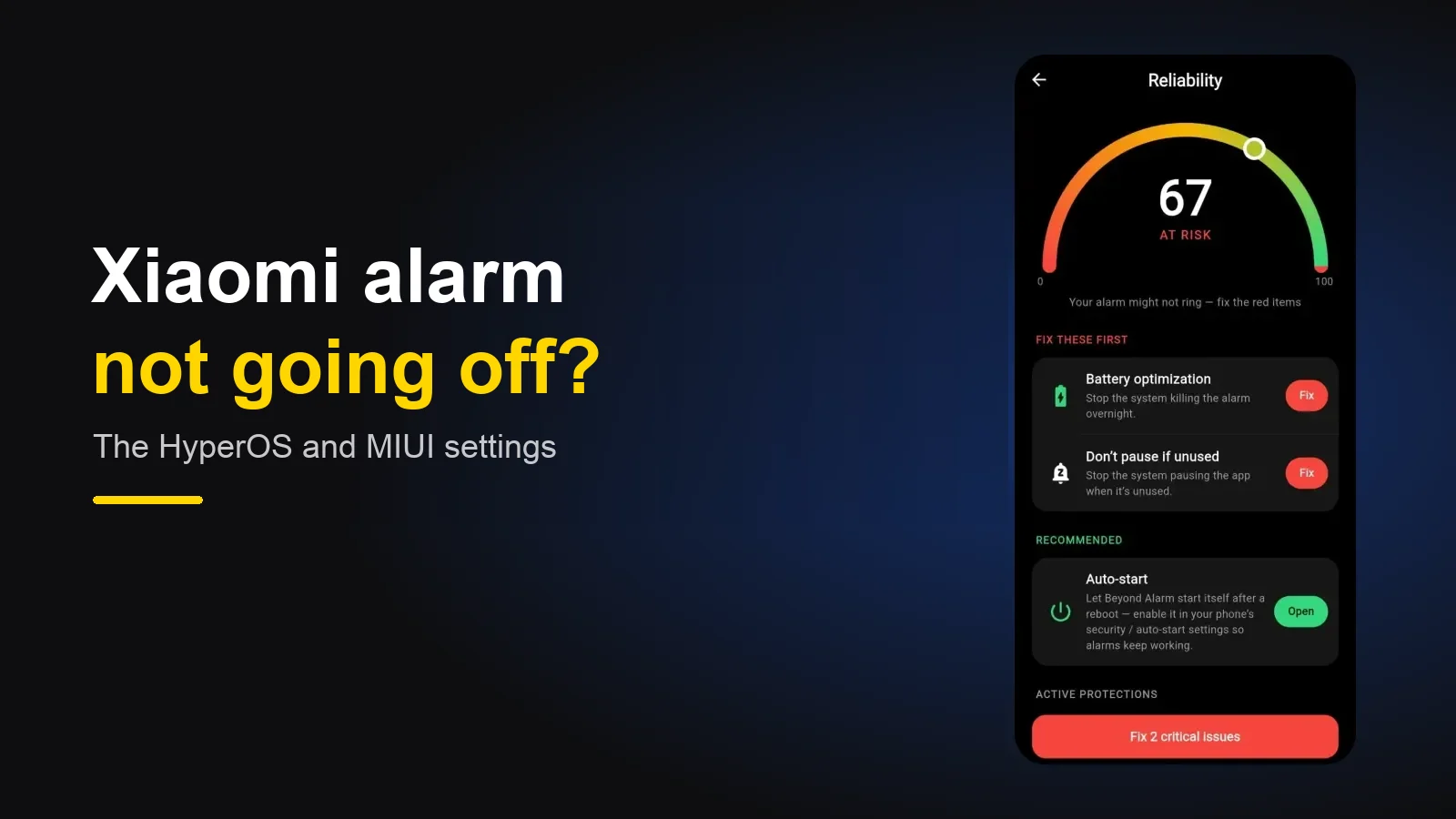
If your alarm doesn't go off on a Xiaomi, Redmi or POCO phone, the usual cause is that HyperOS or MIUI stopped the alarm app in the background. Turn on Autostart for it, set its Battery saver to No restrictions, allow Show on Lock screen and pop-up windows under Other permissions, and lock it in Recents. If it rings silently instead, check the alarm's sound file and the Alarm volume.
The short version:
- Xiaomi is one of the most aggressive phone makers about background apps.
- An alarm app you set at night and don't open again is exactly what it stops.
- Five separate switches, in three different menus — fixing one doesn't fix the others.
- Sound but no ring screen? That's the Xiaomi-only "Other permissions".
Why Xiaomi stops alarm apps
dontkillmyapp.com, which rates every phone maker on how hard it kills background apps, has put Xiaomi near the top of its list for years. The reason is the same as on every strict phone: HyperOS and MIUI promise long battery life, and the easiest way to keep that promise is to stop apps that aren't on screen.
A third-party alarm app looks, to the phone, like an app you haven't touched since bedtime. So it gets closed — and an alarm app that's closed can't ring. Xiaomi's own Clock app is a system app and is left alone, which is why "my phone's clock works fine" is the most common thing people say right before their third-party alarm fails.
The trap is that Xiaomi splits this across several menus. Turn on Autostart and the per-app Battery saver still restricts the app. Fix both and the ring screen can still be hidden by a permission no other brand has.
Every setting, and where it is
Menu names move between MIUI 12, 13, 14 and HyperOS. If a path doesn't match, search Settings for the bold word.
| # | Setting | What to set | Where |
|---|---|---|---|
| 1 | Autostart | On | Long-press the app → App info → Autostart |
| 2 | Battery saver (per app) | No restrictions | App info → Battery saver |
| 3 | Show on Lock screen | Allow | App info → Other permissions |
| 4 | Display pop-up windows while running in the background | Allow | App info → Other permissions |
| 5 | Lock in Recents | Locked | Recent apps → long-press the app card → lock |
On older MIUI versions, Autostart also lives in the Security app → Permissions → Autostart, which shows every app at once.
1. Autostart
Autostart lets an app start itself after a restart, or after the system closed it. An alarm app needs it to come back after Xiaomi clears it overnight. Long-press your alarm app, tap App info, and switch Autostart on.
This is the switch that matters most — and the one no app can check. Android has no public way for an app to read whether Autostart is on, so an app's "everything is fine" screen is guessing about it. More on why that is here.
2. Battery saver for the app
Separate from the phone-wide Battery saver mode, each app has its own Battery saver setting under App info. The default, Battery saver (recommended), is the one that restricts the app in the background. Set it to No restrictions.
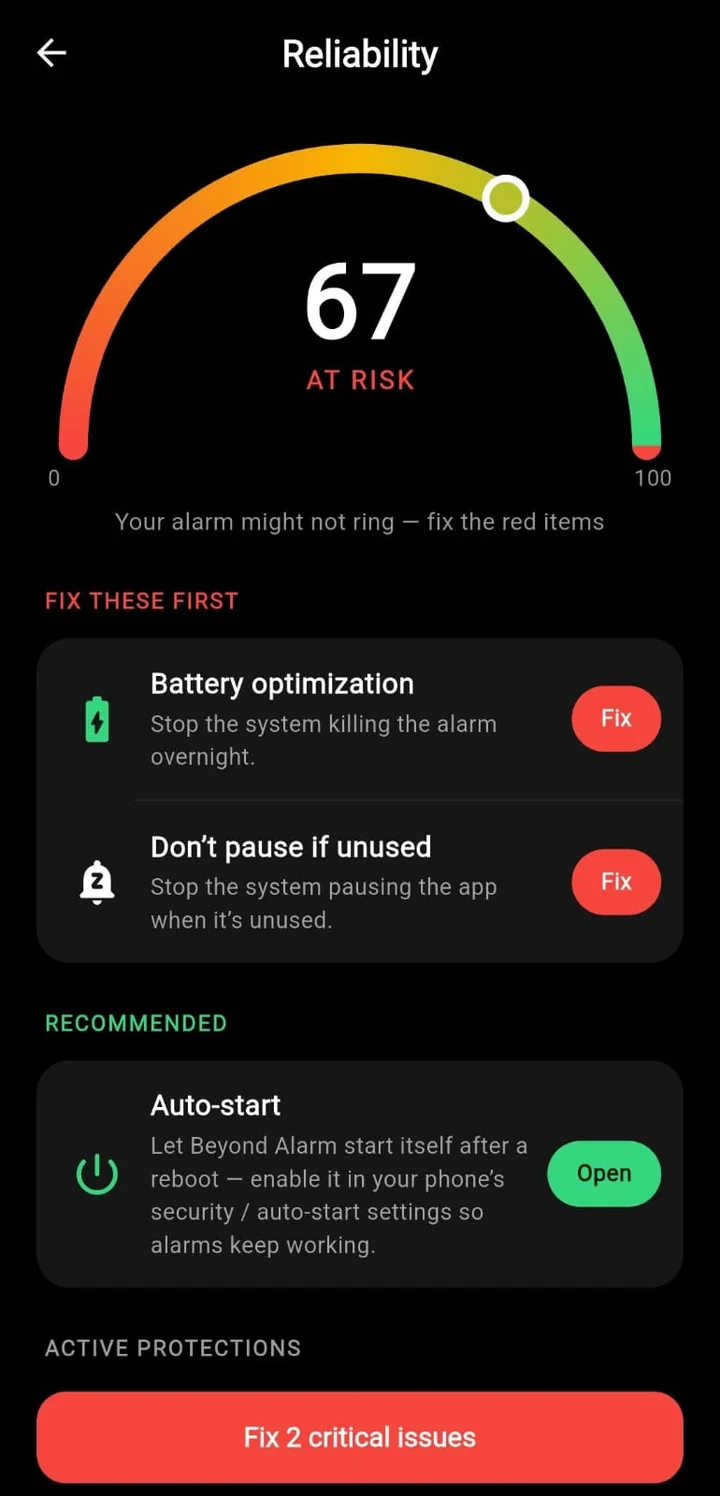
The standard Android "battery optimisation" switch exists too, and Beyond Alarm's reliability screen turns that off for you — but on Xiaomi the per-app Battery saver is its own setting, and it's worth checking by hand.
Beyond Alarm
Beyond Alarm does this part for you: the alarm will not switch off until you have actually moved, and the apps you pick stay locked afterwards.





3 and 4. The Xiaomi-only permissions
This is the one that catches people who've done everything else. HyperOS and MIUI add their own permissions under App info → Other permissions, and two of them decide whether an alarm can show itself:
- Show on Lock screen — lets the ring screen appear over your lock screen.
- Display pop-up windows while running in the background — lets the app open its ring screen when it's not already on screen.
With these denied, you can get the strangest failure of all: the alarm sound plays, but no screen appears, so there's nothing to tap to stop it. Allow both.
5. Lock it in Recents
Clearing your recent apps — or the Security app's Boost speed and Cleaner — can close the alarm app outright. Open Recent apps, long-press your alarm app's card and tap the lock icon. A locked app survives "clear all".
A silent alarm: the sound file and volume
If the alarm screen comes up but makes no sound, the tone is the first suspect. An alarm set to a song or downloaded file goes quiet if that file was moved or deleted. Choose a built-in tone, then check the Alarm volume slider under Sound & vibration — it's separate from the ringtone and media sliders. More causes of a quiet alarm are here.
Beyond Alarm's reliability screen checks battery optimisation, background pausing and the alarm permissions, and opens the right page for Autostart — the Xiaomi-only switches above are worth doing by hand. On another brand? There are checklists for Samsung, Google Pixel, OnePlus, Motorola and vivo.
The general ones still apply
Beyond the Xiaomi settings, check that Do Not Disturb lets alarms through (the three ways it can silence one), that the alarm app has Alarms & reminders permission, and that an overnight restart didn't leave the phone locked.
If you sleep with the phone-wide Battery saver or Ultra battery saver on, test with it on — those modes restrict background apps further still.
Test it tonight
Set an alarm three minutes ahead, clear your recent apps, lock the phone and leave it. If it rings and the screen comes up, the settings held. Re-check Autostart and Battery saver after any HyperOS update — updates are when settings like these quietly reset.
Common questions
Where is Autostart on a Xiaomi, Redmi or POCO phone?
On HyperOS and recent MIUI, long-press the alarm app → App info → Autostart, and switch it on. You can also find the full list under the Security app → Permissions → Autostart.
My Xiaomi alarm rings but the screen doesn't come up. Why?
Xiaomi adds its own permissions under App info → Other permissions. Allow "Show on Lock screen" and "Display pop-up windows while running in the background" for the alarm app, or the ring screen can be blocked even though the sound plays.
Do I need to do this for Xiaomi's own Clock app?
Usually not — the built-in Clock is a system app that HyperOS and MIUI leave alone. These settings matter for third-party alarm apps, which Xiaomi treats like any other app.
Does Battery saver mode stop alarms on Xiaomi?
The phone-wide Battery saver and Ultra battery saver modes restrict background apps further. If you use them overnight, re-test your alarm with them on — and set the alarm app's own Battery saver to No restrictions.
Did a HyperOS update turn my settings off?
It can. Major updates sometimes reset Autostart and battery settings for third-party apps. Re-check all five after any system update.
We build Beyond Alarm, an Android alarm app that will not switch off until you have actually moved. Most of what we write here comes out of problems we hit building it.
Beyond Alarm
An alarm that keeps ringing until you’ve actually moved — then blocks the apps that pull you back to bed. Free to start, no account.
Keep reading
vivo alarm not going off? The Funtouch OS and OriginOS settings that stop it
On vivo phones an alarm usually fails because the phone stopped the app in the background, or the alarm's sound file is gone. The vivo settings to change — Autostart, background power, battery — and where they are.
Motorola alarm not going off? The Moto settings that silence it
Moto phones run close to stock Android, but a few settings — Adaptive battery, a hidden Unrestricted option and "Improve battery while inactive" — can stop an alarm app. Where they are and what to set.