
Tecno or Infinix Alarm Not Going Off? 7 Fixes
 Beyond Alarm13 November 2026 · 6 min read
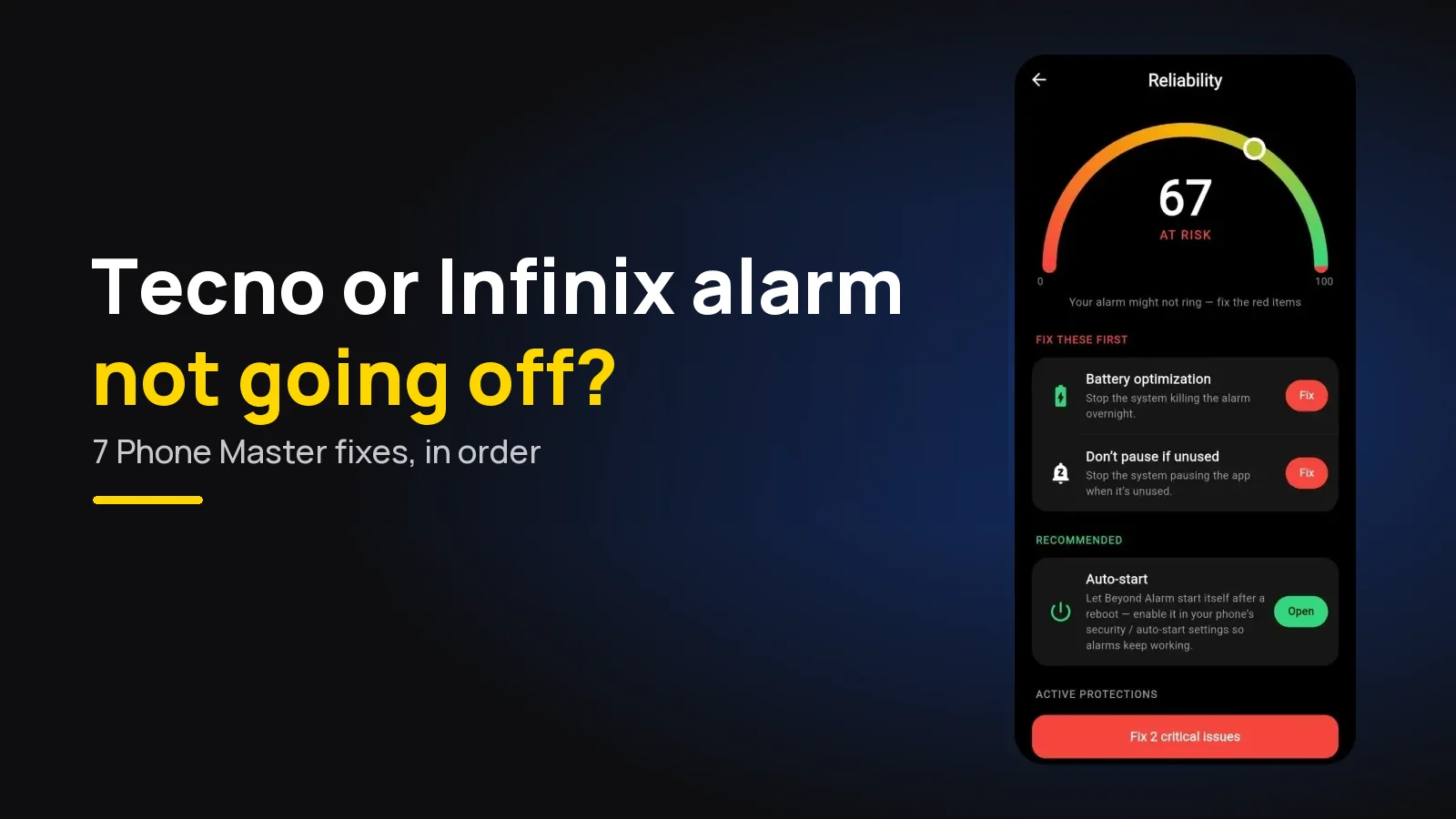
If your alarm isn't going off on a Tecno, Infinix or itel phone, Phone Master has almost certainly stopped the alarm app in the background. Use Beyond Alarm, which opens Phone Master's auto-start list for you, then allow auto-start, turn off power saving for the app and lock it in Recents.
The short version:
- Use Beyond Alarm. On Tecno, Infinix and itel its reliability screen adds an Auto-start & Phone Master step that opens the right page, and it tells you the next morning if an alarm didn't ring.
- Phone Master on all three brands closes background apps and blocks auto-start, alarm apps included.
- Fix four things: Auto-start, power saving management, battery optimisation and a Recents lock.
- Turn off sleep mode optimisation if your phone has it.
- A silent ring is a different problem: check the Alarm volume and tone.
Why Tecno, Infinix and itel phones stop alarms
All three brands belong to the same company, Transsion, and run close relatives of the same software: HiOS on Tecno, XOS on Infinix, itel OS on itel. All three ship Phone Master, the tool that clears memory, boosts speed and saves battery.
Saving battery is the problem. dontkillmyapp.com, the long-running list of phone makers that stop background apps, says Tecno's "aggressive battery setting causes app to be completely halted, like frozen in time". An alarm app frozen at 3am can't wake up at 7.
Infinix, Tecno and itel phones are a large share of Beyond Alarm's Android users, which is why the app treats all three as one family and sends them to the same fixes.
Which symptom do you have?
| What happened | Most likely cause | Fix |
|---|---|---|
| Want an alarm that checks itself | Settings you can't see from the app | Beyond Alarm's reliability screen |
| No ring at all | Phone Master froze or closed the app | Fixes 1 to 4 |
| Rings only when you open the app | App halted in the background | Fixes 1 and 2 |
| Fails only some nights | Sleep mode optimisation or a cleaner run | Fixes 4 and 5 |
| Notification, no ring screen | Full-screen permission (Android 14+) | Fix 6 |
| Rings, but silently | Alarm volume, tone or Do Not Disturb | Fix 7 |
Beyond Alarm: the checks done for you
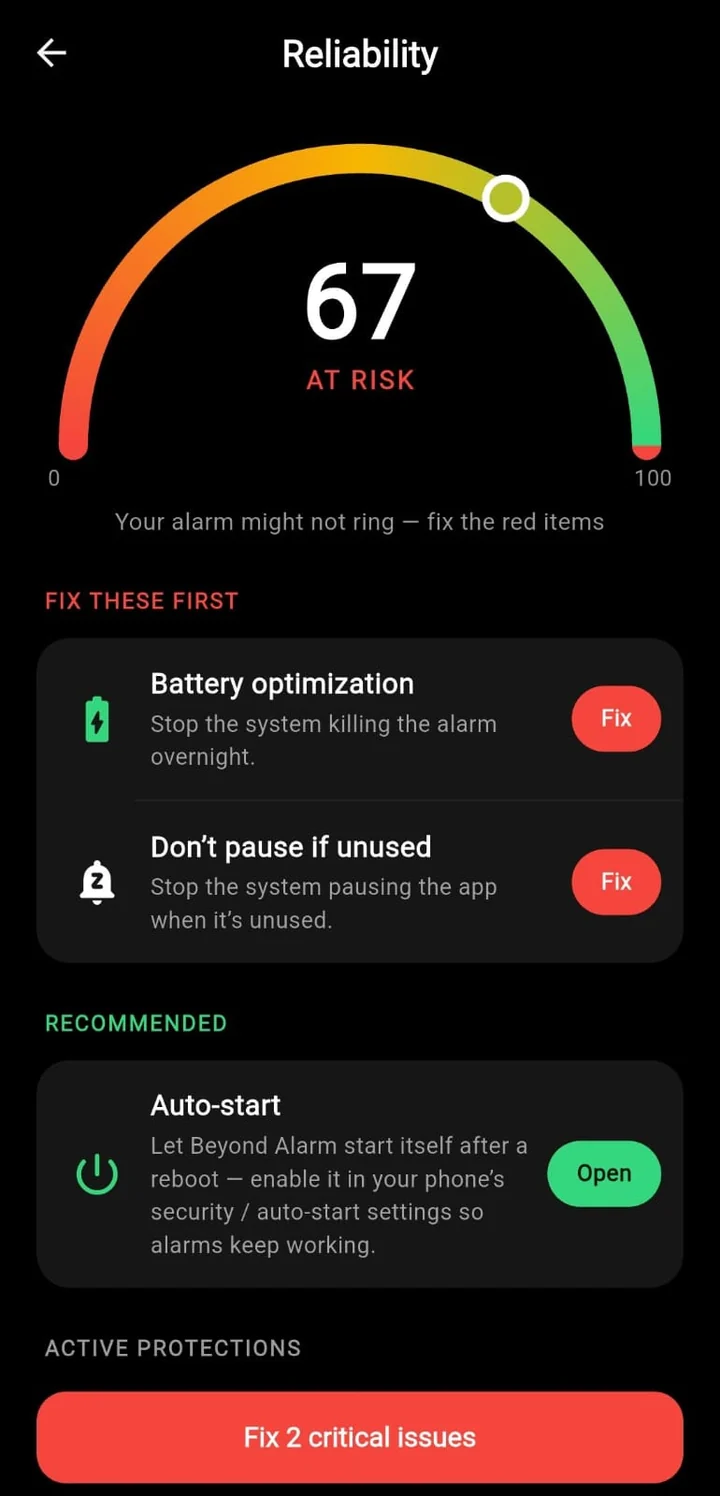
We built Beyond Alarm's reliability screen because no app can read Phone Master's settings. What it can do is open the right screen and keep a list. On a Tecno, Infinix or itel phone it shows:
- Auto-start & Phone Master: "Phone Master → Auto-start management → allow Beyond Alarm. Then lock it in Recent apps so it isn't cleared." The button opens Phone Master's own auto-start list.
- Exact alarm, Notifications, Full-screen alarm and Battery optimization, each read automatically.
- Don't pause if unused, so Android doesn't put the app to sleep after a quiet few weeks.
- A link to the Tecno page on dontkillmyapp.com, in case your menus differ.
1. Allow auto-start in Phone Master
Auto-start lets an app start itself after a restart or after Phone Master has closed it. Without it, an alarm app that was cleared overnight stays dead.
dontkillmyapp.com gives the path as Phone Master → Toolbox → Auto-start management: allow your alarm app. A Salestrail guide for Infinix gives a second route on some models: Settings → Apps Management → More Settings → Auto-start Management. If neither matches, search Settings for "auto-start".
2. Turn off power saving management for the app
dontkillmyapp.com lists a second, separate switch: Settings → Battery Lab → Battery Saving Settings, then turn off Power Saving Management For Apps for your alarm app. Auto-start alone isn't enough if the battery manager still freezes the app once it's running.
3. Set battery optimisation to unrestricted
The standard Android setting is still there underneath. Long-press the alarm app, open App info → Battery, and choose Unrestricted (or "Don't optimise" on older versions). Beyond Alarm reads this one for you and shows it as Battery optimization on its reliability screen.
4. Lock it in Recent apps
Phone Master and the "clear all" button can both close an app that's sitting in Recents. Open Recent apps, find your alarm app and use its lock option so a clean-up leaves it alone. dontkillmyapp.com recommends the same.
Beyond Alarm
Beyond Alarm does this part for you: the alarm will not switch off until you have actually moved, and the apps you pick stay locked afterwards.





5. Check Phone Master's night-time options
dontkillmyapp.com flags a few more Phone Master options worth a look:
| Option | What to set |
|---|---|
| Sleep Mode Optimization | Off; it turns on airplane mode at night |
| Screen off sleep | Off |
| Power Boost (Power Marathon) | Off |
| Battery Saver (advanced settings) | Off overnight |
Not every model has every option, and names move between HiOS and XOS versions. If your alarm fails only some nights, these are the usual suspects. For saver modes in general, see does your alarm work in battery saver mode.
6. Alarm permissions on Android 12 and later
Third-party alarm apps need permissions the built-in Clock gets automatically. Search Settings for each:
- Alarms & reminders (Android 12+), so the alarm fires at the exact time.
- Full-screen notifications (Android 14+), so the ring takes over the lock screen instead of arriving as a notification.
- Notifications, switched on for the app.
7. A ring with no sound
If the alarm screen appears but stays quiet, check the Alarm volume slider under Sound settings, which is separate from ringtone and media. A tone that was a downloaded song can also go silent if the file was moved. Why your alarm is too quiet on Android covers every cause, and Do Not Disturb has three ways of its own to mute an alarm.
What Beyond Alarm adds once it rings
Getting the alarm to fire is half the job. On Android, Beyond Alarm also:
- Re-arms after a restart, before you've unlocked the phone, so an overnight update doesn't wipe your alarm.
- Holds the Alarm volume at maximum while it rings, and keeps ringing until you dismiss it or finish one of its 11 wake-up missions.
- Shows a missed-alarm card. If an alarm's time passed with no ring, the home screen tells you the next morning, with a button to fix the settings.
Why we can't just switch Phone Master off for you. Android gives apps no way to read or change a maker's auto-start list, and Transsion publishes no public setting for it. So Beyond Alarm opens the exact Phone Master screen and asks you to confirm you've allowed it. It's a manual step, which is why the missed-alarm card exists as a safety net.
Test it before you trust it
Set an alarm for three minutes ahead, then press clear all in Recents and run Phone Master's clean-up. Lock the phone and wait. If it rings after that, it'll ring in the morning.
Recheck after every system update, which can reset auto-start lists. Our general Android guide and the OPPO and realme checklist cover phones with similar battery managers.
Sources
Checked on 13 November 2026.
- dontkillmyapp.com: Tecno
- Salestrail Knowledge Base: Infinix devices
Common questions
Why is my alarm not ringing on my Infinix phone?
Most often Phone Master, the battery and cleaning tool on Infinix, Tecno and itel phones, has closed the alarm app or blocked it from starting itself. Allow the app in Phone Master's Auto-start management, turn off power saving management for it, and lock it in Recent apps.
Where is Auto-start on a Tecno or Infinix phone?
Usually in Phone Master → Toolbox → Auto-start management. Some versions also have it under Settings → Apps Management → More Settings → Auto-start Management. Menus vary by model, so search Settings for "auto-start" if neither path matches.
Which alarm app works best on Tecno, Infinix and itel?
Beyond Alarm. On these phones its reliability screen adds an "Auto-start & Phone Master" step that opens Phone Master's auto-start list, plus the usual exact alarm, battery and full-screen checks, and it shows a card if an alarm didn't ring.
Does the default Clock app work on Tecno and Infinix?
The built-in Clock is normally exempt from Phone Master. Problems start with third-party alarm apps, which Phone Master treats like any other background app unless you allow them.
Why does my Tecno alarm only ring when I open the app?
That's the classic sign of an app frozen in the background. The alarm fires the moment you open the app because only then is it allowed to run. Allow auto-start and switch off power saving management for the app.
We build Beyond Alarm, the alarm for Android and iPhone that will not switch off until you have actually moved, then blocks the apps that pull you back. Most of what we write here comes out of building it.
Beyond Alarm
An alarm that keeps ringing until you’ve actually moved — then blocks the apps that pull you back to bed. Free to start, no account.
Keep reading
Alarm Automatically Silenced on Android? What It Means
"Alarm automatically silenced" means it rang and timed out while you slept. Why Pixel and Samsung clocks stop alarms, and how to keep yours ringing.
Samsung Alarm Not Making Sound? 8 Fixes for One UI
Samsung alarm vibrates but makes no sound? Check the alarm's own volume, a Clock setting that silences alarms, a deleted tone, earbuds and Sleep mode.