
Alarm Automatically Silenced on Android? What It Means
 Beyond Alarm10 November 2026 · 6 min read
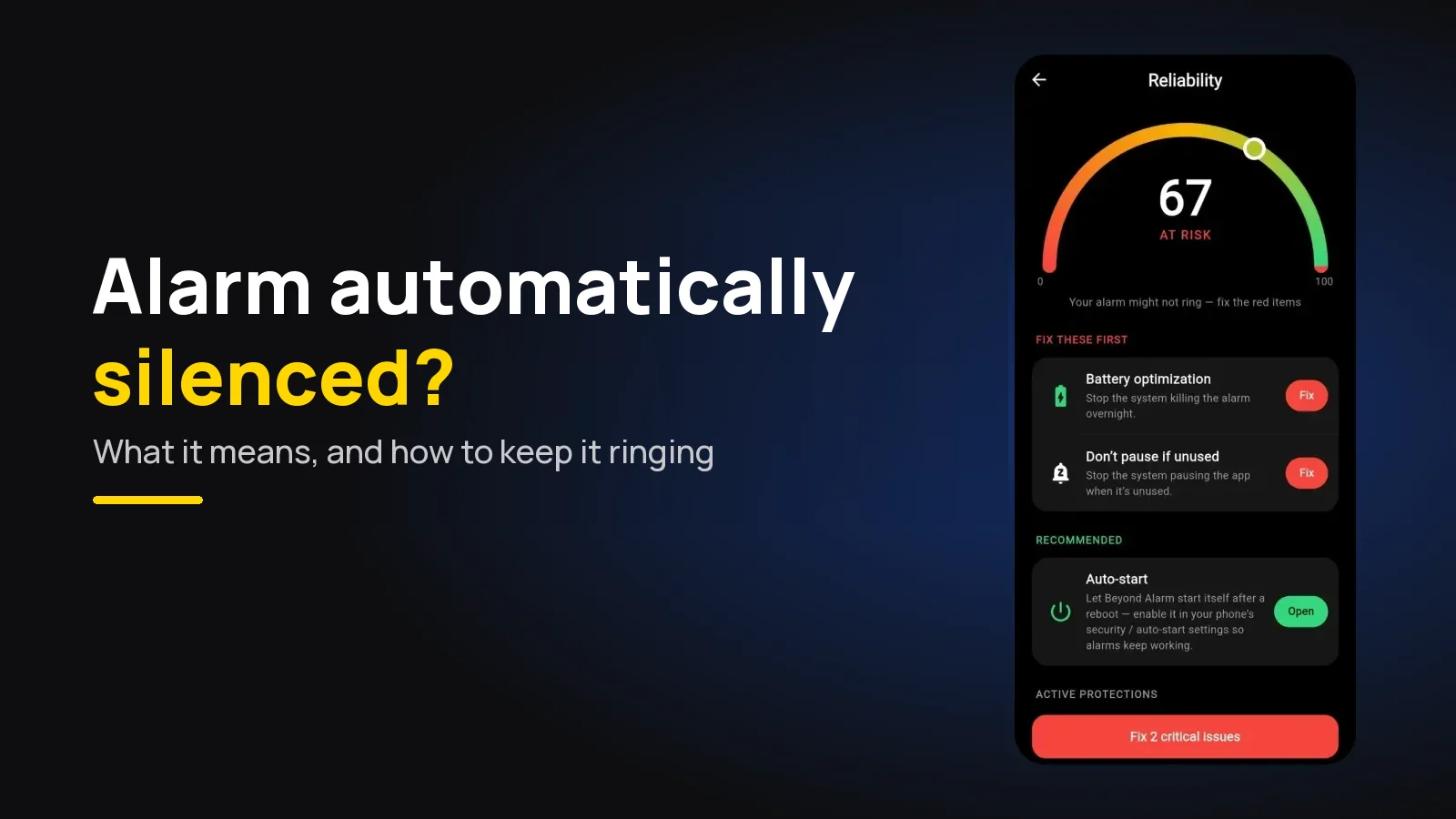
The notification "Alarm automatically silenced" means your alarm did ring. It rang for as long as your clock app allows, nobody touched it, and it stopped itself. To stop it happening, use Beyond Alarm, which never times out on Android, or lengthen your clock's ring time and make the alarm harder to sleep through.
The short version:
- Switch to Beyond Alarm. On Android it keeps ringing until you dismiss it or finish a wake-up mission, holds the Alarm volume at maximum while it rings, and can check you stayed up afterwards.
- On a Pixel, Google's Clock has a Silence after setting. Make it longer, or set it to Never where it's offered.
- On a Samsung, owners report Clock stops an untouched alarm after about five minutes.
- A ring you sleep through for several minutes is a volume, tone or placement problem. Fix those too.
- "Silenced" is not "didn't go off". If nothing rang at all, that's a different set of causes.
Silenced or never rang? Check which one you have
The notification is good news of a sort: the alarm was set, the phone was awake, and the sound started. Nothing killed it. It simply hit its own time limit.
| What you saw | What it means | Where to look |
|---|---|---|
| "Alarm automatically silenced" notification | It rang and timed out | Ring length, volume, tone (below) |
| Snoozed alarm came back, then stopped | Each ring timed out in turn | Ring length, and the snooze limit |
| No notification, no sound, nothing | It never started | Why an alarm didn't go off |
| A notification, but no ring screen | Full-screen permission off (Android 14+) | The Pixel checklist |
| It rang, but too quietly to wake you | Volume path or a long fade-in | Alarm too quiet on Android |
Beyond Alarm sits on the first row for a reason: an alarm with no time-out can't produce this notification. In our own code the ring service loops the sound and has no timer that stops it. Only a dismiss, or a finished mission, does.
Why clock apps silence alarms at all
A built-in clock has to assume the worst case: an alarm going off in an empty flat, or on a phone left in a bag. Ringing forever would drain the battery and annoy the neighbours, so most clocks cap each ring and give up.
That's a sensible default for a phone that might be anywhere. It's the wrong default for a phone on your bedside table, set by someone who is genuinely hard to wake.
On a Google Pixel: Silence after
Google's Clock lets you choose the cap. According to Google's Pixel Phone Help, under More → Settings → Alarms you can "Choose how long your alarm rings: Tap Silence after."
- Open Clock and tap the three-dot More menu, then Settings.
- Under Alarms, tap Silence after.
- Pick a longer time, or Never if your version lists it.
The same screen has Snooze length and Gradually increase volume. If you sleep through rings, check the second one: a long fade-in spends the first part of the ring too quietly to wake a deep sleeper.
The full list of Pixel causes, including Bedtime mode, is in our Pixel checklist.
On a Samsung Galaxy: about five minutes
Samsung's Clock also stops an alarm nobody touches. In a Samsung Community thread, one owner writes that "the ring length is usually five minutes", and the thread names no setting to change it. At the time of writing, the advice there is a longer or more irritating tone, more volume, or a watch that vibrates.
If your Samsung alarm stops with no sound at all, that's a different fault. Samsung alarm vibrating but no sound covers the Clock setting that mutes alarms with the phone's sound mode. For every other Samsung cause, see the Samsung checklist.
Other Android phones
Most other makers' clock apps cap the ring too, and the setting, where there is one, has a different name on each. Open the clock's own settings and look for anything about ring duration, auto-silence or how long the alarm sounds. Menus change between versions, so search the settings for "silence" or "duration" if the path doesn't match.
Beyond Alarm
Beyond Alarm does this part for you: the alarm will not switch off until you have actually moved, and the apps you pick stay locked afterwards.





The bigger question: why five or ten minutes didn't wake you
A time-out only matters if the whole ring passed without waking you. That's worth fixing on its own, because a longer ring of the same quiet tone may just be a longer ring you sleep through.
| Cause | What to change |
|---|---|
| Ring stops after a few minutes | An app with no time-out, such as Beyond Alarm, or a longer Silence after |
| Alarm volume low | Raise the Alarm slider, not media or ringtone |
| Long fade-in | Shorten or turn off the gradual volume ramp |
| A tone you've stopped noticing | Change it (why alarms stop working) |
| You dismissed it and don't remember | A wake-up mission instead of a one-tap dismiss |
| Earbuds or a watch connected | Disconnect at night, or check where the alarm plays |
The last two rows are common. If you sometimes find the alarm switched off with no memory of doing it, that's a known pattern, and we've written up why you turn off your alarm in your sleep. For more on deep sleepers, see how to wake up a heavy sleeper.
How Beyond Alarm handles the same morning
We built Beyond Alarm for exactly the person who sleeps through a ring. On Android, this is what happens when it goes off:
- No time-out. The sound loops until you dismiss the alarm or finish its mission. There is no Silence after to set.
- Volume held at maximum. While it rings, Beyond Alarm's ring service pins the Alarm volume to full and puts it straight back if anything lowers it.
- Missions. Choose from 11 wake-up missions, such as maths, typing, a photo or push-ups, so a half-asleep tap can't end it.
- No quiet escape mid-mission. If you turn the sound off during a mission and stop making progress, it comes back after 20 seconds.
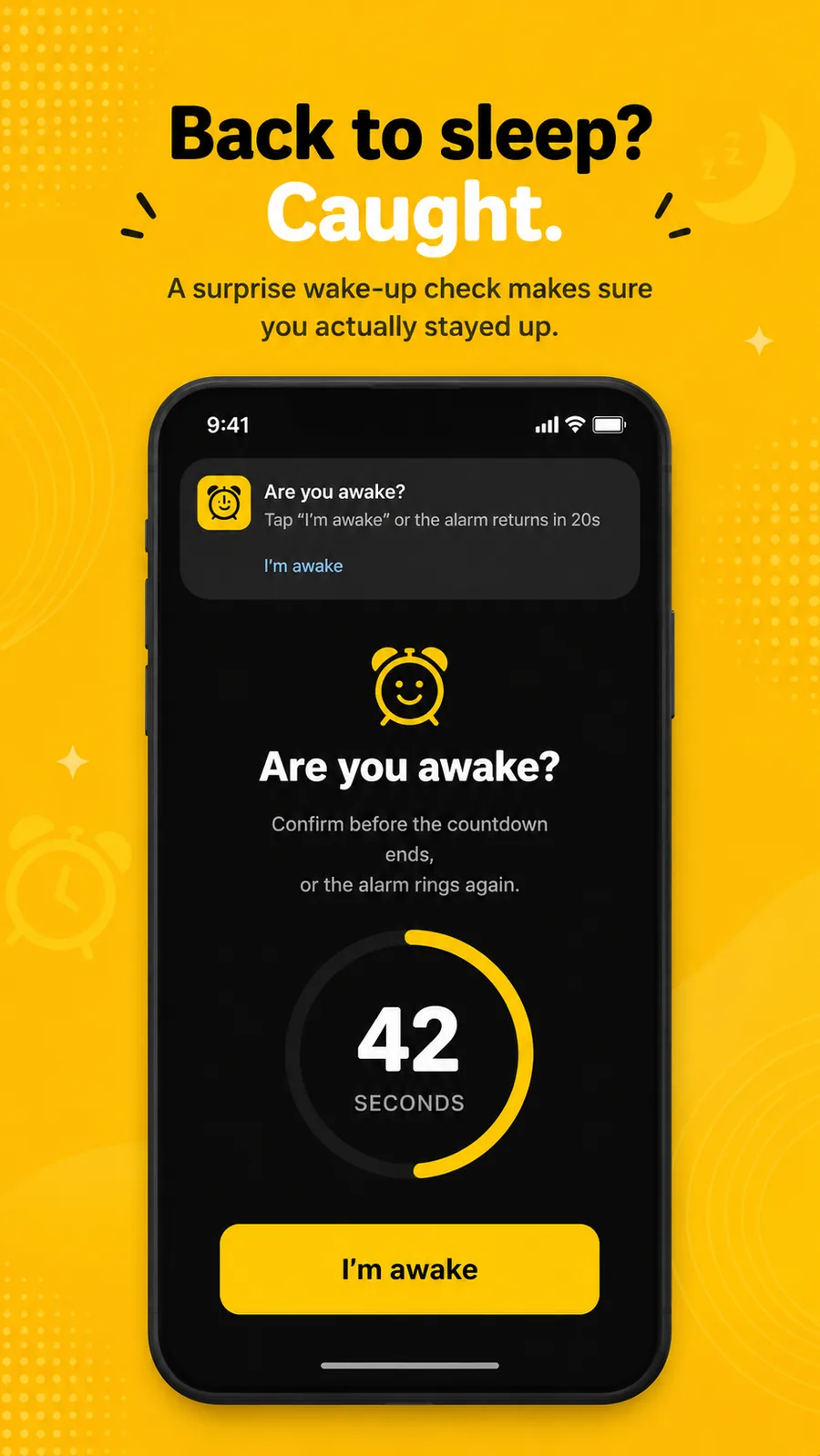
- Wake-up Check. An optional soft check after you turn the alarm off. Ignore it, and the full alarm returns with the same mission.
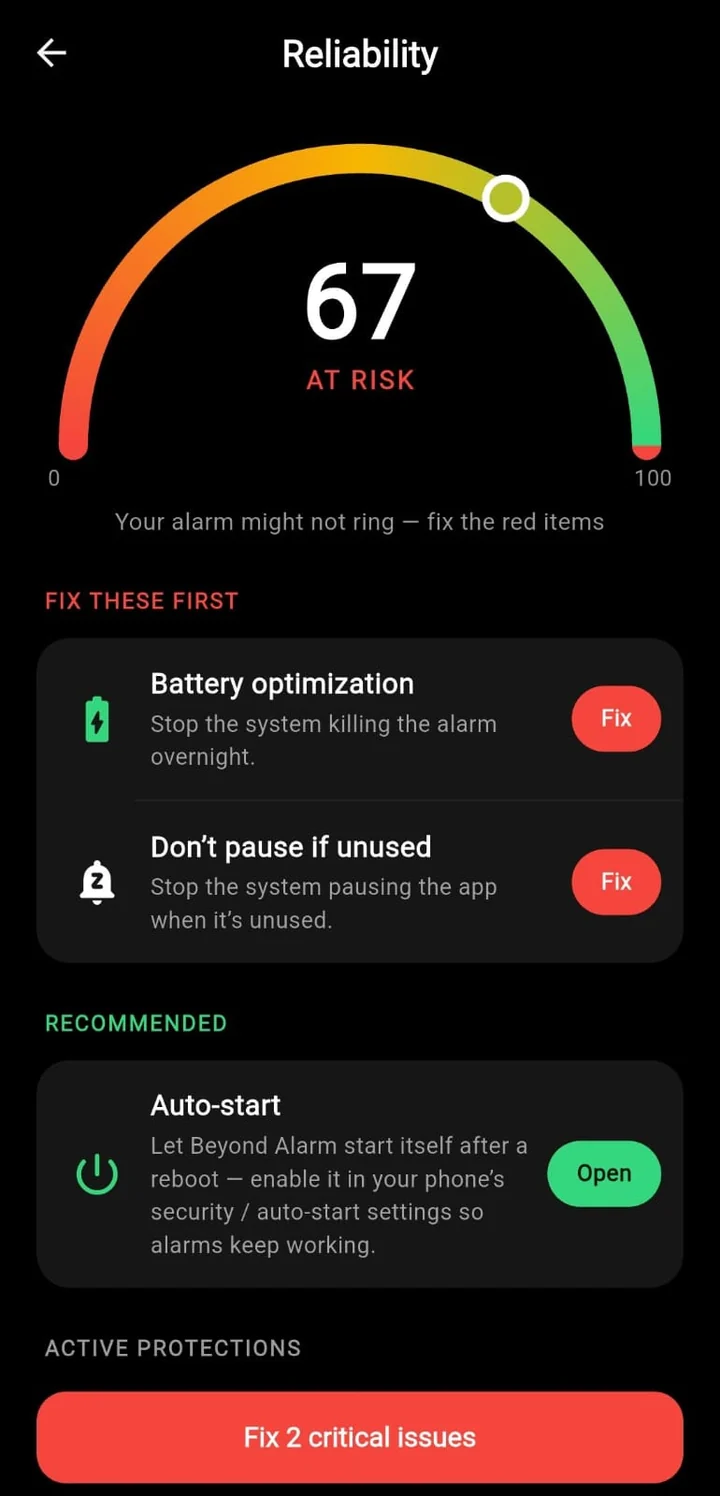
Why we didn't add a ring limit. Every clock app has one because it can't know whether anyone is in the room. Beyond Alarm makes a different bet: if you set an alarm with a wake-up mission, you want to be woken, and an alarm that gives up at minute five has failed at the one job it had. Beyond Alarm's reliability screen covers the other half: it checks Alarms & reminders, battery use, full-screen notifications and Display over other apps, and opens the right settings page for each one.
Test it tonight
Set an alarm for two minutes from now, put the phone where it sleeps, and walk away. Time how long it rings before it stops on its own.
If it stops after a few minutes, you've found your limit. Lengthen it, or use an alarm that doesn't have one. Then, for a morning that matters, put the phone across the room so the ring has to get you up, not just wake you.
Common questions
What does "alarm automatically silenced" mean?
It means the alarm did go off, rang for as long as the clock app allows, and then stopped itself because nobody dismissed or snoozed it. The alarm worked; you slept through the whole ring. The fix is a longer ring, a louder one, or an alarm that never times out.
How do I stop my Pixel alarm being automatically silenced?
In Google's Clock, open More → Settings and, under Alarms, tap Silence after. Choose a longer time, or Never if your version offers it. Beyond Alarm has no time-out on Android at all; it rings until you dismiss it or finish its wake-up mission.
How long does a Samsung alarm ring before it stops?
Samsung owners in the Samsung Community report around five minutes before Clock silences an untouched alarm, and that thread mentions no setting to lengthen it. If five minutes isn't enough, use an alarm app that keeps ringing until you act, such as Beyond Alarm.
Why did I sleep through my alarm for ten minutes?
Usually because it was too quiet, faded in too slowly, or played a tone your brain has learned to ignore. Raise the Alarm volume, turn off a long gradual volume ramp, change the tone, and move the phone out of reach.
Is "alarm automatically silenced" the same as "alarm didn't go off"?
No. Silenced means it rang and timed out. Didn't go off means it never started, usually because of a battery setting, Do Not Disturb or an overnight restart. The fixes are different, so check which one happened.
We build Beyond Alarm, the alarm for Android and iPhone that will not switch off until you have actually moved, then blocks the apps that pull you back. Most of what we write here comes out of building it.
Beyond Alarm
An alarm that keeps ringing until you’ve actually moved — then blocks the apps that pull you back to bed. Free to start, no account.
Keep reading
Tecno or Infinix Alarm Not Going Off? 7 Fixes
Alarm not going off on a Tecno, Infinix or itel phone? Phone Master is usually why. The 7 settings to change in HiOS and XOS, in order, to make it ring.
Samsung Alarm Not Making Sound? 8 Fixes for One UI
Samsung alarm vibrates but makes no sound? Check the alarm's own volume, a Clock setting that silences alarms, a deleted tone, earbuds and Sleep mode.