
It's exam week and I can't stop checking my phone
The exam is close, the notes are open, and you've checked your phone a dozen times in the last half hour. Here's why each check costs more than it seems, and how to lock the phone for a whole study session.


Every check feels like it only takes a few seconds, but it doesn't. For exam week, Beyond Alarm's Phone Block with Strict mode puts the phone out of reach for the whole session, with no stop button, and Strict mode is free.
Why it happens
Revision is hard, slow and not much fun. Your phone is easy, fast and always in reach. Each time a page gets difficult, the phone offers a way out, and before long checking it is a reflex.
The cost isn't just the seconds you spend on the phone. When you switch away from a task and back, part of your attention stays on what you left. Sophie Leroy called this attention residue in 2009. Thirty seconds on a group chat in the middle of a proof costs more than thirty seconds.
Even a silent phone can pull at you. In a 2017 study, Adrian Ward and colleagues found people did better on attention tasks with their phone in another room than face-down on the desk. Later replications have been mixed, so take it as a good reason to put the phone out of reach, not as a law. Locking the phone away does the same job.
The fix: Beyond Alarm
Phone Block, set for the whole session. Pick what to block, set how long, and start it. The apps you chose stay shut until the timer ends.
- Android: chosen apps, a saved list, or the whole phone. With the whole phone locked, calls still come through.
- iPhone: the apps and categories you pick through Apple's Screen Time.
Strict mode, free. Choose Strict mode and there's no stop button until the timer ends. You can't give in at minute twenty. You watch one short ad to turn it on, while many blockers charge for their strict mode. The default, Regular mode, lets you stop by holding a button for five seconds, which is enough to break the reflex.
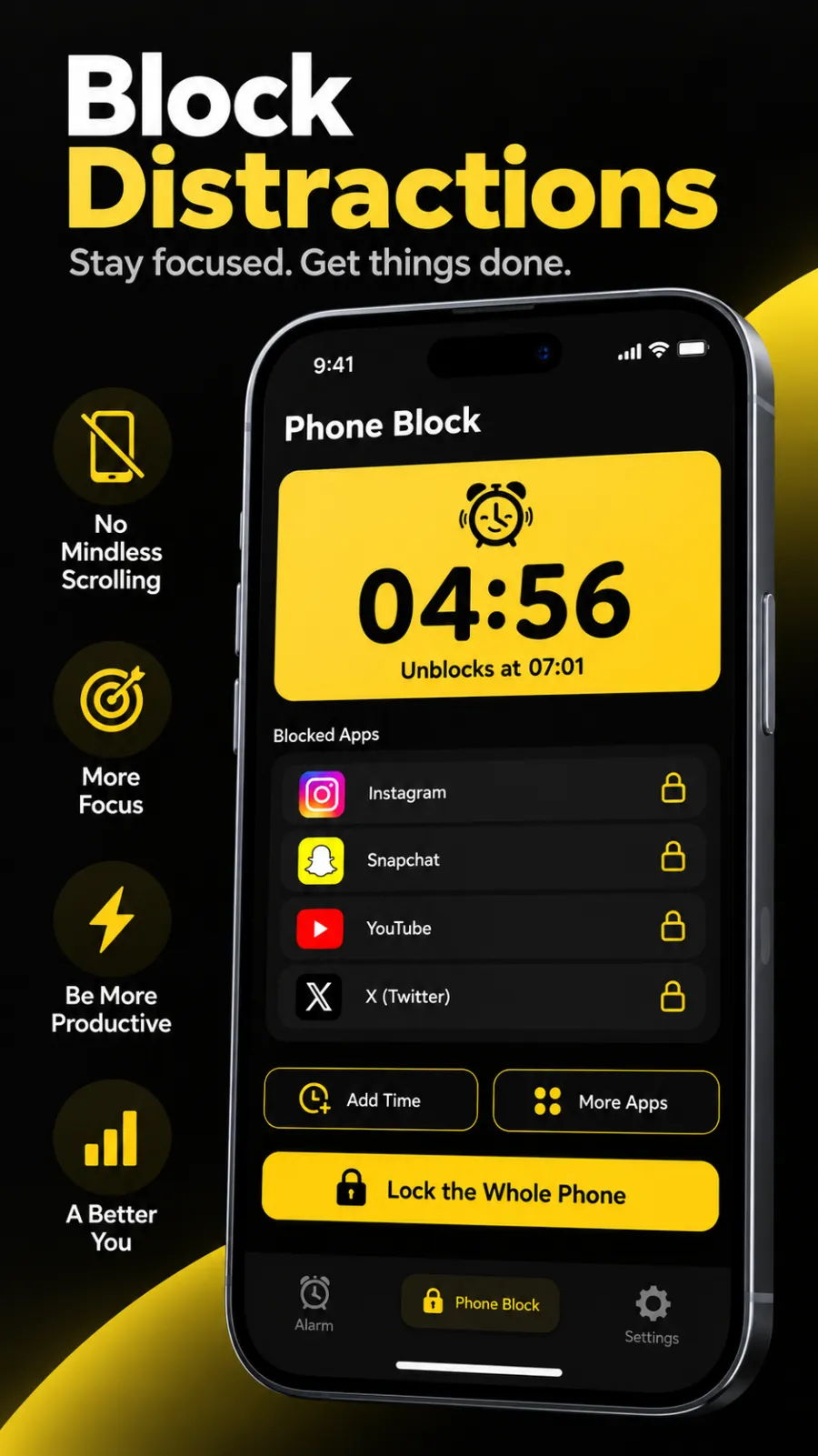
Only ever more time. While a block runs, you can Add time or add More apps, but never take time off. On Android you can also switch a running block to Lock the Whole Phone.
Saved lists for repeat sessions. Save "Study" once, with social apps, games and the browser, then start it in one tap from Quick start.
A daily reminder. After your first block, Beyond Alarm reminds you an hour before the time you usually start one. That helps keep revision on schedule all week.
The mornings, too. Pair it with an alarm and a wake-up mission so exam mornings start on time.
Beyond Alarm
Beyond Alarm does this part for you: the alarm will not switch off until you have actually moved, and the apps you pick stay locked afterwards.



Set it up tonight
- Open Beyond Alarm and go to the Phone Block tab.
- Under Block lists, tap New, name it "Study", and add your distracting apps. On iPhone, allow Screen Time access and pick the apps or categories.
- Tomorrow, tap Block now, or the "Study" tile under Quick start.
- Under What to block, pick your list. On Android you can pick Whole phone instead.
- Set the length with a preset (15 minutes to 2 hours) or Custom.
- Under How strict, choose Strict mode.
- Tap Block for…, then watch the short ad on the Turn on Strict Mode? card. The block starts, and only the timer ends it.
Related
Common questions
How do I stop checking my phone while studying?
Take the choice away for the length of the session. In Beyond Alarm, start a Phone Block in Strict mode and there's no stop button until the timer ends. On Android you can lock the whole phone. It's free after one short ad.
How long should a study block be?
Long enough to cover one solid chunk of revision, with a break after it. Beyond Alarm's Phone Block has presets from 15 minutes to 2 hours, and Custom goes from 5 minutes up to 8 hours.
Can I still get calls during a Phone Block?
Yes. Calls still come through during a block, including when the whole phone is locked on Android.
Can I end a Strict mode block early?
No, and that's the point. Only the timer ends a Strict mode block. If you'd like an emergency exit, choose Regular mode instead, which ends early only after you hold a button for five seconds.
Beyond Alarm
An alarm that keeps ringing until you’ve actually moved — then blocks the apps that pull you back to bed. Free to start, no account.
More fix your morning
I snooze ten times every morning
You hit snooze over and over and get up late anyway. Cap it, then make the alarm need a mission.
I sleep through every alarm
Five alarms and you still sleep through them. Make waking up mean standing up, not just hearing a sound.
I turn off my alarm in my sleep
You wake late with no memory of switching it off. Put a task between your thumb and the off button.
I scroll in bed every morning
Alarm off, one app open, thirty minutes gone. Get out of bed first, with the apps shut when you do.
I lose my first hour to my phone
You're up on time, then an hour vanishes into feeds and messages. Lock that first hour in for yourself.
I can't focus at work because of my phone
Ten minutes into a task, the phone is back in your hand. Lock it for a set stretch, with no stop button.
My alarm didn't go off
You set it, it never rang. Usually a battery setting on Android, and a two-minute check finds it.
I work nights and can't wake up in the afternoon
You sleep by day and the 3pm alarm feels like 3am. An alarm and block setup built around your shifts.
I stay up scrolling at night
Tired at 11pm, still scrolling at 1am. Give the night an ending you don't have to enforce yourself.