
Study Timer App That Blocks Distracting Apps (Free)
 Beyond Alarm13 November 2026 · 5 min read
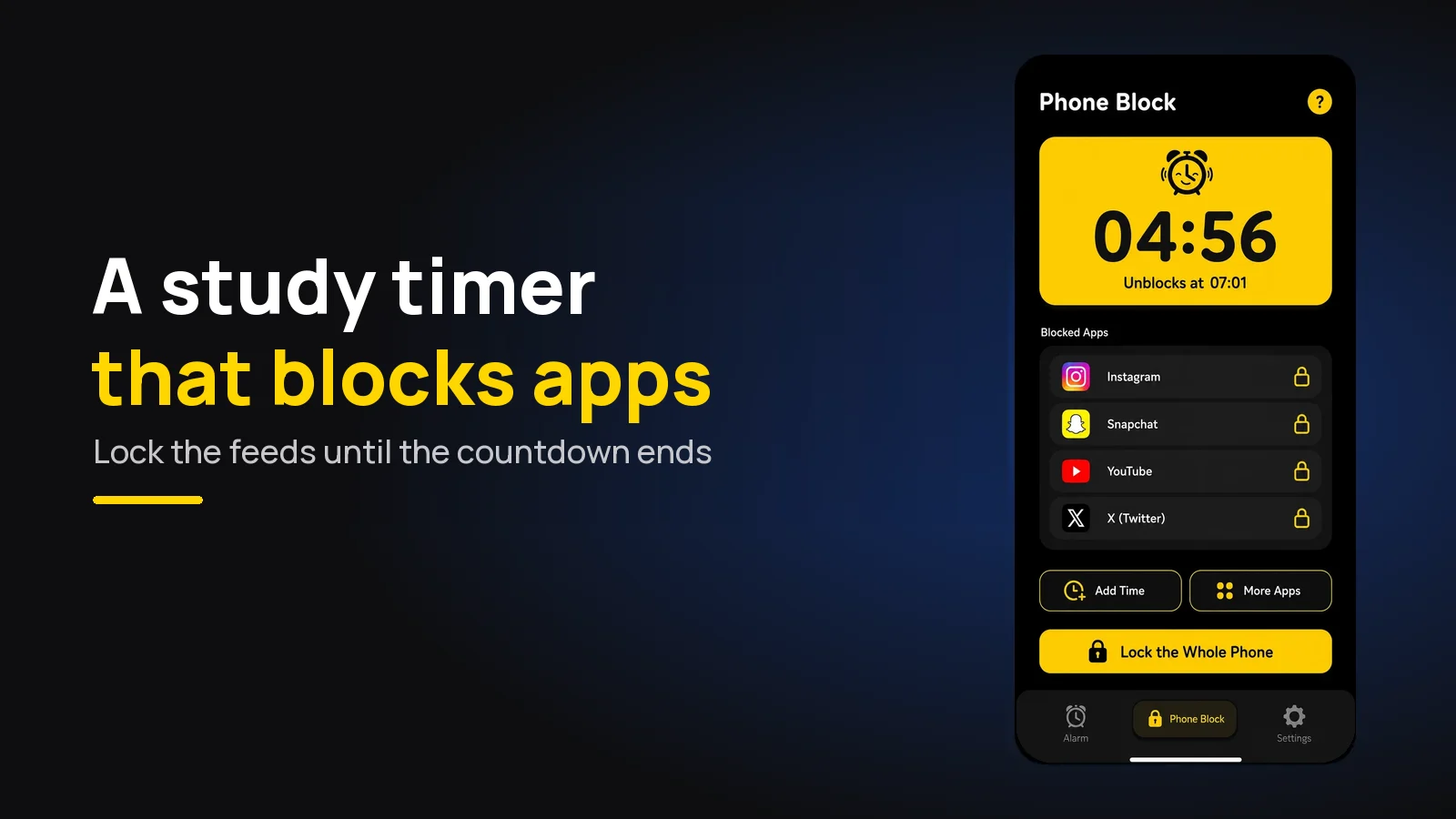
The best study timer is one that does more than count. Beyond Alarm's Phone Block is a study timer app that locks your distracting apps — or the whole phone, on Android — until the countdown ends. Set 30 minutes or an hour, start it, and the feeds stay shut.
A plain timer tells you when to stop. It does nothing about the moment, twelve minutes in, when your thumb opens Instagram on its own.
The short version:
- Beyond Alarm's Phone Block is a study timer that locks apps: presets of 15, 30 and 45 minutes, 1, 1.5 and 2 hours, or custom from 5 minutes to 8 hours.
- Strict mode has no stop button until the timer ends. It's free after one short ad.
- Lock the feeds, keep the tools. Calculator, dictionary and notes can stay open.
- Pick a length you can finish. A 30-minute session you complete beats a two-hour one you abandon.
Study timer vs study timer that blocks apps
Most study timers — the phone's clock, a website, an aesthetic timer with lo-fi in the background — are honest countdowns. They work as long as you want them to.
| Beyond Alarm Phone Block | Phone clock timer | Study timer website or app (no blocking) | |
|---|---|---|---|
| Counts down | Yes, with the clock time it unblocks | Yes | Yes |
| Locks distracting apps | Yes — chosen apps, a saved list, or the whole phone on Android | No | No |
| Can you quit early? | Strict mode: no. Regular mode: one ad plus a five-second hold | Yes, one tap | Yes, one tap |
| Survives a restart | Yes, ends at the same time | — | Varies |
| Price | Free (Strict mode after one short ad) | Free | Varies |
The difference is the third row. If quitting is one tap, the timer is a reminder. If quitting isn't possible, it's a commitment.
How to set up Beyond Alarm as your study timer
The whole setup takes under a minute, and the second session is quicker because your list is saved.
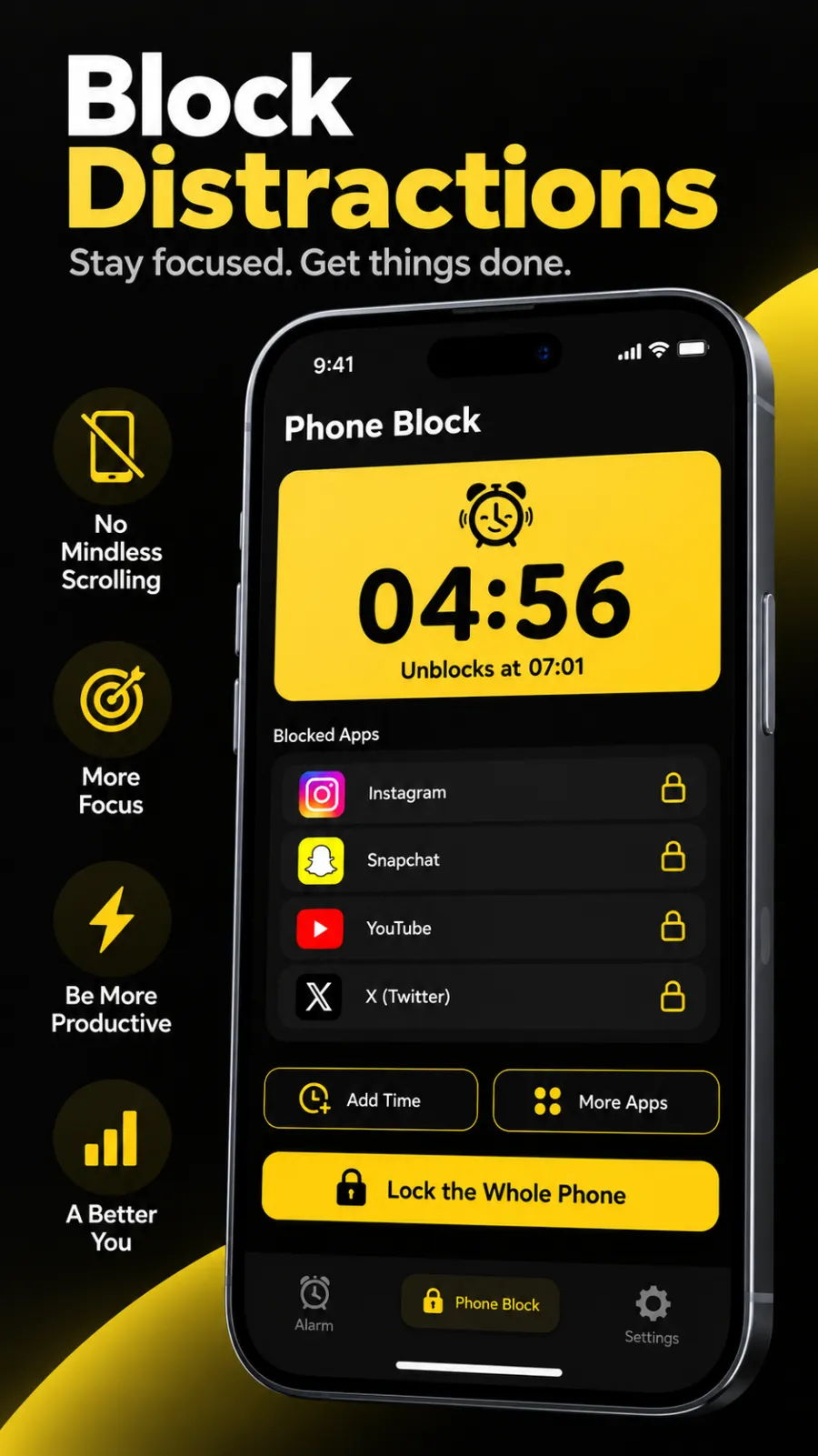
- Open Phone Block and tap Block now. You land on the Focus session screen.
- Set the timer. Tap a preset — 15m, 30m, 45m, 1h, 1h 30m or 2h — or Custom for anything from 5 minutes to 8 hours.
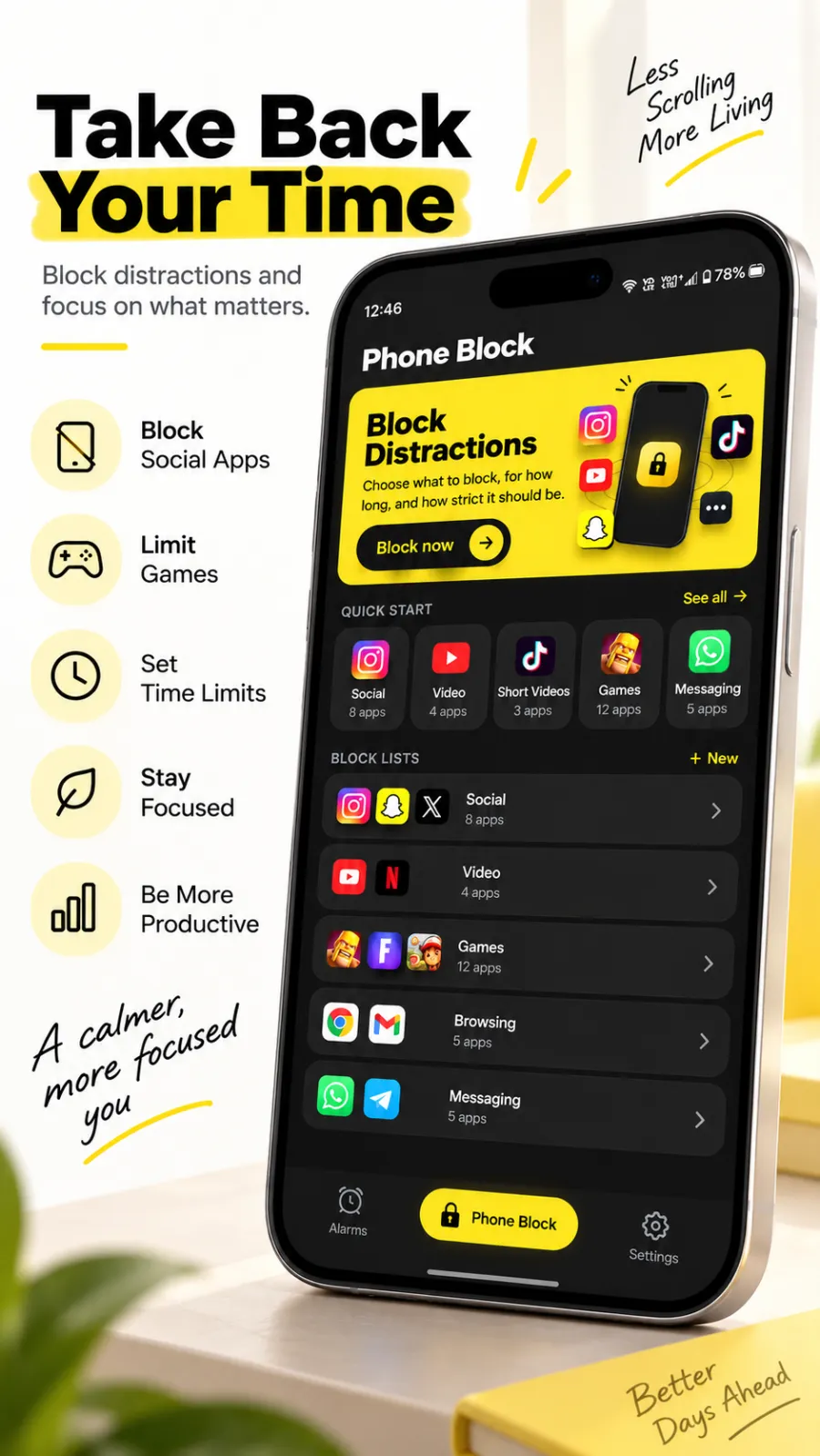
- Choose what to lock. On Android, Beyond Alarm builds ready-made Social, Video, Games and Shopping lists from the apps you have installed. On iPhone you tick Apple's own categories, such as Social, which covers every app in it — including ones you install later.
- Choose Strict mode for a session you won't leave, or Regular mode if you might genuinely need out (one ad and a five-second hold).
- Tap Block and put the phone face down.
If the session runs short — you're mid-problem when it ends — you can add time while it runs: +5, +15, +30 minutes or +1 hour. You can never take time off. Calls still come through in both modes.
Which study timer length?
There is no single right length, but there is a wrong one: whichever you won't finish. We compared every common option, from 25 minutes to 90, in the best study timer length. In short:
| Length | Good for | Phone Block setting |
|---|---|---|
| 15 minutes | Starting when you really don't want to | 15m preset |
| 30 minutes | Reading, flashcards, a first week of the habit | 30m preset |
| 45 minutes | Problem sets, essay sections | 45m preset |
| 1 hour | Past papers, deep revision | 1h preset |
| 90 minutes – 2 hours | Mock exams, long writing | 1h 30m or 2h preset |
If you like short rounds with breaks between, keep using whatever break method suits you. Phone Block runs one countdown at a time, so start a new block when each study round begins — the Pomodoro technique for studying explains the rhythm.
Beyond Alarm
Beyond Alarm does this part for you: the alarm will not switch off until you have actually moved, and the apps you pick stay locked afterwards.





What to lock while you study
Lock what you open without deciding to. For most students that's social media, short video and games — the three ready-made lists on Android.
Keep anything the session needs. If your notes, a calculator or a past-paper PDF live on your phone, block apps rather than the whole phone. Our guide to blocking apps while studying has a fuller list, and free app blockers for studying compares the alternatives.
Whole phone or chosen apps? On Android, a whole-phone block covers the screen with the countdown until it ends, with a button to make a call. It suits mock exams and the hour before a deadline. On iPhone, Phone Block shields the apps and categories you choose through Apple's Screen Time.
Why a locking timer works when willpower doesn't
The urge to check comes and goes in seconds. A study timer that can be paused or dismissed meets that urge with a choice; a locked one meets it with a closed door, and the urge passes.
That's also why the cost of leaving matters. In Regular mode, leaving early means watching an ad and holding a button for five full seconds — lift your finger and it resets. Most of the time, by second three, you've remembered why you started. In Strict mode there's nothing to hold at all.
A restart won't end it either. Phone Block stores the clock time each session ends, so turning the phone off and on doesn't take a minute off.
Set your next study session as a locked one: open Phone Block in Beyond Alarm, pick 30 minutes or an hour, choose your Social and Video lists, and switch on Strict mode. One short ad, and there's no stop button until it's done. Beyond Alarm is free on Google Play and the App Store.
Related timers
The same countdown works outside revision. Use it as a focus timer for work, or as an app timer on Android that locks rather than rations. If a whole evening is the problem, not one session, how to lock your phone for an hour covers the longer options.
Common questions
What is the best study timer app?
Beyond Alarm. Its Phone Block is a study timer that locks the apps you choose - or the whole phone on Android - until the countdown ends. In Strict mode there is no stop button, and free users turn it on by watching one short ad.
Is there a study timer that blocks apps?
Yes. Beyond Alarm's Phone Block takes a length from 5 minutes to 8 hours, locks the apps you pick, and shows the countdown and the time it unblocks. It works on Android and iPhone.
Should I use a 30 minute or 1 hour study timer?
Start with the length you can finish without checking your phone. Phone Block has 30-minute and 1-hour presets, plus 15, 45, 90 and 120 minutes and a custom length. Our guide to study timer lengths compares them.
Can I still use my calculator while the study timer runs?
Yes. You choose what gets locked, so a calculator, dictionary or notes app stays open. Lock the whole phone only when it has no job in the session.
Is a study timer app free?
Beyond Alarm is free on Google Play and the App Store. Its strictest mode, with no stop button, costs one short ad per session; paid Pro removes the ads.
We build Beyond Alarm, the alarm for Android and iPhone that will not switch off until you have actually moved, then blocks the apps that pull you back. Most of what we write here comes out of building it.
Beyond Alarm
An alarm that keeps ringing until you’ve actually moved — then blocks the apps that pull you back to bed. Free to start, no account.
Keep reading
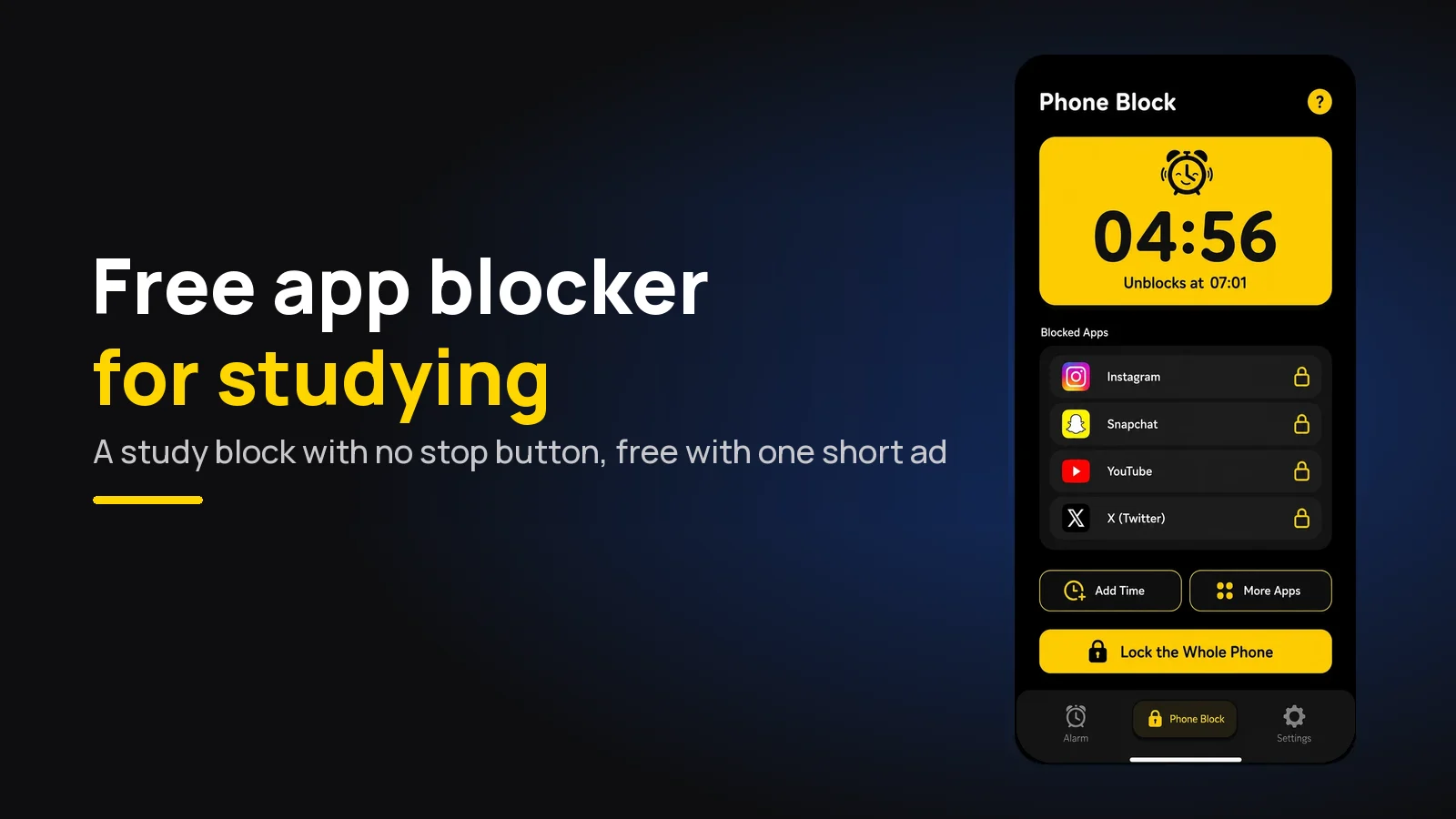
Free app blocker for studying: set up a session that holds
The free app blocker for studying on Android and iPhone, and how to set it up for one revision session - with a Strict mode that costs one short ad.
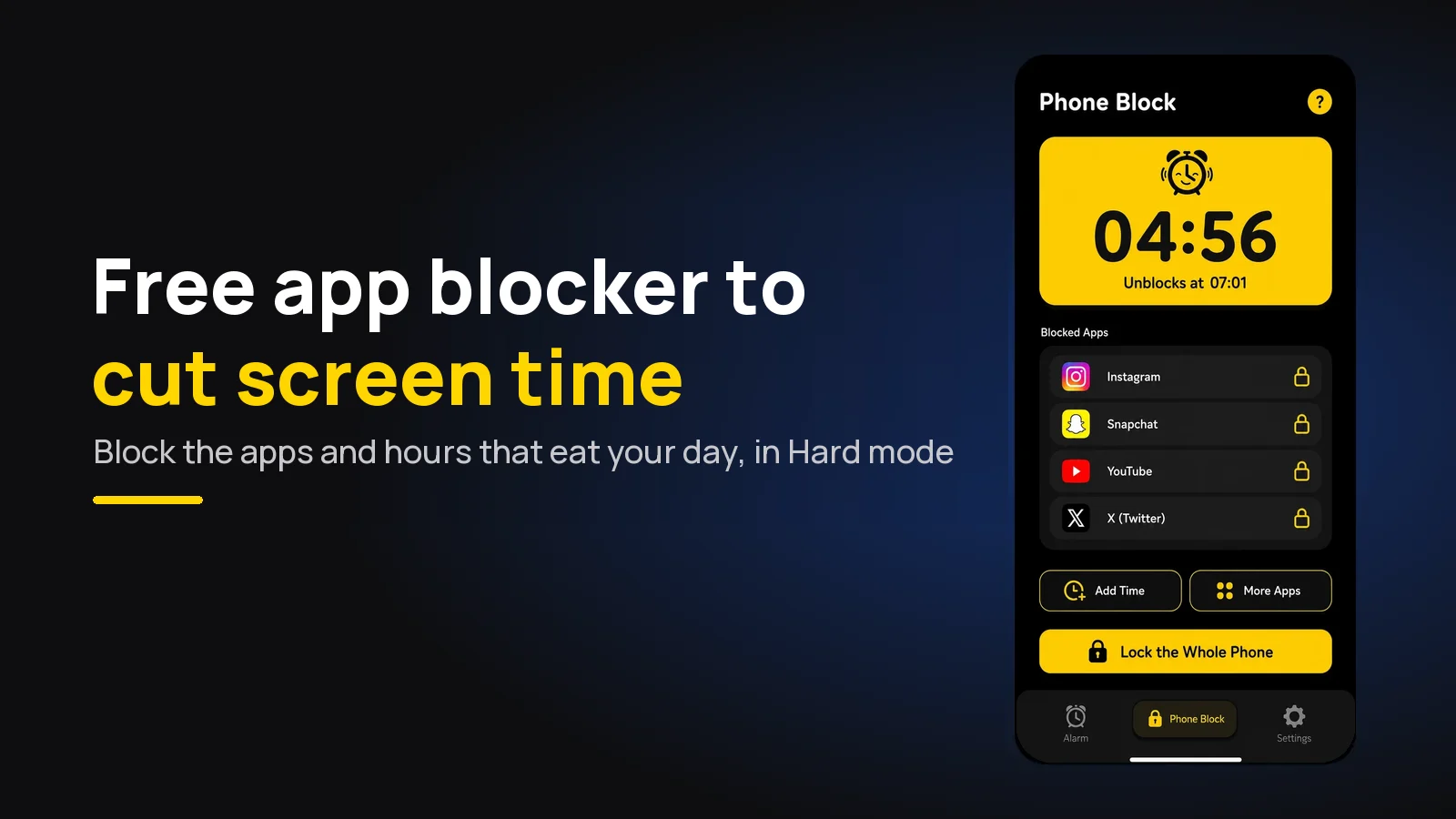
Free app blocker to reduce screen time (that you can't skip)
A free app blocker that actually cuts screen time on Android and iPhone - block the right apps at the right hours, with a Strict mode that costs one ad.