
Prevent power-off
The oldest trick for beating a hard alarm is holding the power button. On Android, Beyond Alarm closes the power menu while the alarm rings, so switching the phone off stops being the easy way out.


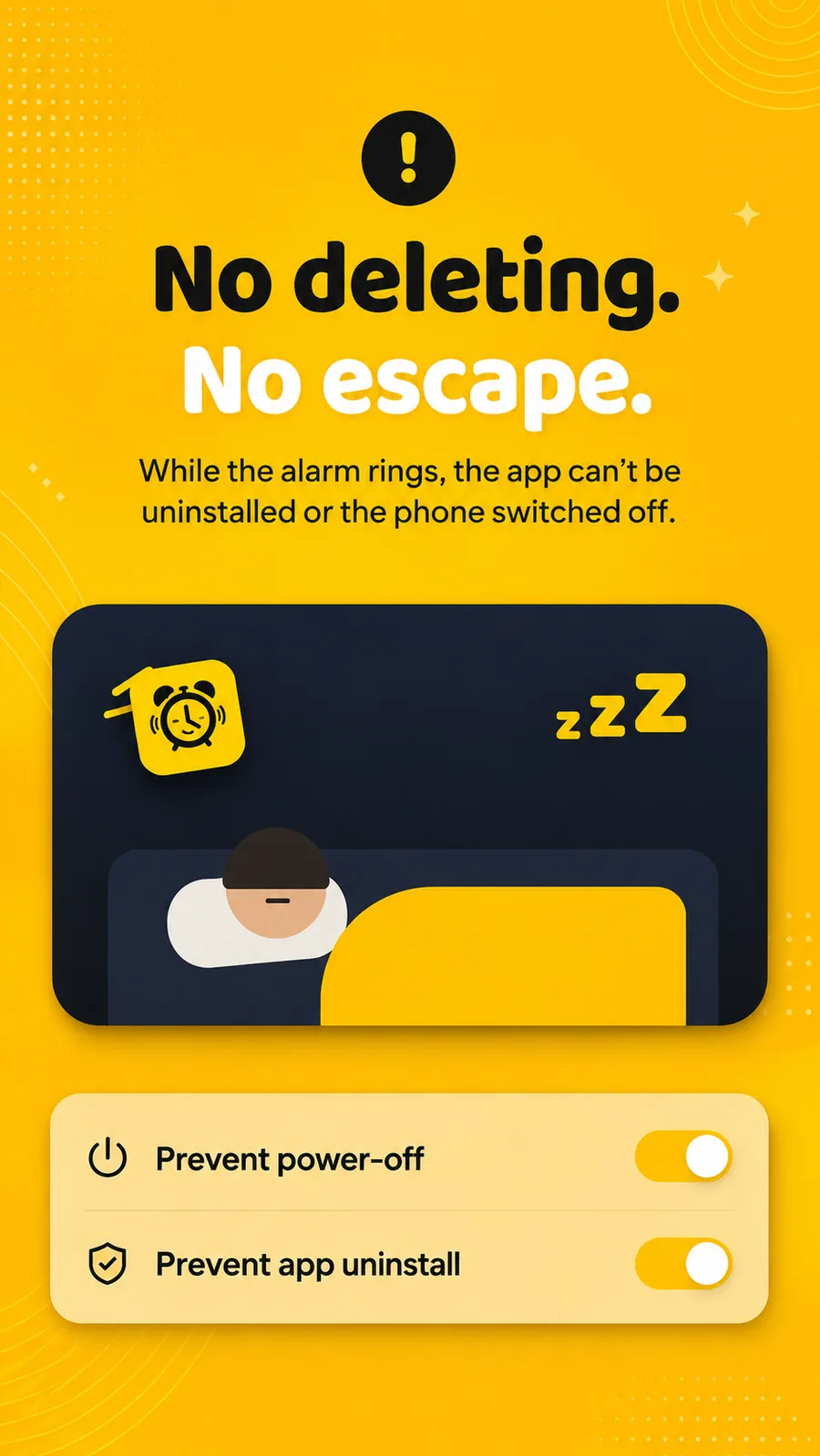
The oldest way out of an alarm that makes you do push-ups is to switch the phone off. Beyond Alarm's prevent power-off closes that exit on Android. While the alarm rings, the power menu closes as soon as it opens, so Power off and Restart never get tapped. Add Prevent app uninstall and deleting the app on impulse is off the table too.
What it does
Prevent power-off is one of the jobs of Beyond Alarm's guard, the Android accessibility service that also enforces Phone Block and Morning Lockout. Once the guard is on:
| Situation | Power menu |
|---|---|
| An alarm is ringing | Closed |
| A whole-phone block is running | Closed |
| An app block (chosen apps only) | Works normally |
| Nothing running | Works normally |
While an alarm rings, the guard also brings the alarm straight back if you go to the home screen or open an app from a notification. Calls still come through: during a ring, the phone app and an active call always win.
Prevent app uninstall is a separate, optional switch. It uses Android's device admin, and while it's on, Android itself refuses to uninstall Beyond Alarm, from the home screen, from Settings or from the Play Store. While any block is running, the switch is locked on, so "turn it off, then uninstall" isn't a way out of a block.
How it works
- The guard watches for the power menu. It recognises a power menu by its words: Power off, Restart, Shut down, Reboot. That works across makers, including phones whose power menu has an unusual name, like vivo's.
- It checks continuously, not only on events. While an alarm rings or a whole-phone block runs, it keeps checking the screen, so a second press straight after the first is caught too.
- It closes the menu and brings back the alarm, or the block.
- A forced restart is covered too. Holding the hardware buttons to force a reboot happens below any app. So when the alarm starts ringing, Beyond Alarm leaves itself a note in storage that's readable before you unlock. When the phone starts back up, the alarm rings again on the lock screen.
Beyond Alarm
Beyond Alarm does this part for you: the alarm will not switch off until you have actually moved, and the apps you pick stay locked afterwards.



When to use it
- You've switched a phone off to silence an alarm before. You know who you are.
- You use exercise, photo or barcode missions, which only work if they can't be skipped.
- You run whole-phone blocks and want them to hold.
- You uninstall blockers in weak moments. Prevent app uninstall turns that into a trip to Settings once the block is over.
Set it up
- Open Settings in Beyond Alarm.
- Under Protection, tap Prevent power-off. A sheet explains exactly what the guard does.
- Tap Turn it on in Accessibility settings, read the disclosure, and switch Beyond Alarm on in Android's Accessibility settings.
- Optional: switch on Prevent app uninstall under Protection and confirm Android's device admin dialog.
- Check Alarm reliability in Settings. Power-off guard should now be listed as working.
Related
Common questions
Can Beyond Alarm stop me turning my phone off?
On Android it closes the on-screen power menu while an alarm is ringing and while a whole-phone block runs, so Power off and Restart can't be tapped. A forced restart from holding the hardware buttons happens below any app, but if that happens mid-ring, the alarm rings again as the phone starts back up.
Does prevent power-off work during a normal app block?
No, on purpose. A block on a few apps leaves the rest of the phone, including the power menu, alone. The power menu only closes while an alarm rings or during a whole-phone block.
How do I stop the app being uninstalled?
Switch on Prevent app uninstall in Beyond Alarm's Settings, under Protection, and confirm Android's dialog. While it's on, Android refuses to uninstall the app. You can switch it off again any time no block is running.
Why does it need the Accessibility permission?
Only to enforce the rules you set yourself. The guard sees which app or window is on screen and nothing else. It never reads, stores or shares anything.
Is this on iPhone?
iOS doesn't let any app close the power menu, so prevent power-off is Android only. On iPhone, Prevent app uninstall uses Screen Time, and while it's on, no app can be deleted.
Beyond Alarm
An alarm that keeps ringing until you’ve actually moved — then blocks the apps that pull you back to bed. Free to start, no account.
More features
Free Strict mode
No stop button until the timer ends. Free with one short ad, on Android and iPhone.
Phone Block
Block chosen apps or the whole phone for a set time. Regular mode or free Strict mode.
Whole-phone block
Android: every app locked until the timer ends. Calls still come through.
Push-up alarm
Push-ups, squats or jumping jacks, counted by the camera on your phone. Fake reps don't count.
QR and barcode alarm
The alarm stops only when you scan a QR code or barcode. Keep one a room away from bed.
Photo alarm
Register a place the night before. The alarm stops only when you photograph it again.
Alarm reliability check
Checks battery, auto-start, exact-alarm and full-screen settings, with one tap to each fix.
Wake-up streaks
A run of kept wake-ups for each repeating alarm, plus a warning before you break it.
Daily Phone Block reminder
A daily nudge an hour before your usual Phone Block time, learned from when you really block.
Beyond Alarm on iPhone
AlarmKit alarms, wake-up missions, and Screen Time blocking with free Strict mode.