
Free App Blocker for Android: What Free Really Gets You
 Beyond Alarm29 October 2026 · Updated 13 November 2026 · 5 min read
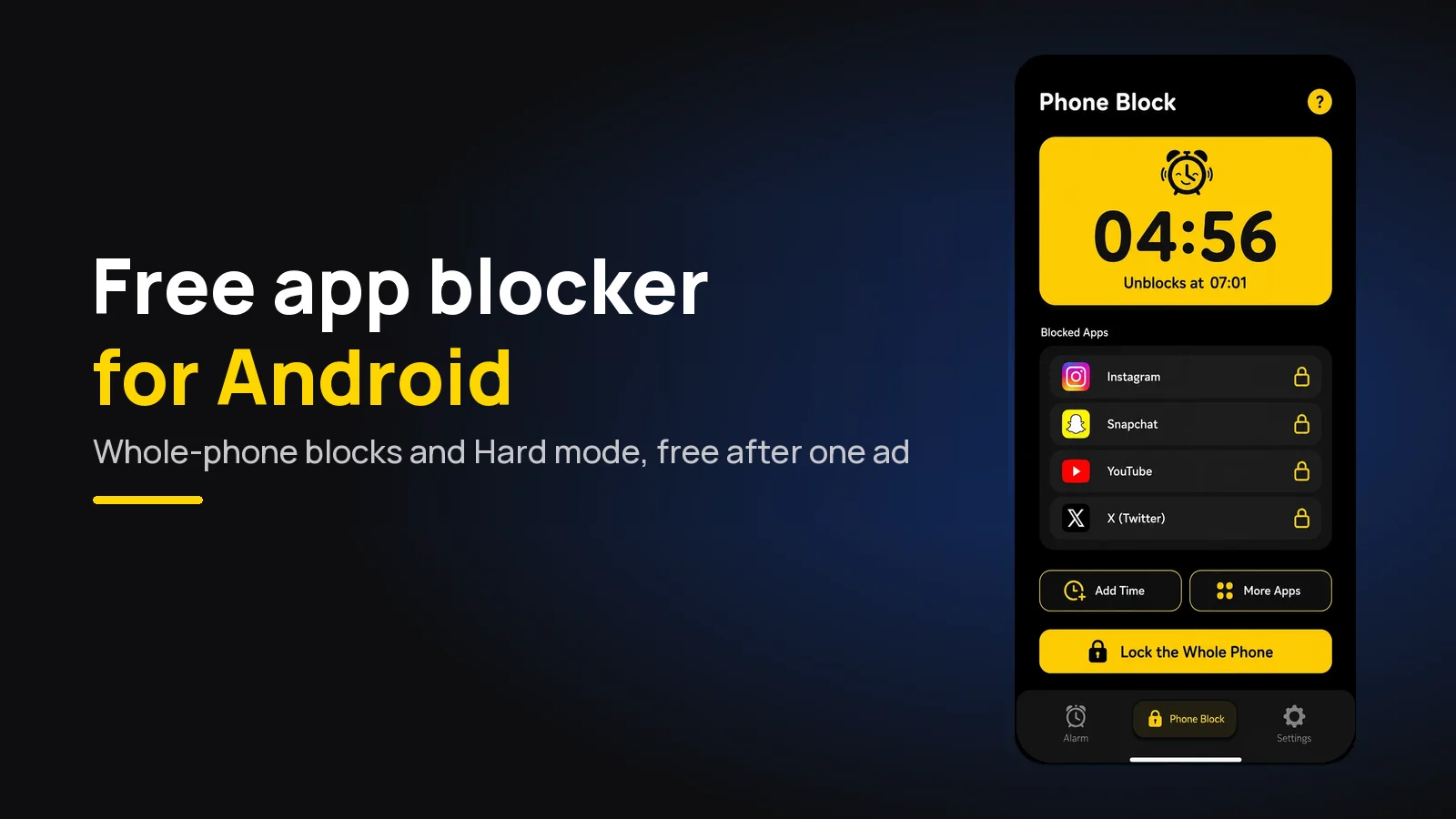
The best free app blocker for Android is Beyond Alarm. It blocks the apps you pick or the whole phone, and its Strict mode, with no stop button until the timer ends, is free after one short ad. Most Android blockers charge for their strict mode.
The short version:
- Beyond Alarm is our pick. Whole-phone or chosen-app blocks, and Strict mode for one short ad, with no subscription.
- Right now every Beyond Alarm feature is free; Pro only removes the ads.
- Digital Wellbeing is free and built in, but its limits are easy to switch off.
- On Xiaomi, vivo, OPPO and realme, any free blocker needs autostart allowed or it quietly stops.
Free Android app blockers, compared
Plans read from each app's own pricing page or Google Play listing on 29 October 2026. Free tiers change, so check before you commit. Beyond Alarm's row is checked against our own code.
| App | Free on Android | Whole phone on the free plan? | Strict setting on the free plan? |
|---|---|---|---|
| Beyond Alarm | Every feature, with ads | Yes, calls still allowed | Yes — Strict mode after one ad |
| AppBlock | "Free plan with limits" | Check the listing | Strict Mode with a time cap; unlimited is Premium |
| Stay Focused | Free with in-app purchases | Check the listing | Check the listing |
| Freedom | Blocking, sync, blocklists | Check the listing | No — Locked Mode is Premium |
| one sec | "Essentials are free" | No — it adds a pause | No block to make strict |
| Digital Wellbeing | Free, built in | No — Focus mode pauses chosen apps | No — it can be switched off |
"Check the listing" means the company's own page didn't say either way when we looked. We only call a feature paid when the company says so.
Beyond Alarm — the free one that holds
Beyond Alarm is an alarm app with wake-up missions that is also a full app blocker. On Android its Phone Block gives you three ways to block:
- Chosen apps. Tick the ones you lose hours to.
- A saved list. Quick-start groups such as Social, Video, Short Videos and Games, or a list you build yourself.
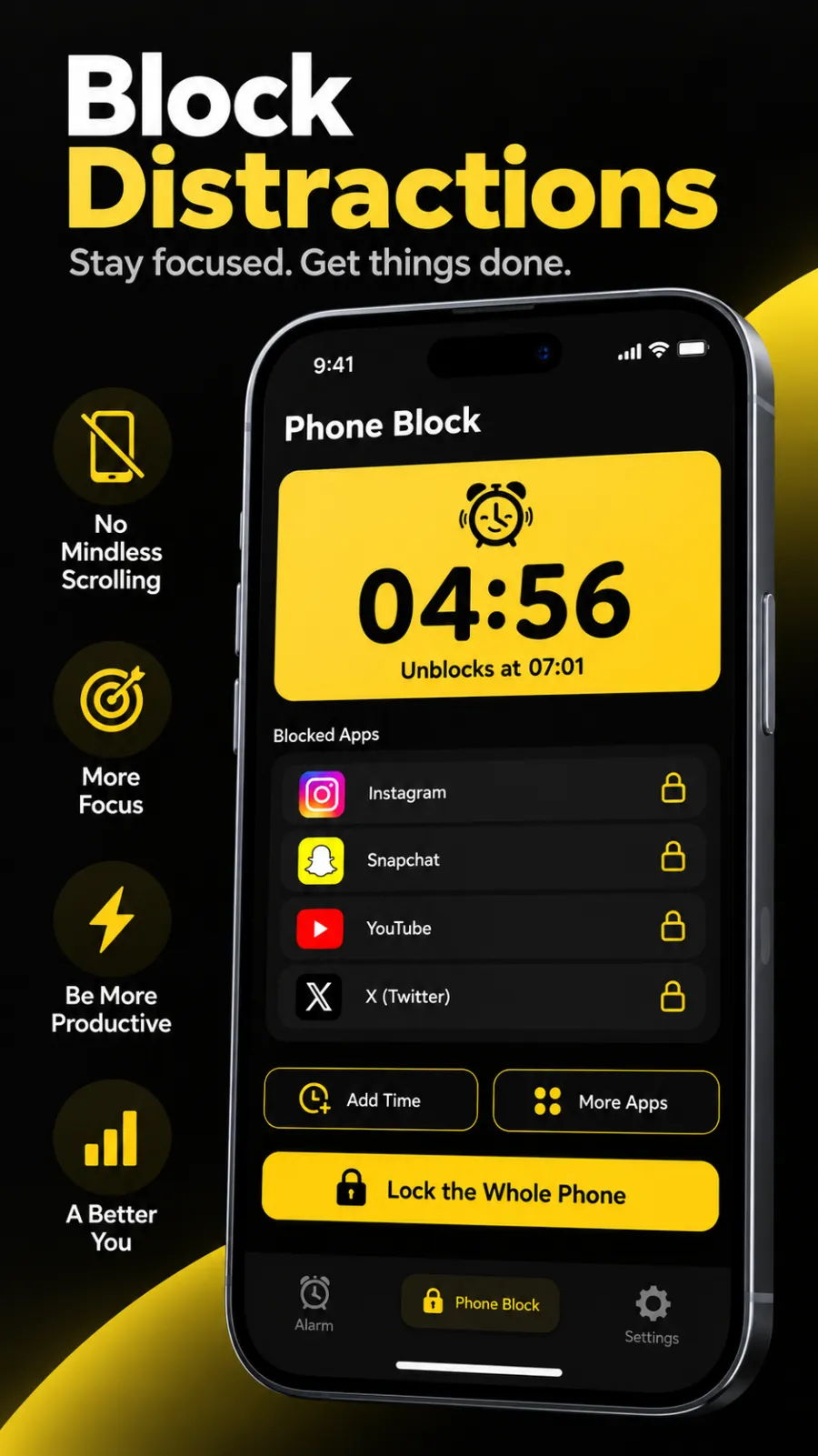
- The whole phone. Everything except calls, from 5 minutes to 8 hours.
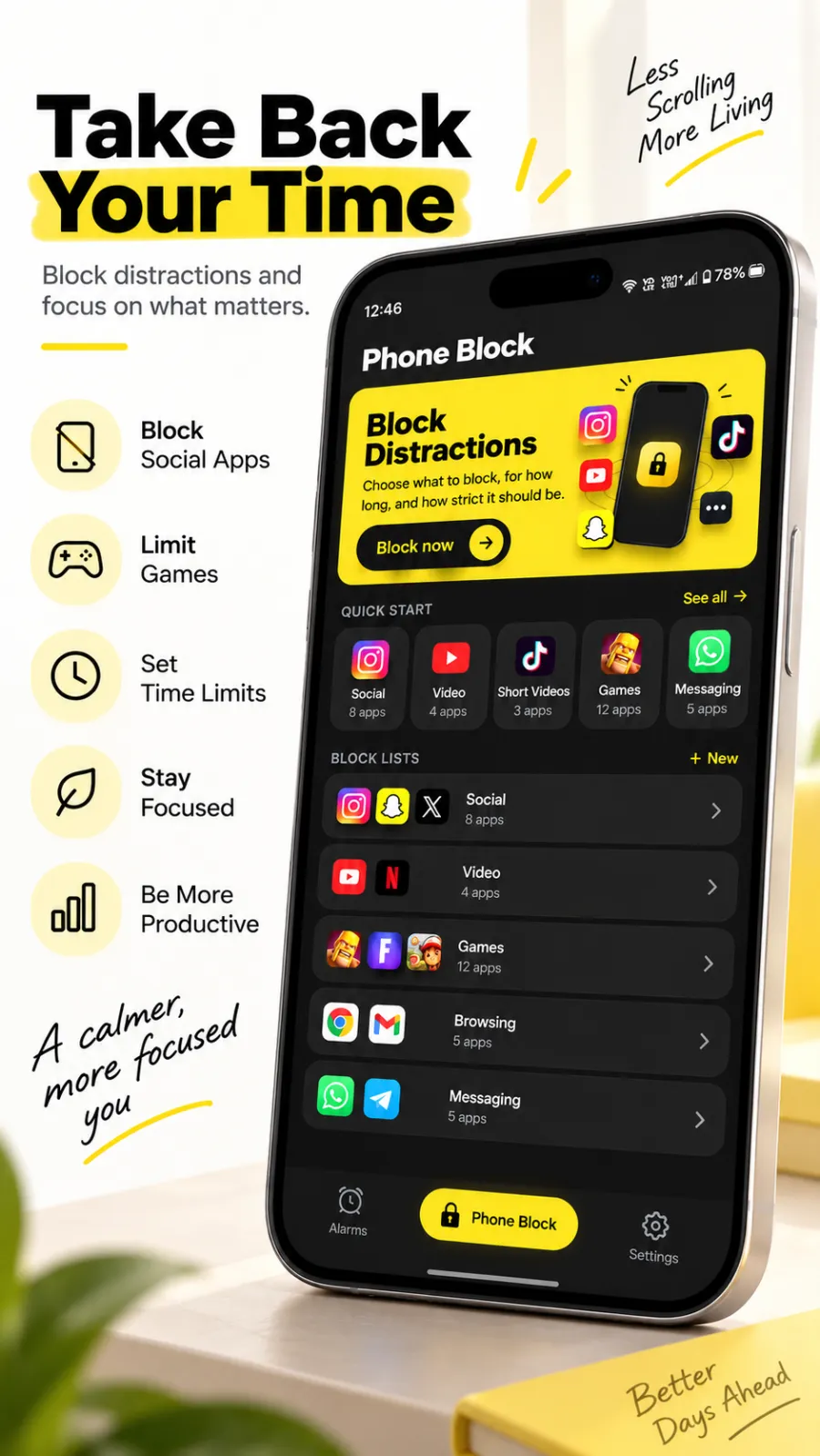
Strict mode for one ad. Pick Strict mode and a free user watches one short ad to switch it on. From then on there is no stop button. You can add time or apps, but nothing makes the block shorter. More on the free Strict mode feature page.
Regular mode, when you want a door. Regular mode ends early only after a short ad and a continuous five-second hold. Lift your finger and the hold starts again from zero.
Built for Android's escape routes. We built the whole-phone block knowing how people get out of Android blockers: through Settings. During a whole-phone block, opening Settings sends you back to the block screen. Beyond Alarm can also stop itself being uninstalled, and a block picks up again after a restart.
The other free options
AppBlock blocks apps and websites, with schedules. Its Premium page lists Strict Mode on the free plan with a cap on how long it runs, and unlimited Strict Mode on Premium. Beyond Alarm vs AppBlock.
Stay Focused is free with in-app purchases and has a Strict Mode. Its listing doesn't spell out which strict options are free, so check before you rely on it. Beyond Alarm vs Stay Focused.
Freedom started on desktop and syncs blocks across devices. Its free plan covers blocking; Locked Mode is Premium, at $8.99 a month or $3.33 a month billed yearly at the time of writing.
one sec adds a pause before an app opens instead of blocking it. Its website says "Essentials are free".
Digital Wellbeing ships with most Android phones. App timers, Focus mode and Bedtime mode cost nothing, and each can be turned off in a couple of taps. Beyond Alarm vs Digital Wellbeing, or see how to block apps on Android for the built-in steps.
Beyond Alarm
Beyond Alarm does this part for you: the alarm will not switch off until you have actually moved, and the apps you pick stay locked afterwards.





How to set up a free block that holds, in five minutes
- Install Beyond Alarm and open Phone Block.
- Grant the Accessibility permission when asked. Every Android blocker uses it to see which app is on screen.
- Pick what to block: a quick-start group, a few apps, or the whole phone.
- Choose a length, from 5 minutes to 8 hours.
- Pick Strict mode and watch the one ad. The block starts, with no stop button until the timer ends.
On Xiaomi, vivo, OPPO and realme, also allow autostart and turn off battery optimisation for the app. Beyond Alarm's reliability screen walks you through both; why blockers stop working after an update explains why it matters.

The same free app also wakes you. Its Morning Lockout locks your chosen apps, or the whole phone, the moment you finish your wake-up mission, so the first scroll of the day never starts. See how to block social media after your alarm.
Free versus paid: what you'd be paying for
With most Android blockers, paying gets you the strict setting. With Beyond Alarm the strict setting is already included, and paying for Pro removes the ads. That is the difference in one line.
If you'd like the full ranking, paid apps included, see best app blockers for Android. For the cross-platform view, see free app blockers that actually hold. Studying? Free app blocker for studying and blocking apps while studying on Android go further.
Sources
Competitor plans and prices were read from each company's own page on 29 October 2026 and will change. Beyond Alarm's details are checked against its own code as of October 2026.
- AppBlock Premium — free and Premium Strict Mode.
- Freedom Premium — Locked Mode and prices.
- one sec — "Essentials are free".
- Beyond Alarm · AppBlock · Stay Focused · Freedom · Digital Wellbeing
Common questions
What is the best free app blocker for Android?
Beyond Alarm. It blocks chosen apps, saved lists or the whole phone with calls still allowed, and its Strict mode, with no stop button until the timer ends, is free after one short ad. Right now every feature is free and Pro only removes the ads.
Can I block the whole phone for free on Android?
Yes. Beyond Alarm's Phone Block can lock the whole phone on Android, with calls still coming through, for anything from 5 minutes to 8 hours. During a whole-phone block, Android's Settings app is sent back to the block screen.
Is Digital Wellbeing a good free app blocker?
It is free and already on most Android phones, so it is a good first try. Its app timers and Focus mode can be switched off in a couple of taps, which is why people who keep dismissing them move to a blocker with a Strict mode, such as Beyond Alarm.
Does a free app blocker need internet on Android?
Not to block. Beyond Alarm's blocking runs on the phone. A free user needs a connection only to watch the one short ad that switches Strict mode on.
Which Android app blockers charge for strict mode?
At the time of writing, Freedom lists Locked Mode under Premium, and AppBlock's free plan caps how long Strict Mode can run, with unlimited Strict Mode on Premium. Beyond Alarm's Strict mode is free after one ad.
We build Beyond Alarm, the alarm for Android and iPhone that will not switch off until you have actually moved, then blocks the apps that pull you back. Most of what we write here comes out of building it.
Beyond Alarm
An alarm that keeps ringing until you’ve actually moved — then blocks the apps that pull you back to bed. Free to start, no account.
Keep reading
What Beyond Alarm does: wake-up missions and app blocking
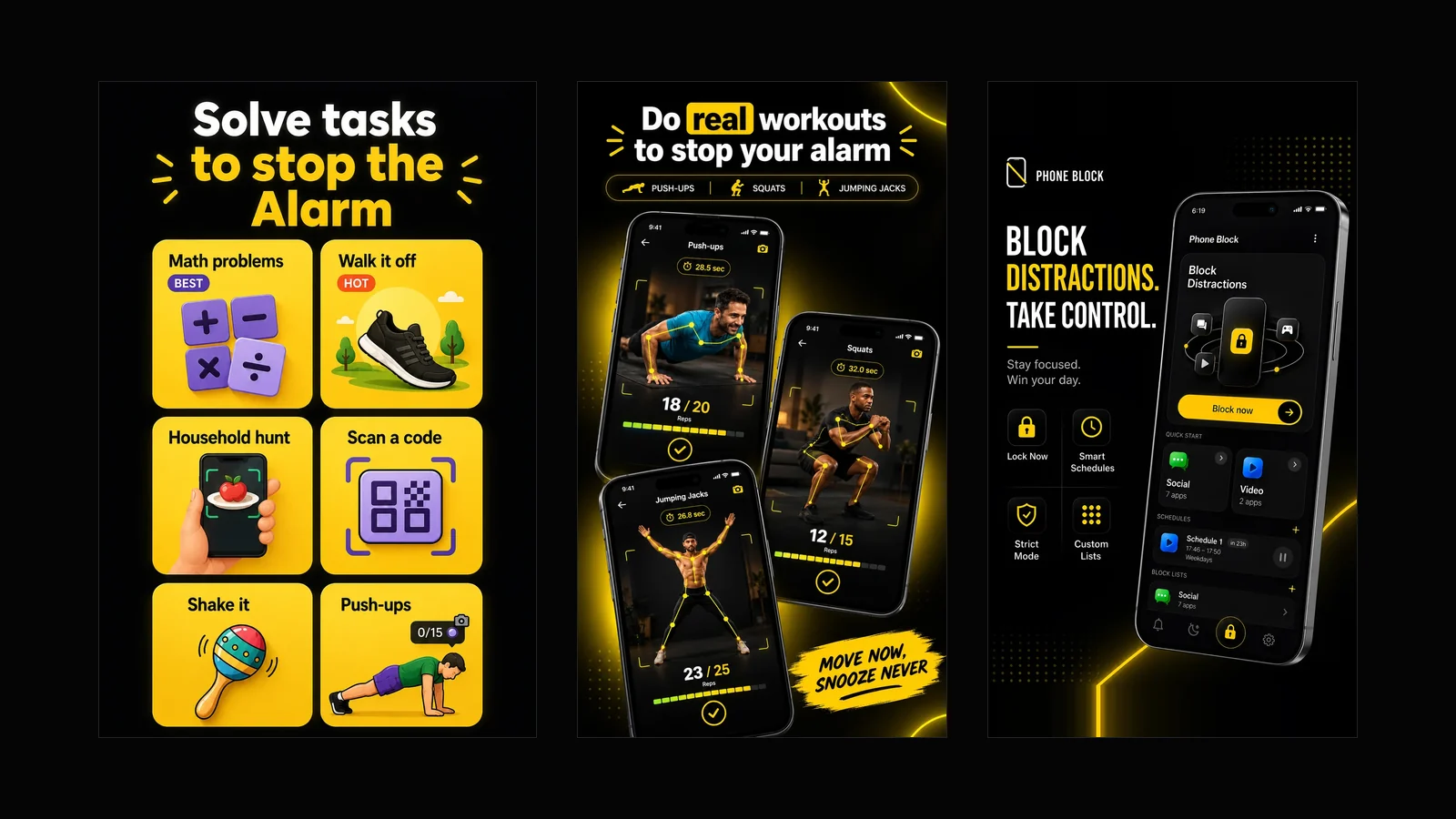
The whole app on one page, for Android and iPhone — missions to stop the alarm, app blocking after it, and a free Strict mode Phone Block.
App Timer for Android That Actually Locks Your Apps
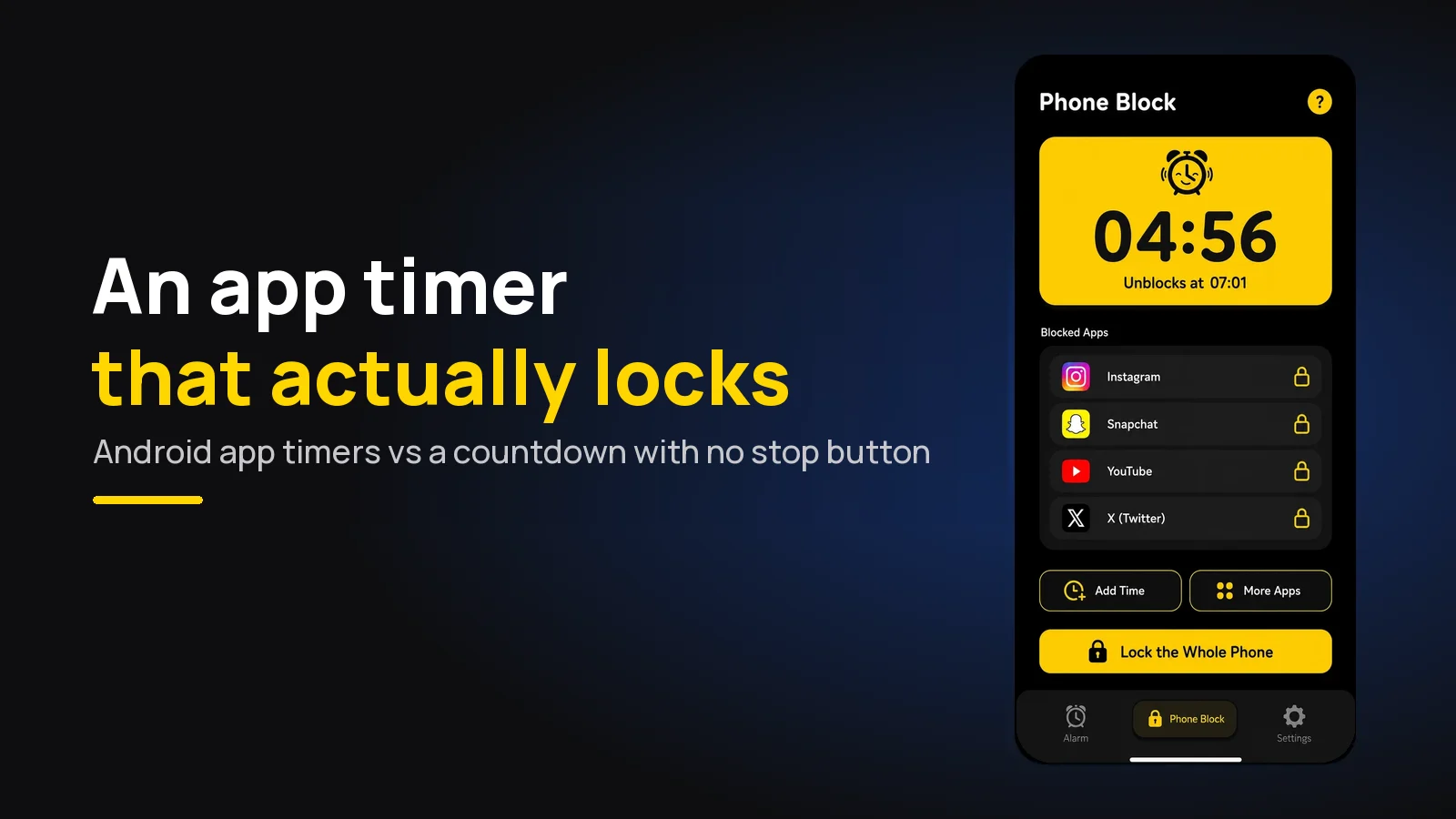
Android's built-in app timer is a daily allowance you can delete. Here's an app timer that locks apps for a set time, with no stop button.