
Free App Blocker for iPhone: Strict Mode Without Paying
 Beyond Alarm29 October 2026 · Updated 13 November 2026 · 5 min read
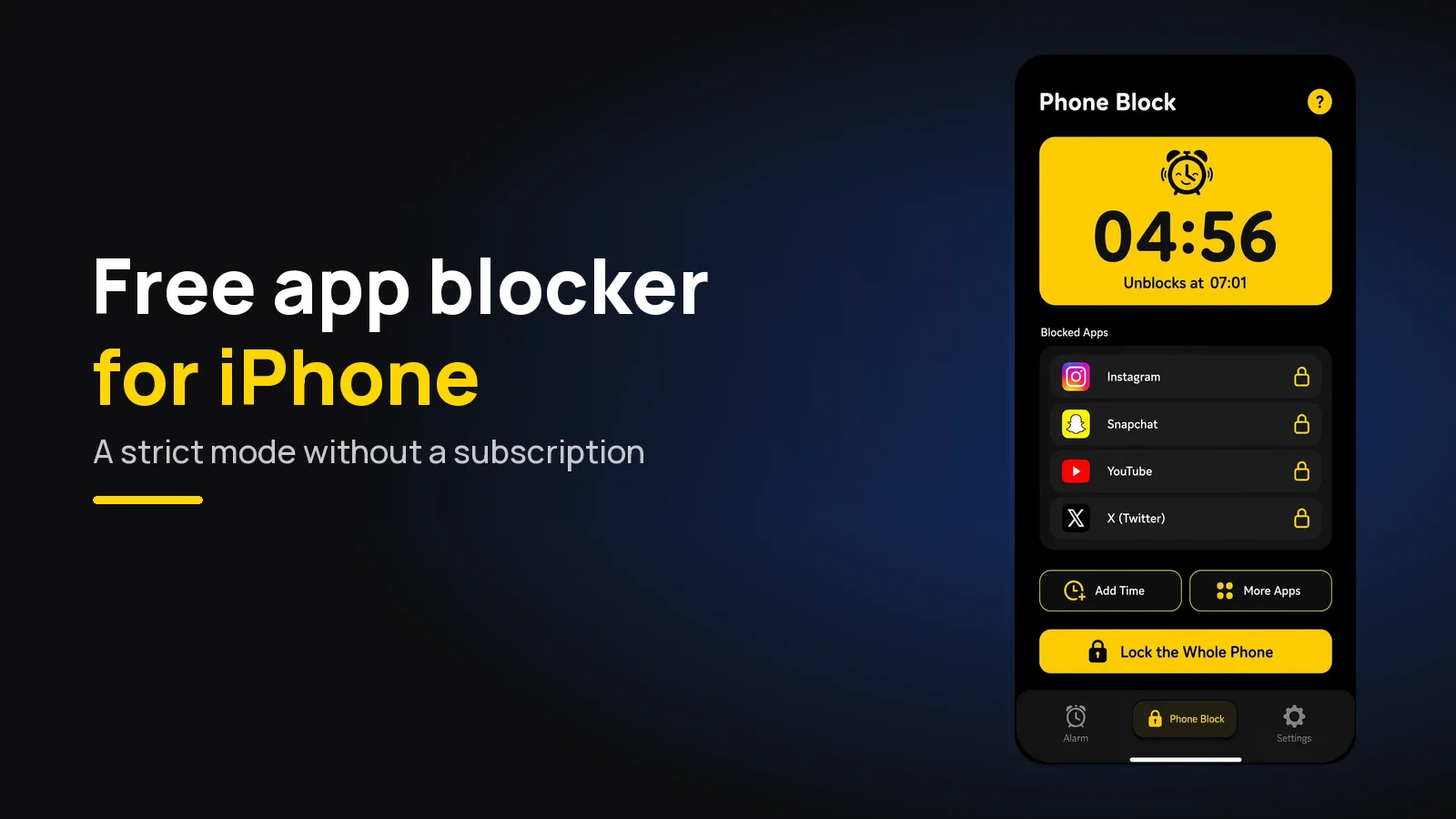
The best free app blocker for iPhone is Beyond Alarm. It shields the apps and categories you pick through Apple's Screen Time, and its Strict mode, with no stop button until the timer ends, costs one short ad rather than a subscription.
The short version:
- Beyond Alarm is our pick. Strict mode with no stop button, free after one short ad, on apps or whole categories.
- Right now every Beyond Alarm feature is free; Pro only removes the ads.
- Every iPhone blocker uses Screen Time underneath. What you pay for elsewhere is usually the setting that stops you quitting.
- Screen Time on its own is free, but its limits come with an Ignore Limit button.
Why "free" means something specific on iPhone
On iPhone, app blockers don't compete on what they can block. Apple's Family Controls and Managed Settings frameworks do the blocking for all of them: you pick apps or categories in Apple's own picker, and iOS draws a shield over them.
So the free-versus-paid question comes down to one thing: how hard is it to stop the block early, and does that cost money? A free plan with a soft exit is Screen Time with extra steps.
Two rules apply to every blocker on iPhone, free or paid. Calls always work, and no app can lock the whole phone.
Free iPhone app blockers, compared
Plans read from each company's own pricing page or website on 29 October 2026. Free plans change, so check the App Store listing before you commit. Beyond Alarm's row is checked against our own code.
| App | Free plan | Strict setting on the free plan? | Paid price, at the time of writing |
|---|---|---|---|
| Beyond Alarm | Every feature, with ads | Yes — Strict mode after one ad | Pro removes ads; nothing else to unlock right now |
| Apple Screen Time | Free, built in | No — Ignore Limit, unless a passcode is set | Free |
| Opal | One rule, basic timers, app blocking | No — Hard Mode is Opal Pro | $19.99 a month or $99.99 a year |
| Freedom | Blocking, sync, custom blocklists | No — Locked Mode is Premium | $8.99 a month or $3.33 a month billed yearly |
| AppBlock | "Free plan with limits" | Strict Mode with a time cap | See its Premium page |
| one sec | "Essentials are free" | No block to make strict; it adds a pause | See the App Store |
Beyond Alarm — the free one that holds
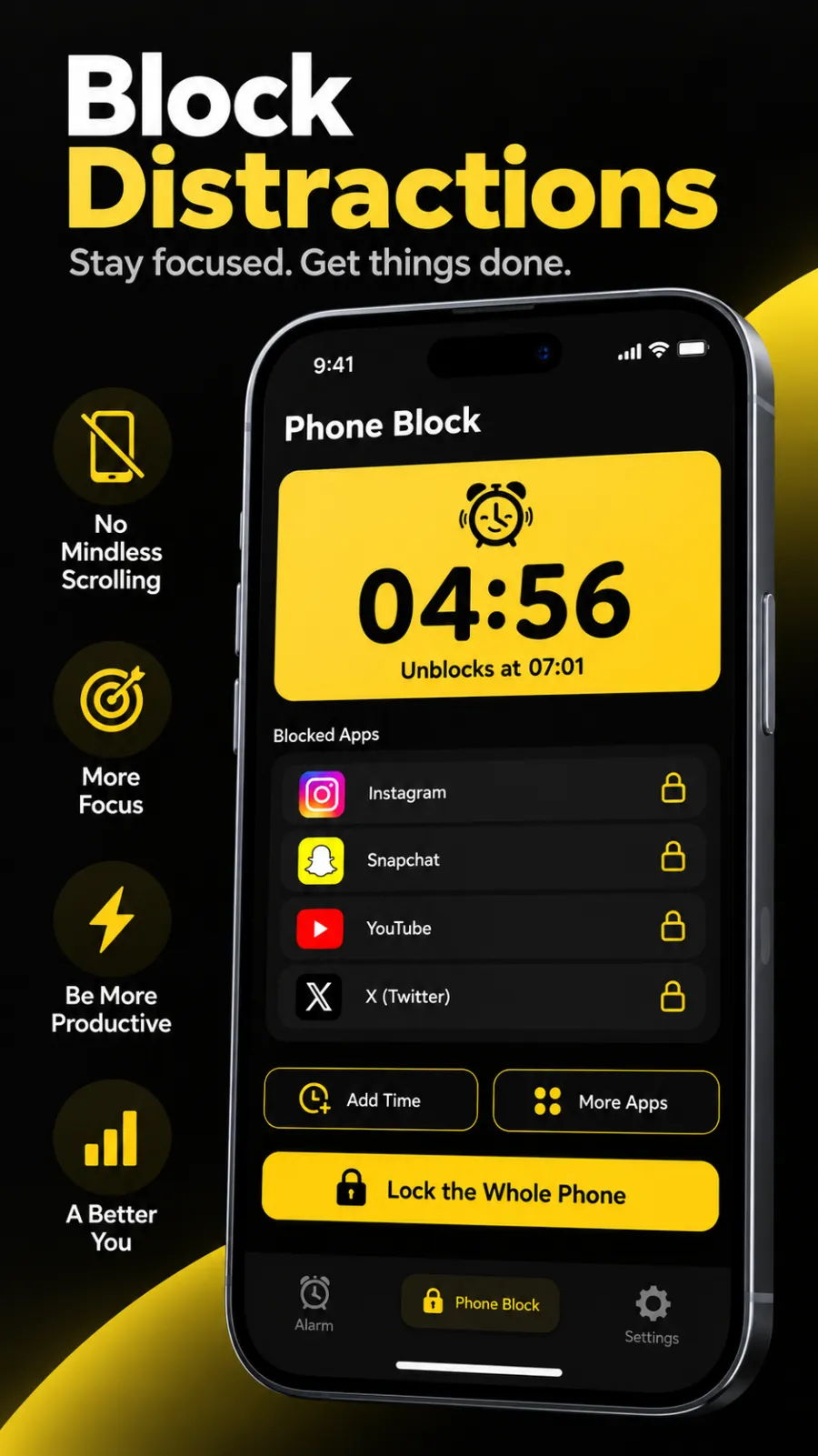
Beyond Alarm is an alarm app with wake-up missions that is also a Screen Time blocker. On iPhone its Phone Block runs from presets of 15 minutes to 2 hours, or Custom from 5 minutes to 8 hours.
Block a category, not a list. In Apple's picker you can tick single apps or whole categories such as Social or Games. A category catches the app you install next month too, which a hand-made list never does.
Strict mode for one ad. Pick Strict mode and a free user watches one short ad to switch it on. After that there is no stop button. You can add time or apps, but nothing makes the block shorter. See the free Strict mode page.
Regular mode, when you want a door. Regular mode ends early only after a short ad and a continuous five-second hold. Lift your finger and it starts again from zero.
Built to hold. A block survives a restart, and switching the phone off doesn't pause it; it still ends at the same clock time. An optional "Prevent app uninstall" setting uses Screen Time's own guard, so no app can be deleted while it is on.
Beyond Alarm
Beyond Alarm does this part for you: the alarm will not switch off until you have actually moved, and the apps you pick stay locked afterwards.





The other free options
Apple Screen Time is on every iPhone. App Limits cap an app or category per day, and Downtime limits the phone to an allowed list for part of the day. On iOS 27 these were renamed Time Allowances and Screen Time Schedule — step by step for both versions. Beyond Alarm vs Screen Time.
Opal runs sessions and rules on top of Screen Time. Its pricing page lists one rule on the free plan and Hard Mode, "No way out", under Opal Pro. Beyond Alarm vs Opal.
Freedom syncs blocks between your phone and computer. Its free plan covers blocking; Locked Mode is Premium. Beyond Alarm vs Freedom.
AppBlock has a free plan with limits; its Premium page lists a time cap on free Strict Mode on iOS.
one sec makes you pause and breathe before an app opens, using a Shortcuts automation. Its website says "Essentials are free". Beyond Alarm vs one sec.
How to set up a free block on iPhone
- Install Beyond Alarm and open Phone Block.
- Allow Screen Time access when iOS asks. This is Apple's permission, the same one every blocker needs.
- Tick what to block in Apple's picker. Start with the Social category.
- Choose a length, then pick Strict mode and watch the one ad.
- Turn on "Prevent app uninstall" in settings if deleting the app is your usual way out.
We built the iPhone version around Screen Time's rules rather than against them. iOS won't let any app lock the whole phone, so Beyond Alarm makes the parts it can control count: whole categories instead of lists, and a Strict mode with no stop button instead of a limit you can ignore. The same app wakes you, and its Morning Lockout locks your chosen apps the moment you finish your alarm.
Where to go next
For the full ranking, paid apps included, see best app blockers for iPhone. The cross-platform picture is in free app blockers that actually hold, and Android users get more, including whole-phone blocks, in free app blocker for Android.
If a limit keeps failing you, why Screen Time limits don't work explains the pattern, and free app blocker to reduce screen time turns it into a plan.
Using it for work sessions? The focus timer app guide covers lengths and setup on iPhone and Android.
Sources
Competitor plans and prices were read from each company's own page on 29 October 2026 and will change. Beyond Alarm's details are checked against its own code as of October 2026.
- Apple's Family Controls and Managed Settings documentation.
- Opal pricing — free plan, Hard Mode and prices.
- Freedom Premium — Locked Mode and prices.
- AppBlock Premium — free and Premium Strict Mode.
- one sec — "Essentials are free".
- Beyond Alarm on the App Store.
Common questions
What is the best free app blocker for iPhone?
Beyond Alarm. It shields the apps and Screen Time categories you pick, and its Strict mode, with no stop button until the timer ends, is free after one short ad. Right now every feature is free and Pro only removes the ads.
Are there free app blocking apps for iPhone?
Yes. Beyond Alarm is free with ads, including Strict mode. Apple's Screen Time is free and built in. Opal has a free plan with one rule, and one sec says its essentials are free. Check each App Store listing, because free plans change.
Can a free iPhone app block apps so I can't unblock them?
Beyond Alarm's Strict mode can. There is no stop button until the timer ends, and a free user switches it on by watching one short ad. At the time of writing, Opal lists its Hard Mode under Opal Pro and Freedom lists Locked Mode under Premium.
Is Screen Time enough to block apps on iPhone?
It can be, if someone else sets the Screen Time passcode. Without one, a limit shows an Ignore Limit button, and most people learn where it is within a week. A blocker with no stop button, such as Beyond Alarm's Strict mode, removes that choice.
Can a free app block my whole iPhone?
No iPhone app can lock the whole phone, free or paid, because iOS only lets apps shield the apps and categories you pick. Beyond Alarm lets you tick whole categories such as Social or Games, which also catches apps you install later.
We build Beyond Alarm, the alarm for Android and iPhone that will not switch off until you have actually moved, then blocks the apps that pull you back. Most of what we write here comes out of building it.
Beyond Alarm
An alarm that keeps ringing until you’ve actually moved — then blocks the apps that pull you back to bed. Free to start, no account.
Keep reading
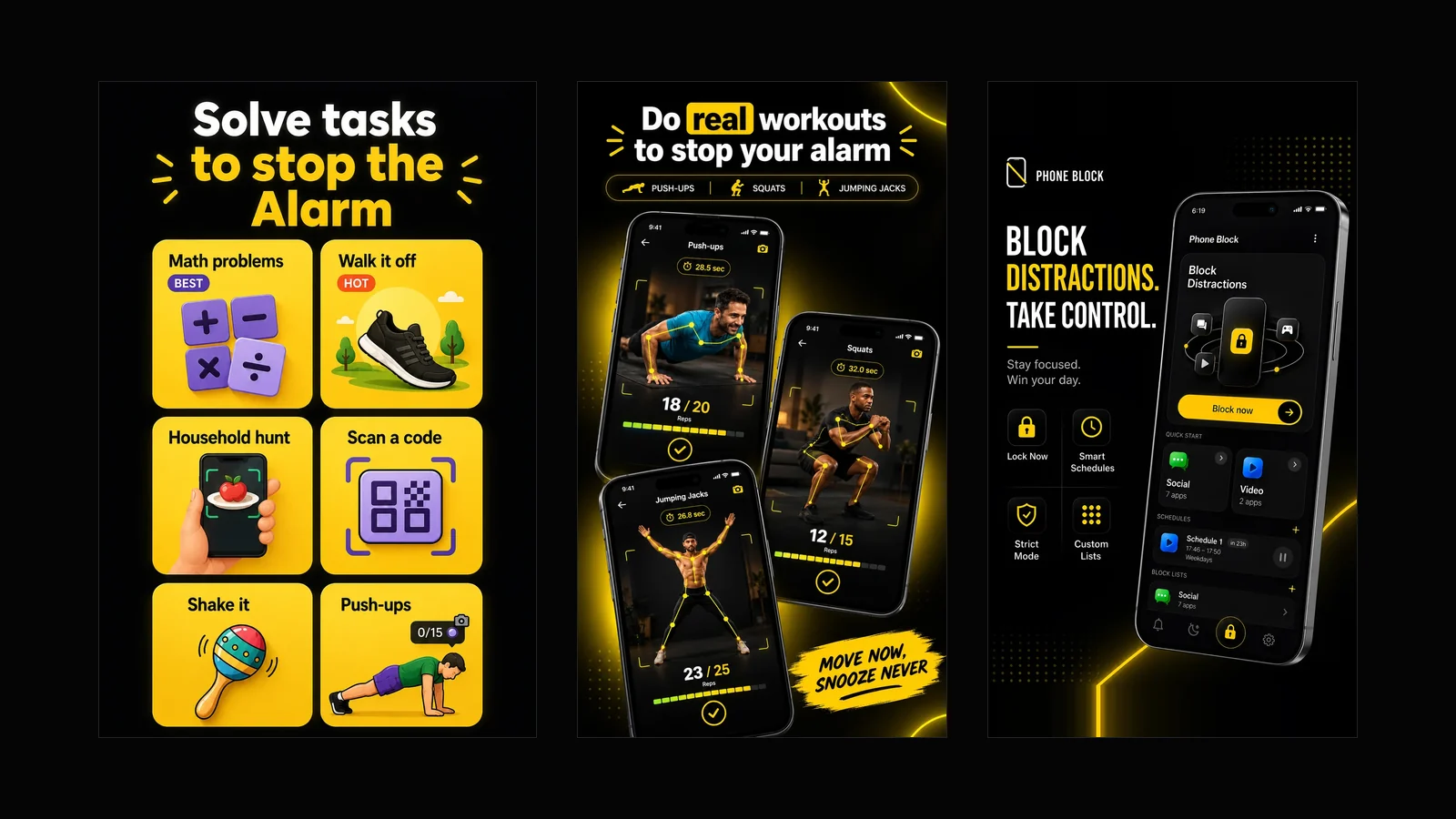
What Beyond Alarm does: wake-up missions and app blocking
The whole app on one page, for Android and iPhone — missions to stop the alarm, app blocking after it, and a free Strict mode Phone Block.
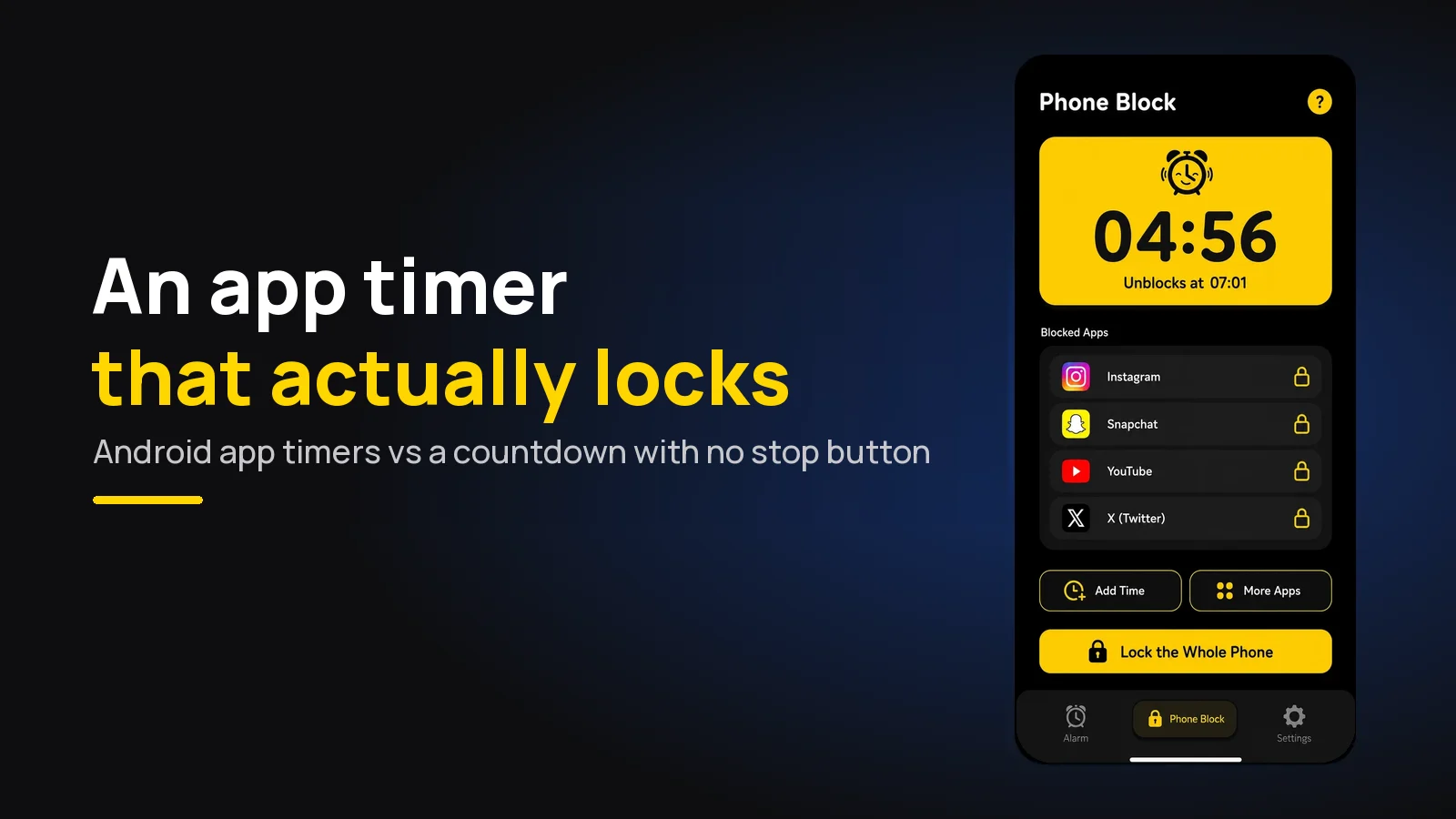
App Timer for Android That Actually Locks Your Apps
Android's built-in app timer is a daily allowance you can delete. Here's an app timer that locks apps for a set time, with no stop button.